Accessibility

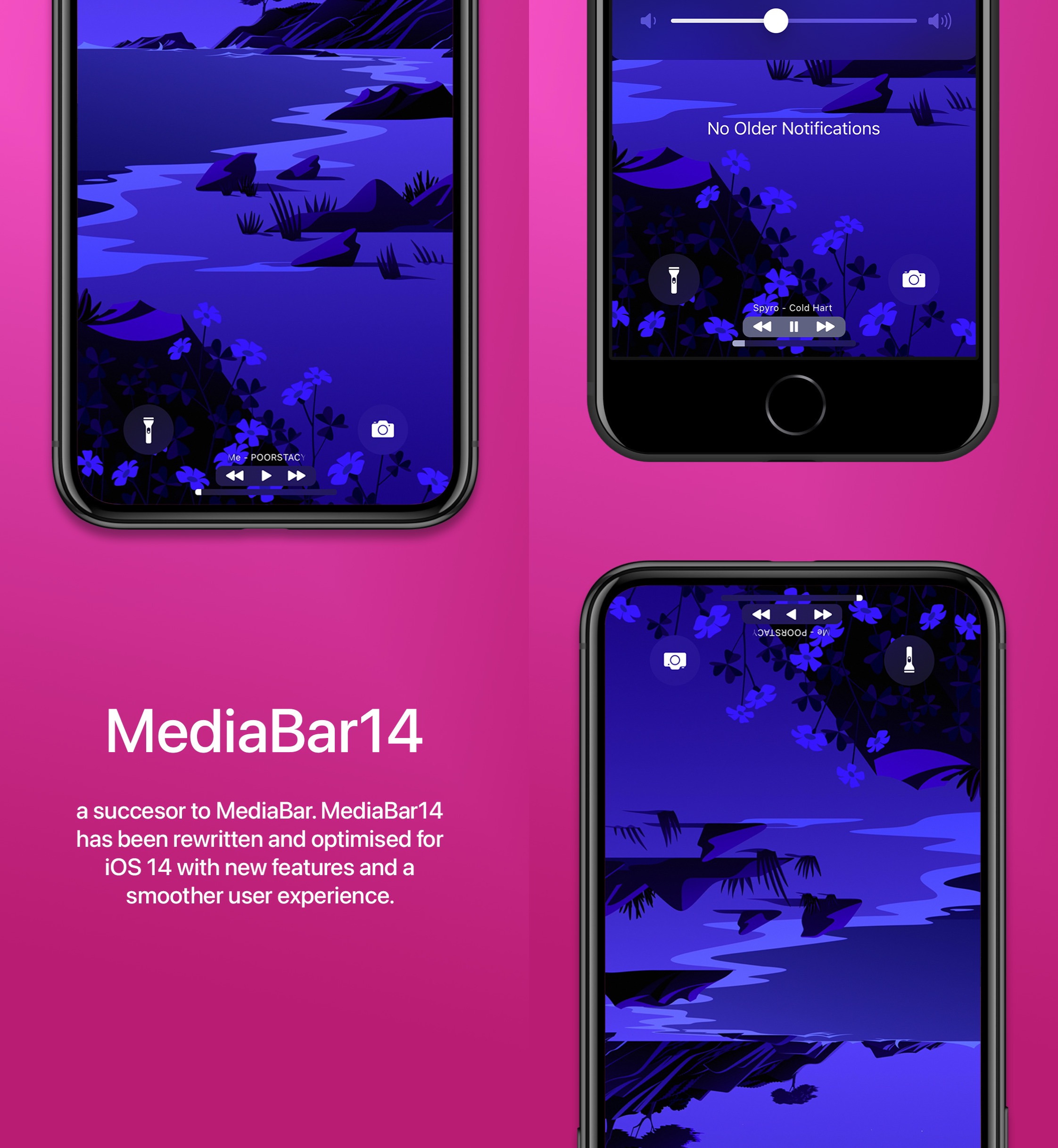
MediaBar14 augments the Home Bar with powerful media controls

All of Apple’s notched devices, iPhones and iPads alike, come equipped with a software alternative to the Home Button known as the Home Bar — the thin line that manifests itself at the bottom-center of the display.

I love the Home Bar as an alternative to the antiquated Home Button, especially when paired with the bigger edge-to-edge displays that modern iPhones and iPads now possess. But with a jailbreak, it’s possible to make the Home Bar even better than it already is.

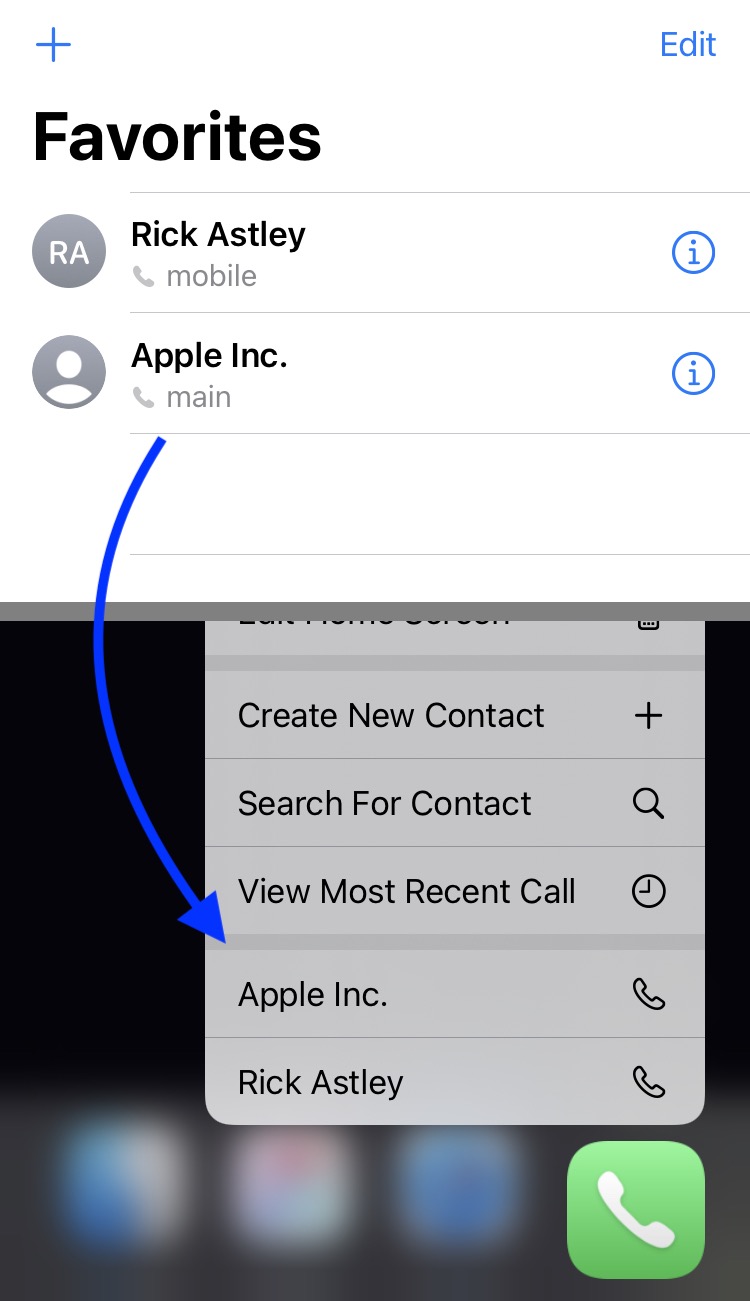
CallFavorites lets iOS 14 users dial favorite contacts via a Haptic Touch gesture on the Home Screen

We all probably have at least a few favorite contacts saved on our iPhones, whether it’s close family or our best of friends. Fortunately, Apple allows you to set up favorite contacts in the Phone app so that it’s easier to get in touch with them when life necessitates it.

Designating a contact as a ‘favorite’ contact in the Phone app moves that person’s contact information to the dedicated Favorites tab at the bottom of the app, but if you were looking for even more added convenience, then we think you’ll come to appreciate a newly released and free jailbreak tweak called CallFavorites by iOS developer pixelomer.

Activator doesn’t yet support iOS 14, but this tweak offers temporary refuge

Now that the unc0ver jailbreak supports up to and including iOS & iPadOS 14.3, we’re seeing a huge influx of new jailbreakers who are wanting to take better advantage of their owned handset(s).

Unfortunately, Ryan Petrich’s venerable Activator tweak, which allows users to map various actions to custom gestures, isn’t yet compatible with iOS or iPadOS 14, and many jailbreakers are looking for alternatives for the time being.

MsgSwap makes it easier to share Photo Library media in Apple’s Messages app

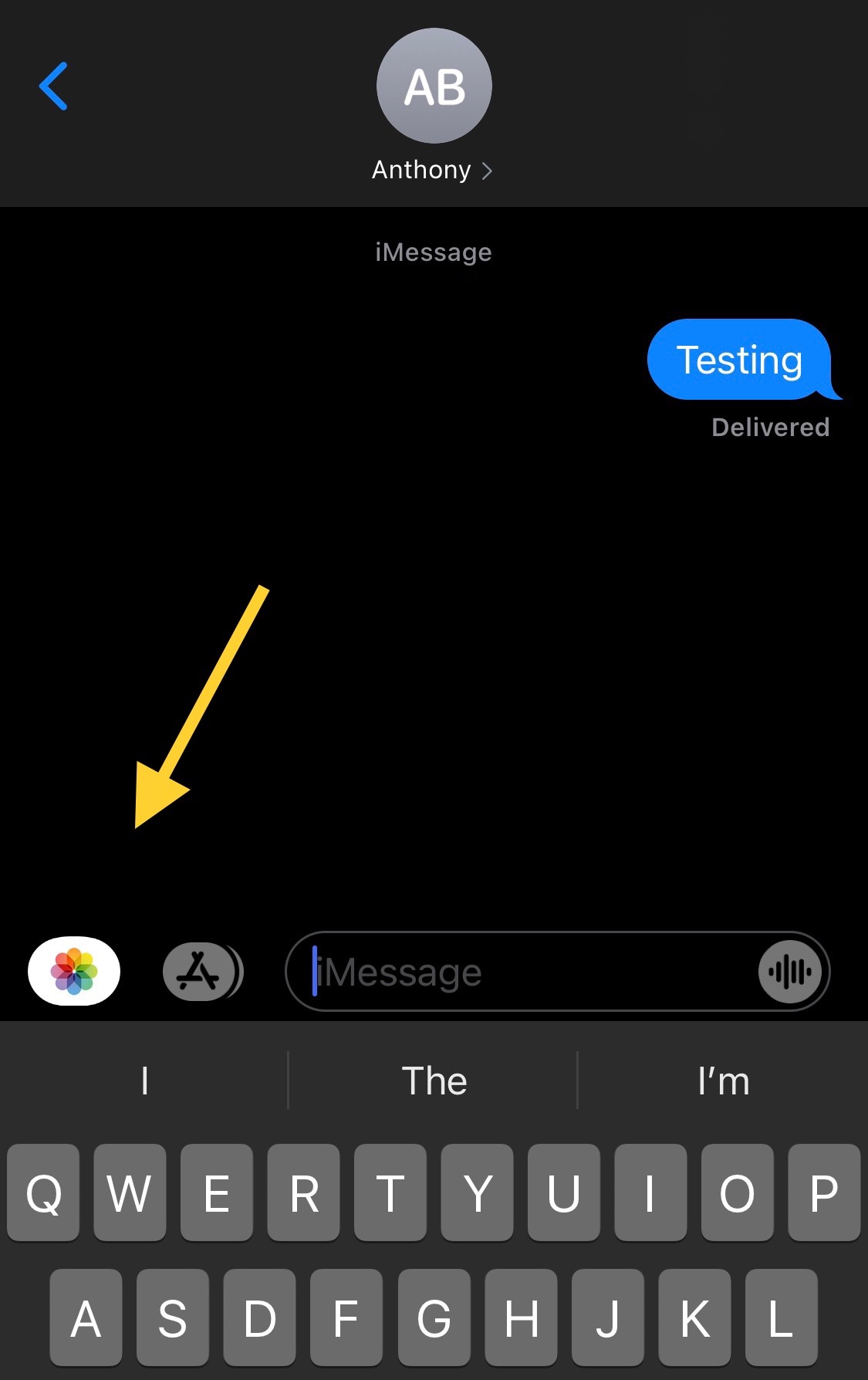
One of my biggest pet peeves when using Apple’s Messages app to send Photos to contacts via iMessage or MMS is that you have to jump through hoops just to open the Photo Library picker.

Users will either tap on the Camera shortcut and then launch their Photo Library from the ensuing Camera viewfinder interface, or they’ll tap on the App Store button to view installed iMessage extensions and visit the Photo Library via the dedicated Photos button.

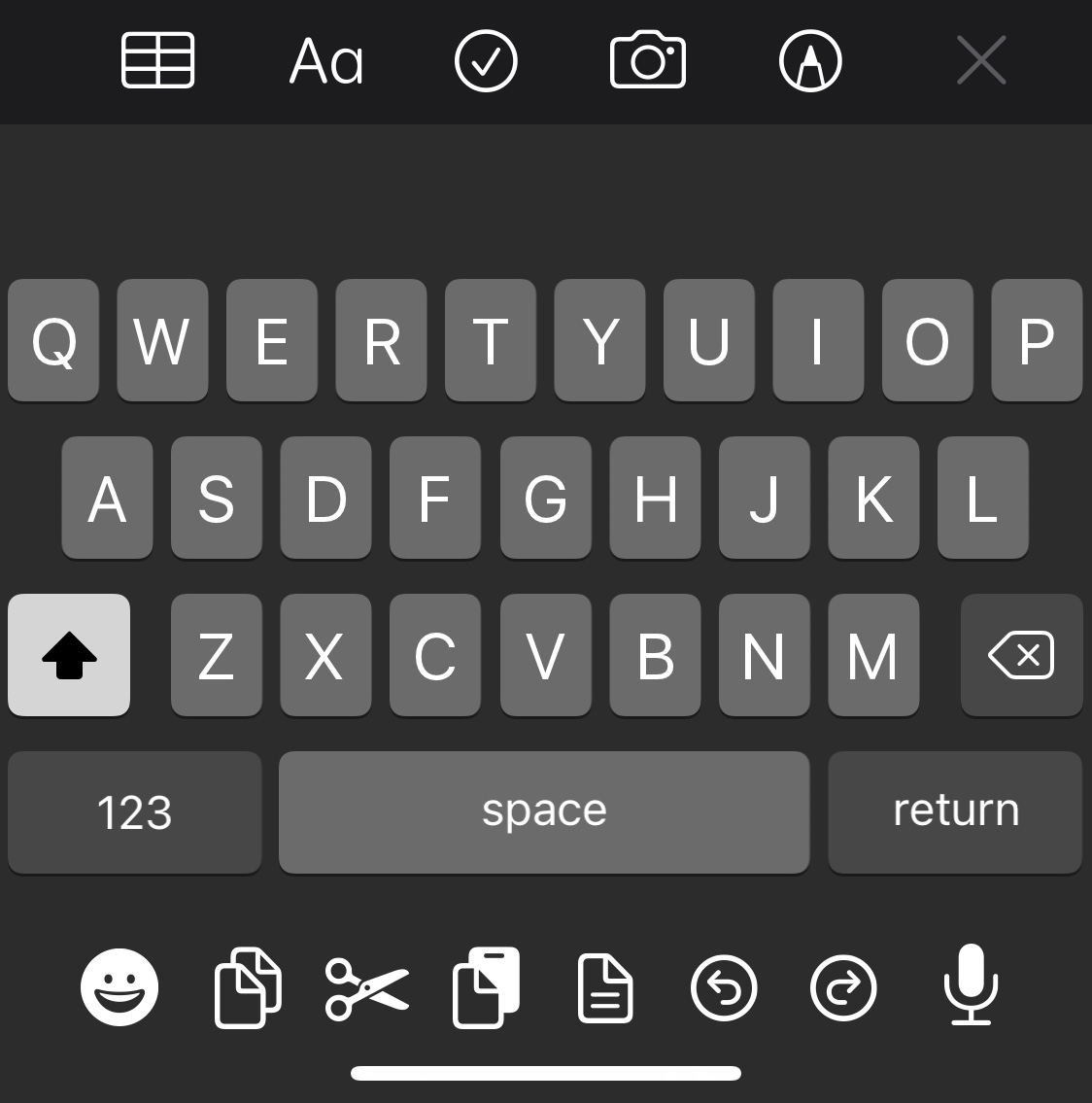
CopyKey makes it easier for jailbreakers to paste text via the keyboard

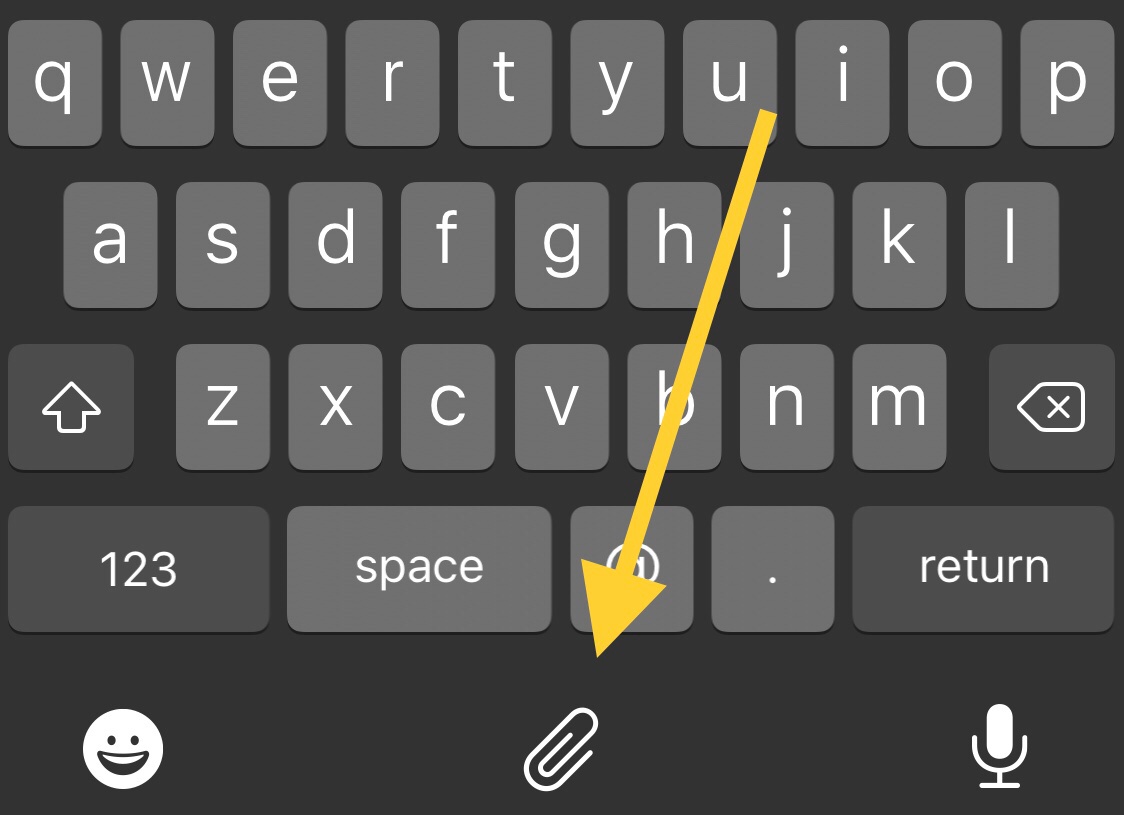
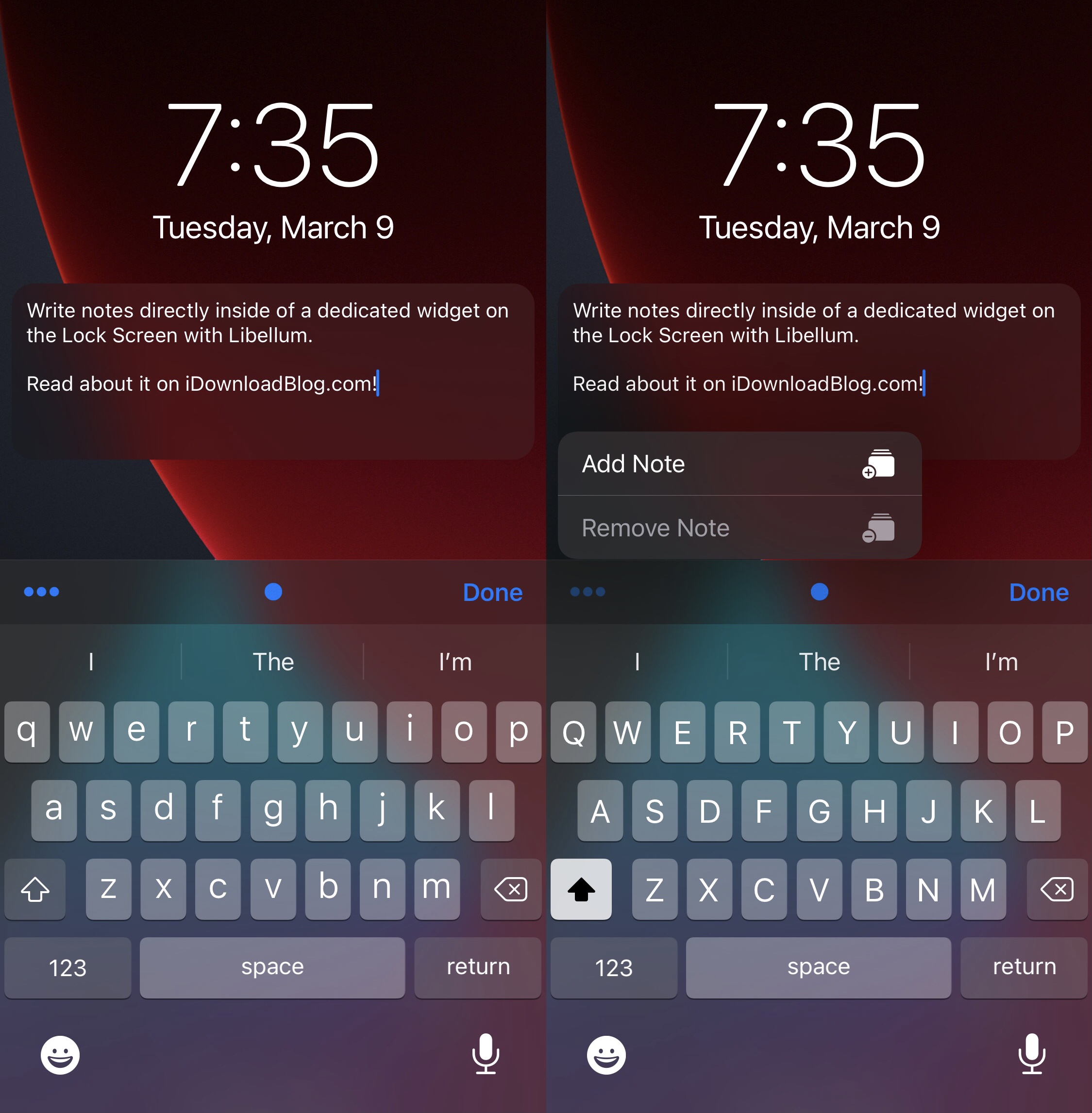
Anyone who does even the least amount of text editing knows just how important the ability to copy, cut, and paste text is. Unfortunately, the process tends to be cumbersome and time consuming on the iPhone.

Those taking advantage of a jailbreak, including the recently updated unc0ver tool with respect to iOS 14, are likely to appreciate the convenience and satisfaction of a newly released and free jailbreak tweak dubbed CopyKey by iOS developer Chr1s.

How to use Screen Curtain on iPhone, iPad, Watch, and Mac

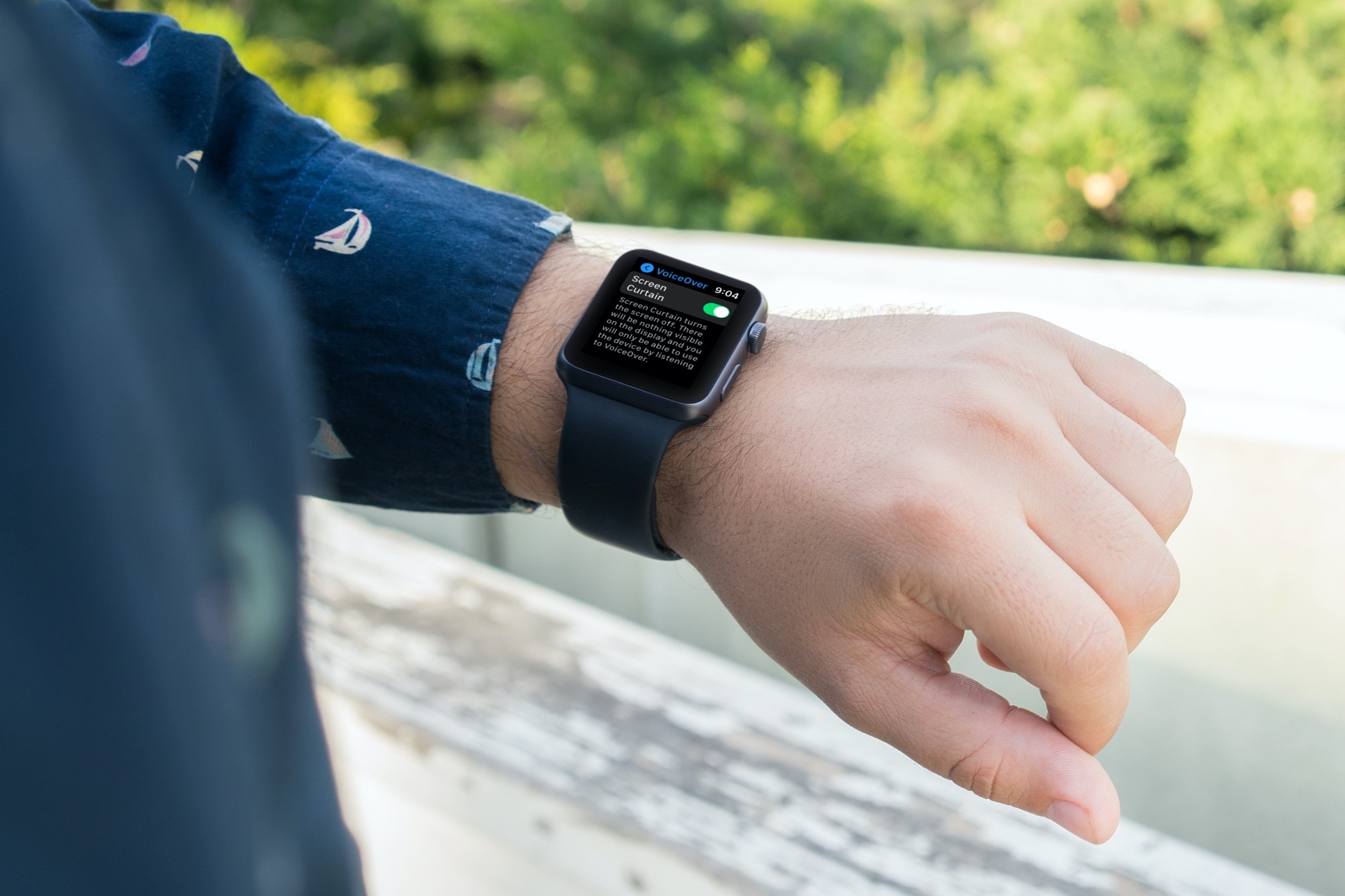
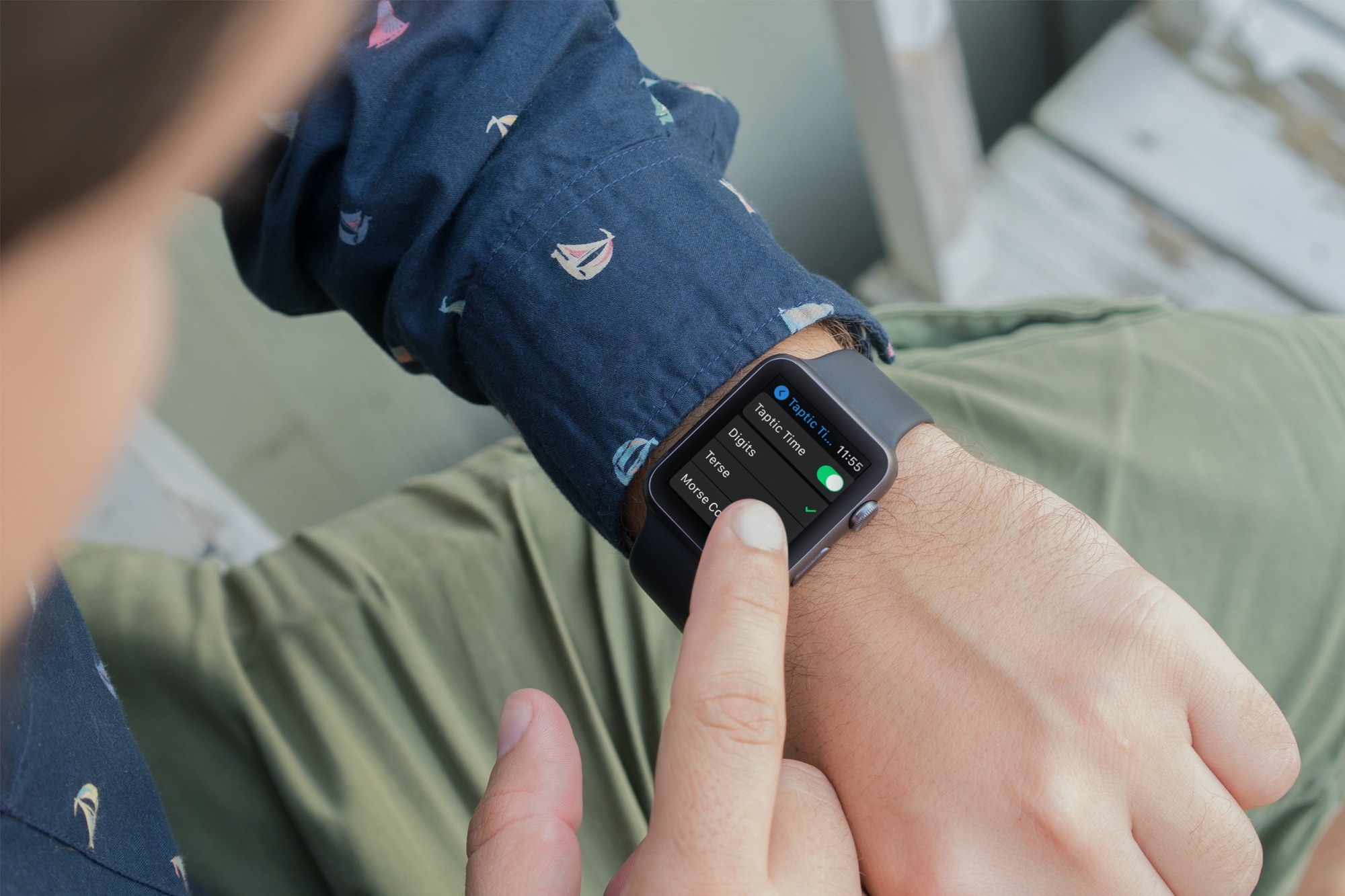
Screen Curtain Setting on Apple Watch

There’s a feature called Screen Curtain you can use along with VoiceOver for increased privacy. Screen Curtain turns off your display while keeping it active. So, you can still control it with VoiceOver, but keep what you’re viewing private. This is convenient when you’re in a public place and have personal information on your screen.

CarPlayEnable lets jailbreakers on iOS 14 use unsupported apps with CarPlay

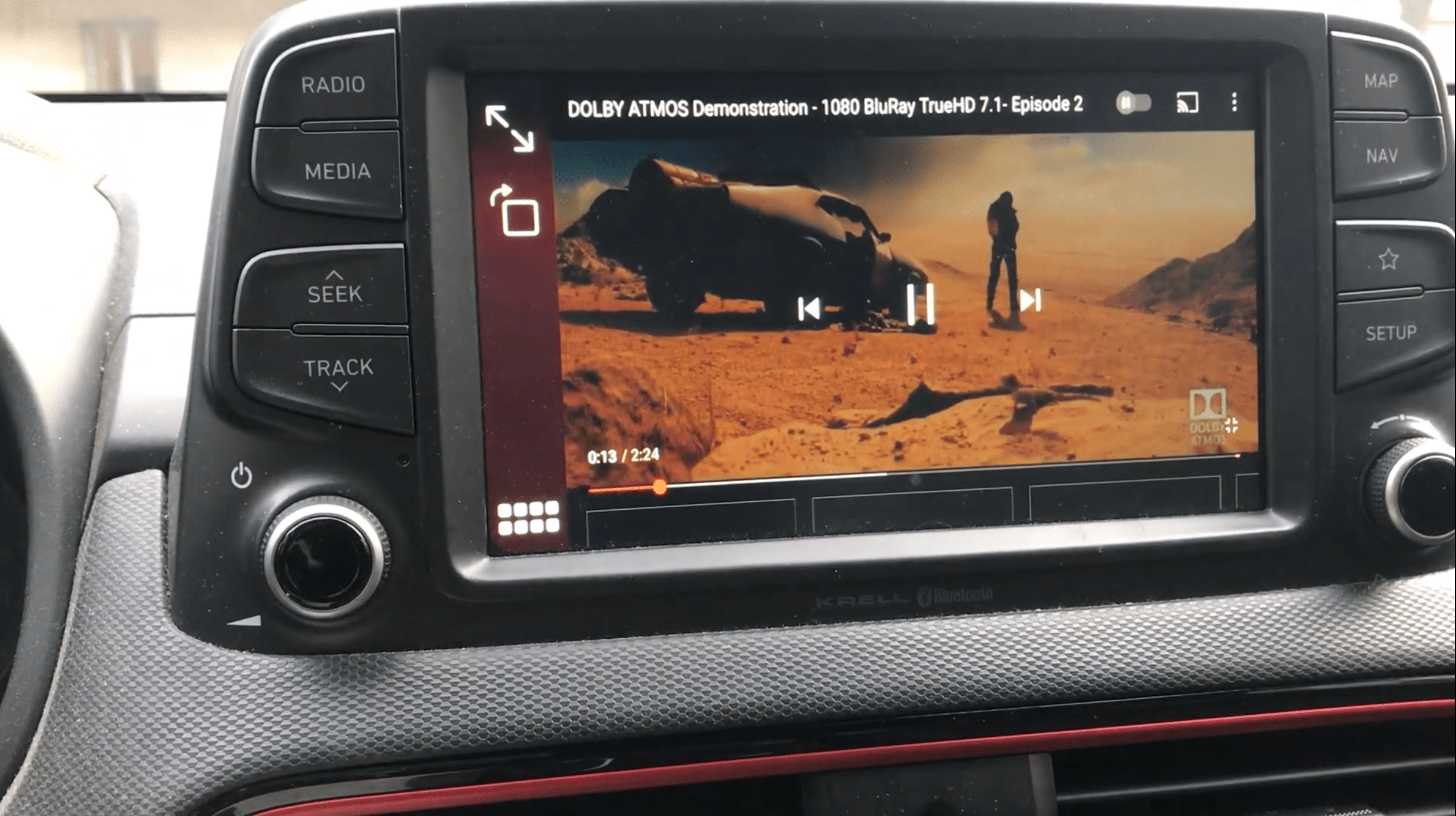
Many modern cars now come standard with CarPlay, a feature that allows iPhone users to interface with certain apps directly from their vehicle’s touch screen-equipped head unit. The only problem, however, is that not all apps support CarPlay.

Jailbreakers who want more out of their CarPlay user experience would do good to try a newly released and free jailbreak tweak dubbed CarPlayEnable by iOS developer Ethan Arbuckle, as it effectively lets iOS 14 users interact with just about any iPhone app they want via CarPlay.

This tweak can convert text to sPoNgEcAsE with the tap of a button

Texting fanatics know that there’s more than one way to get your point across. In addition to simply typing out short strings of text or adding a high volume of Emojis after a statement, one might use different text effects to help convey a message with a specific type of tone.

One common example that has gained substantial traction recently is something called sPoNgEcAsE, which as you can see for yourself, inverts the case of every other letter in a word or sentence to provide a sarcastic mocking tone to anything it gets applied to.