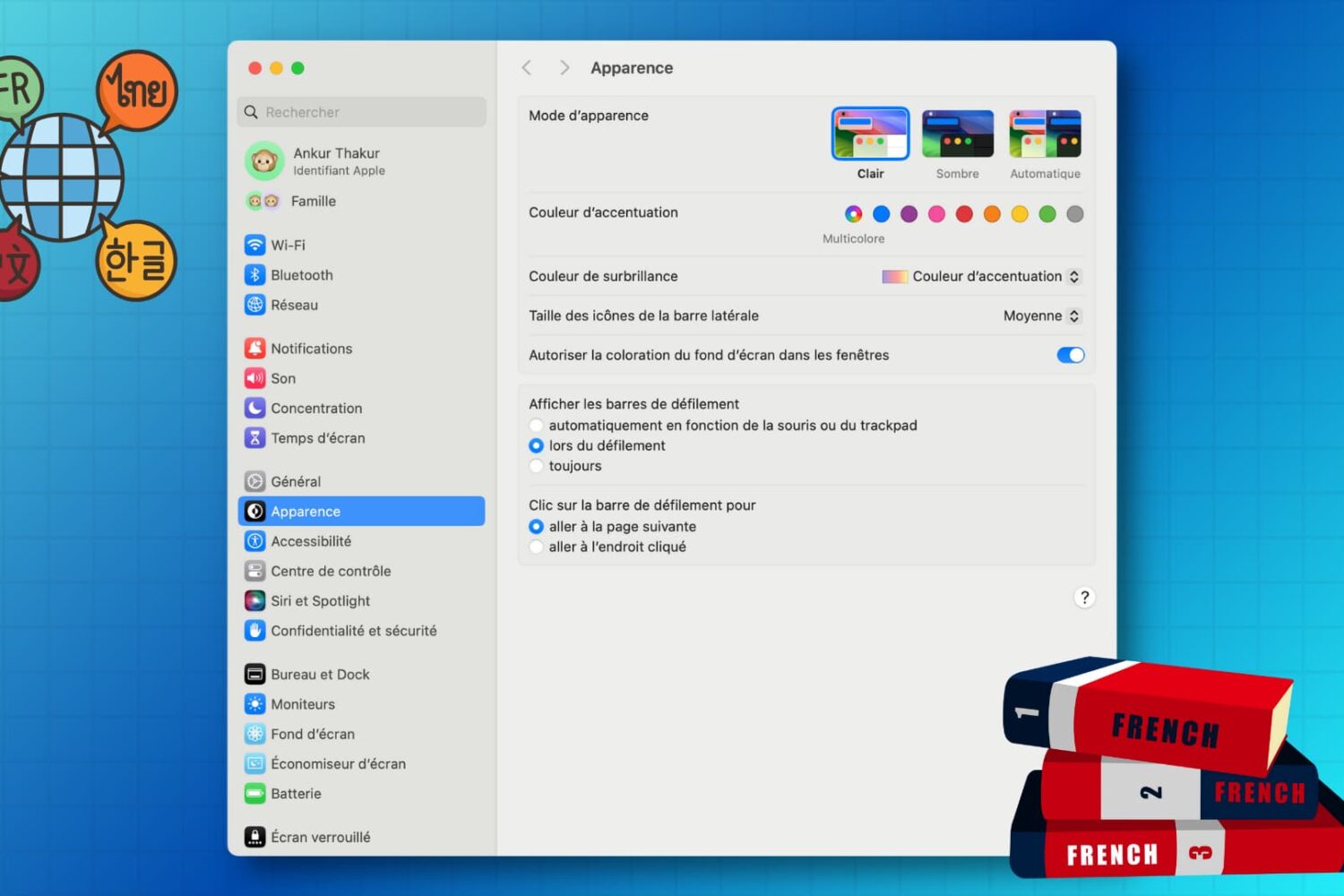
Learn how to customize the keyboard and system locales on your Mac to type in multiple languages and enjoy a localized macOS experience instead of English.
How to change system and keyboard language on Mac
Learn how to master your Apple devices with our comprehensive tutorials. From iPhone and iPad to Mac, Apple Watch, AirPods, and more, our expert guides will help you unlock the full potential of your Apple products. Discover new features, tips, and tricks each day to enhance your user experience.
Learn how to customize the keyboard and system locales on your Mac to type in multiple languages and enjoy a localized macOS experience instead of English.
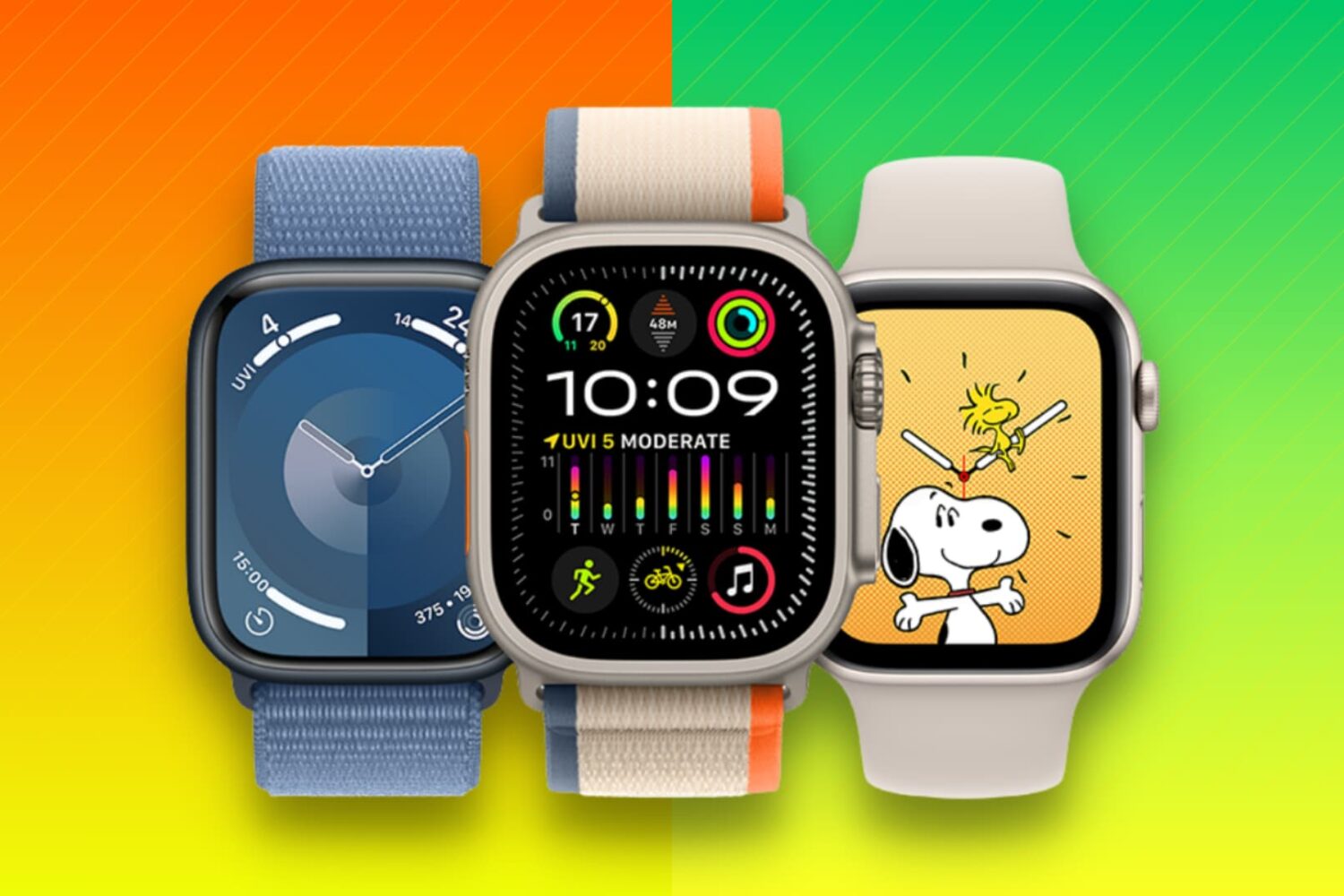
Learn what to do when selling, gifting, recycling, or trading your Apple Watch to ensure your private data stays secure and the new owner can use it properly.
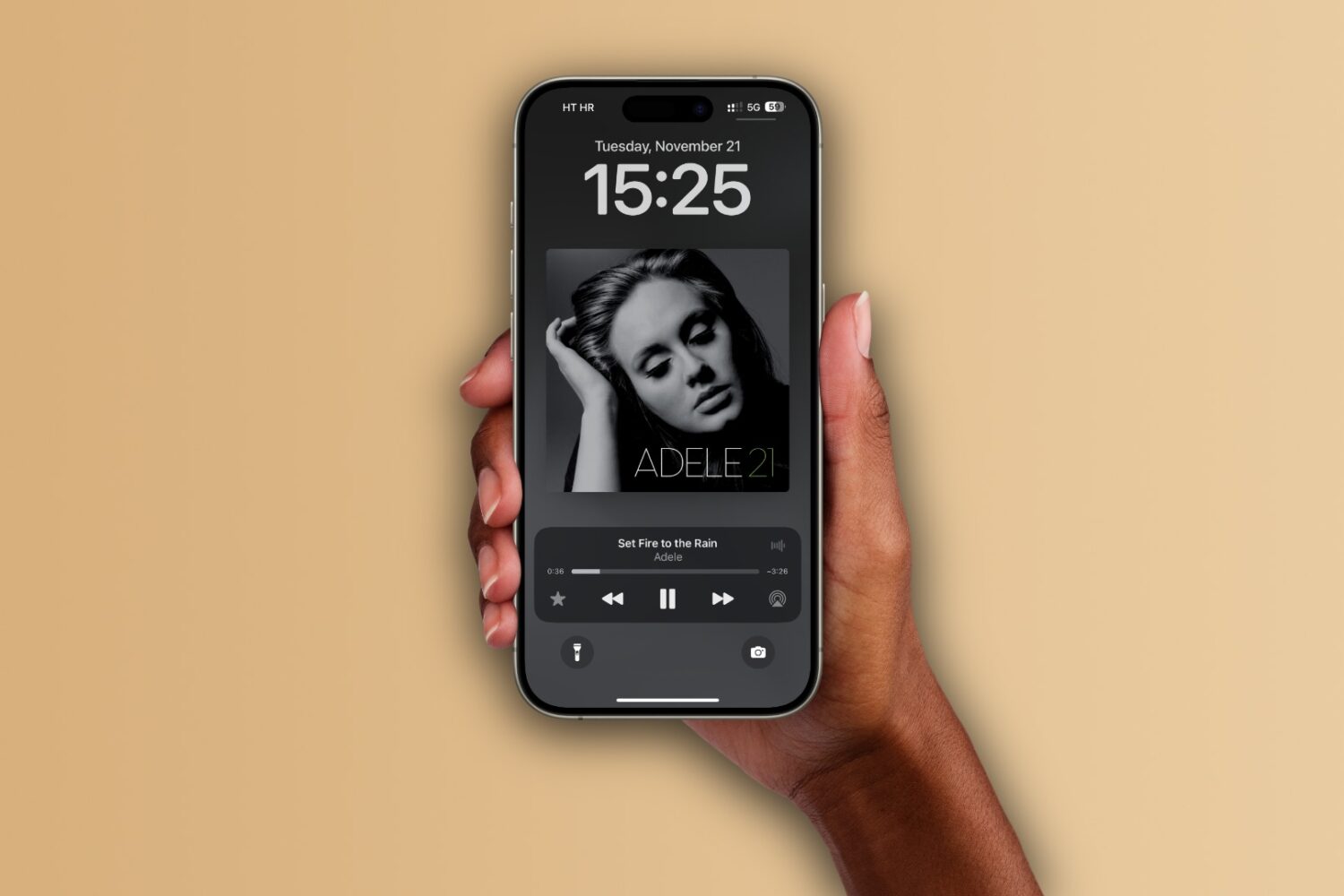
Learn how to set up the Apple Music app on your iPhone, iPad, and Mac to automatically add any songs you’ve marked as your favorite to your music library.
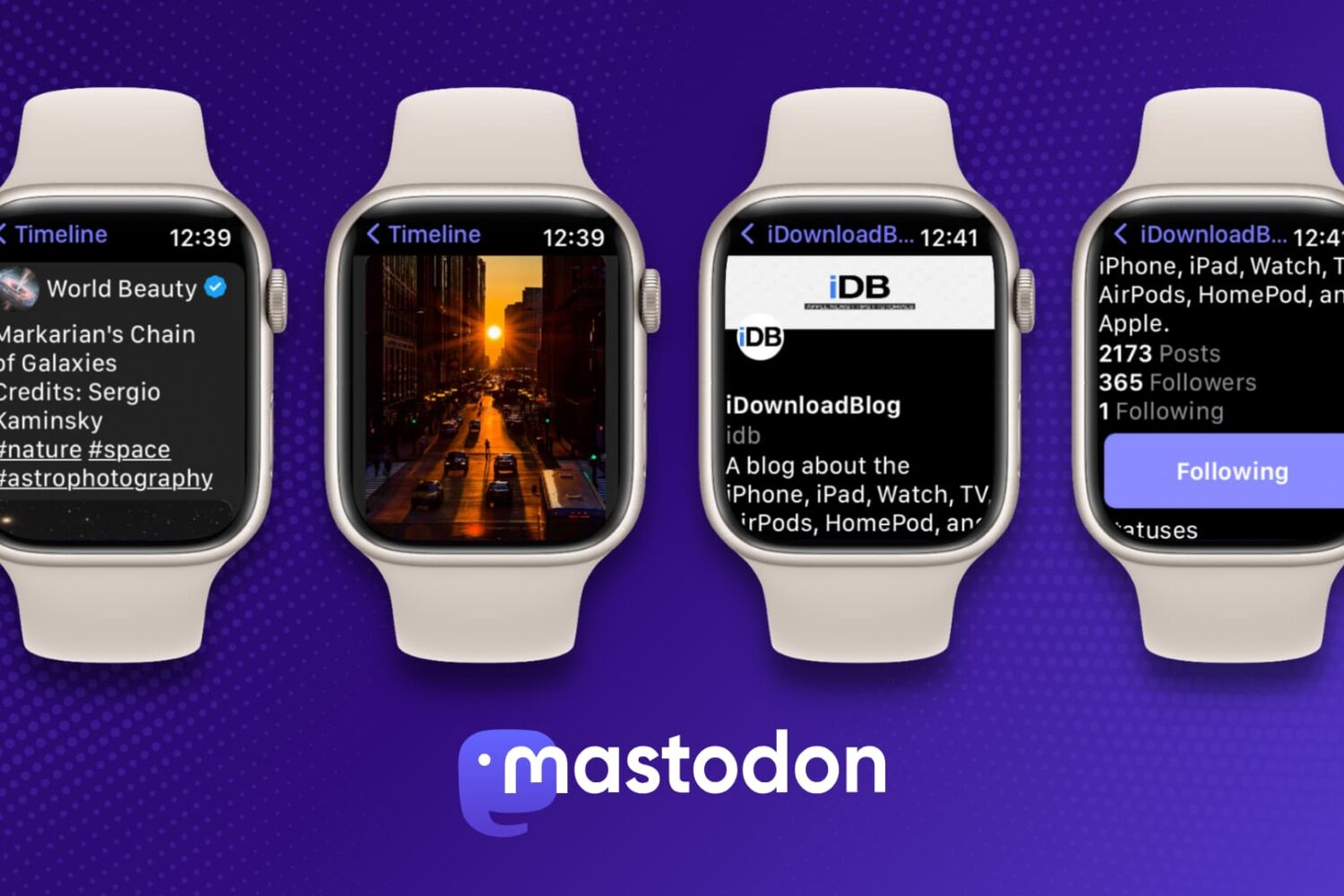
Learn how to use Mastodon on your Apple Watch for free and stay connected while on the go with this simple guide.
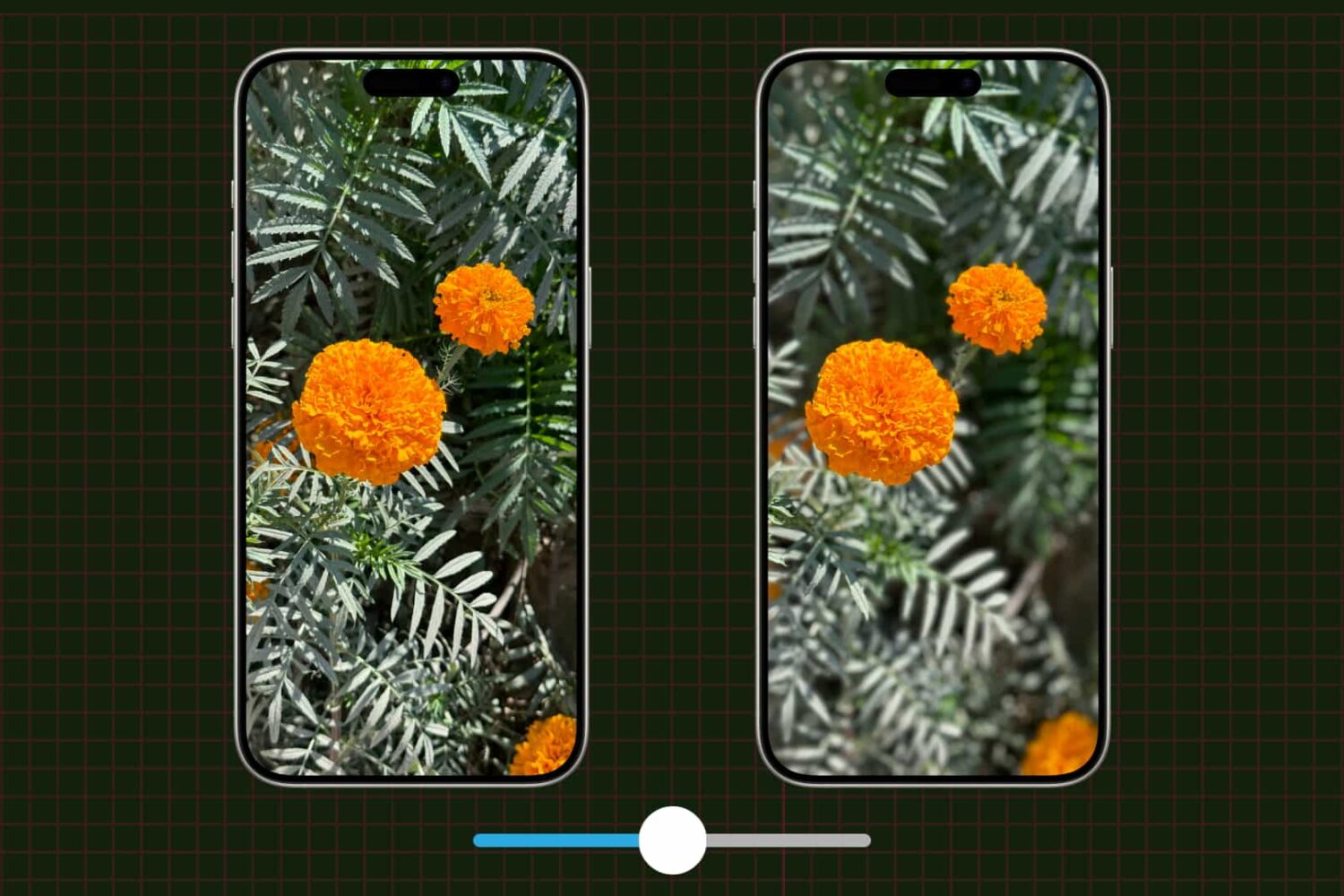
Learn how to adjust a photo's depth of field and focus point on your iPhone to change the amount of background blur, also known as bokeh.
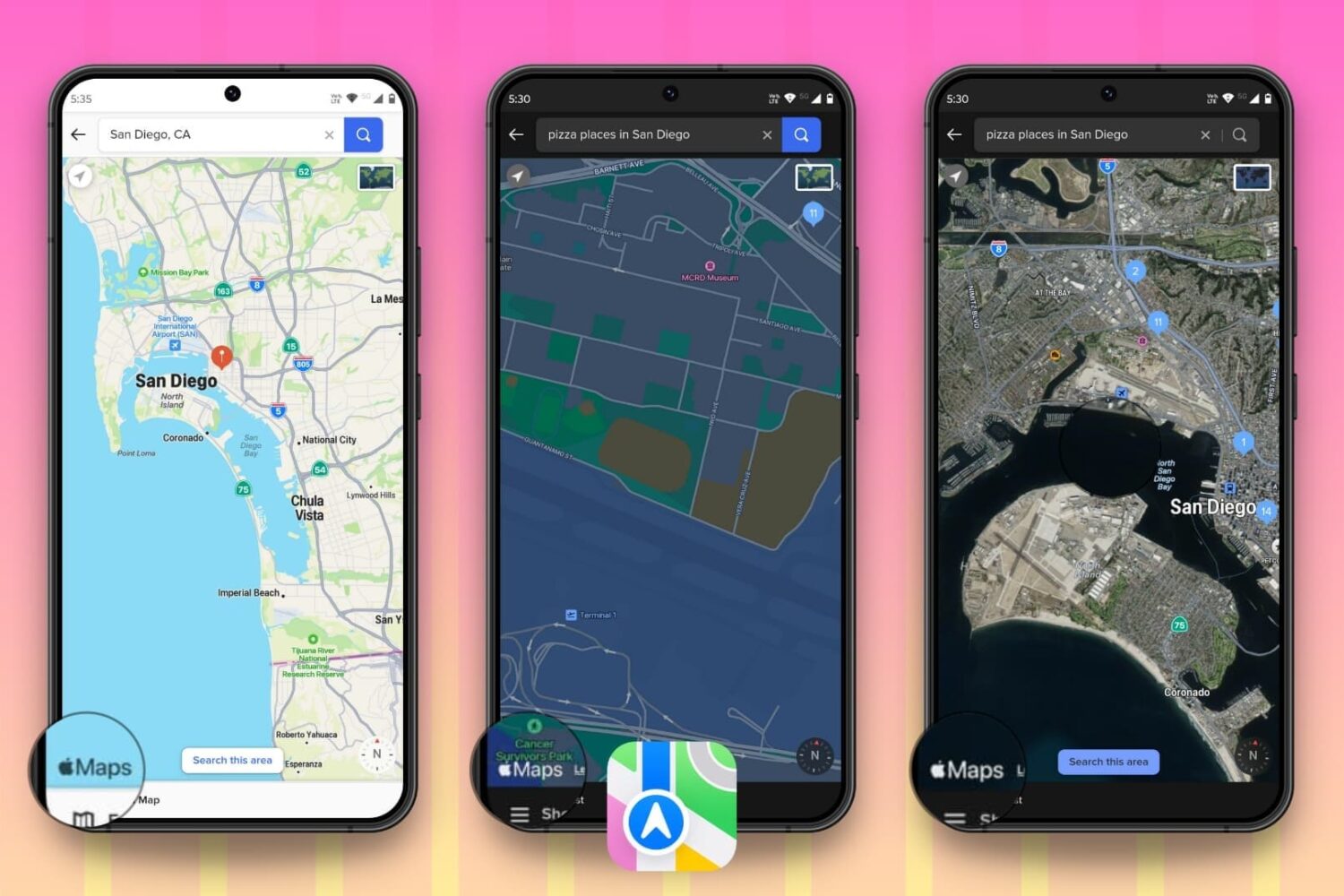
Are you an avid user of Apple Maps on your iPhone and Mac and want to enjoy the same experience on your Android phone or Windows PC? In this tutorial, we will show you how to do that.
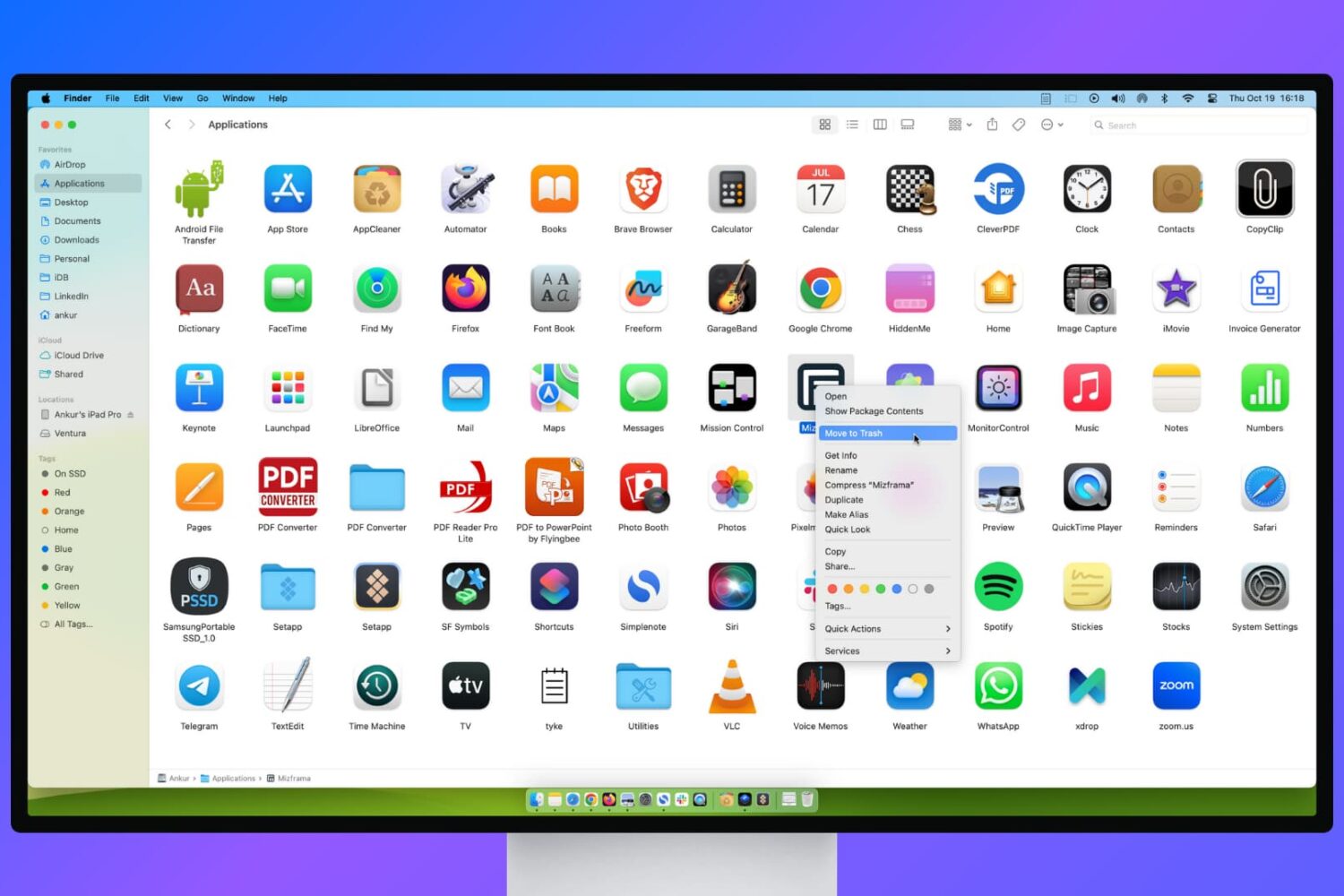
Learn what to do if you’re unable to delete apps on your Mac or if the app icon continues to appear even after uninstalling it.

Learn how to turn off inline text predictions on your iPhone, iPad, and Mac without disabling word suggestions that appear above the onscreen keyboard.
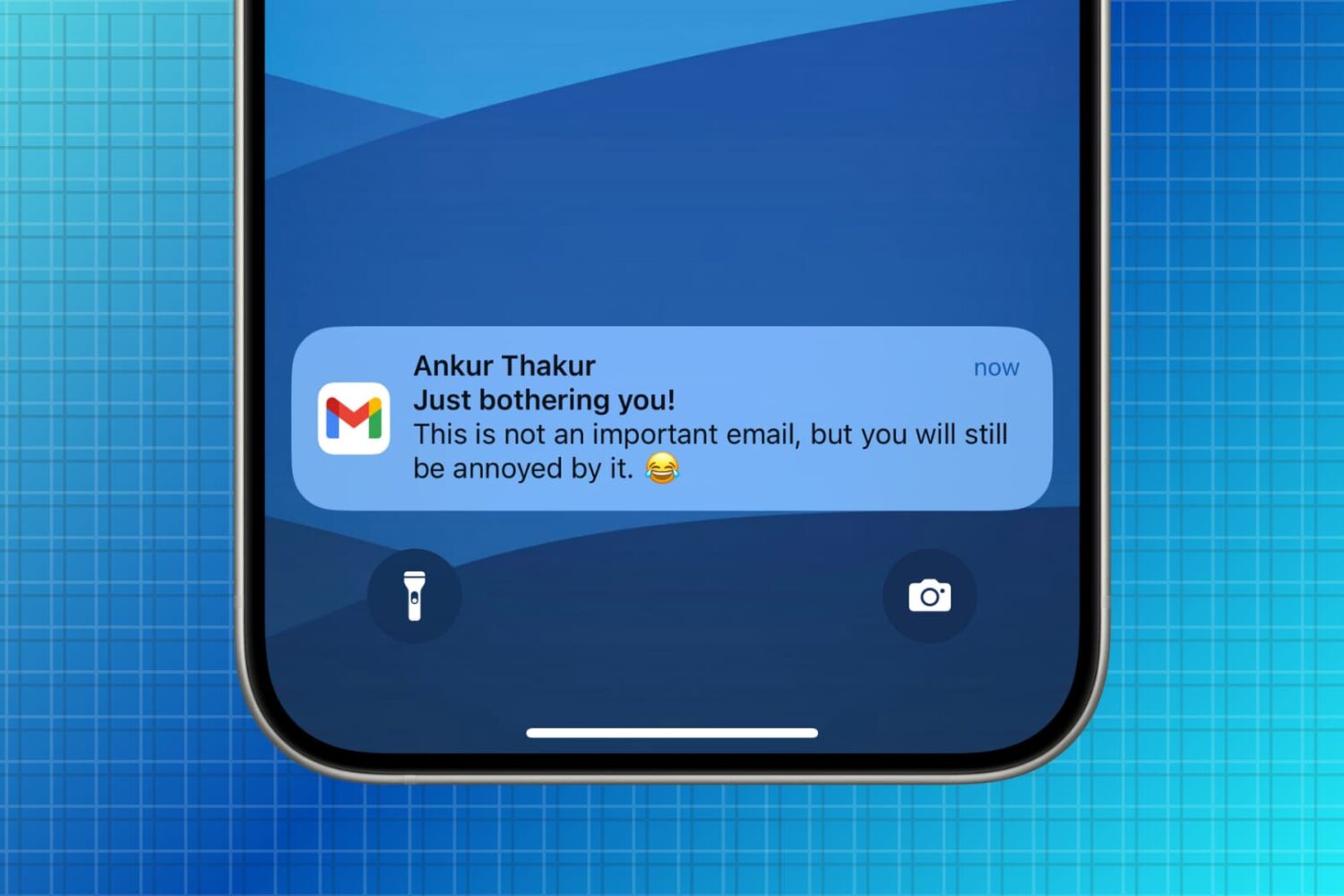
Learn how to manage new email notifications in the Gmail app on your iPhone or iPad to minimize unnecessary alerts.
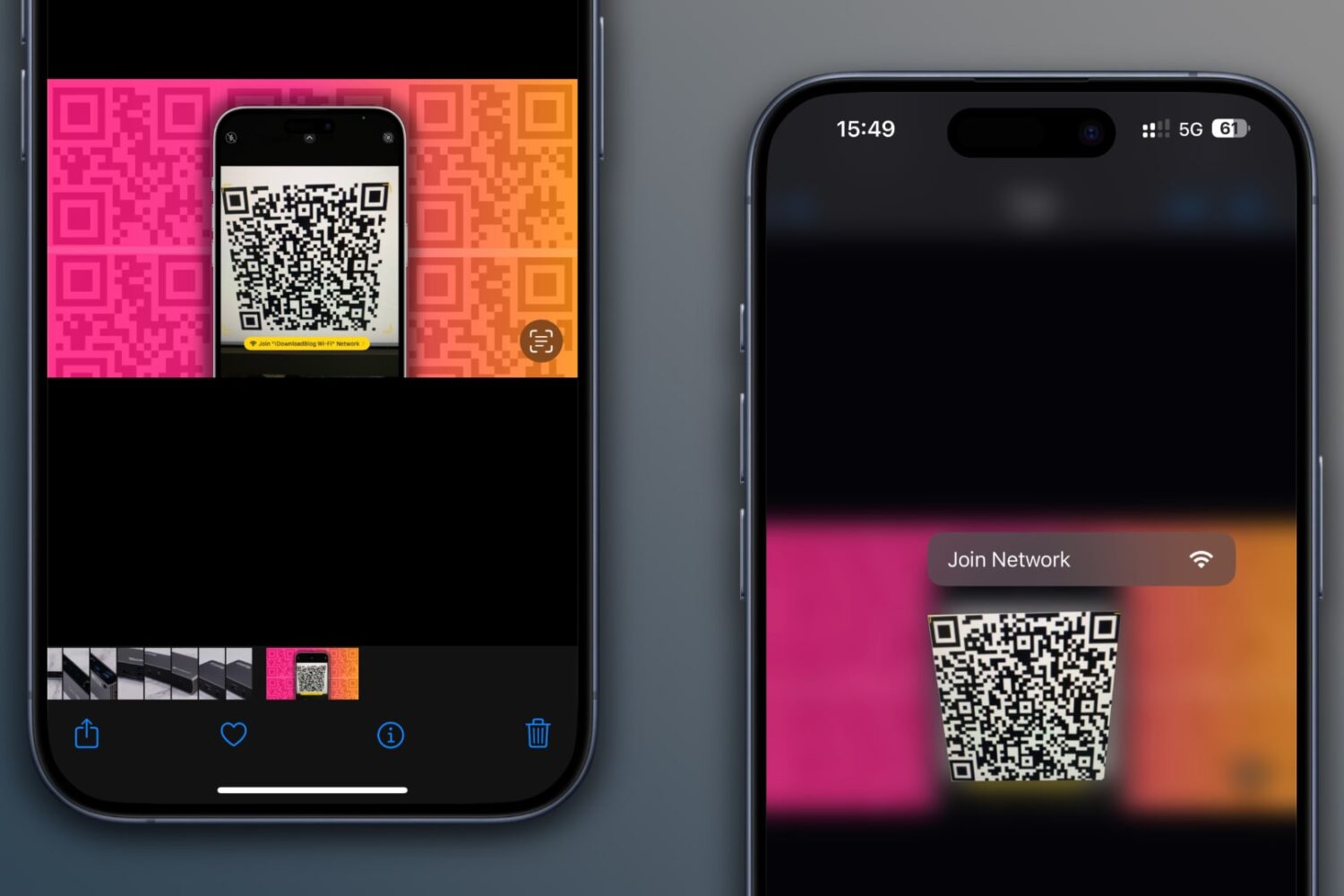
Learn how to scan QR codes on images saved in your iPhone’s Photos app or sent via iMessage or WhatsApp without using another device or printing them out.
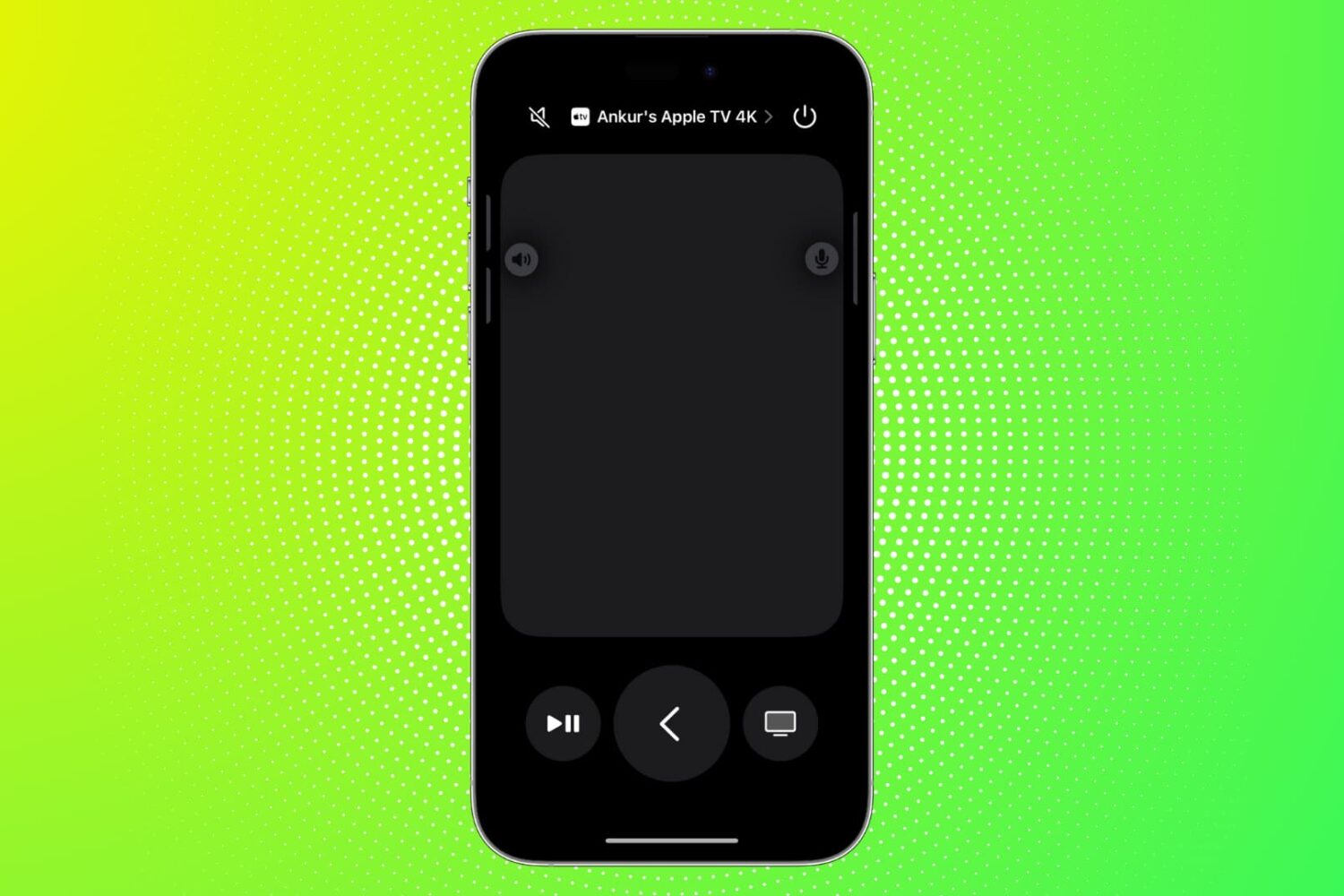
Find out what to do if the Remote feature on your iPhone or iPad isn’t working with your Apple TV.
Learn how to transfer your saved website login details, including email addresses, usernames, and passwords, from Google Chrome to Apple Safari on your iPhone, iPad, and Mac.