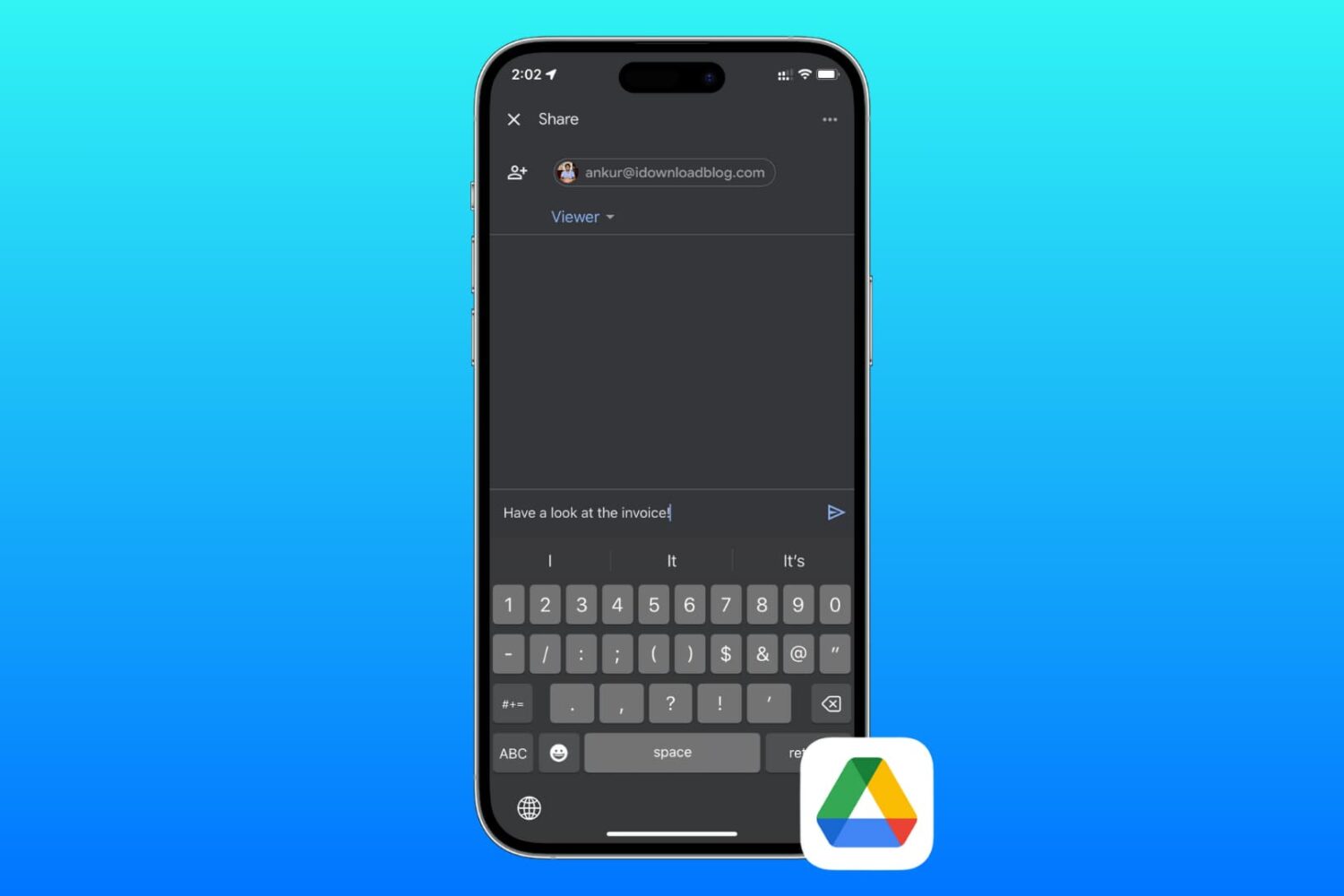
Learn how to send files and folders in your Google Drive to friends and colleagues or share private or public download links using your iPhone, iPad, or Mac.
How to share Google Drive files and folder from your iPhone, iPad, and Mac
Learn how to master your Apple devices with our comprehensive tutorials. From iPhone and iPad to Mac, Apple Watch, AirPods, and more, our expert guides will help you unlock the full potential of your Apple products. Discover new features, tips, and tricks each day to enhance your user experience.
Learn how to send files and folders in your Google Drive to friends and colleagues or share private or public download links using your iPhone, iPad, or Mac.
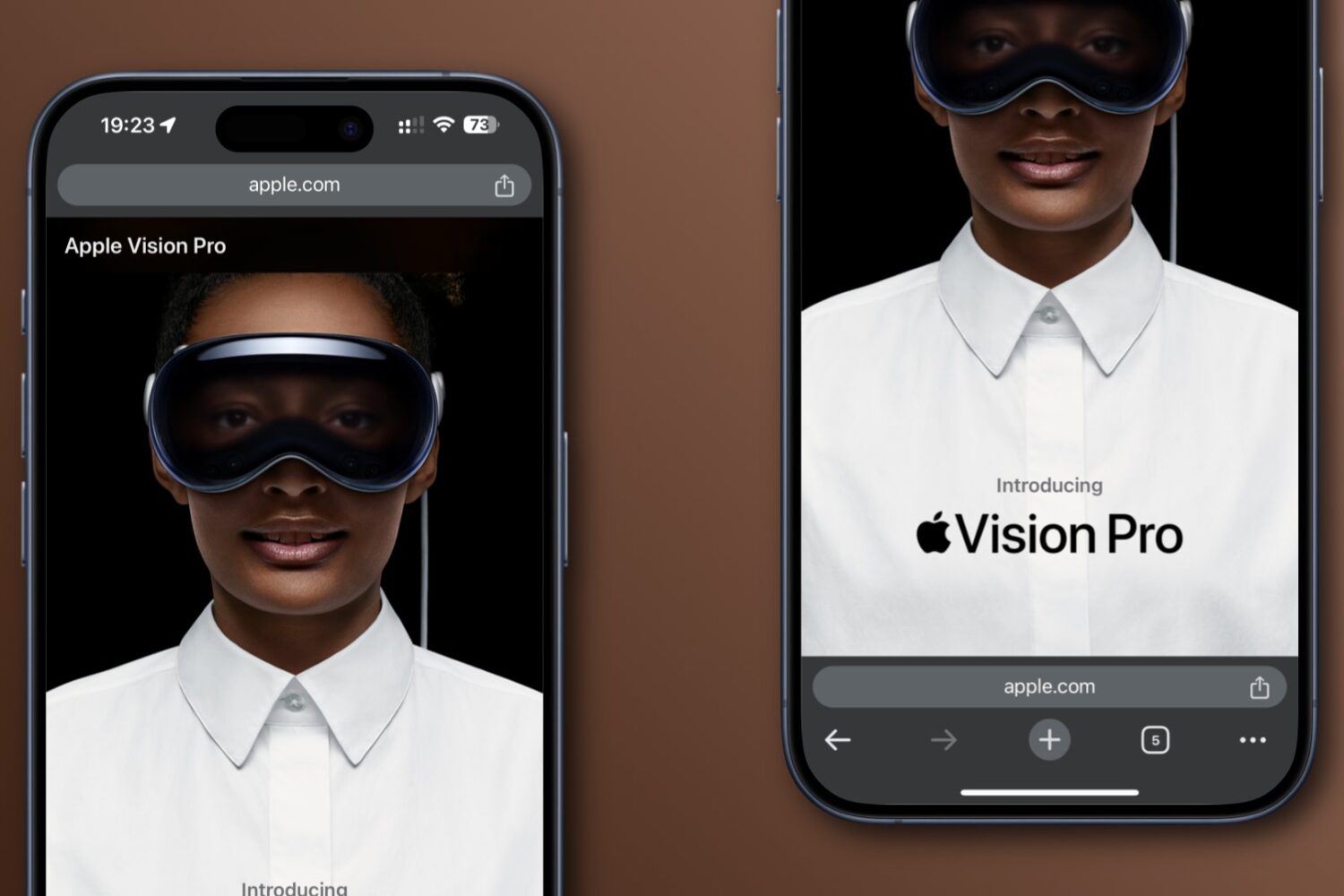
Learn how to move Google Chrome’s address bar from the default top position to the bottom of the screen for easy one-handed use on iPhone and Android.
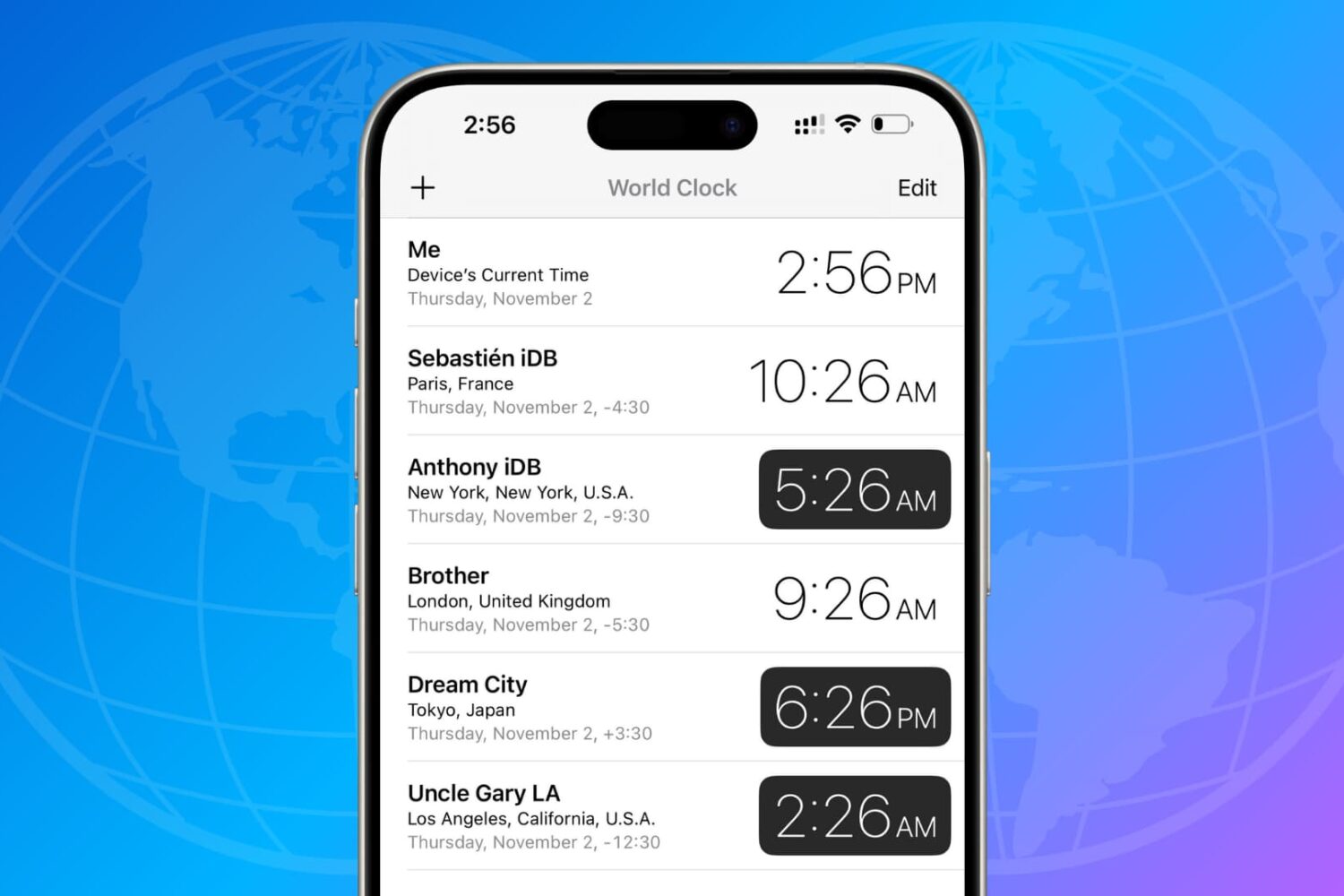
Learn how to use the built-in World Clock and third-party apps on your iPhone and iPad to track the date and time in cities around the world.
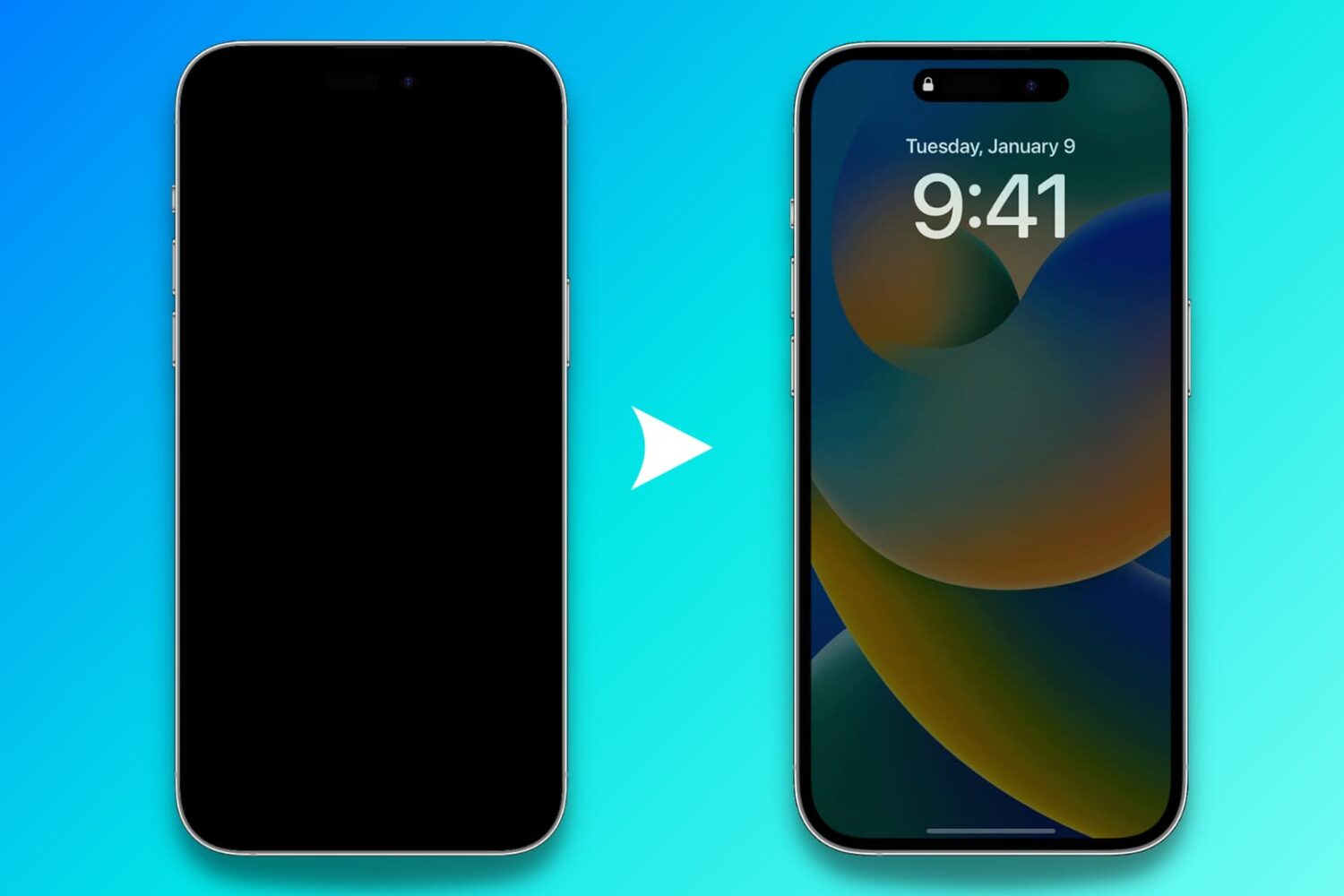
Find out what to do if the Always On display of your iPhone is not working as expected and the screen goes all black.
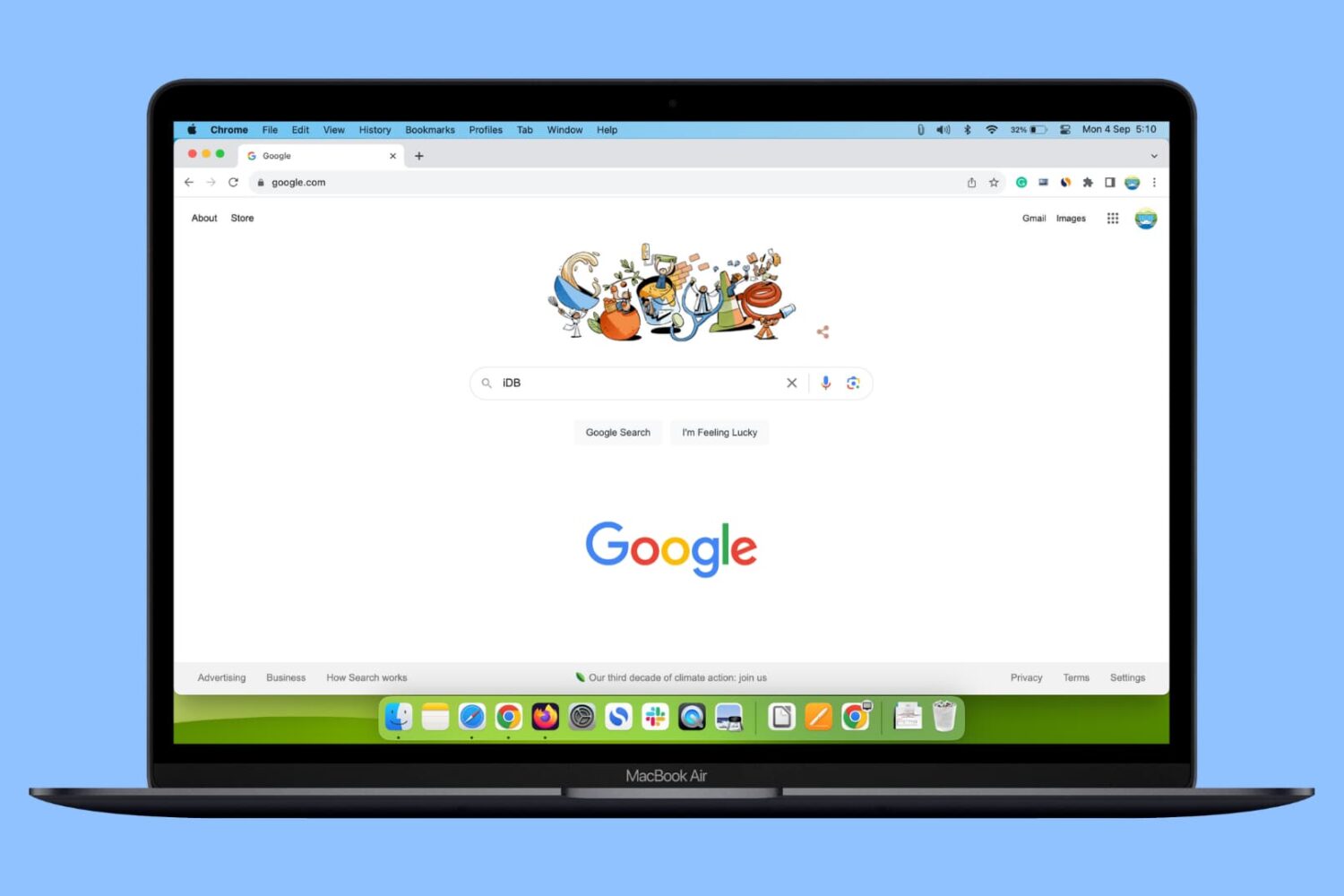
In this guide, we show you three simple ways to add multiple Google accounts in a single web browser on your Mac or Windows PC and switch between them.
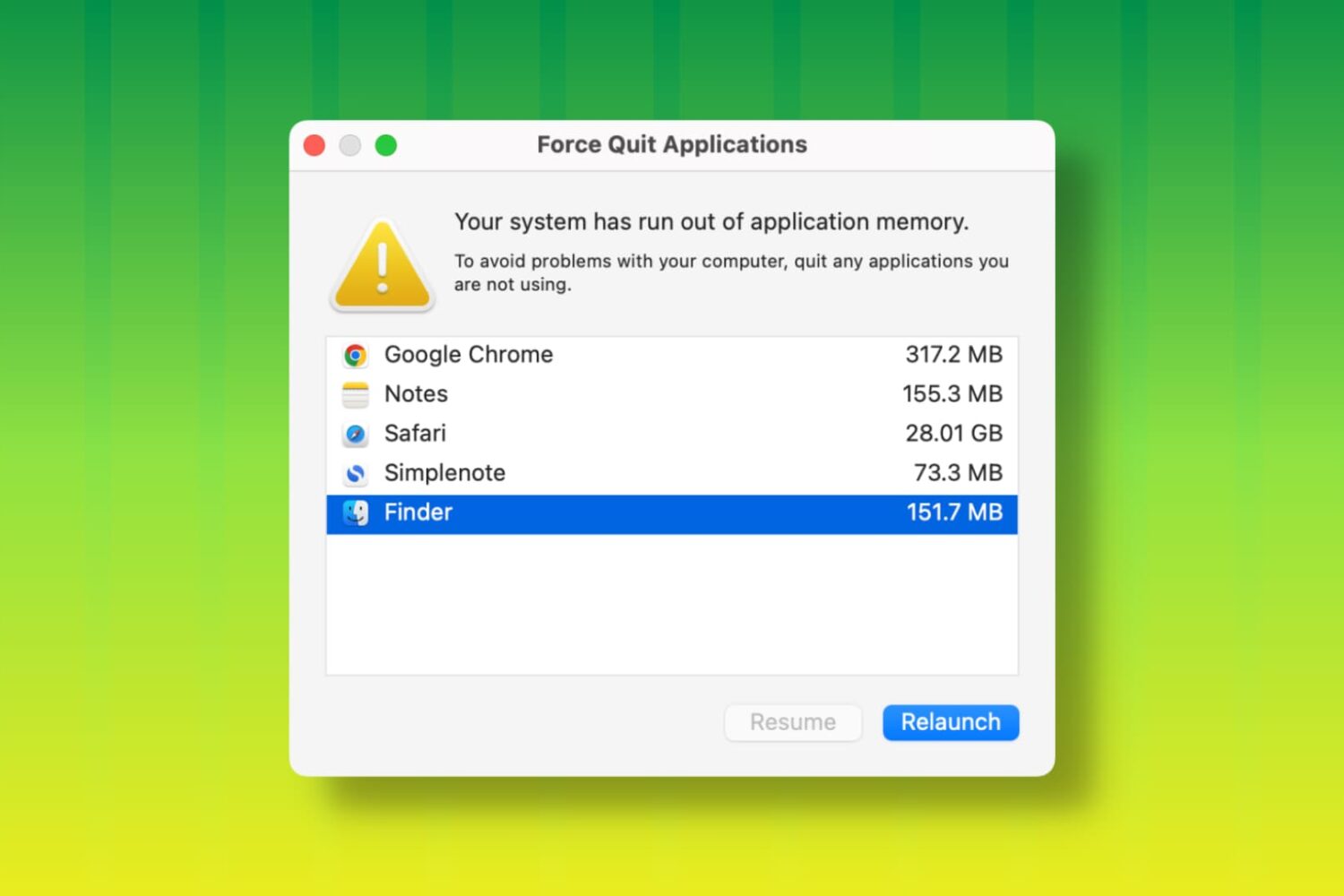
Learn how to fix the “Your system has run out of application memory” error and get back to using your Mac without the Force Quit window coming into view.
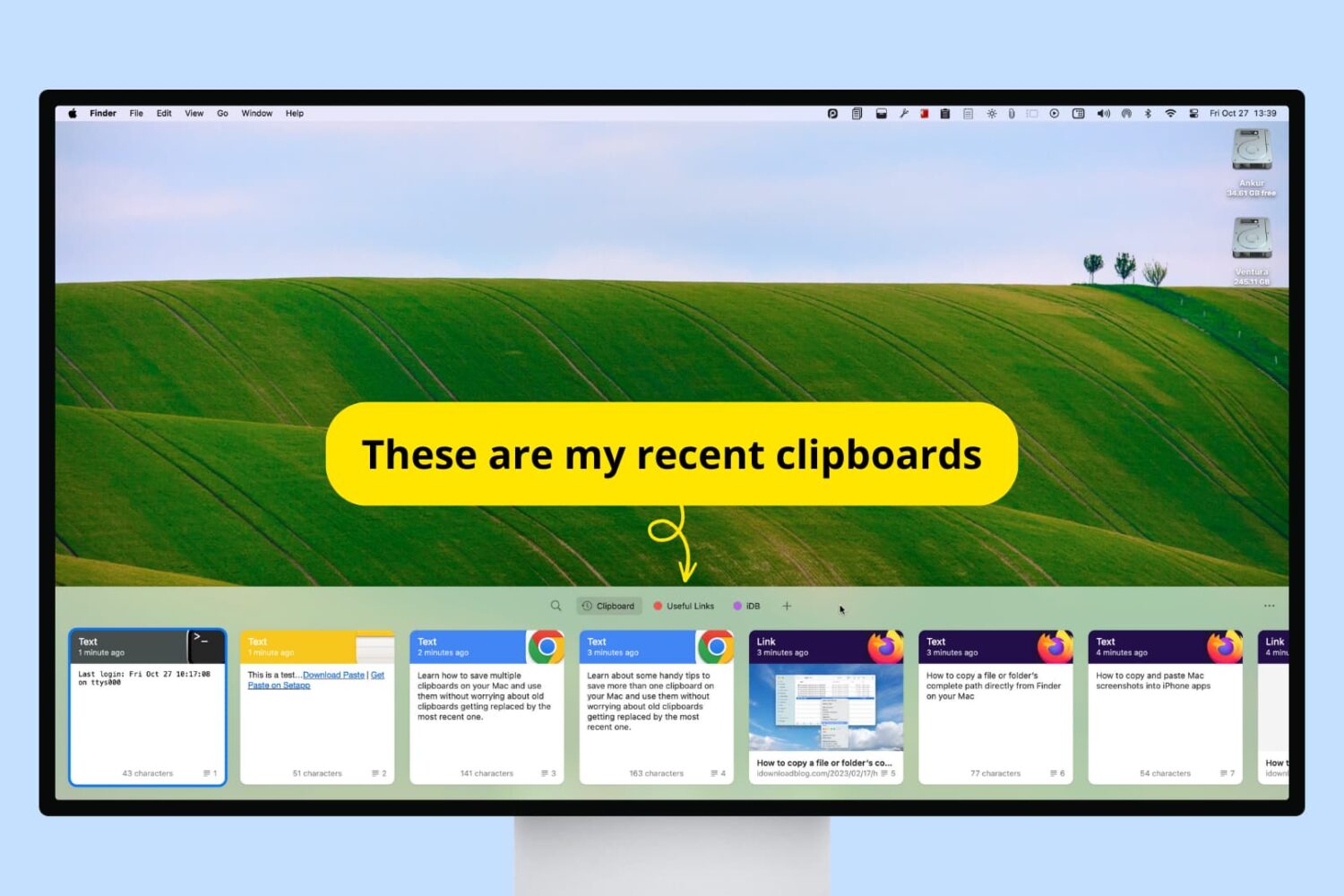
Check out these handy tips to use multiple clipboards on your Mac, allowing you to copy new items without losing previous ones.

Want the added features and blue checkmark on X for a lower price?
Find out how to save 28% when you subscribe to X Premium (née Twitter Blue) on your iPhone, iPad, or Android phone.
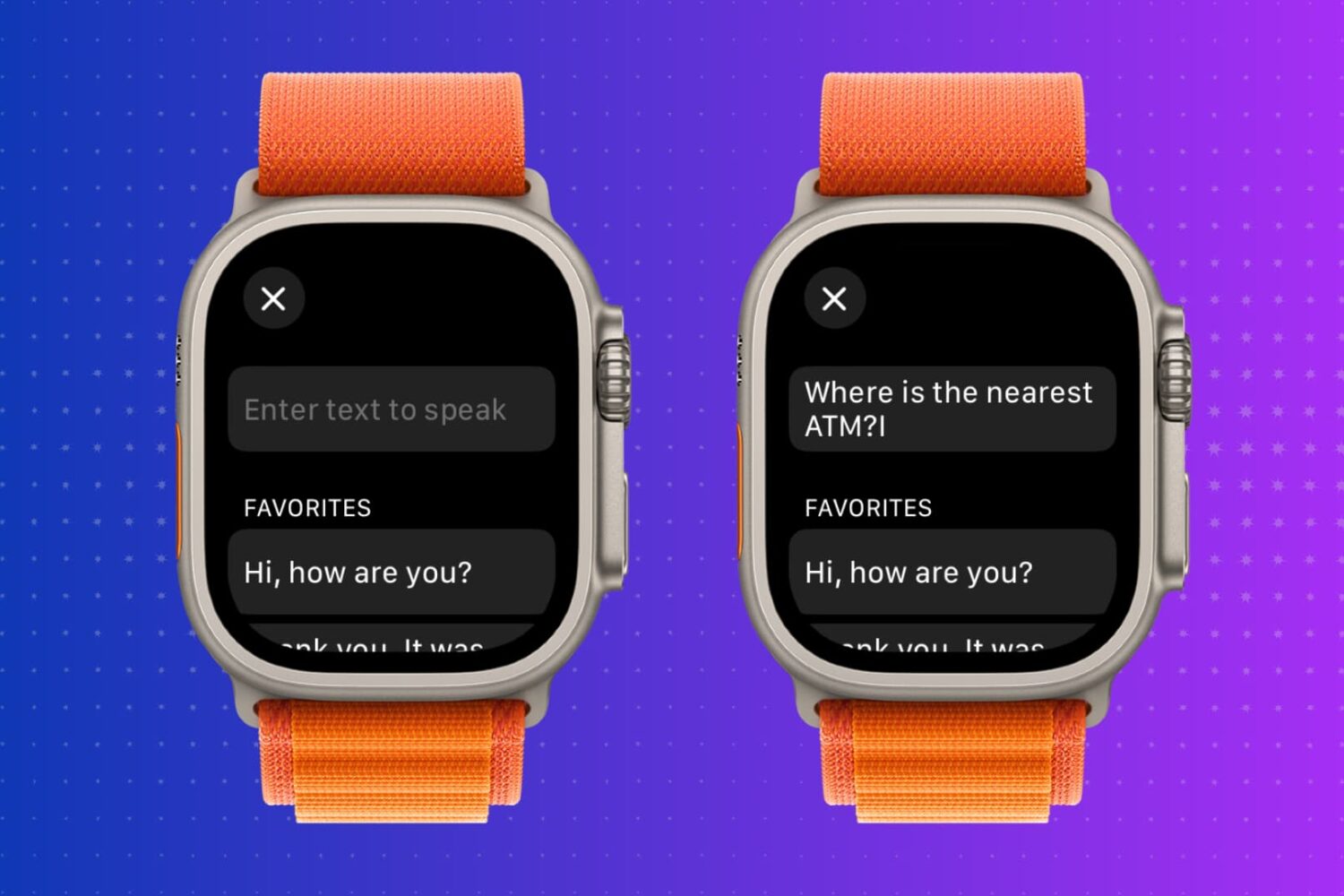
Learn how to use text-to-speech on your Apple Watch so it will read aloud whatever you type during in-person conversations or phone calls.
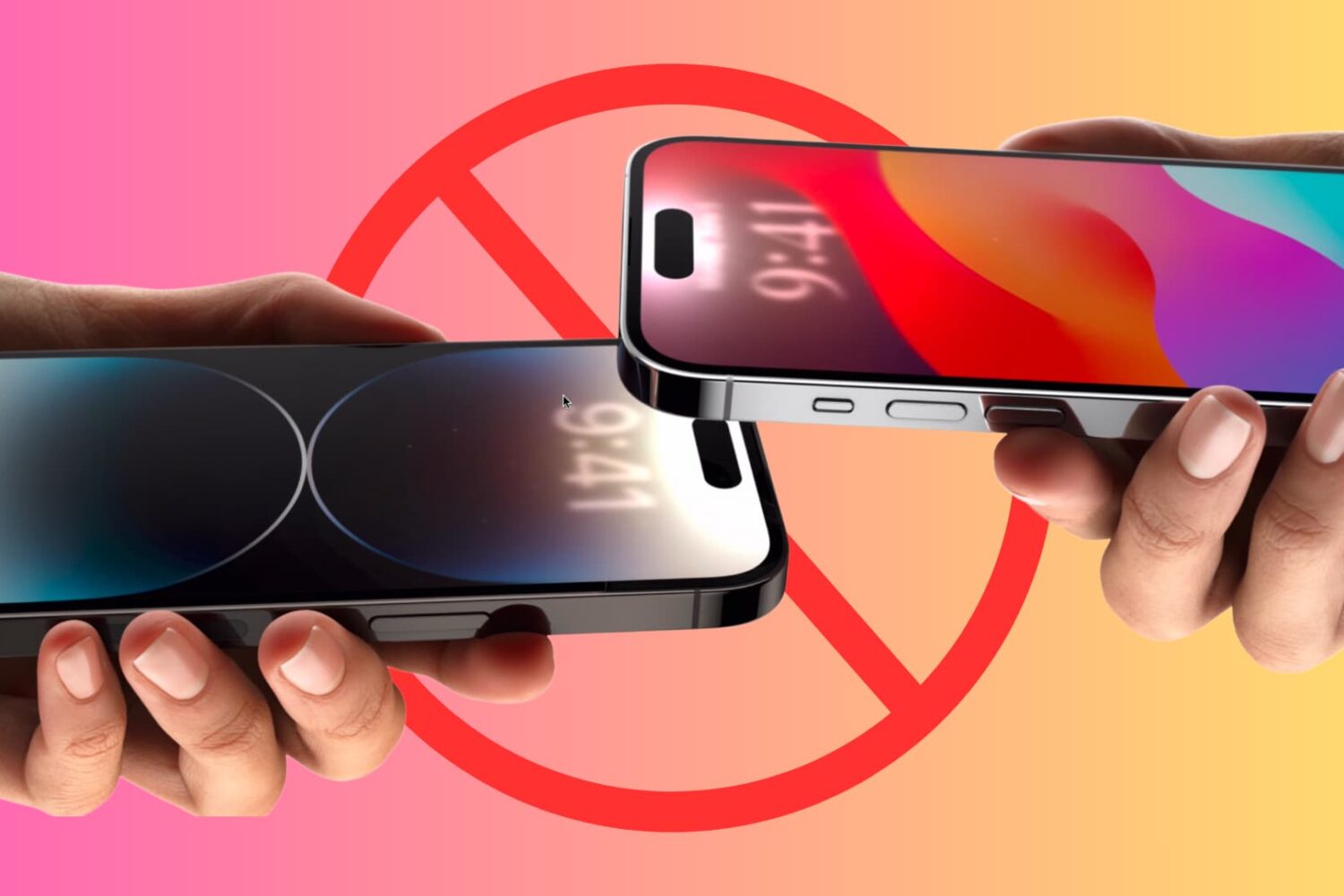
Learn how to prevent your iPhone from sharing data when you bring it near another iPhone.
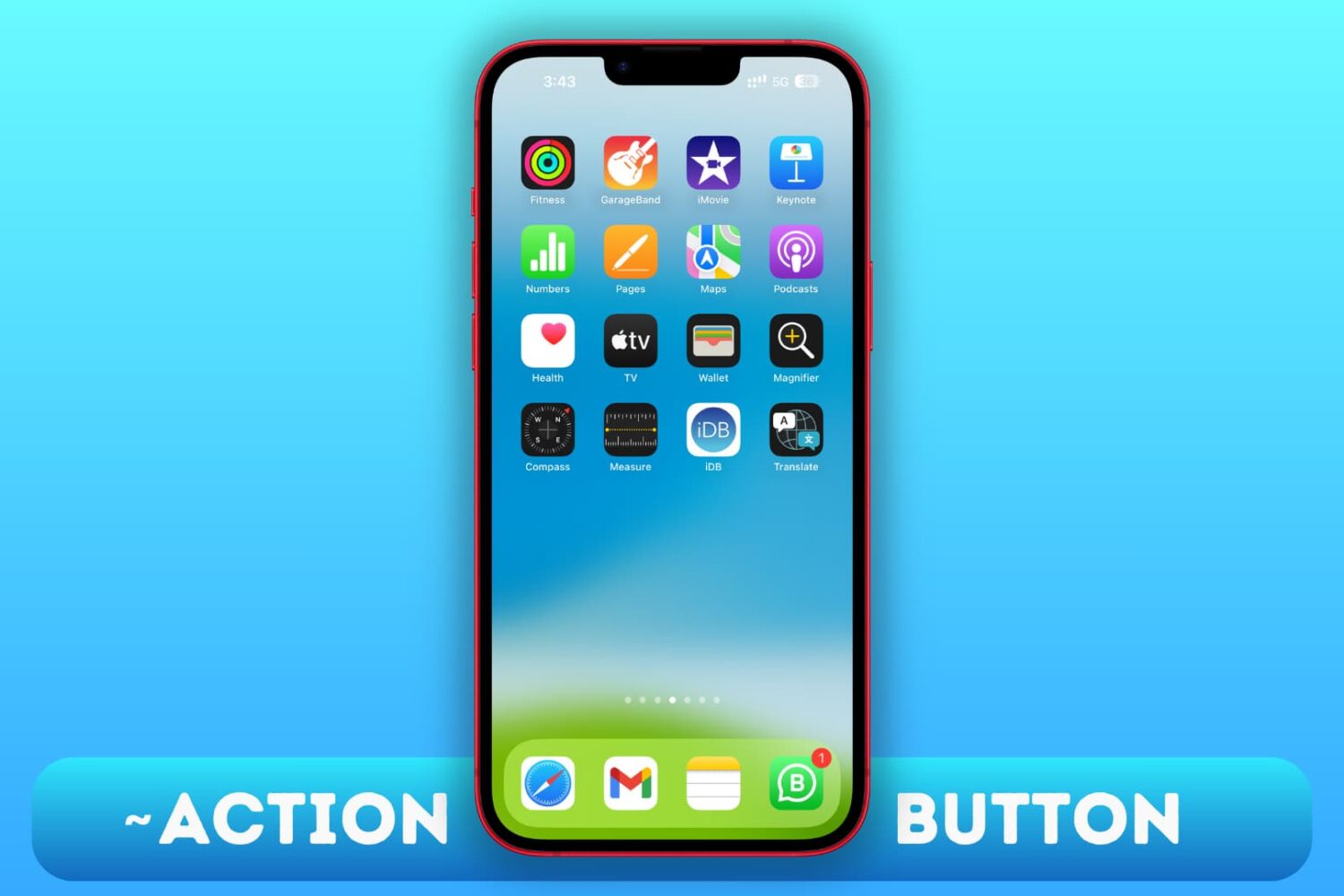
Use these workarounds to replicate the features of the Action button on the iPhone 15, 15 Plus, and older iPhone models.
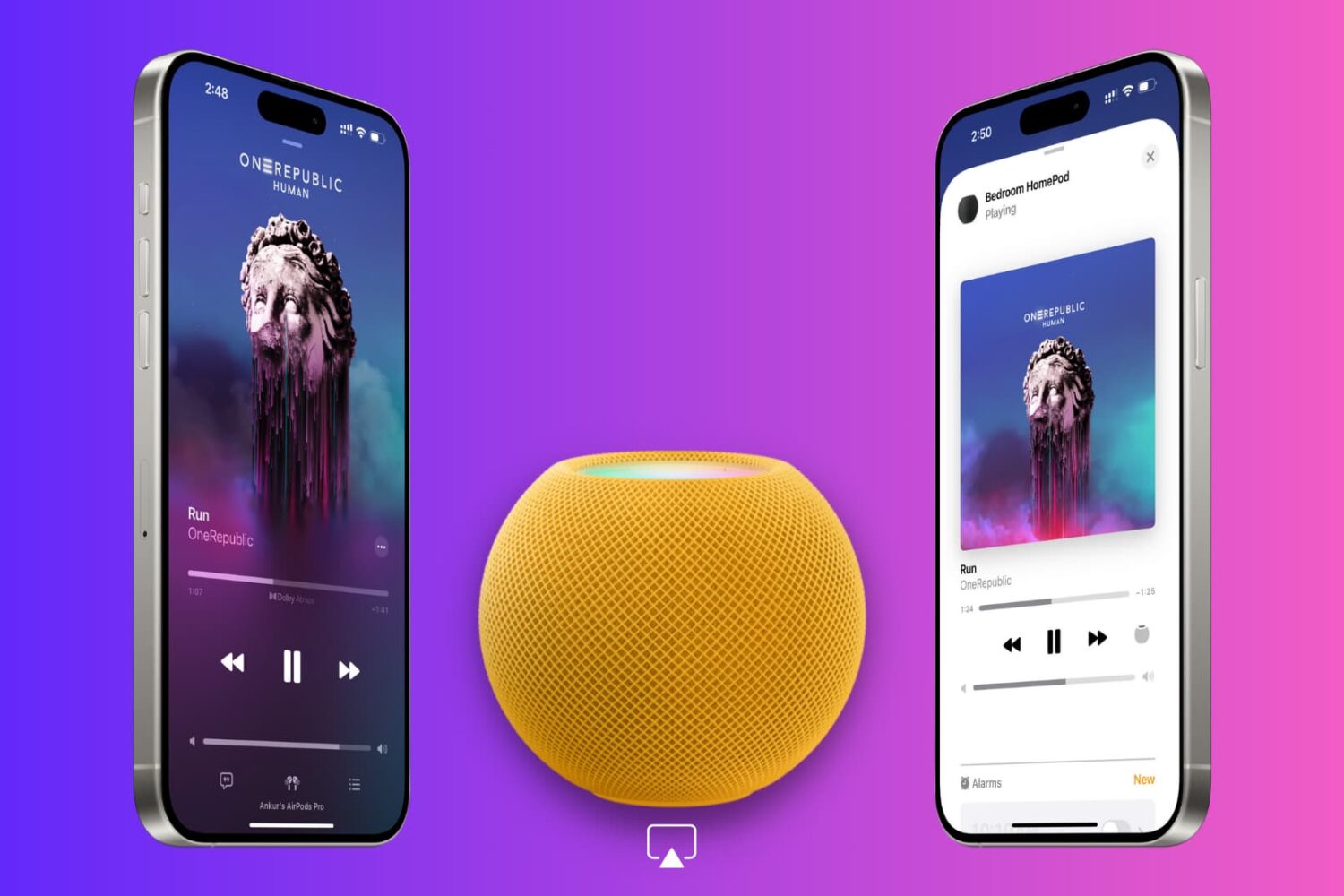
In this tutorial, we’ll explain why your iPhone displays a full-screen Now Playing popup when it’s near your HomePod and how to disable it if it disrupts your ongoing music playback.