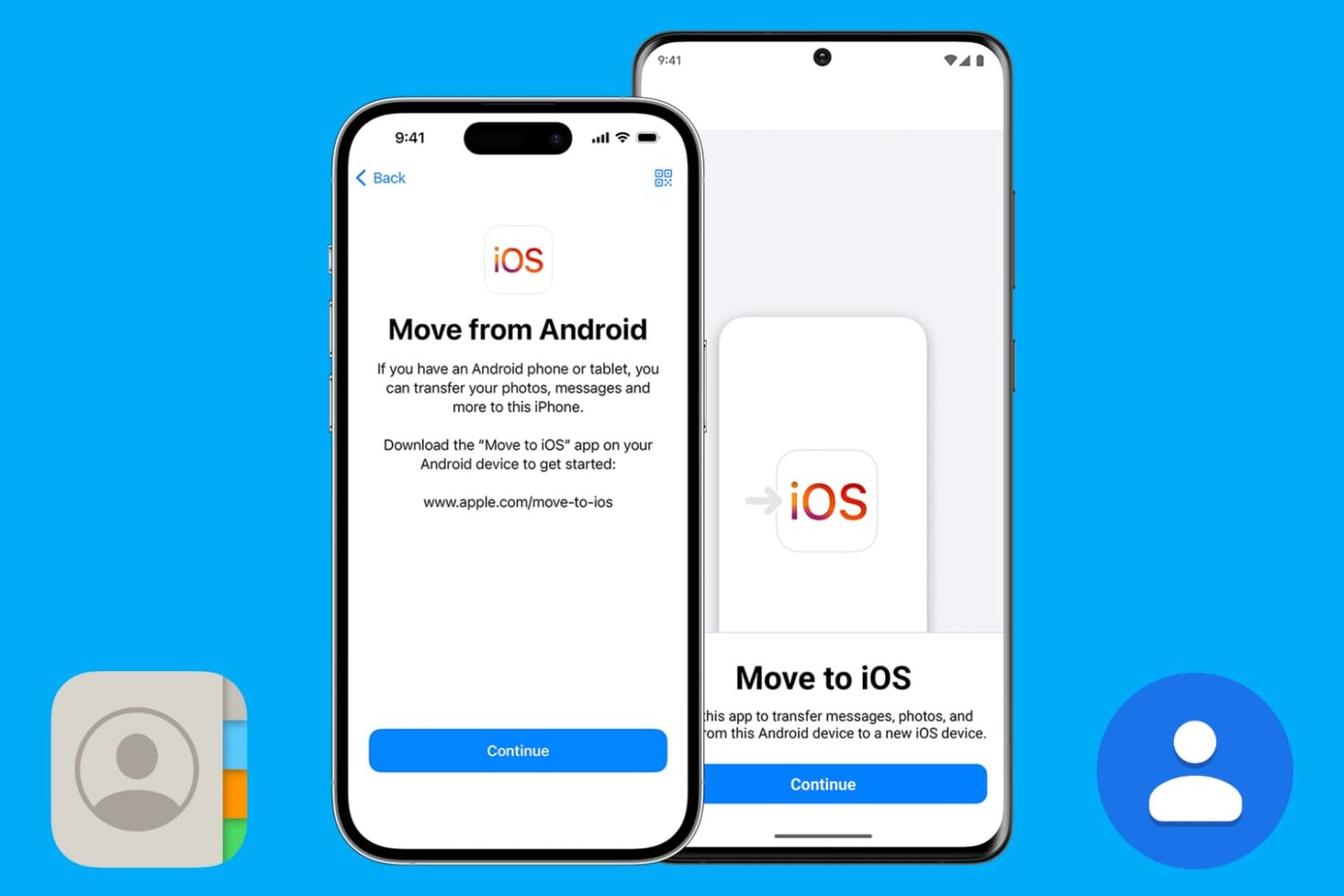
Are you moving from Android to iOS? Discover eight easy ways to transfer your existing Android phone contacts to your iPhone.
How to transfer contacts from your Android phone to iPhone
Learn how to master your Apple devices with our comprehensive tutorials. From iPhone and iPad to Mac, Apple Watch, AirPods, and more, our expert guides will help you unlock the full potential of your Apple products. Discover new features, tips, and tricks each day to enhance your user experience.
Are you moving from Android to iOS? Discover eight easy ways to transfer your existing Android phone contacts to your iPhone.

Learn how to show upcoming birthdays for family and friends in the Apple Calendar app on your iPhone, iPad, Mac, and the web so you never forget to congratulate them again.

IFTTT is convenient app that lets you automate simple to complex tasks. For just some of the things you can do with it, check out our IFTTT section if you are new to the app.
But, if you already take advantage of IFTTT, why not let it help you find the apps or games you want on the App Store? Whether it’s a sale on a game you’ve been waiting for, an update to your favorite email app, or searches for apps in a particular category, you can take care of it automatically with IFTTT’s Applets and here’s how.

Learn how to locate your downloaded books on Mac to get the original EPUB files of these titles.
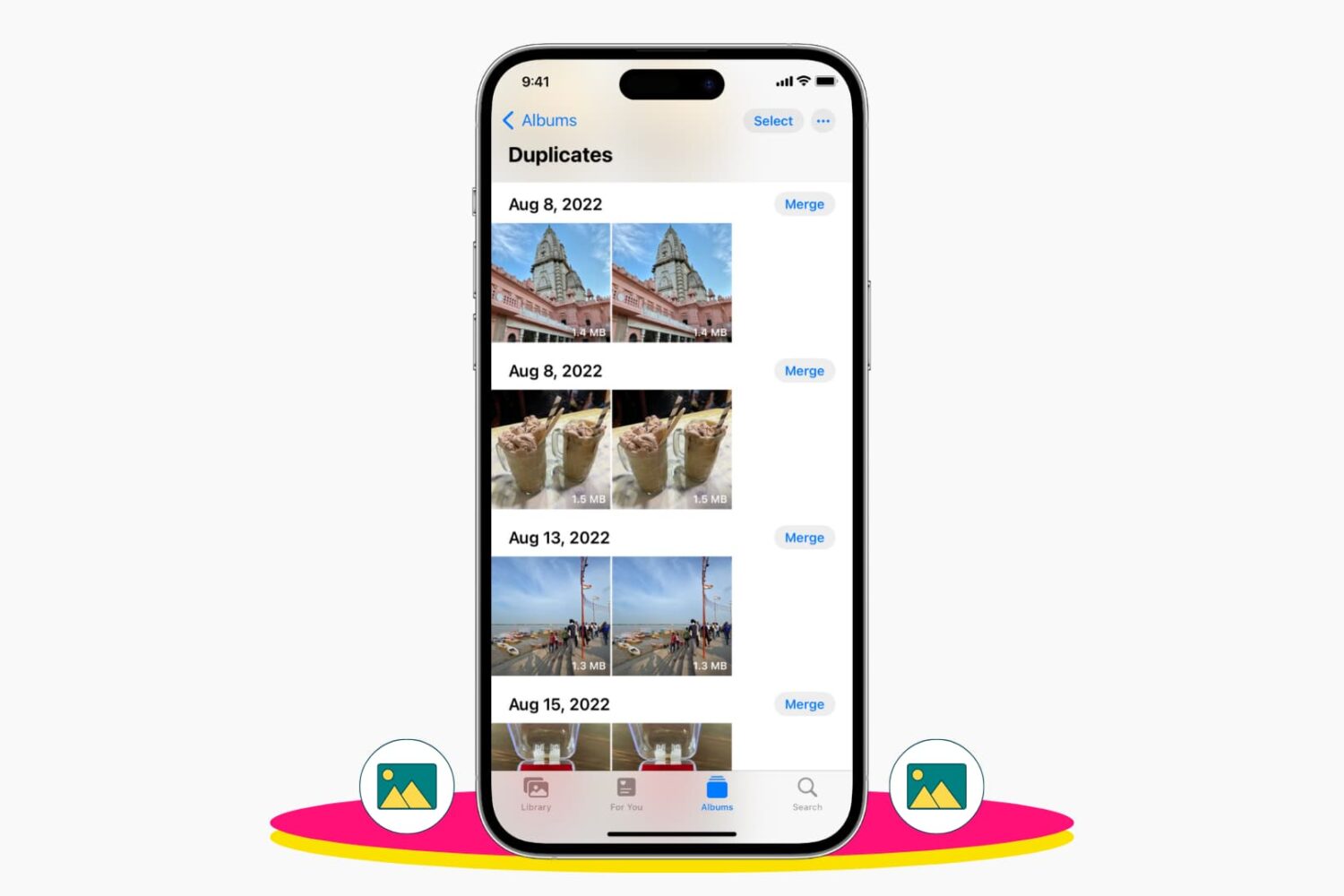
Check out 3 easy ways to delete duplicate photos and videos from your iPhone library to remove clutter and save space.
In this step-by-step tutorial, we’ll show you how to enable high- and low-heart-rate notifications on your Apple Watch for life-saving alerts in critical moments.

Learn how to split the onscreen keyboard on your iPad, as well as undock it to move it up or make it smaller so it floats and can be placed anywhere on the screen.

Learn how to mute someone's Instagram Posts or Stories from your feed without unfollowing their account or them knowing.
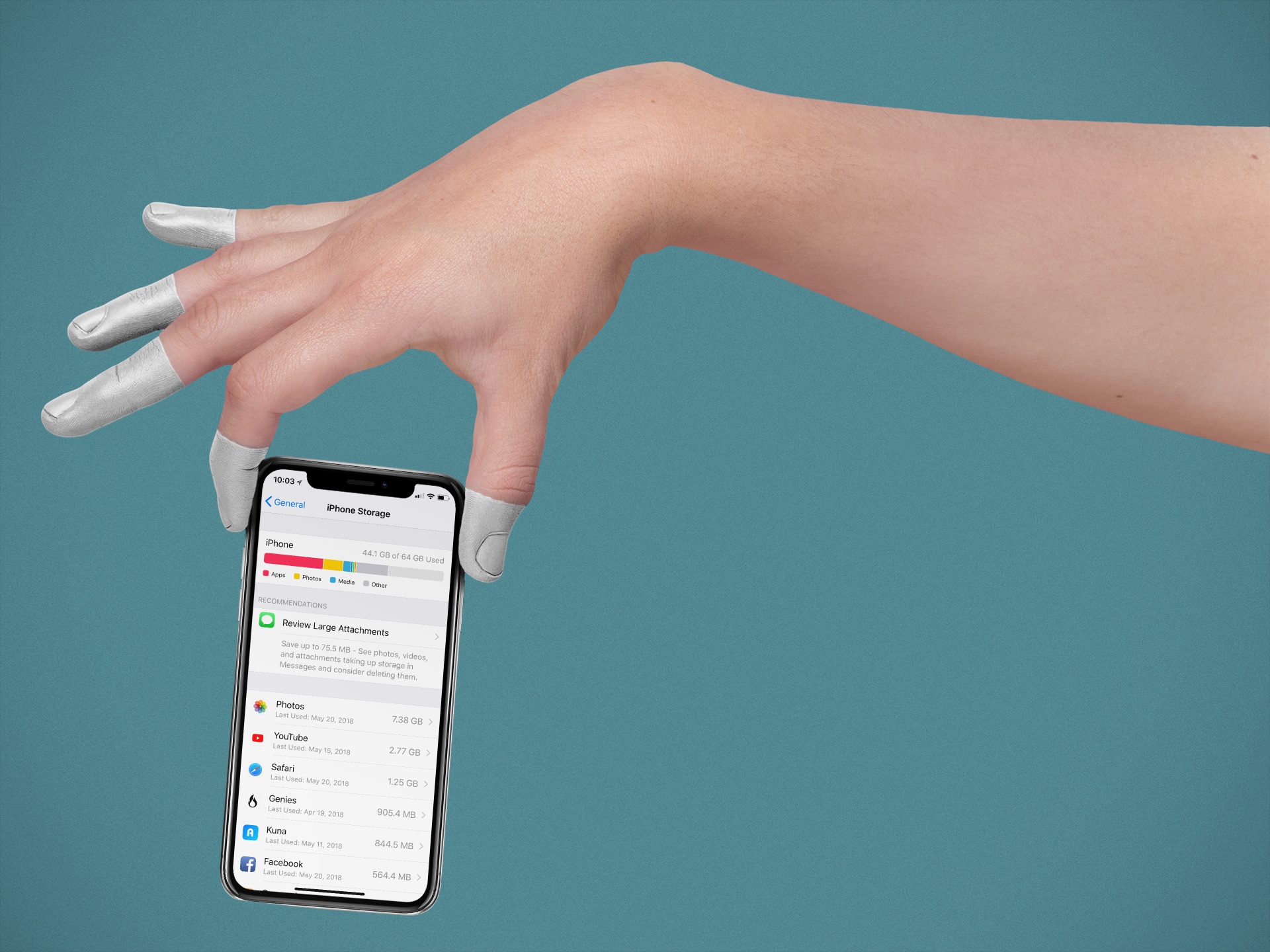
Apple makes it simple to find and delete unused apps. You know those apps; the ones you just had to have when they were first released, but are now collecting digital dust. Here are the steps.
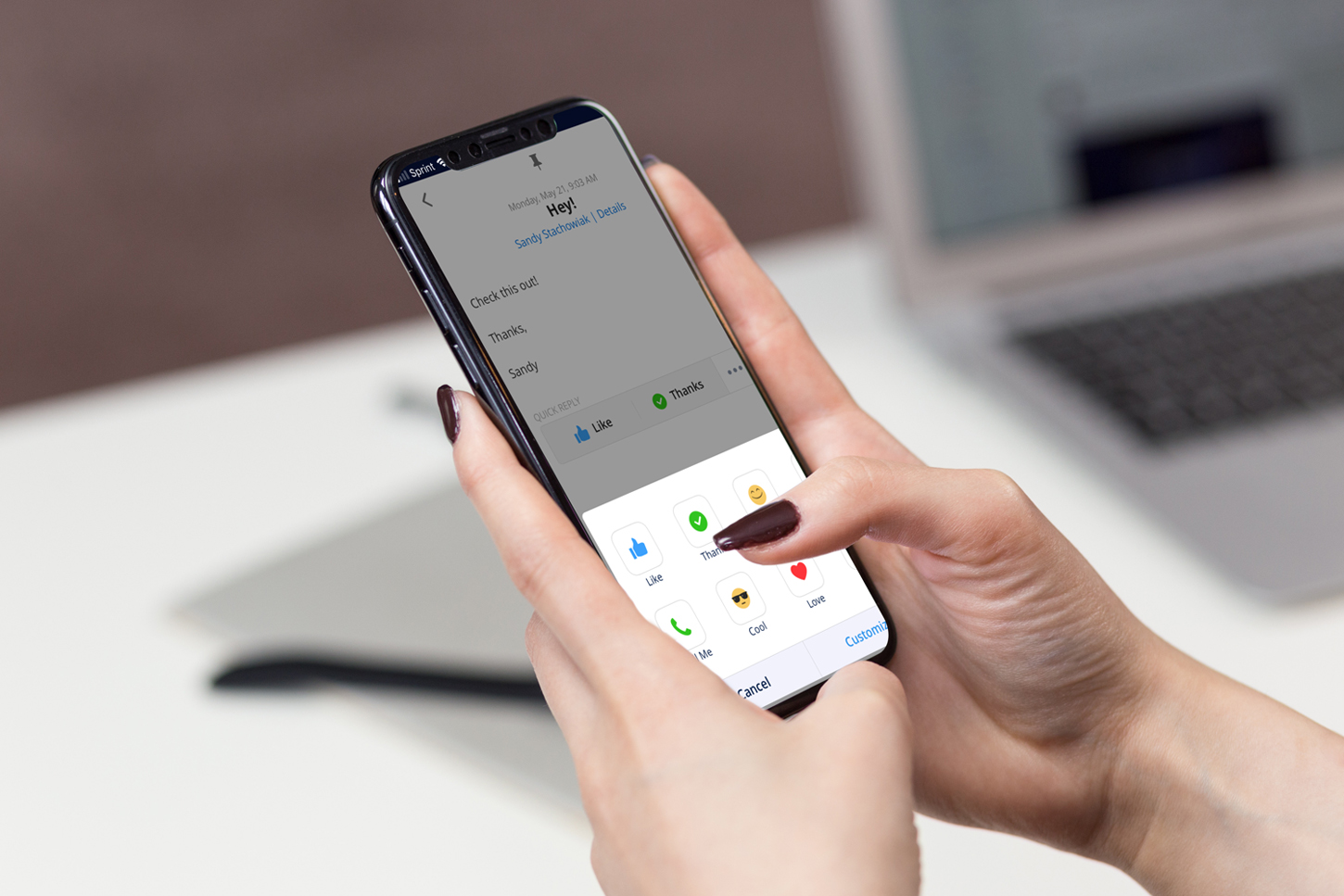
If you are considering switching to a third-party app for email, a terrific app to try is Spark. The application is available for iOS and macOS with Apple Watch support, so you can use it on all your devices. Along with that, Spark offers features such as labels and folder management, custom swipes for notifications, and Touch ID inbox protection.
Three additional features of Spark that are real time savers include Quick Replies, Email Scheduling, and Snoozes. Here are how these features work.
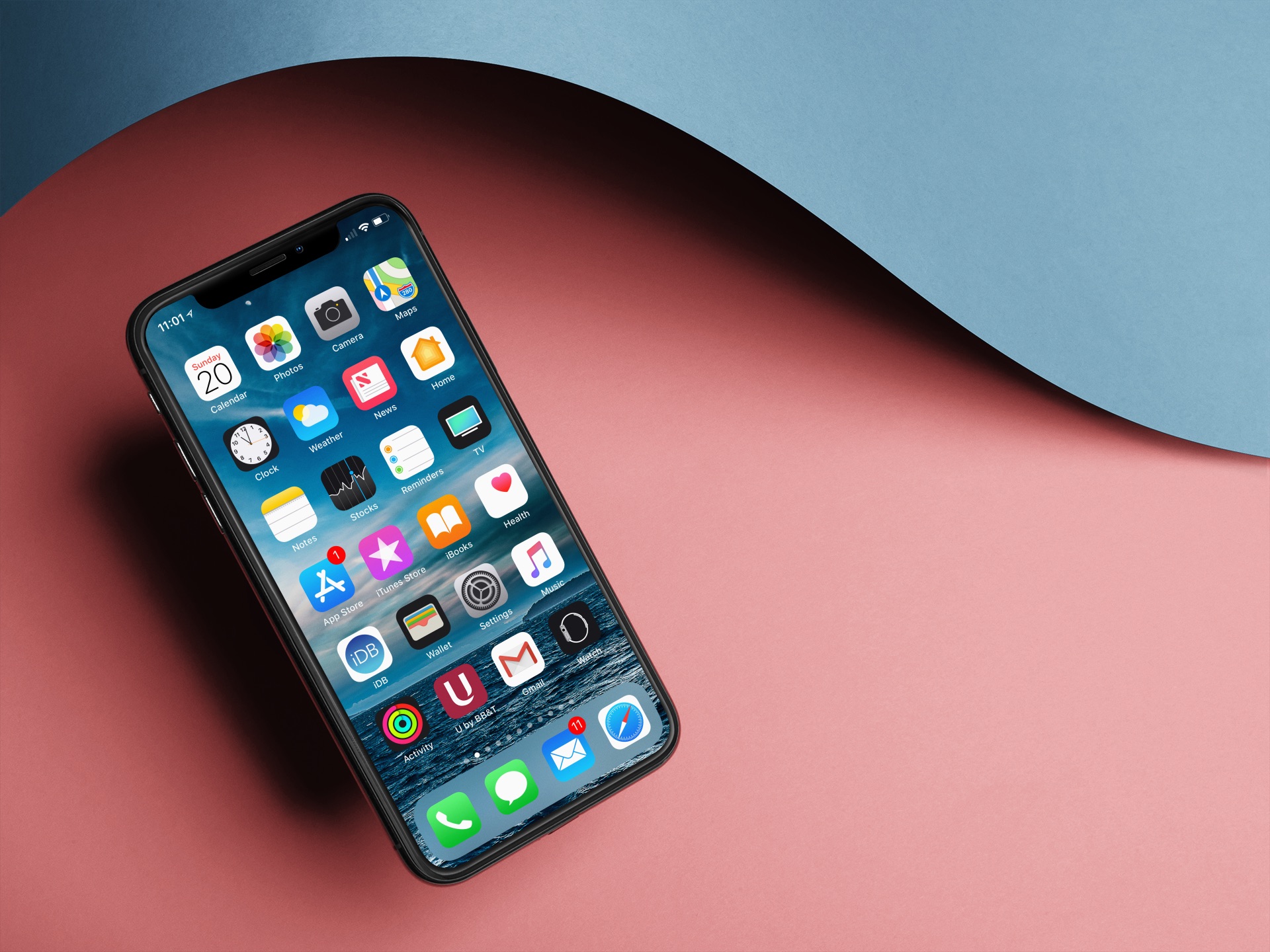
Learn how to see the last time you’ve used an app on your iPhone or iPad, so you can remove those you haven’t opened in a long time.
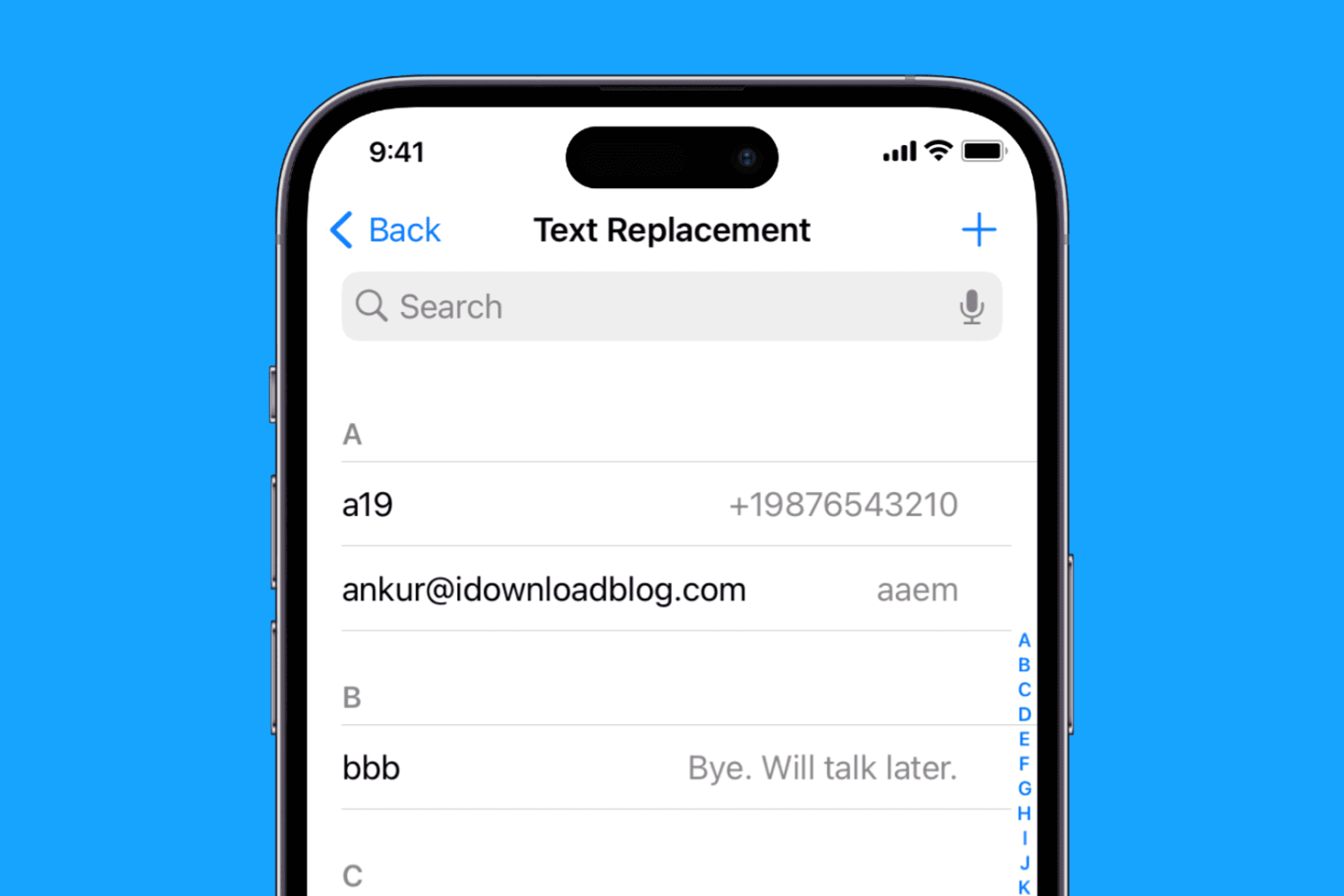
Learn how to create text replacement shortcuts on your iPhone, iPad, and Mac to speed up typing and save time while reducing typos.