YouTube scheduled digest is a cool feature that will reduce your notification overload.
Notification hell? Here’s how to set up and customize YouTube scheduled digest.
Learn how to master your Apple devices with our comprehensive tutorials. From iPhone and iPad to Mac, Apple Watch, AirPods, and more, our expert guides will help you unlock the full potential of your Apple products. Discover new features, tips, and tricks each day to enhance your user experience.
YouTube scheduled digest is a cool feature that will reduce your notification overload.
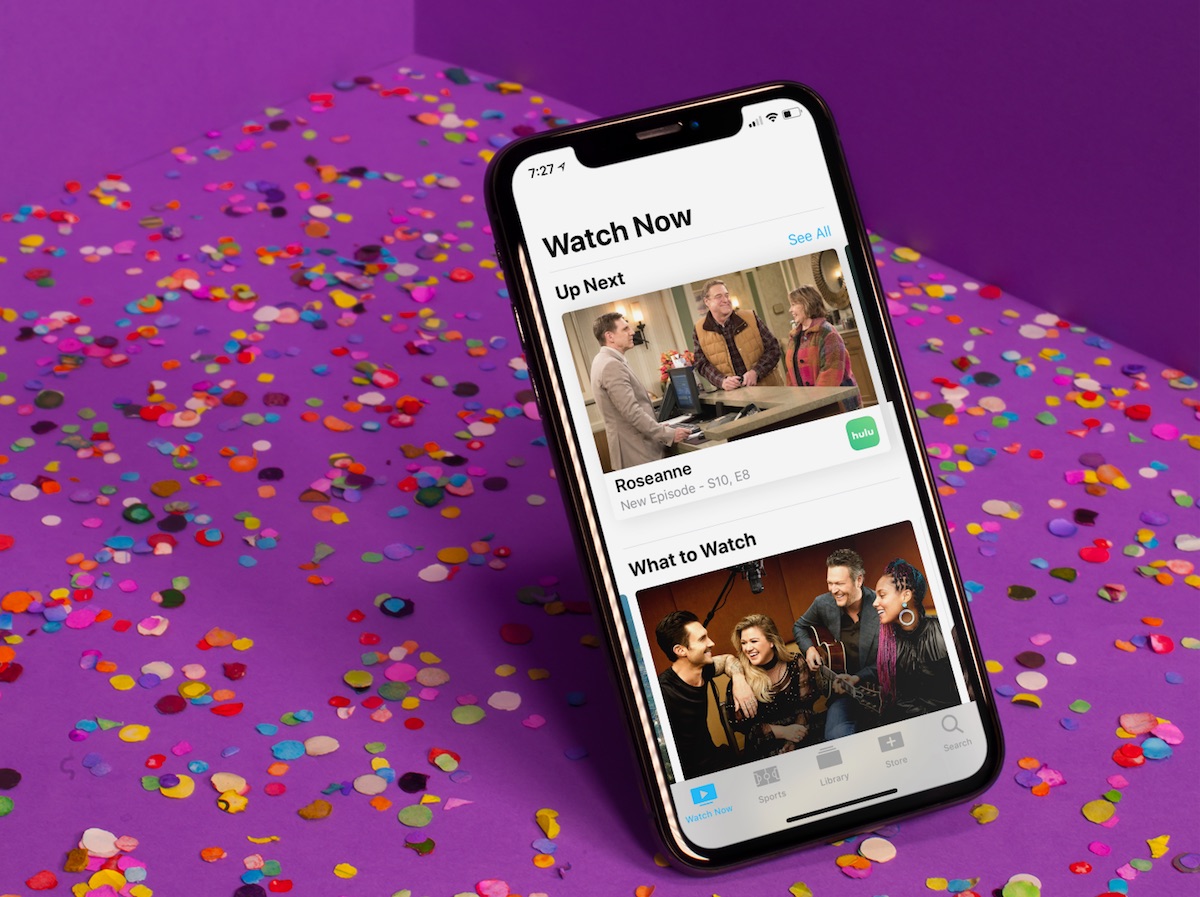
Since it first arrived, the TV app has slowly gained features, making it one of Apple’s most useful and under-appreciated native apps on the two platforms. In this article, you’ll learn how to use the TV app so it can benefit and enhance your television viewing experience.
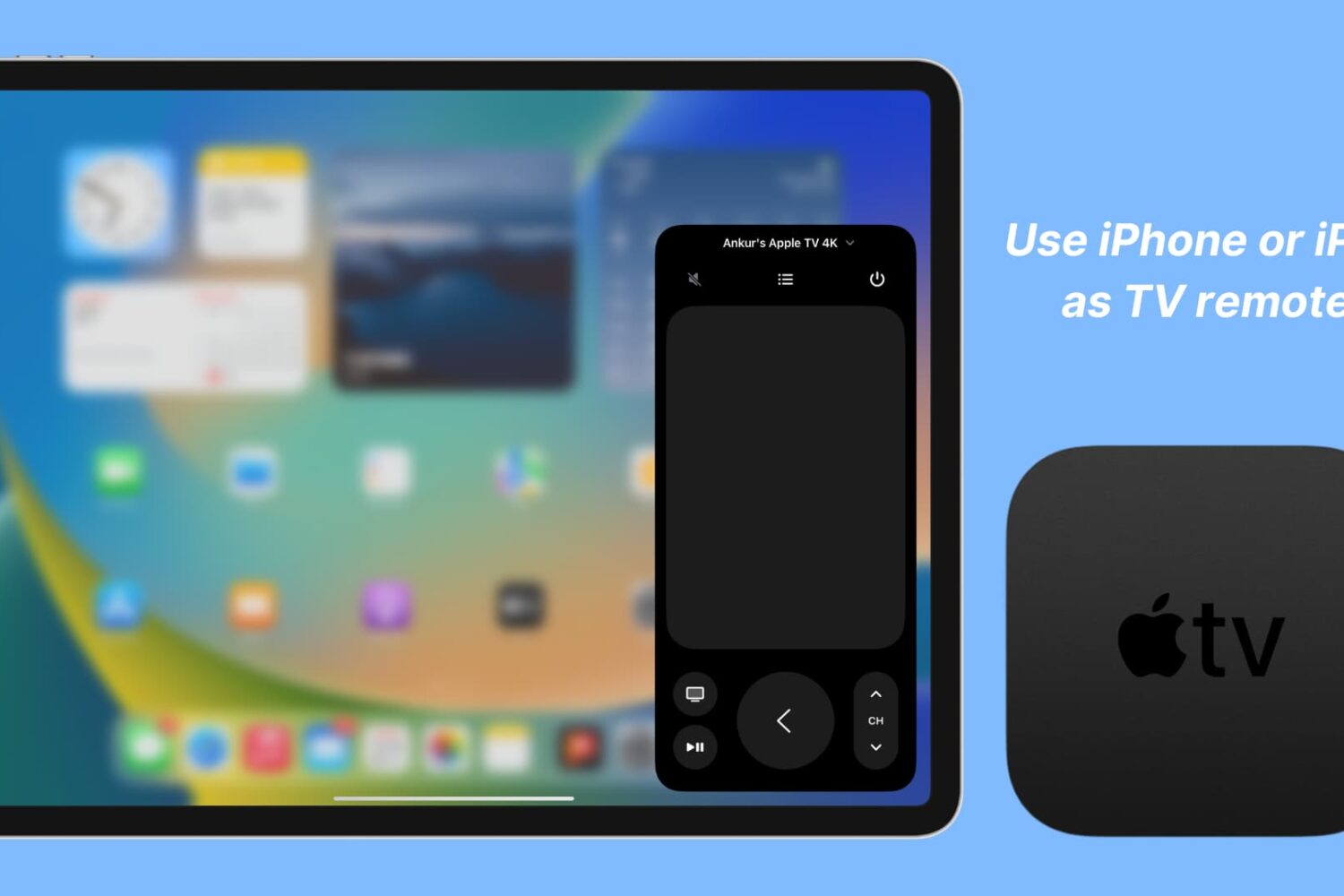
Learn how to set up and use your iPhone or iPad as your Apple TV remote, whether as a backup remote or simply for convenience.
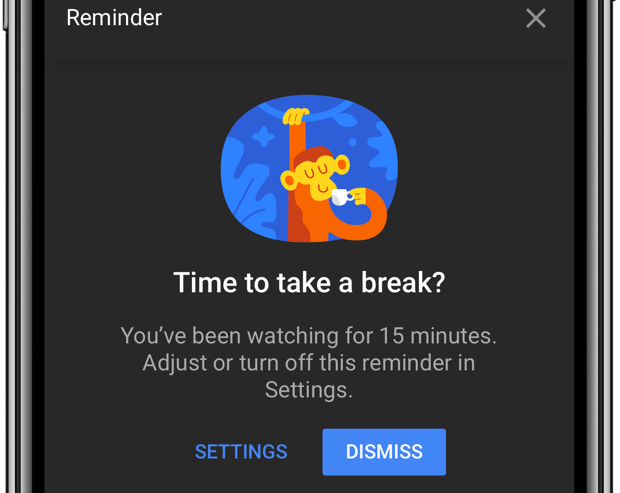
Do you lack self-control? Then you're not surprised that YouTube is a major time-suck.
It's perfectly fine to go down YouTube's rabbit hole every now and then. The world's most-trafficked video site, once a clearinghouse for kitten videos, has become both a cultural phenomenon and a go-to platform for the next-generation of truly innovative video creators.
And with its ever-improving recommendation engine, it’s all too easy to waste precious time on related videos that you didn’t really mean to watch but deemed too interesting to pass on. YouTube's app features custom reminders for when you'd like to take a break from watching.
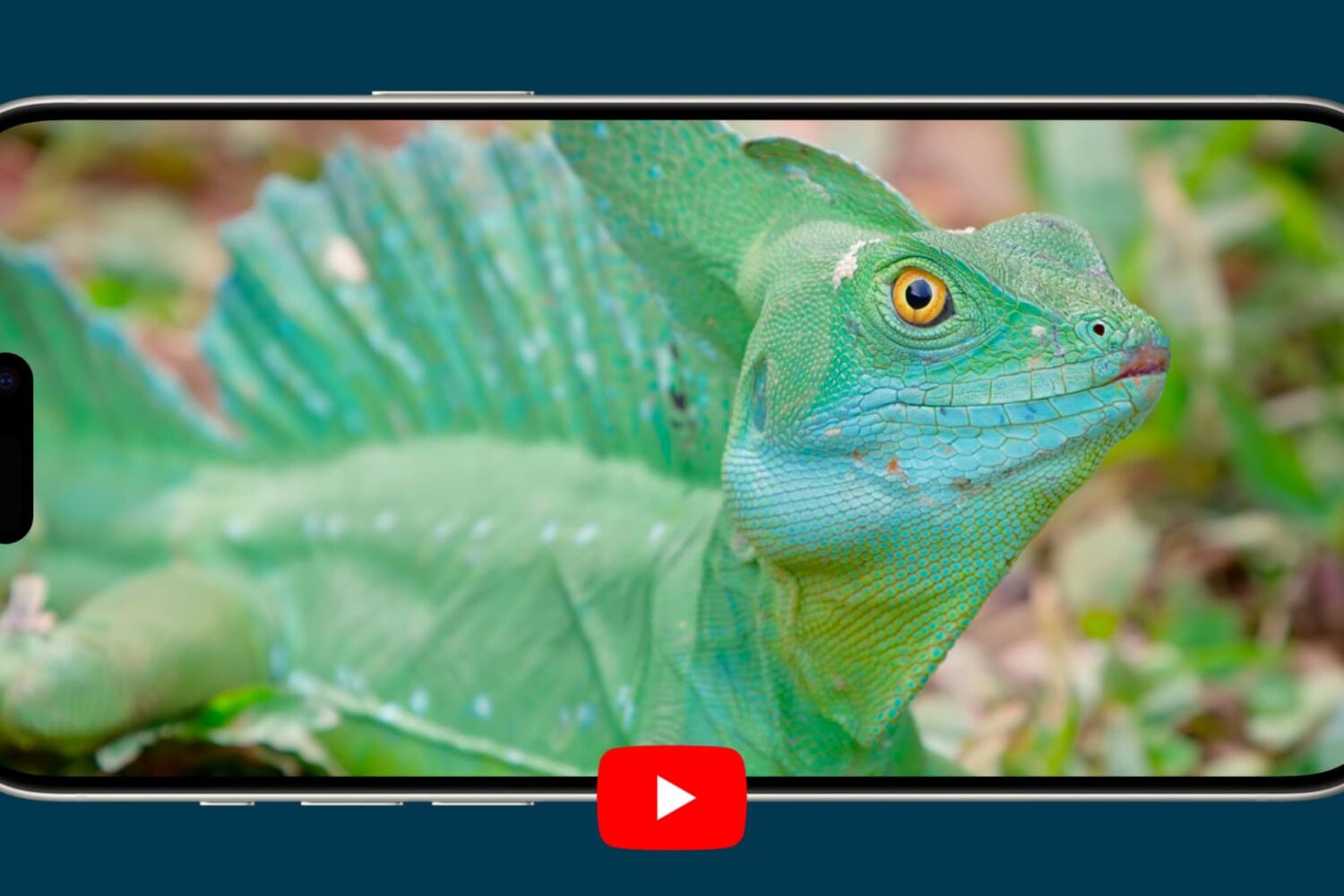
Learn how to watch YouTube videos in High Dynamic Range (HDR) on your iPhone or iPad to get more realistic colors than standard video.
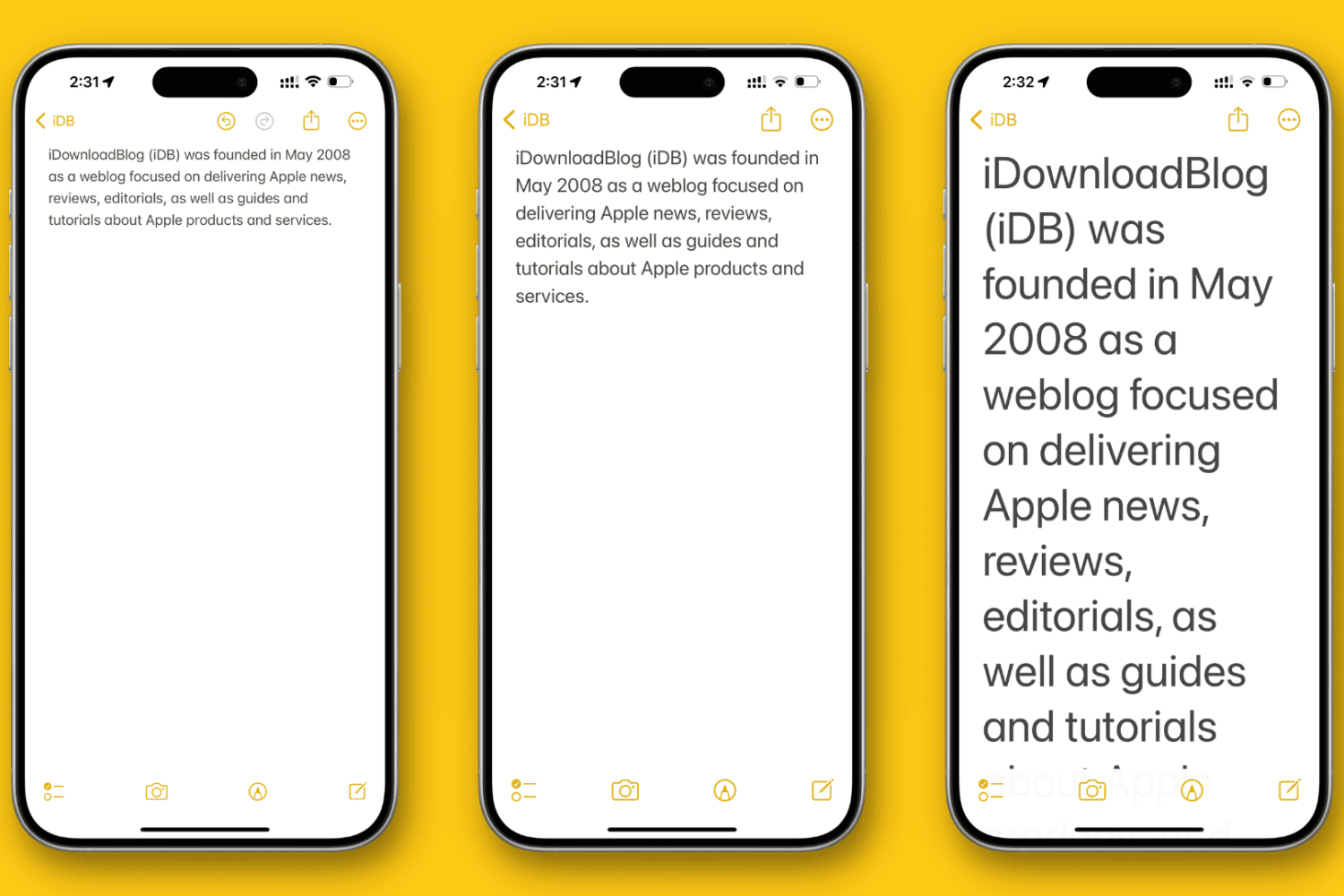
In this tutorial, we’ll show you how to change the overall text size to a level that makes it comfortable to view the contents on your iPhone or iPad screen.
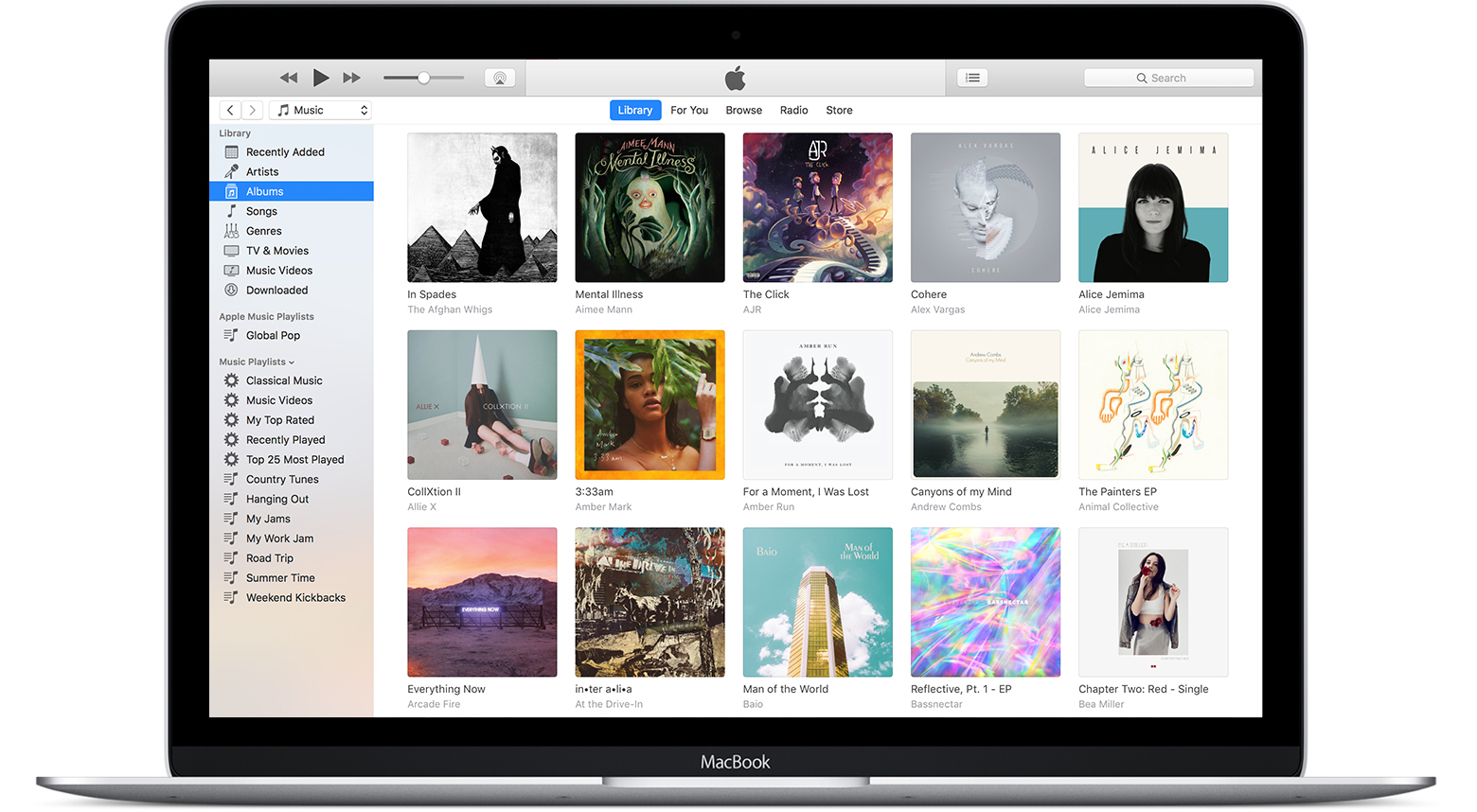
In this tutorial, we’ll show you how to use the referenced Music library feature to stop the app from creating duplicate copies of your media and help save local space on your Mac or Windows PC.
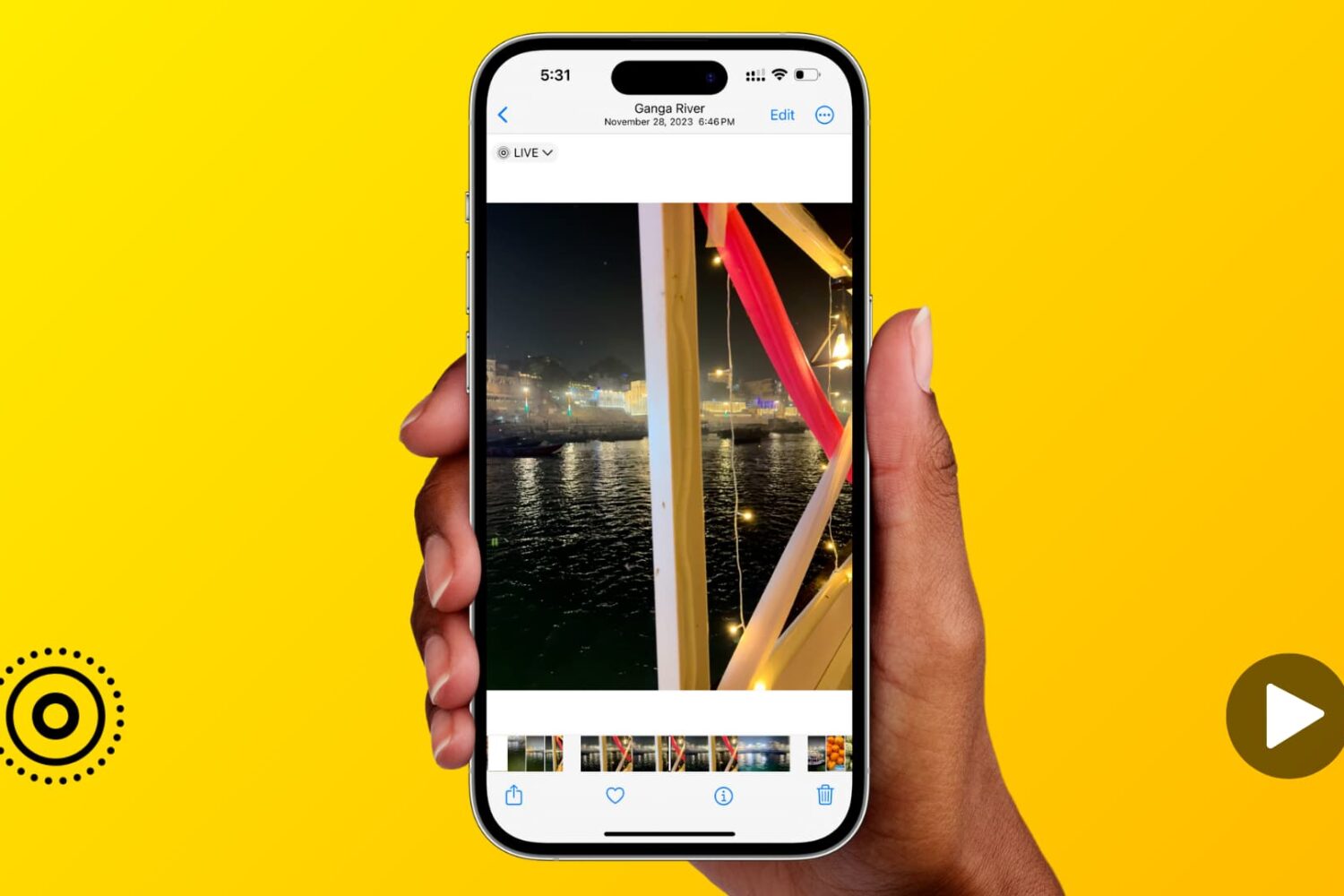
Learn how to expand the image scrubber into a handy video timeline when viewing a Live Photo in the Photos app on your iPhone or iPad.
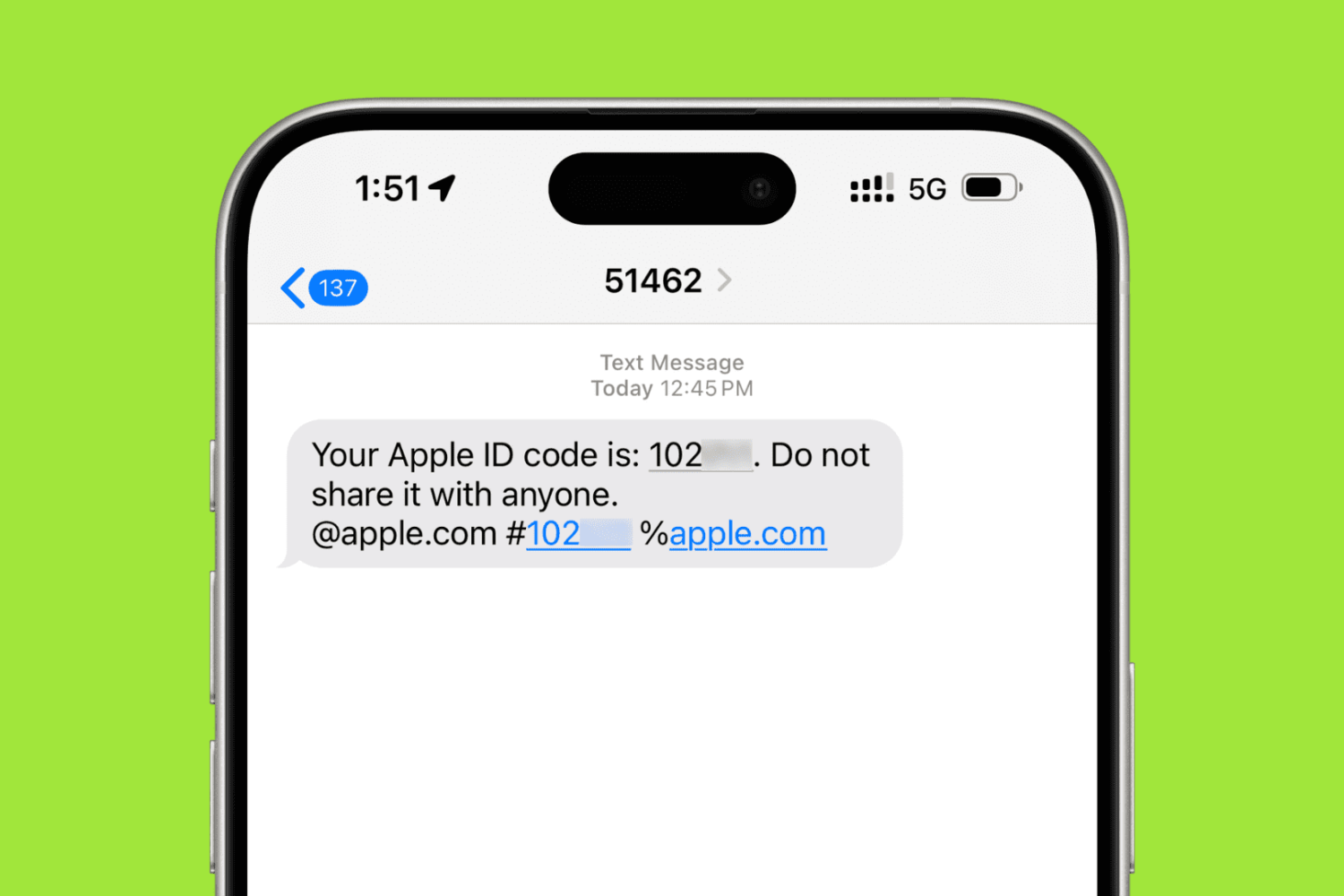
In this step-by-step tutorial, we’ll show you how to add a trusted phone number to your Apple Account for two-factor authentication (2FA) purposes. These steps will also help if you want to remove an existing phone number and stop it from receiving 2FA login codes.
In this step-by-step tutorial, we'll show you how to download an archive of your Instagram account, including the photos and videos you've uploaded to the service, any archived Stories, comments on your posts, instant messages, and other data.

Downloading watchOS software to your Apple Watch is a tremendously slow process. But did you know you can make your Apple Watch update faster?
In this tutorial, we show you how to dramatically speed up the utterly slow process of sending the watchOS installer files to your Apple Watch.
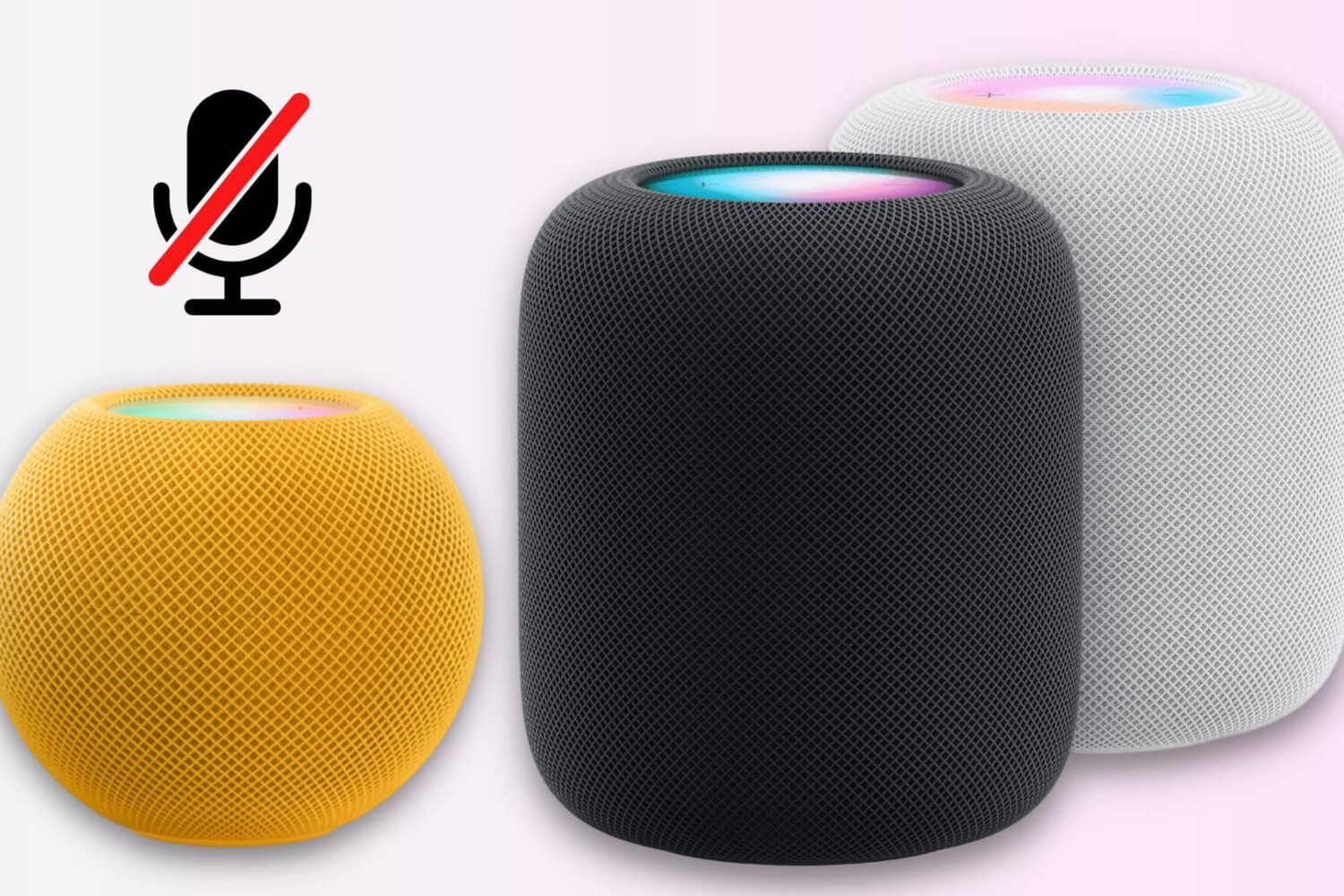
Unlike many other smart speakers, there is no physical switch to mute the HomePod’s microphone.
However, you can disable the always-on “Hey Siri” feature using the iPhone Home app or by asking the speaker. This turns off the microphone at the software level and stops it from always listening in on you.