Legacy Apple Watch apps built with outdated watchOS SDKs produce a warning when launched in watchOS 4.3.1. On watchOS 5 and later, legacy apps refuse to open at all.
How to identify legacy Apple Watch apps

Learn how to master your Apple devices with our comprehensive tutorials. From iPhone and iPad to Mac, Apple Watch, AirPods, and more, our expert guides will help you unlock the full potential of your Apple products. Discover new features, tips, and tricks each day to enhance your user experience.
Legacy Apple Watch apps built with outdated watchOS SDKs produce a warning when launched in watchOS 4.3.1. On watchOS 5 and later, legacy apps refuse to open at all.

In this step-by-step tutorial, we will show you how to use the episode chapters feature in the Apple Podcasts app on your iPhone, iPad, and Mac. You can use the chapters to understand what is talked about in the episode and jump to the desired moments.

Managing your inbox can be a daunting task these days. From those important emails, you must see to those that just get in the way, it can be tedious to organize it all to see what you want to see.
If you use the Mail app on your Mac, you can set up email rules that help you manage it all. Direct emails as they arrive, mark them, so they’re easier to spot, and clean up your inbox easily; here’s how.

No one likes multi-megabyte attachments. That's why iOS 12 and later lets you quickly share iPhone pictures and videos from your Photos app by generating Dropbox-style links that anyone, including non-Apple users, can open to view and download the items. In this tutorial, we show you how to make it happen.

The Siri watch face is one of the most popular on Apple Watch. Here's how to add and remove sources on this watch face.

If you own an Apple Watch Series 3 or newer, Siri can talk to you via the built-in speaker. And with the watchOS 5 software or later, you can invoke a Siri listening session on your watch without saying “Hey Siri”. Just raise your wrist and start talking, that's it!

Your Mac has a nifty feature called Stickies which are basically digital sticky notes. And, for those who have used or still use physical sticky notes, you know how handy they can be. You can jot down a reminder, an idea, or a to-do so that you don’t forget it.
Having these Stickies on your Mac lets you accomplish the same thing. So, for emails in the Mail app that you need to follow up on, want to read later, or just want to keep close at hand, turn them into sticky notes.

This tutorial will show you how to type or enter the Apple logo on your Mac, iPhone, iPad, Apple TV, Windows PC, and any web browser.
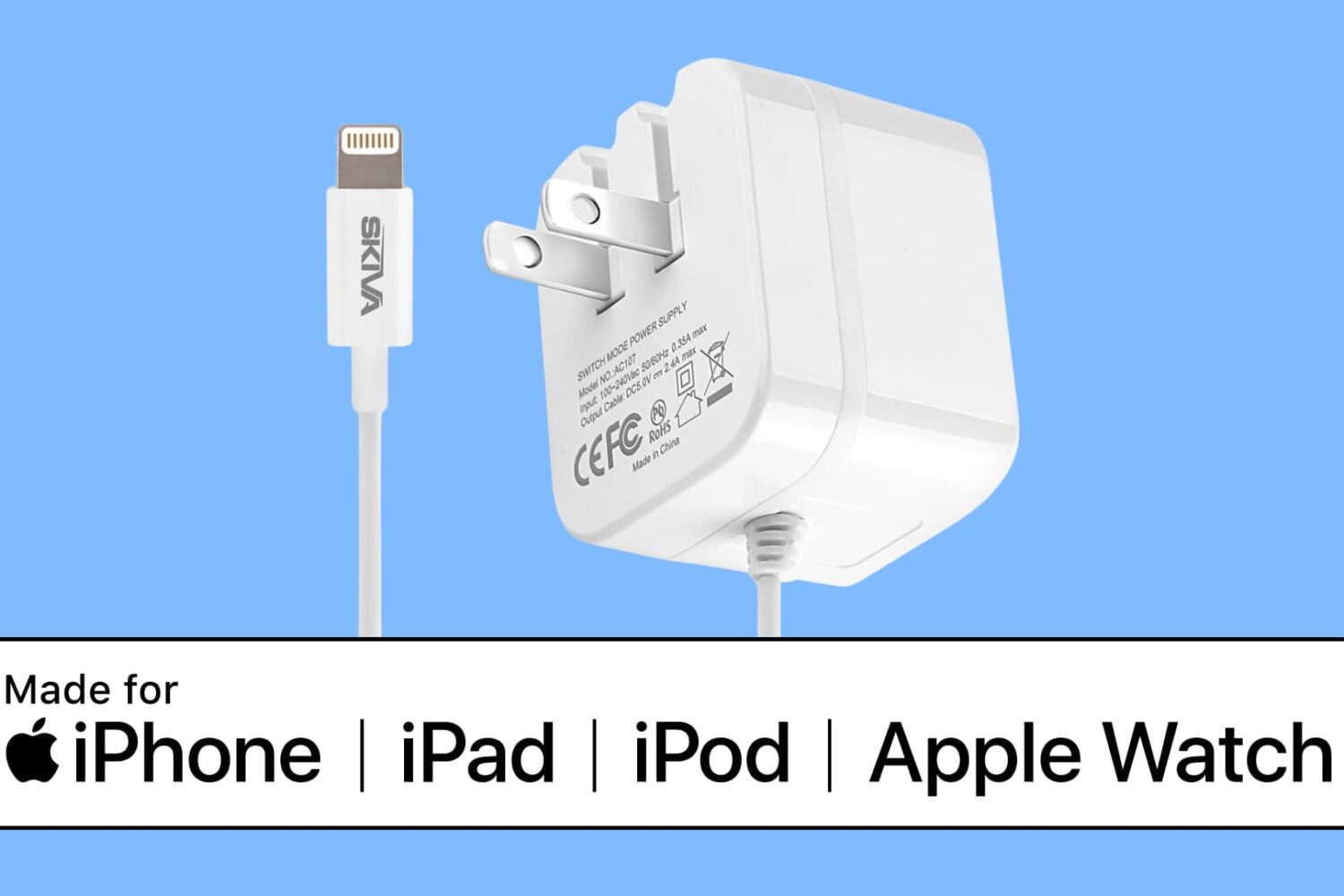
In this tutorial, we’ll show you how to search Apple’s database to check if a third-party cable, charger, or other accessory is MFi certified or not.

Learn how to use Apple’s free Pages app to turn your iPhone or iPad into a handy teleprompter for your speeches, lectures, video recordings, and more.
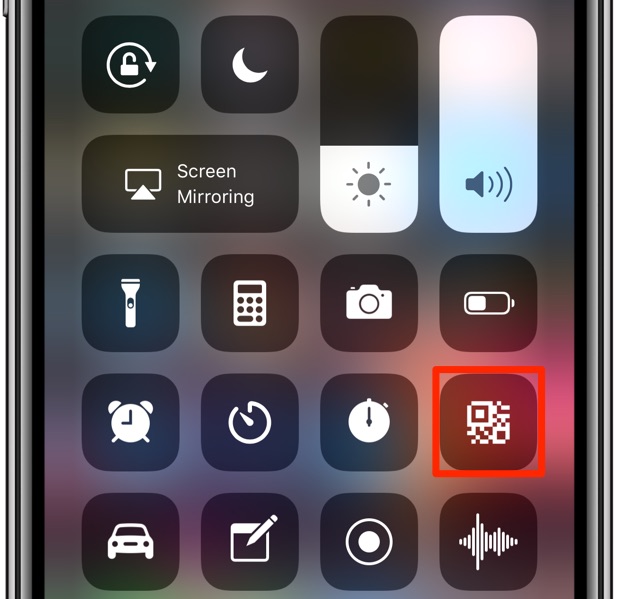
Learn how to scan QR codes with your iPhone using the built-in Camera app, the dedicated Control Center widget, the Action button or Camera Control.