In this tutorial, we’ll show you how to use the Continuity Camera feature to add photos and scans to a note or document on your Mac using the camera of your iPhone or iPad.
How to add photos and scanned docs to Mac using iPhone or iPad

Learn how to master your Apple devices with our comprehensive tutorials. From iPhone and iPad to Mac, Apple Watch, AirPods, and more, our expert guides will help you unlock the full potential of your Apple products. Discover new features, tips, and tricks each day to enhance your user experience.
In this tutorial, we’ll show you how to use the Continuity Camera feature to add photos and scans to a note or document on your Mac using the camera of your iPhone or iPad.
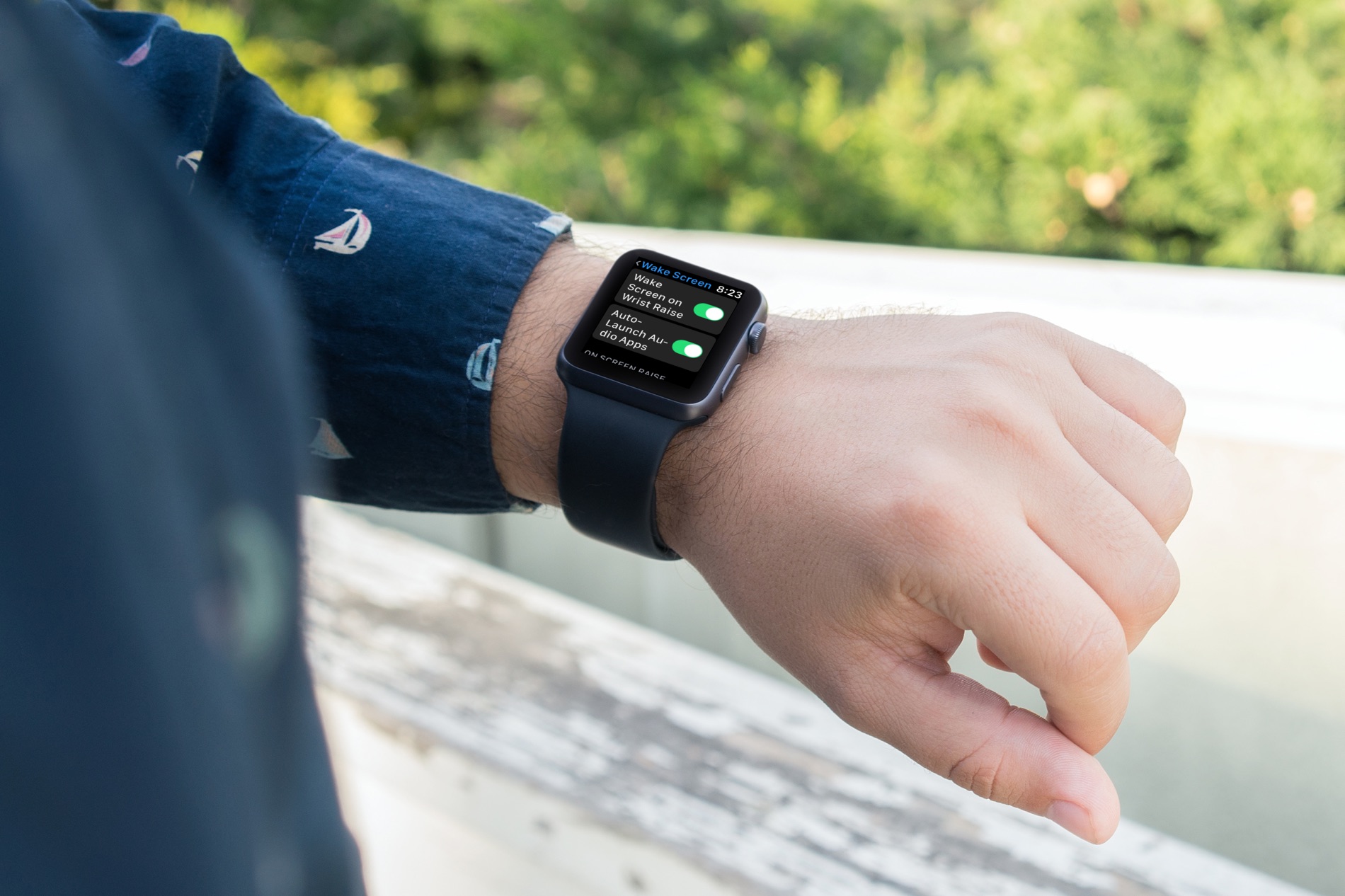
Check out how to customize your Apple Watch wake screen settings for turning on the display and viewing your last opened app.
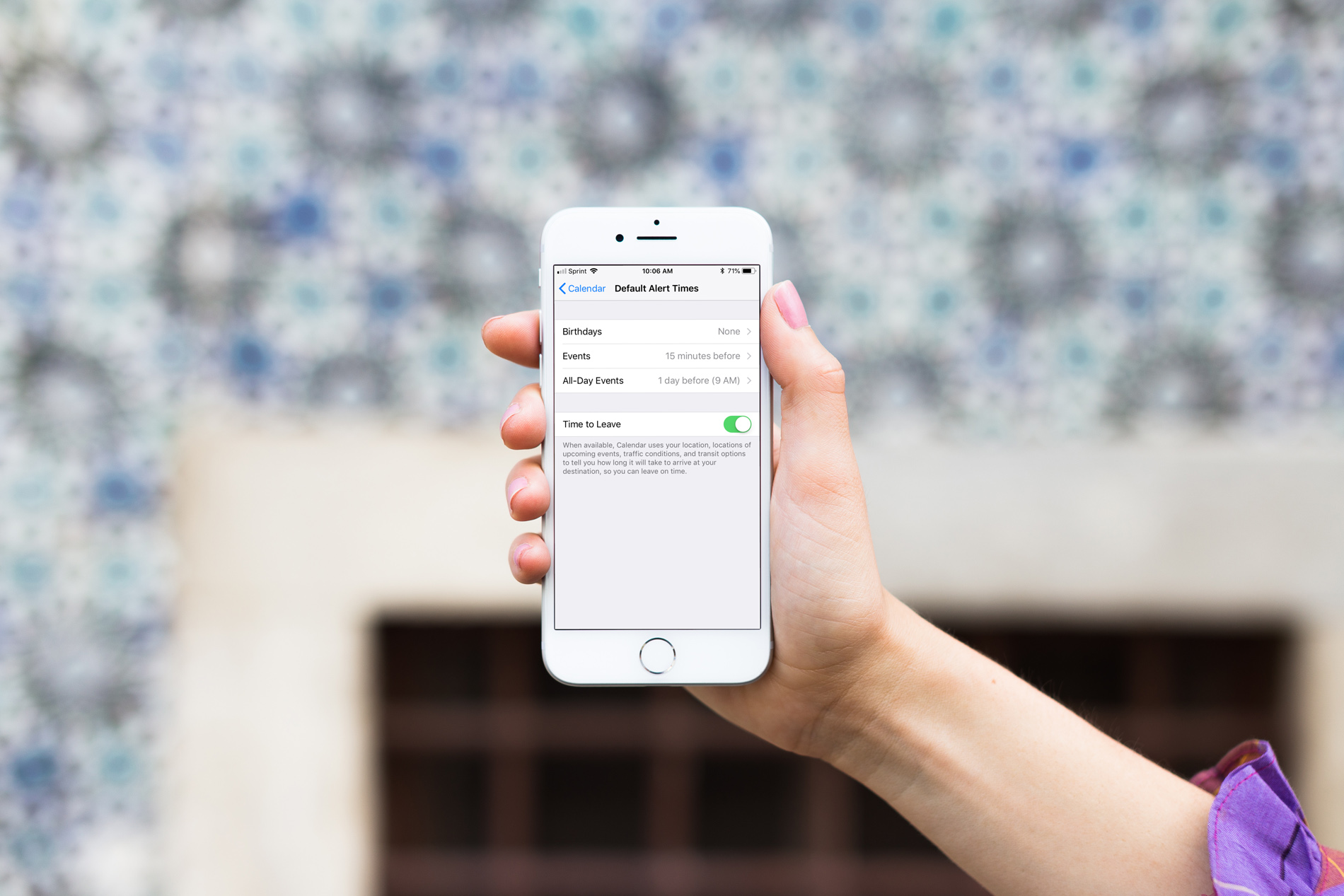
When you create events in the iOS Calendar app, you can easily set an alert to remind you of that event. But you’ll also notice that a time for the alert pops into your event alert automatically. This is the default time in your Calendar app, and you can change it to suit your preference.
Once you set the default alert time you want, you won’t have to change it when creating the event unless you really need to, and here’s how.
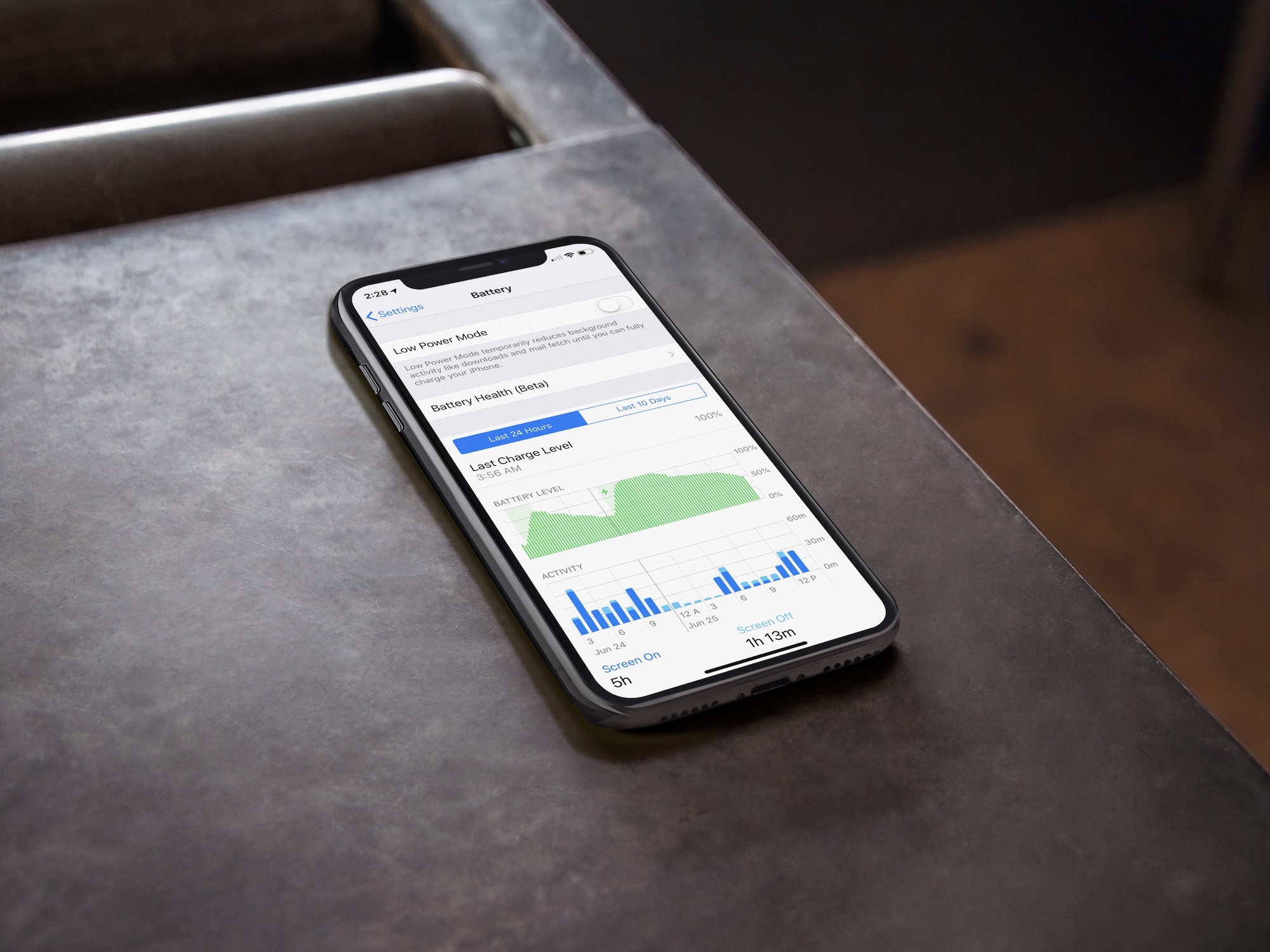
In this brief tutorial, you'll learn to access the built-in battery usage statistics to see how you have used your iPhone battery in the last 24 hours or the last 10 days.

Learn how to add, remove, and rearrange Control Center toggles on your Apple Watch so you can add more options or remove the ones you don’t use.
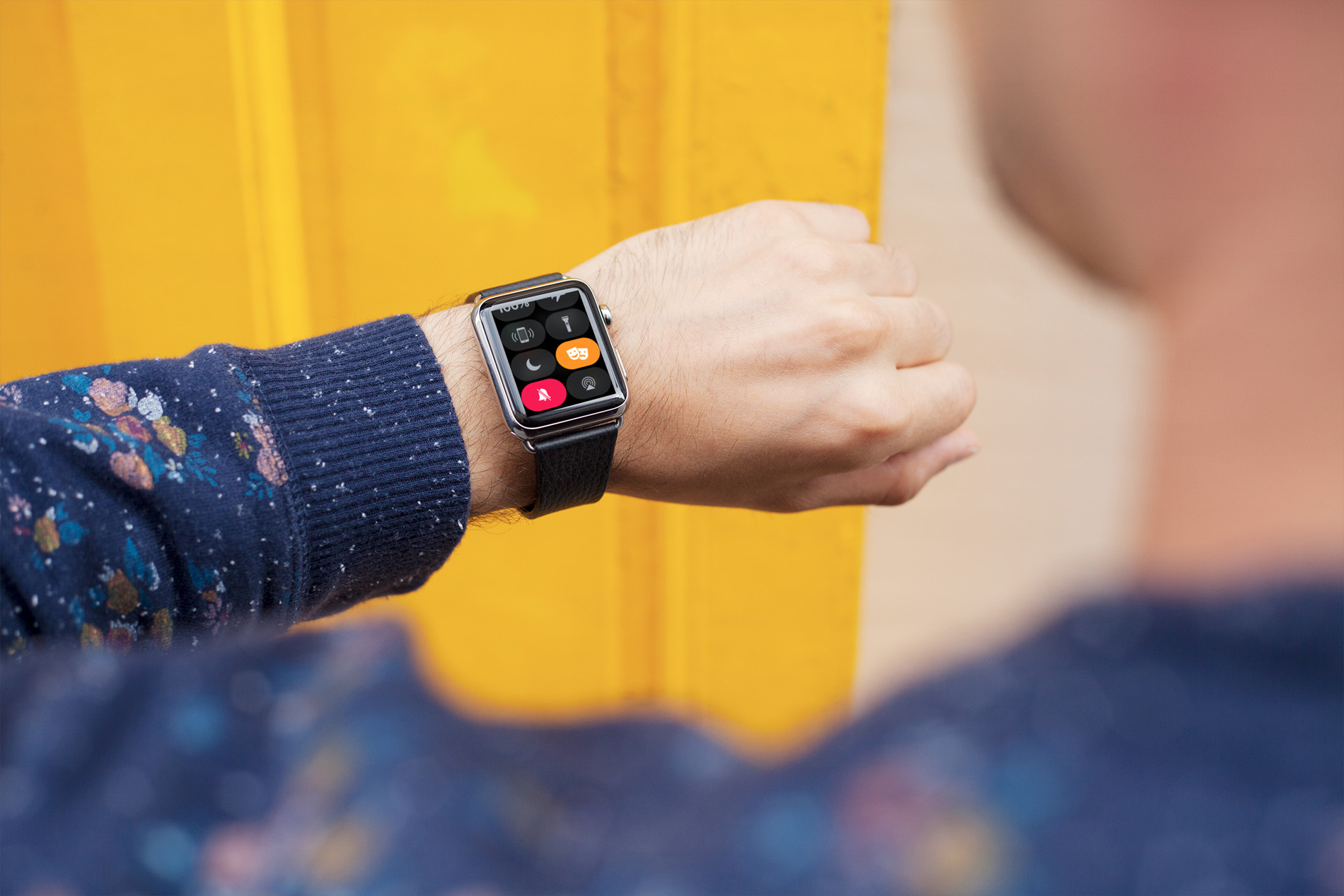
Learn about Theater Mode on your Apple Watch, including how to turn it on and off and who should use it and under what circumstances.
In this guide we'll go through how to create an install drive from the macOS Mojave 10.14 application, either general release or beta. This will allow you to perform clean installs, install to multiple machines without re-downloading, boot the system externally for troubleshooting, and more.
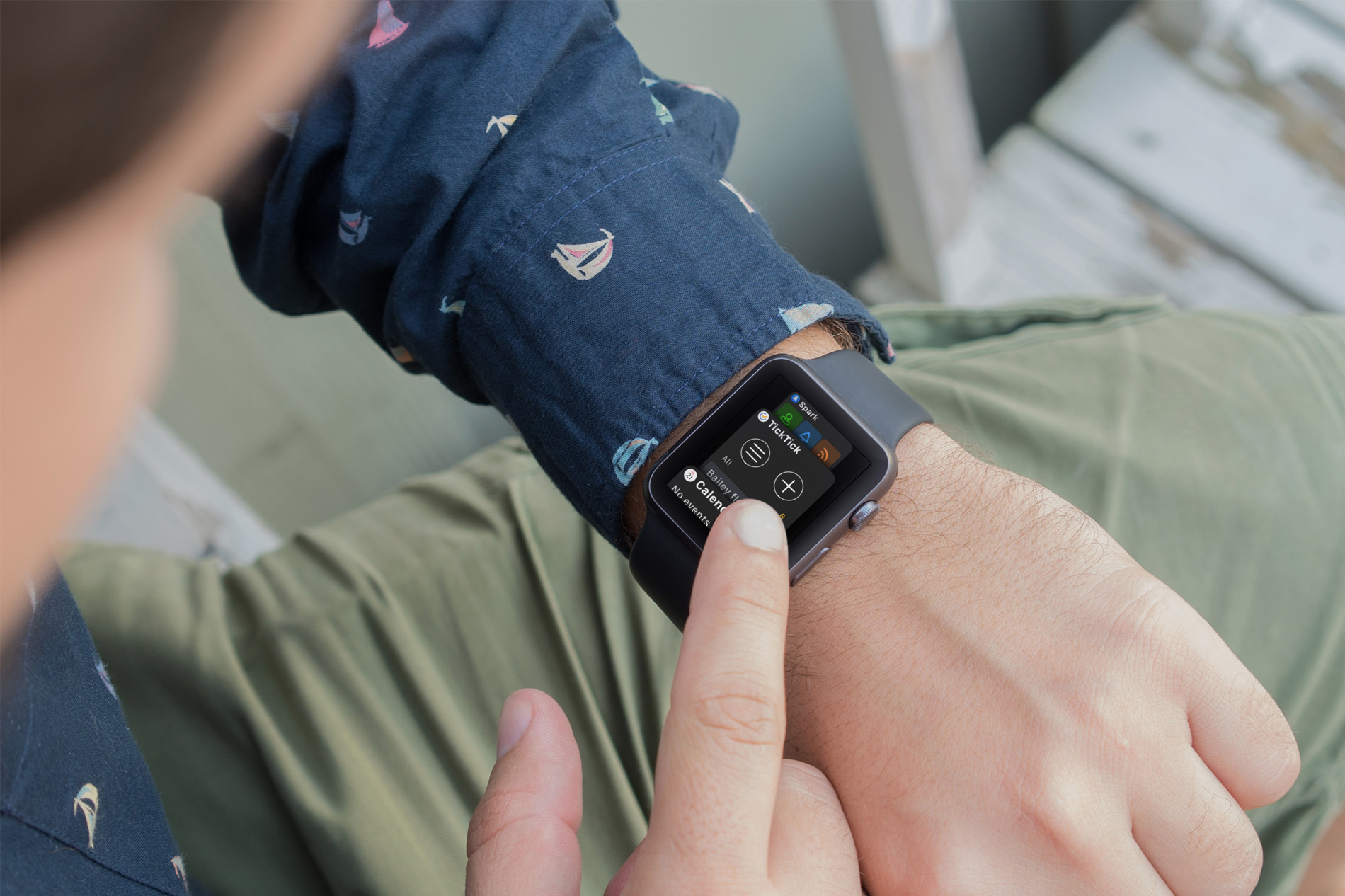
Your Apple Watch is more than just a time piece. It’s a wonderful tool for receiving texts, checking emails, getting event alerts, and so much more when you’re on the go. And, along with all of those cool apps that let us do things with our Watch, comes a built-in feature that makes it even better; the Dock.
The Apple Watch Dock is a spot to quickly get to those apps you need and use the most. But, have you really spent time deciding which apps should go there and how they should be arranged? Here are some suggestions for making the most out of the Dock.
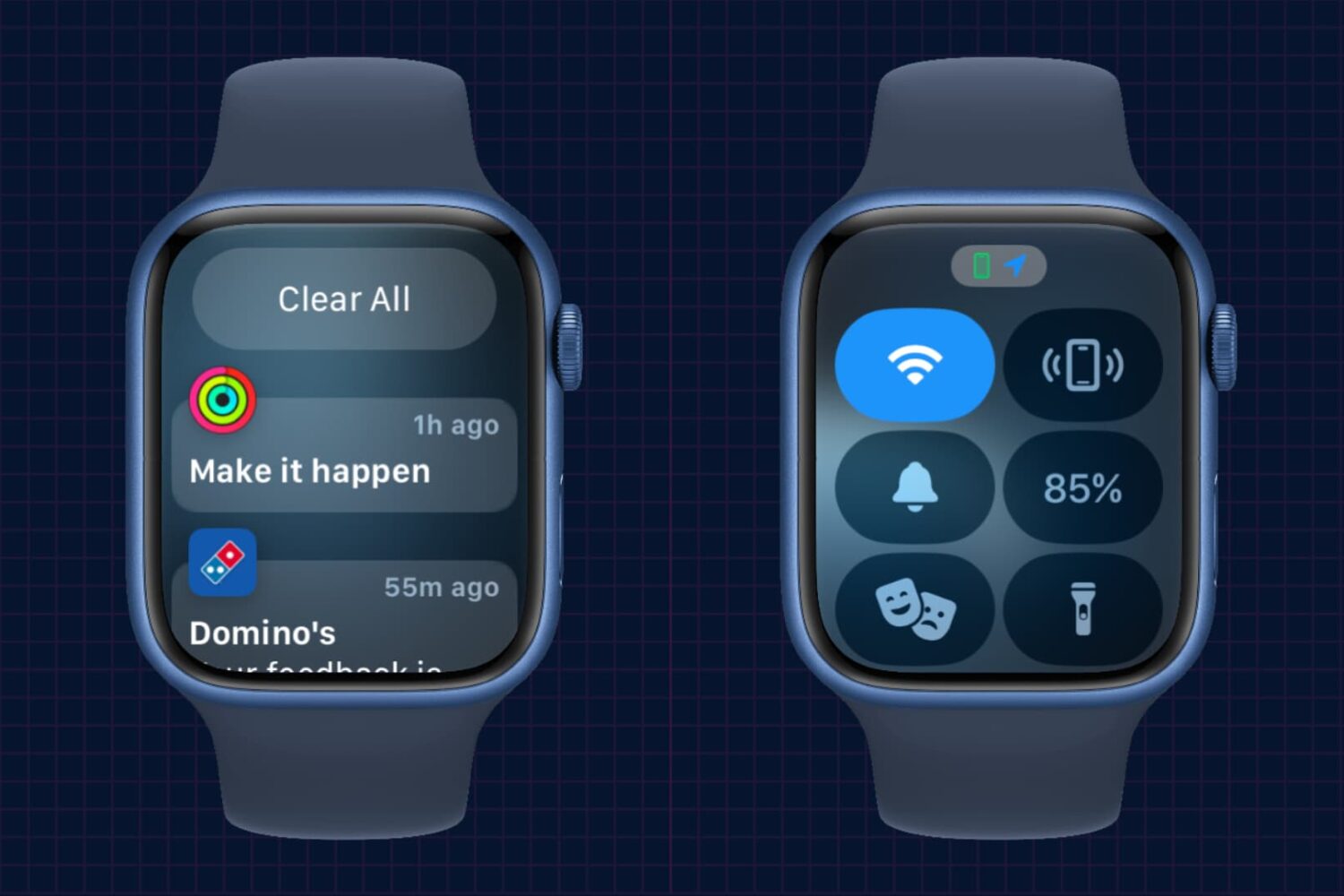
In this brief tutorial, we’ll show you how to access the notifications pane and Control Center on your Apple Watch when you’re not on the watch face but inside other apps.
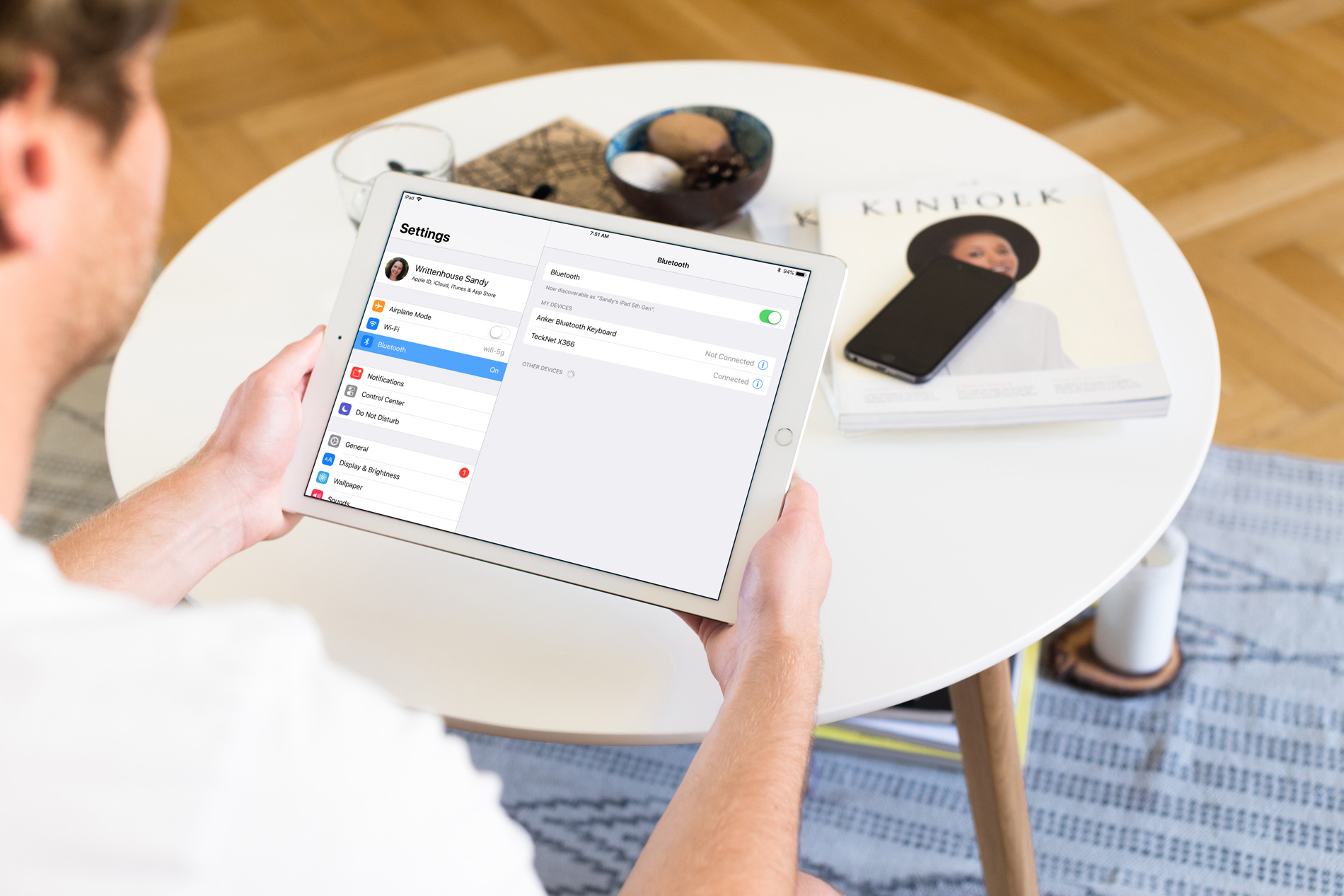
So, you bought a new wireless keyboard and want to use it with your iOS device. For those who do a lot of typing on their iPhone or iPad, an external keyboard can be more efficient than the onscreen keyboard.
In this step-by-step tutorial, we’ll show you how to pair an external Bluetooth keyboard with your iPhone or iPad so you can comfortably type long notes, emails, and documents.

In macOS Mojave, Apple brought four iOS apps to Mac for the first time, including News, Home, Voice Memos, and Stocks. The last of these allows you to check the financial markets and also learn more about your favorite companies. Here's a look at how you use the new Stocks up in macOS Mojave.

Learn how to manually connect your Apple Watch to an open or password-protected Wi-Fi network when your iPhone isn’t around.