In this tutorial, we will show you how to stop Instagram from letting other people know when you're online, or when you were last active on the platform.
How to stop others from seeing when you’re online or last active on Instagram

Learn how to master your Apple devices with our comprehensive tutorials. From iPhone and iPad to Mac, Apple Watch, AirPods, and more, our expert guides will help you unlock the full potential of your Apple products. Discover new features, tips, and tricks each day to enhance your user experience.
In this tutorial, we will show you how to stop Instagram from letting other people know when you're online, or when you were last active on the platform.

If you’ve gone beyond your iPhone’s default Calendar app and purchased Fantastical 2, then you already know the host of features that this app provides. But, have you taken the time to sit down and really customize it?
Getting your calendar exactly as you want it is worth the time. So, here’s your Fantastical 2 tutorial for customizing the app on your iPhone.
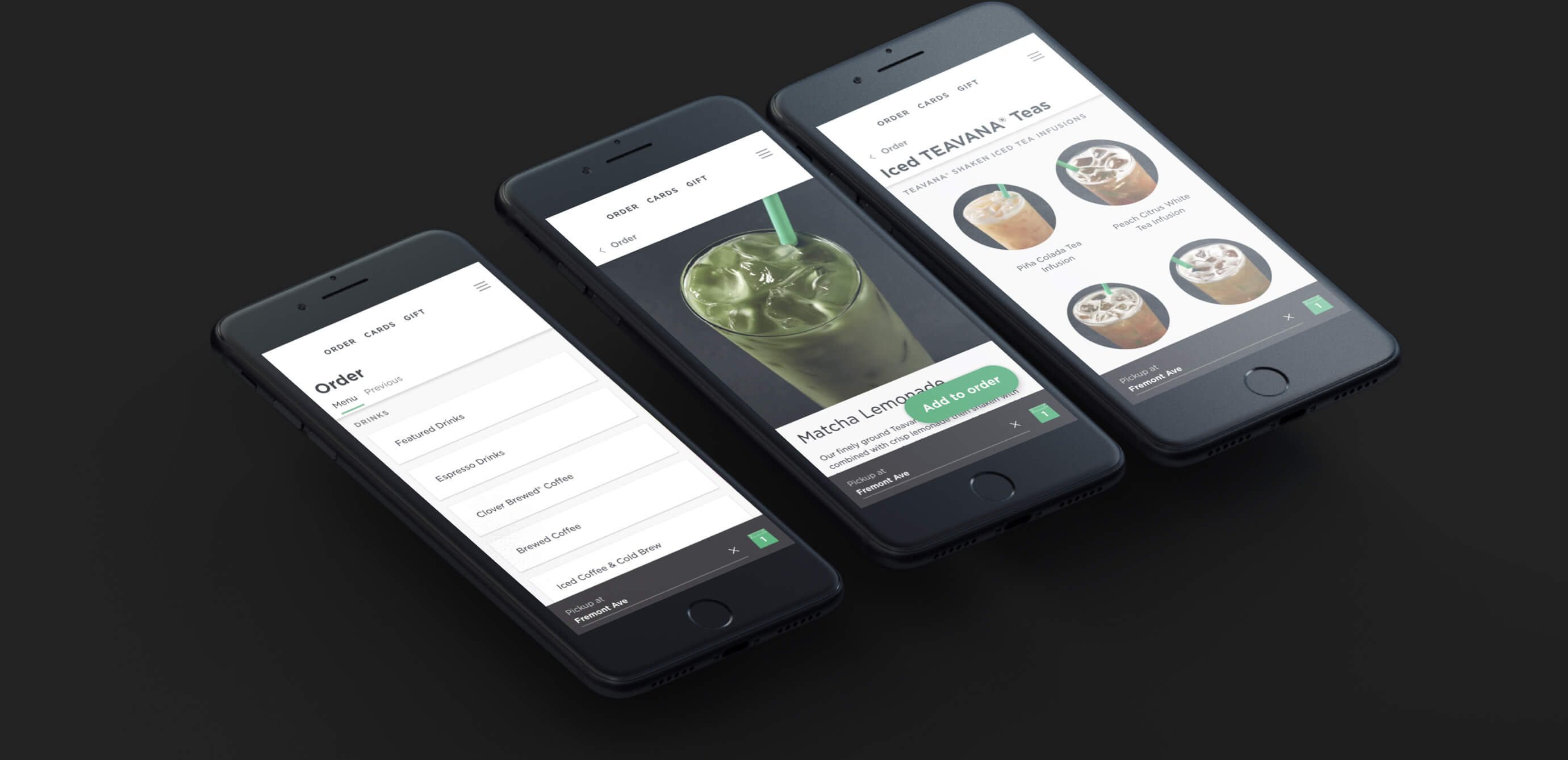
Thanks to modern web technologies like HTML5, Progressive Web Apps (PWA) run in a browser, don't require separate distribution, combine features of native apps with the benefits of a mobile experience and let you keep them on the Home Screen without the hassle of an app store.
In this tutorial, we'll help you install Progressive Web App to your iPhone or iPad Home Screen.

Learn how to take advantage of Apple’s True Tone technology that makes images on your Mac’s Retina display (and even the Touch Bar on supported models) appear more natural.
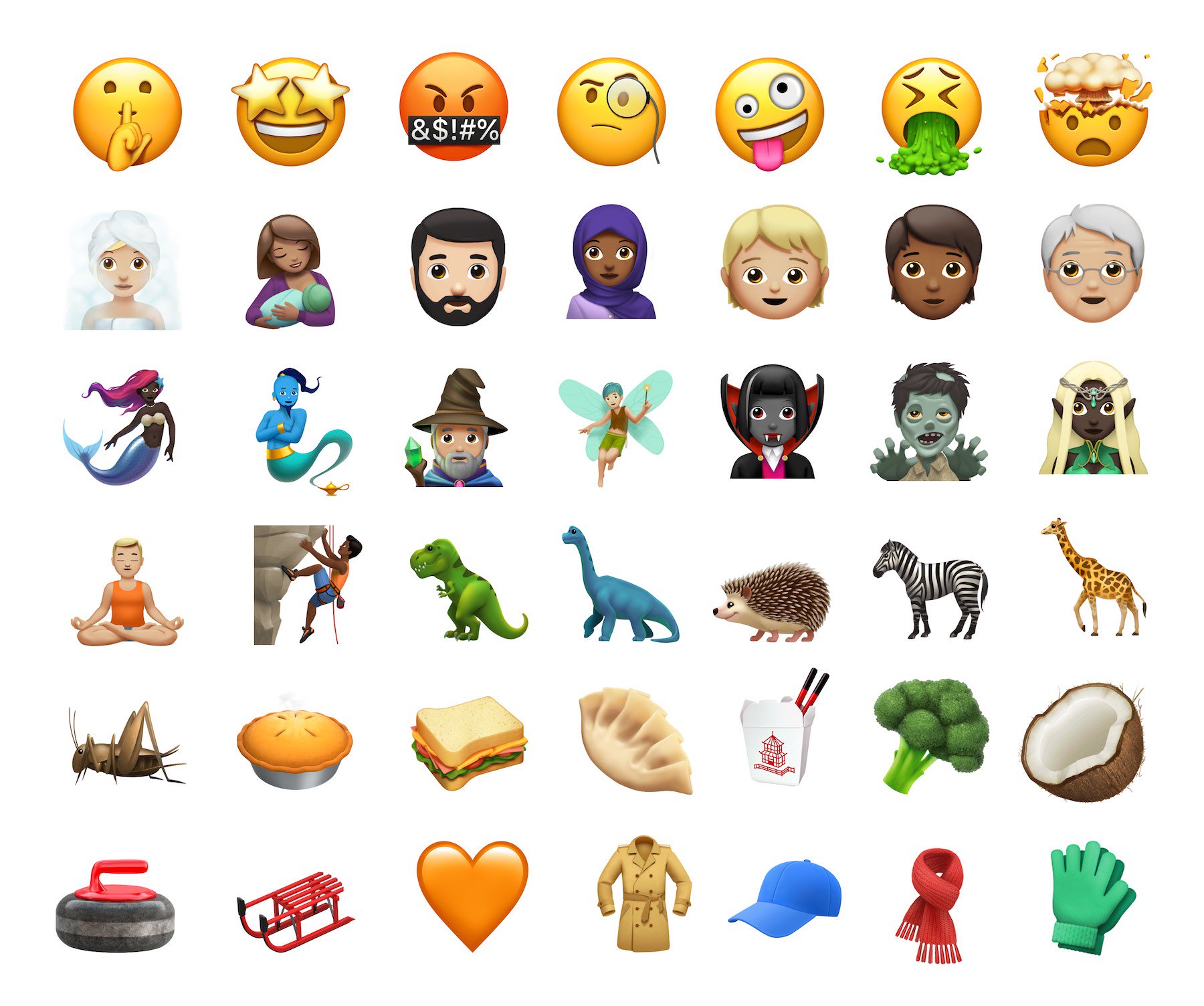
If you're still struggling with using these adorable digital creatures called emoji to communicate with others on your iPhone or iPad, you've come to the right place. In this article, you'll learn how you can use shortcuts to get to your favorite emoji faster than ever using iOS.
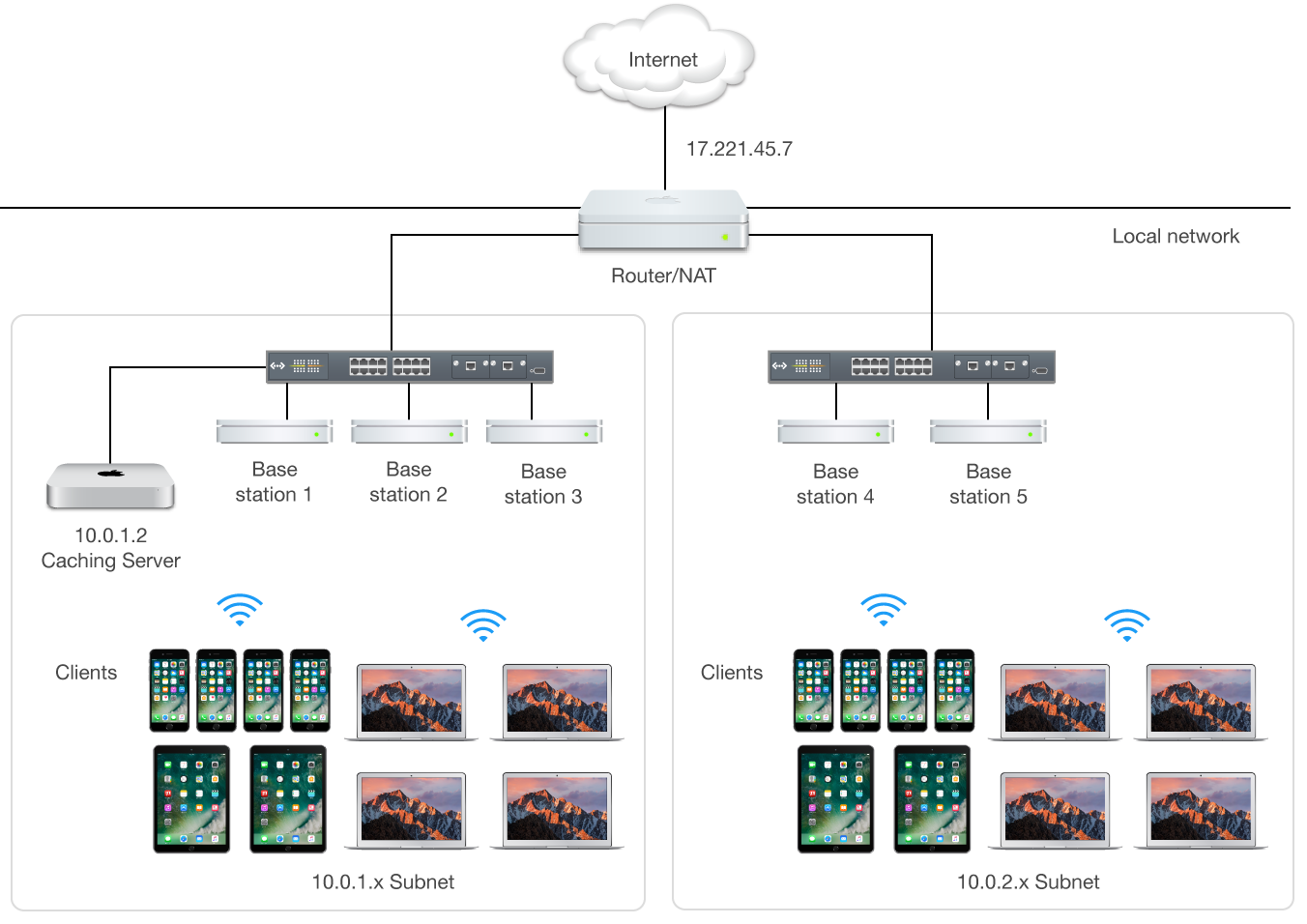
Mac content caching cuts down your Internet data usage and accelerates downloads on iPhone, iPad, Mac, Apple Watch and Apple TV dramatically. Here's how to set up and use this feature to avoid repeated downloads and reduce bandwidth usage.

Thanks to nitoTV and the Electra Team, we now have a stable jailbreak for tvOS 11.2-11.3. If you heeded our advice in the run up to this release and stayed on the right firmware, you're probably itching to try it out. We'll show you how.
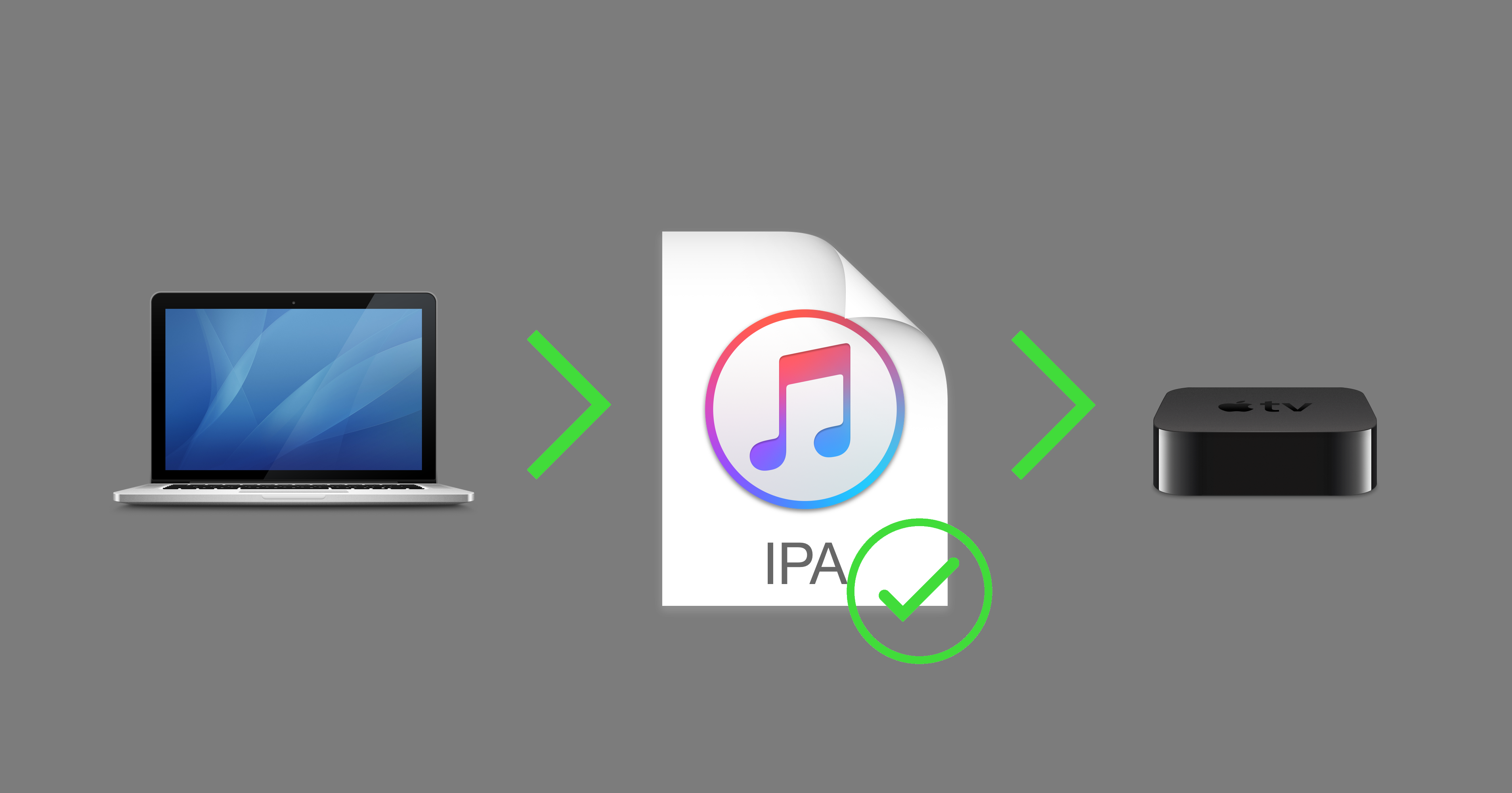
With no USB-C port to connect it to a computer, the Apple TV 4K falls firmly into the category of "irksome products which Apple doesn't want you to mess with". However, although it is easier to get your own apps onto its older brother the Apple TV 4, it's still possible to sign and sideload apps on the 4K.
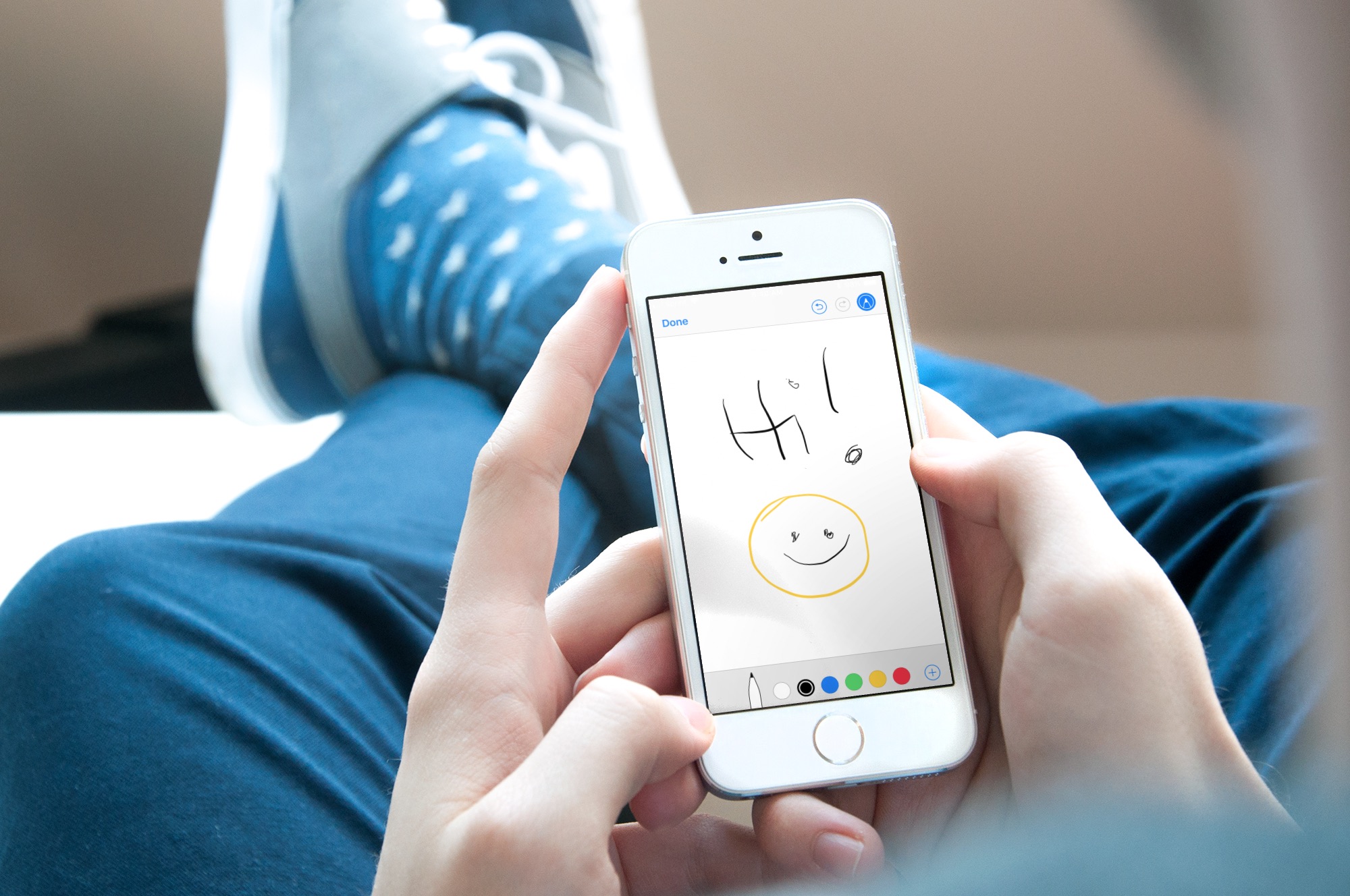
Sometimes, a picture is worth a thousand words, and adding a drawing or sketch to an email can help convey your message more effectively. While the Mail app on iPhone and iPad may seem like a basic email client, it actually comes with some powerful tools that allow you to create and add sketches to your emails.
In this article, we'll explore how to use these tools and add your own drawings and sketches to your emails, giving your messages a personal touch.
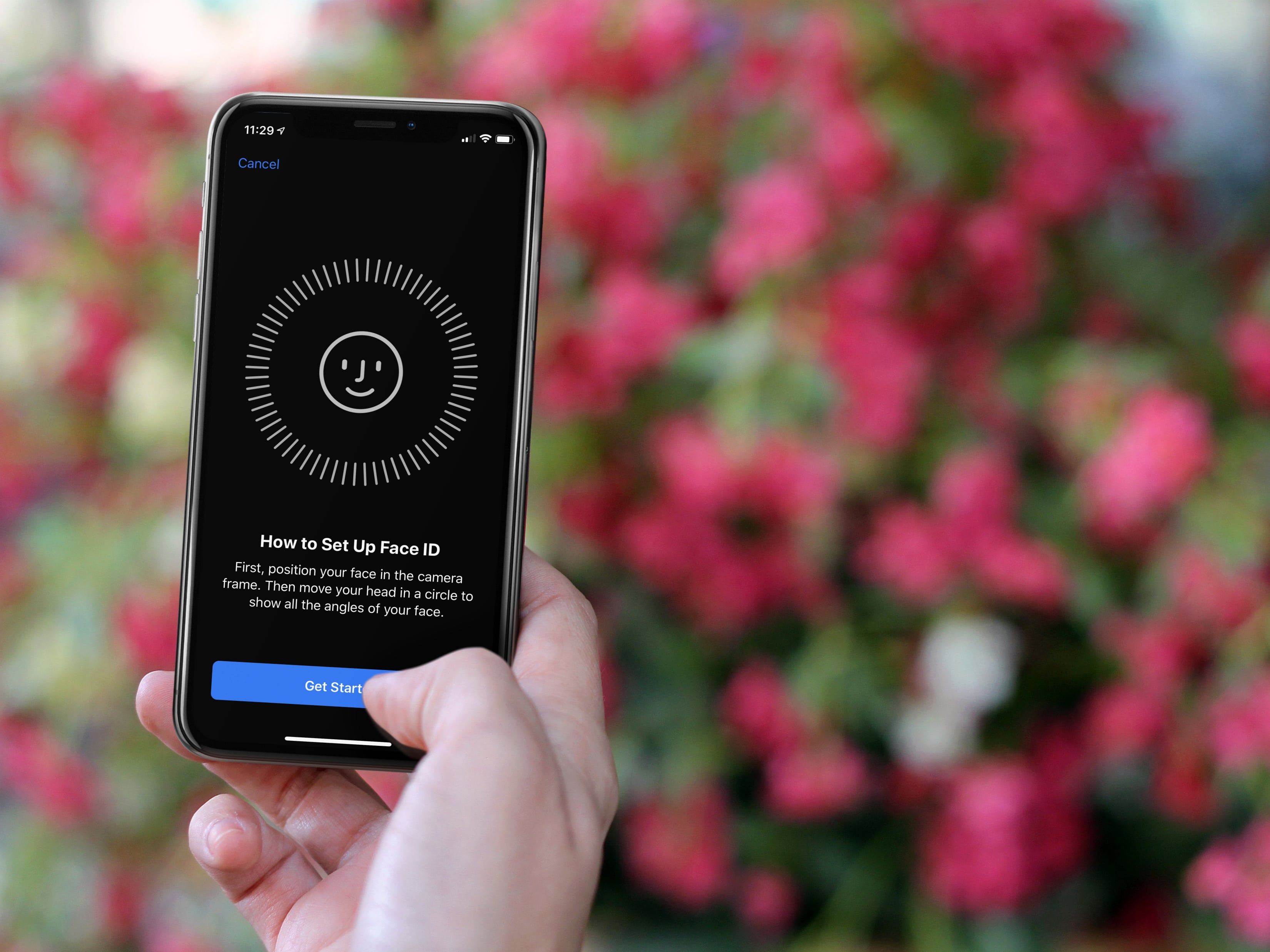
In this tutorial, we’ll show you how to add another person’s face to Face ID on your iPhone or iPad so they can also unlock your device and authenticate for apps and purchases using their face.

Discover a quick tip that lets you use the Mac Mail app in split view and work with multiple emails at once for increased productivity.

If you use the Contacts app, you’ve likely noticed by now that the cards for your contacts contain certain information by default. Each one has mobile phone, birthday, and a few email fields. But what if you want something different?
You can customize the card template for your Contacts app on Mac to add fields, remove fields, and have just the details you want.