Check out news stories, add or remove symbols, and zip around the Stocks app on your Mac with this list of helpful keyboard shortcuts.
Keyboard shortcuts for the Stocks app on Mac

Learn how to master your Apple devices with our comprehensive tutorials. From iPhone and iPad to Mac, Apple Watch, AirPods, and more, our expert guides will help you unlock the full potential of your Apple products. Discover new features, tips, and tricks each day to enhance your user experience.
Check out news stories, add or remove symbols, and zip around the Stocks app on your Mac with this list of helpful keyboard shortcuts.
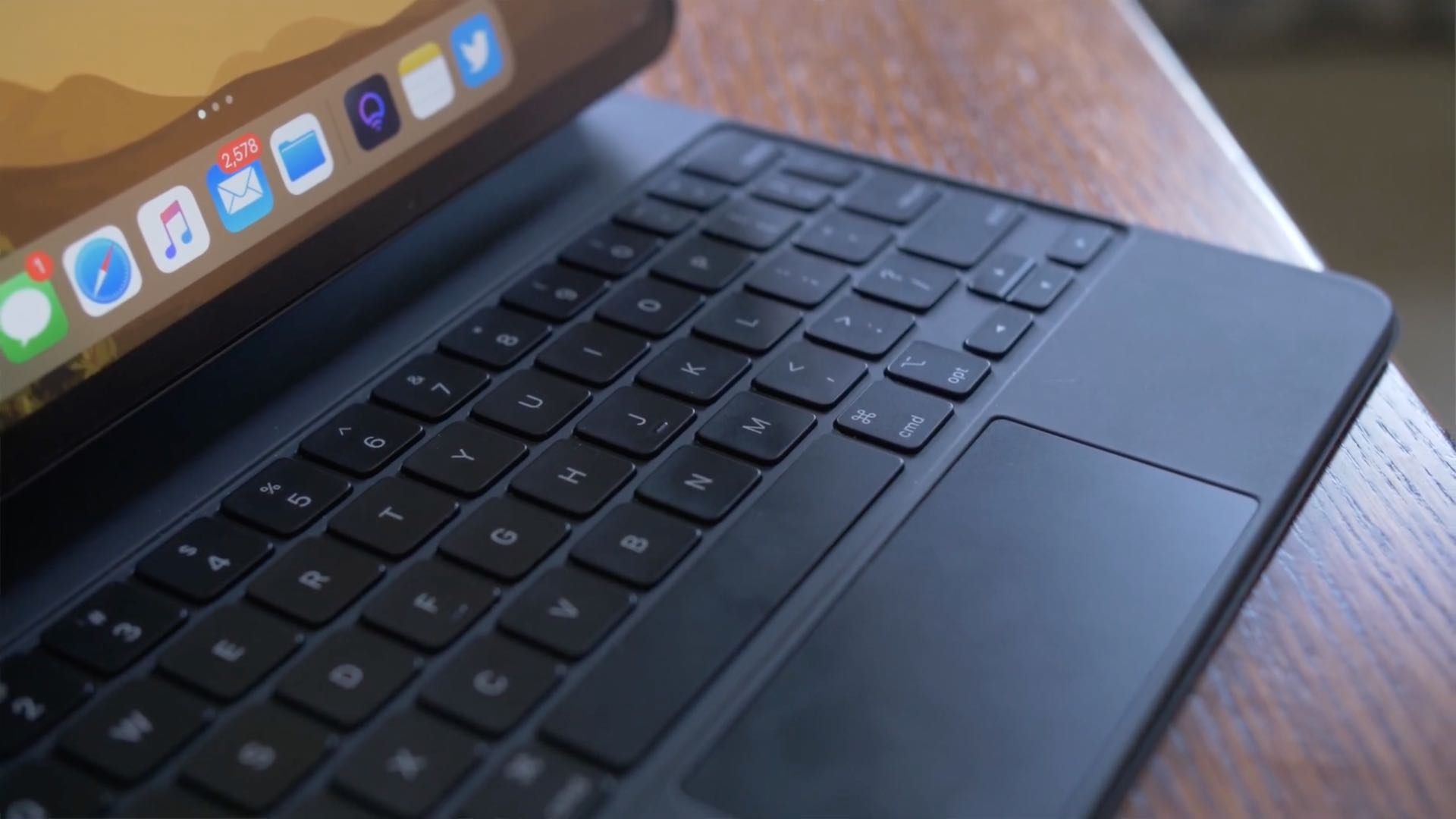
iPadOS brings an adaptive iPad cursor that uses subtle animations when hovering over various parts of the system to help you navigate. As an example, toolbar buttons in apps change color, and app icons on the Home Screen grow bigger. The animated cursor gives you a sense of context, but power users may want to disable these iPad pointer animations in order to enjoy a smoother tracking experience that resembles their computer.
Follow this step-by-step tutorial to learn how you can disable iPad pointer animations with just a few taps.

You probably already use a password manager for your device or stick with iCloud Keychain. But if you have a lot a of saved logins and passwords in Firefox on your computer, the Firefox Lockwise app gives you those credentials to use on your iPhone or iPad.
The app is secured with your password, Touch ID, or Face ID and gives you adjustable settings to keep your details safe. Here, we’ll show you how to sign up, verify, and use Firefox Lockwise.

In this tutorial, we’ll explain what burst mode is on iPhone, how to use it to capture the perfect shot, and then keep the best pictures while getting rid of the rest.
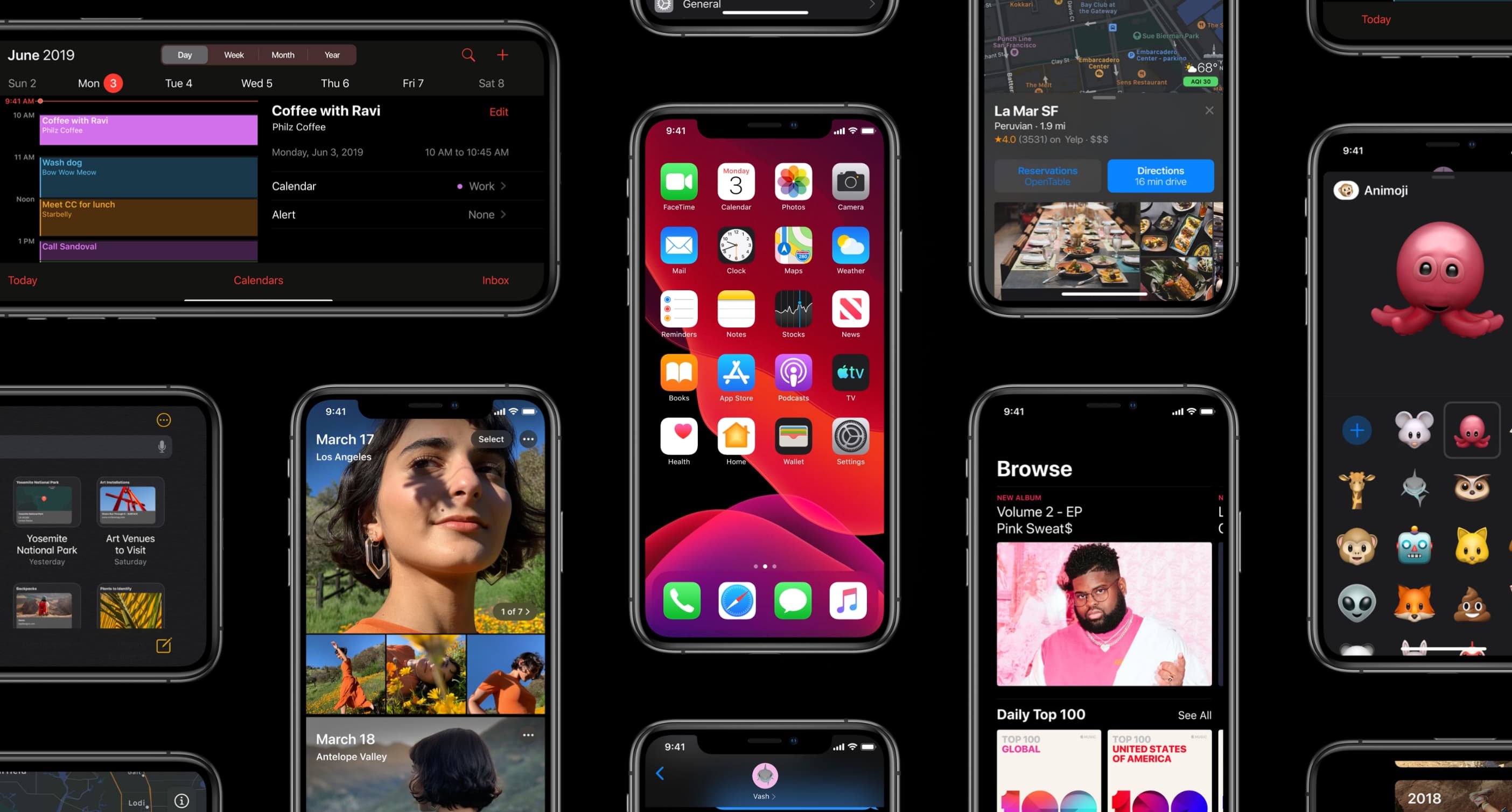
Apple on May 20, 2020 released iOS 13.5 for the iPhone and iPod touch devices and the iPadOS 13.5 update for compatible iPads. With those updates come several new features worth mentioning, including a new COVID-19 exposure notification system, Face ID improvements for mask wearers, disabling moving faces in FaceTime, Apple Music sharing to Instagram and Facebook Stories and more. Follow along with our quick tutorial explaining how to use everything new in iOS and iPadOS 13.5.

Learn about some quick ways to customize the macOS login screen to make your Mac more personalized, functional, and welcoming when you power it on or wake it up from sleep.

You might use QuickTime Player on your Mac to watch movies, edit videos, or record your screen. And for the various tasks you can perform in this handy tool comes a bunch of keyboard shortcuts.
For managing the app window, movie viewing and playback, and editing videos, here are the keyboard shortcuts for QuickTime Player on Mac you can use.

Learn how to have your iPhone and Apple Watch automatically share your Medical ID with emergency services, giving them useful information about you to ensure better and speedier help.

Use these handy keyboard shortcuts next time you use Find My on your Mac, so you can move around, take action, or zoom in even faster.

Learn how to use the Siri voice assistant on your Mac to search the web, find pictures, and more -- without leaving the app you are in.
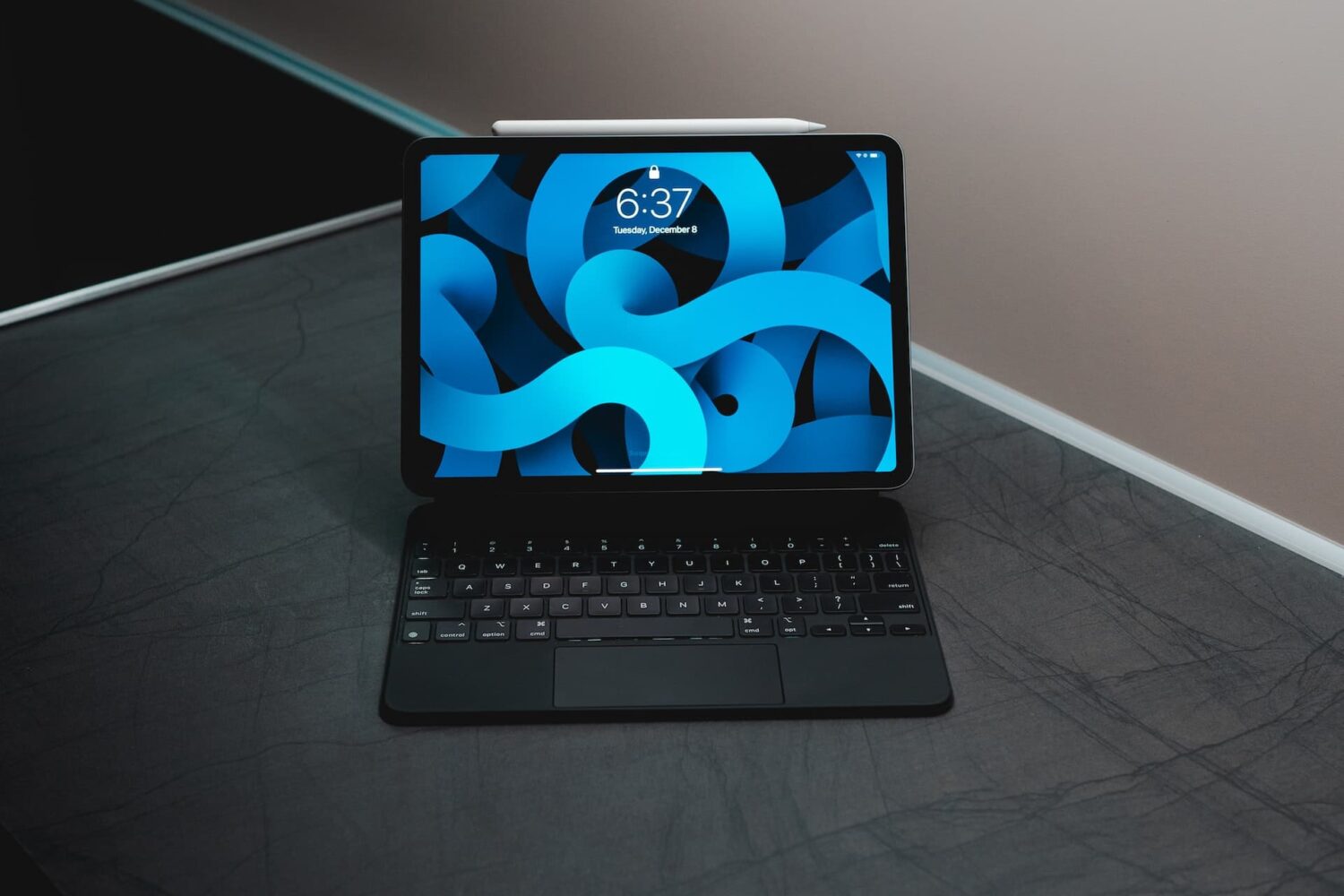
iPad scrolling speed can be adjusted to your liking when using a trackpad or mouse with your tablet. By adjusting the iPad trackpad scroll speed value to your liking, you can make Safari webpages, Office documents, your Photos library, and other scrollable content move faster or slower than the default value. Follow along with us to learn how to adjust the iPad scrolling speed for the connected trackpad and/or mouse to your liking with just a few taps.

Want to delete Instagram comments in bulk? In this quick tutorial, we'll show you how to select up to 25 comments and delete them all instantly at once inside the Instagram app on your iPhone or iPad.