Tutorial

Learn how to master your Apple devices with our comprehensive tutorials. From iPhone and iPad to Mac, Apple Watch, AirPods, and more, our expert guides will help you unlock the full potential of your Apple products. Discover new features, tips, and tricks each day to enhance your user experience.

How to see which watchOS apps you have downloaded feature Apple Watch complications

Apple Watch complications are special features that can be assigned to their predetermined slots on some watch faces. These small elements typically display essential information right on the watch face, such as stock prices, the weather, your heart rate, activity tracking and so forth. Apple Watch complications get their information from watchOS apps you've installed. Finding available complications is easier said than done so be sure to following along with iDB as we show you how to see which apps have Apple Watch complications.

How to use the Apple COVID-19 iPhone app and website

Later in March 2020, Apple launched an app and website dedicated to the coronavirus and COVID-19. Both are free and provide up-to-date information, screening tools, best practices, answers to questions, and more.

To look at how the app and/or website can help you and your family during this time, here are details about using the Apple COVID-19 app and website.

Here are all the iPad gestures available with Apple’s Magic Trackpad and Mouse accessories

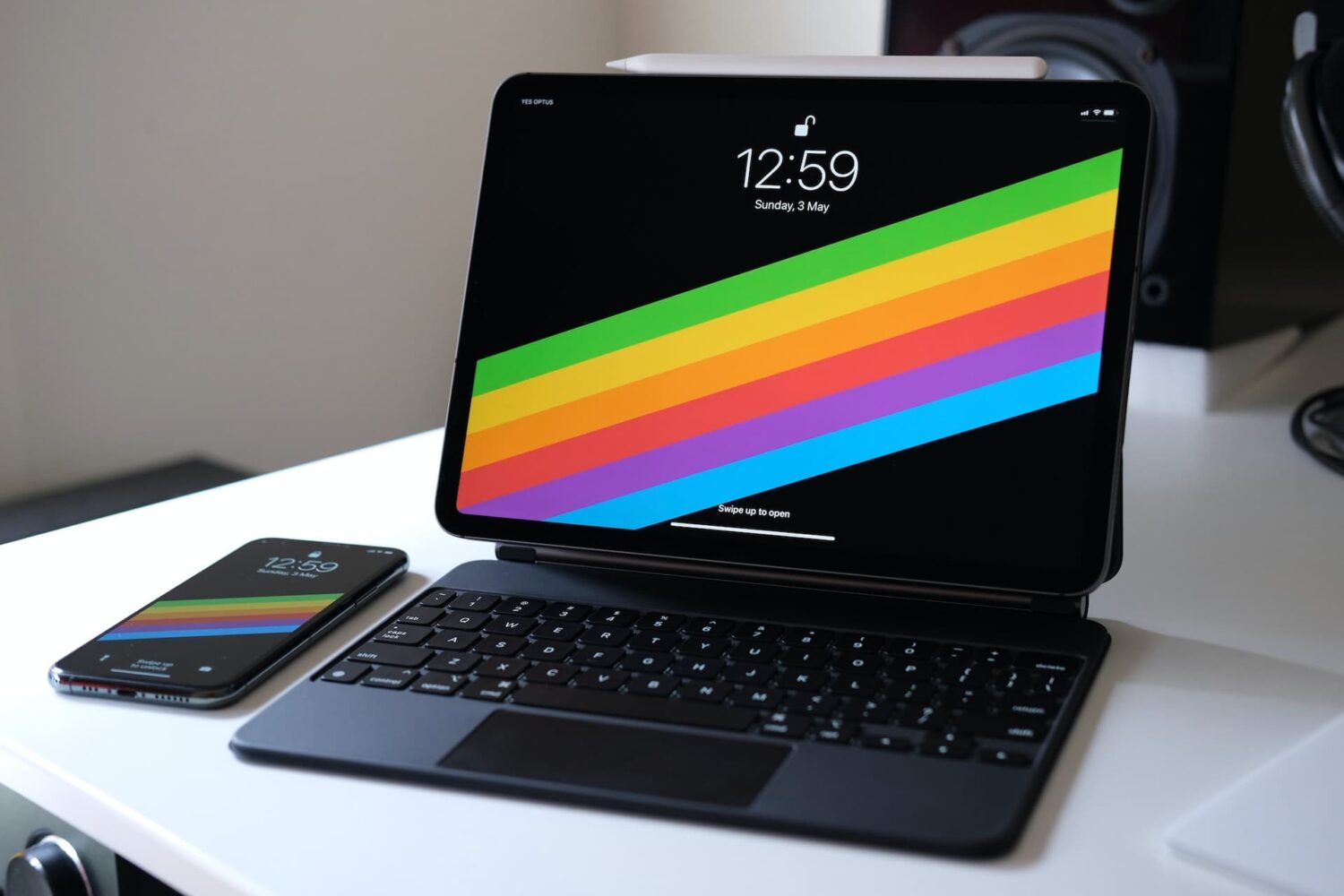
iPad trackpad support in iPadOS 13.4 opens up whole new ways to use your Apple tablet. iPad trackpad and mouse gestures are supported by Apple's Magic Keyboard for the iPad Pro, as well as the company's standalone Magic Trackpad and Magic Mouse 2 accessories. Follow along with your favorite blog as we teach you about all of the iPad trackpad gestures that are available with the Magic Trackpad 1 and 2, Magic Mouse 2 and third-party mice.