Tutorial

Learn how to master your Apple devices with our comprehensive tutorials. From iPhone and iPad to Mac, Apple Watch, AirPods, and more, our expert guides will help you unlock the full potential of your Apple products. Discover new features, tips, and tricks each day to enhance your user experience.

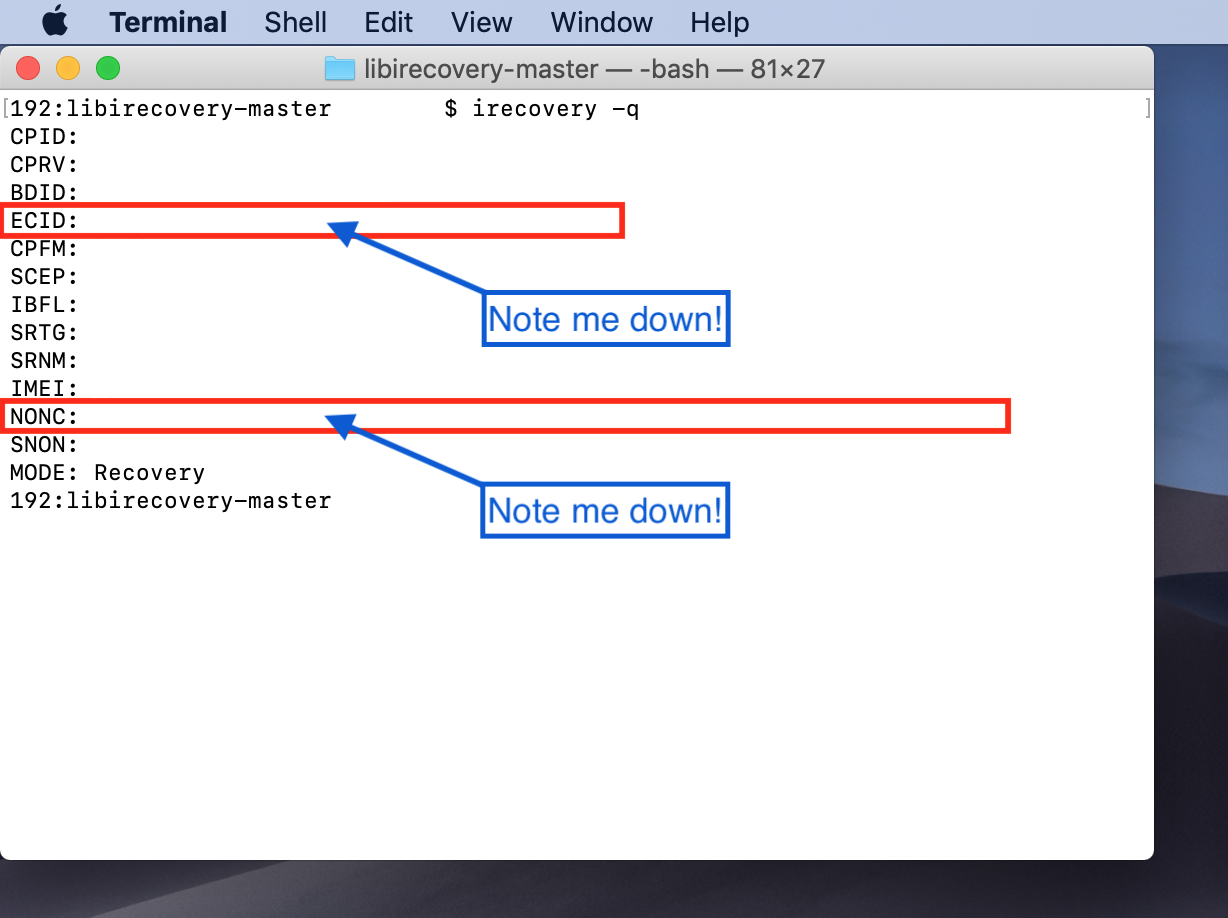
How to set a generator with nonceEnabler on iOS 9 and 10

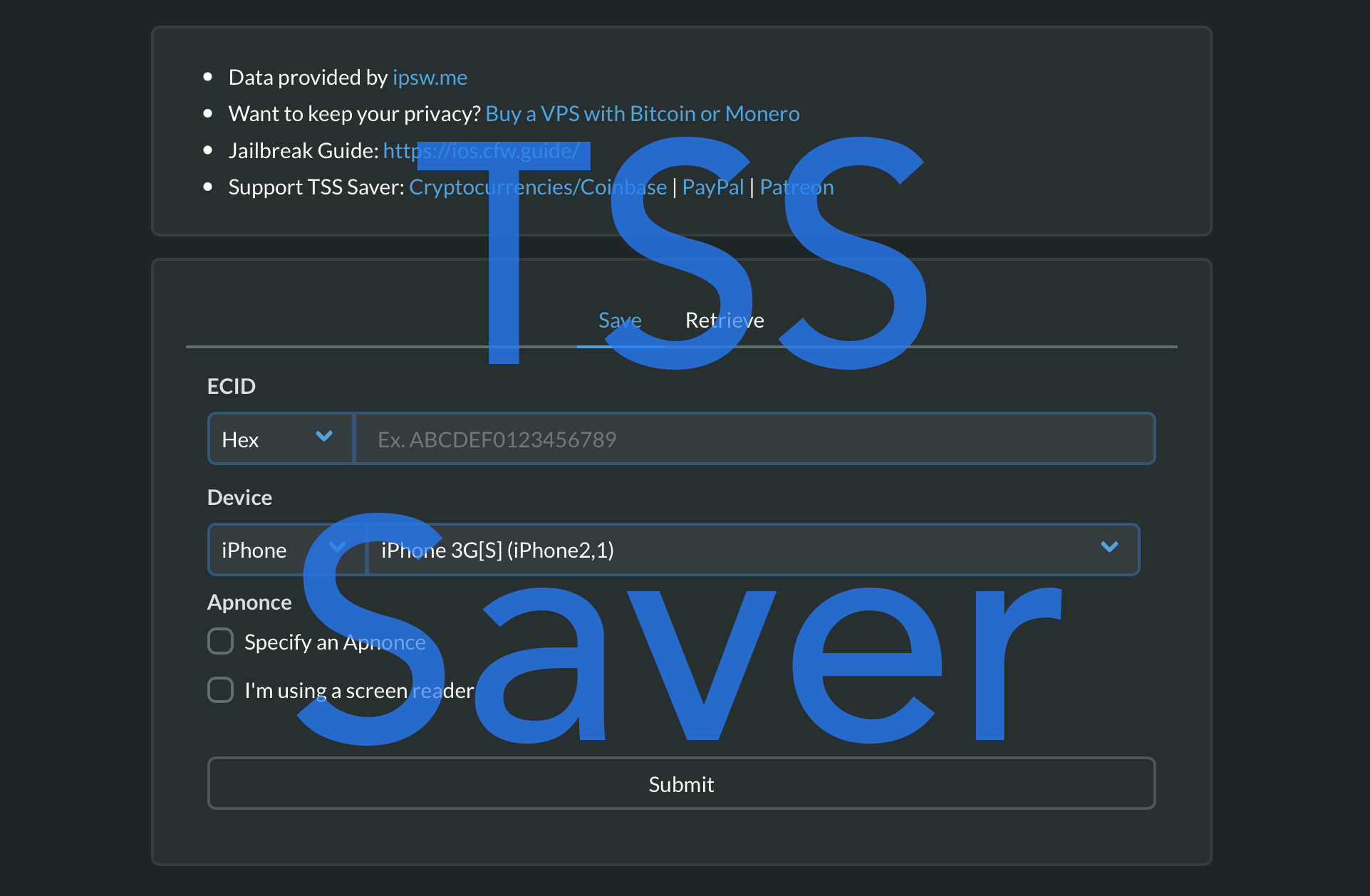
First off, this guide is only necessary for 64-bit devices which are currently jailbroken on old firmwares, such as iOS 9 and some versions of iOS 10. The jailbreaks for those firmwares did not always include a way to set a generator for use with futurerestore, and nonceEnabler provides that ability. Nearly all newer jailbreaks provide their own simpler ways of setting a generator, and they do not need to use nonceEnabler, nor this guide. If your device is not currently jailbroken on an old firmware such as the ones mentioned in this guide, and/or has its own method of setting a generator, refer instead to our main futurerestore guides.

How to snooze Calendar notifications on macOS Big Sur

Snooze Calendar Event on MacBook Screen

If you use the Calendar app on your Mac, then you may have enjoyed the ability to snooze calendar notifications for a time you select. While the app defaulted to 15 minutes, you could simply click and hold the snooze button to pick a different time.

But not anymore!

With macOS Big Sur, you are no longer able to select the amount of time for your snooze. Here’s how Calendar notifications work now.

How to create and use reading themes on Kindle Paperwhite

Apply Kindle Paperwhite Theme

You may not realize it, but you can set up reading themes on your Kindle Paperwhite. This lets you select a font style, text size, and page layout, and save it. You can then reuse that theme whenever you like.

Themes are handy for reading various types of books. For instance, you might like the manuals you read to have larger, print-style font in landscape view, but for history novels you want a smaller, elegant font in portrait view.

Here’s how to create and apply themes on your Kindle Paperwhite.