Learn how to deactivate your Instagram account temporarily or delete it permanently using the official mobile app for iPhone and Android or your favorite web browser.
How to deactivate or permanently delete your Instagram account

Learn how to master your Apple devices with our comprehensive tutorials. From iPhone and iPad to Mac, Apple Watch, AirPods, and more, our expert guides will help you unlock the full potential of your Apple products. Discover new features, tips, and tricks each day to enhance your user experience.
Learn how to deactivate your Instagram account temporarily or delete it permanently using the official mobile app for iPhone and Android or your favorite web browser.
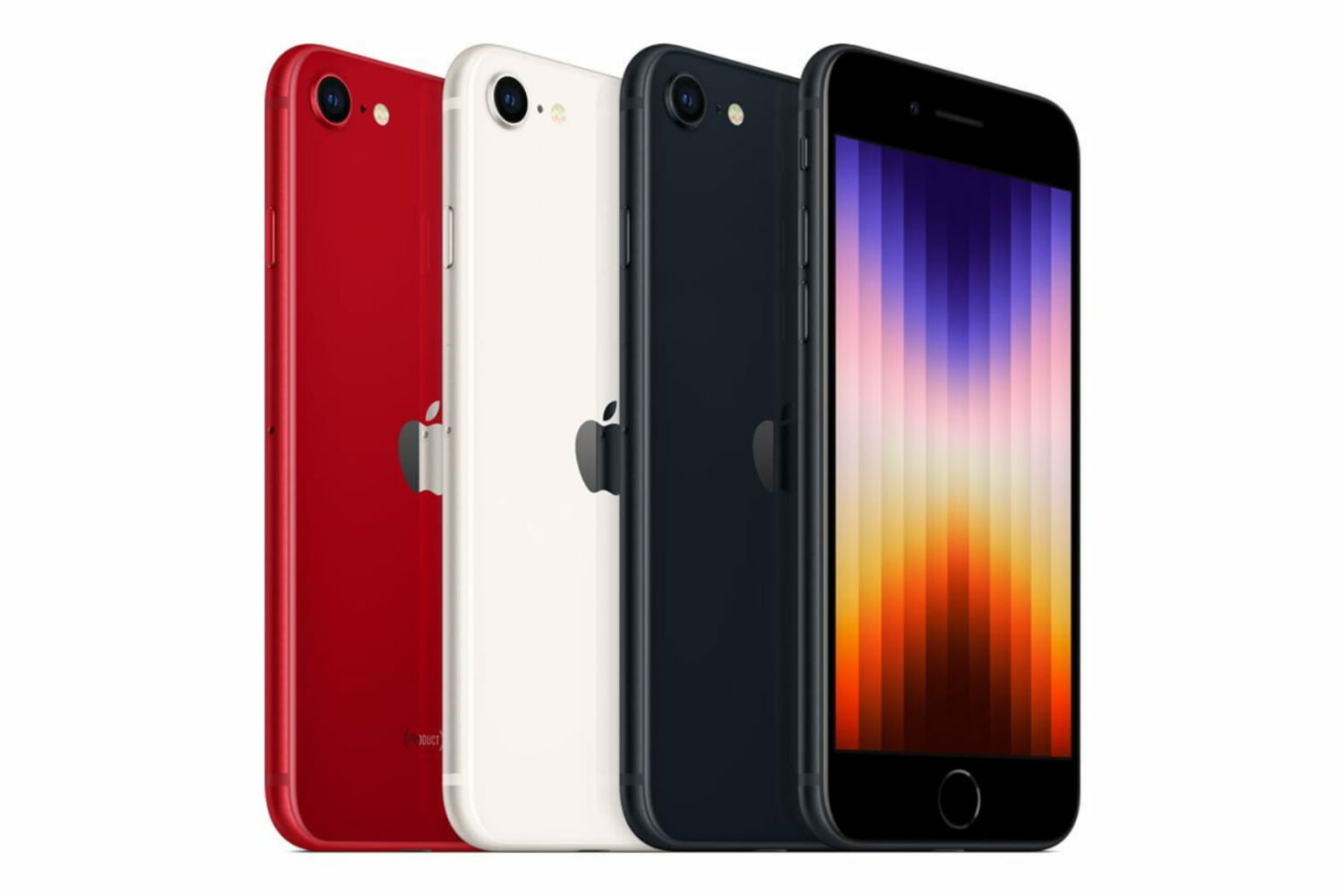
In March 2022, Apple announced a new version of the iPhone SE. If you are planning to buy an iPhone SE 3 for yourself, your kids, younger sibling, parents, or grandparents, you might have a few questions about this new device.
To help you figure out whether the new iPhone SE (2022) is a good buy, we compiled over 75 frequently asked questions related to this new model.
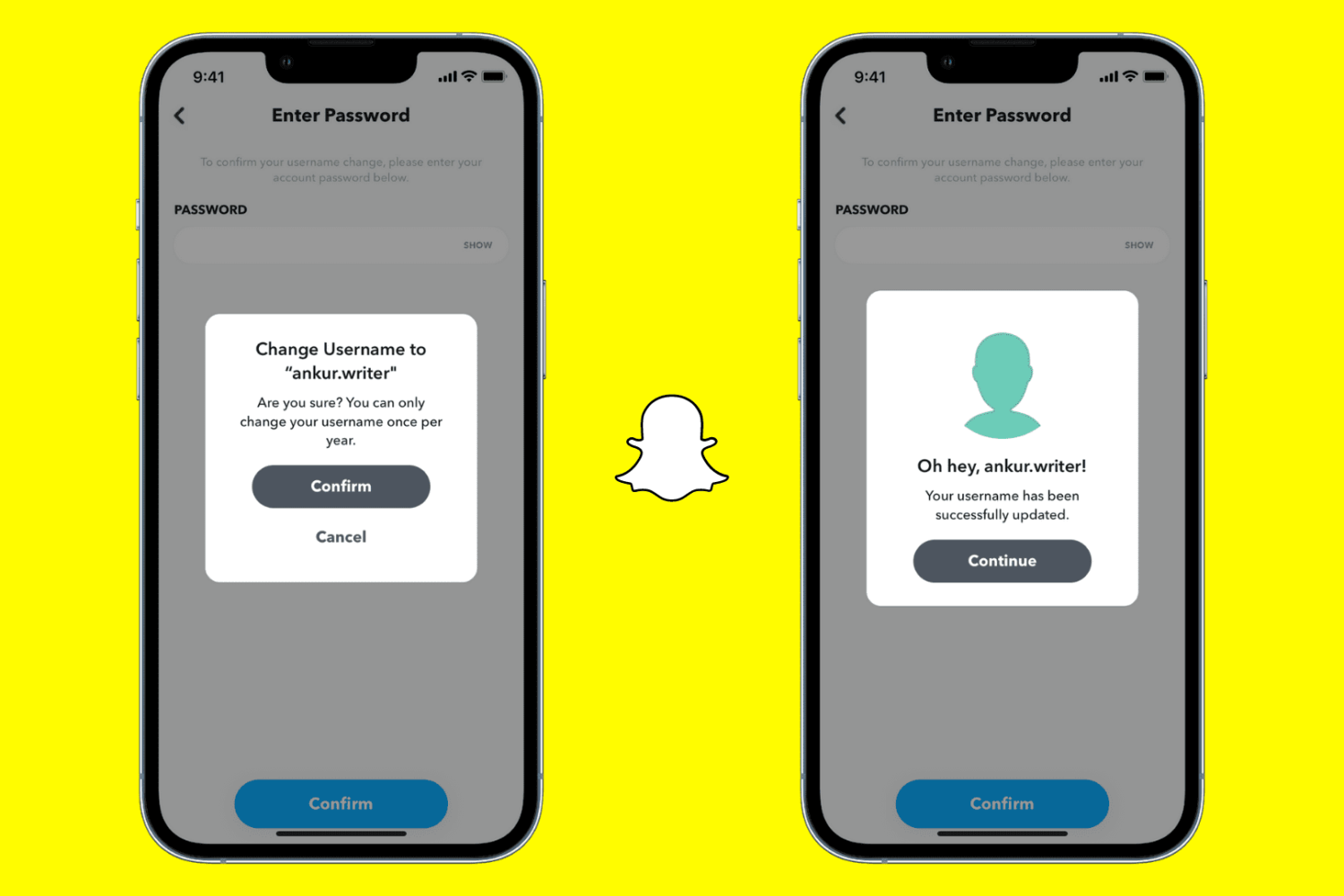
Learn how to change your Snapchat username and display name to refresh your profile, maintain privacy, or reflect a new identity.
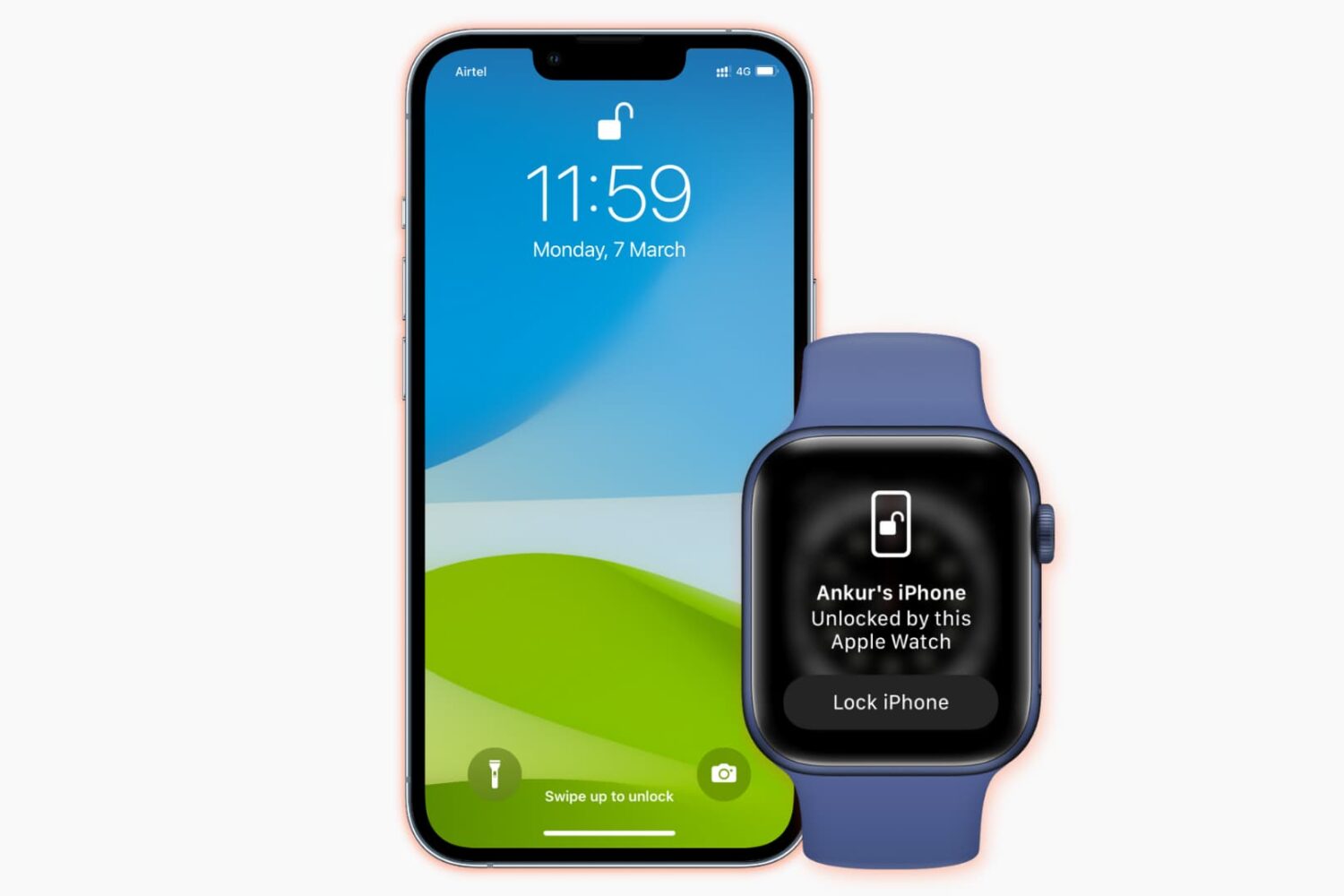
Learn what to do if you cannot unlock your iPhone with your Apple Watch when you’re wearing a mask, sunglasses, or ski goggles.

Check out these 3 methods to take screenshots of Snaps on Snapchat without the other party knowing about it.
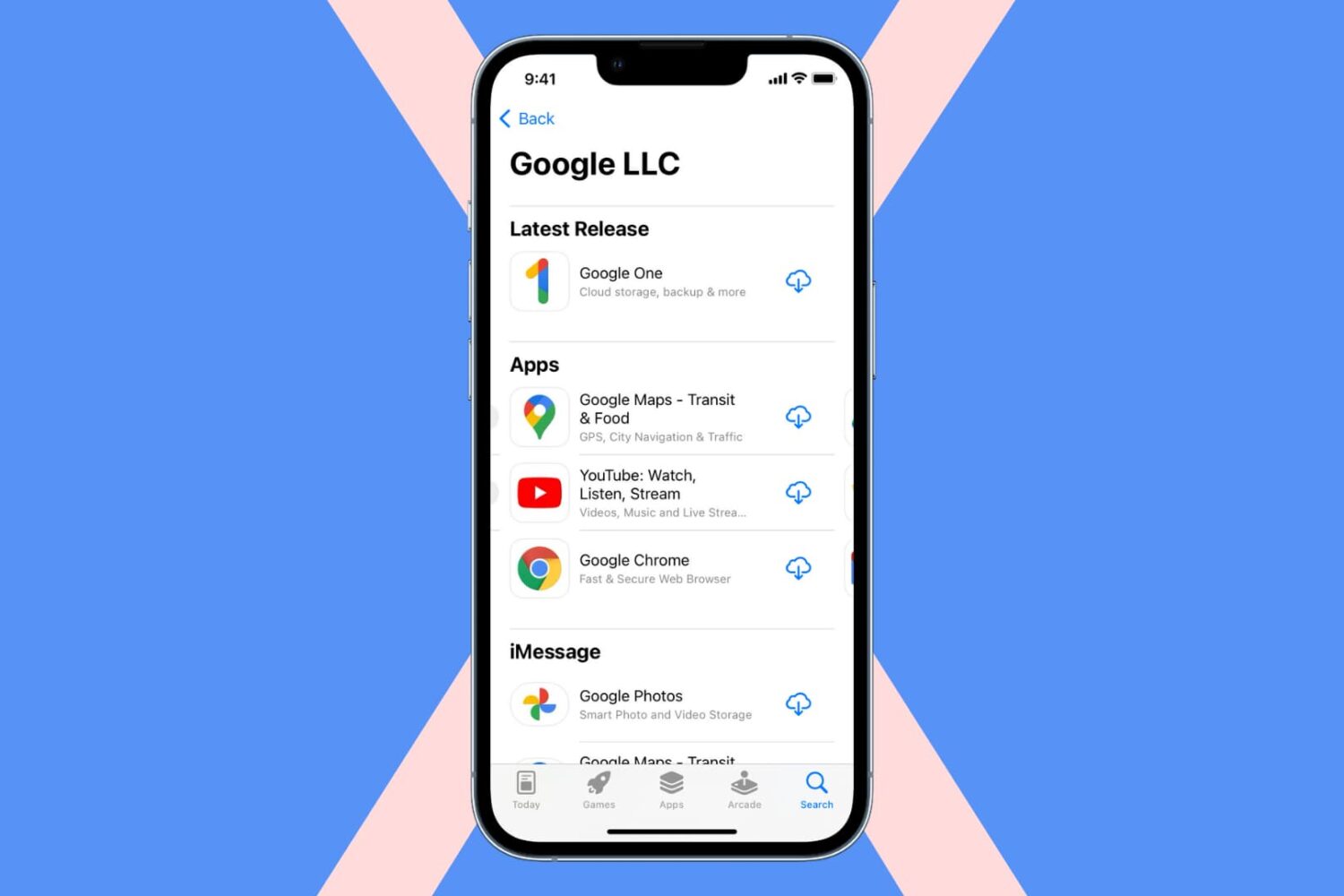
In this guide, we go over handy tips to stop using Google apps and services on your iPhone or iPad and switch to effective alternatives.
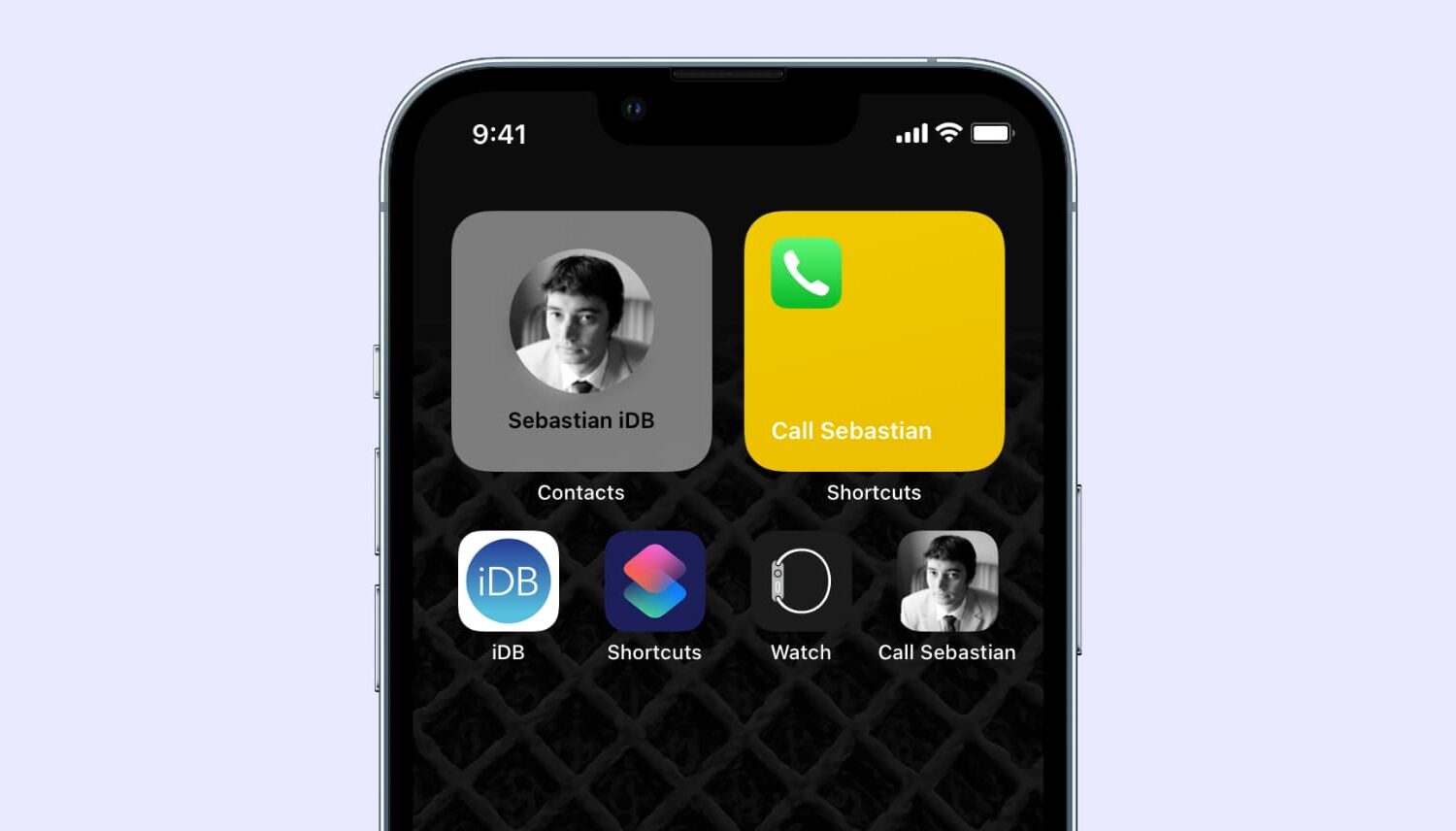
In this step-by-step tutorial, we’ll show you how to add your favorite contacts to the iPhone Home Screen for instant one-tap calls.

Almost all Windows users, and even some macOS users have heard of CCleaner, a popular utility to monitor and remove the junk files that pile up and bog down your system to prevent it from running as zippily as possible. But did you know similar software exists for jailbroken iPhones and iPads too?

Check out all the important things you should do and know about to get the most out of your new AirPods or AirPods Pro.

During its March 8 special event under the tagline "Peek Performance," Apple announced a new 27-inch 5K external monitor for the rest of us, dubbed Studio Display. Similar to the discontinued Thunderbolt Display, Studio Display provides a plethora of ports and smarts thanks to the integrated Apple A13 Bionic chip making it the ideal docking station for your Mac. In this post, we're going to answer your frequently asked questions about the new Studio Display.
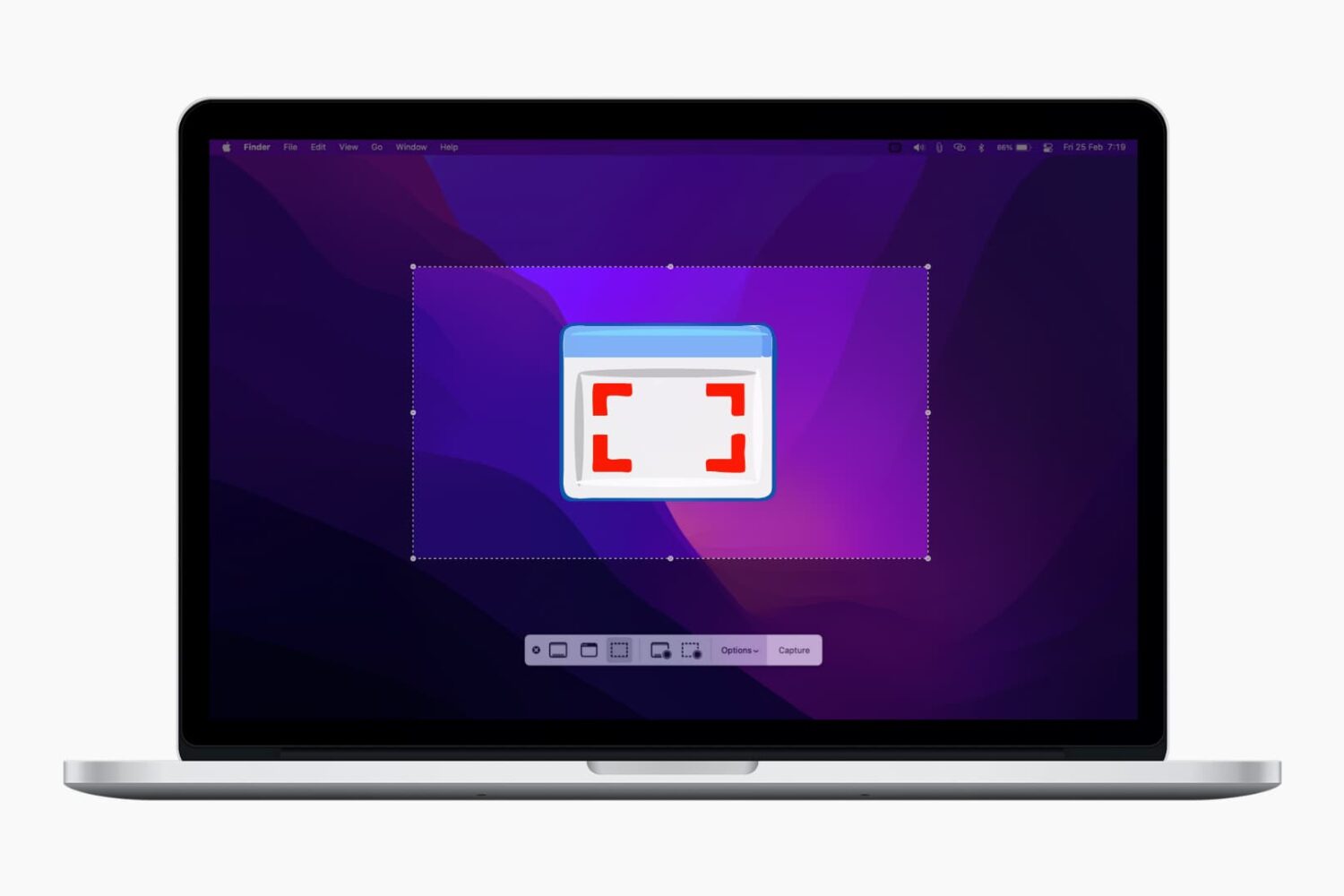
In this comprehensive guide, we’ll show you how to take screenshots of full or selected portions of your Mac’s screen without having to download third-party applications.

Do you see the Power Off screen on your iPhone at random? Check out these quick solutions to address this annoyance.