Check out these great free and paid options for backing up your iPhone photos and videos to ensure your memories are always safe and accessible.
7 ways to safely back up your iPhone photos and videos

Learn how to master your Apple devices with our comprehensive tutorials. From iPhone and iPad to Mac, Apple Watch, AirPods, and more, our expert guides will help you unlock the full potential of your Apple products. Discover new features, tips, and tricks each day to enhance your user experience.
Check out these great free and paid options for backing up your iPhone photos and videos to ensure your memories are always safe and accessible.
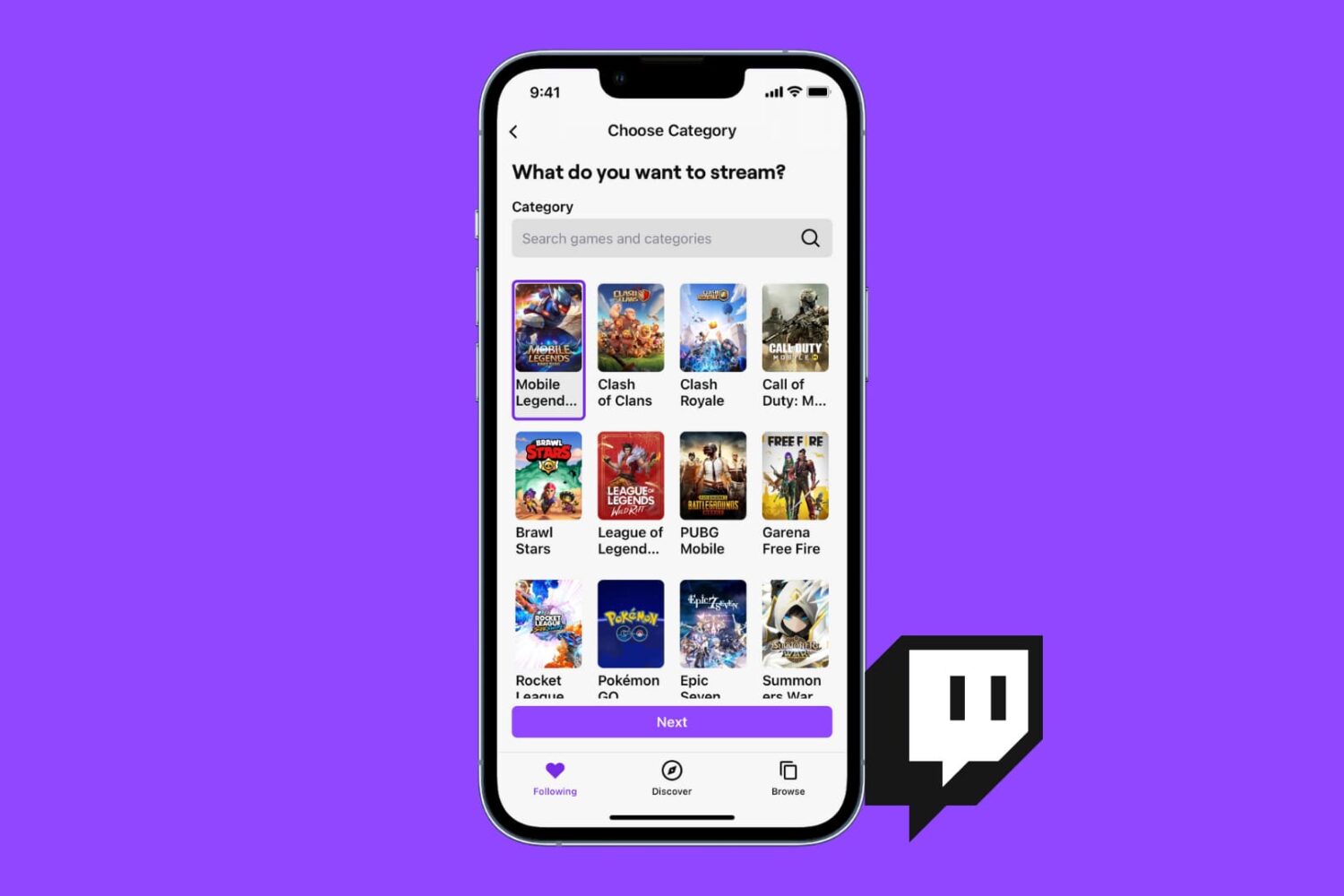
You can stream your favorite games to Twitch or just broadcast yourself talking and having fun, all from the Twitch app on iPhone, iPad, or Mac. This tutorial shows you how to live stream to Twitch with minimal setup and no cost.
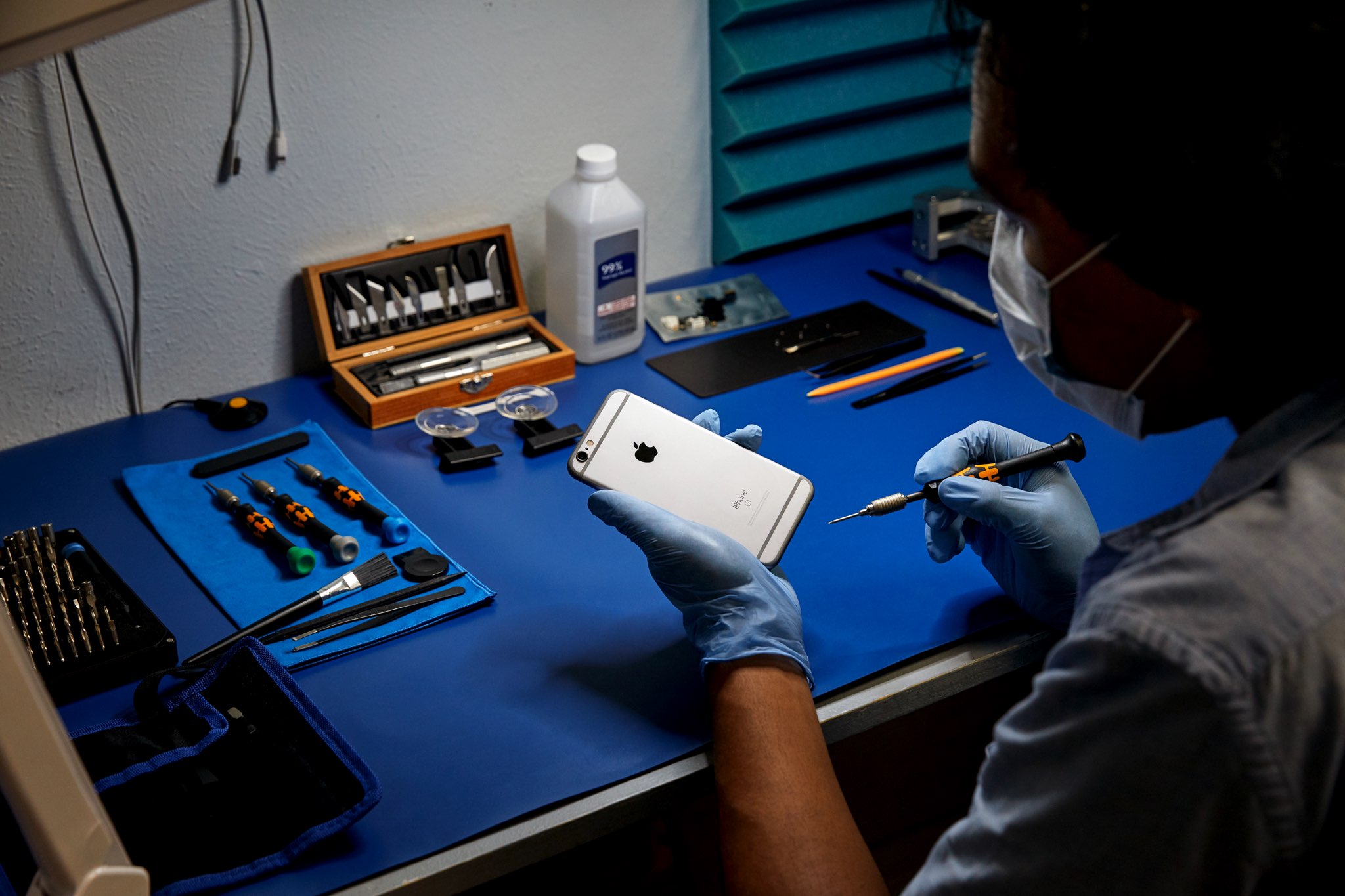
Learn how to get iPhone repair manuals from Apple, with detailed steps and screenshots, so you can complete your own repairs through the company’s self-service program.

Learn what to do if your iPhone or iPad flashlight is not turning on, the button is grayed out, or it’s not working from the Lock Screen or Control Center.

Learn how to clean your Apple Studio Display, including the nano-texture version, to remove dust or smudges and keep it in pristine condition.
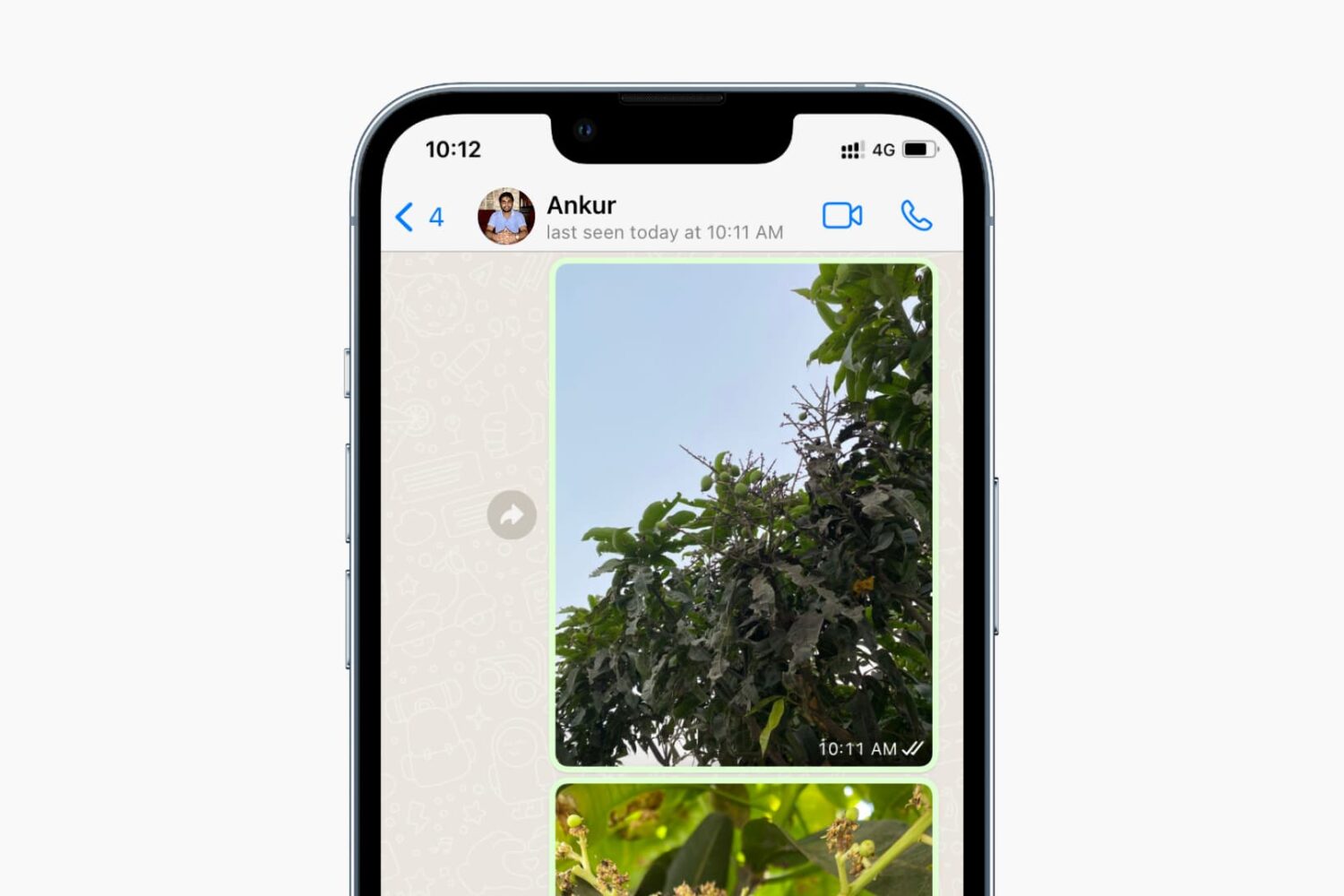
Check out the quick steps to turn off your WhatsApp “last seen” and “online” status from everyone or just specific contacts on your iPhone and Android.

Looking to broadcast on YouTube? In this step-by-step tutorial, we'll show you how you can live stream to YouTube from your iPhone, iPad, Android phone, or computer.
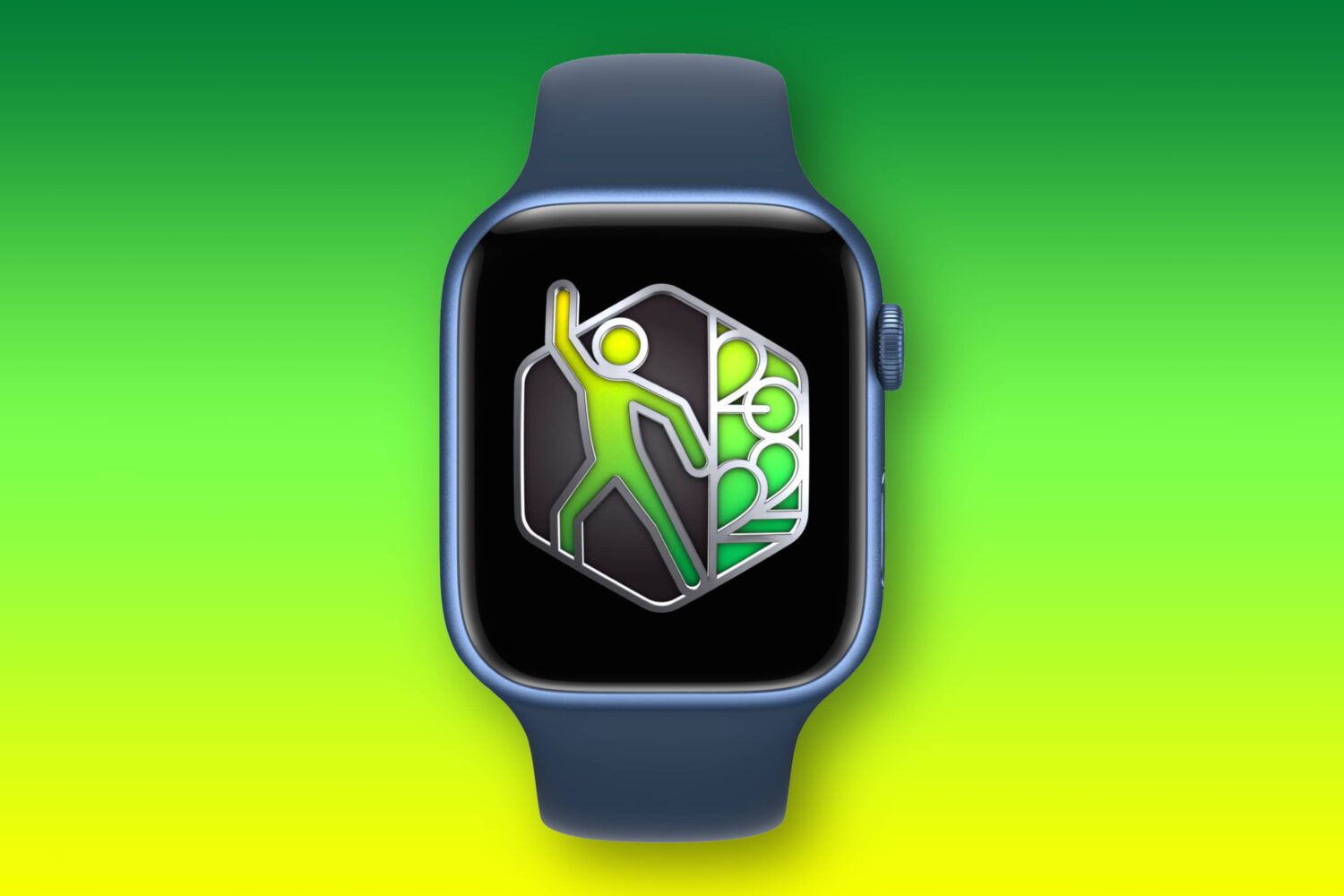
Learn how to win Apple's International Dance Day fitness challenge on your Apple Watch to earn a time-limited award along with animated iMessage stickers.
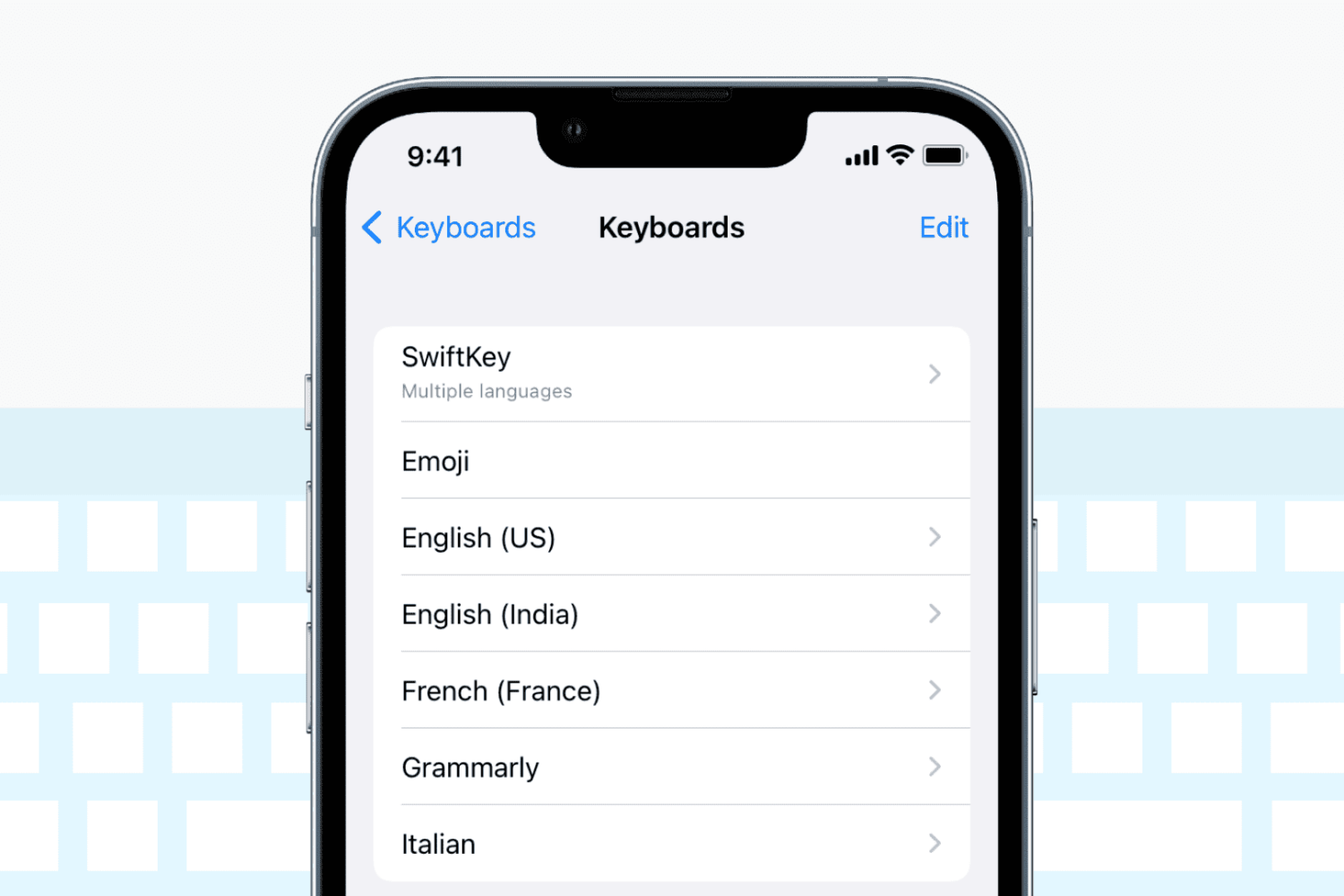
Check out these solutions if the keyboard on your iPhone or iPad stops working, lags, freezes, or fails to enter keystrokes.
Reminders are important to help you start or finish a task on time. If reminders are not working on your iPhone or iPad, here are the reasons for this and the solutions to fix the problem.
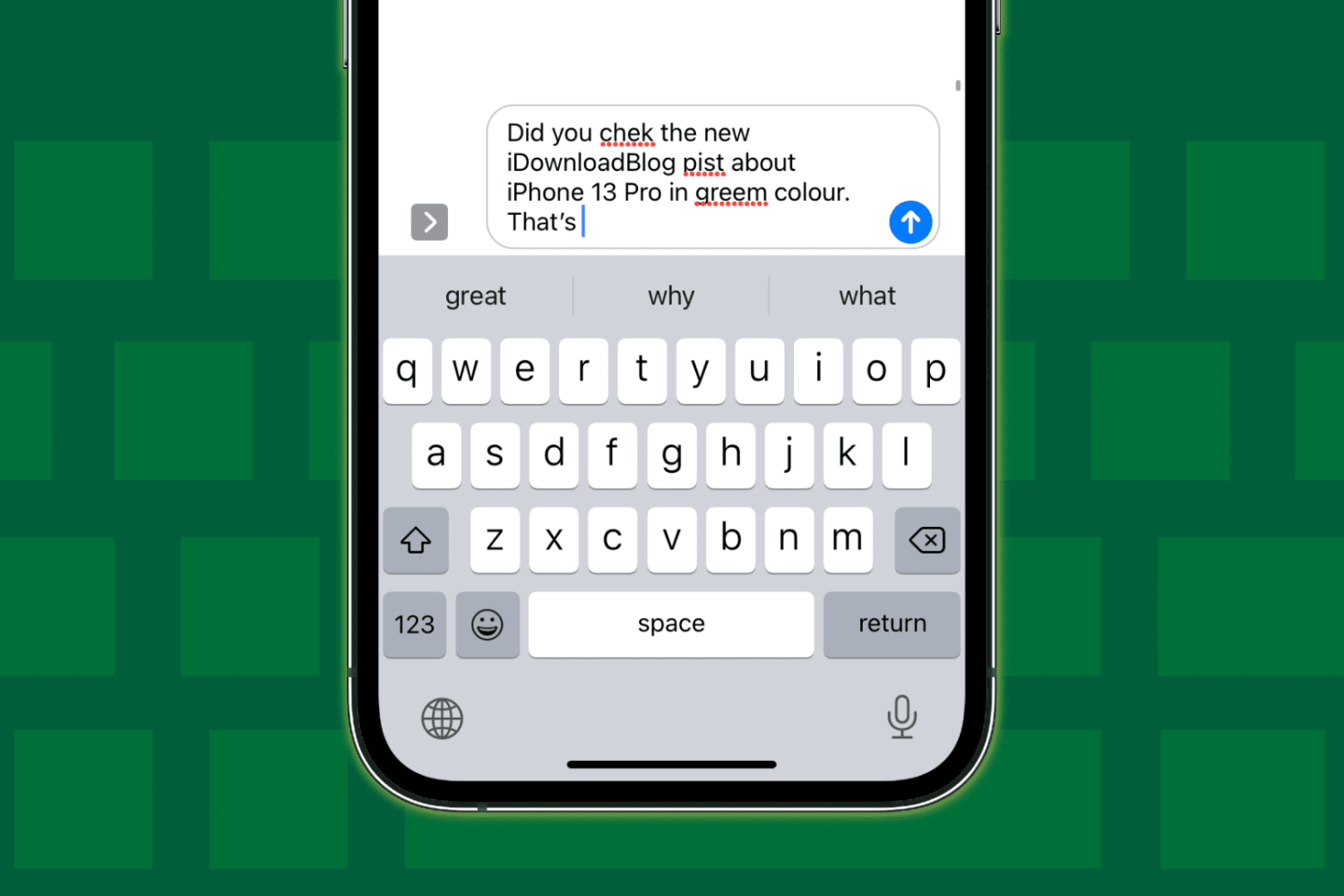
Check out these 12 solutions if auto-correction isn’t working on your iPhone or iPad and fails repeatedly to correct your typing.
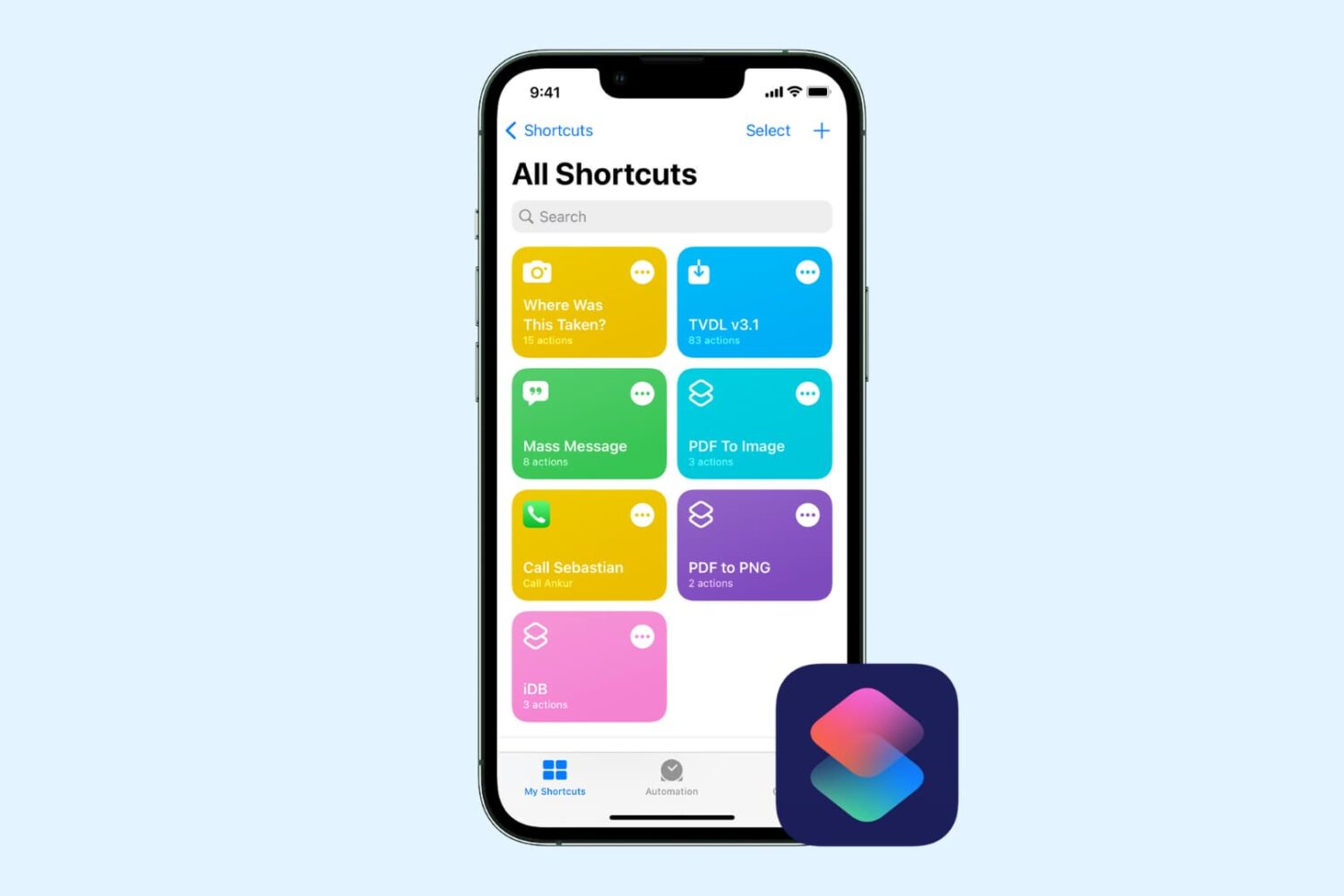
Check out this comprehensive guide to fix iOS shortcuts not working on iPhone or iPad, leaving you confused and unable to perform certain tasks.