Review

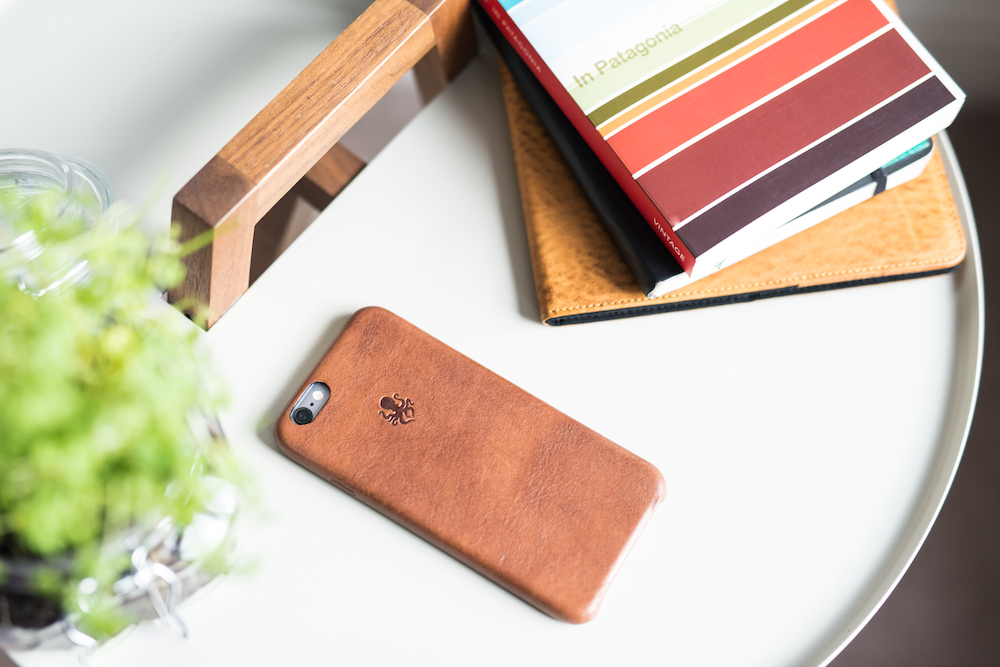
The premium leather Nodus iPhone case collection

The smell is what first grabs you. After receiving several Nodus items since their inception in 2013, it is the smell, every time, that first catches my senses. Maybe, it is the long trip across the pond from the UK that lets the leather scent build up in the box. Cracking open the package on any Nodus Collection item springs forth the best premium leather smell you will find on an iPhone case.

Certainly, there are many other things that make the Nodus line exceptional, but you can tell the attention to detail by smelling the quality of leather. It is something that should not be overlooked, when investing in a nice case.

Having attended CES for the last three years and milling over case after case, this is truly something incredible. It is leaps and bounds above Apple's similar leather cases. Step inside for your next iPhone case purchase and a great Black Friday special discount.

Review: collect resources, terraform new worlds and survive in space in Last Horizon

As an avid stargazer who's been dreaming about space travel for ages and a sucker for minimalist games, Last Horizon immediately piqued my interest.

In fact, Last Horizon was an instant purchase for me and I never regretted dropping $2.99 on this space survival and exploration title from Pixeljam. Last Horizon puts you in the shoes of a pilot of a lone spacecraft.

Your oxygen and fuel supplies are limited and your goal is a simple one: you must travel the space and seek out new worlds to inhabit. You're going to encounter a range of varied planets along the way and harvest their resources.

Some planets hold terraforming resources you need to create a beautiful, harmonious new planet for yourself. Others only provide oxygen and ore to repair your ship.

Review: the $10 iPad Pro Smart Case

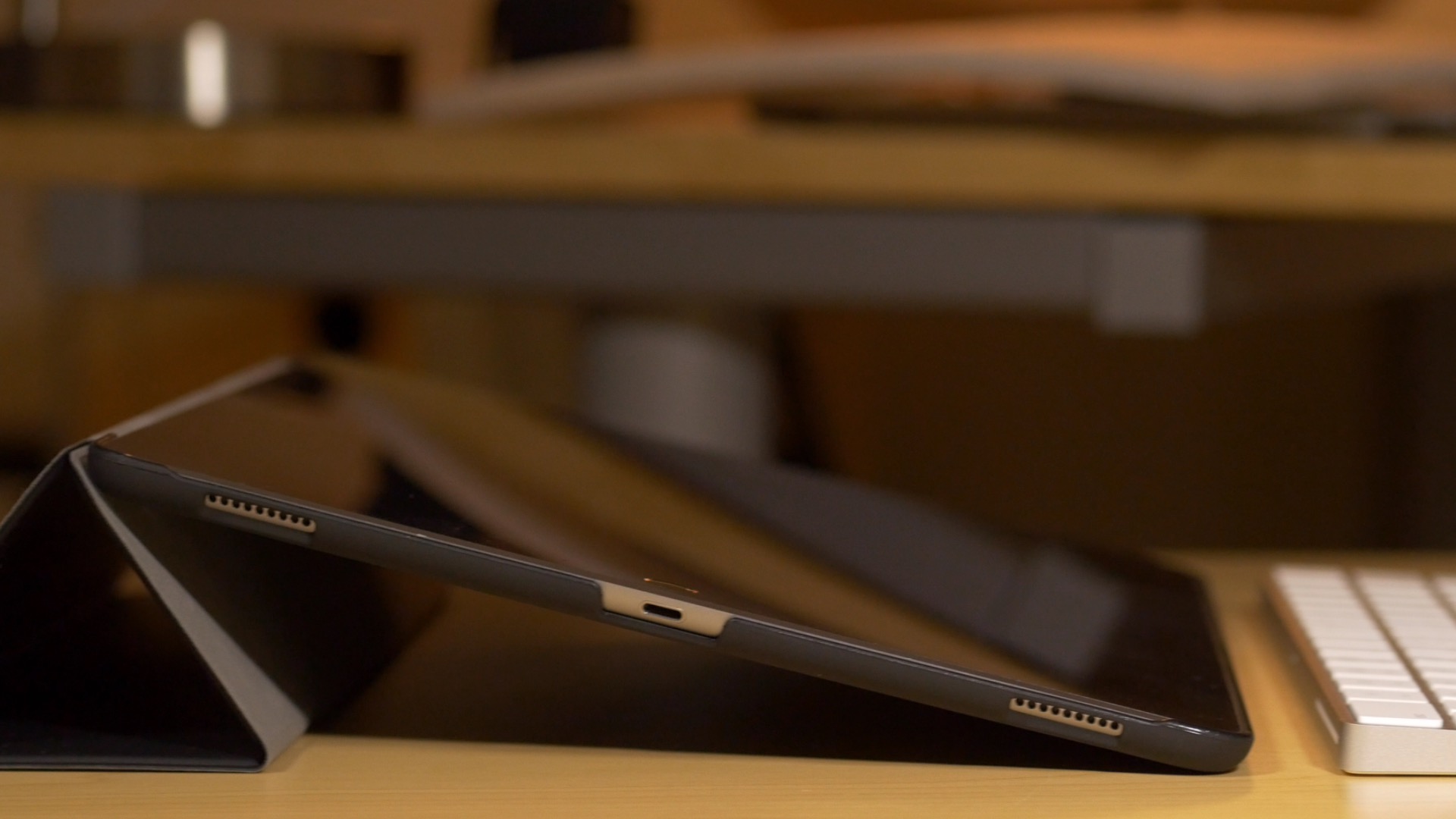
Earlier today, I got my hands on the JETech Smart Case for iPad Pro. The JETech is an uber-cheap iPad Pro case offering that's currently available for purchase on Amazon.

As you're probably aware of, Apple hasn't produced an all-in-one Smart Case solution for the iPad Pro. Instead, users wanting full 360° coverage will need to opt for both a Smart Cover and a Silicone Case. That combination, while certainly premium feeling, also comes with a premium price at around $140 before tax. In contrast, I was able to pick up the JETech case for a hair under $10.

The JETech isn't perfect, but its exceptionally low price will tempt more than a few iPad Pro adopters. Of course, you do tend to get what you pay for, so should you even bother?

Beat Sports review: turn your Apple TV into a Wii, sort of

With the fourth-generation Apple TV now available, we are getting a glimpse at the types of apps and games that are being developed for our living room. One surprising addition to the gaming world comes from Harmonix (creators of Guitar Hero and Rock Band).

Beat Sports is a rhythm-based sports game. Players use their Siri Remote control as a sort of Wii style motion-based remote to swing away at oncoming balls. We've got a full game review of Beat Sports for your reading enjoyment.

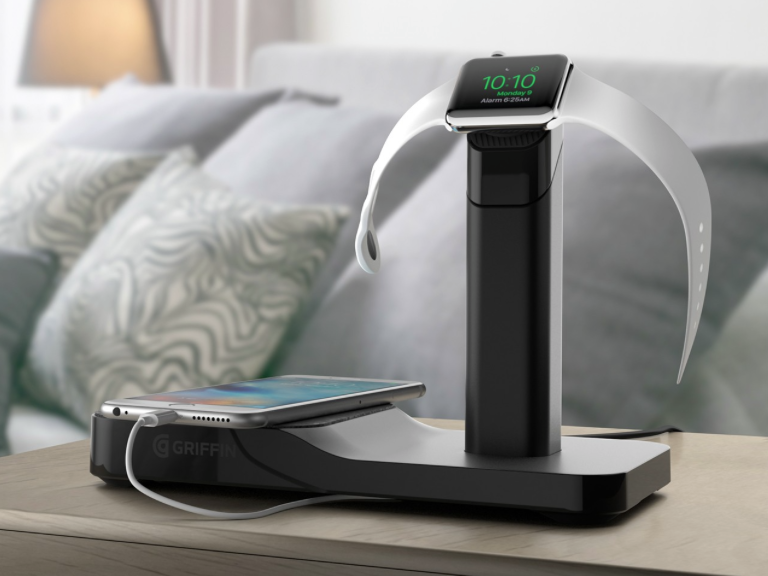
Griffin WatchStand Charging Station: a solid two-in-one dock with some trade-offs

Earlier this month I reviewed the Belkin Charge Dock, a stylish dock for your iPhone and Apple Watch. I praised it for its classy, minimalistic design and embedded chargers, but knew that its steep $130 price tag would be a turnoff for many potential buyers.

This time around I want to tell you about a more affordable option—the Griffin WatchStand Charging Station. It too offers space for your iPhone and Apple Watch to rest and recharge, at less than half the price, but that savings does come with a few tradeoffs.

First, there's design. I don't think the WatchStand looks bad—in fact, Sebastien called its identical smaller sibling "sleek"—but I also don't think it looks anywhere near as good as the Belkin. Second, there are no cables included, meaning you have to supply your own.

So does the WatchStand's price and functionality offset these shortcomings? Let's find out.

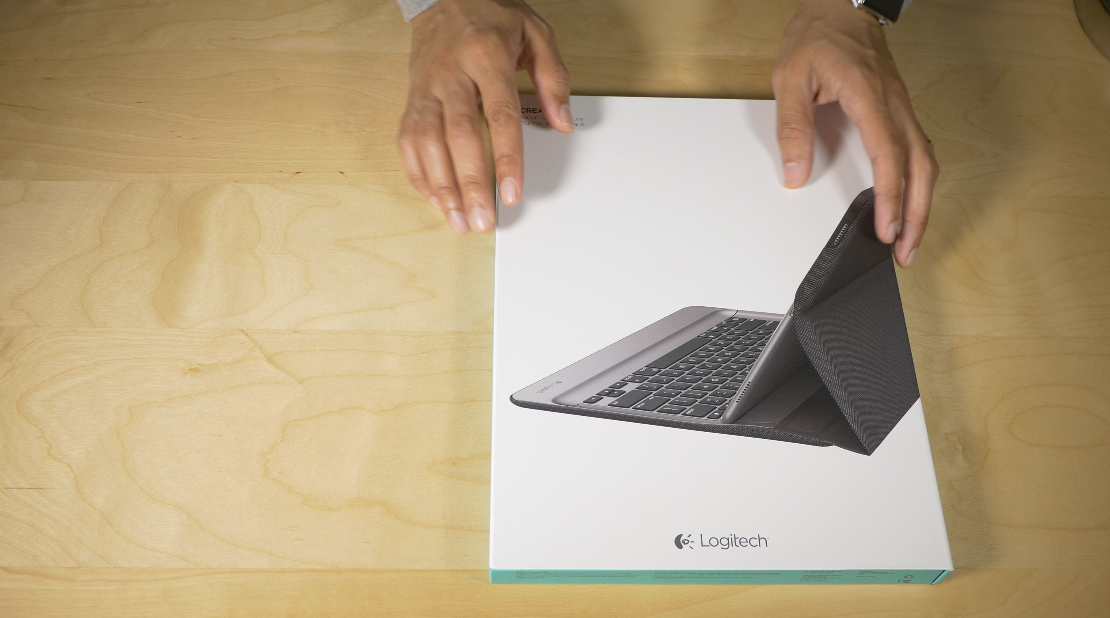
Logitech Create Backlit Keyboard Case Review: a great keyboard solution for iPad Pro owners

The Logitech Create Backlit Keyboard Case for iPad Pro is a great solution for those of you who are heavy typers.

Because this keyboard case, unlike Apple's Smart Keyboard, fully surrounds the iPad Pro when closed, it actually saves you money to go with Logitech's offering over Apple's Smart Keyboard + Silicone Case combo.

Of course, the protection elements offered by the Logitech Create are mere side points to the main questions: How does this keyboard perform for typers? Can I use the Logitech Create to type long-form content, or is it primarily suited for quick text outbursts? How does it fair when attempting to lap type? These are concerns that anyone who's interested in doing real work with the iPad Pro will have.

The Logitech Create Backlit Keyboard Case isn't without a few downsides, but for those of you primarily concerned with having a serviceable keyboard available at all times, it's a very good option that's worthy of your consideration.

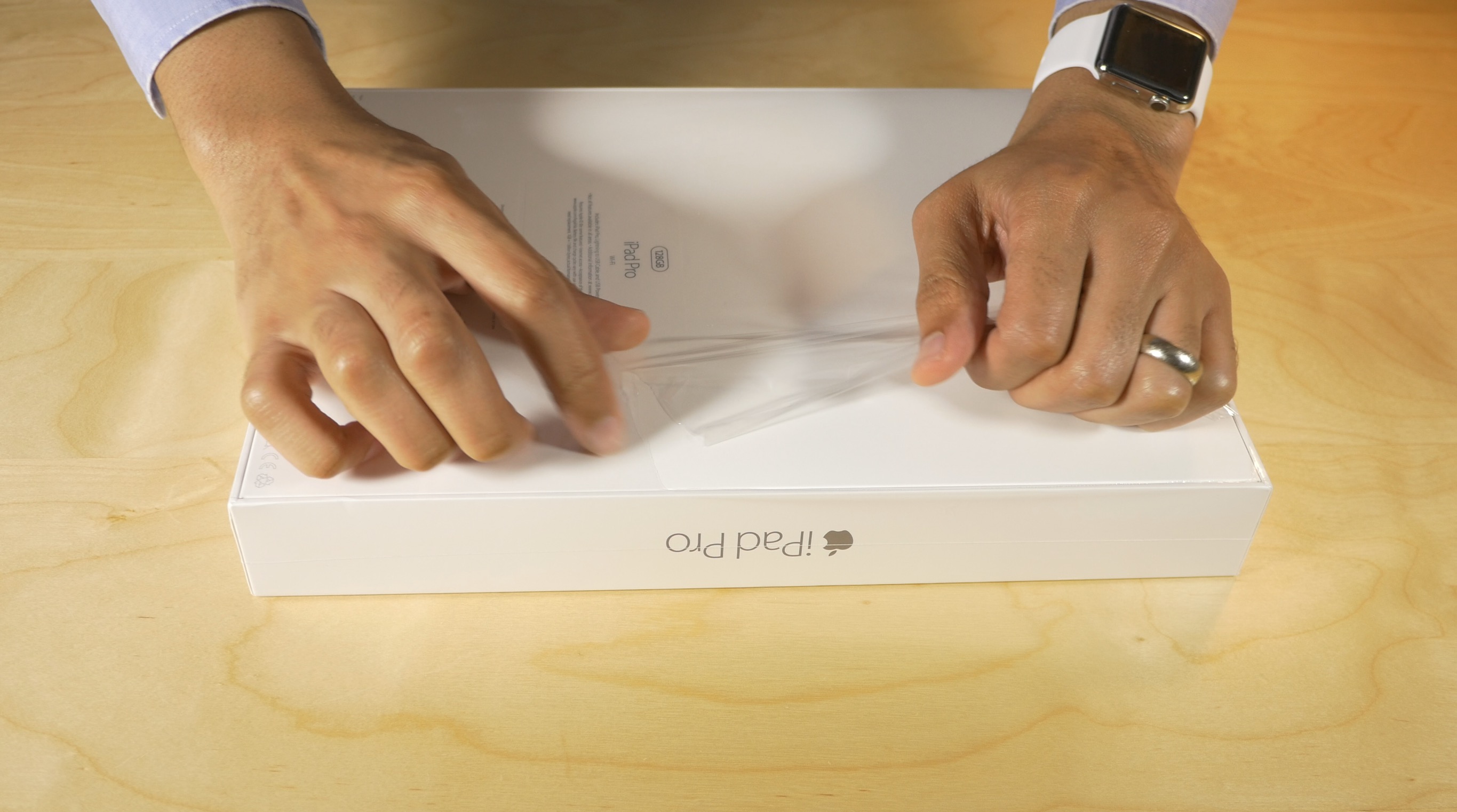
iPad Pro review: not just for professionals

I never thought I’d want an iPad Pro. Out of all of the products that Apple was rumored to launch this year, the iPad Pro was at the absolute bottom of my totem pole.

That began to change somewhat after Apple’s most recent keynote, and it completely changed once I was able to actually go hands-on with the super-sized tablet at my local Apple store.

The iPad Pro isn’t for everyone, but it’s less of a specialty device than many might have expected...

The Room Three review: same great puzzle solving, but with more room to move

Fireproof Games has made a name for itself on iOS with one series of games. The Room won Apple's Game of the Year in 2012. The sequel, The Room Two, came out in late 2013 and transported players to a new location with plenty of new and intricate puzzles. It was also named as one of Apples Best Of games in 2013.

The Room Three is already proving to be of the same stellar quality as its predecessors. After two similar titles, will players get tired of the same thing again? We have a full game review of The Room Three for you today.

Review: Vevo’s revamped iOS app is a lot cleaner and more fun to use than Apple’s Music

In case you missed it, Vevo has completely redesigned its lagging iPhone and iPad application in the App Store. I watch music videos from Vevo artists on YouTube on my desktop. On mobile, not so much and I blame Vevo's hopelessly outdated design, inconsistencies and complicated features for that.

Bumped to version 5.0, the new Vevo experience starts with a black-and-white logo and a matching app icon.

The headline change here is an all-new interface—it gets out of your way, unlike Apple's own Music app, and sports a tremendously useful mini-player. It's almost too weird to say that Vevo's new iOS app is a lot easier and way more fun to use than Apple's stock Music app has ever been, but it's true.

iPad Pro review roundup: a new canvas for productivity and content creation

The reviews are in for Apple’s iPad Pro, which went on sale earlier this morning ahead of its retail launch later this week.

So, what’s this device good for? Is it simply a jumbo-sized iPad in the same sense as the iPad was called just an oversized iPhone?

Does the significant screen size increase bring any tangible benefits to your mobile computing beyond just a bigger canvas for your apps?

What about the Apple Pencil and Apple’s pricey keyboard cover, are these optional add-ons or essential accessories? Answers to these questions differ from one reviewer to another. Here’s our roundup of the best iPad Pro reviews on the web.

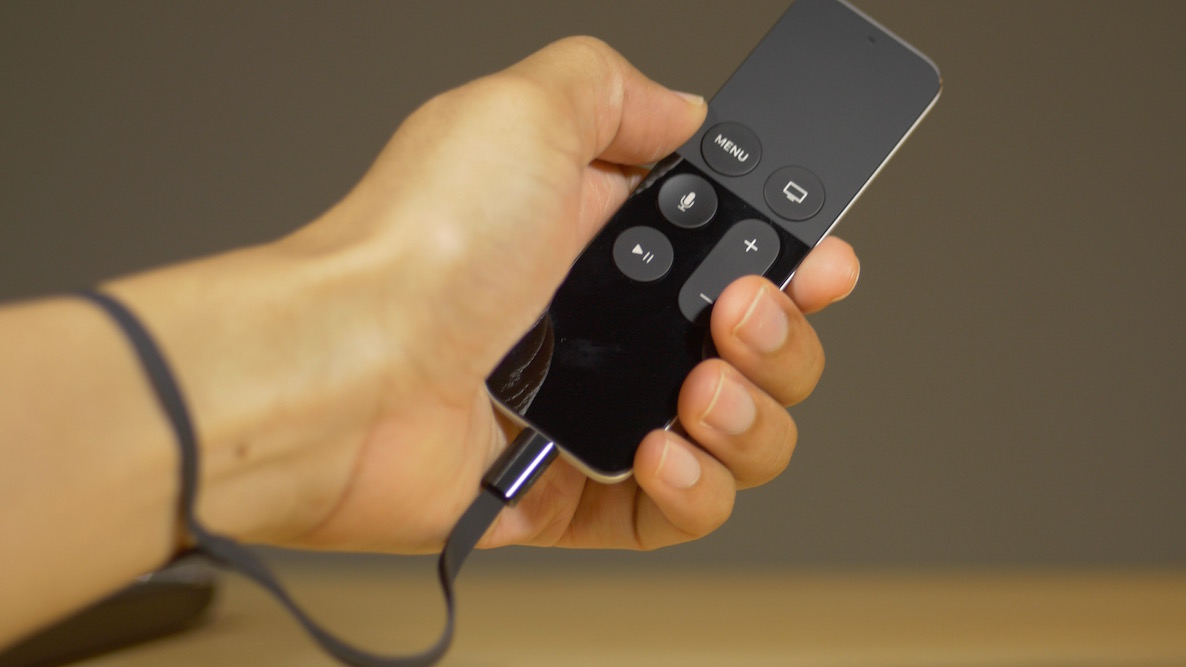
Review: Apple TV Remote Loop

The Apple TV Remote Loop is a $12.99 accessory for the Apple TV Siri Remote, and it essentially functions as a lanyard to keep the remote securely within your grasp. This can be important when using the Siri Remote to play games, as some titles may require you to wave the remote around, sometimes aggressively, to control certain on screen elements.

But the Remote Loop is sold separately, and doesn't come bundled with the Apple TV. With this in mind, should you consider buying it? Is it a wise decision for gamers who'll be using the Siri Remote's sensors to play Wii-inspired games? Read our full review to find out the answer.

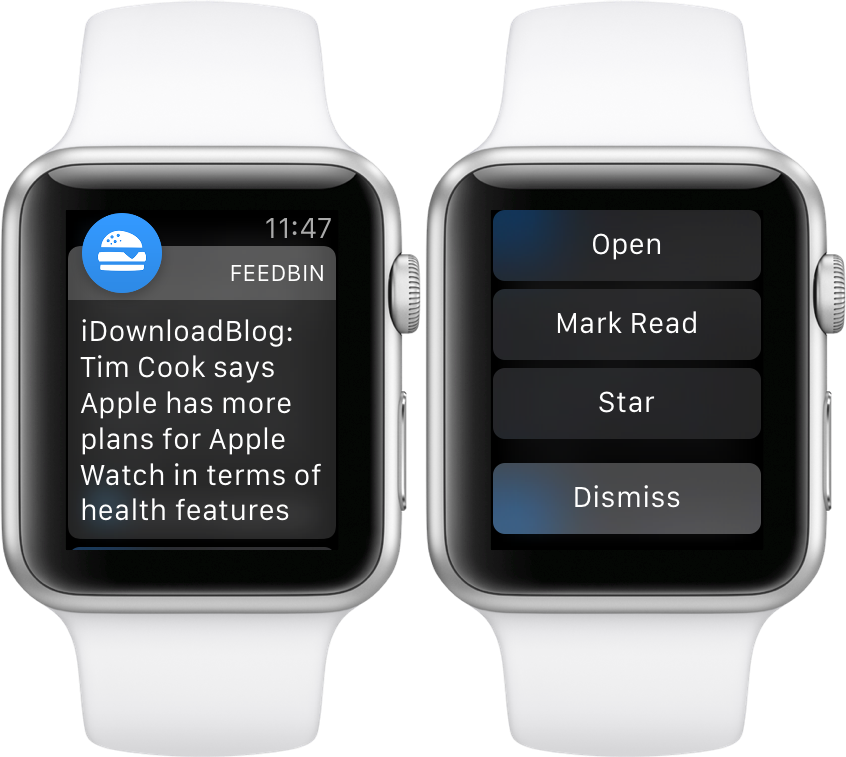
Feedbin Notifier review: the best way to get RSS notifications on Apple Watch

Feedbin Notifier is an iOS and watchOS companion app for Feedbin—my favorite feed reading service. Feedbin is a paid service at $3 a month that provides you with one of the best post-Google Reader experiences that I’ve used.

I’ve experienced a lot of feed reading services. I’ve used Feedly, Feed Wrangler, I’ve even installed a custom Fever installation on my web server. Not to throw any of those services under the bus, because they each have their strong points, but Feedbin is the best overall feed reading package available.

Feedbin Notifier (free on the App Store) is an app that sits on top of the Feedbin service, and notifies you whenever new articles in your feeds meet specified criteria. It sounds simple enough, but if you’ve ever tried to get reliable notifications for RSS feeds, then you likely understand that it’s not as easy to pull off as it sounds.

The thing about Feedbin Notifier, and I’m going to use an overused catchphrase here, is that it just works. If you wish to have reliable notifications for all of your favorite RSS feeds, then you owe it to yourself to try Feedbin coupled with the Feedbin Notifier app.

For the record, this isn’t a review of Feedbin as a service, although I do plan on following up with a post about Feedbin in general sometime in the future. In this post, however, I want to talk about notifications. More specifically, I want to talk about notifications on Apple Watch, and how Feedbin Notifier is now my favorite app for Apple Watch.