MacBook Pro

Here’s why an OLED touch bar would make a stellar addition to the MacBook Pro

KGI Securities analyst Ming-Chi Kuo has caused quite a stir among the faithful with yesterday's research note in which he predicted a major redesign for the MacBook Pro. He claims the refresh includes, among other features, an OLED display touch bar replacing the physical function keys, which are located above the keyboard on current machines.

As some have observed insightfully, the rumored OLED bar could actually turn into a way more powerful feature addition than meets the eye.

Kuo: thinner MacBook Pro models coming with OLED touch bar and Touch ID

Apple plans to release new MacBook Pro models later this year with a thinner design, built-in Touch ID and other new features, reports Ming-Chi Kuo. In a note to investors on Monday, the high-profile analyst said the Pro laptops will make their debut in Q4 of this year.

Kuo says this will be the "most significant upgrade ever undertaken by Apple." In addition to an all-new thinner and lighter design, and Touch ID, the new MacBooks will also include an embedded OLED display touch bar, that will be located above the keyboard.

OWC’s new driver adds Boot Camp support to all of its aftermarket SSD upgrades

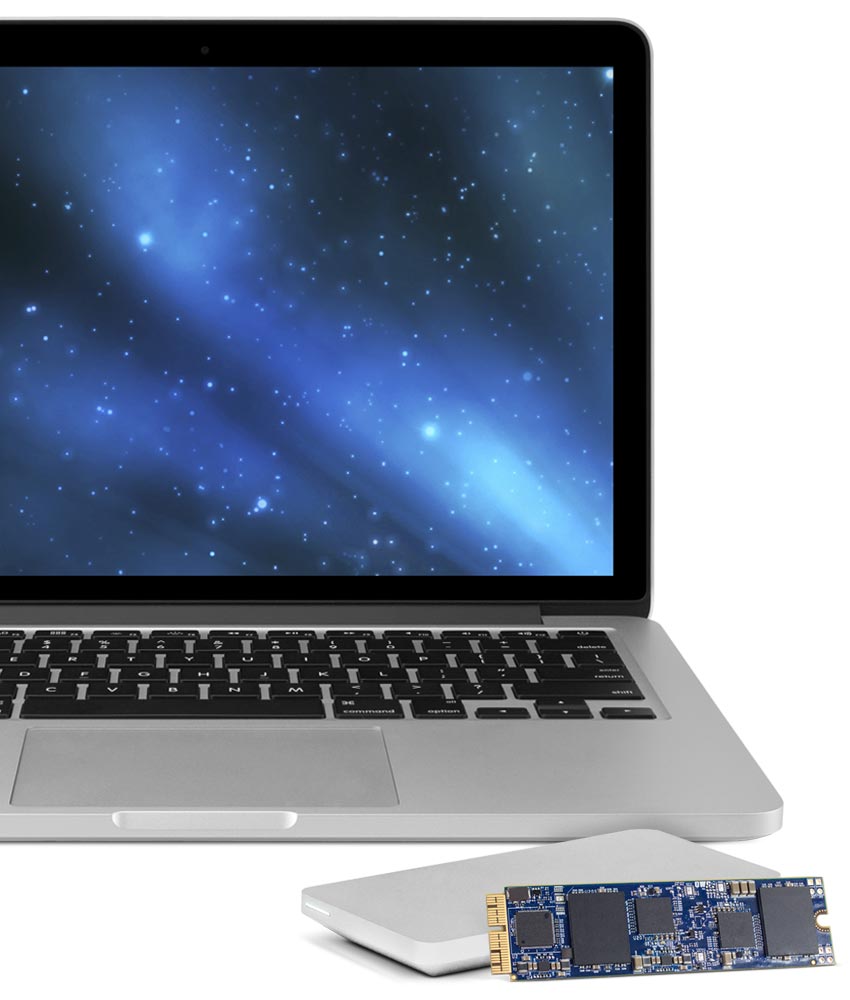
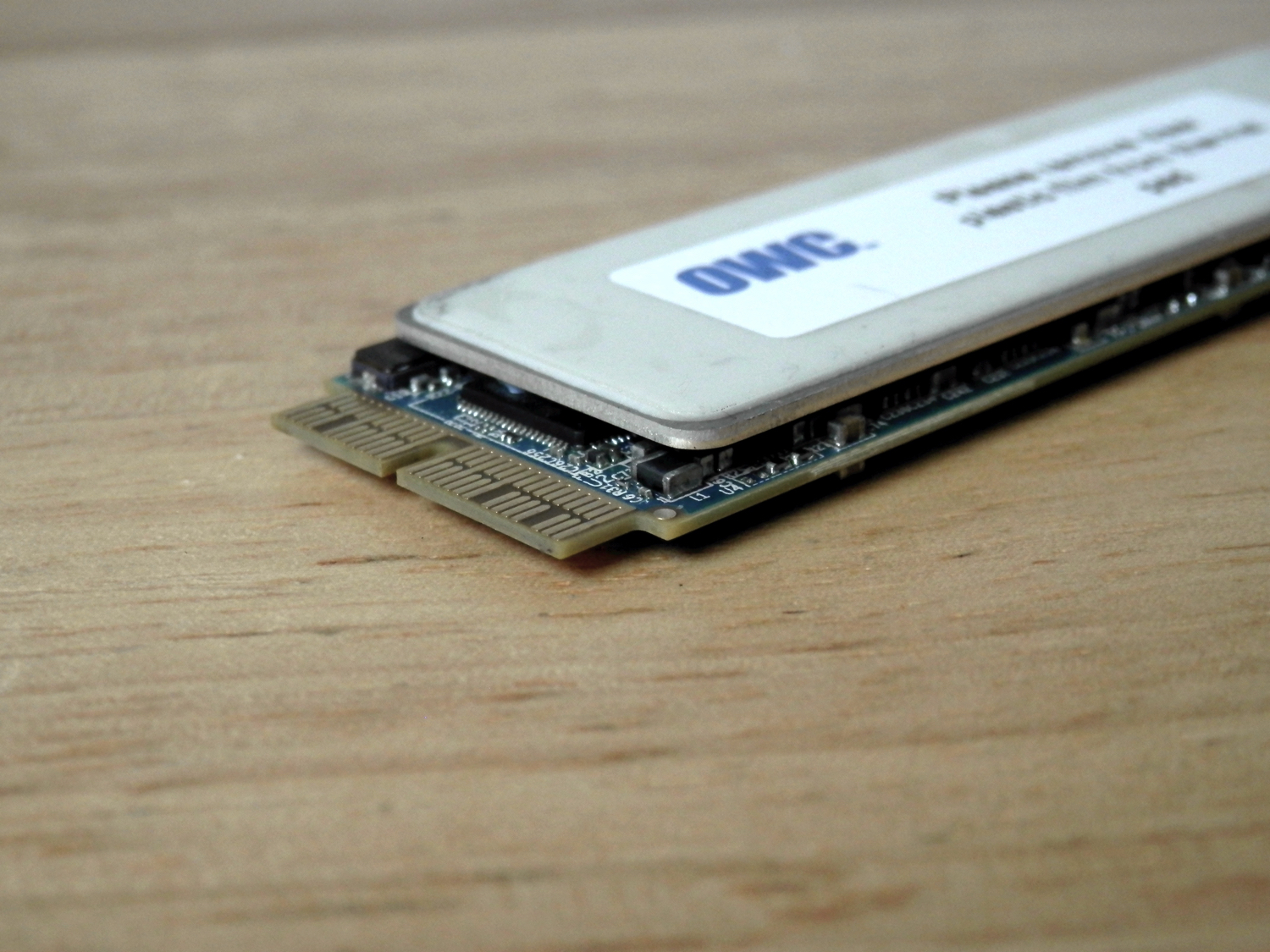
In March, Other World Computing (OWC) launched the world's first SSD upgrade for 2013 and later MacBook Air and MacBook Pro with Retina display computers. The storage upgrades came in 480GB and 1TB flavors, and we recently showed you the install process of the 1TB OWC Aura SSD upgrade.

There was unfortunately a caveat that disallowed you to use Apple's Boot Camp feature with the drives, which meant you were limited to installing one operating system on it at a time, or using a virtual machine instead of partitioning the drive and dual-booting your Mac.

As of today, OWC has fixed this problem with a new universal driver that enables Boot Camp on all of OWC's SSD upgrades to date.
iQunix makes an affordable, high-quality stand for MacBook

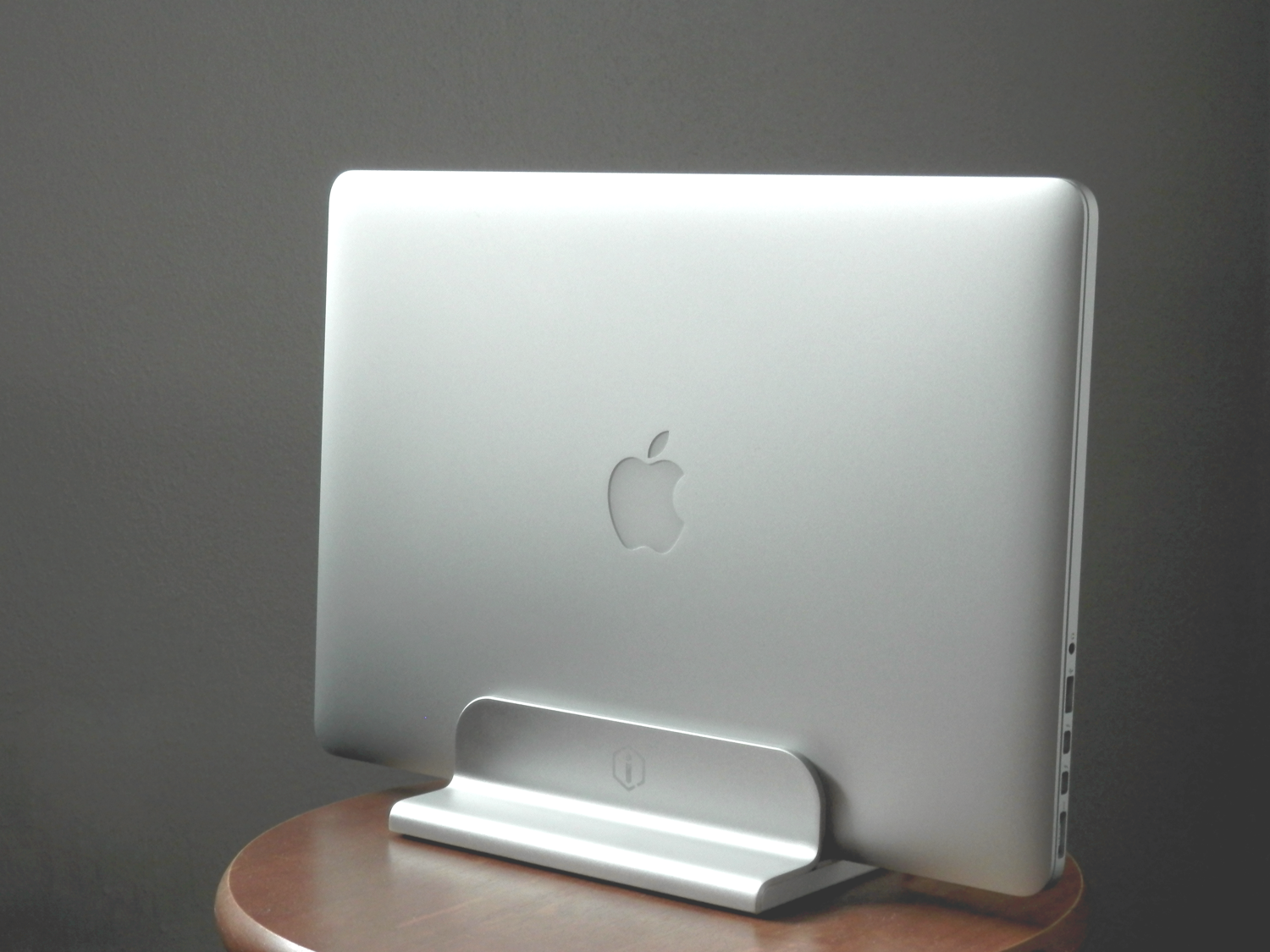
If you're looking for a durable aluminum stand for your Apple notebook, then don't count out iQunix. Although the popular brand names look appealing and are tried and true, we had the chance to go hands-on with the iQunix Edin, which is also a very high-quality stand for all MacBook models, all this at a lower price.

In this review, we'll show you how the iQunix Edin looks and touch on its build quality and features. Don't be shy; we think you're gonna like it!

Upgrading your MacBook Air/Pro storage capacity with the OWC Aura Pro SSD

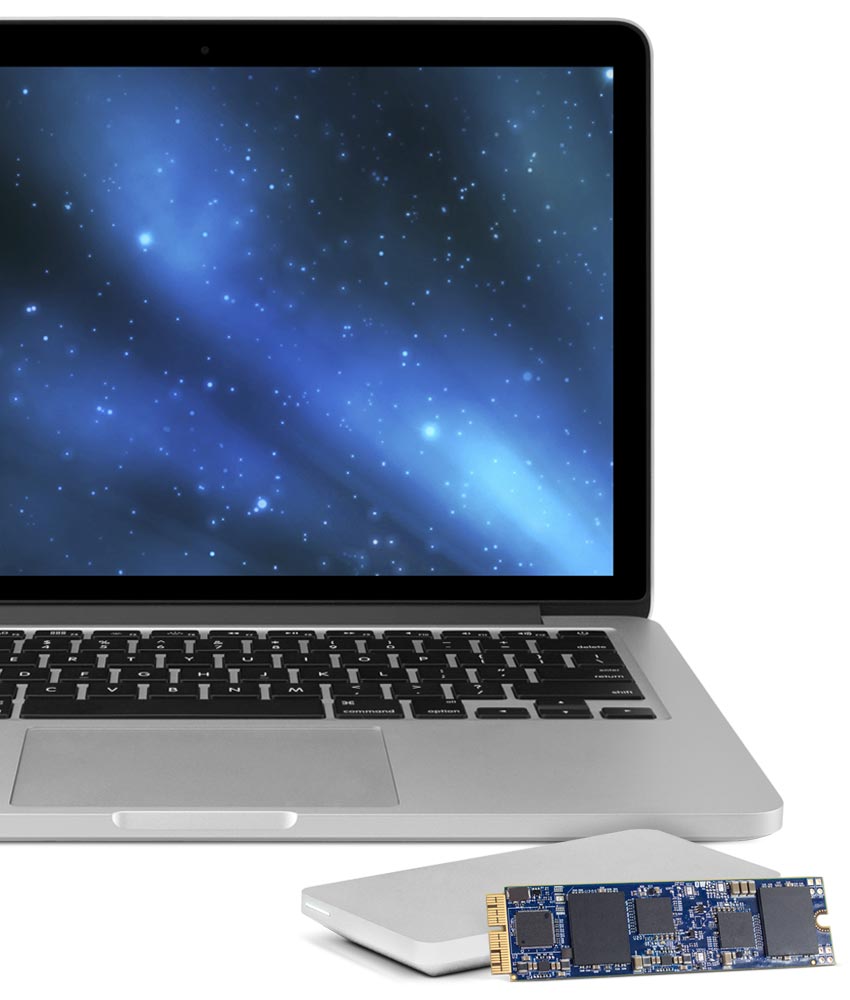
Other World Computing unveiled their Aura Pro PCI-e drop-in SSD upgrade kits last month for 2013 and later MacBook Pro with Retina display and MacBook Air model notebooks.

OWC's Aura Pro SSD storage upgrades start at $399.00 (introductory price) for a 480GB module and and go up in price from there.

Sure to be a popular seller for those that want to upgrade the on-board storage in their expensive Macs without buying an all-new Mac, we've decided to try it out and share with you exactly what we think about it.

Blockhead makes your MacBook charging brick less annoying

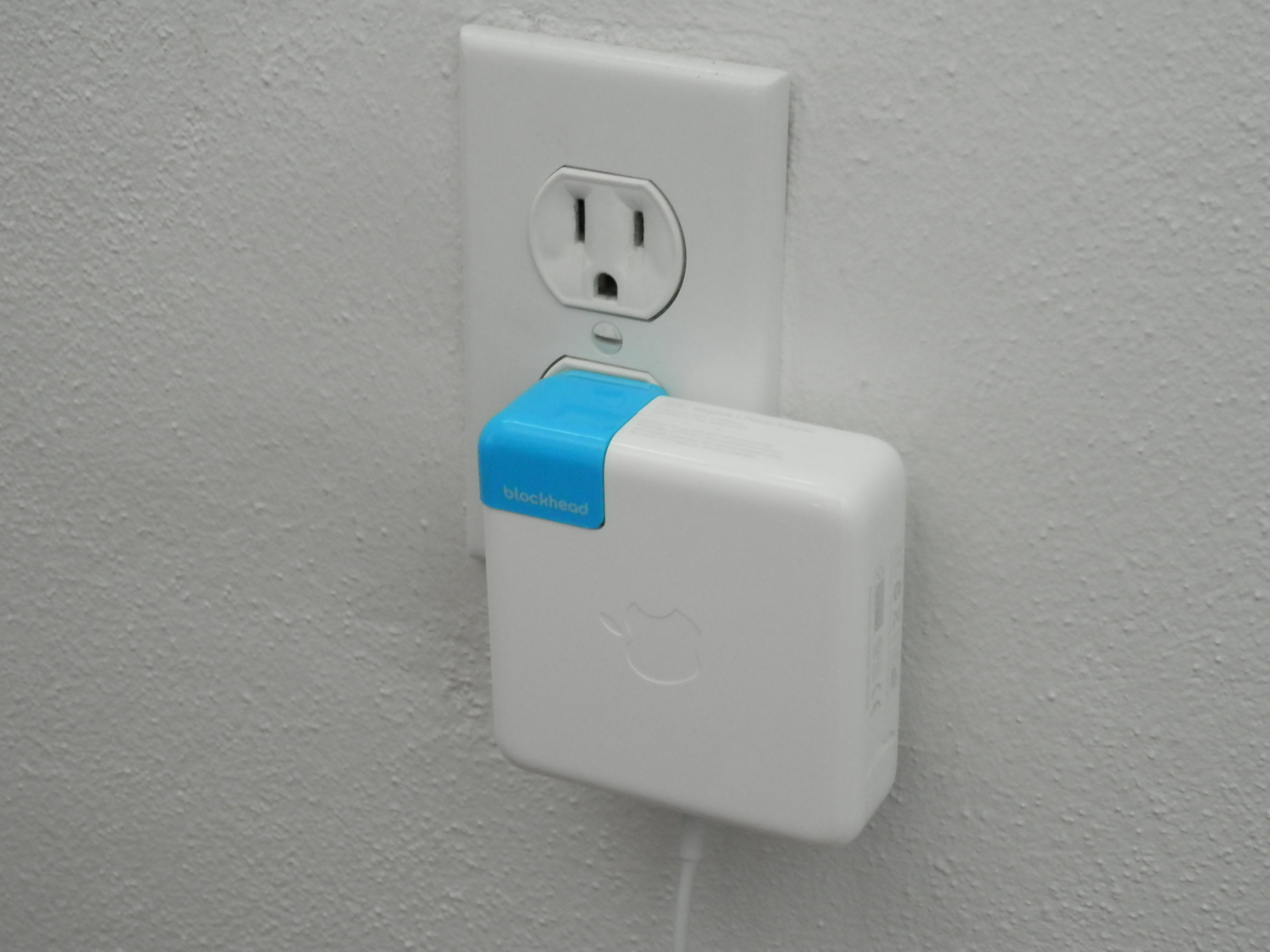
I love my Mac, but honestly, I hate the AC adapter. The 'wall wart,' as I like to call it, sticks out so far from the wall that it can be incredibly inconvenient for plugging in behind couches and in other tight spaces.

Blockhead, which was only just recently announced, eliminates the annoying protrusion of Apple's AC adapter and is now available from Ten One Design.

Now that the Blockhead is available for purchase, we've been lucky enough to get our hands on one. In this review, we'll walk you through its design and how it looks.

Mountie: a simple way to mount your iOS device side-by-side with your MacBook

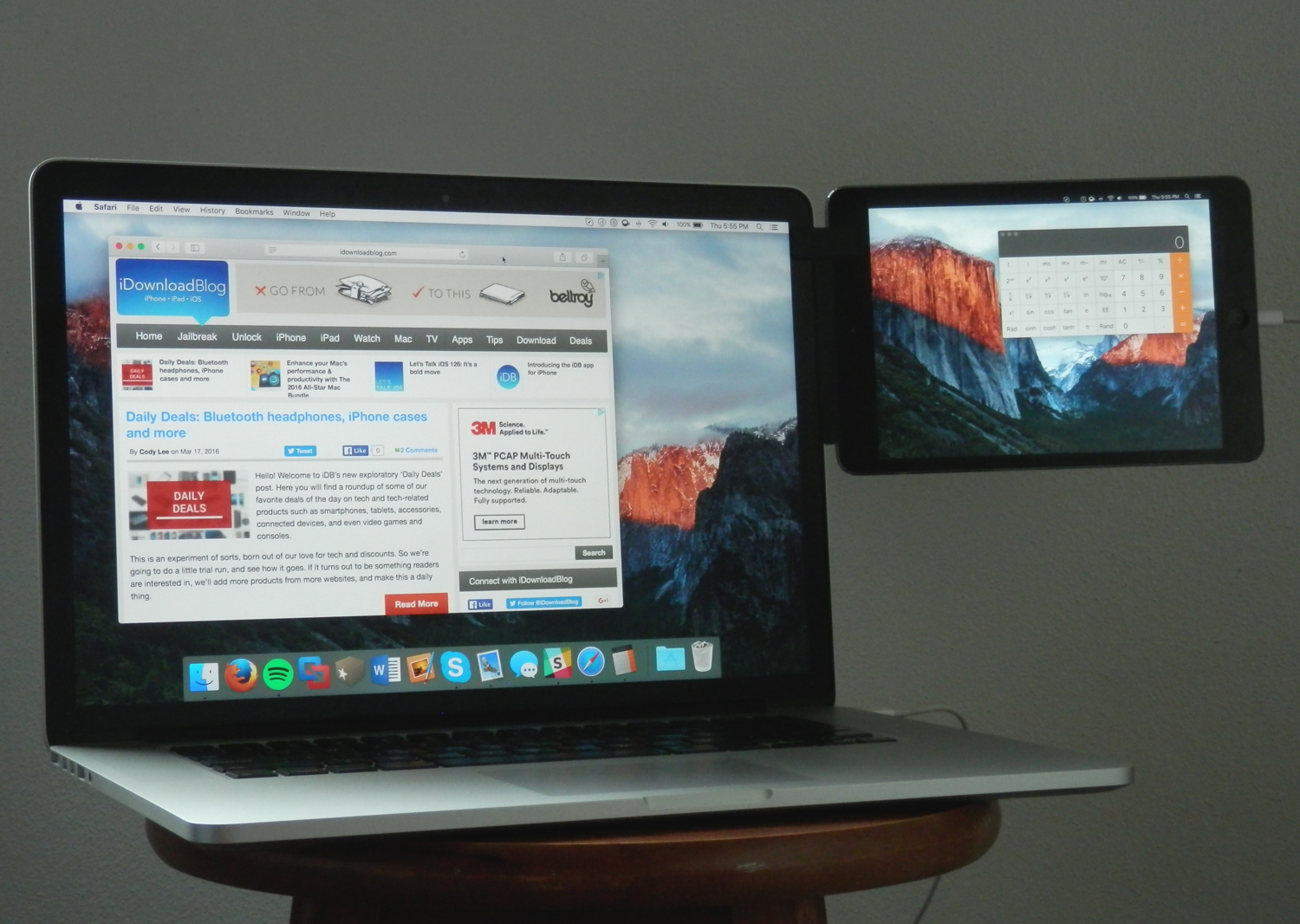
Whether you're looking to make multitasking easier by having your iPhone, iPod touch, or iPad right next to your computer, or you're using some kind of screen-extension software like Duet Display, the Mountie by Ten 1 Design is a great way to use your iOS device side-by-side with your Mac or PC.

The Mountie, which can be had in either Blue or Green flavors on Amazon for just under $25, is an affordable way to keep your iOS device right where you want it – in front of your face – without needing to shell out big bucks on fancy desk stands.

In this review, we'll show you how the Mountie works and give you our general opinion on why you should or shouldn't consider it for your Apple accessory wish list.

Simple tips for safely cleaning your Mac and other Apple devices

Cleaning Mac keyboard

Your Mac, iPhone, iPad, Apple Watch, and/or any other other fancy high-tech devices you have are fun to use, but they'll easily get dirty and collect dust, sneeze splatter, and bacteria from your fingers over time, whether they're used frequently or not.

To combat grime, you can clean your devices every so often, but like anything else, there's a right and a wrong way to do this.

In this piece, we'll share with you some handy tips for cleaning your Mac and other Apple devices safely so you don't accidentally damage them.

The importance of your Mac’s battery condition and how to check it

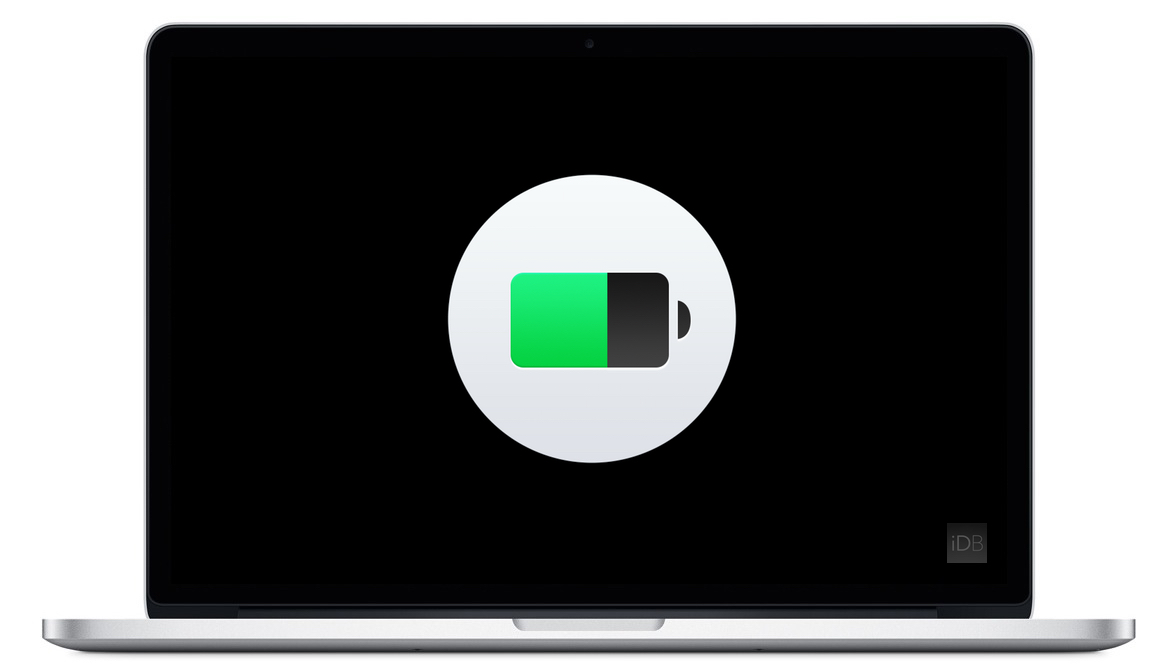
Apple's portable Mac notebooks like the MacBook, MacBook Air, and MacBook Pro are all powered by Lithium-Ion batteries, and these batteries don't last forever. They go through cycles as they're charged up and used over and over. After a number of cycles, batteries tend to lose their effectiveness at storing power, and will eventually need to be replaced.

If you have ever wondered just how close you are to needing a battery replacement in your Mac, then you'll be happy to know that macOS is actively monitoring your Mac's battery and can tell you with a quick keyboard shortcut, which we'll be discussing in this short information piece.

OWC launches SSD Upgrades for Mid-2013 and later Mac Notebooks

Other World Computing (OWC) has announced on Tuesday a major new step forward in upgrading the flash storage of your 2013 or later MacBook Air or MacBook Pro with Retina display.

Now available are the OWC Aura solid state drives (SSD), which come in flavors of 480GB and 1TB. These storage drive upgrades are direct PCI-e drop-ins for any of the supported computers.

My 5 favorite accessories to use with my MacBook Pro

Whenever I'm using my MacBook Pro, there are a number of third-party accessories I like to use to glorify my user experience based on what I may be using it for. In this piece, I'll share with you my five favorite accessories that I use with my 15-inch MacBook Pro with Retina display regularly.