Lockscreen

UnShaker7: unlock your iPhone with a shake

Unshaker7 is a new jailbreak tweak that was created to allow iOS 7 users to unlock their iPhones using a shake gesture. Although that's the intention of the tweak, the execution of the idea didn't exactly go as planned.

The tweak is extremely simple, and only contains a few options to configure, but it's flawed. Have look inside at our video walkthrough to see what I mean.
Convergance: a complete Lock screen replacement for the iPhone

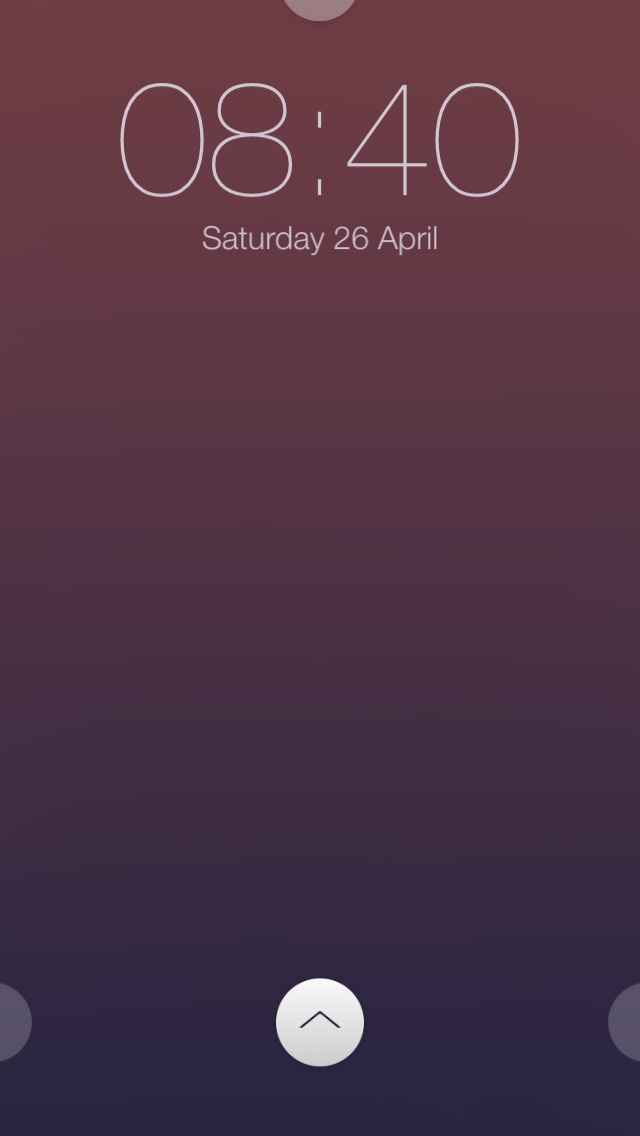
Unless you've been living in an underground bunker in Siberia for the last month or so, you've likely heard of Convergance. It's the newly released jailbreak tweak that acts as a complete Lock screen replacement for iOS.

Along with the redesigned Lock screen interface comes widgets, quick shortcuts, custom themes, and HTML support for even deeper custom Lock screen features. Oh, and did I mention that there's an API for developers to extend Convergance's features?

Needless to say, Convergance is one of the most hyped tweaks of 2014. Does it live up to the hype? Have a look inside for the details.

TapToUnlock7: unlock iOS 7 devices with just a tap

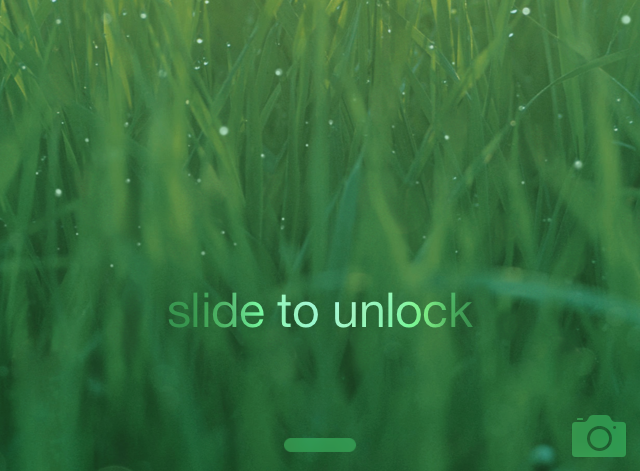
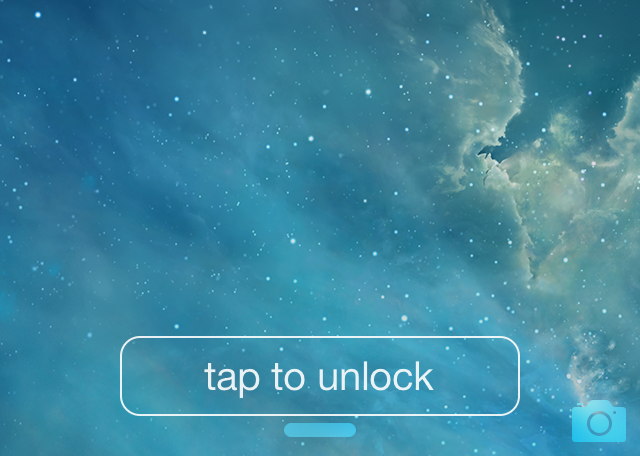
No more sliding! Just Tapping. That's the headline for the description for TapToUnlock7 in Cydia, and I have to say, it's apt. TapToUnlock7 is a tweak that gets rid of the "slide to unlock" action and replaces it with a simple tap.

TapToUnlock7 works with both passcode enabled devices and unsecured devices. When you have a passcode enabled, a tap will activate the passcode screen, and when you have the passcode disabled, you'll be whisked away right to iOS' Home screen.

The tweak features a variety of customization options to change up the look and feel of the tap to unlock button on the Lock screen. Have a look inside as we explore various facets of this brand new release.

Timely: add a beautiful text-based Lock screen clock to your iPhone

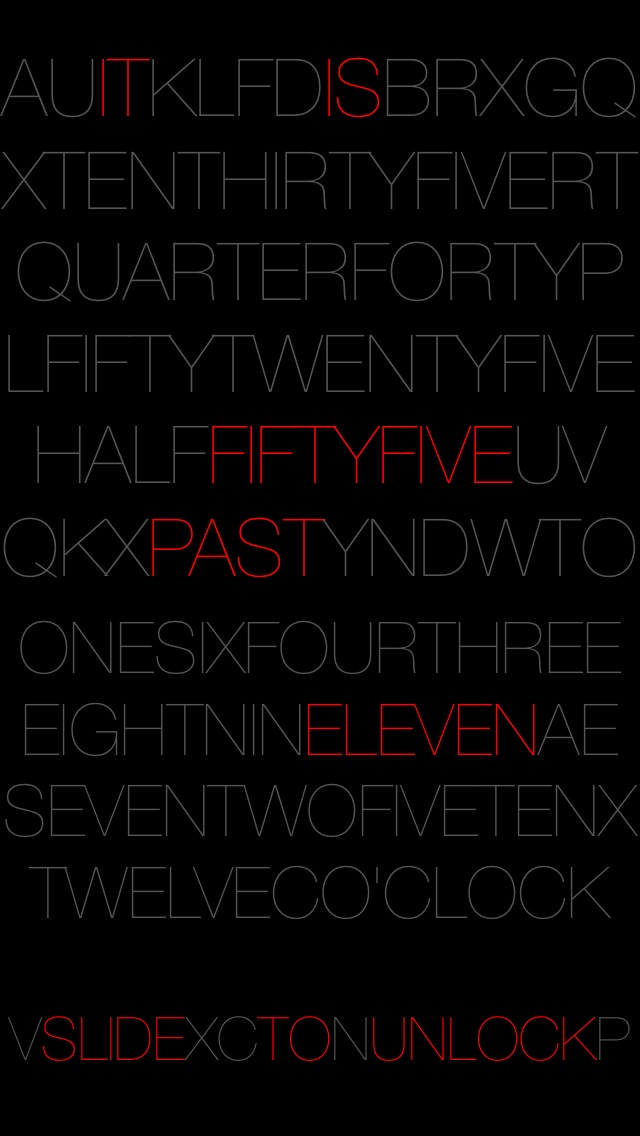
Now here's a great way to spice up your iPhone's Lock screen. Timely—a recently released tweak—adds a text-based Lock screen clock to your iPhone.

Depending on the current time, Timely will highlight the necessary elements that make up the time via a text based Lock screen layout. It's even capable of rounding to the nearest five minutes for a cleaner look. Have a glance at our video review inside for more details.

Sticky: quickly add a handy sticky note to the Lock screen

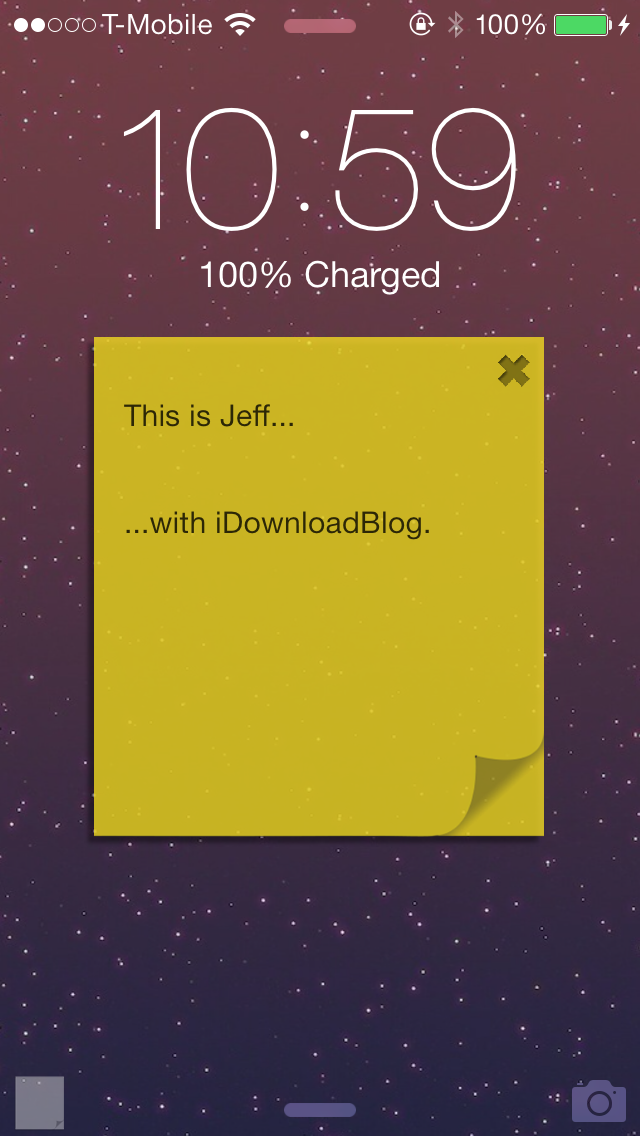
Sticky is an upcoming jailbreak tweak that allows you to add a handy sticky note to the Lock screen. It's a tweak that's useful for quickly taking notes that you will need to reference at a later time.

One of the cool things about Sticky is that your notes stay visible on the Lock screen. This makes it so that when you wake your device from sleep, your note is waiting on you to remind you of any tasks.

We've taken Sticky for a spin on video. Have a look past the break for the full review.

ShareLock lets you share photos directly from the Lock screen

There are a few tweaks that are dear to my heart, mainly because I came up with the concept behind them. SkipLock is one of these tweaks, and ShareLock is another one that was just released on Ryan Petrich's beta repo.

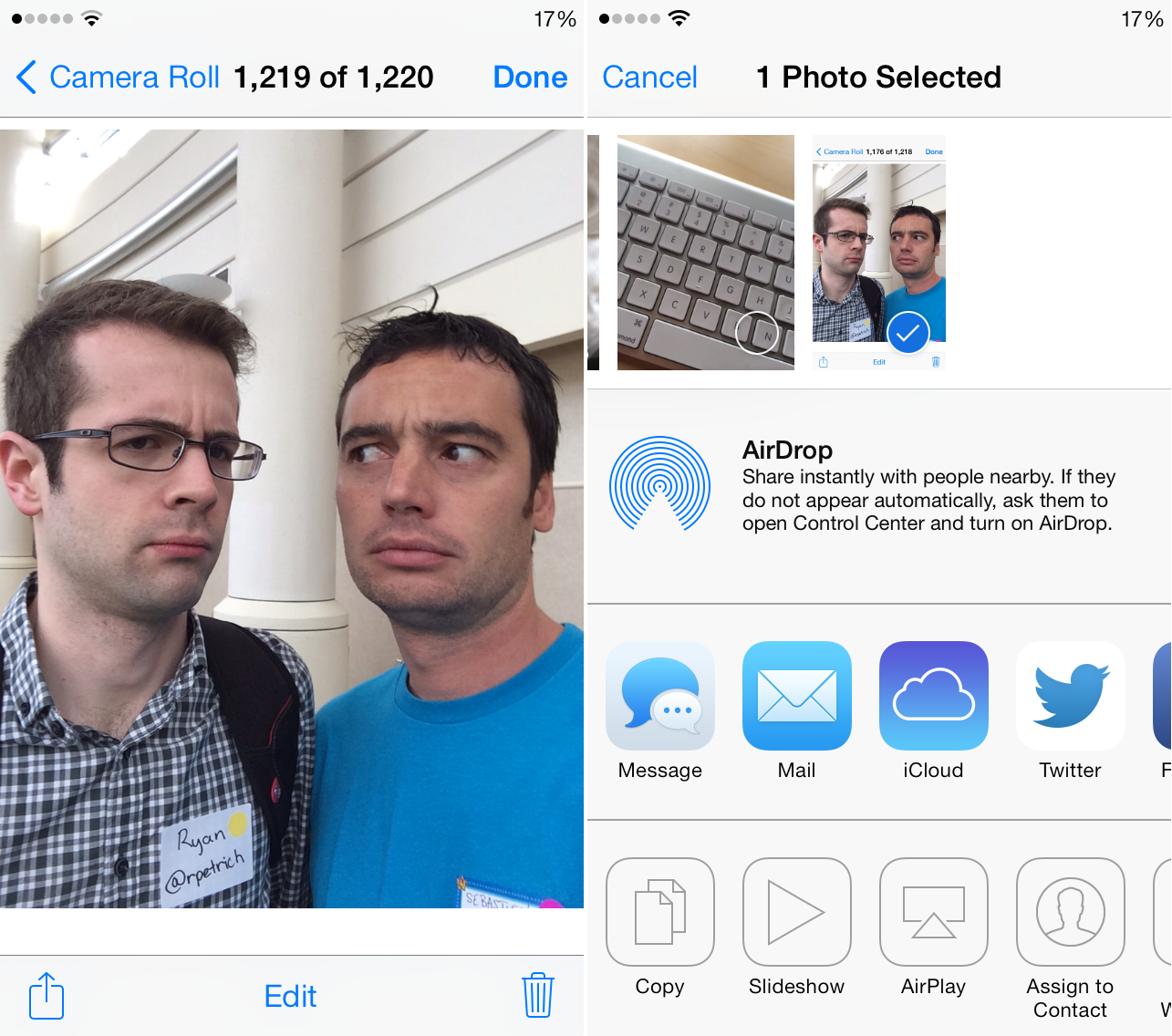
The idea of ShareLock is pretty simple. It lifts the restriction put in place by Apple that prevents you from sharing photos you have taken using the camera grabber on the Lock screen. With ShareLock, you can simply launch the Camera app from the Lock screen grabber, snap a picture, and share it right away...

‘Priority Hub’ brings the Blackberry 10 priority hub feature to iOS 7

Looking for a better way to sort your Lock screen notifications on iOS 7? Then try out Priority Hub, a new Blackberry 10 inspired jailbreak tweak that just landed on Cydia's BigBoss repo.

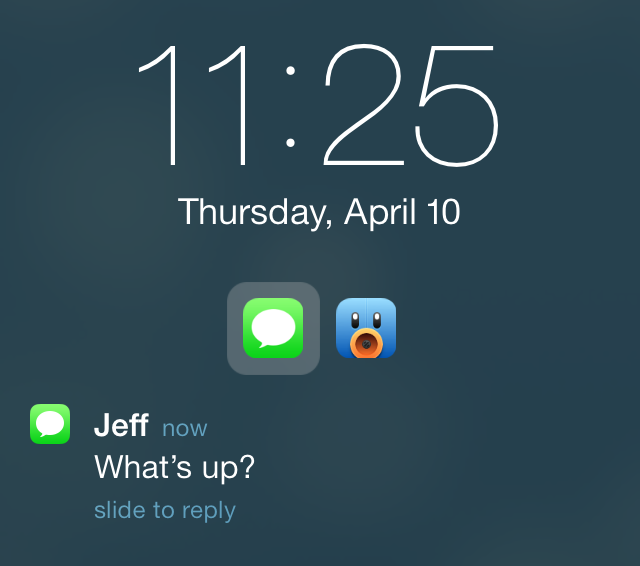
Priority Hub allows users to group Lock screen notifications by app, allowing one to easily see notifications pertaining to a single app at a time. It's a great way to simplify the iOS 7 Lock screen and make it easier to read at a glance.

We've taken Priority Hub for a test drive via our hands-on video walkthrough. Check past the jump for the full scoop.

MathPass: use simple math problems to unlock your iPhone

MathPass is an interesting new jailbreak tweak that's perfect for those who are just beginning to learn multiplication, or for those who just want to stay alert and have a little fun doing it. MathPass asks you to answer simple multiplication problems from the Lock screen, with the product being the Passcode that will unlock your device.

For example, MathPass might ask: ten times one is? Your answer would then be 0010. It's 0010 and not just 10, because you're required to enter a four digit passcode in order to unlock your device. That's pretty much the whole gist of MathPass in a nutshell; check out more detail inside.

How to remove the slide to unlock arrow on the Lock screen

Have you ever wanted to remove the little arrow icon that resides to the left of the text on the Lock screen? Well, you can now do so by means a new jailbreak tweak entitled NoSTUArrow. As you may have already put together, the "STU" stands for slide to unlock.

Admittedly, this is one of the simplest jailbreak tweaks that you'll find on the Cydia store, but that's what's wonderful about jailbreaking; there's truly something there for everyone. Interested to see how NoSTUArrow works? Have a look at our video walkthrough inside.

How to add a rain effect to the iPhone’s Lock screen

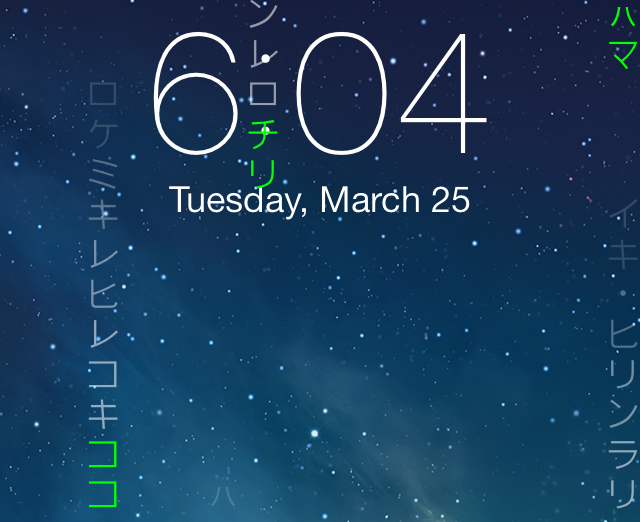
Rain Lock is a jailbreak tweak that lets you add custom "rain" effects to the iPhone's Lock screen. The rain is really just text, which can be custom text or one of the two built-in text effects.

As you may have already figured out, Rain Lock isn't the type of tweak that adds enhanced functionality to your iPhone, neither does it help you work smarter—it's a tweak that's unapologetically centered on visual flair. And that's okay, because that's what Rain Lock does well, and it gets it right for the most part. Mosey on inside for a look into how Rain Lock works via our hands-on video walkthrough...

SlideWeather replaces “slide to unlock” with current weather conditions

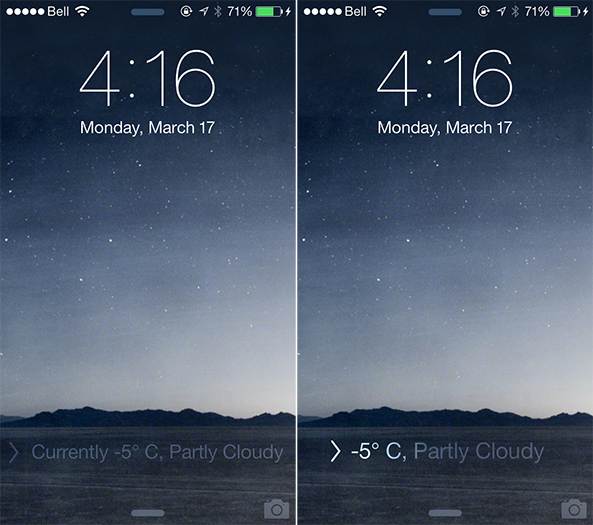
As someone who lives in Canada, which has been experiencing one of the coldest winters on record, it is safe to say that I have been checking the forecast a little more often than usual. That is part of the reason why I am a big fan of weather-related jailbreak tweaks such as SlideWeather, a new iOS extension that replaces the default "slide to unlock" text on the Lock screen with the current temperature and conditions.

SlideWeather pulls forecast information based on the location of your device, meaning that you must have Location Services enabled for the Weather app for this tweak to work properly. I only learned that by experimentation, as disabling Location Services caused the tweak to display no temperature and warn that a tornado was incoming. Fortunately, that is not the case. Details ahead… 

Spin: add a twist to your Lock screen’s music interface

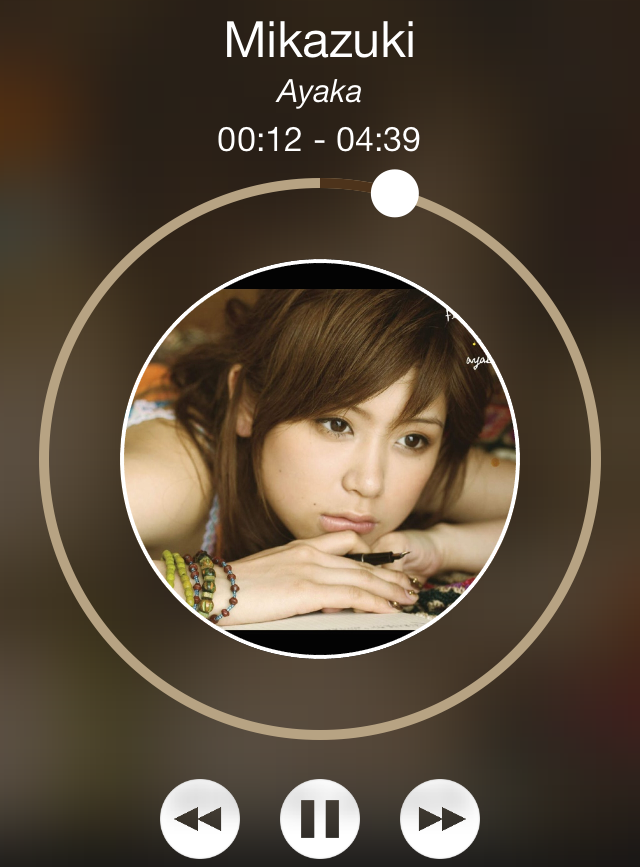
Spin is a just-released jailbreak tweak that adds a new look and feel to the Lock screen music controls and interface. Once you install the tweak, you'll need to head over to the stock Settings app to enable it and respring.

Whenever you play music and go to the Lock screen, you should notice a new remixed music interface. Check out our video walkthrough inside for a deeper look at Spin.