Lockscreen

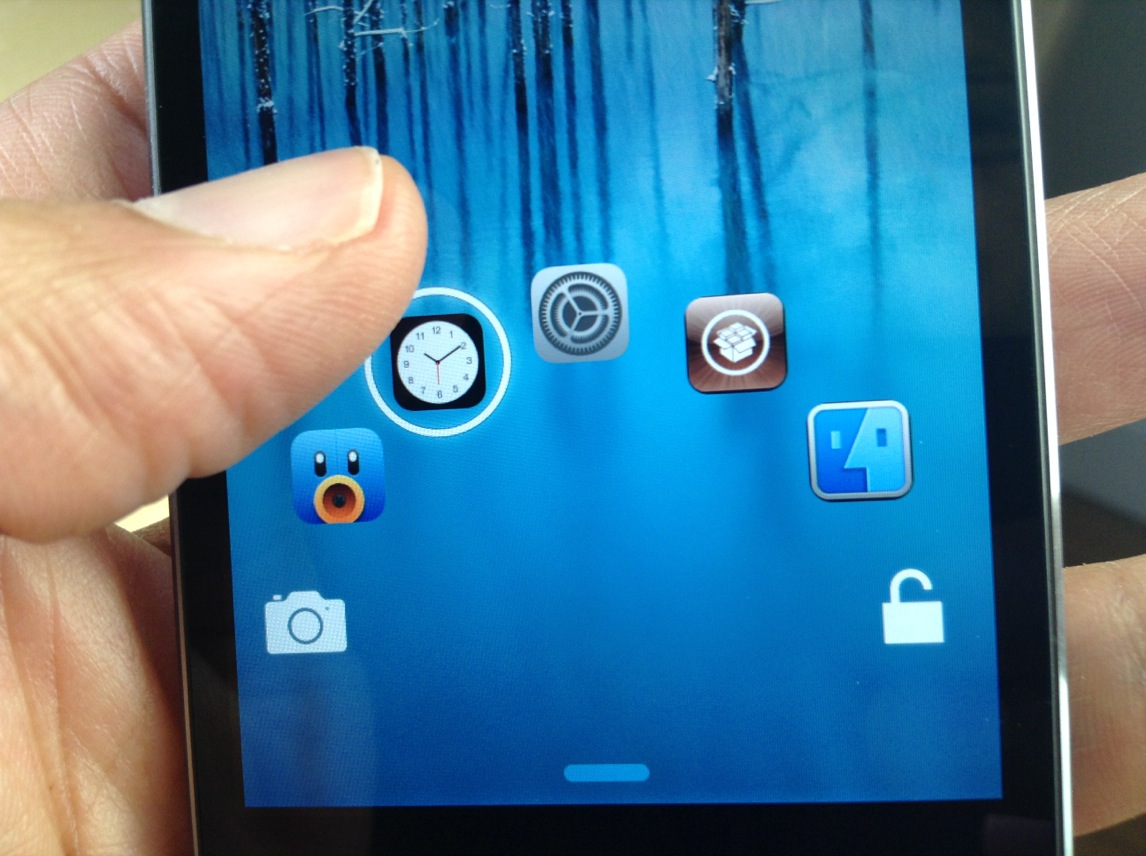
RocketLauncher: quickly view and launch apps from the Lock screen

RocketLauncher is an upcoming jailbreak tweak from @busheman, which allows you to view previews of your running apps, and launch those apps directly from the convenience of the iOS Lock screen. The tweak, which will be available in the near future on Cydia's ModMyi repo, is accessible by tapping and holding any area of the Lock screen.

Folks, this is one of the more promising upcoming tweaks that I've seen in a while. Have a look at our full video walkthrough to see how RocketLauncher performs in action.

How to use the Lock screen passcode screen to dial phone numbers

Have you ever wanted to use your Lock screen passcode for more than just unlocking your iPhone? If so, then boy, do I have a jailbreak tweak for you.

PassDial is a brand new tweak that allows you to assign a speed-dial number to a passcode of your choice. For example, I can assign the passcode '1-2-1-2' to phone number 1-888-888-8000, and any time I enter that specific passcode, the number assigned will be dialed.

We've created a hands-on video to show you how PassDial works in action. Take a look inside to see what this jailbreak tweak is all about.

Forecast brings the Weather app to the Lock screen

I awoke this morning to blizzard conditions and cancelled classes, giving me the fitting opportunity to take a look at an exciting recently updated jailbreak tweak called Forecast for iPhone and iPod touch. I recommend you take a look too, as this is definitely one of the better packages available on Cydia.

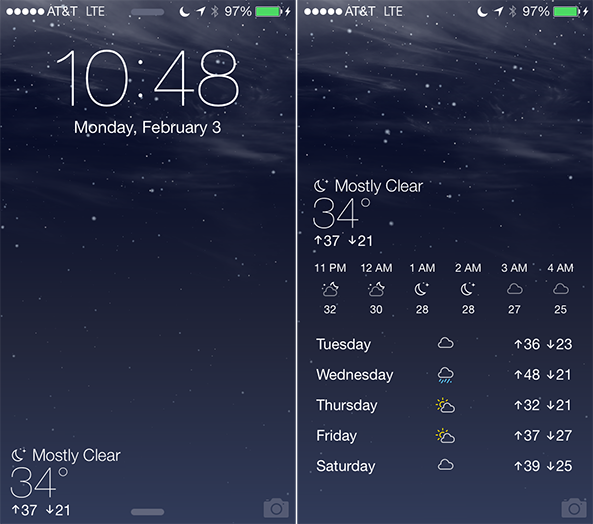
Forecast replaces Slide to Unlock on the Lock screen with a widget on the bottom left that displays the current temperature and conditions, in addition to anticipated highs and lows for the day. For example, in the screenshot above, the current temperature is 34 ºF with mostly clear skies on a crisp February night. And that's just the beginning of what this tweak has to offer…

How to set your iOS passcode to your device’s current time

TimePasscode is a new jailbreak tweak that lets you use your device's current time as a passcode to unlock your device. Spurred on by a Reddit request, developer Steve Hetelekides has created a tweak that allows you to have a different passcode with every passing minute.

If you're looking for a way to spice things up on the Lock screen from a security standpoint, then this might be the tweak for you. Have a look inside as we demonstrate how TimePasscode works on video.

Review: JellyLock7

The original JellyLock was an extremely popular jailbreak tweak, because it brought the Android Jelly Bean styled Lock screen to iOS. Now, a new version of JellyLock has just been released, and it sports compatibility with iOS 7.

The appropriately name JellyLock7 is available right now for download. Like its predecessor, it adds some of the conveniences brought to the fore by the popular Android OS. Have a look at our full video walkthrough inside to see the iOS 7 version of JellyLock in action.

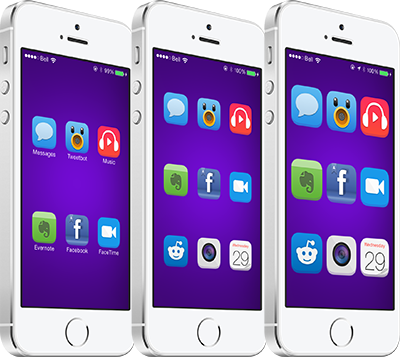
AppBox adds an app launcher to your Lock screen

I have been testing a lot of Lock screen jailbreak tweaks over the past few weeks, and quite honestly I have walked away disappointed on more than a few occasions. A lot of add-ons that are dependent upon frameworks like Cydget have performed poorly on my iPhone, some sending me into Safe Mode, and this has caused me to be increasingly selective about which packages I choose to install on my device.

Having said that, a new jailbreak tweak called AppBox is one that is quality enough to meet my high standards for recommendation. The extension adds an additional page to the Lock screen, accessible by swiping left, with a grid of icons for quickly launching apps without fully unlocking your device. The tweak has a number of options that can be adjusted, so dive in and let's take a look… 

Convergance takes your Lock screen in a bold new direction

Apple has always exercised fine-tuned control over iOS by making it a relatively closed platform, at least compared to Android. That is one of the main reasons why jailbreaking exists in the first place, with a major draw being the ability to customize an iPhone or iPad far beyond what is traditionally allowed. Convergance is an upcoming project for iOS 7 that aims to do just that, taking the Lock screen in a bold new direction with a crisp design, quick toggles and more… 

Blurpaper adds blurred effect to Home and Lock screen wallpapers

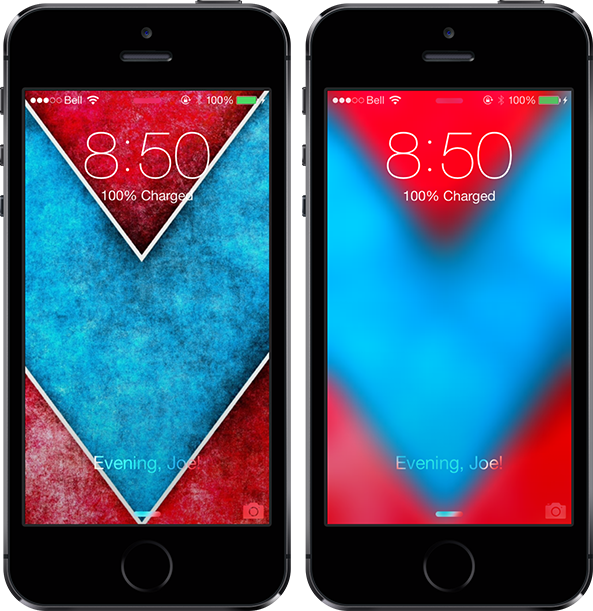
Translucency is at the heart of iOS 7 design, with blurred elements throughout the mobile platform. Often times it can be hard to find a wallpaper that looks nice with the all-new user interface, and a new jailbreak tweak called Blurpaper helps make that process easier.

The tweak takes your current Home screen and Lock screen wallpapers — here's some nice ones — and overlays a blurred effect on them automatically, with no respring necessary. If you want, give it a test with the wallpaper I'm using in the screenshots above. The package has a number of options to configure… 

How to simplify the look of the Lock screen on iOS 7

One of the better looking Lock screen tweaks for iOS 6 now has an iOS 7 counterpart. SubtleLock (iOS 7) is a brand new jailbreak tweak that allows you to make subtle changes to the Lock screen in iOS.

The idea behind the tweak is to make the Lock screen appear simpler, less cluttered and easy to read. SubtleLock was one of my favorite lock screen tweaks available for previous iOS firmware, and I'm happy to report that this new tweak works just as well as past iterations. Full video walkthrough inside.

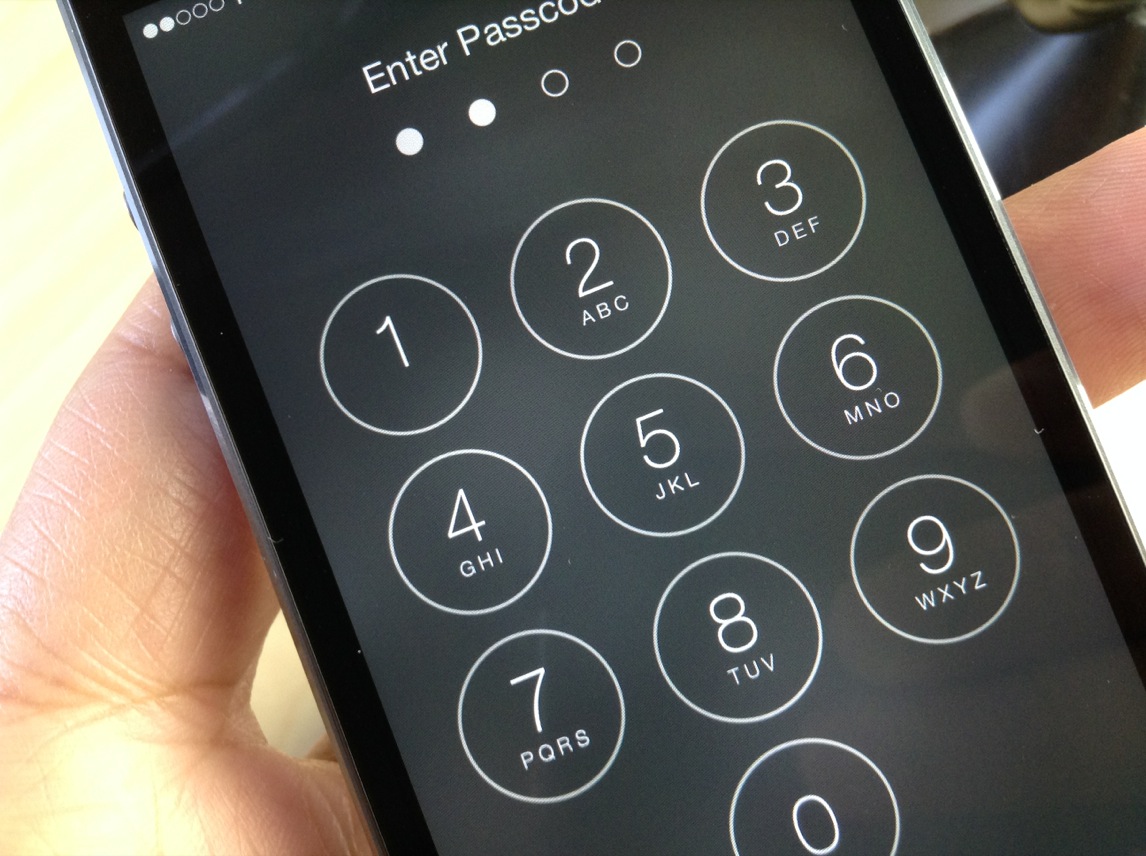
How to remove the numbers and letters from the passcode buttons on the Lock screen

Interested in removing the letters and numbers from the passcode buttons on the Lock screen? If so, then SimplePasscodeButtons is a tweak that was created just for you.

SimplePasscodeButtons is an extremely simple tweak (hence the name) that allows you to hide the letters on the passcode screen, or both the letters and numbers. The end result is a a bunch of circles on the passcode screen with nothing inside them. Have a look inside for our video walkthrough and more details.

How to make “slide to unlock” appear immediately on the iPhone 5s

NoDelay64 is a recently released jailbreak tweak for iPhone 5s owners. It's a tweak that removes the delay from the appearance of the "slide to unlock" on Touch ID enabled devices.

Apple adds a delay to the famous "slide to unlock" text, because it assumes that most iPhone 5s users with Touch ID enabled will be using Touch ID instead. This new tweak gets rid of that delay with a simple Cydia install. Have a look past the jump to see how it works on video.

How to dynamically change the Slide to Unlock text

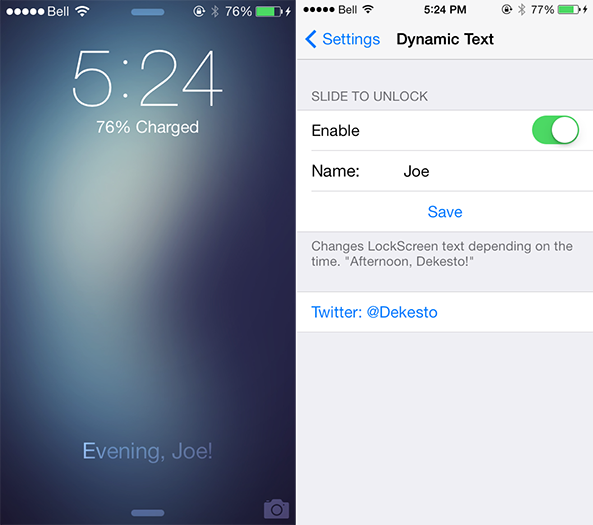
We've kicked off the week with an influx of new jailbreak tweaks for iOS 7 devices, ranging from Controllers for All and Animer7 to Fancy and Pluck 2. Those four packages are very interesting in themselves, but a smaller extension by the name of DynamicText deserves a quick look too. As you would expect, the tweak allows you to dynamically change text on iOS 7. Take a look ahead for a closer look…