Home screen

Smoothie removes the ‘paging’ effect when navigating the Home screen

As you scroll through the Home screen’s many pages on a stock device, the scrolling will automatically stop once you arrive on the next page, an effect known to many as ‘paging.’

If you don’t like this paging effect and would prefer that your Home screen scrolling experience felt ‘infinite’ as it does when navigating down a long web page, then you’ll probably come to appreciate a newly released jailbreak tweak dubbed Smoothie by iOS developer Nepeta.

Miss Infinidock? Docky is a jailbreak tweak that will trigger your nostalgia

As you scroll through the multitude of pages that make up your iPhone’s Home screen, one thing that’s always visible is the application Dock. That said, the Dock is a wonderful place to store your most frequently used apps, as it makes them quick and easy to access in a pinch.

But for those who demand more than just four application spaces in their application Dock, a newly released jailbreak tweak dubbed Docky by iOS developer Nepeta shows a lot of promise.

Storage3D: View your iPhone’s remaining storage space with a 3D Touch gesture

Every so often, I happen upon new jailbreak tweak releases that incorporate ‘no-brainer’ functionality into iOS, and this prompts me to wonder why the software design team at Apple hasn’t implemented similar features into their platform out of the box.

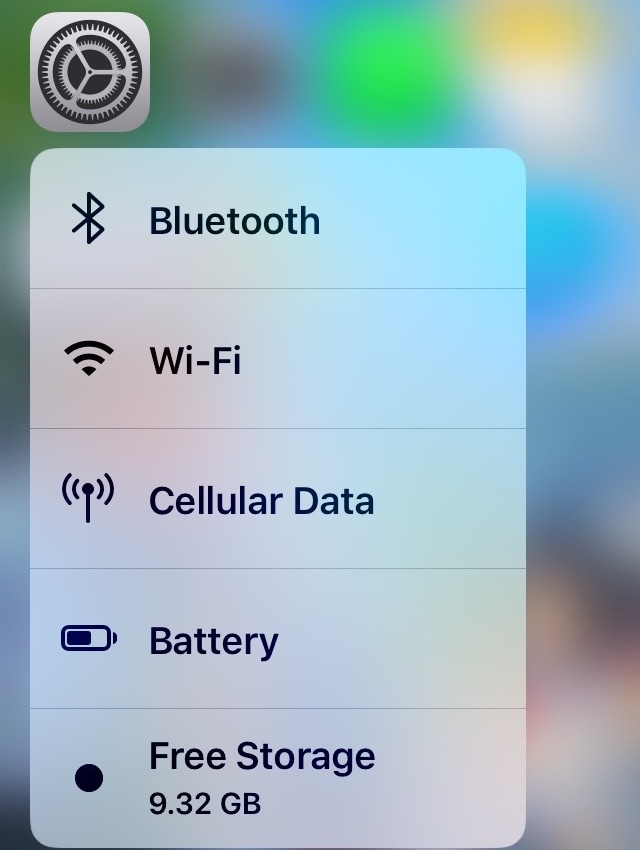
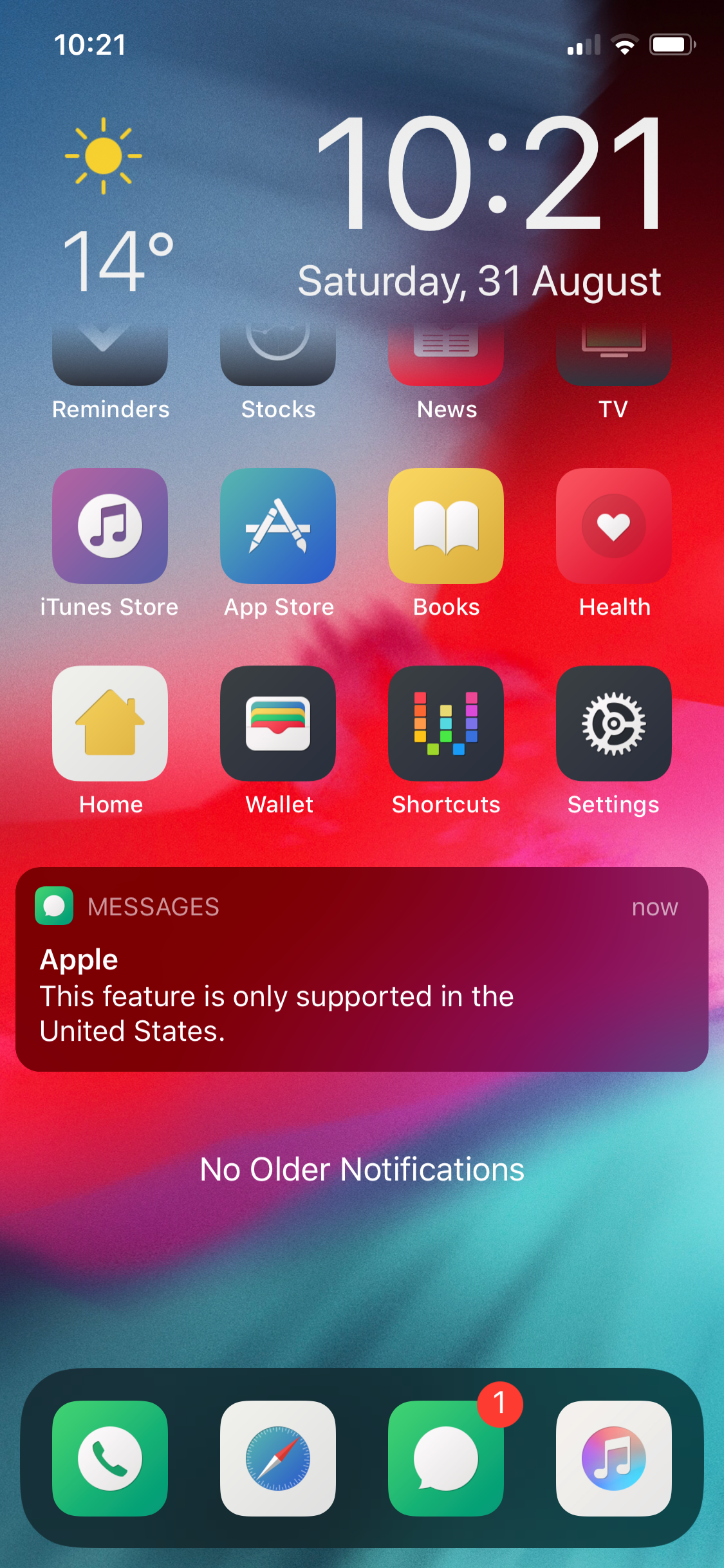
Storage3D by iOS developer Wh0ba is one such release, and as you can discern for yourself in the screenshot example above, this tweak lets you view your handset’s remaining storage space in the 3D Touch menu that appears when you use a 3D or Haptic Touch gesture on the Settings app icon via the Home screen.

This tweak removes the Dock’s background to make your wallpaper more visible

While there are slight variances in the Dock's background appearance between iPhone models, such as the iPad-style rounded corners on the iPhone X, XR, XS, and XS Max when compared to the rectangular appearance on every other handset, the fact remains that all iOS devices have a Dock background of some sort.

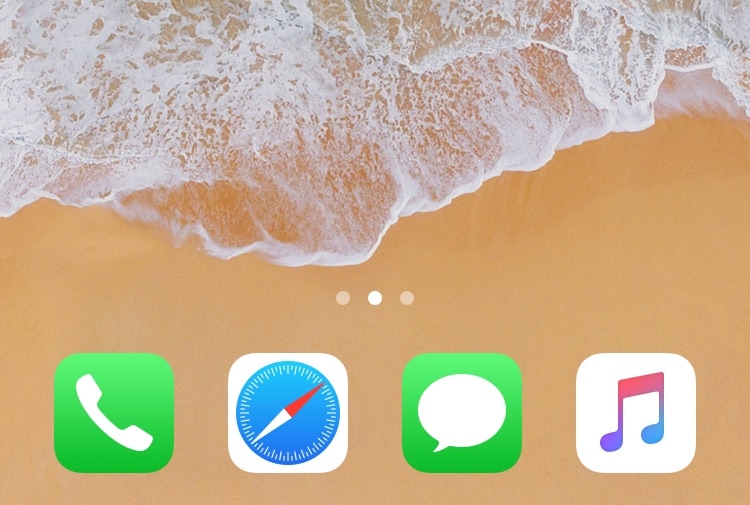
If you’re in the market to do away with the Dock’s transparent background to maximize your Home screen wallpaper’s visibility, then we think you’ll take a liking to a newly released jailbreak tweak called ClearDock12 by iOS developer NoisyFlake.

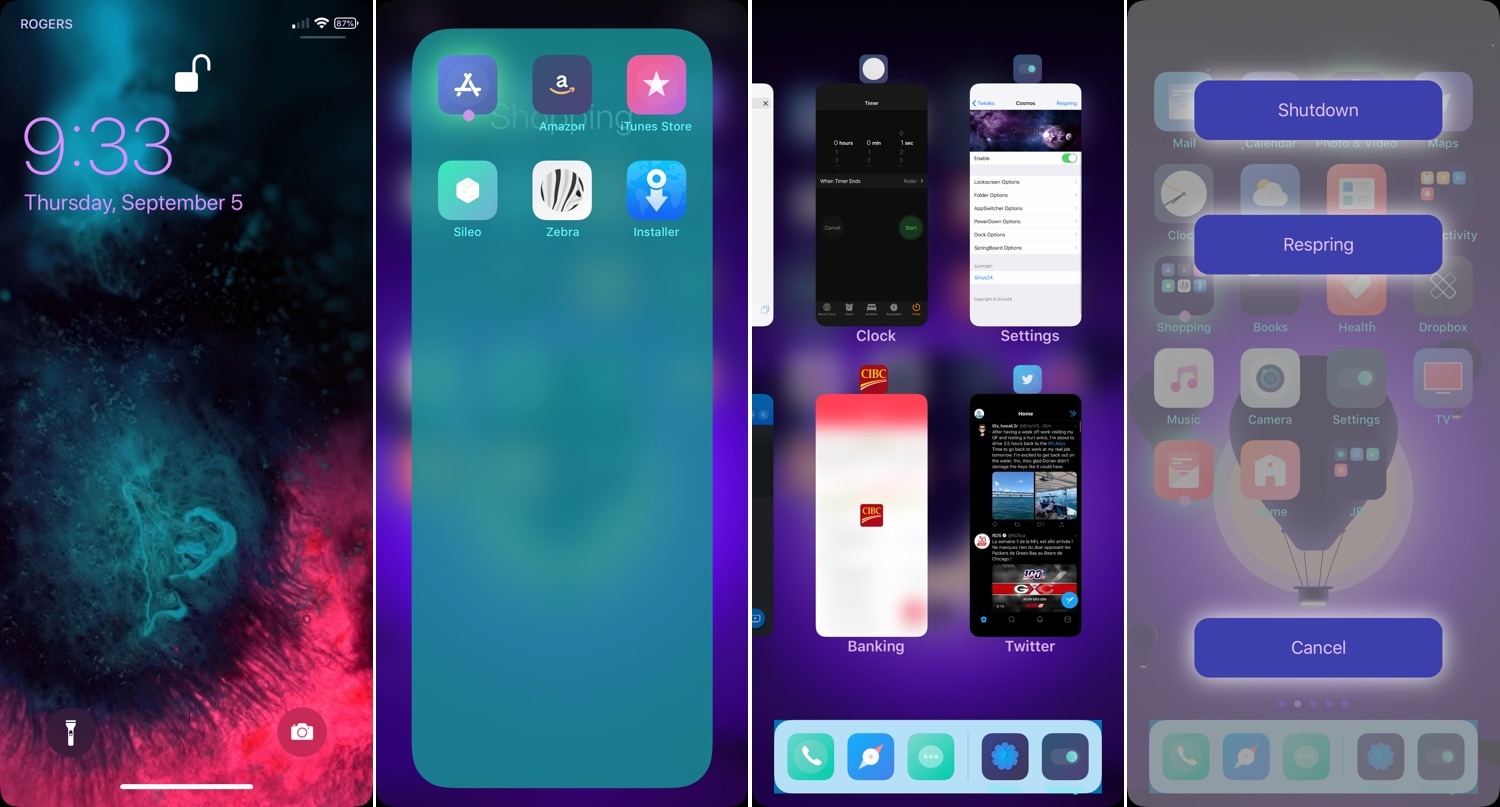
Carabiner gives your iPhone’s Home screen a more unified user experience

Apart from a few refreshed application icons and a nice new wallpaper here and there, Apple hasn’t done much to improve the Home screen experience since the original iPhone. With that in mind, it should come as no surprise to anyone that it’s a point of interest when it comes to customization on jailbroken handsets.

One such example is a brand-new jailbreak tweak release dubbed Carabiner by iOS developer LaughingQuoll. As shown in the screenshot example above, Carabiner crams several interfaces into the Home screen, providing a gorgeous all-in-one experience that provides more information at a glance.

2dock doubles the real estate of your jailbroken iPhone’s Dock

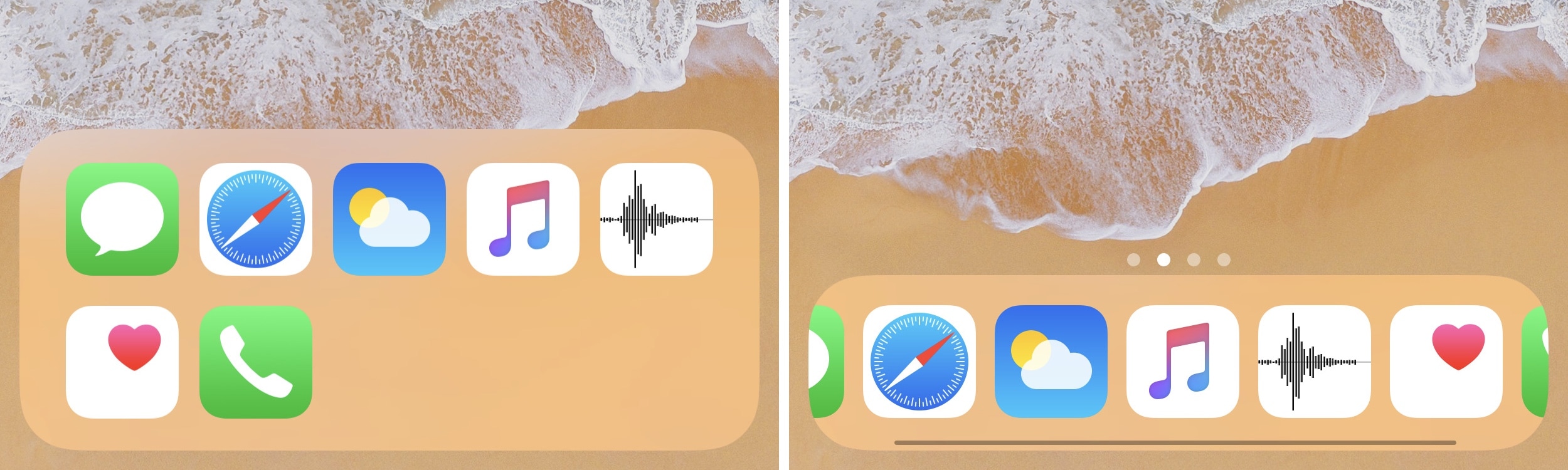
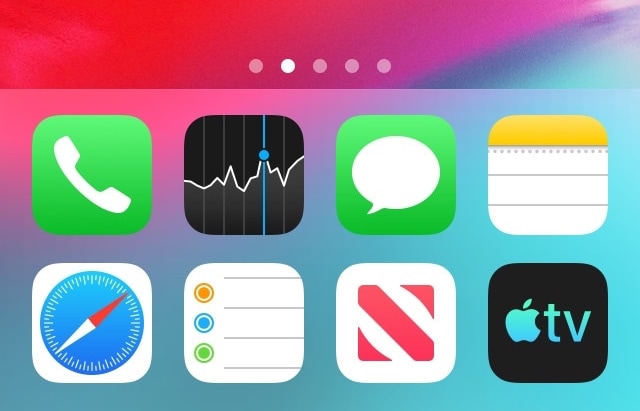
The Dock on any stock iPhone’s Home screen is limited to just four application icons, but with a newly released jailbreak tweak dubbed 2dock by iOS developer Nepeta, you can effortlessly double the app real estate for any iPhone’s Dock.

As you might’ve noticed from the screenshot example above, 2dock doesn’t make the Dock scrollable, nor does it push all the app icons together and cause crowding. Instead, it transforms the Dock we all know and love by turning it into a dual-row interface.

This tweak gives your Home screen folders a 2×2 grid layout

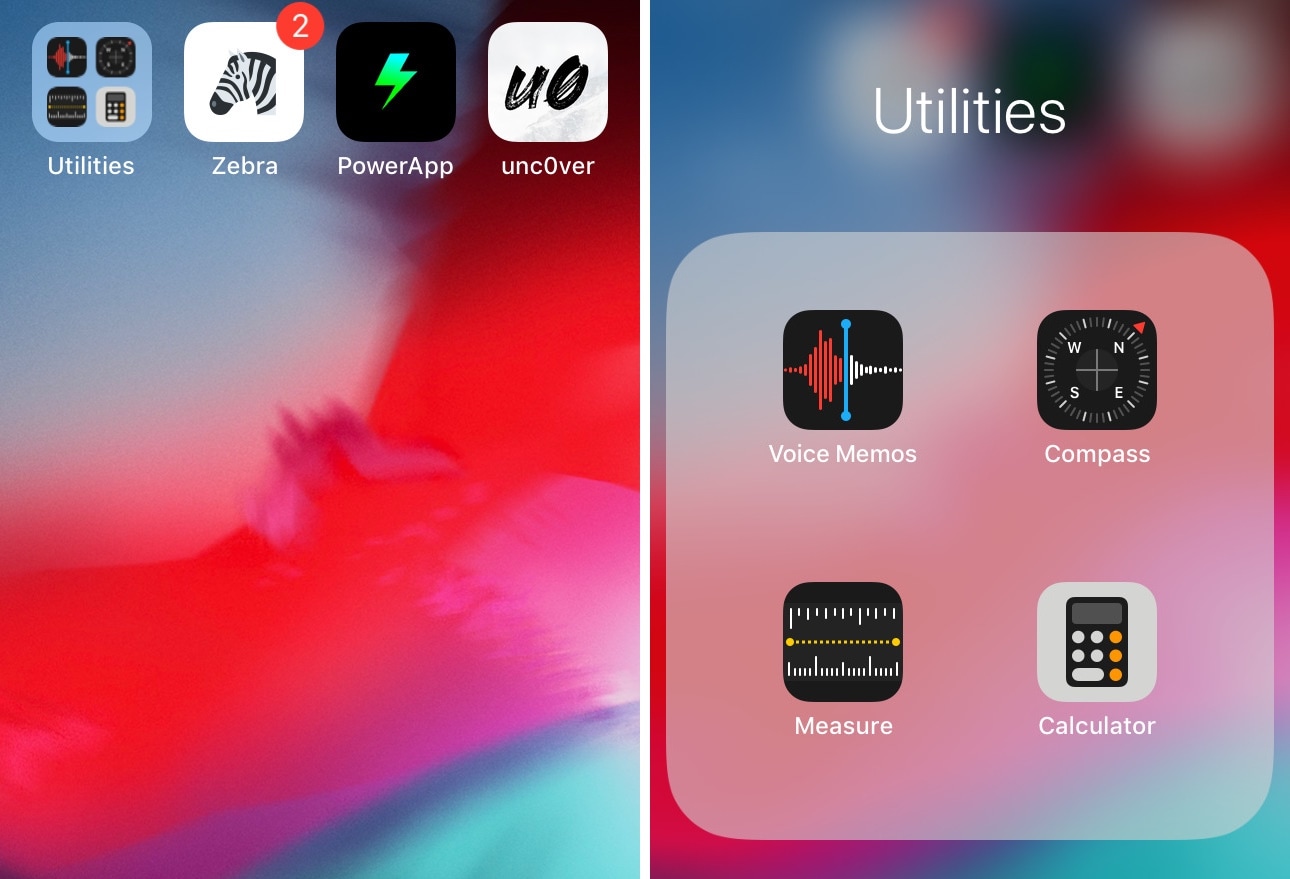
Home screen folders on an iPhone can hold up to nine apps per page at a time, but in certain cases involving extreme Home screen-centric UI customization often necessitate delicate icon balance, and the native look and feel can sometimes appear unsightly or asymmetrical.

If you’d appreciate a nicer-looking folder icon on your Home screen, then chances are that you might take an interest in a newly released and free jailbreak tweak called 2x2 by iOS developer Nepeta.

Appaze lets you set brightness and volume levels on a per-app basis

If you’ve ever fancied setting custom display brightness and/or speaker volume levels for individual apps before, then it’s your lucky day. A newly-released jailbreak tweak dubbed Appaze by iOS developer AnthoPak lets you do these things with ease.

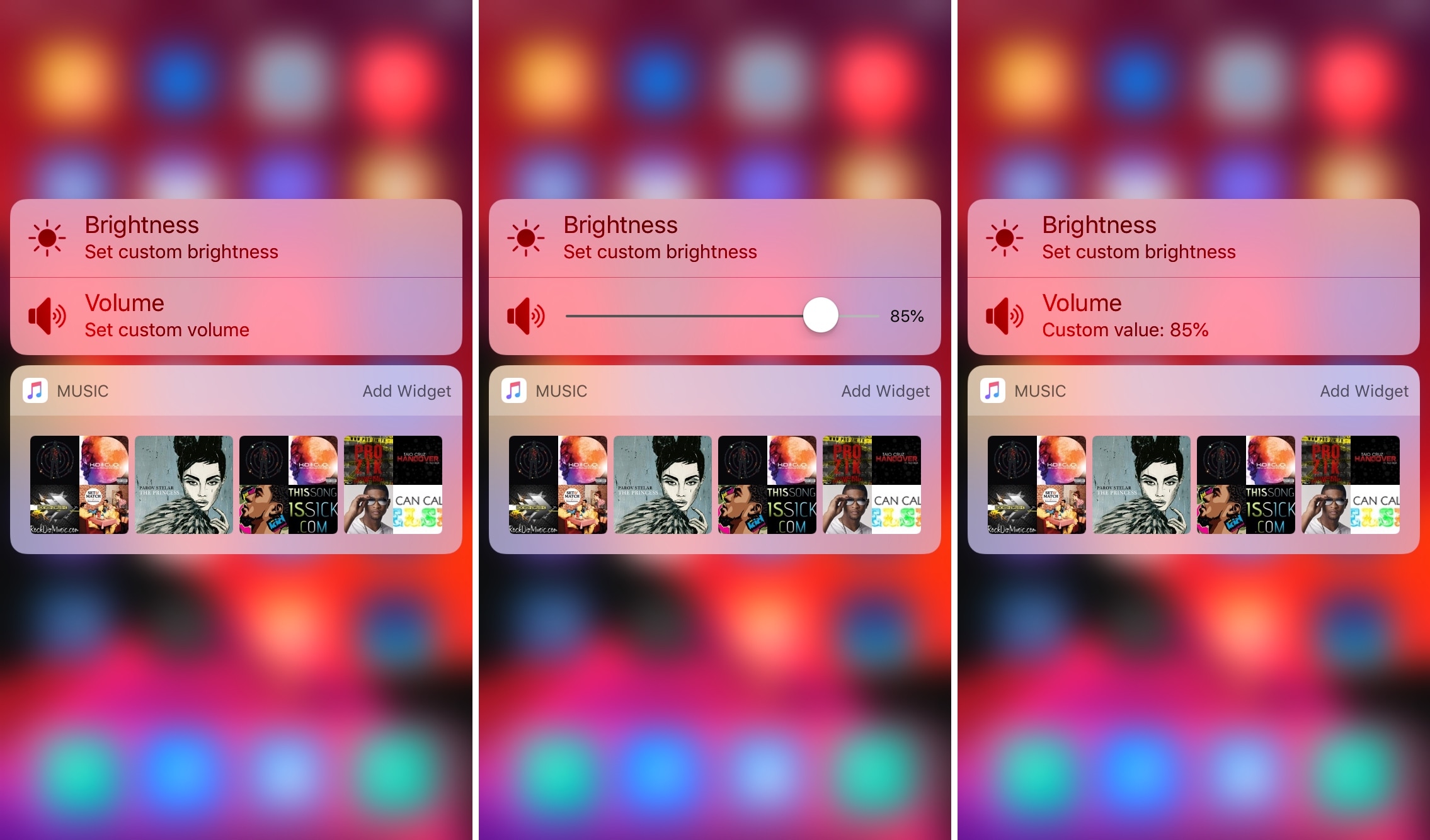
As shown in the screenshot examples above, Appaze utilizes the Home screen’s native 3D Touch menus to function. Upon pressing firmly on an app icon to reveal its menu, users will find two new additions, including “Set custom brightness” and “Set custom volume” at the top of the list.

Vinculum brings a Nexus-inspired app drawer to your jailbroken iPhone

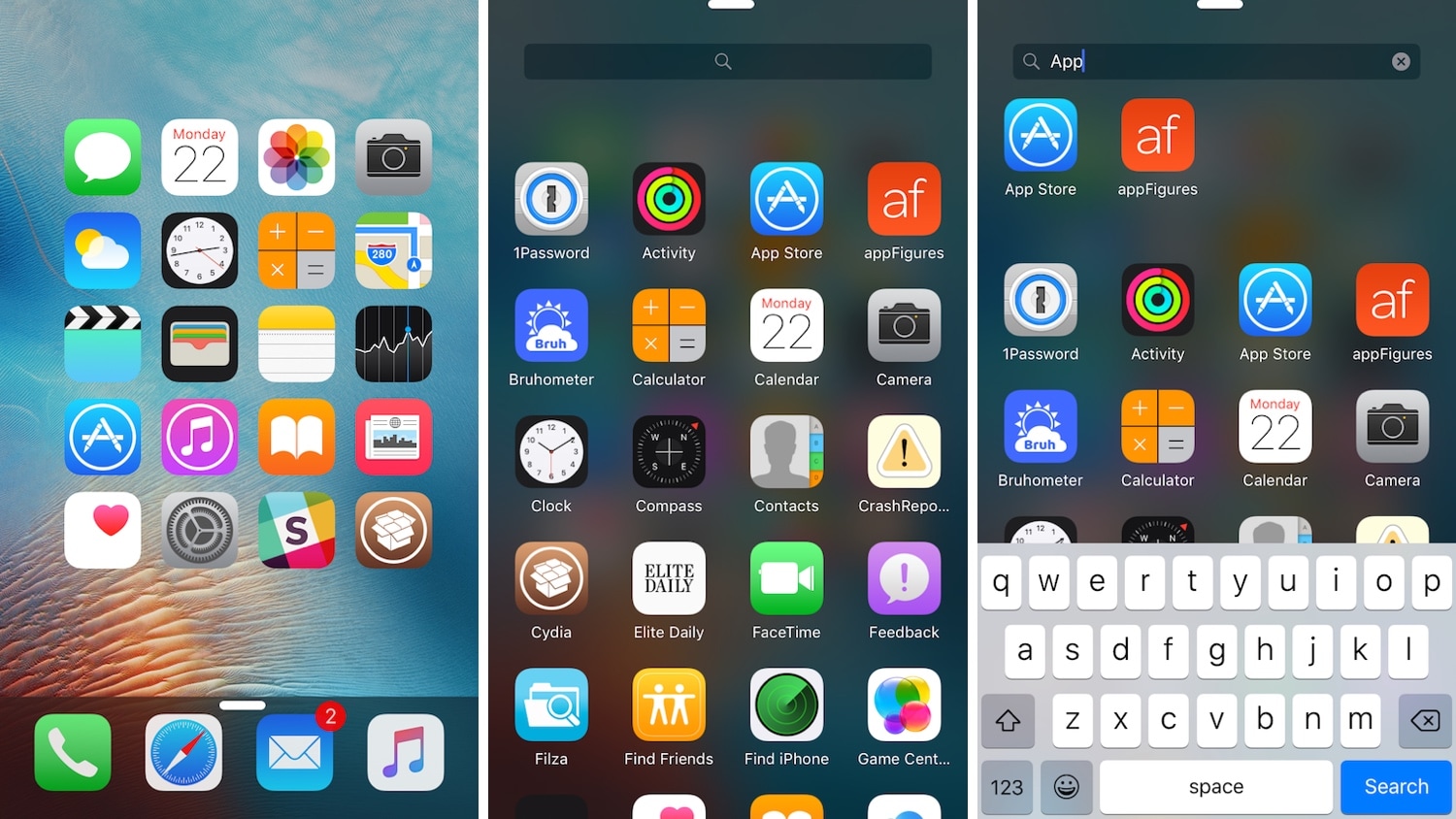
If you’re any bit familiar with the Google Nexus 7.0 Nougat app drawer, then it might’ve crossed your mind once or twice about what it might like to have a similar experience on the iOS platform.

If you’re keen about the idea thus far, then you’ll definitely want to try a refreshed jailbreak tweak dubbed Vinculum by iOS developer William Vabrinskas. As you’ll see in the screenshot examples above, this tweak brings app drawer-like functionality to your pwned iPhone or iPad.

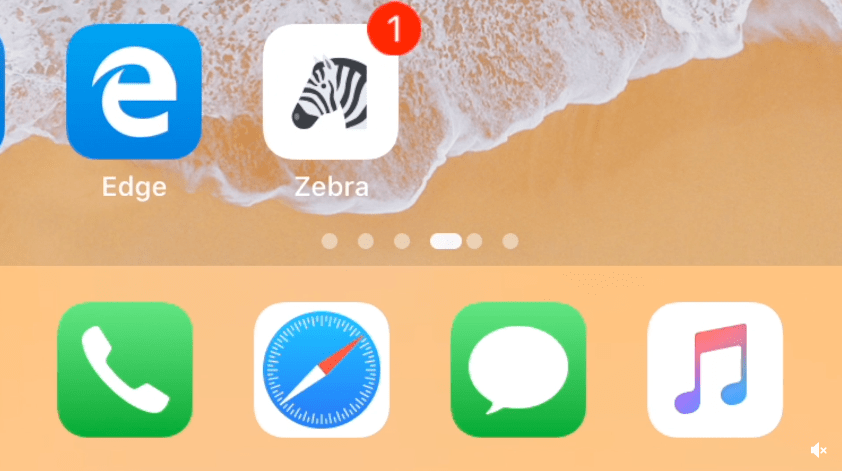
Breathe new life into your Home screen’s page dots with AwesomePageDots

At the bottom of any stock iPhone or iPad’s Home screen are a set of page dots that help you discern what page you’re on at any given time. As useful as this might be, it hasn’t changed much over the years.

If you’re looking for a fresh take on iOS’ Home screen page dots, then you might come to appreciate a newly-released and free jailbreak tweak called AwesomePageDots by iOS developer shiftcmdk, as it reinvigorates your Home screen’s page dots with a much more appealing animation.

This tweak turns the Safari app on your Home screen into a real compass

Make the Safari app icon point north like a true compass.

One of my all-time favorite jailbreak tweaks was once LiveClock by iOS developer Ryan Petrich, and while Apple has since implemented its functionality into iOS right out of the box, that never changed my appreciation for small, yet fun and quirky jailbreak tweaks of similar nature.

One of the latest jailbreak tweaks to fall under this category of fun and quirkiness is a new and free release called LiveSafari by iOS developer Skitty. Perhaps unsurprisingly, LiveSafari animates the native Safari app icon on your Home screen such that the compass arrow always points to the North.