Home screen

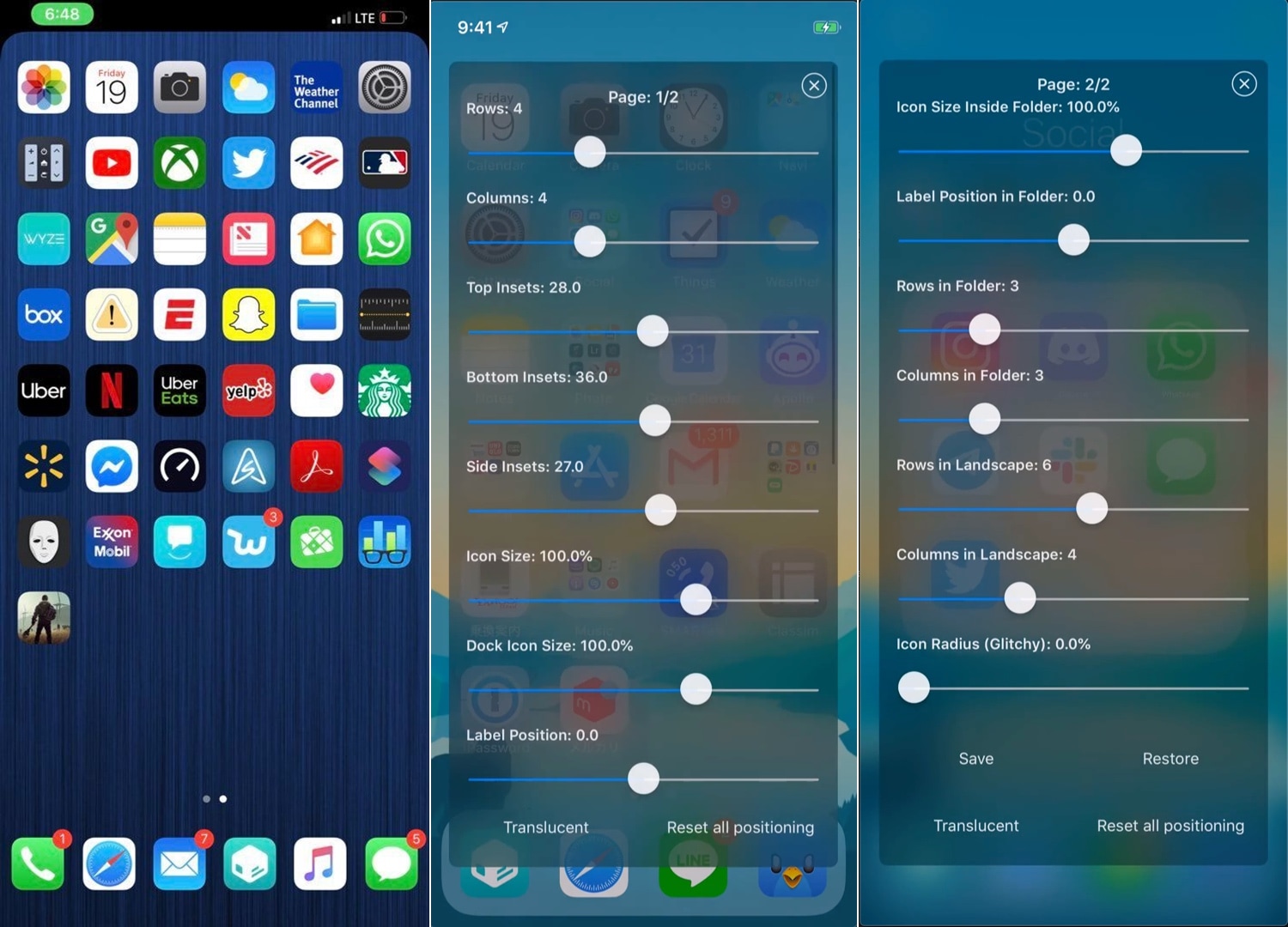
Iconator2 lets you take control over your iPhone’s Home screen layout

While Apple occasionally slaps a fresh coat of paint on your Home screen’s app icons, the grid-centric Home screen functionality has remained mostly unchanged since the very first iteration of iOS. That said, it should come as no surprise to anyone that changing the layout of the Home screen is one of the most popular things to do with a jailbroken iPhone or iPad.

If you’re one to tinker with the Home screen’s layout, and you’ve recently jailbroken iOS 12 with Chimera or unc0ver, then you might take a liking to a newly-released jailbreak tweak called Iconator2 (iOS 12) by iOS developer Soh Satoh.

Honey brings the Apple Watch’s Home screen experience to your iPhone

If you own an iPhone and an Apple Watch, then you know that each device’s Home screen functions in a different way. iOS' Home screen is optimized for a larger display, while watchOS' is optimized for a smaller display; but if you have a soft spot for how the Apple Watch’s Home screen works and fancy the same experience on your iPhone, then today's your lucky day because you'll no longer need to settle.

Enter Honey, a newly-released jailbreak tweak by iOS developer Blake Boxberger that ports the Apple Watch’s Home screen experience to iOS devices. As you’ll notice in the screenshot examples above, Honey can be configured to work in several different ways and lets you experience what you love about your Apple Watch right on your iPhone or iPad.

Luminous adds a customizable underglow to your Home screen’s app icons

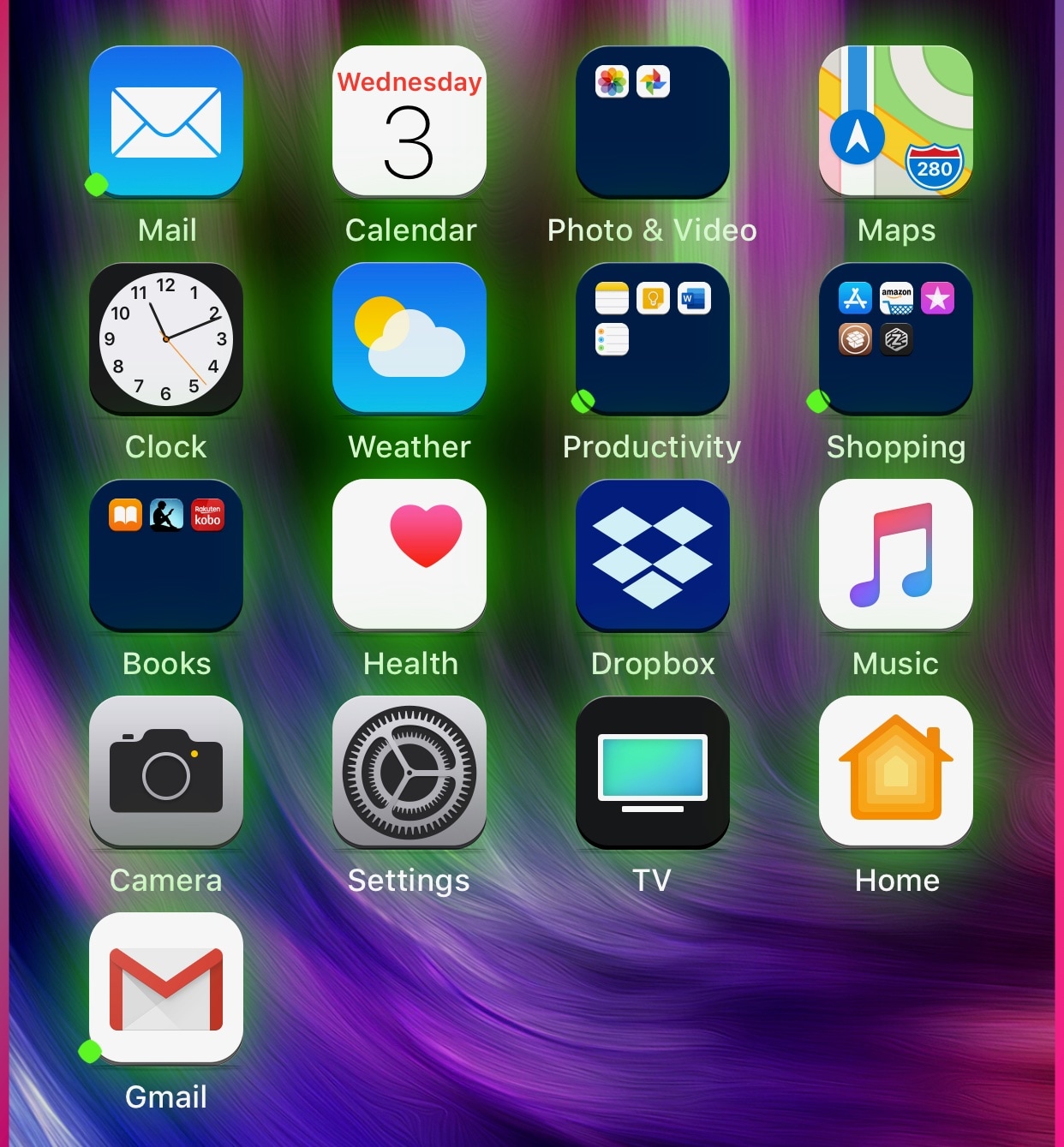
If you’re in the market to add a bit of quirkiness to your iOS device’s Home screen, then you might want to look into a new jailbreak tweak called Luminous by iOS developer Sirius24.

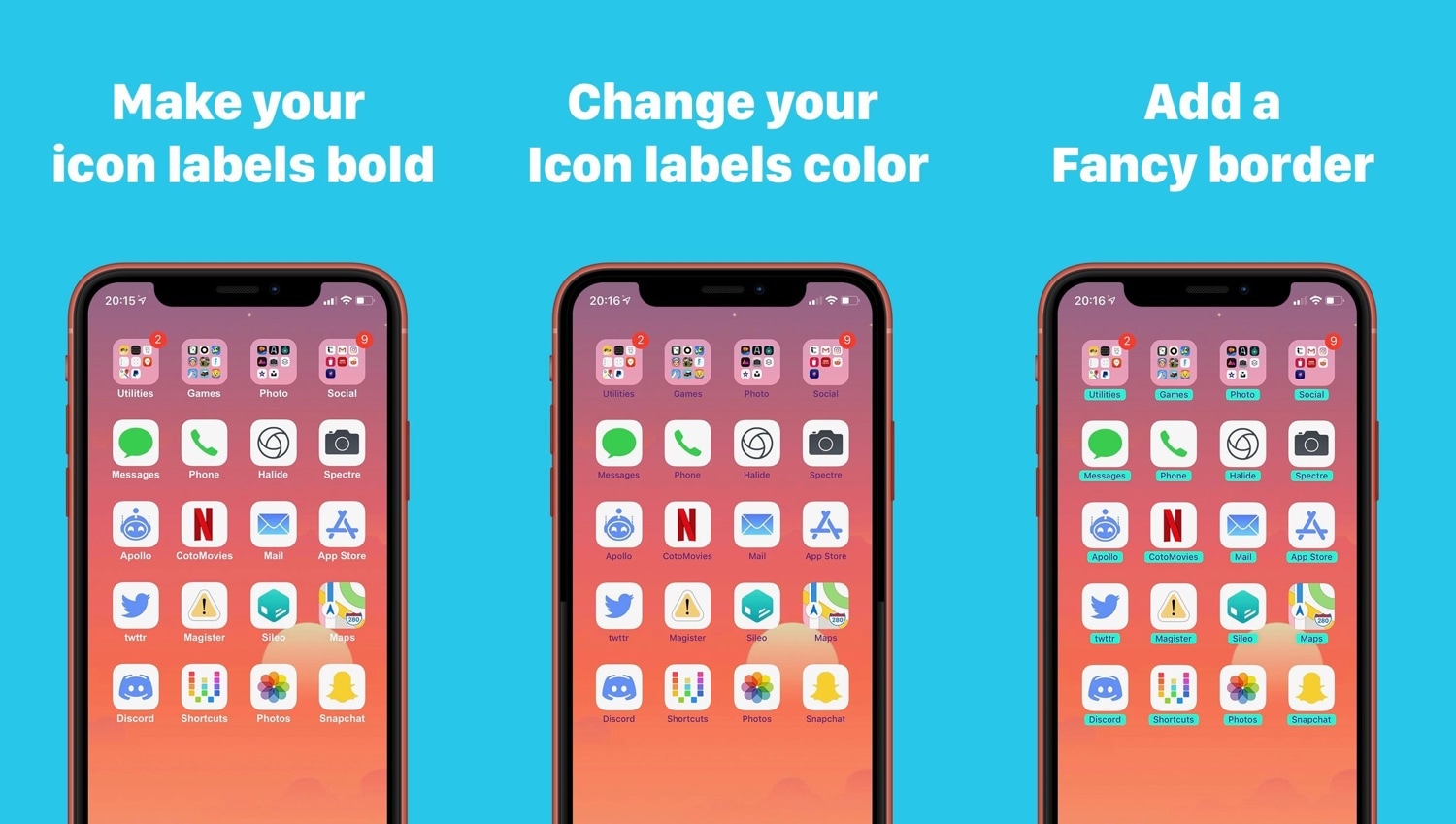
As you’ll notice in the screenshot examples above, Luminous gives every one of your Home screen’s app icons a colored underglow. But perhaps more importantly, the tweak is fully-configurable, allowing just about anyone to achieve the look and feel that they’re aiming for.

Give your 3D Touch menus a makeover with Baylor

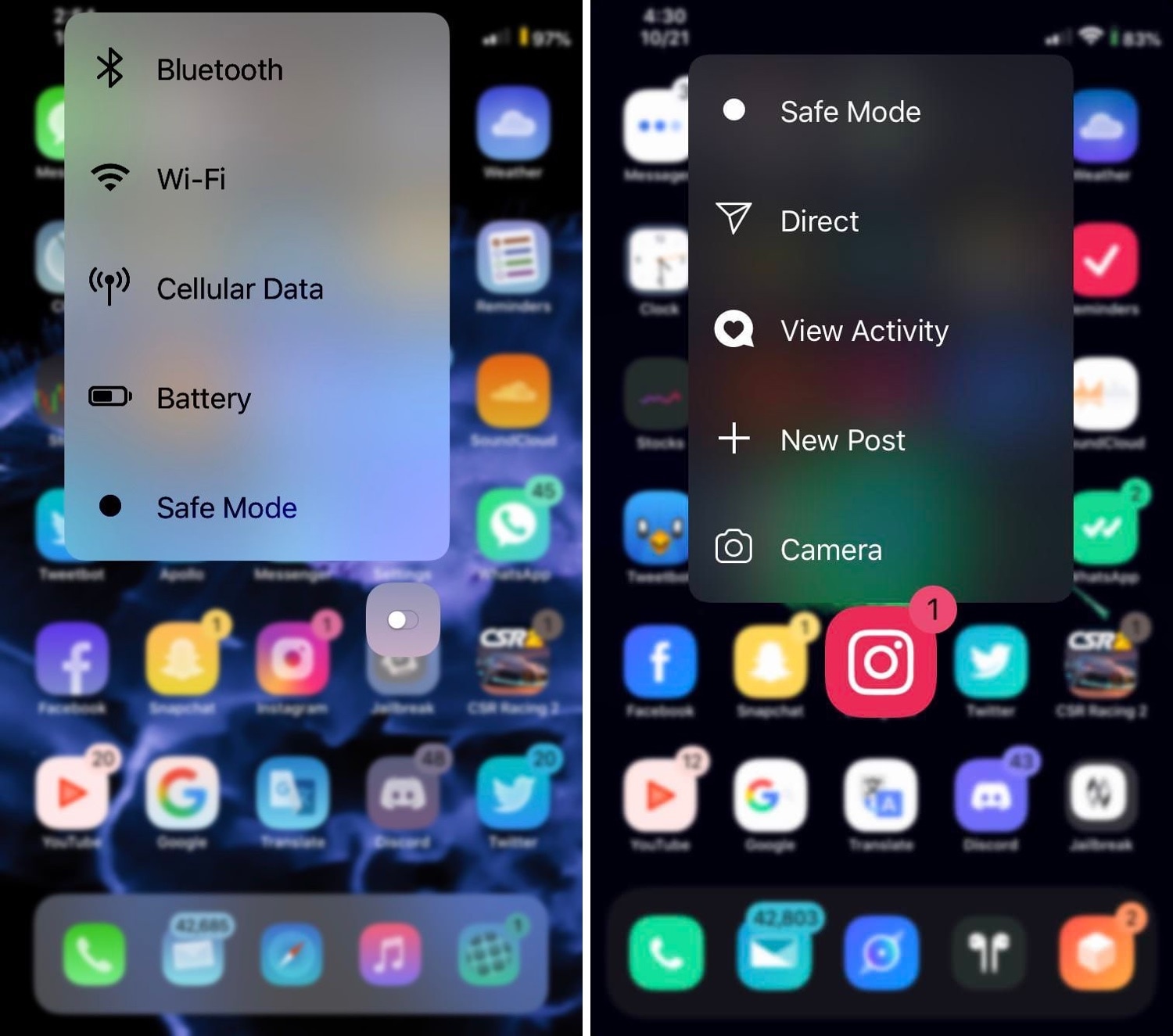
You can press firmly on your Home screen’s app icons on any 3D Touch-compatible handset to access handy shortcuts pertaining to that specific app, and while they can be useful at times, it’s equally valid that Apple provides little or no customizability in this department.

If you’re in the market for a way to make your handset’s 3D Touch menus stand out from the rest of the crowd, then you just might come to appreciate a newly-released jailbreak tweak called Baylor by iOS developer dpkg_.

Quickly access the settings to your favorite jailbreak tweaks with QuickPrefs

If you have a lot of tweaks installed on your jailbroken iOS handset, then you probably have a plethora of dedicated preference panes lurking in your Settings app. With that in mind, it can be useful in a pinch to have shortcuts to the preference panes you use the most.

With the aforementioned concept in mind, we’re excited to show you a newly-released free jailbreak tweak called QuickPrefs by iOS developer AnthoPak, which makes some of your most-used jailbreak tweak-centric preference panes in the Settings app easier to access.

Pagebar lets you customize how your Home screen’s page indicator looks

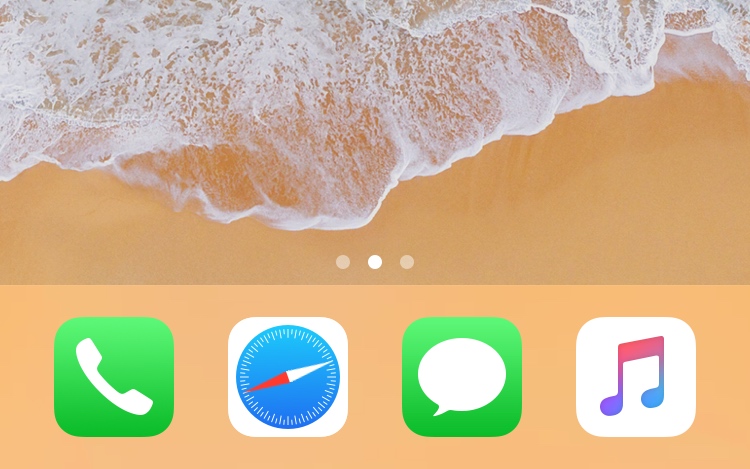
The Home screen is best known for its humble duty of serving your application icons to your fingertips on demand, but one element of it that often get overlooked in Apple’s software redesigns is the page indicator just above the Dock.

If you’re ready to give your Home screen’s page indicator a sexy new makeover, then you just might want to try a newly-released jailbreak tweak called Pagebar by iOS developer CalicoCat. This tweak lets you theme and customize the Home screen’s standard page indicator, making breathtaking new aesthetics like those depicted in the animated GIF below possible:

SiriApp puts an app on the Home screen for launching Siri

iOS device users can invoke Siri on demand with a simple button press or by muttering ‘Hey Siri’ under certain circumstances, and jailbreakers have even more options for calling upon their virtual assistant for help, such as Ryan Petrich’s Activator extension. But who said your options had to stop there?

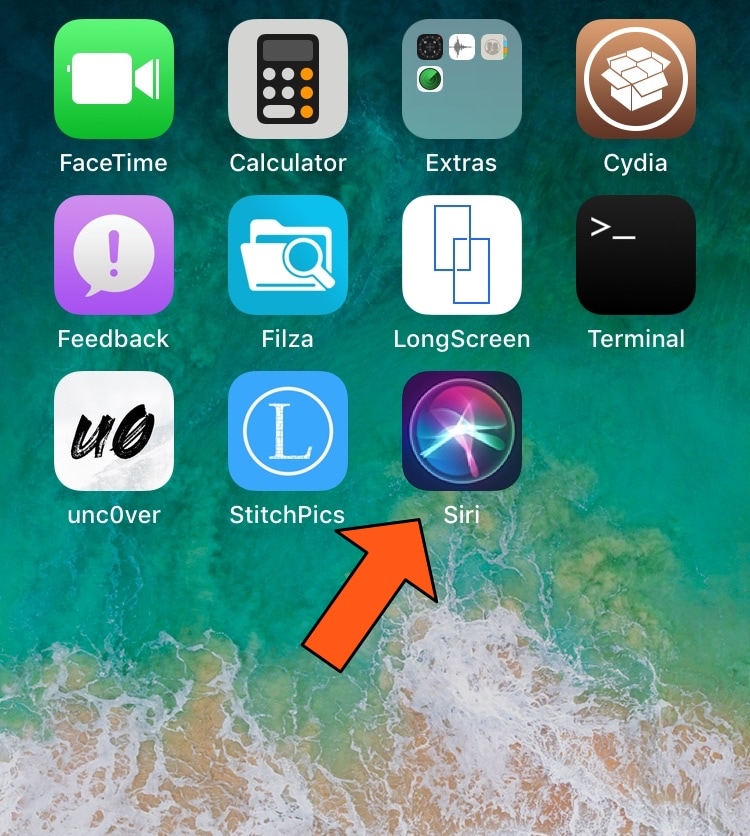
With a free jailbreak tweak called SiriApp by iOS developer level3tjg, you can add a dedicated application icon to your Home screen for invoking Siri.

This tweak puts an audio visualizer on your Home screen

I’m a firm believer that the iPhone needs a native audio visualizer, and that’s mainly why I’m such a massive fan of a popular jailbreak tweak called Mitsuha Infinity that we showed you just last month.

Mitsuha Infinity enabled the audio visualizer in the Now Playing app and on the Lock screen, but with a new add-on called Mitsuha Infinity – Home Screen by iOS developer Nepeta, you can now enjoy the same effect on your Home screen.

DockRemover hides the application Dock from your Home screen

Most people use the Dock on their Home screen for fast access to their favorite apps, but that isn’t the case for everyone; some jailbreakers, for example, run custom Home screen setups and may prefer to hide the Dock altogether.

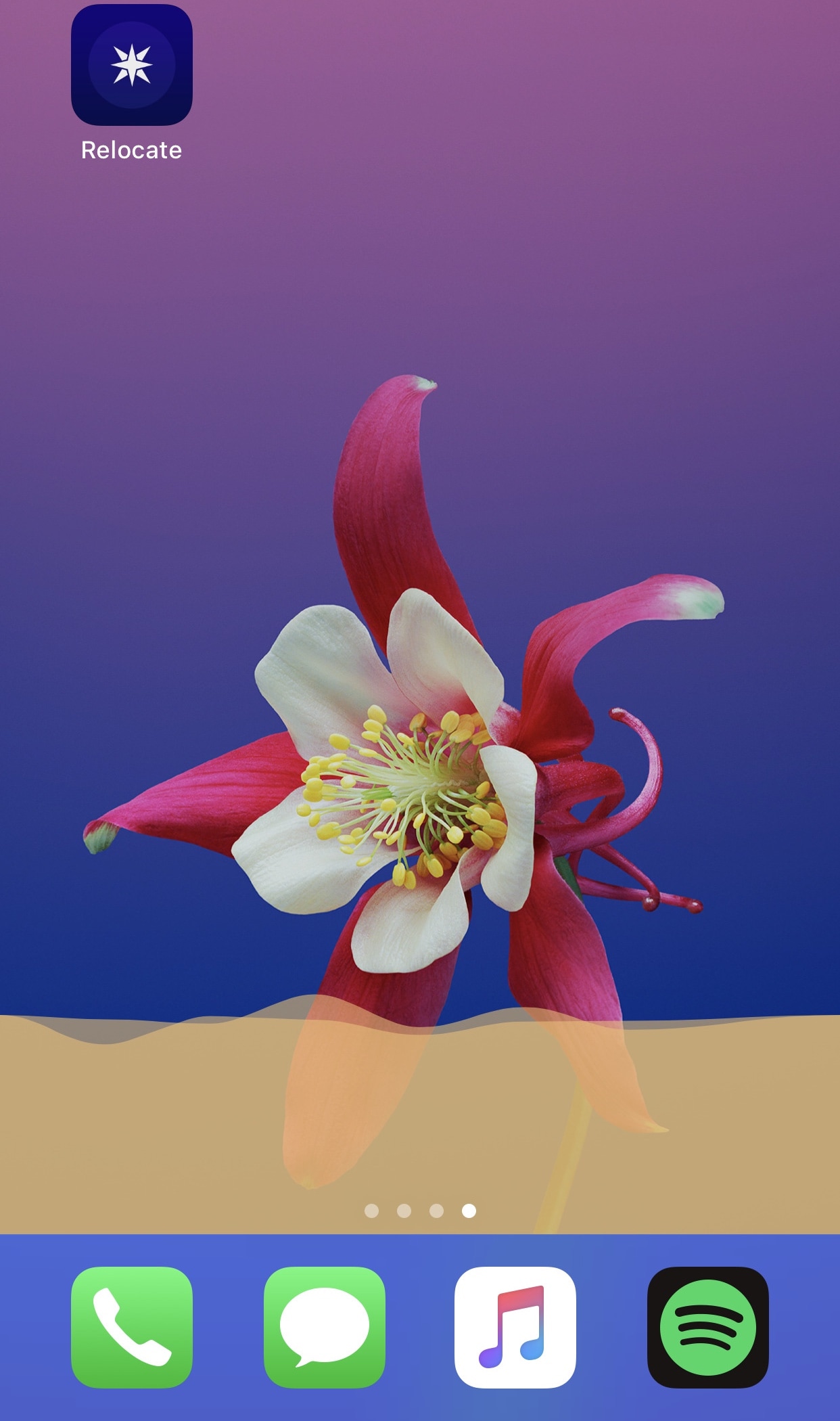
If you fall into the latter group above, then you may take an interest in a new free jailbreak tweak dubbed DockRemover by iOS developer Blake Boxberger. As you've probably inferred from the name already, DockRemover hides the  Dock from your iOS device’s Home screen, offering a cleaner overall aesthetic.

This tweak can hide apps from your Home screen

If you have a lot of apps on your Home screen that you don’t use as often as others, then you aren’t alone. The most common solution to this matter is to cram those apps into a folder; but if you’re OCD like I am, then you may not want to look at an unwanted folder icon either.

Here to help with this dilemma is a newly-released jailbreak tweak called HideYourApps by iOS developer Menushka Weeratunga. With this tweak, you can hide specified apps from your Home screen, eliminating the need to make an unwanted folder to house them.