Home screen

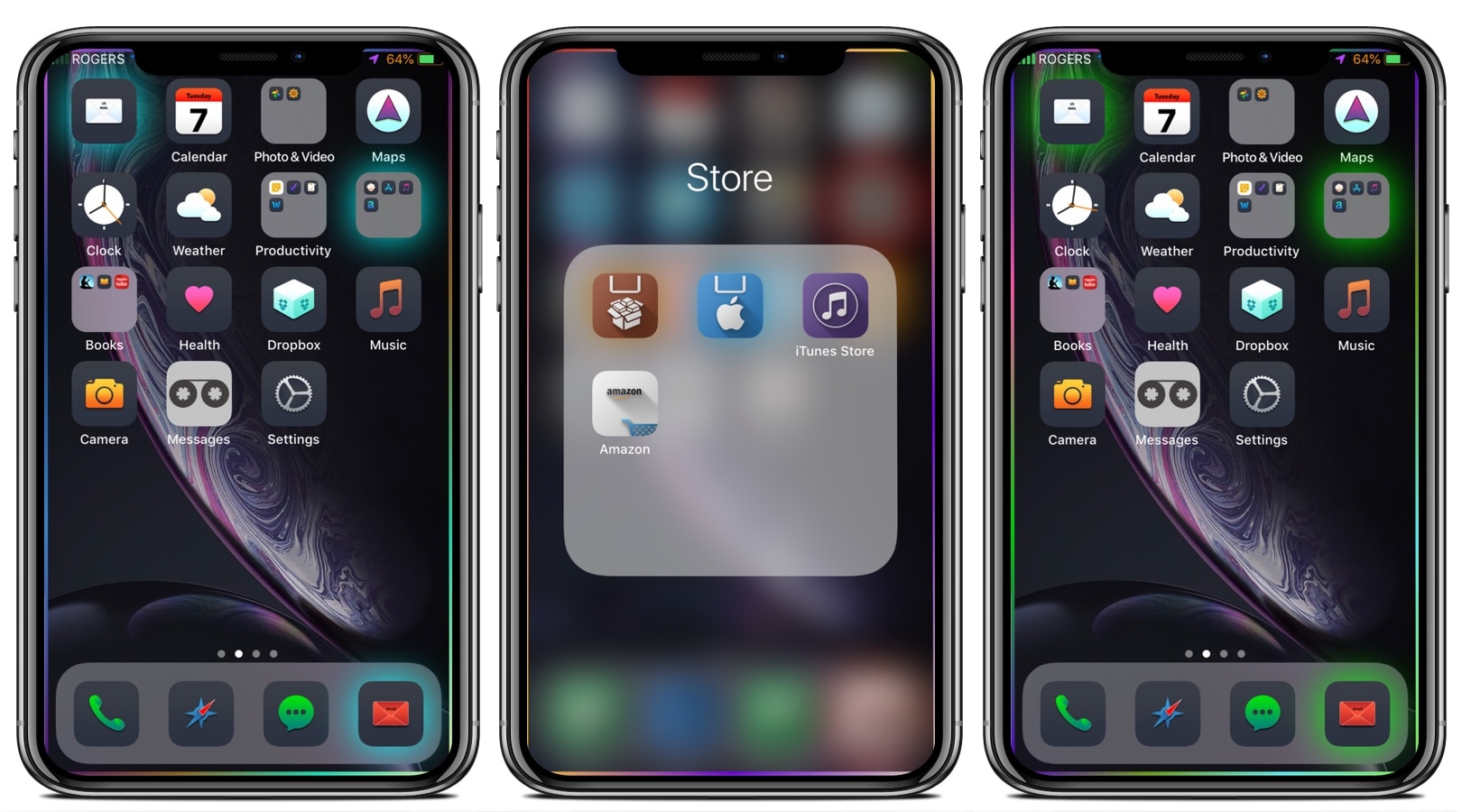
Firefly replaces traditional notification badges with an app icon underglow

I've never personally enjoyed the badge-centric aspect of iOS’ notification system, and with that in mind, I’m always looking to try new jailbreak tweaks that present novel ways of communicating when an app has a missed or pending notification that needs attention.

One of the latest releases in this department is a tweak called Firefly by iOS developer Sean Caissie. It replaces the standard application icon badges with something that’s both easier on the eyes and a bit more pronounced: a colorized underglow.

Nostalgic for the pre-iOS 6 Home screen folder aesthetics? This tweak can help

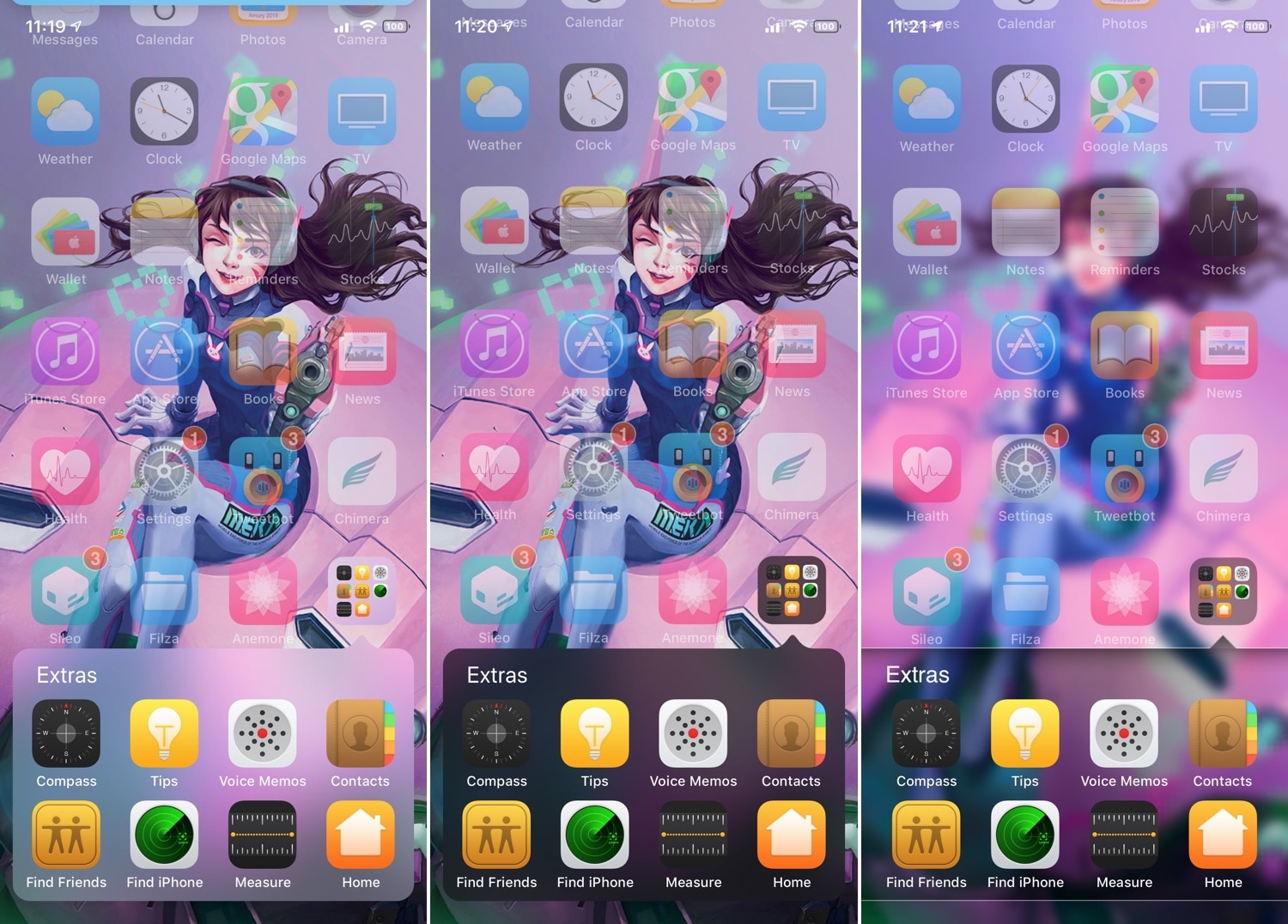
If you’ve ever used iOS 6 or earlier, then you’re undoubtedly familiar with a very different Home screen folder interface that you’re using today. I can’t exactly say that I enjoy the newer folder format better than the older one, and for that reason, I’m excited to talk about a jailbreak tweak called ClassicFolders 2 by iOS developers CoolStar and Jeremy Goulet.

The primary reason that you would want to install ClassicFolders 2 is if you miss the classic Home screen folder interface and you want to use it again on your jailbroken iOS 7-12 device. This tweak works quite well, and it even includes a few bells and whistles to give it an aesthetic appeal such as blurred background modes that match iOS’ modern-day appearance.

Five Icon Dock lets you exceed your iPhone Dock’s four icon limit

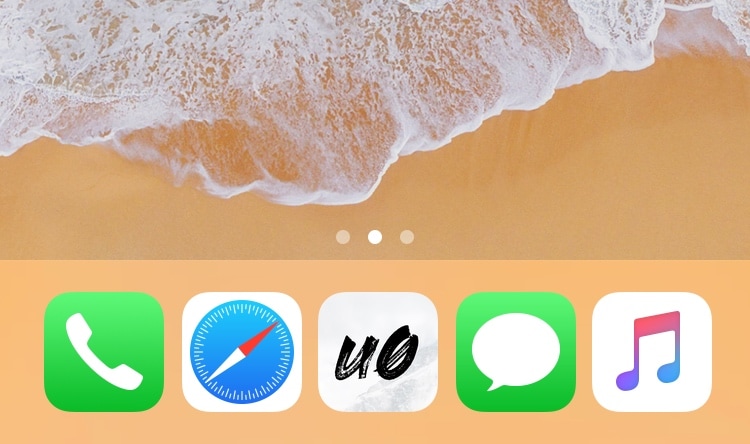
Given just how expansive Apple made the Dock on macOS and on iOS for iPads, it’s almost a shame that Apple limits the number of app icons you can have on your Dock in iOS for the iPhone and iPod touch.

With that in mind, I’ve always had a soft spot for tweaks that shattered that limitation, and that’s mainly why I’m excited to share the release of a free jailbreak tweak called Five Icon Dock (iOS 11 & 12) by iOS developer Guillermo Morán, the same creator behind the popular Eclipse dark mode tweak.

Hide your Home screen’s icon labels with HideLabels12

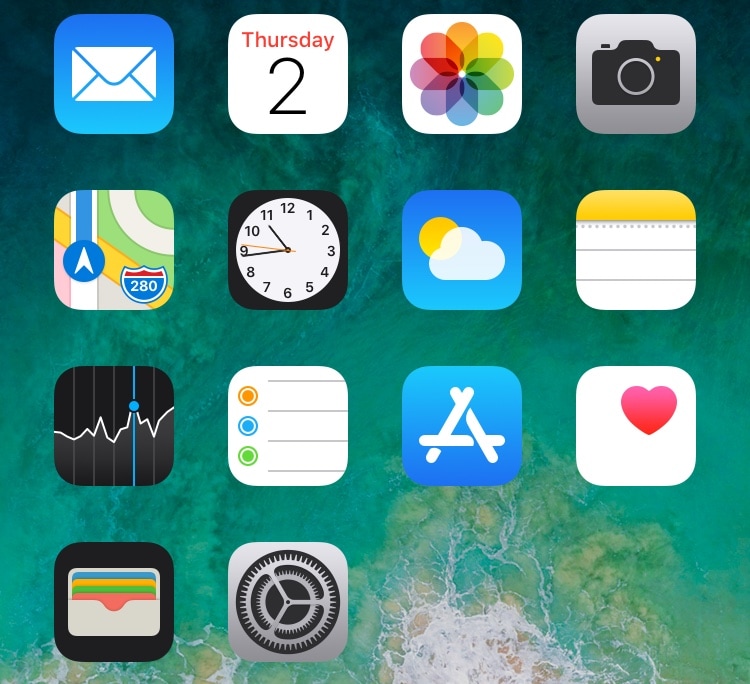
One of the most popular ways for jailbreakers to clean up their Home screen’s aesthetic is by hiding the labels that typically appear just below each app’s icon.

If you’re rocking any of the latest jailbreaks, whether that’s Chimera, Electra, or unc0ver, and you’re interested in doing this to your device, then you might take a liking to a new free jailbreak tweak called HideLabels12 by iOS developer Ryan Nair.

FolderCustomizerXII provides seemingly endless customization for the Home screen’s folders

Jailbreakers who are into heavy theming and iOS UI customizations will probably take a liking a newly-released jailbreak tweak called FolderControllerXII by iOS developer i0s_tweak3r.

Just as the name implies, FolderControllerXII can be used to achieve custom aesthetics for your Home screen folders that can go well with third-party themes and other aesthetic customizations. Citing the tweak’s depiction, it lets you do any of the following:

HomeList ports watchOS’ List View-based Home screen to iOS

Apart from some minor modifications over the years, the iPhone’s Home screen has remained ultimately unchanged since the first iteration of iOS; it’s still comprised of a grid of app icons that fill ‘pages’ on your Home screen. But what if we told you that you could replace this with something entirely different?

HomeList is a new jailbreak tweak released by iOS developer Blake Boxberger that takes a watchOS-style approach to organizing your Home screen’s bevy of applications. With it, you can scroll vertically through an alphabetically-sorted list of apps instead of paging from left to right through a traditional grid:

Pagebar transforms your Home screen’s page dots into a dynamic bar

The Home screen’s page dots on the iPhone and iPad have remained mostly unchanged for several generations of iOS. With that in mind, don’t you think it’s time for something new?

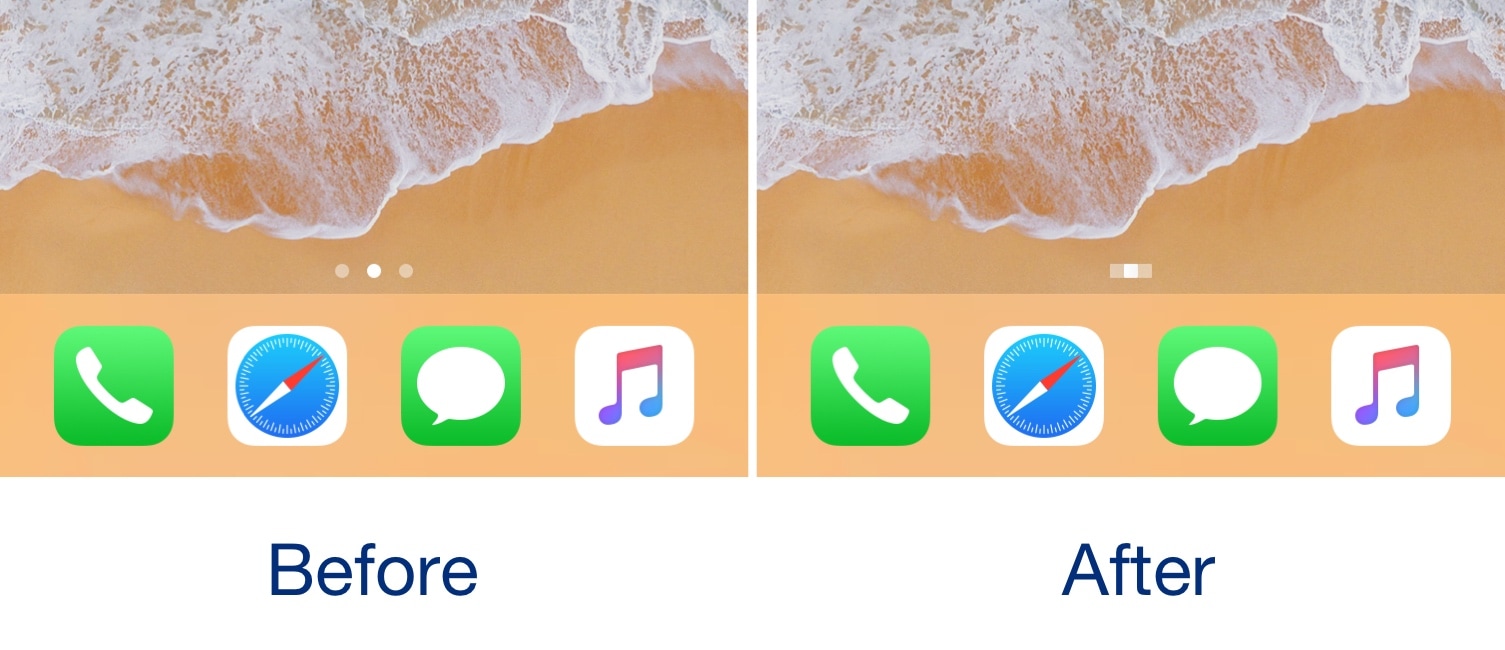
If you answered yes to the aforementioned question, then you just might come to appreciate a new jailbreak tweak release called Pagebar by iOS developer Kritanta. This tweak replaces the Home screen’s traditional page dots with a bar that animates dynamically as you move from one page to another.

ShyLabels: dynamic app icon labels for your Home screen

If you’re looking for a fun and quirky way to make your iPhone or iPad’s Home screen more interesting, then you may want to have a look at a free jailbreak tweak dubbed ShyLabels by iOS developer NoisyFlake.

ShyLabels helps your handset stand out from the crowd by making your Home screen’s app icon labels disappear until you begin scrolling from one page to another. As you swipe over to the next page, your Home screen’s app icon labels will reappear, but they’ll disappear again shortly after, as demonstrated by the animated GIF example below:

Goodges 2 replaces standard notification badges with these sexy new icon labels

If you receive a lot of app notifications from one day to the next, then perhaps you feel like looking at something a bit more aesthetically pleasing than a plethora of red icon badges randomly dispersed across your Home screen.

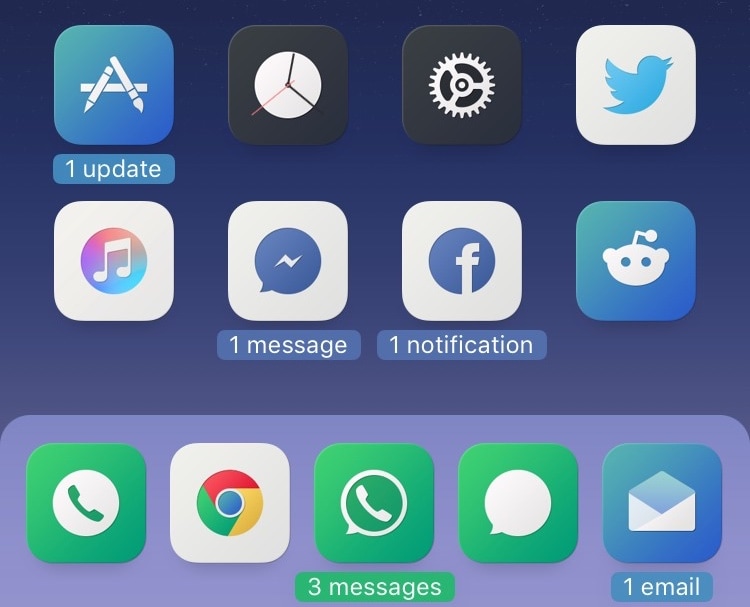
If you can relate, then you might take a liking to a free jailbreak tweak called Goodges 2 by iOS developer NoisyFlake. This tweak replaces those tiny red atrocities with dynamic app icon labels that notate precisely how many missed notifications you have for all relevant apps.

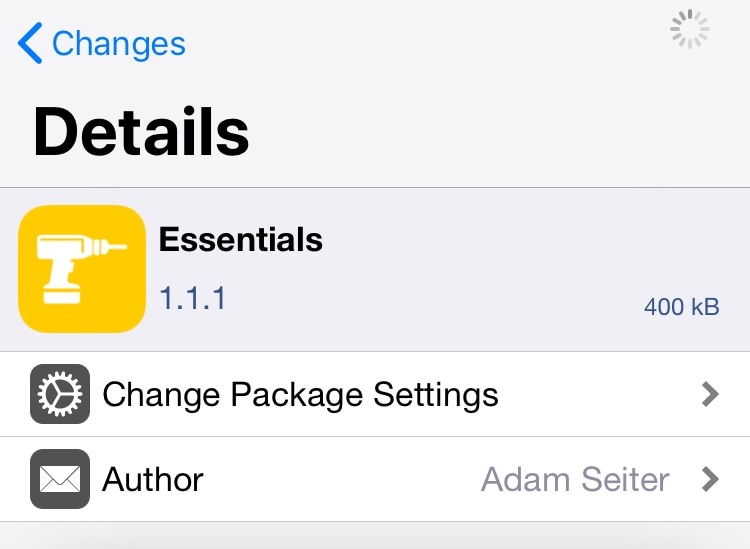
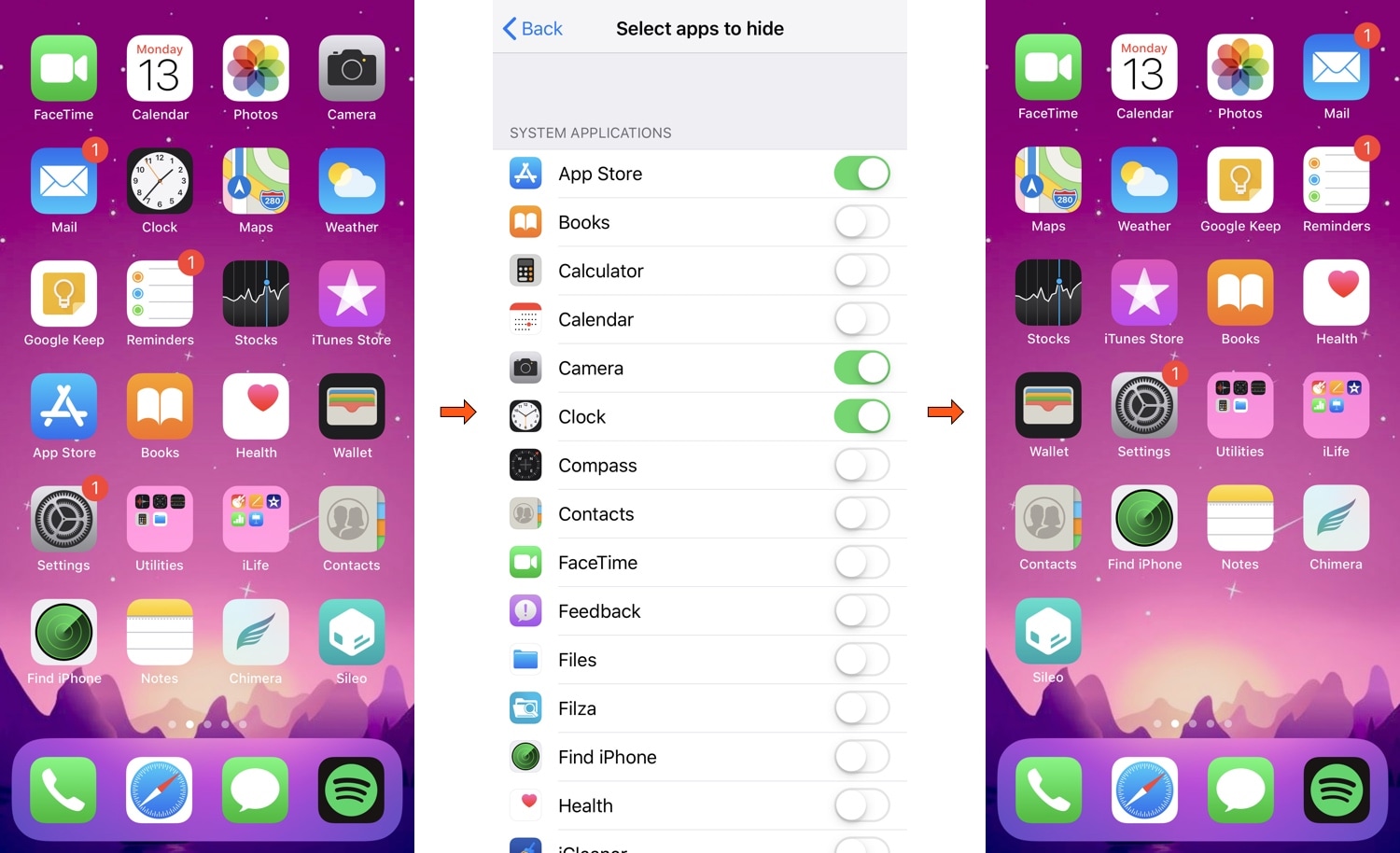
Essentials: An all-in-one SpringBoard customization tweak for iOS 11 and 12

If you’re jailbroken on iOS 11 or iOS 12 and looking for the ultimate one-stop-shop jailbreak tweak to customize the bulk of your operating system’s primary aesthetic and function, then you’re sure to take a particular liking to a new jailbreak tweak release called Essentials by iOS developer Adam Seiter.

Essentials provides a long list of options for iPhone and iPad users, much like the original classic that we’ve all come to know and love called Springtomize. On the other hand, Essentials supports the latest jailbreakable versions of iOS, whereas Springtomize hasn’t been officially updated since the golden days of the iOS 10 jailbreak.

MusicArtwork changes the Music app’s icon depending on the Now Playing track

A large part of Apple’s business model involves Apple Music, and so it’s no surprise that the company spend a lot of its time refining the music experience on its mobile devices. That aside, Apple could do more, and those who agree might enjoy a new jailbreak tweak release called MusicArtwork by iOS developer Cole Cabral.

Right out of the box, MusicArtwork replaces iOS’ native Music app icon with an image file that is representative of the Now Playing song’s album artwork. You can view a few different examples of the tweak in action via the multitude of images that we’ve included in this piece.

Access your favorite apps faster with AppShortcut

I’ve always been a fan of application shortcut-centric jailbreak tweaks, and that’s one of the reasons why I’m excited to show you a new release called AppShortcut by iOS developer donbytyqi.

AppShortcut is a customizable system-wide application shortcut interface that provides you with quick access to your favorite apps whether you’re on the Lock screen, Home screen, or in the middle of an app already.