Looking for a quick way to set a picture as the wallpaper on your iPhone, iPad, or Mac? We’ll show you how to do that right from iOS Photos or macOS Finder without going into Settings.
The fastest way to set a photo as wallpaper on iPhone and Mac
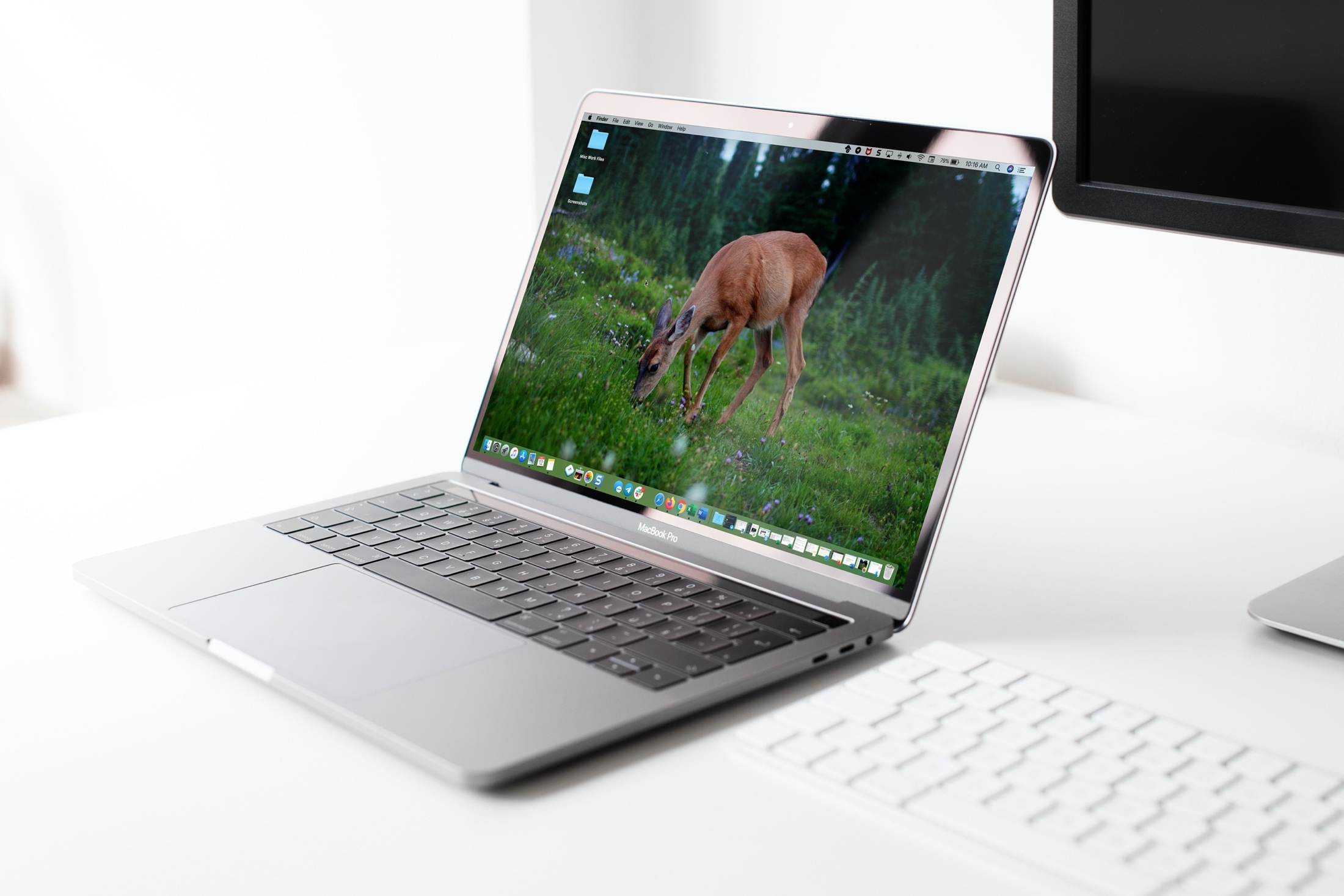
Looking for a quick way to set a picture as the wallpaper on your iPhone, iPad, or Mac? We’ll show you how to do that right from iOS Photos or macOS Finder without going into Settings.
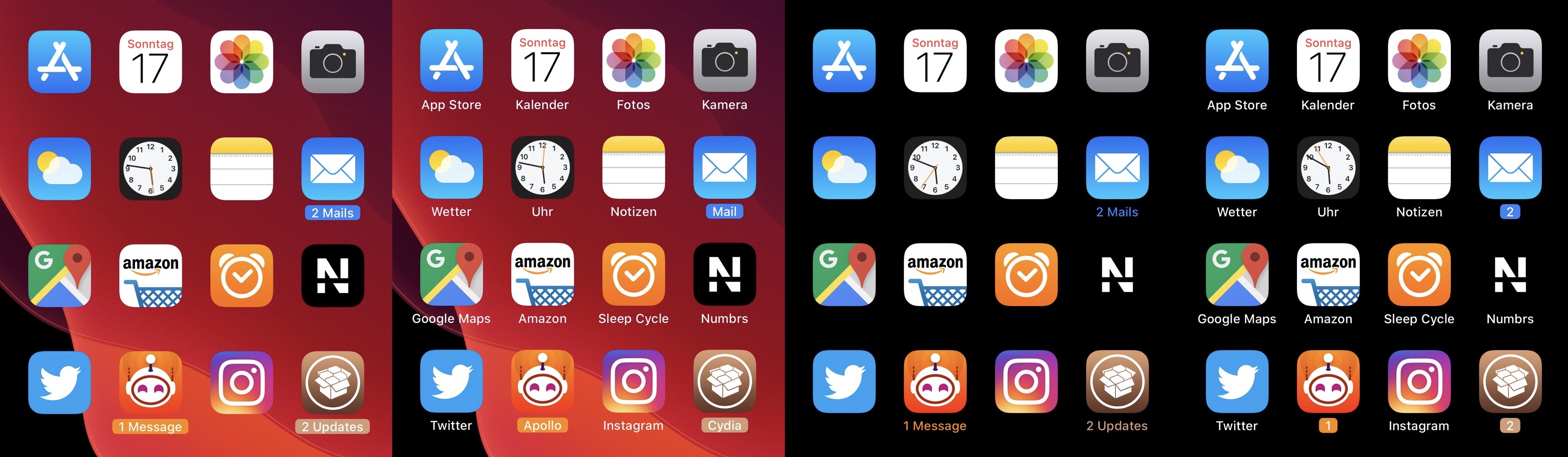
Apart from a few tiny revisions in iOS 7 and later, iOS’ notification badge system has appeared mostly unchanged since its conception. Jailbreakers seeking a fresher take on notification badges would do good to check out a newly released jailbreak tweak called CozyBadges by iOS developer NoisyFlake.
As depicted in the multitude of screenshot examples above, CozyBadges replaces the traditional red circular notification badge with something much more subtle — an updated icon label that appears highlighted or colorized when there are missed notifications. Moreover, the label can be configured to display alternative text, assuming the user wants this.
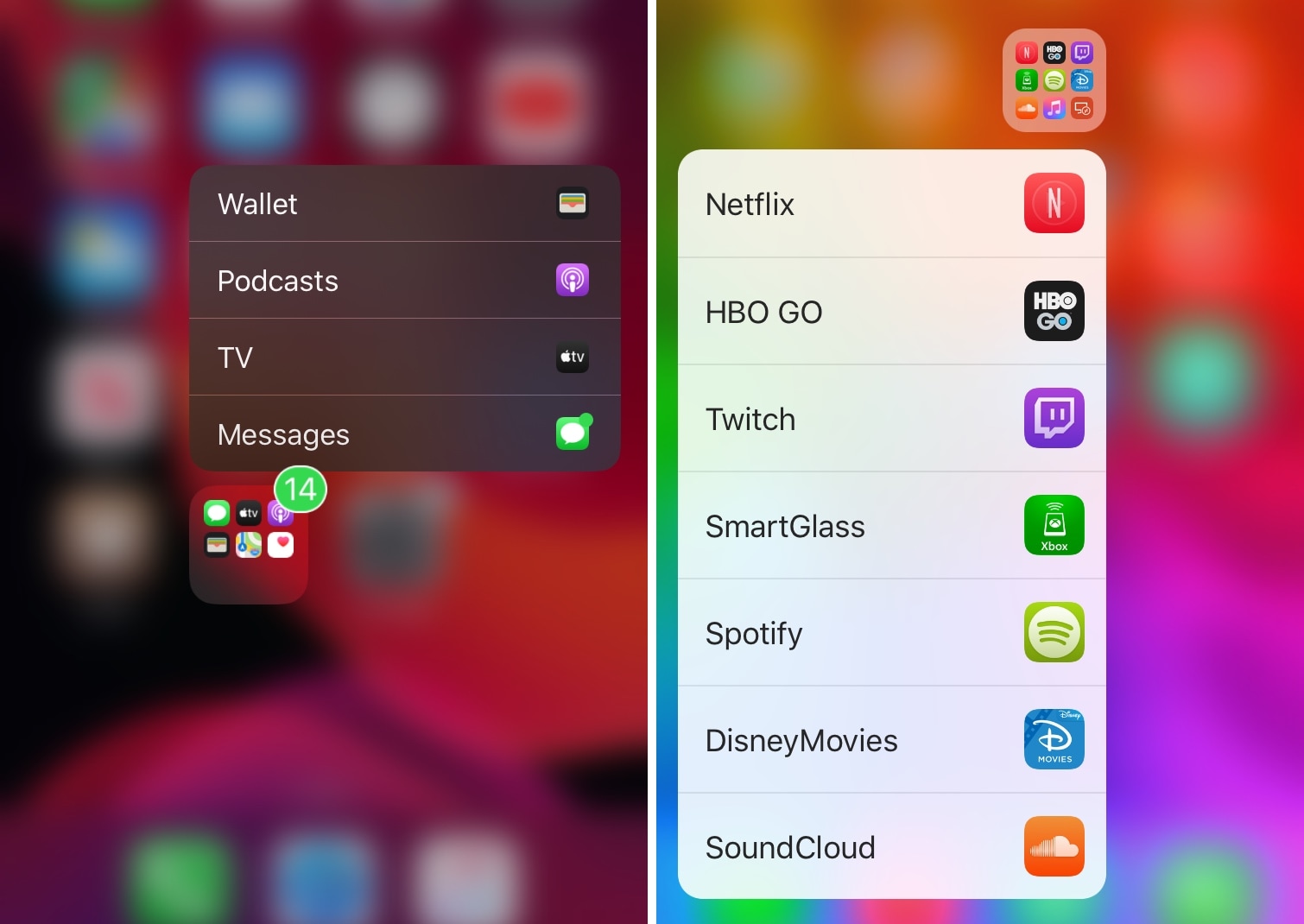
If your iPhone’s Home screen is chock-full of application icons, then you might use folders to help you organize them. On the other hand, having too many folders can quickly create the illusion of an application labyrinth that makes navigating your Home screen more confusing than it’s worth.
Those familiar with the circumstances described above just might take a liking to Manila, a new and free jailbreak tweak by iOS developer David Goldman that lets you launch apps from your folders with a Haptic Touch or 3D Touch gesture.

The infamous notification badge has looked almost the same on the iOS platform for more than a decade. The single most significant transformation befell with the release of iOS 7 when Apple nixed skeuomorphism from the bulk of iOS’ user interface, but even then, it didn’t change much.
The circumstances are absolutely astounding, but they aren’t hopeless. Those lucky enough to have a pwned handset in their possession can change how their notification badges look right this very second with the help of a newly released jailbreak tweak called BadgeMe by iOS developer Sirius24.
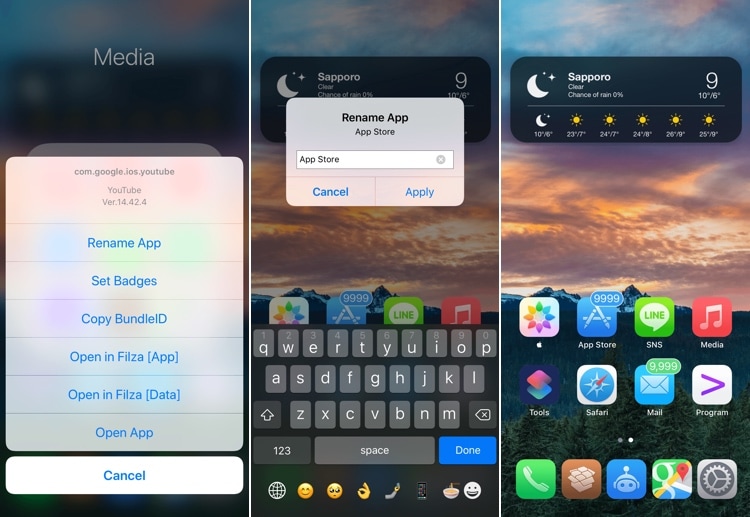
The Home screen is something you interface with every single day. That said, wouldn’t it be nice if Apple allowed you to do more with it than simply change the wallpaper image and move the app icons around?
If you’re onboard with the aforementioned idea, then you’ll probably take a liking to a new jailbreak tweak called IconTweak by iOS developer ichitaso. With it, you can customize your Home screen’s app icons in new and exciting ways.
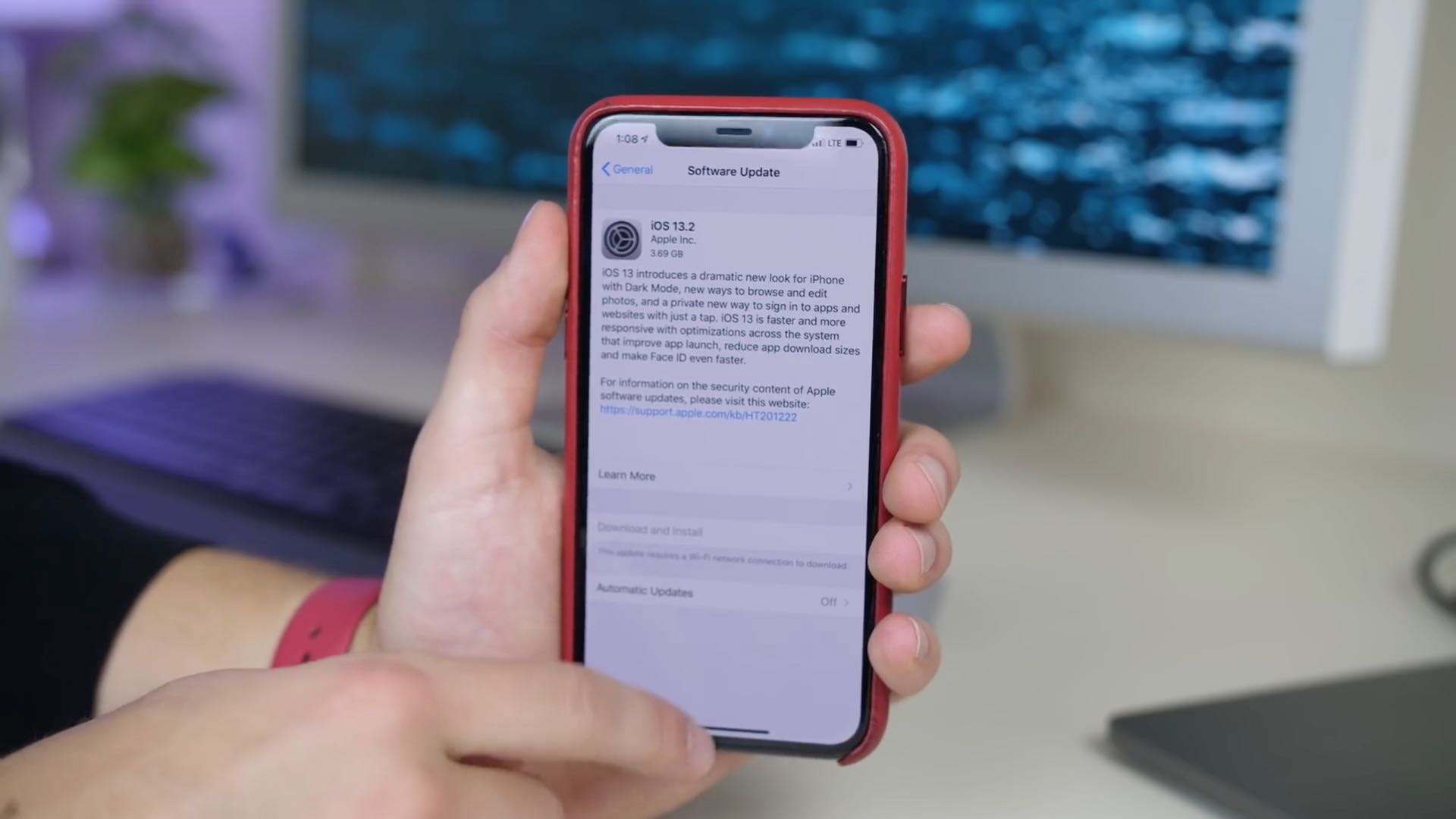
Apple yesterday released the iOS 13.2 software update for iPhone, iPad and iPod touch. With it came a new computational photography feature for the latest iPhone 11 devices, dubbed Deep Fusion, in addition to Announce Messages With Siri that was originally supposed to arrive as part of the initial iOS 13.0 update, plus a whole bunch of other important changes.
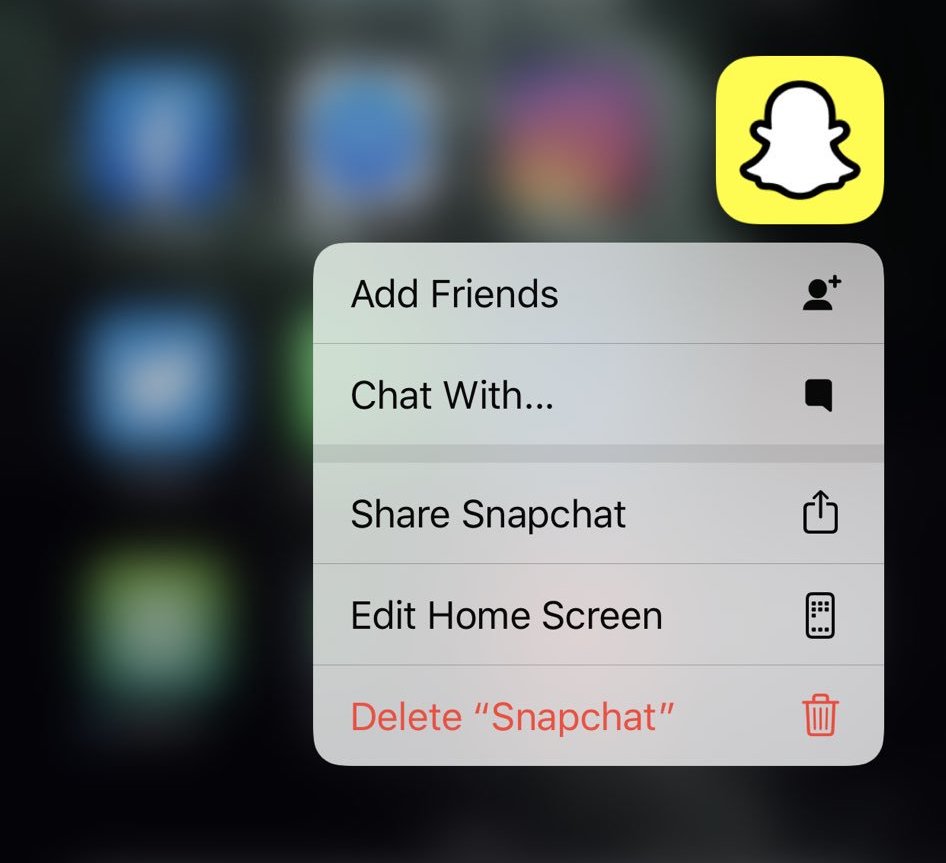
Aside from bringing 59 new emoji and revealing noise cancelling options for future AirPods, the latest iOS 13.2 beta that was seeded to developers earlier this week includes changes that make deleting and rearranging apps on the Home screen more intuitive than before.
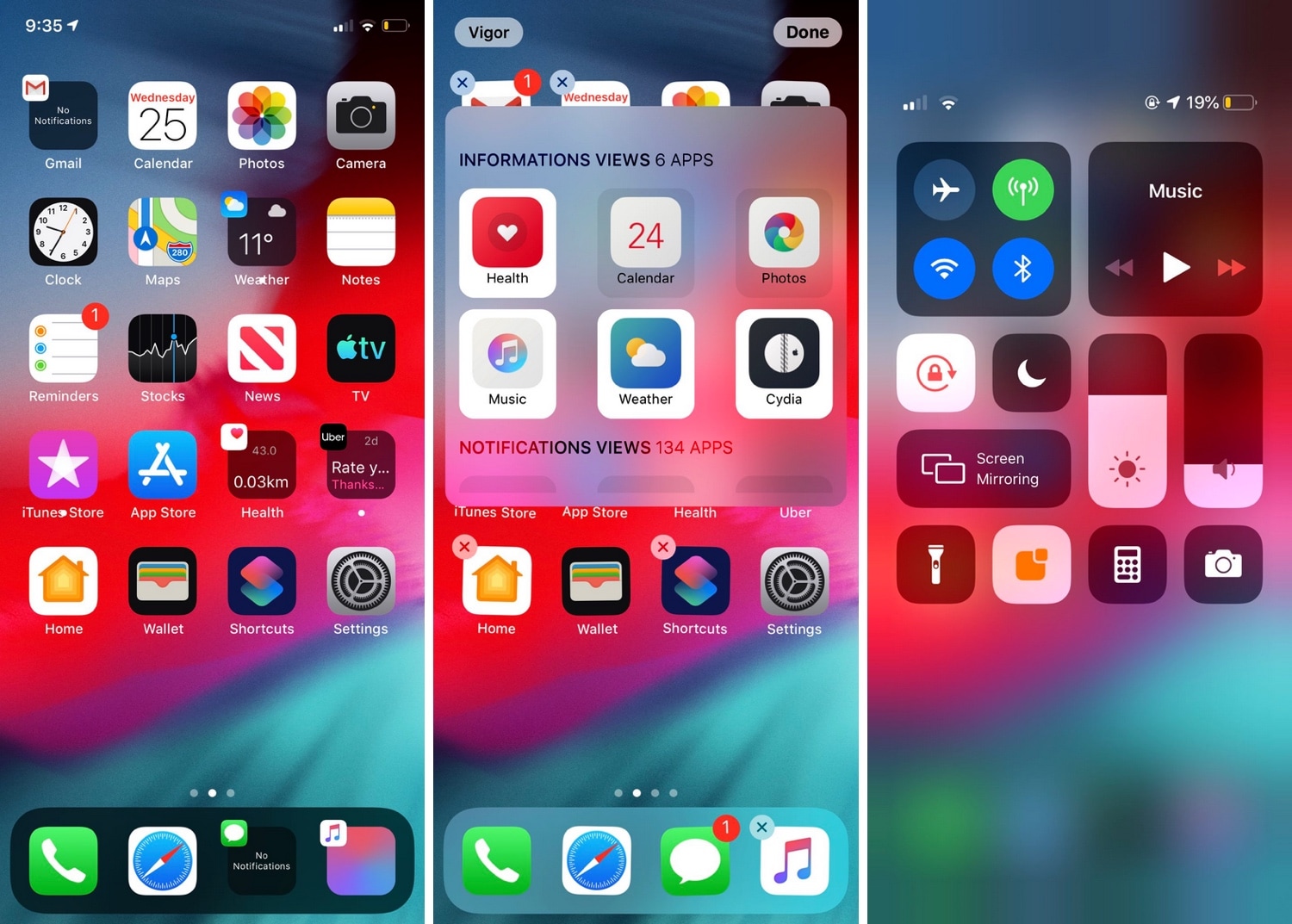
If you’ve just jailbroken your A12(X)-equipped (or other) iPhone or iPad for the first time, then you’re probably looking for some juicy jailbreak tweaks to spice up your handset’s stock capabilities. Fortunately, we’ve got an exciting one to show you today called Vigor 2 by the Atom Dev Team.
As shown in the screenshot examples above, Vigor 2 makes your Home screen icons a whole lot more useful by replacing the standard still images with dynamic widgets that change based on the content transpiring inside the respective app.
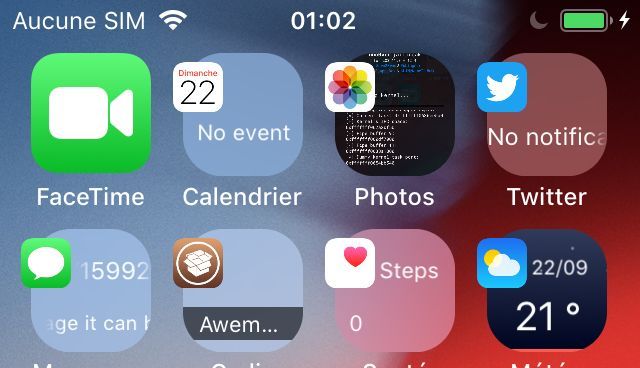
Your Home screen is literally teeming with tiny images designed to depict the applications they represent, but wouldn’t it be nice if these icons were more than just still images?
With the help of a newly released jailbreak tweak called Mowgli by iOS developer maximehip, you can command a whole lot more out of your iOS device’s Home screen experience.
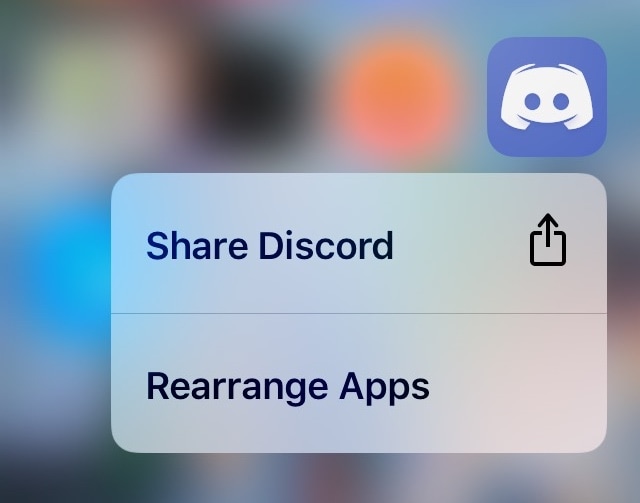
In case you didn’t already know, iOS 13 brings a new ‘Rearrange Apps’ option to those 3D Touch/Haptic Touch Home screen menus that we all know and love. Fortunately, those with jailbreaks can already enjoy this feature ahead of the official iOS 13 release.
Edit3d is a newly released and cleverly named jailbreak tweak by iOS developer Wh0ba that ports a similar feature to the native 3D Touch/Haptic Touch Home screen menus on jailbroken iOS 11 and 12 devices.
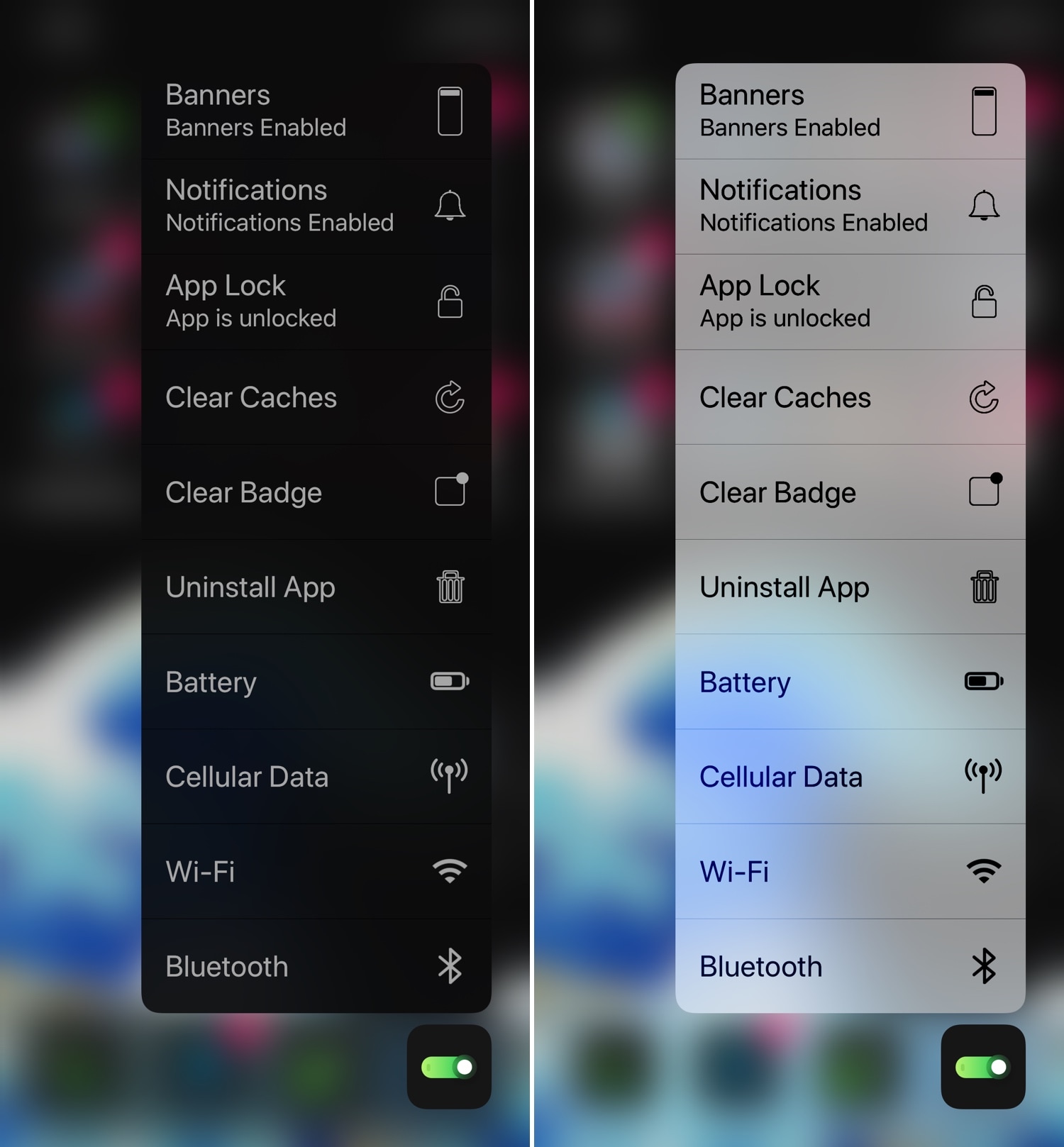
Whether you have a handset that already supports 3D Touch or Haptic Touch out of the box or you’re using a jailbreak tweak to simulate similar features on an unsupported handset, chances are you’ve used the Home screen-centric app icon menus at least once in your travels.
This interface is somewhat lacking on a bone-stock handset, but with the help of a newly released tweak called 3DTools by iOS developer smokin1337, you can add several useful new items to these menus that promise to augment your Home screen usage exponentially.
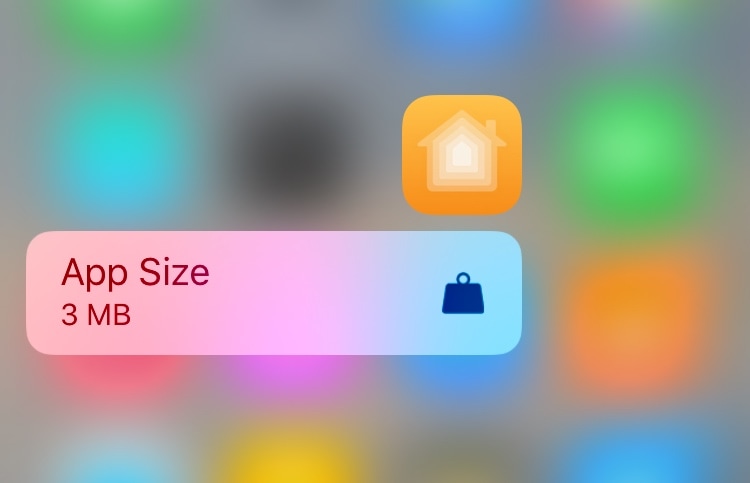
You can determine the amount of storage space that any of your iPhone’s apps are occupying by visiting General > iPhone Storage in the Settings app. Fortunately for those with jailbreaks, there’s an easier way.
Enter Taille, a newly released and free jailbreak tweak by iOS developer MTAC that permits users to ascertain the storage occupancy of any installed app by using a simple 3D Touch (or Haptic Touch where applicable) gesture on its respective Home screen icon.