Home screen

Give your pwned iPhone quirky aesthetics with FireflyX

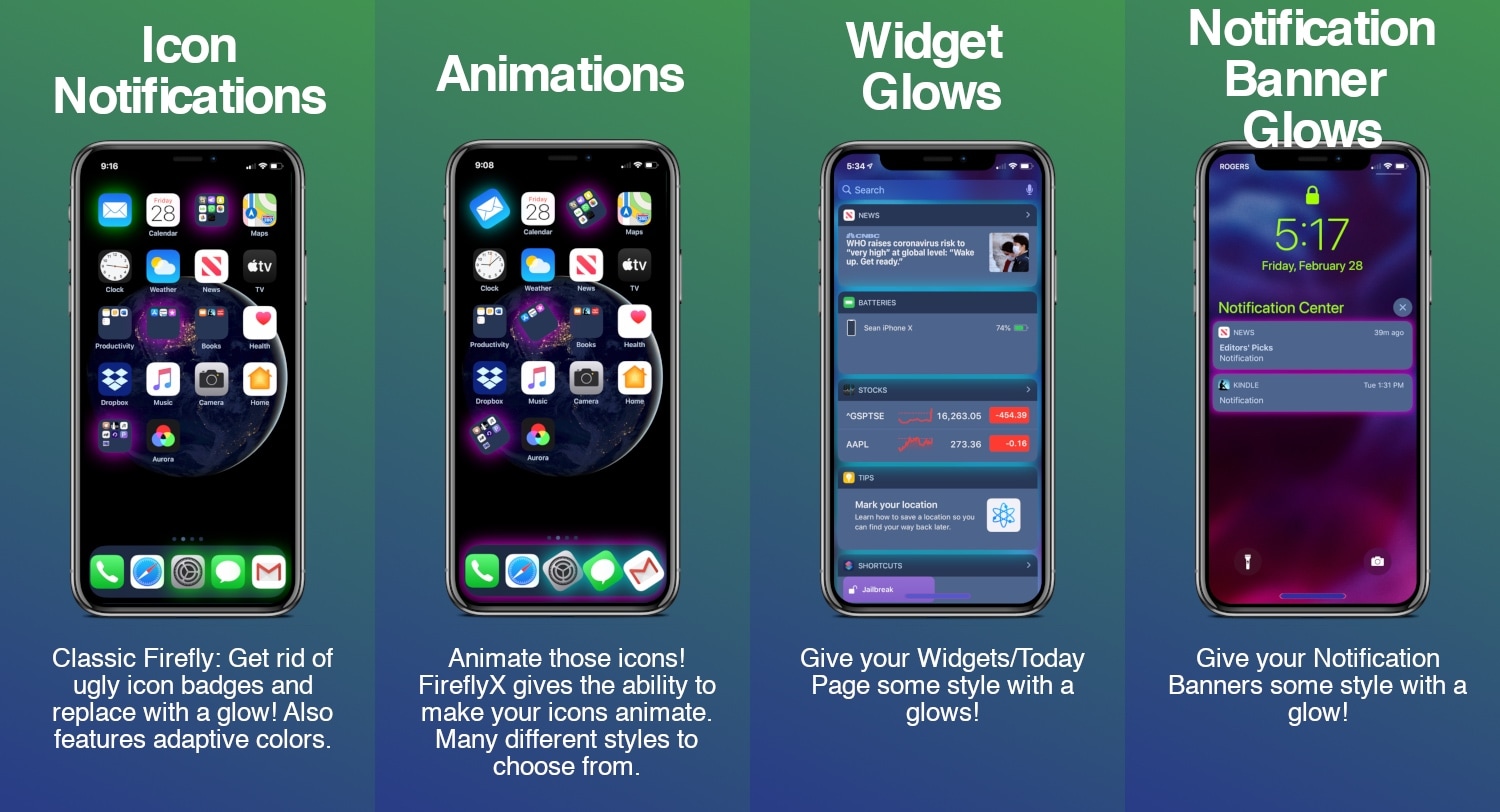
If you’re jailbroken and you’re ready to do away with the same-old boring iOS interface that you’ve been gawking at for years, then you might take a liking to a newly released jailbreak tweak called FireflyX by iOS developer Sirius24.

FireflyX empowers jailbreakers with the ability to customize their device’s aesthetics at the molecular level with colorful borders, underglows, and animations, among other things. These effects are applicable to a several of user interface elements including the Home screen’s app icons, Dock, Folders, and even the notification banners or widgets that appear in the Today view.

Take control of your iPhone’s Home screen folders with Foldy

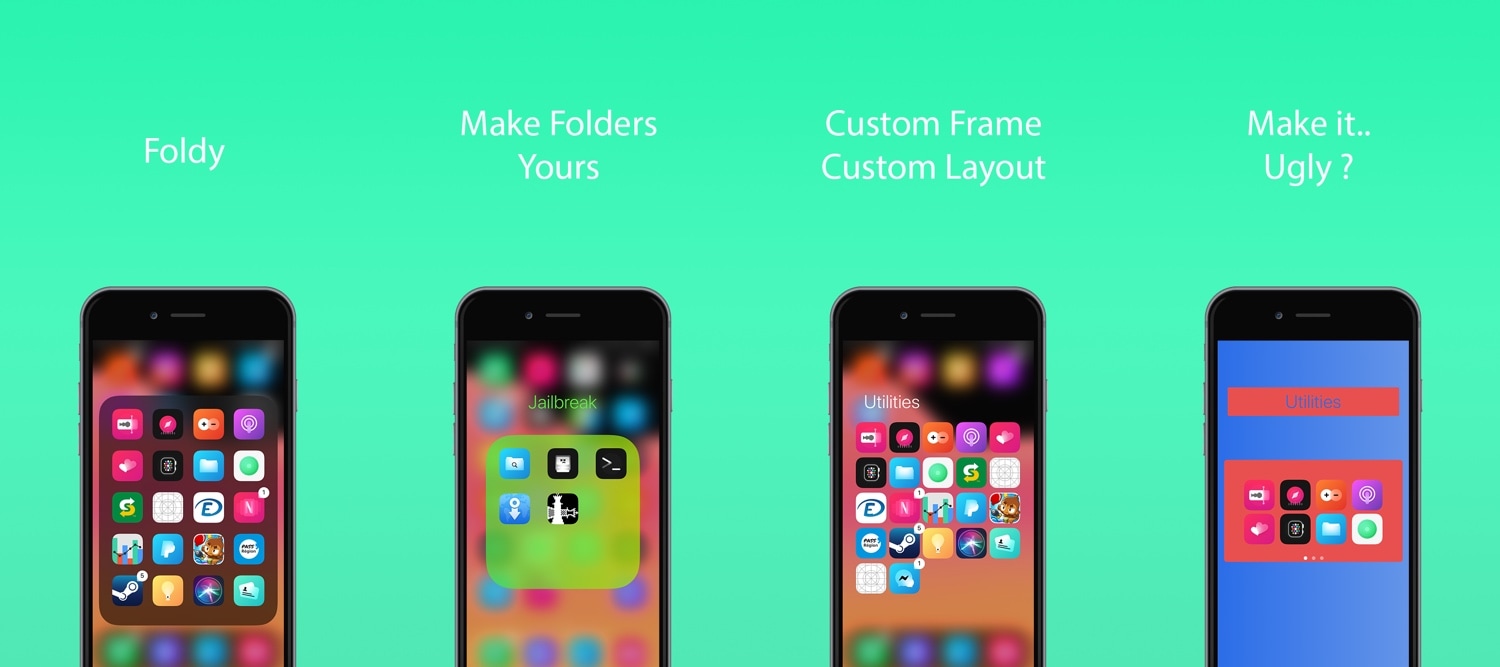
If you use folders to organize the plethora of apps residing on your iOS device’s Home screen, then you’ve likely come to realize just how monotonous they can look, especially in large numbers.

A newly released and free jailbreak tweak dubbed Foldy by iOS developer Thomz aims to resolve this concern by offering jailbreakers novel ways of personalizing the look and feel of their Home screen folders.

This tweak centers the final row of apps on your Home screen

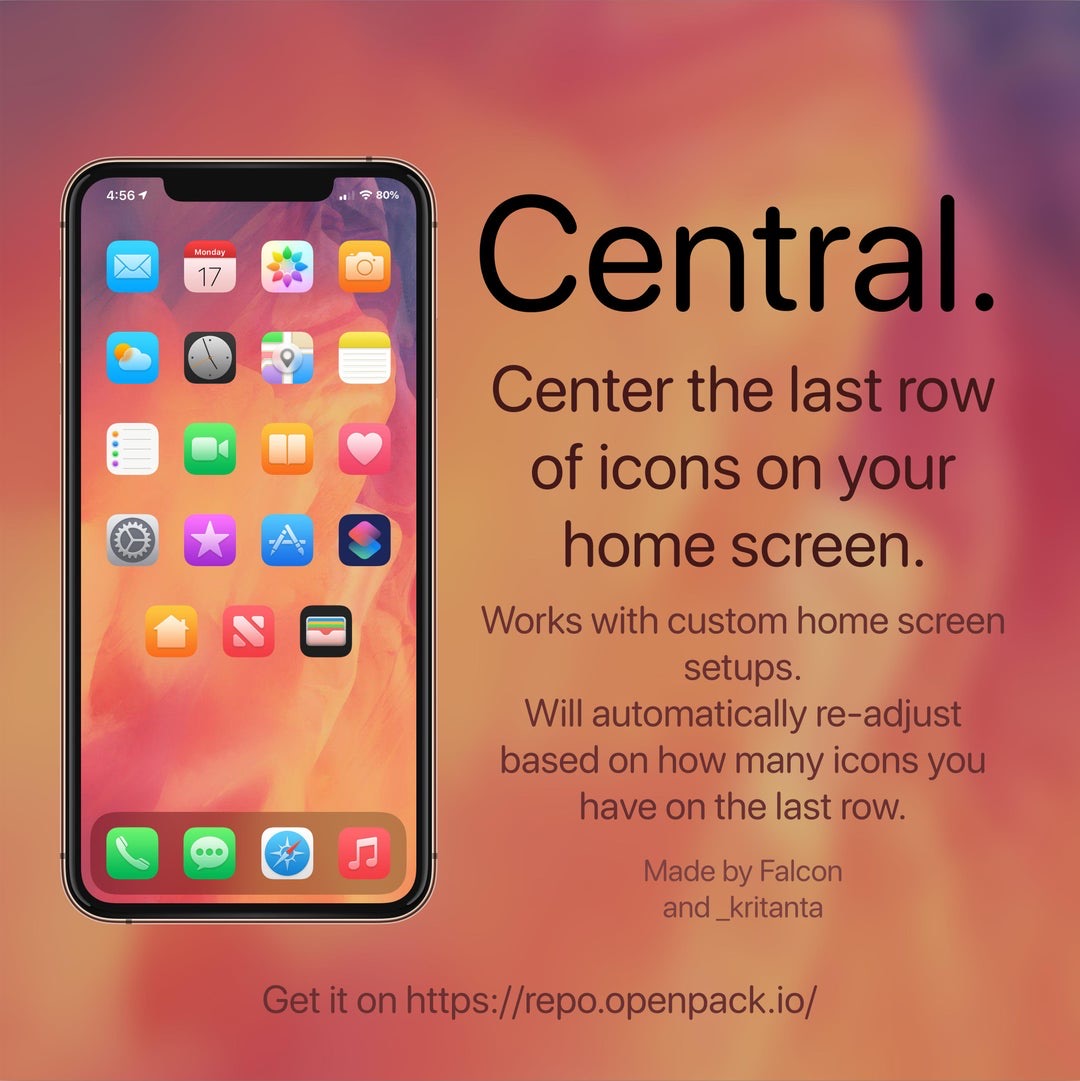
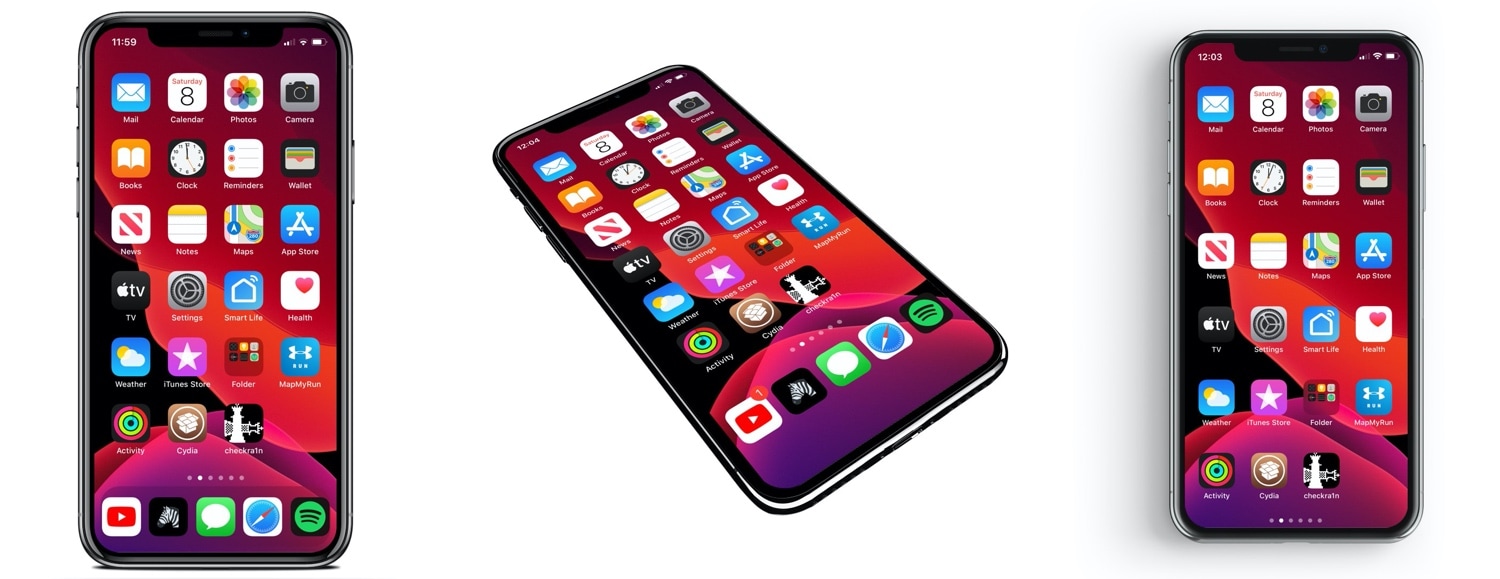
If you’re lucky enough to have a jailbroken iPhone or iPad at your disposal and you’re looking for a fun and quirky way to make your handset’s Home screen stand out from the average Joe’s, then you just might come to appreciate a newly released and free jailbreak tweak called Central by iOS developers Kritanta and Falc0nDev.

As depicted in the screenshot example above, Central adjusts your Home screen’s application icon layout in such a way that the final row on the Home screen funnels down to just three icons in the center of your display.

Gravitation brings gravity to your jailbroken iPhone’s Home screen

Longtime jailbreakers like myself will remember those fun and quirky jailbreak tweaks that could be invoked to simulate gravity on your iPhone’s Home screen. Upon triggering a configured Activator gesture, one could watch in awe as their Home screen icons all fell to the bottom of the screen, almost as if there was a gravitational pull being imposed on them.

It’s been a while since we’ve witnessed such a tweak, but with newfangled jailbreaks like checkra1n and unc0ver permitting various iOS 13 devices to be pwned, now seems like a as good a time as ever for such tweaks to surface once more. That’s why iOS developer Kritanta has released a new and free jailbreak tweak called Gravitation.

Customize your iPhone’s Dock with Dockify

If you’re in the market to change the look and feel of your iPhone’s application Dock on the Home screen, then you might feel right at home with that of a new jailbreak tweak release called Dockify by iOS developer burrit0z.

After you’ve installed Dockify, you’ll find a dedicated preference pane in the Settings app with a myriad of different customization techniques for your Dock:

LockApps helps you protect individual apps with biometric authentication

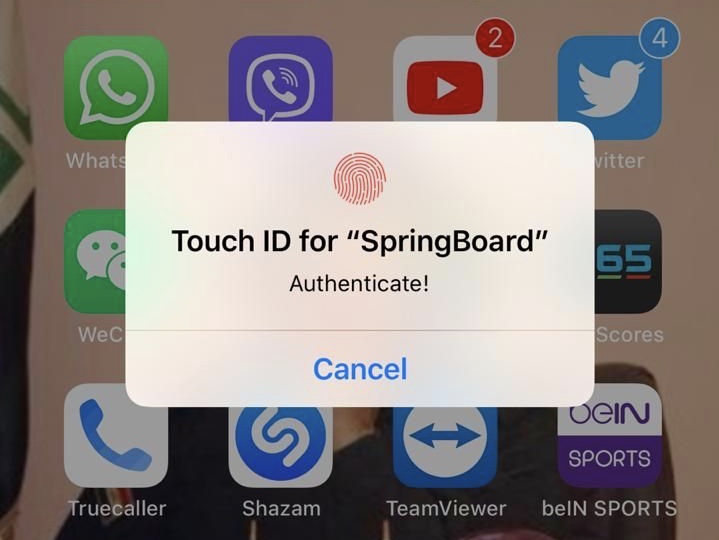
If you’re in need of augmented security for your iPhone’s apps, then a newly released jailbreak tweak dubbed LockApps by iOS developer Azozz ALFiras could be just what you need.

Just as the name implies, LockApps lets users secure apps from their Home screen by requiring some form of biometric authentication to use them. The tweak currently supports both Face ID and Touch ID, depending on what your handset comes from the factory with.

BadgeBar replaces iOS’ ugly notification badges with colorful bars

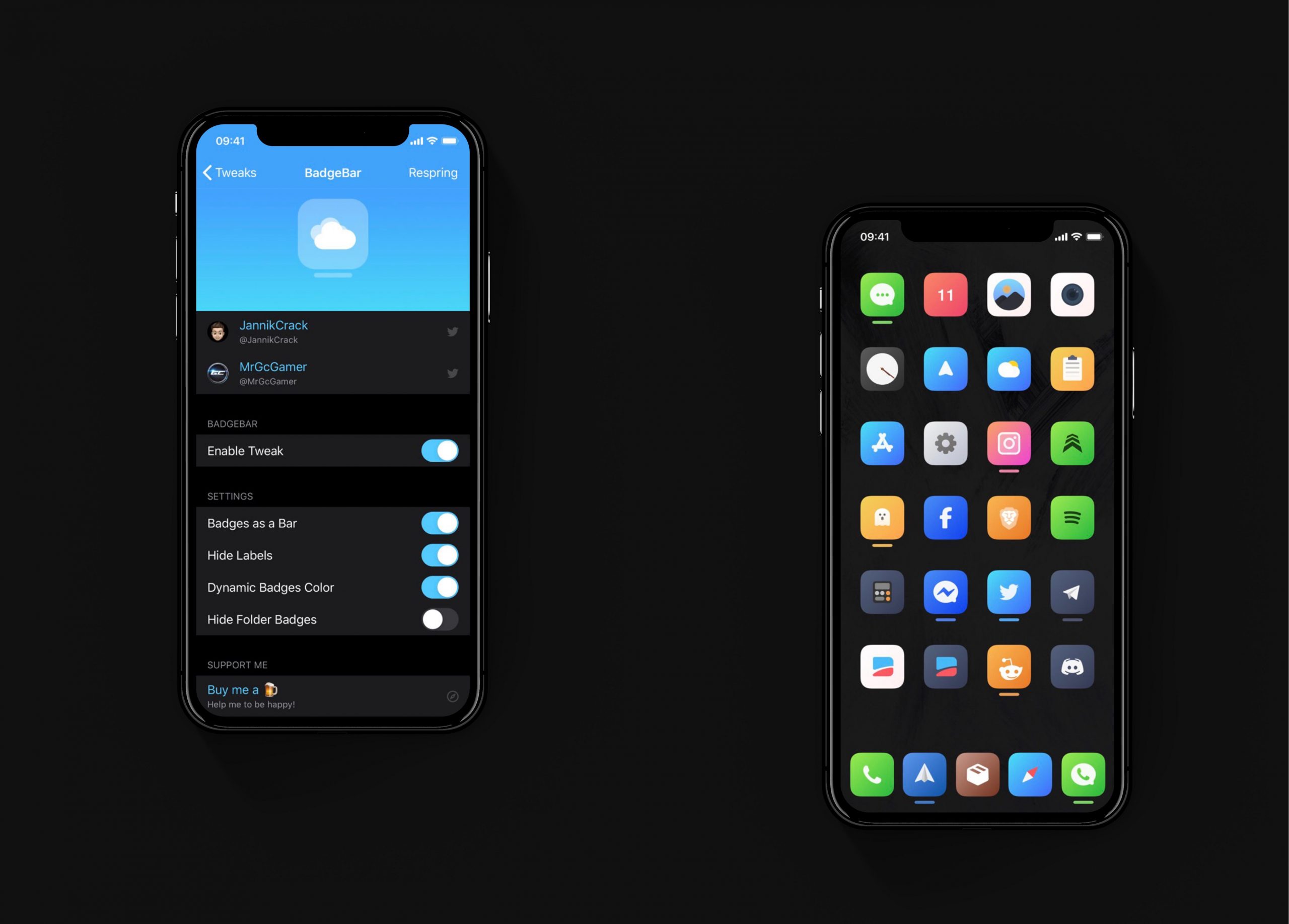
I have always hated the way notification badges look on the iOS Home screen. Although the red dots are great at catching my attention, they do so in an incredibly hideous way, and I sometimes think that it takes away from the beauty of Apple’s platform.

If you agree that iOS’ notification badge system is due for a facelift and you have a jailbroken iPhone or iPad at your disposal, then you just might want to try a new and free jailbreak tweak called BadgeBar by iOS developer JannikCrack.

Boxy 4 brings custom Home screen layouts on pwned iOS 13 devices

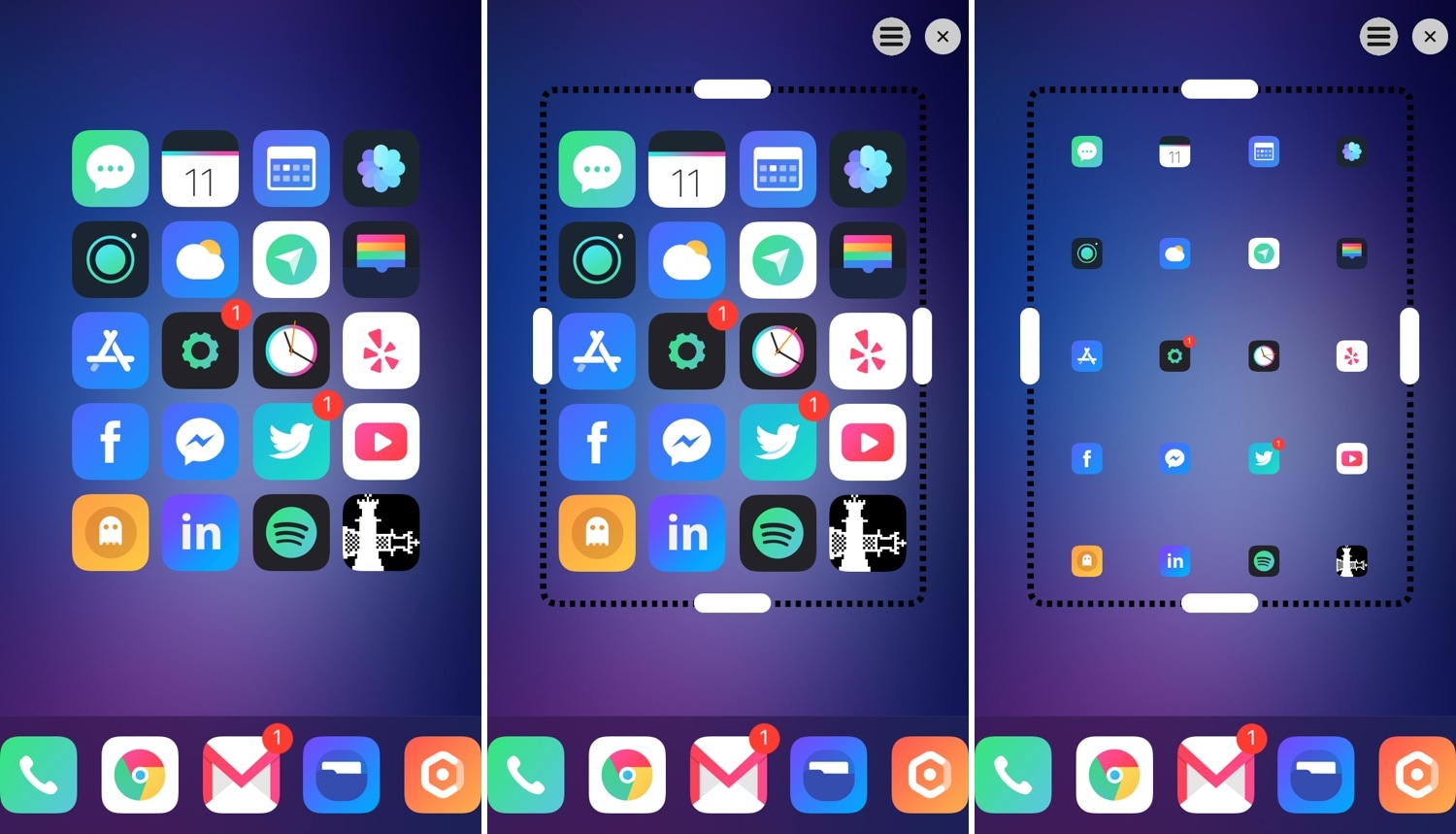
One of the most significant gripes that iPhone and iPad users have is that the Home screen’s app icon layout is as bland as it has been since the introduction of the original iPhone. All app icons are gridlocked to specific points on the Home screen, and it’s impossible to create true empty spaces in between icons on a stock device.

This is one area where the jailbreak community shines. A plethora of different jailbreak tweaks released in the past allow custom Home screen app icon layouts, and if you’re jailbroken on iOS 13 with checkra1n, then you might be excited to learn that a new release called Boxy 4 (iOS 13) by iOS developer William Vabrinskas can now bring this functionality to your handset.

Personalize your Home screen and Lock screen with Kage

When it comes to installing jailbreak tweaks on a pwned handset, my motto has always been that it’s best to install an all-in-one tweak instead of a plethora of one-off add-ons. Not only can this be beneficial from a performance standpoint, but it also keeps your installed tweak list nice and tidy in any package manager that you might be using.

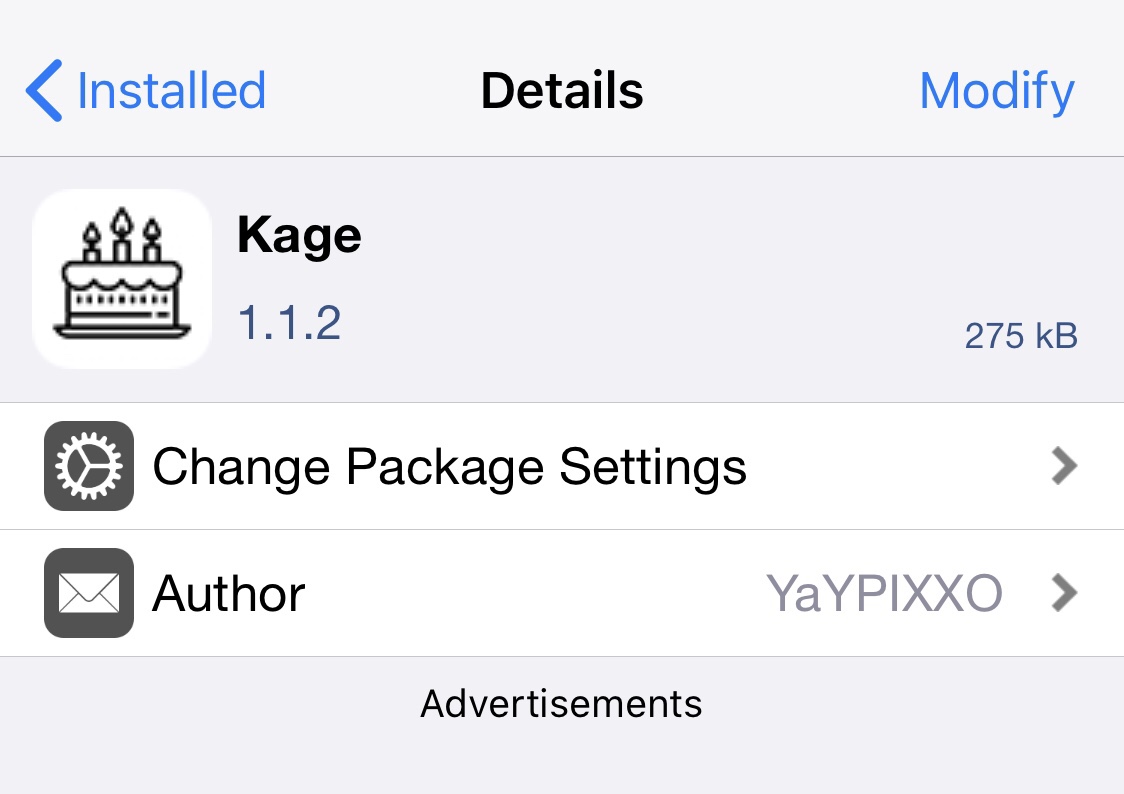
Depending on what your needs are as a jailbreaker, finding the best all-in-one tweak can be a challenge. While there have been some notable releases in the past, many cost money of some sort. Fortunately, a new release called Kage by iOS developer YaYPIXXO brings a slew of customization options to both the Home screen and Lock screen at no extra cost to you.