Home screen

Meteorite gets iOS 13 support, adds live weather to the Status Bar & Weather icon

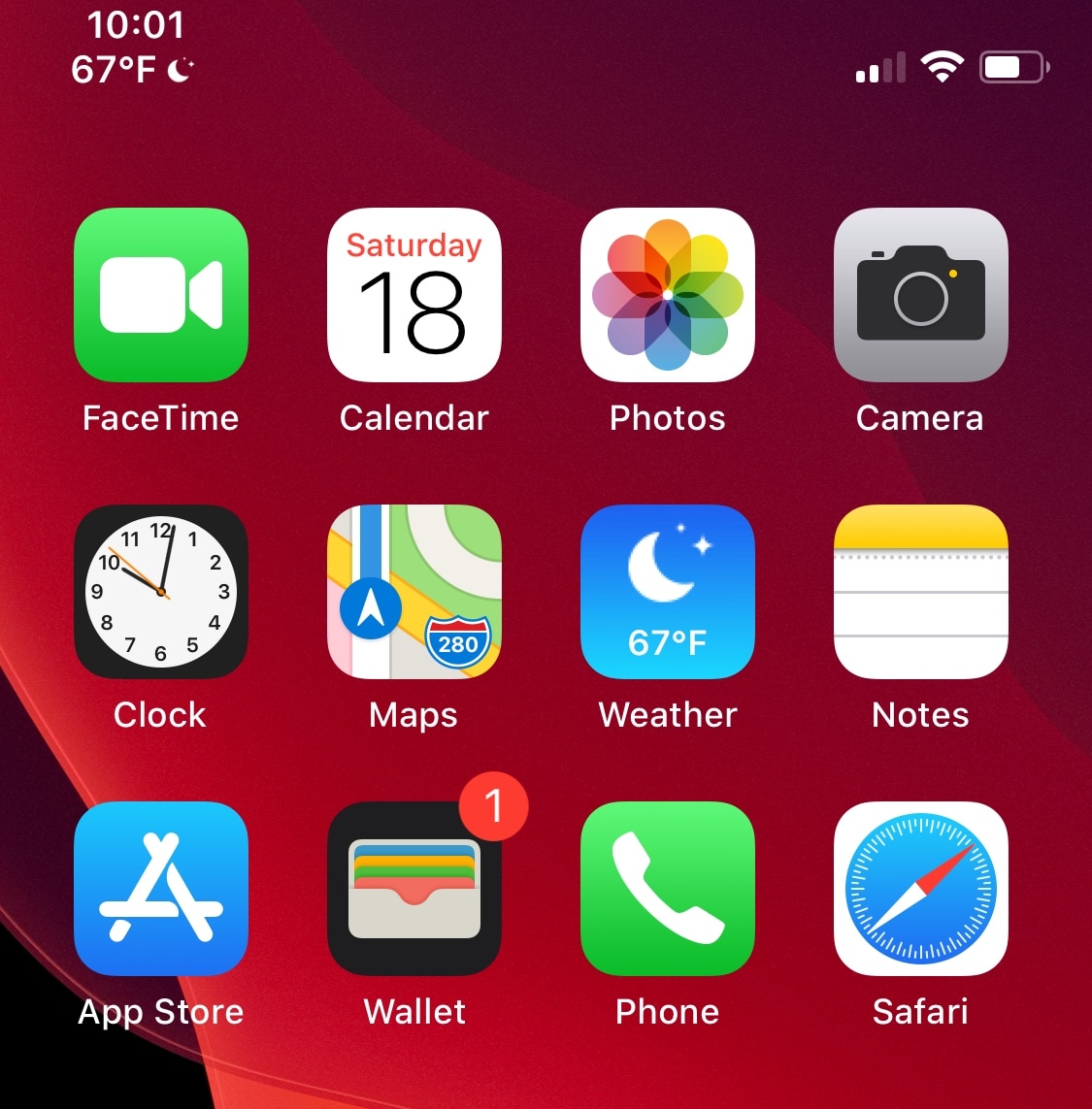
We’ve seen a lot of jailbreak tweaks over the years that could animate the Home screen’s Weather icon with the current weather information outside. But with the jailbreak community taking a hard shift toward iOS 13 in recent months, modern necessities call for modern solutions.

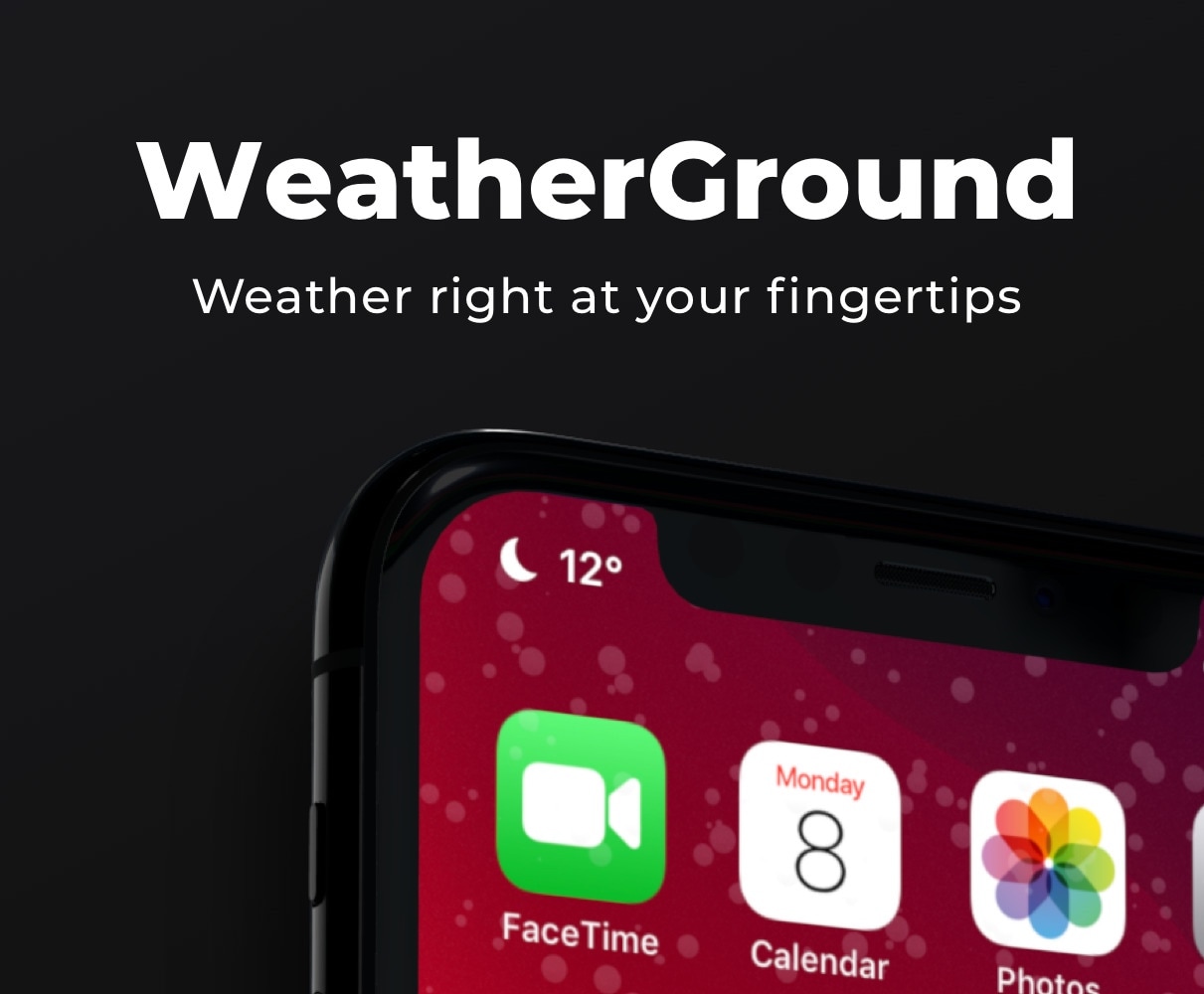
Meteorite is a free extension created by iOS developer qwertyuiop1379 that has been out for quite a while, but just recently picked up support for iOS 13. Like other tweaks in the past, Meteorite animates the Weather app icon with current weather conditions, but it also adds a new display to the Status Bar.

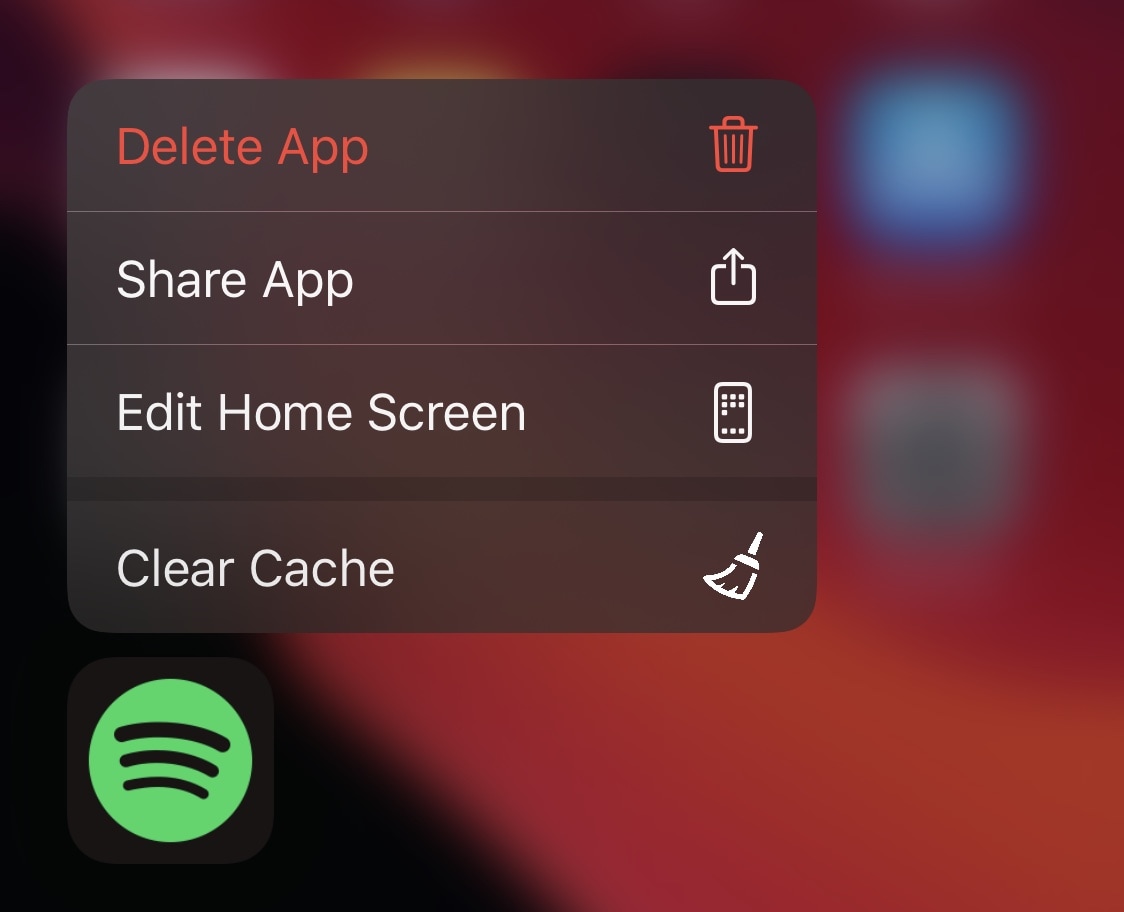
This tweak lets you clear an app’s cache right from the Home screen

More than five years ago, iOS developer Ryan Petrich released a handy cache-clearing jailbreak tweak for apps on jailbroken iPhones and iPads called CacheClearer, which allows users to delete app caches right from iOS’ native Storage settings page. That same tweak was re-created for iOS 11 last year with the aid of developer Julio Verne, and has now been reincarnated once more for newer versions of iOS by developer alex_png.

DockSpring lets you use your iPhone’s Dock to respring

Jailbroken iOS device owners know just how important it is to respring after installing jailbreak tweaks or applying changes to their extensions. That’s precisely why it’s convenient to have a means of respringing your handset on demand.

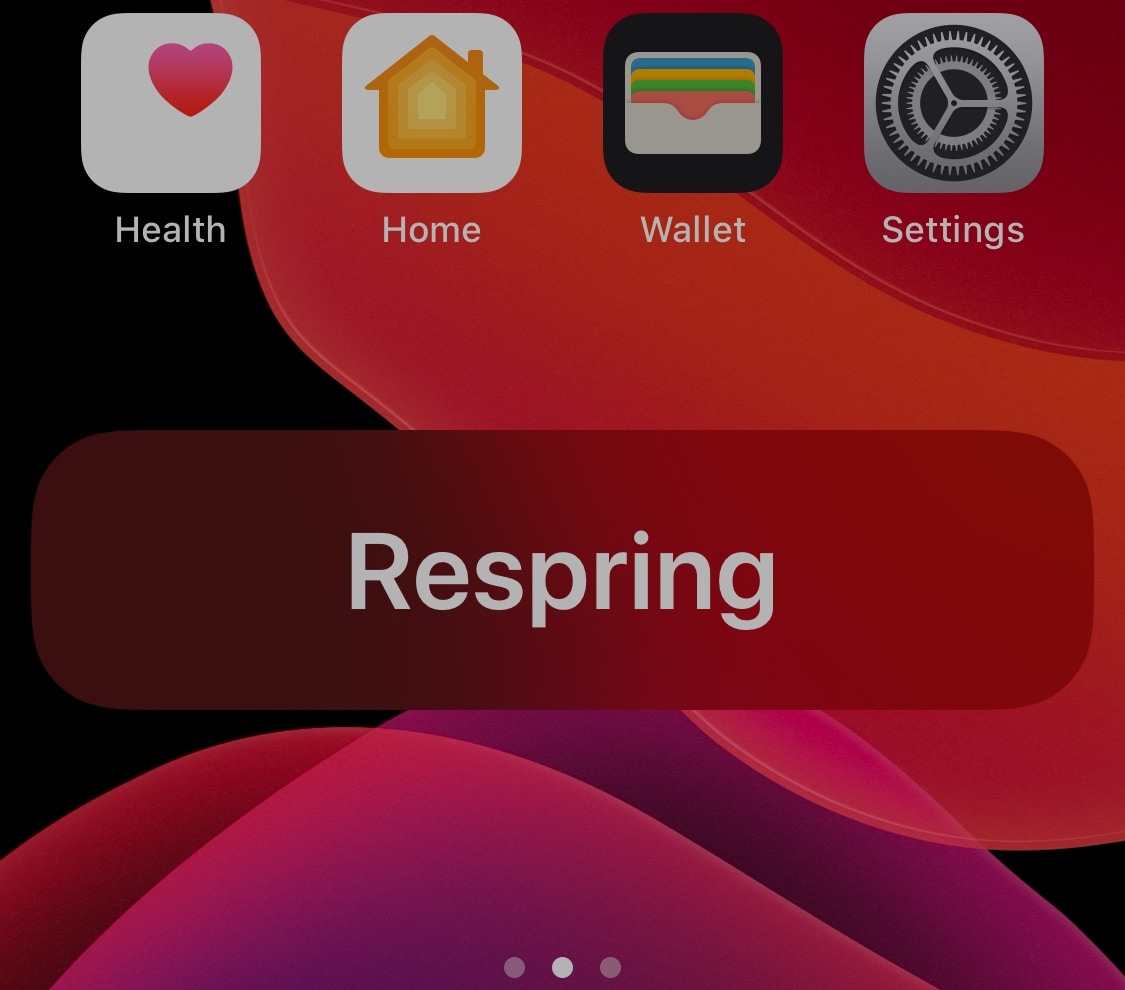
DockSpring is a newly released and free jailbreak tweak created by iOS developer neoney that lets you respring your pwned iPhone with a simple slide-up gesture from the Home screen’s Dock. Not only is it incredibly convenient, but the animations are top-notch as well.

FolderControllerXIII offers more options than we can count for iOS folder customization

There’s been no shortage of Home screen folder customization-centric jailbreak tweak releases as of late, and with so many options to choose from, the million-dollar question jailbreakers are asking seems to be: which one offers the most bang for my buck?

The answer is subjective based on what you need out of such a tweak, but if you’re still on the fence, then it can be hard to go wrong with a new release called FolderControllerXIII by iOS developer i0s_tweakr, which offers one of the most extensive feature sets we’ve ever seen in a folder customization tweak for the iOS platform.

Upgrade iOS’ dated notification system with dotto+

iOS’ native notification system is overdue for a facelift, but there’s no telling when Apple might finally commit to such an overhaul. Fortunately, jailbreakers won’t need to wait thanks to the likes of a newly released and free jailbreak tweak dubbed dotto+ by iOS developers ConorTheDev and Mirac.

Just as the tweak’s name implies, dotto+ takes a dot-centric approach to iOS’ native notification system. In the screenshot examples above and below, you can see that dotto+ displays a small colored dot at the top-right of app icons on the Home screen when they have pending notification(s) awaiting your attention.

PasteAndGo2 adds a new search feature to iOS’ Haptic Touch menus

It comes up often enough where I find something of interest while reading an article or text messaging my friends and consequently find myself doing some research on Google about said item of interest. Doing this typically necessitates highlighting the link or text in question and then launching the Safari web browser to paste it into the search bar. But what if there was an easier way?

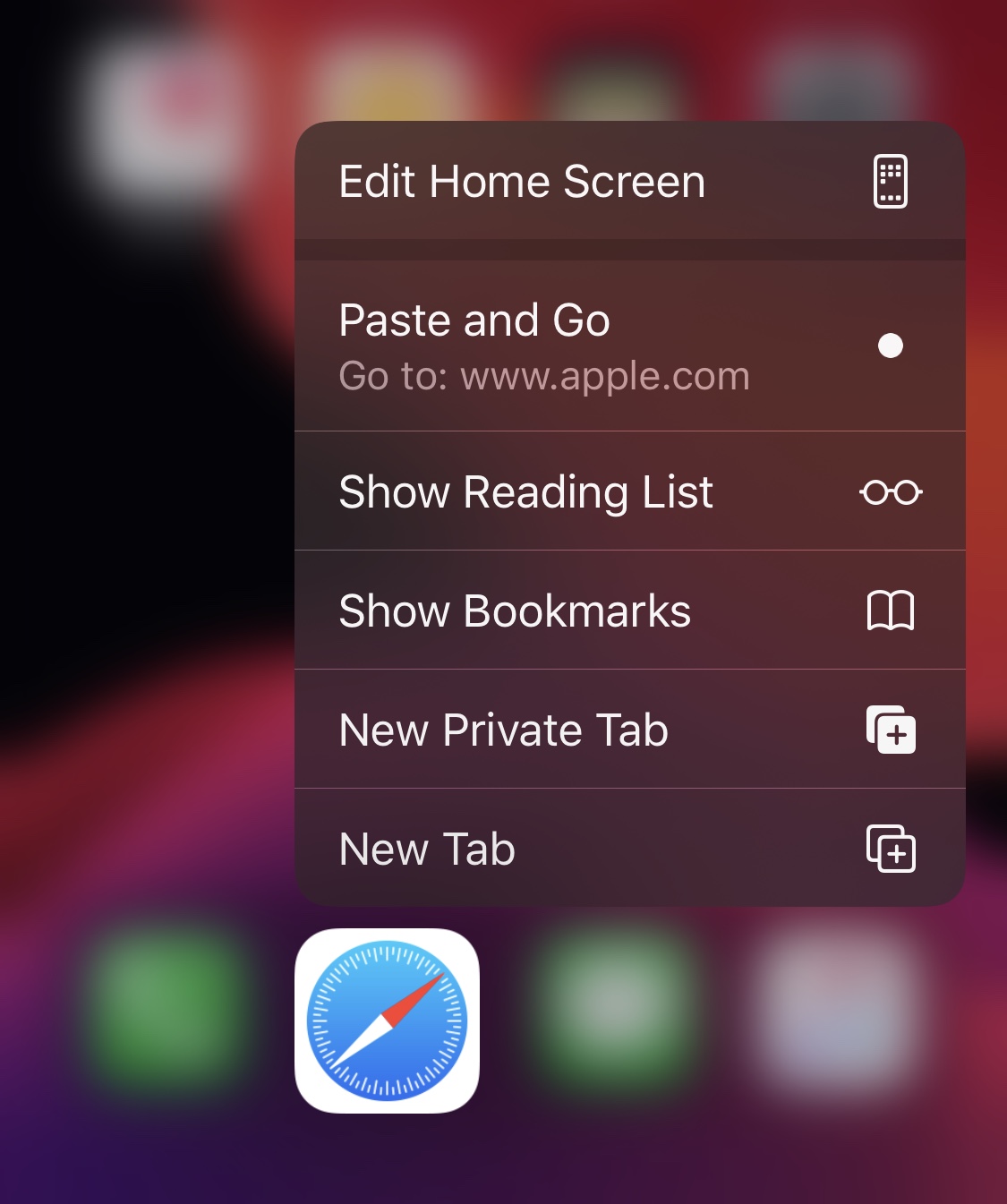
Fortunately, there is. Enter PasteAndGo2, a free jailbreak tweak release by iOS developer amodrono that adds a new option to the Home screen’s Force Touch/Haptic Touch menus to your favorite web browser applications. Examples of the tweak at work are shown in the screenshots above.

Folded is one of the most comprehensive folder tweaks for iOS to date

With such an unexpected surge in the number of Home Screen folder-augmenting jailbreak tweak releases lately, it can be a tough call when trying to decide which to install. Fortunately, a new release dubbed Folded by iOS developers Thomz and burrit0z appears to be one of the most comprehensive and promising folder-centric tweaks for iOS to date.

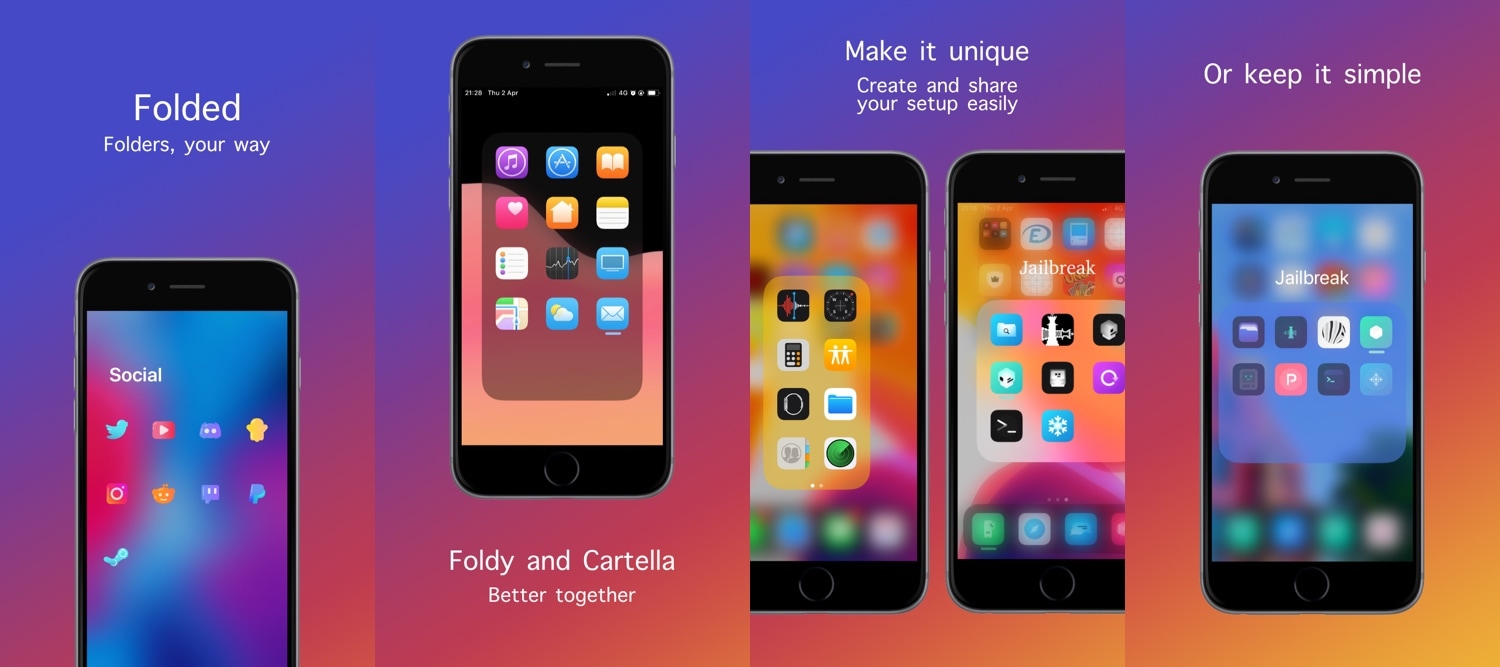
As depicted in the screenshot examples above, there’s a lot you can accomplish with Folded. It grants users access to a plethora of new settings that stock handset users would drool over, and what’s more is that the tweak is completely free to download.

Jailbreakers can embrace Home screen minimalism with HideSurplus

Apple designed iOS’ Home screen such that it would be easy to interact with. Fingertip-sized application and folder icons are accompanied by distinguishable name labels, and the permanent row of app icons that we call the Dock sports its own unique background to help it stand out from everything else.

While there really isn’t anything wrong with the stock iOS Home screen setup, the fact remains that jailbreakers are always searching for ways to personalize it. With that in mind, minimalists are likely to appreciate a newly released and free jailbreak tweak dubbed HideSurplus by iOS developer 8a1wkar.

Customize iOS’ Home screen folders with Cartella

If you’re looking for a way to spice up your iPhone or iPad’s native Home screen folder behavior, then there’s a fairly good chance that a newly released and free jailbreak tweak called Cartella by iOS developer burrit0z could be right up your alley.

Cartella was designed to let jailbreakers adjust the look and feel of their handset’s Home screen folders. Straight out of the box, it incorporates a plethora of different customization options, including:

Ayedapt forces your iPhone’s Home screen icons to obey iOS’ dark mode setting

One of my favorite features that shipped with iOS 13 was a native system-wide dark mode that’s both aesthetically pleasing and easy on the eyes at night. Unfortunately, Apple left the Home screen’s app icons out of the picture when making dark mode a reality for stock iOS devices.

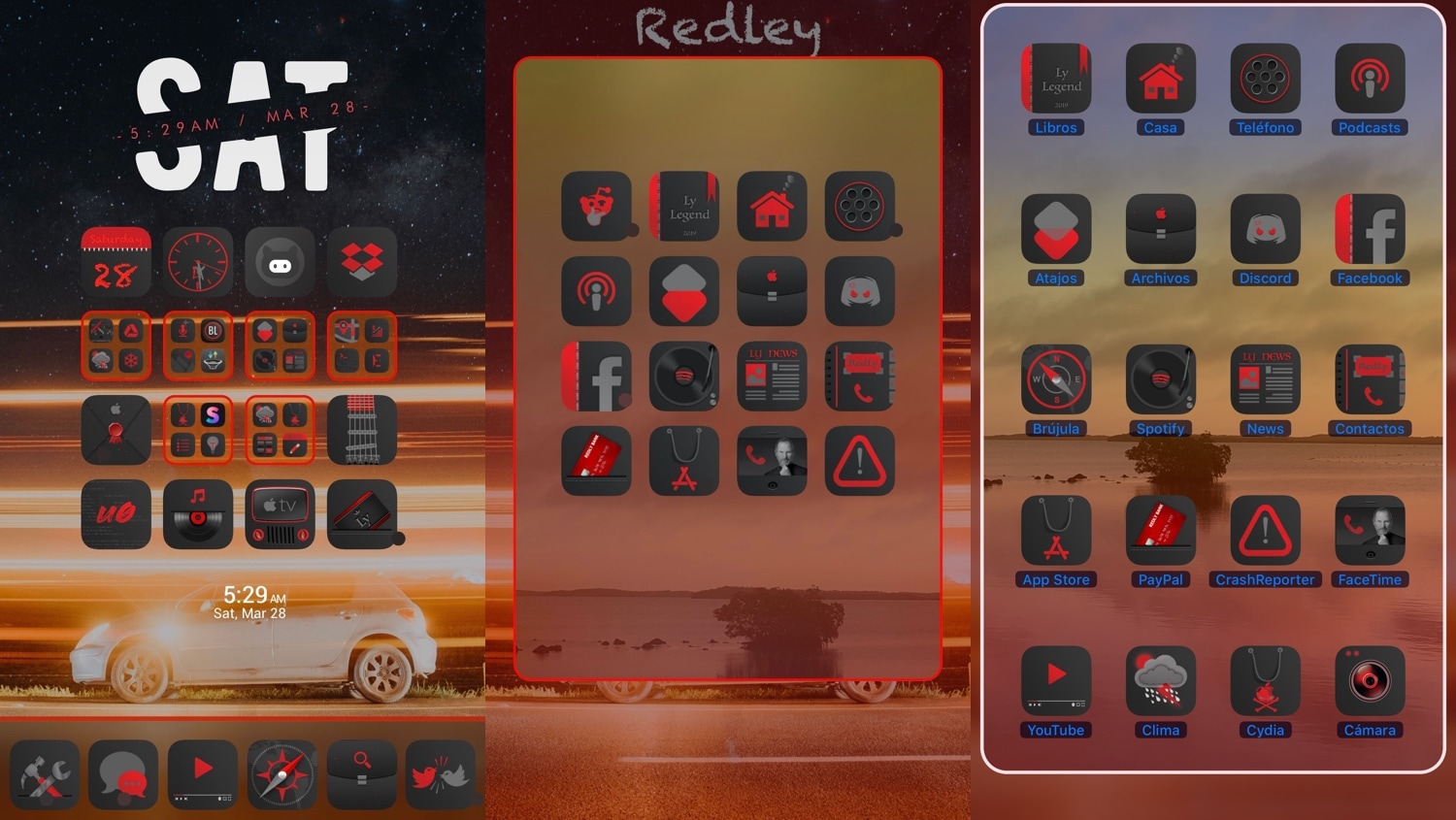
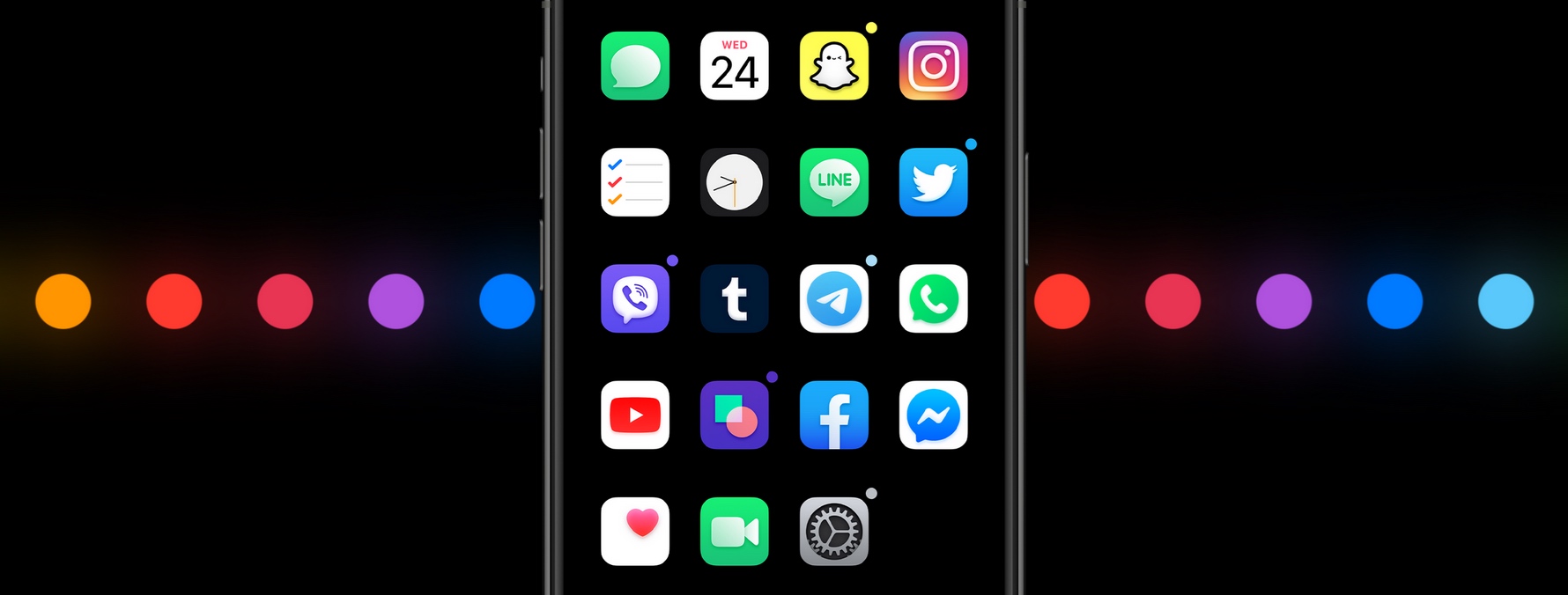
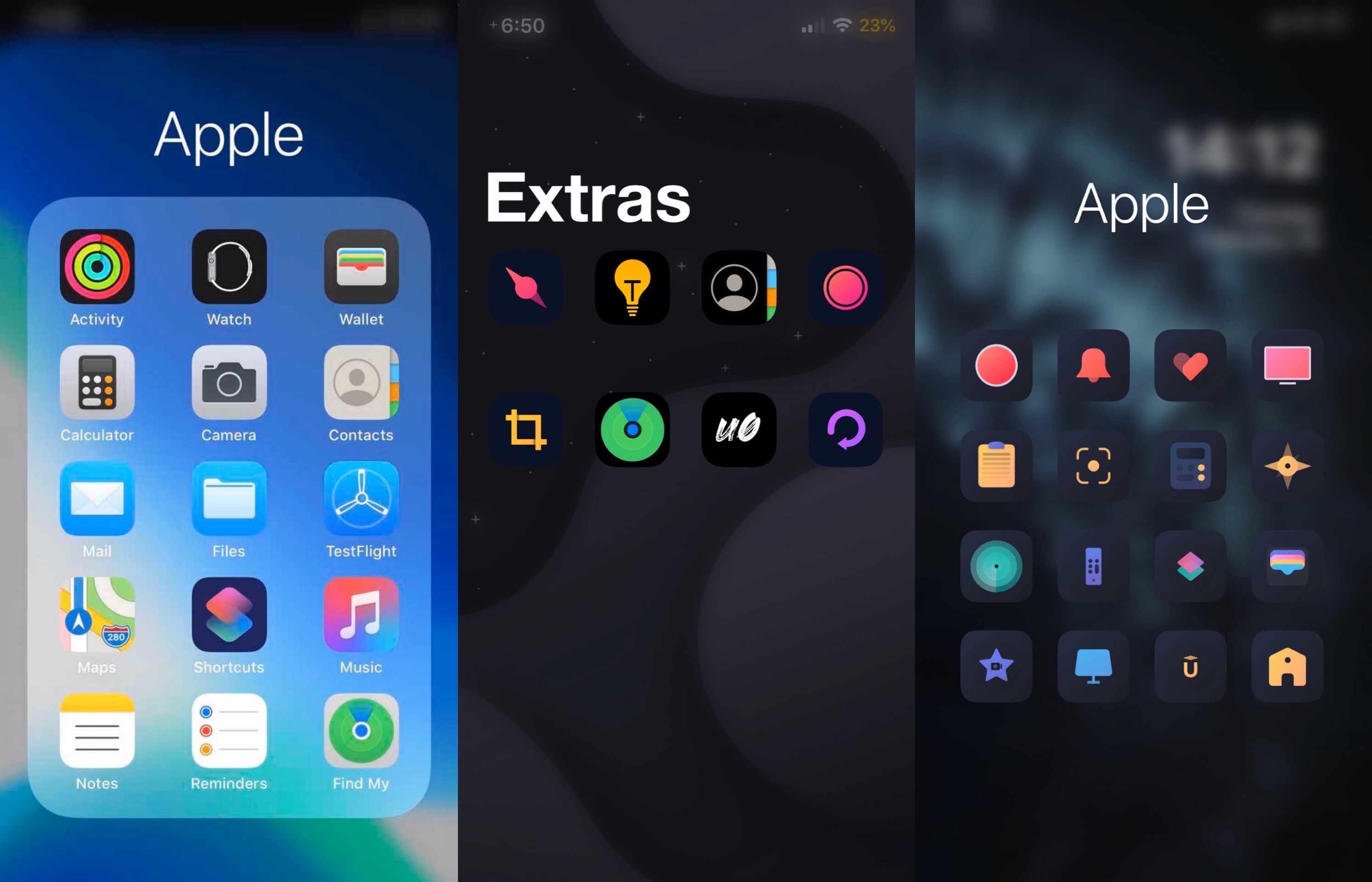
Here to address that issue head-on is a newly released jailbreak tweak/theme hybrid called Ayedapt by Surenix – a renowned graphic designer in the jailbreak community.

Velox Reloaded brings widgets to the iPhone’s Home screen the right way

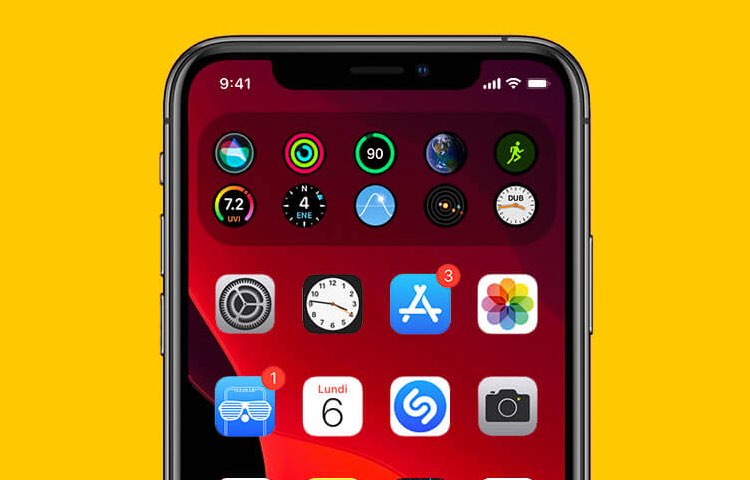
iOS has come a long way in recent years, especially in terms of widgets and information displays. But when compared with a lot of the smartphone competition on the market today, iOS (and even iPadOS) still lag behind.

Enter Velox Reloaded, a stunning new jailbreak tweak by ApexTweaks that introduces quirky system widgets with handy functionalities directly to your iPhone or iPad’s Home screen via the very same grid-space that you use to store application icons.