Bluetooth

How to set up your Apple TV using an iOS device

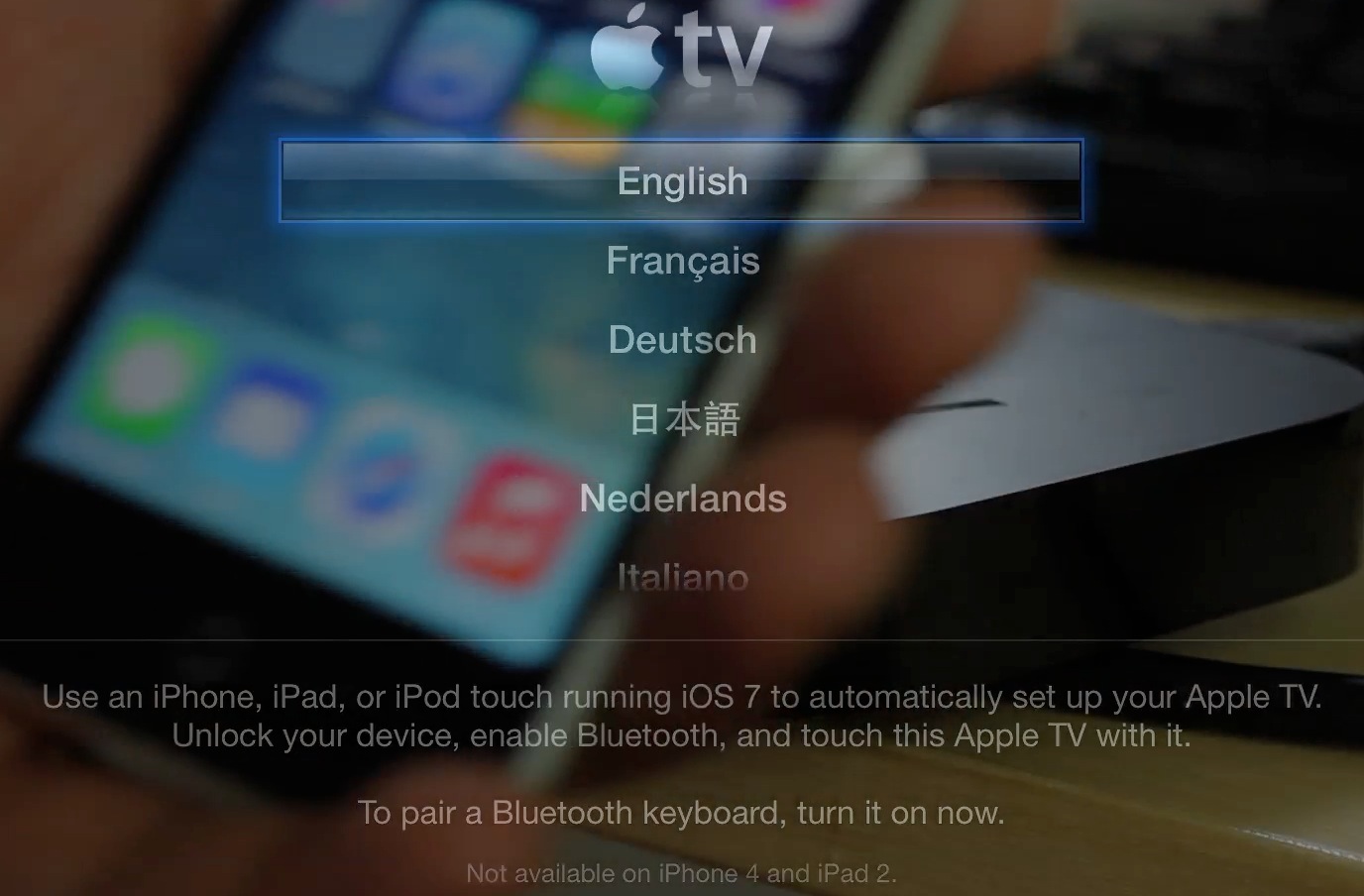
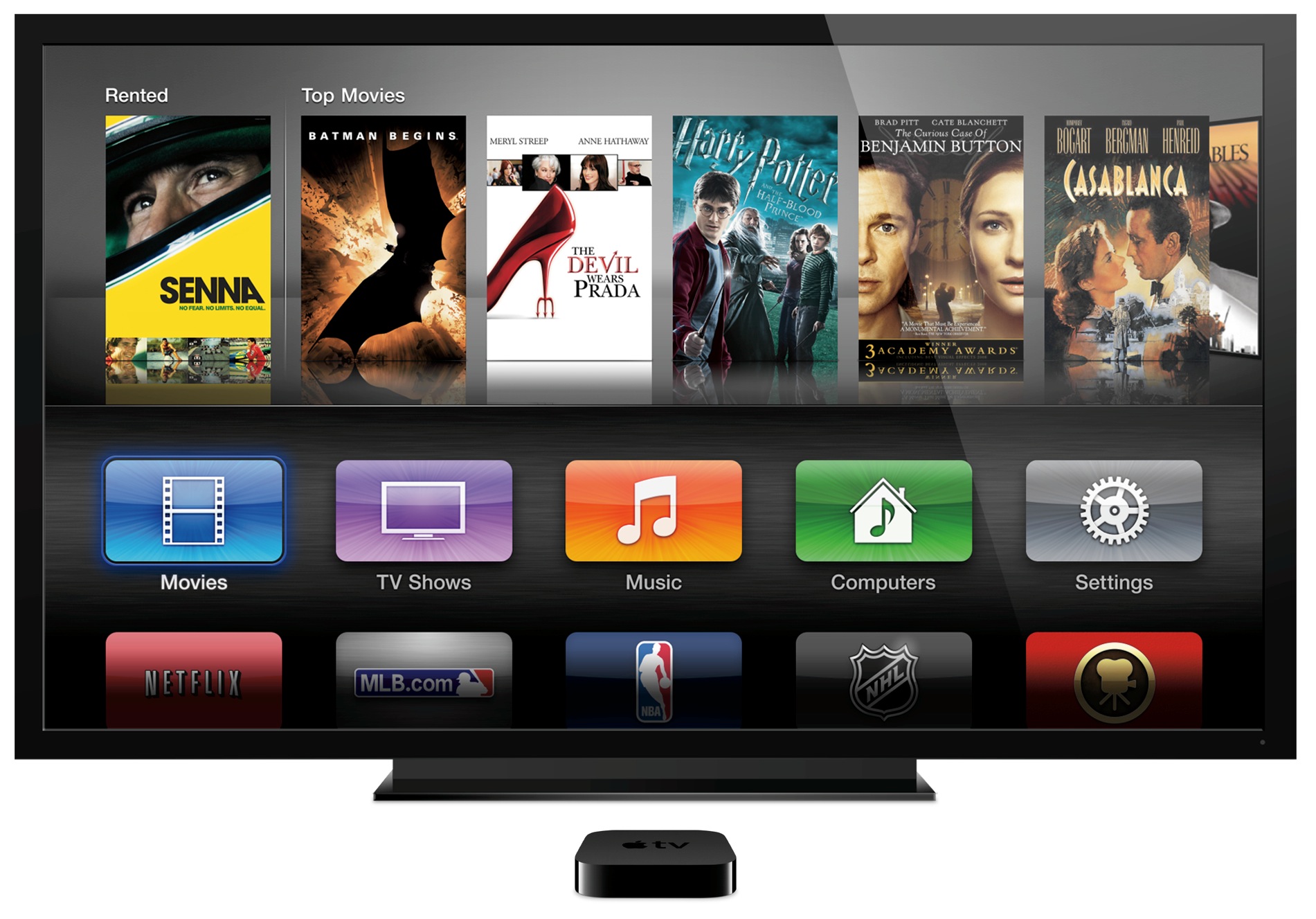
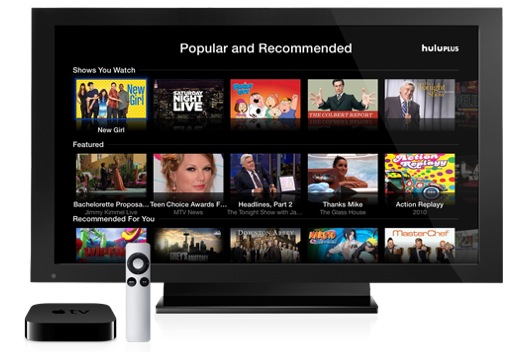
Yesterday, I let you in on a trick to selectively show or hide unwanted app icons from your Apple TV's Home screen. Today, I want to talk about another great Apple TV enhancement, one just implemented as part of the newly-released Apple TV 6.0 software update: tap-to-setup. In a nutshell, you can now use an iOS device to quickly set up your $99 hockey puck.

Sure, the third-generation Apple TV does allow for greater flexibility by letting folks pair a Bluetooth keyboard in order to quickly type in any pertinent information during the setup procedure (or afterwards). Tap-to-setup, however, takes easy to the next level by automatically transferring common settings from your iOS device...

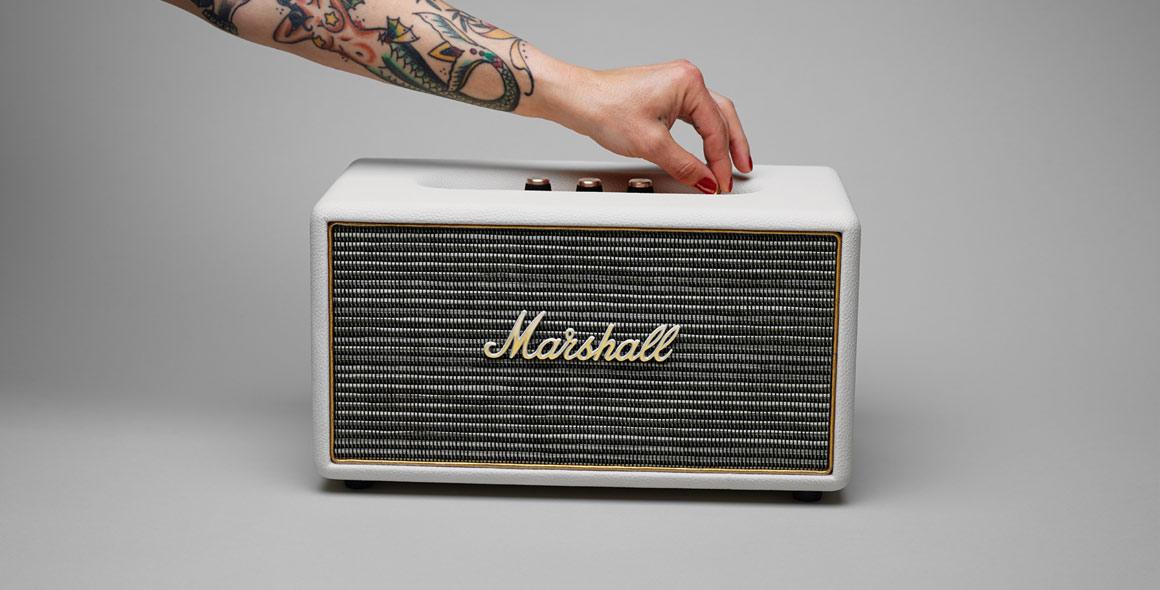
Want: Marshall’s Stanmore wireless speaker

British music gear company Marshall Amplification needs no introduction: the brand is practically synonymous with pro-grade music amplifiers, speaker cabinets, drums (via their Natal Drums acquisition) and more. Fittingly, Marshall's personal headphones and earphones arm today launched a new personal wireless speaker.

I immediately fast-tracked it to the top of my shopping list. The stylish Stanmore speaker not only looks business dressed up in Marshall's trademark design, it comes packed to the gills with useful connection options, including Bluetooth wireless, RCA input and the standard 3.5mm auxiliary input...

Coda Forte bluetooth headphones offer wireless quality

When using a headphone, cable is not an option, switching to Bluetooth is obviously the best idea. There are many areas where cordless headphones are optimum, including late nights playing your favorite iOS game next to your wife, who is sleeping and doesn't know you broke the no-gadgets-in-the-bedroom agreement. Keeping yourself out of the dog house is made simple with a pair of headphones.

However, fumbling around with a cord is not always preferred. iFrogz, which was purchased by ZAGG, would agree that wireless is the way to take listening to the next level. The iFrogz Audio Coda Forte Bluetooth Headphones with Mic, which I will term "Coda" henceforth, is an answer to the corded headphones of the past. Having previously reviewed ZAGG headphones, I am not new to the ZAGG audio scene but the Bluetooth addition is new territory...

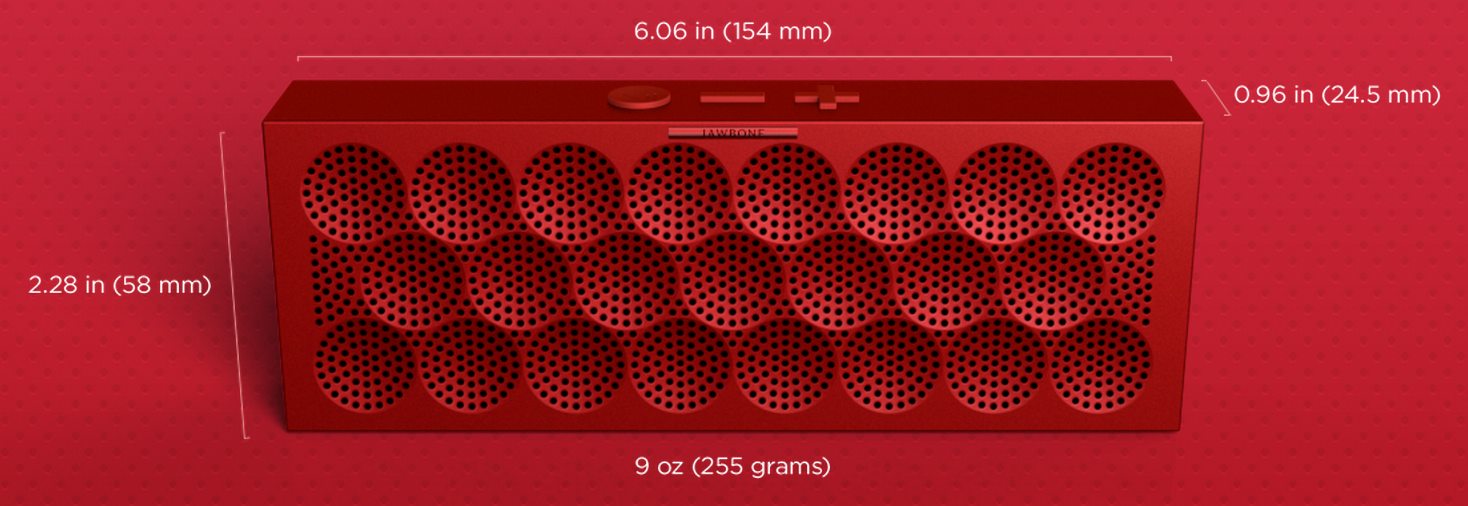
Jawbone introduces new ‘Mini Jambox’ Bluetooth speaker for $179

First there was the Jambox. Then there was the larger, aptly-named Big Jambox. And today Jawbone announced the Mini Jambox. The mini is the company's third entry into the portable Bluetooth space, helping round out the Jambox line.

But don't let the 'Mini' name fool you. It's actually not that much smaller than the original Jambox, with virtually the same height and width. In fact, the only dimension you'll notice a difference in is depth—they've shaved about 1/3 of it off...

Celeste 2 brings much improved Bluetooth file sharing to iOS

The CocoaNuts' original release of Celeste went down as one of the most hyped jailbreak apps in the history of jailbreaking. The fanfare of the release seem to rival some of the more prominent apps to appear on the App Store at the time.

I remember waiting up until 3:00 AM in anticipation of Celeste. It never lived up to the astronomical amount of hype it generated, but it was a decent app, if not a little buggy and complicated to use.

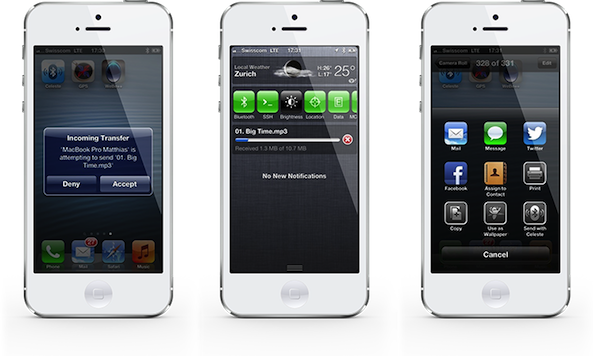
The sequel to Celeste, simply entitled Celeste 2, is a vast improvement over its predecessor. Whereas the original Celeste never quite lived up to its claim to bring simple Bluetooth sharing to iOS, Celeste 2, for the most part, just works.

The purpose of the app is to allow users to transfer files between compatible Bluetooth devices. These devices can include a fellow iOS device such as an iPhone, iPod touch, or iPad. It can also include Macs, and even Windows machines. Generally speaking, if the device supports Bluetooth file transfer, then chances are your iOS device can talk to it by means of Celeste.

Want to see Celeste 2 in action? Have a look inside at our full video walkthrough after the break...
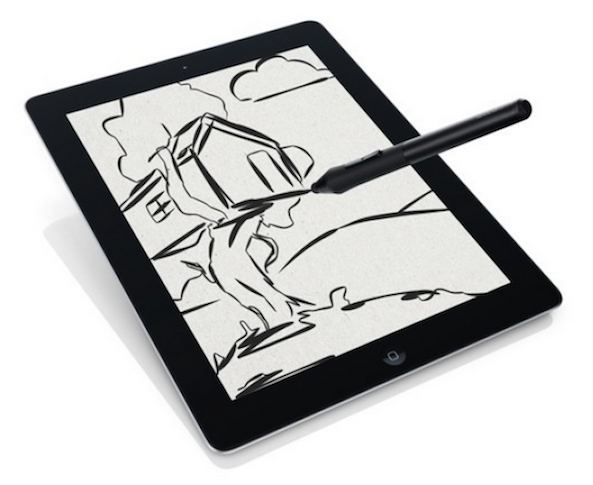
Wacom unveils new pressure-sensitive Intuos Creative Stylus for iPad

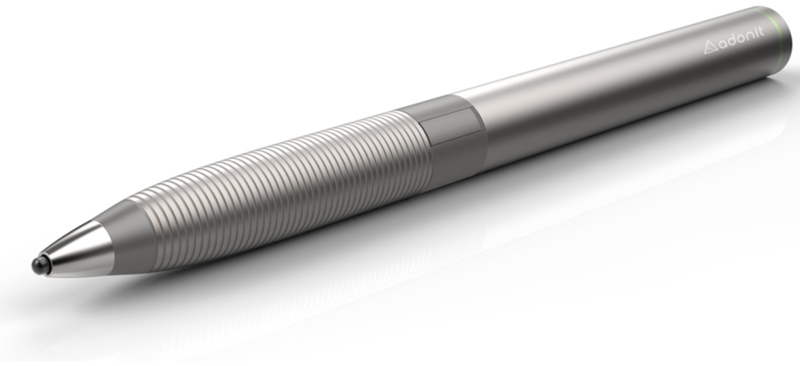
Wacom has just announced its latest entry into the increasingly-crowded space of iPad styli, the Intuos Creative Stylus. The accessory uses low-power Bluetooth 4.0 to connect to your tablet, and includes programmable shortcut buttons.

Additionally, Wacom says the Intuos Creative sports a best-in-class pressure sensitivity of 2048 pressure levels, creating a "realistic pen-on-paper feel" when drawing. The high-end stylus aims to deliver "professional grade" performance...

CocoaNuts: ‘Celeste 2’ Bluetooth sharing utility for iOS 6 nearly complete

Good news this afternoon for jailbroken users on iOS 6. CocoaNuts, the developers behind a number of popular tweaks like Safari Downloader and YourTube, have announced today that the sequel to their Celeste tweak is nearly done.

Aptly named 'Celeste 2,' the developers say that the new utility will include all of the best features from the original Bluetooth-sharing tweak, as well as a number of new ones. And, best of all, it will be compatible with all versions of iOS 6...

How to use the new Apple TV beta automatic configuration

The new Apple TV beta has an awesome new feature — the ability to automatically configure settings via Bluetooth using an iOS 7 enabled device. We put the new feature through its paces just a few minutes ago, and came away quite impressed.

The new automatic setup feature will save Apple TV users a lot of time, and avoids the need to input tedious passwords and IDs using the little remote control that comes bundled with each set top box. Have a look inside, as we walk you through the entire setup process on video...

Latest Apple TV beta adds music purchasing and ‘touch to setup’

Yesterday, Apple seeded beta 3 of Apple TV 5.4 software. And looking at the change log, it initially appeared that the update was little more than a maintenance update, as there were no new notable features. But a couple of cool things have since been discovered in the release.

For one, it looks like Apple has re-added the ability to purchase music through iTunes—as it stands, users can only purchase TV shows and Movies through iTunes on their Apple TV, and this appears to change that. And two, a new 'touch to setup' feature has been added...

New Bluetooth accessory ‘Tile’ wants to keep you from losing important stuff

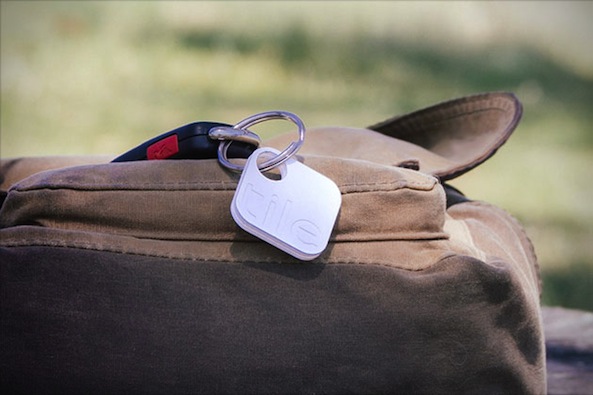
Introducing the Tile, a small square device with built-in Bluetooth that connects to your iPhone to help you find lost items like your wallet, car keys, computer and more. In fact, anything you attach the Tile to, the app can help you track down.

Now, this isn't the first time we've seen a Bluetooth accessory team up with the iPhone with the promise of tracking things down. But Tile is small, extremely affordable and can attach to almost anything. And it has several other cool features too...

Turtle Shell, a go-anywhere Bluetooth boombox

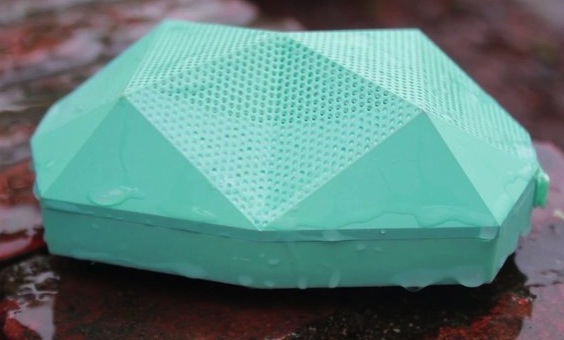
True to its name, the Turtle Shell is weather resistant and can take a beating. Not all Bluetooth speakers can say the same. Designed by Outdoor Technology, the dust and shock proof unit is also water-resistant for those nights by the pool or occasional rainstorm.

Producing "Stuff you probably want" is the pride and driving mantra for this group of easy going devs. The pyramid triangular design and bold colors give Turtle Shell a unique design that is modern and appealing. When using it in the office, several passersby stopped just to comment on the aesthetic and one of my office mates even took it home for a party. But, according to Outdoor Tech, inside is the last place you should be using their wireless boombox...

The myType is a pocketable Bluetooth keyboard for your iPhone or iPad

When Apple introduced the first iPhone back in 2007, it sparked a revolution in the smartphone industry: no more physical keyboards. Think about it, outside of BlackBerry and a few scattered Android handsets, who is still making smartphones with physical keyboards? No one, really.

And I don't personally mind it. It took some getting used to, but I've gotten pretty quick at typing on the iPhone's touchscreen. But for those who haven't quite picked it up yet, there are plenty of accessories available to help you out— like this new myType Bluetooth keyboard...