Move apps to or from the App Library to declutter your Home Screen by placing rarely used iOS apps out of the way or keeping most-used ones right in your view.
How to move apps in and out of App Library on iPhone or iPad
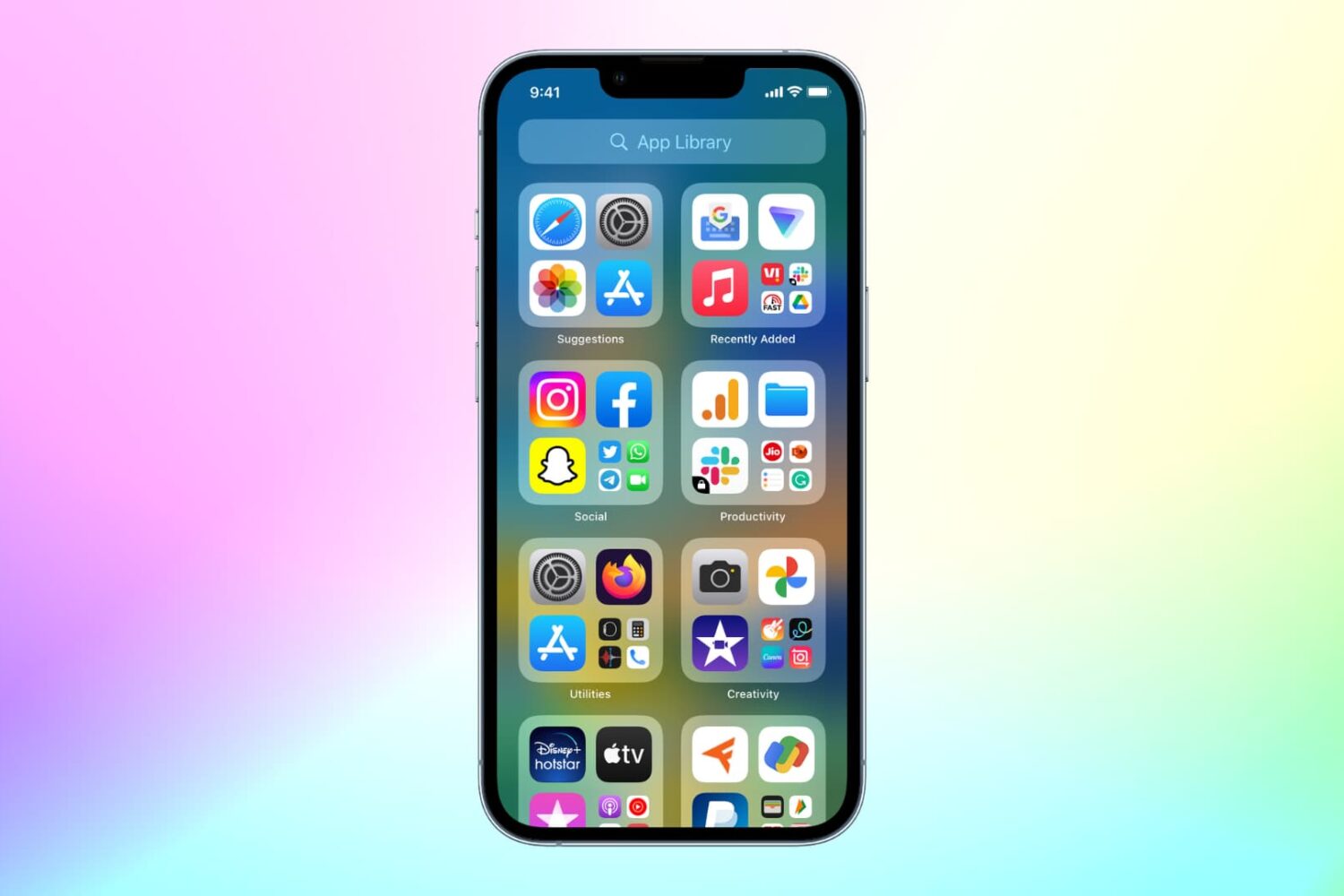
Move apps to or from the App Library to declutter your Home Screen by placing rarely used iOS apps out of the way or keeping most-used ones right in your view.

Are you looking for a new place? Check out these apartment and home rental apps for iPhone and iPad to make house hunting less stressful.

In this week's Apps of the Week roundup we have a fascinating app for artwork, a fun widget-maker, and a very minimal RSS feed reader. And as always, we've selected two great new games for you to check out.
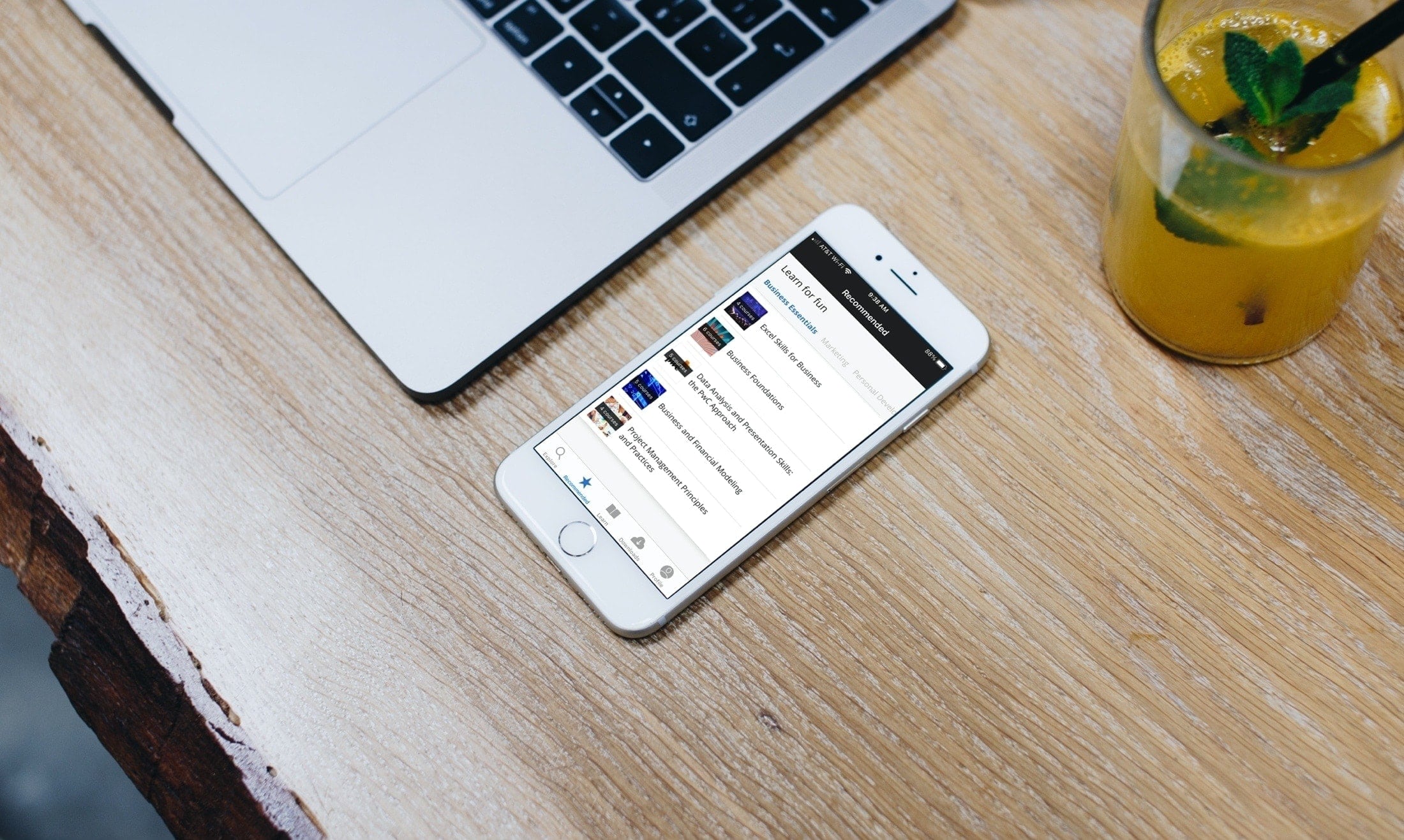
Learn new skills, hone existing ones, and take your business career to the next level with these iPhone and iPad educational apps for professional development.
Google has outlined a new feature, coming to iOS soon, that will notify you in case of a major security issue with your Google account no matter what Google app you’re using at the time.
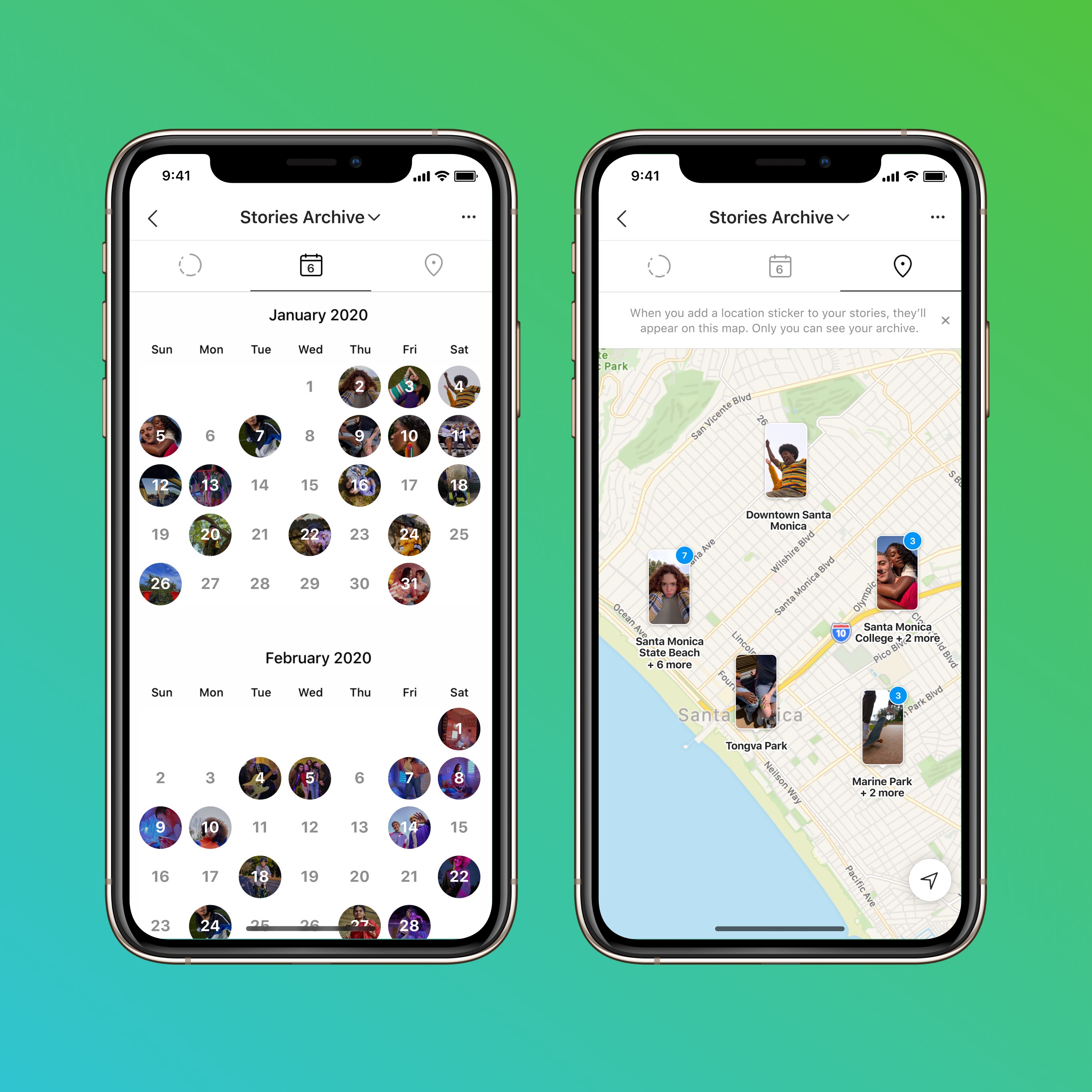
Instagram is celebrating its tenth anniversary today— boy, time sure flies! As part of the birthday celebration, the company is rolling out a few new features to users globally.
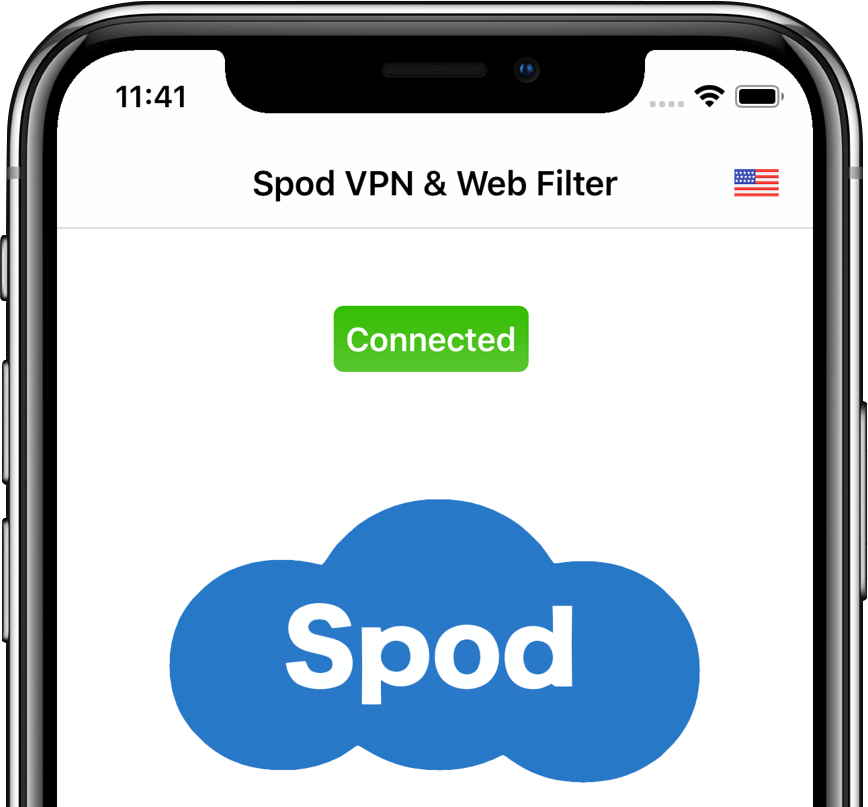
Spod is a privacy-first VPN and web filter software for the iPhone, iPad, iPod touch, Mac and Android which protects you from apps and websites that monitor track and profile you. It doesn't require registration to use, not even your email address.

Spotify now lets you find your favorite tunes by lyrics, a handy feature that Apple Music picked up two years ago via the iOS 12 software update. The service gained weekly music charts, too.
In this week's edition of our Apps of the Week roundup we have a music app curated by real artists, a new minimal RSS reader, and a full-screen browser with support for streaming gaming services. And as always, we've selected some new games for you to check out.

Learn how to use Conversation mode in Apple's Translate app to show the translated transcription of a face-to-face conversation in real time.
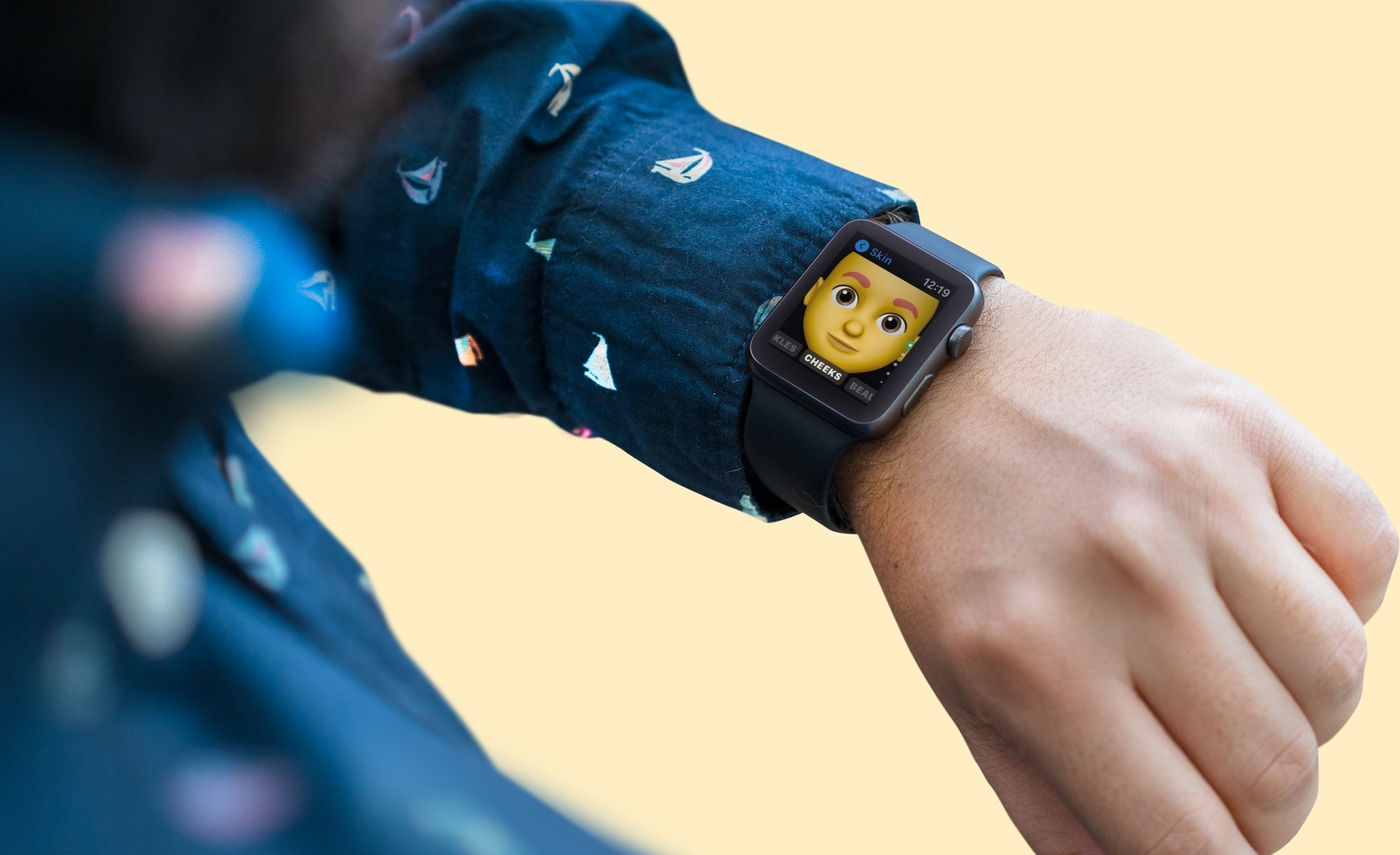
If you own an Apple Watch and recently upgraded to watchOS 7, you might notice a new app on your wrist. The Memoji app is a new addition for those with watchOS 7 or later that lets you create and edit a Memoji as well as turn one into a Watch face.
Make your first Memoji, spruce up your existing one, or create something totally funky. Sound like fun? Here’s how to use the Memoji app on your Apple Watch.
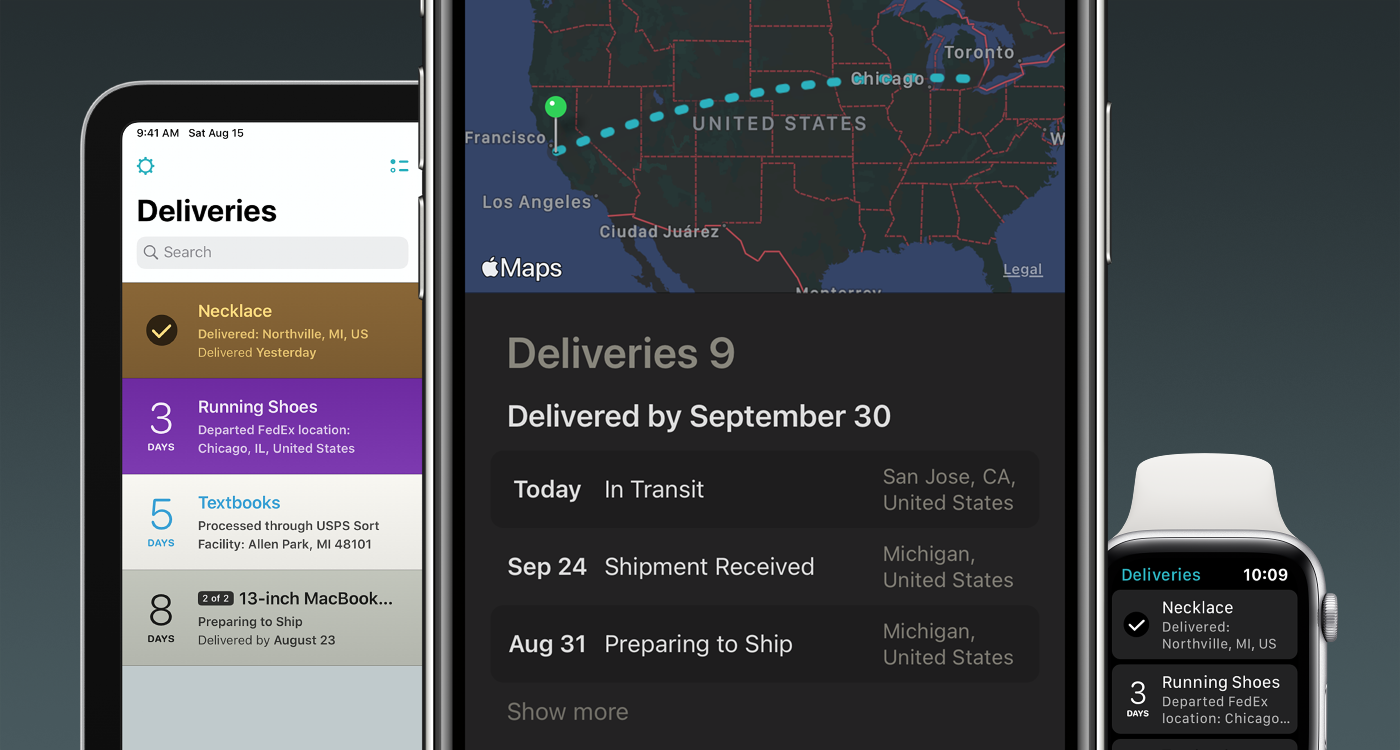
These unprecedented times we live in, driven by the uncertainty of the Coronavirus pandemic, have driven more people to resort to online shopping over in-store shopping than ever before. With so many online orders happening all at once, some may find it difficult to keep track of all their packages, and that’s one reason why I use the Deliveries package tracking app from Junecloud.
Junecloud released a massive update for Deliveries on Wednesday, officially bringing the popular tracking up to version 9.0 for iOS, iPadOS, macOS, and watchOS and incorporating a plethora of much-needed upgrades including aesthetically pleasing interface tweaks and handy new features. If you’re already using Deliveries, then this is an update you won’t want to miss – and to those who aren’t… what are you doing with your life?