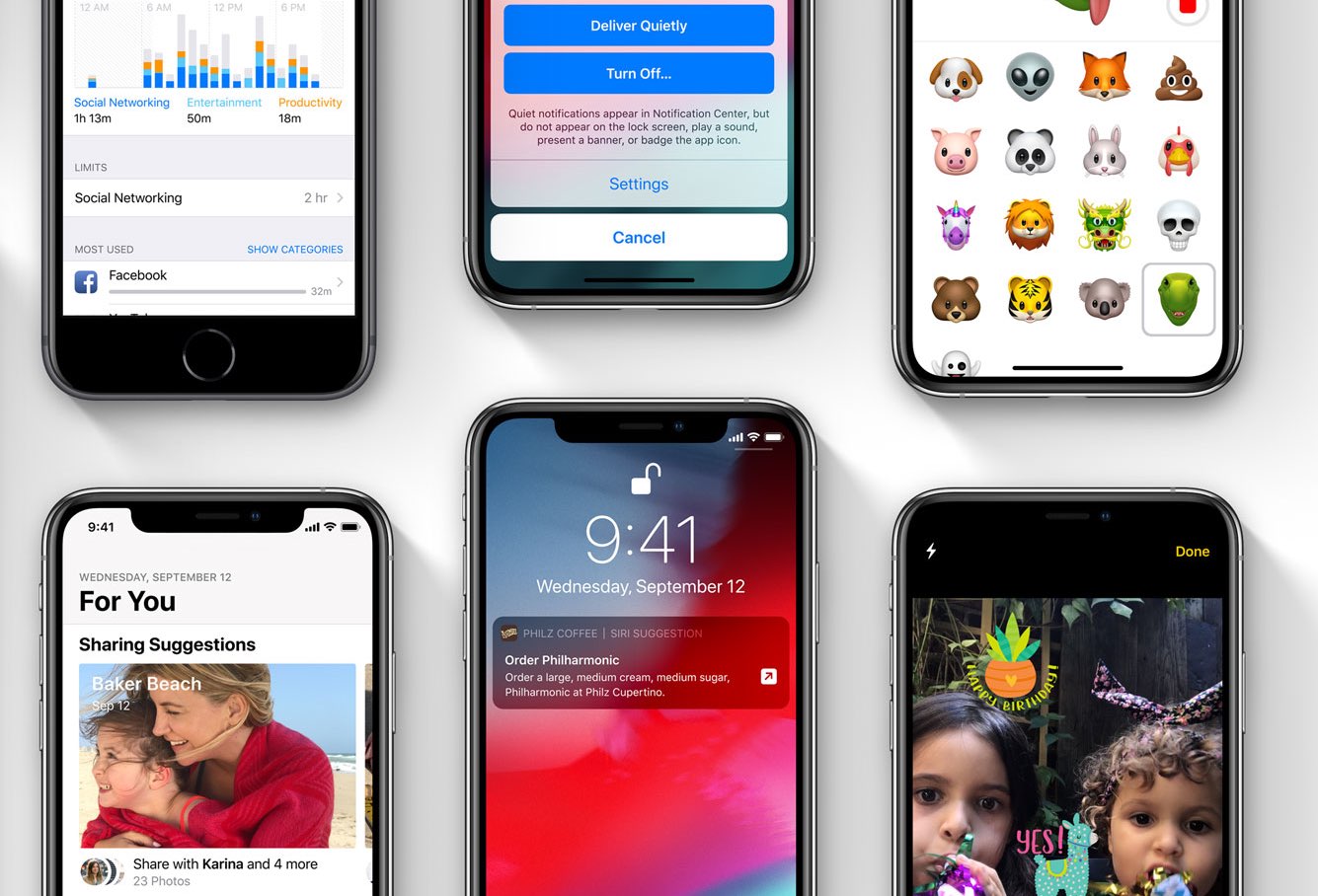
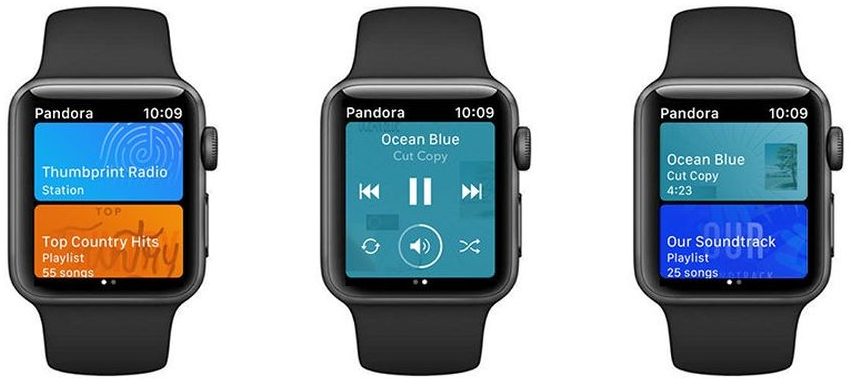
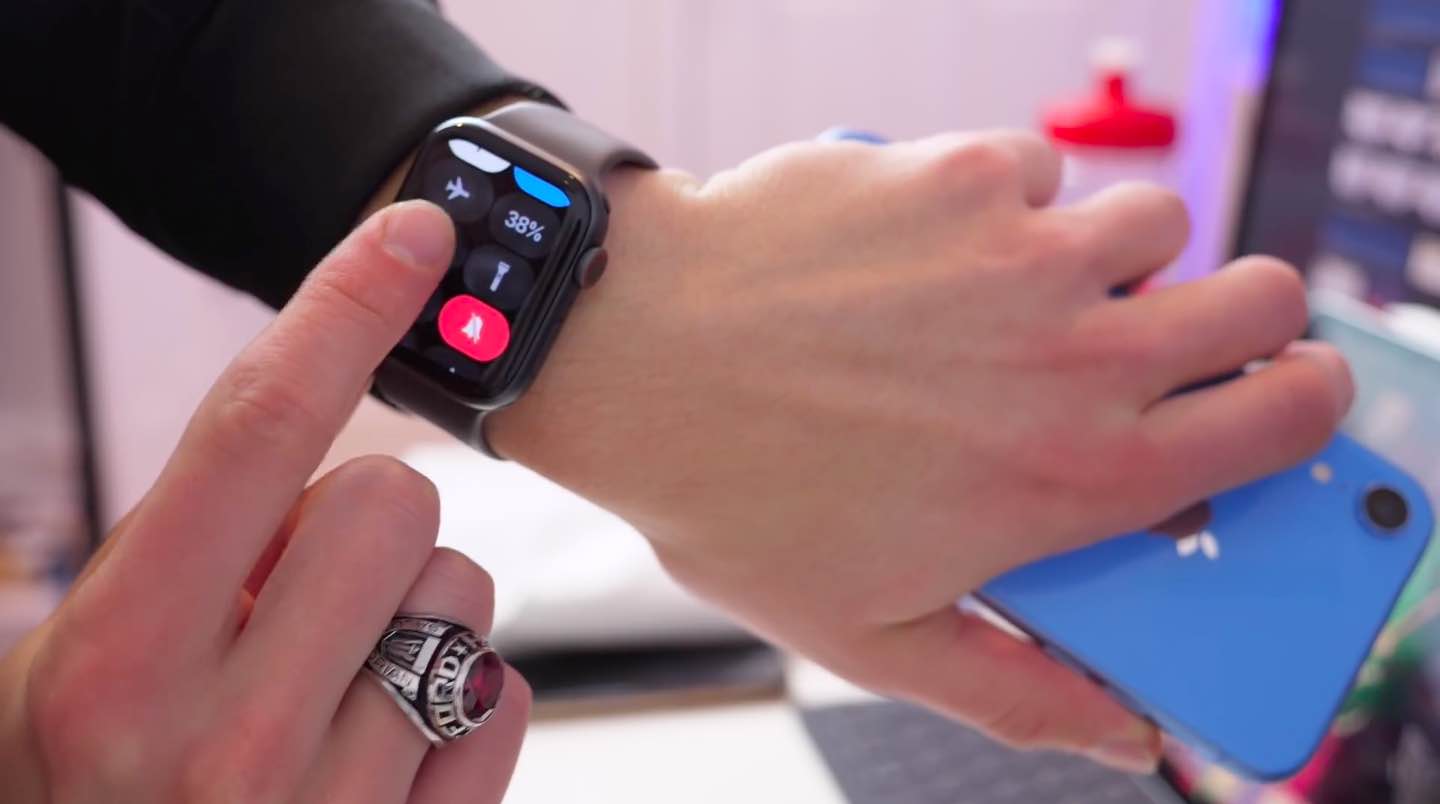
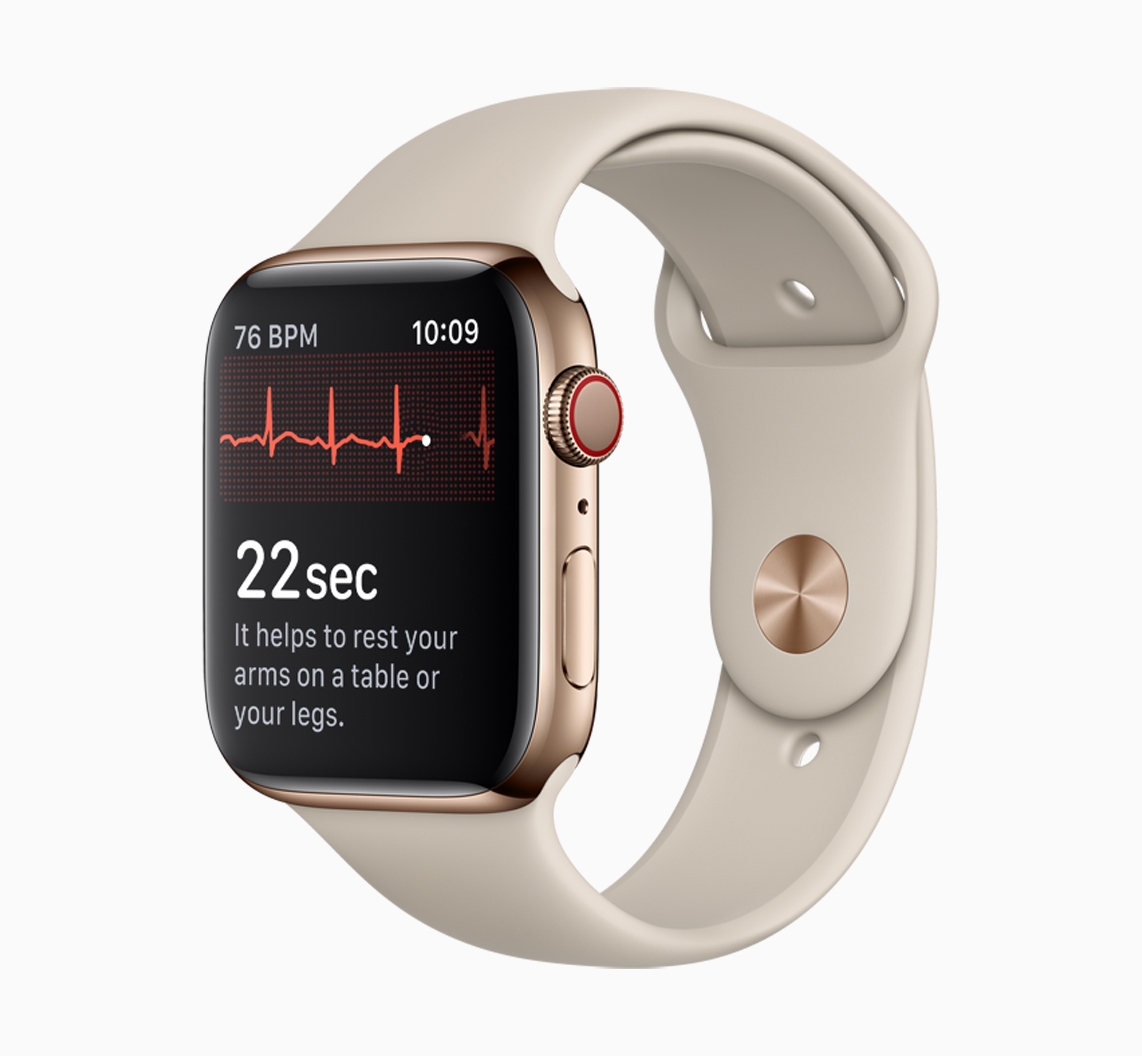
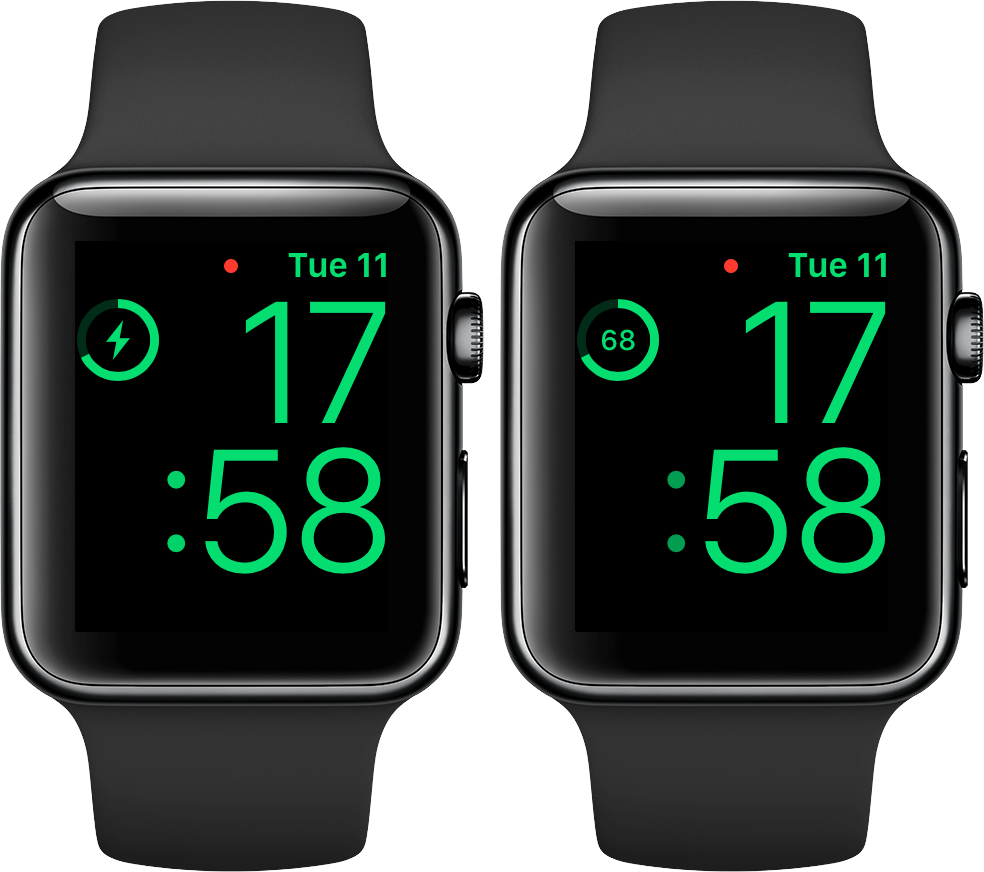
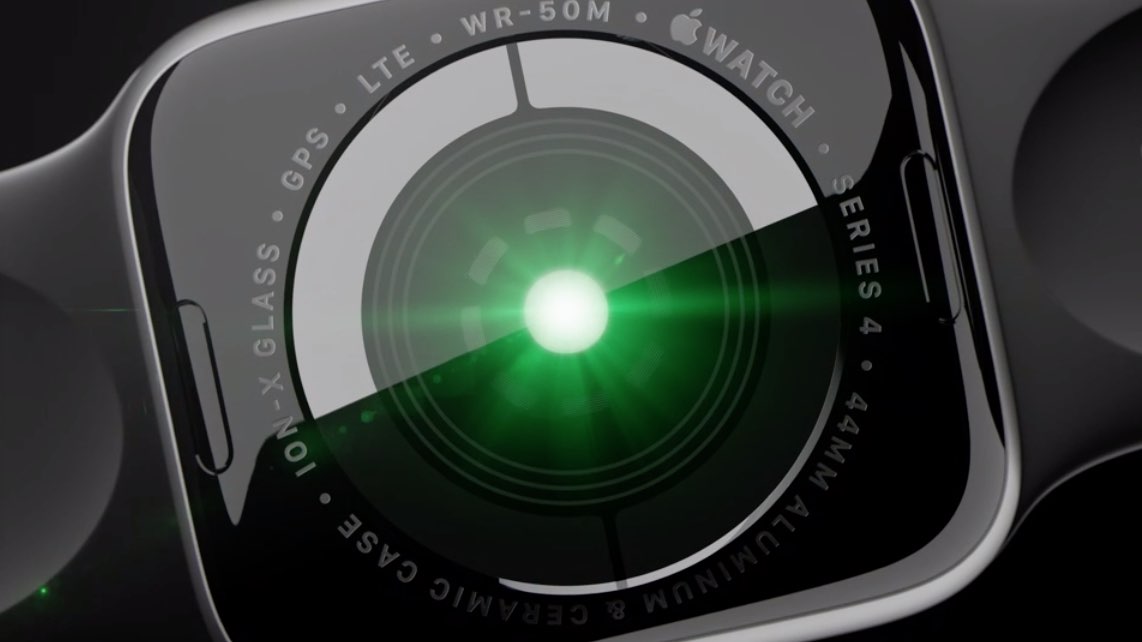
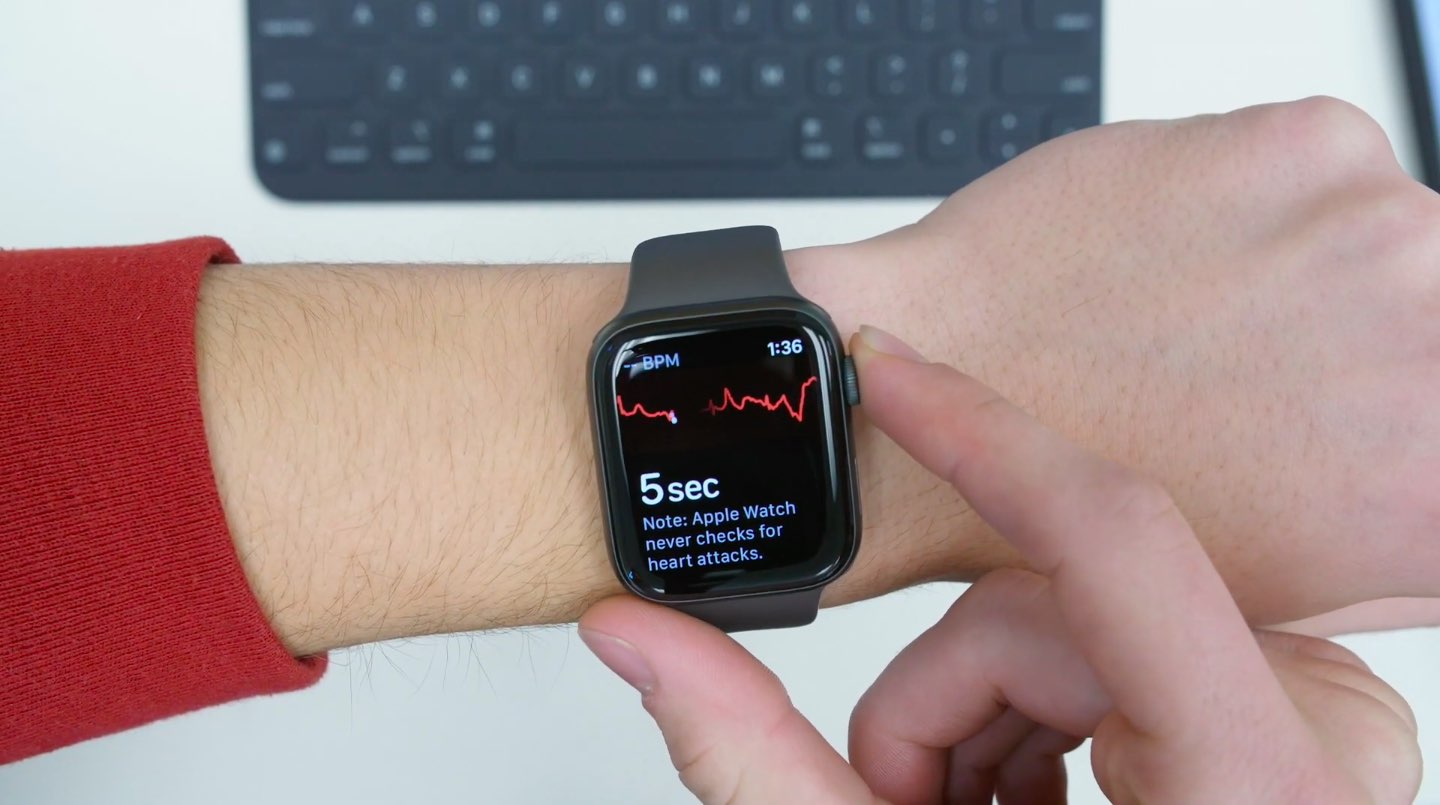
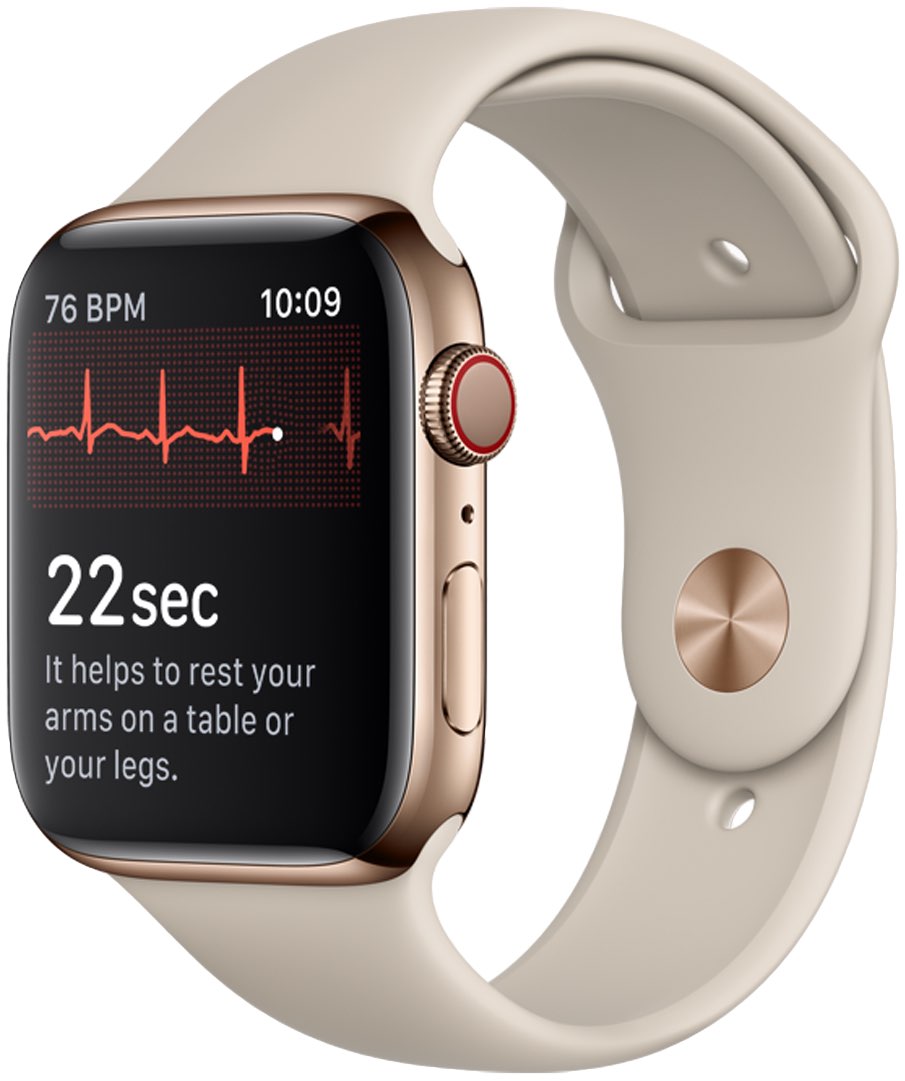
More than three weeks after releasing the second beta of iOS 12.1.3, Apple on Monday seeded its registered developers and members of the Apple Developer Program third betas of the upcoming iOS 12.1.3, watchOS 5.1.3 and tvOS 12.1.2 software updates.
iOS 12.1.3, watchOS 5.1.3 and tvOS 12.1.2 beta 3 have been released for testing