Apple Watch

Stay up-to-date on the latest Apple Watch news, and learn how to get the most out of your device with our comprehensive tutorials. From updates to features to troubleshooting tips, we’ve got you covered.

My favorite accessories for the Apple Watch Series 5

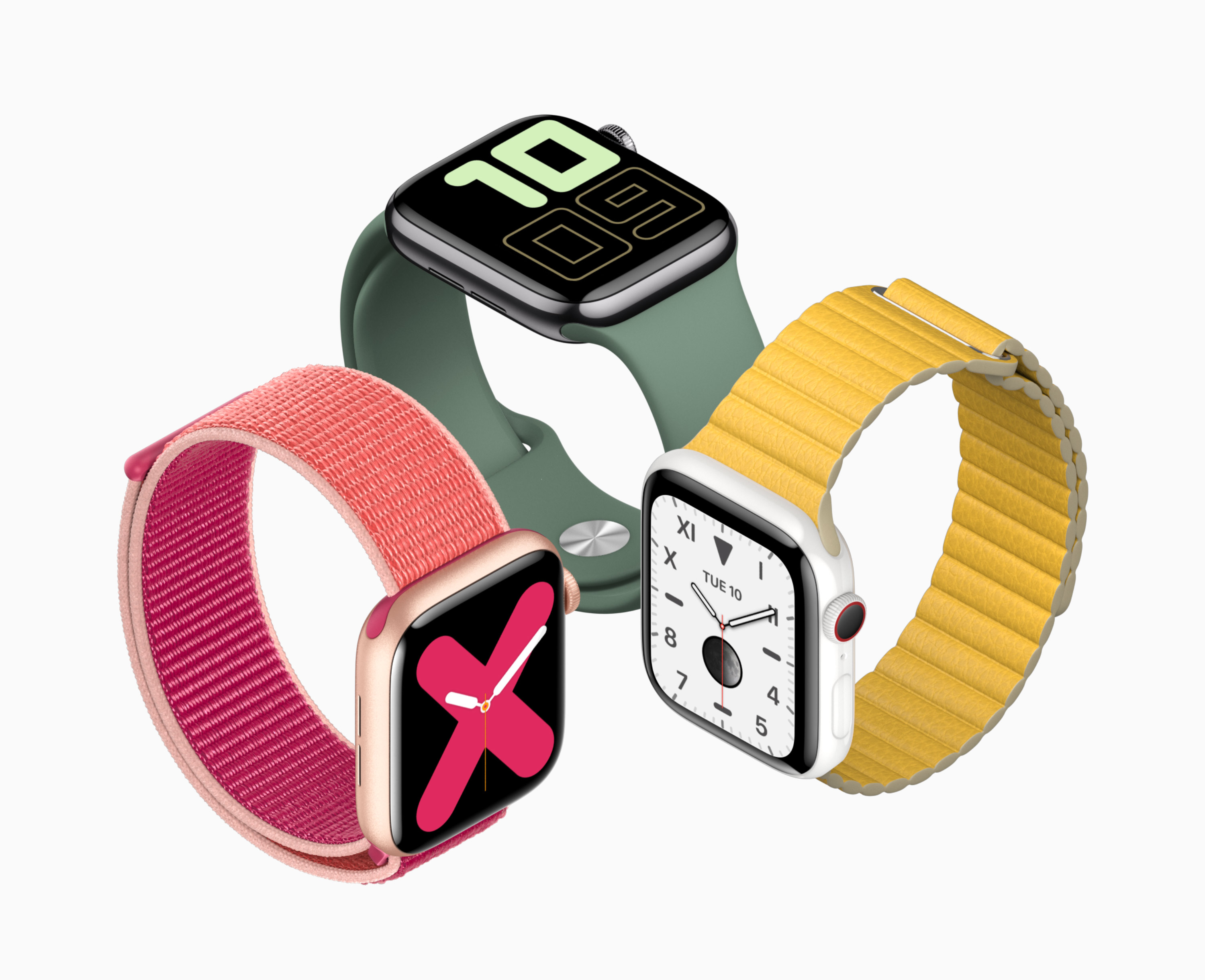
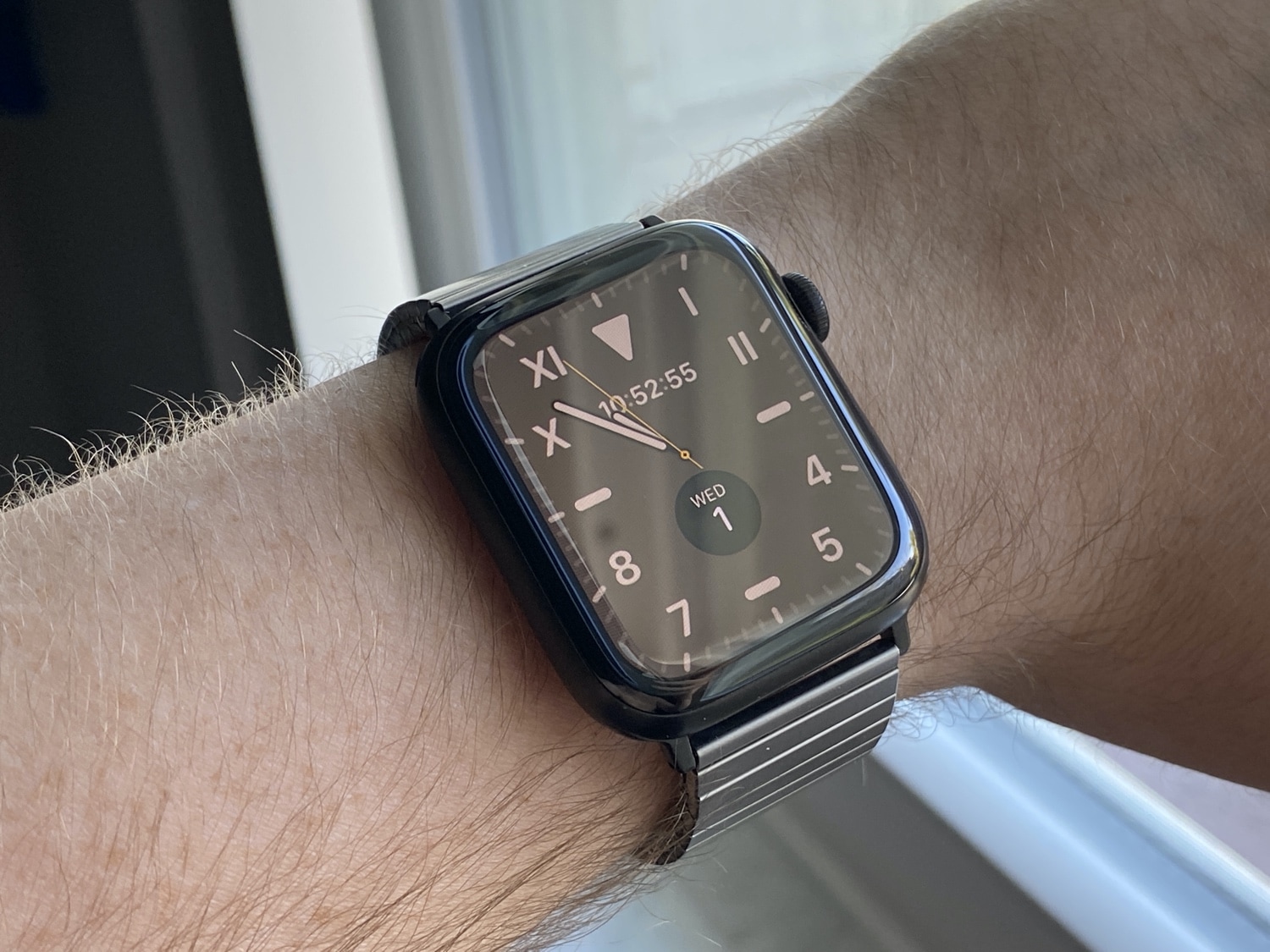
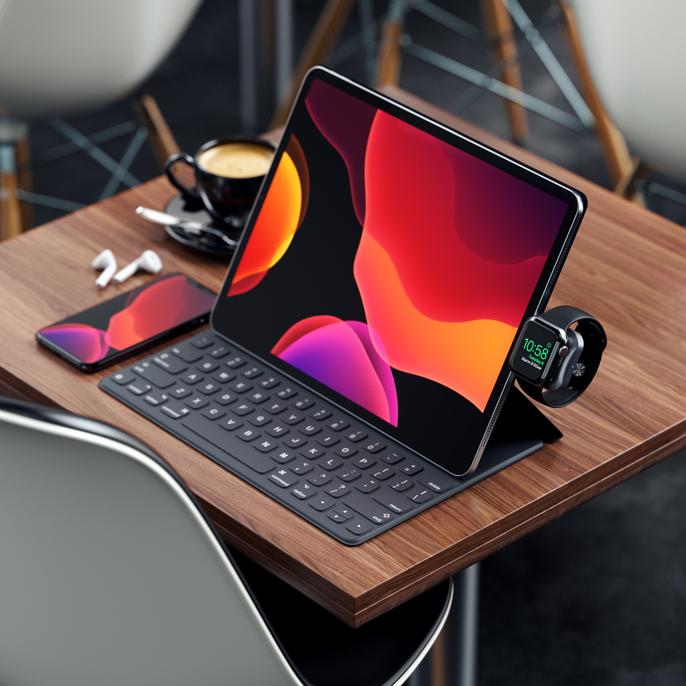
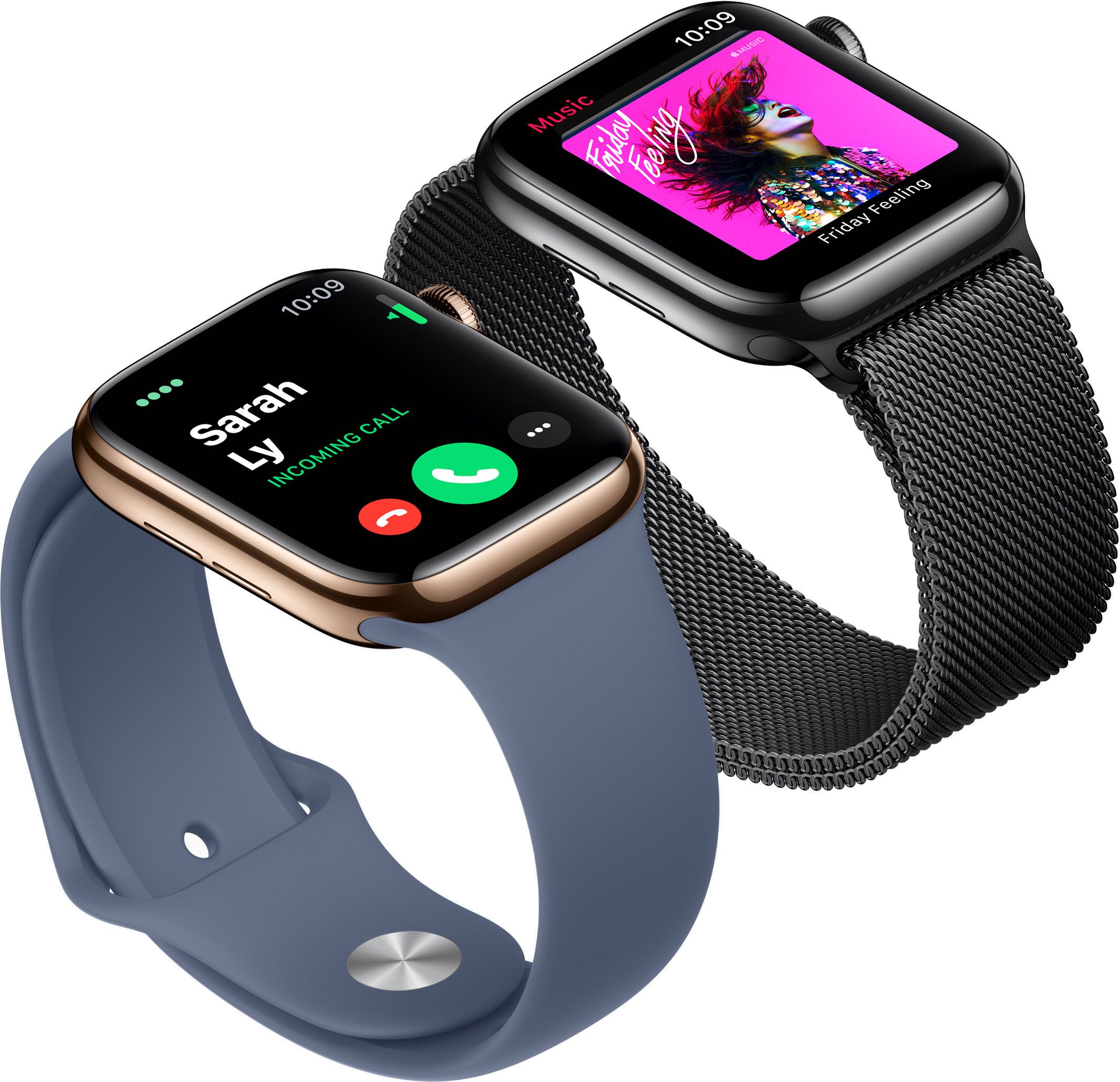
The Apple Watch Series 5 is as much an accessory to my iPhone as it is a personal health and fitness assistant, but despite being an iPhone peripheral by nature, I use a handful of accessories to augment my Apple Watch Series 5 experience. Indeed… insert the ‘we heard you liked accessories, so we put accessories on your accessories…yada, yada, yada’ meme here.

In this piece, I’ll be giving you all a first-hand look at my favorite accessories that I use with my personal Apple Watch Series 5 every day.

Customize Apple Watch’s notification sounds & vibrations with WatchSounds

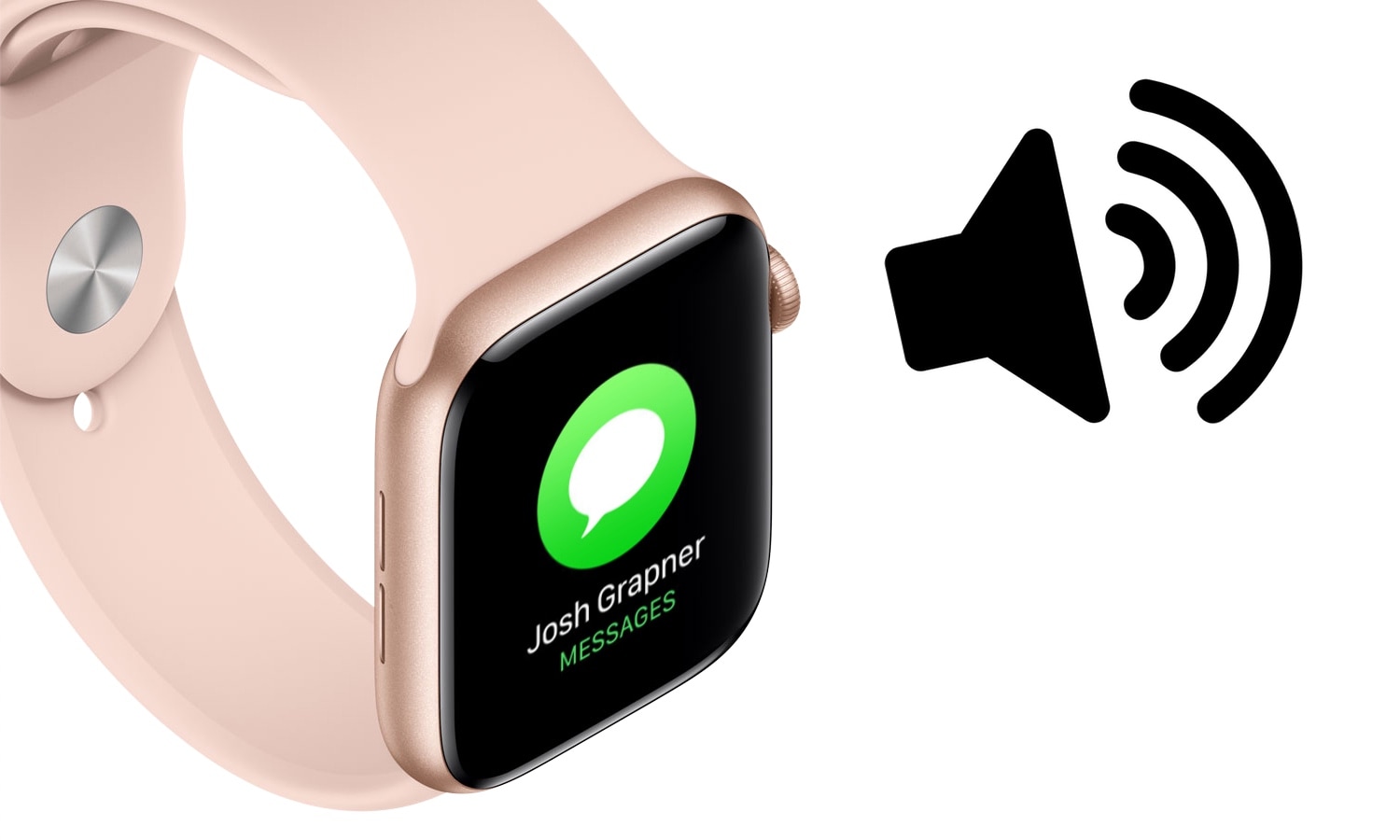
The Apple Watch is quite frankly one of the best smartwatches, if not the best, on the market today. But one glaring downside to the popular wearable, even with the latest software update, is that users can’t customize the device’s notification sounds or vibration patterns out of the box like they can on the iPhone.

Fortunately for jailbreakers with Apple Watches, that’s changing with the help of a newly released jailbreak tweak called WatchSounds by iOS developer Gil Shahar. This add-on lets you change the behavior of your Apple Watch’s notification sound and vibration system directly from your jailbroken iPhone.

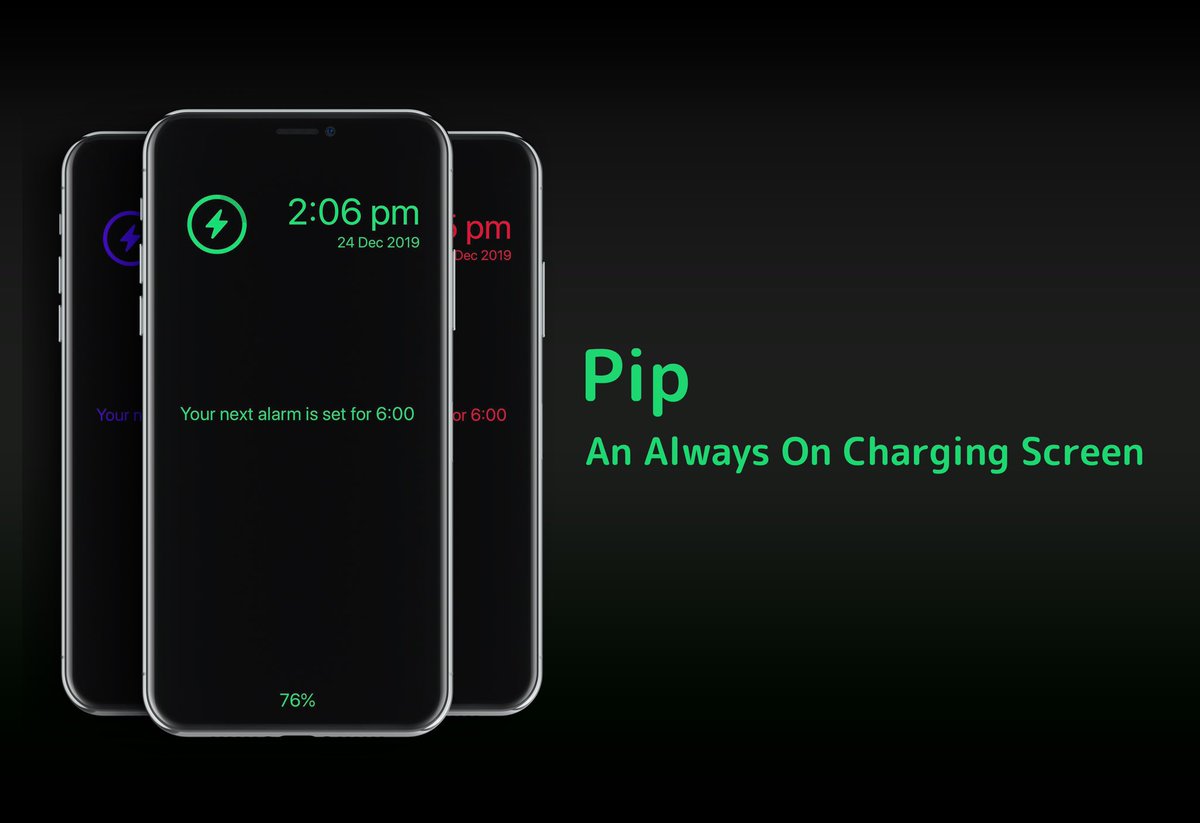
Pip brings Apple Watch’s Nightstand Mode to jailbroken iPhones

Anyone with an Apple Watch is likely to be familiar with watchOS’ native Nightstand Mode, a useful feature that displays the time, charge level, and a missed notification indicator (if there are any) in green font with a black background when the smartwatch is charging. But why doesn’t Apple give the iPhone have a similar charging experience?

If you’ve been asking yourself the aforementioned question since getting an Apple Watch, then we think you’ll come to appreciate a newly released jailbreak tweak called Pip by iOS developer Dylan Duff.

This tweak enables Apple Watch Complications on your iPhone’s Lock screen

The Apple Watch incorporates a plethora of useful wrist widgets that Apple likes to call Complications, and they permit your smartwatch to display useful information from your favorite apps directly on the watch face of your choosing. Complications are both compact and concise, and for those who’d like their iPhone to display similar data on the Lock screen, there’s a jailbreak tweak for that.

Watermelon by iOS developer LaughingQuoll was the first tweak to bring this functionality to the iOS platform just over a week ago, but with a good idea comes competition, and that’s where a new release dubbed Complications by iOS developer Ben Giannis comes into play.