Apple Watch

Stay up-to-date on the latest Apple Watch news, and learn how to get the most out of your device with our comprehensive tutorials. From updates to features to troubleshooting tips, we’ve got you covered.

How to clear website data on Apple Watch

Web browsing on Apple Watch

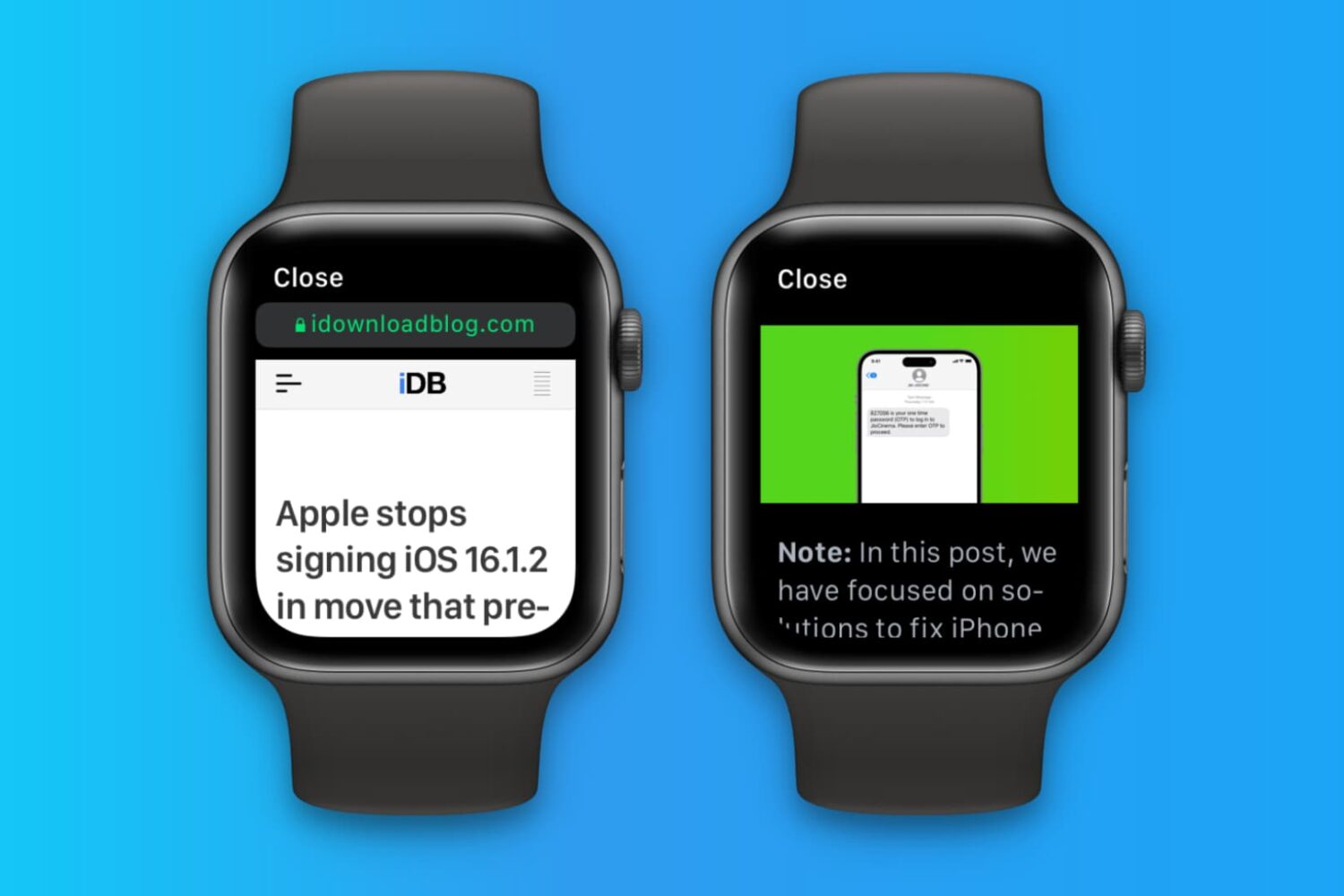
Apple Watch doesn't have its own Safari browser, but limited WebKit engine integration in watchOS lets you open website links embedded in messages and email. Over time, website data may accumulate, and you should clear it to keep things snappy on your Apple Watch.

How to disable Apple Watch auto-workout detection

Your Apple Watch can remind you to start the correct workout or end the session if you forget. The wearable utilizes the built-in accelerometer and heart rate sensors to identify motion and increased heart rate, both tell-tale signs that you might be working out.

For many workout types, Apple Watch senses when you’re moving and can optionally alert you to start the Workout app. Aside from giving you credit for the exercise you’ve already done, it'll also remind you to end your workout should you get distracted when cooling down.

Follow along for the steps to turn off workout reminders on your Apple Watch.
Apple seeds updated watchOS 5 beta to developers

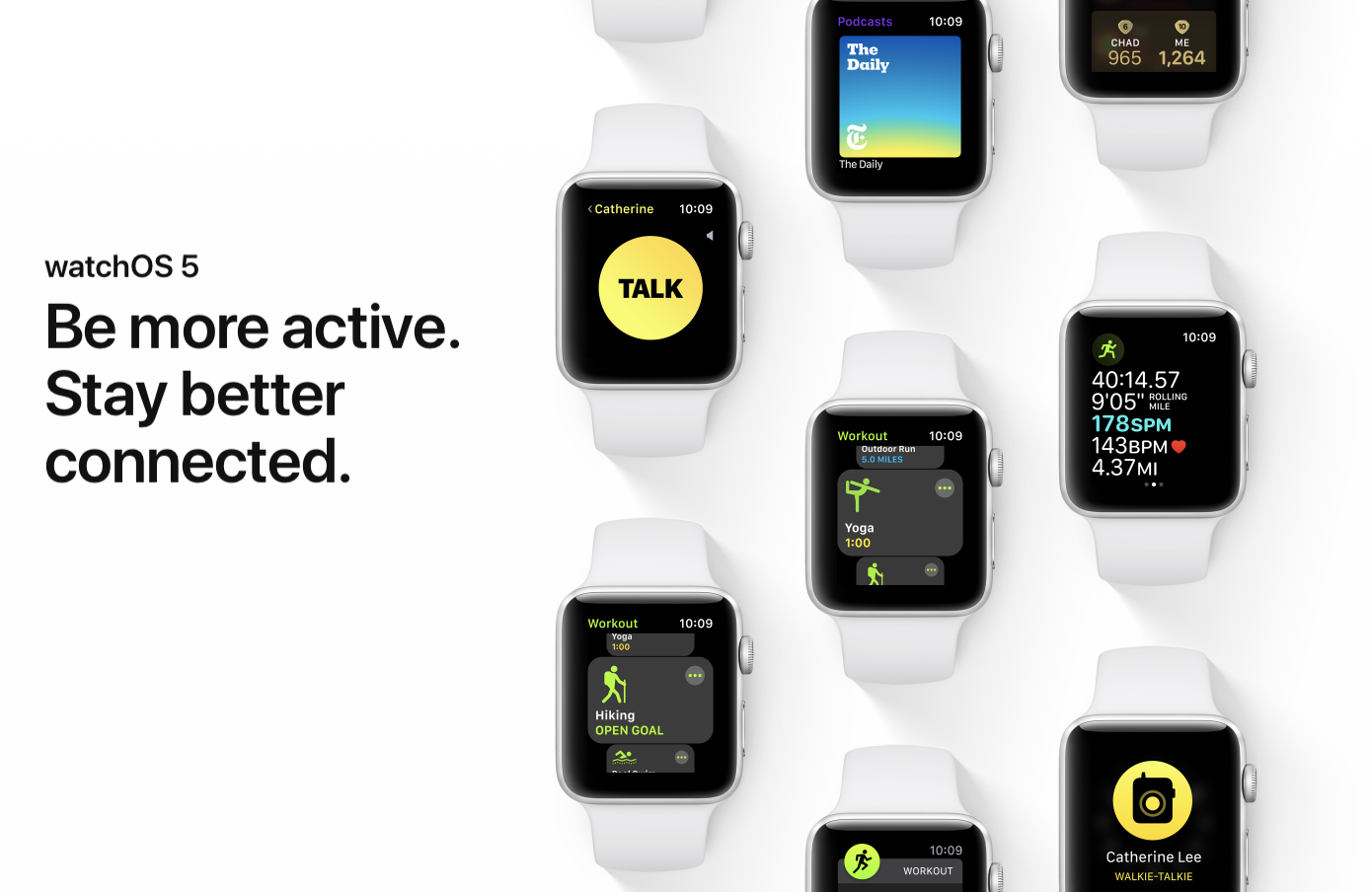
Apple on Monday issued a new version of its watchOS 5 beta. The release comes a week after Apple pulled the beta due to reports that the software update was bricking some Apple Watch models, and is available to all registered developers who have the appropriate configuration profile installed.