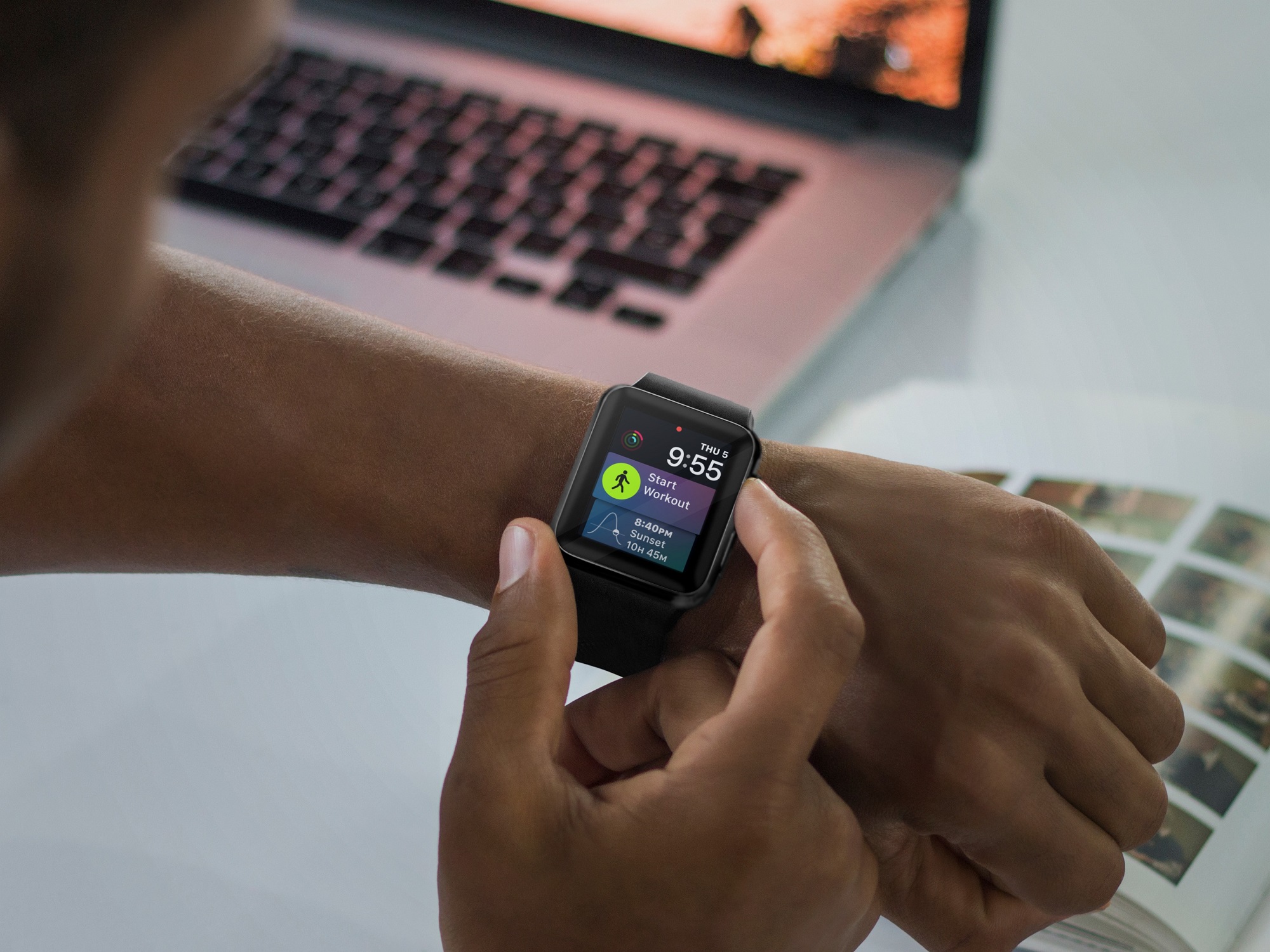
The Siri watch face is one of the most popular on Apple Watch. Here's how to add and remove sources on this watch face.
How to add and remove sources on Siri watch face on Apple Watch
Stay up-to-date on the latest Apple Watch news, and learn how to get the most out of your device with our comprehensive tutorials. From updates to features to troubleshooting tips, we’ve got you covered.
The Siri watch face is one of the most popular on Apple Watch. Here's how to add and remove sources on this watch face.

If you own an Apple Watch Series 3 or newer, Siri can talk to you via the built-in speaker. And with the watchOS 5 software or later, you can invoke a Siri listening session on your watch without saying “Hey Siri”. Just raise your wrist and start talking, that's it!
This tutorial will show you how to type or enter the Apple logo on your Mac, iPhone, iPad, Apple TV, Windows PC, and any web browser.
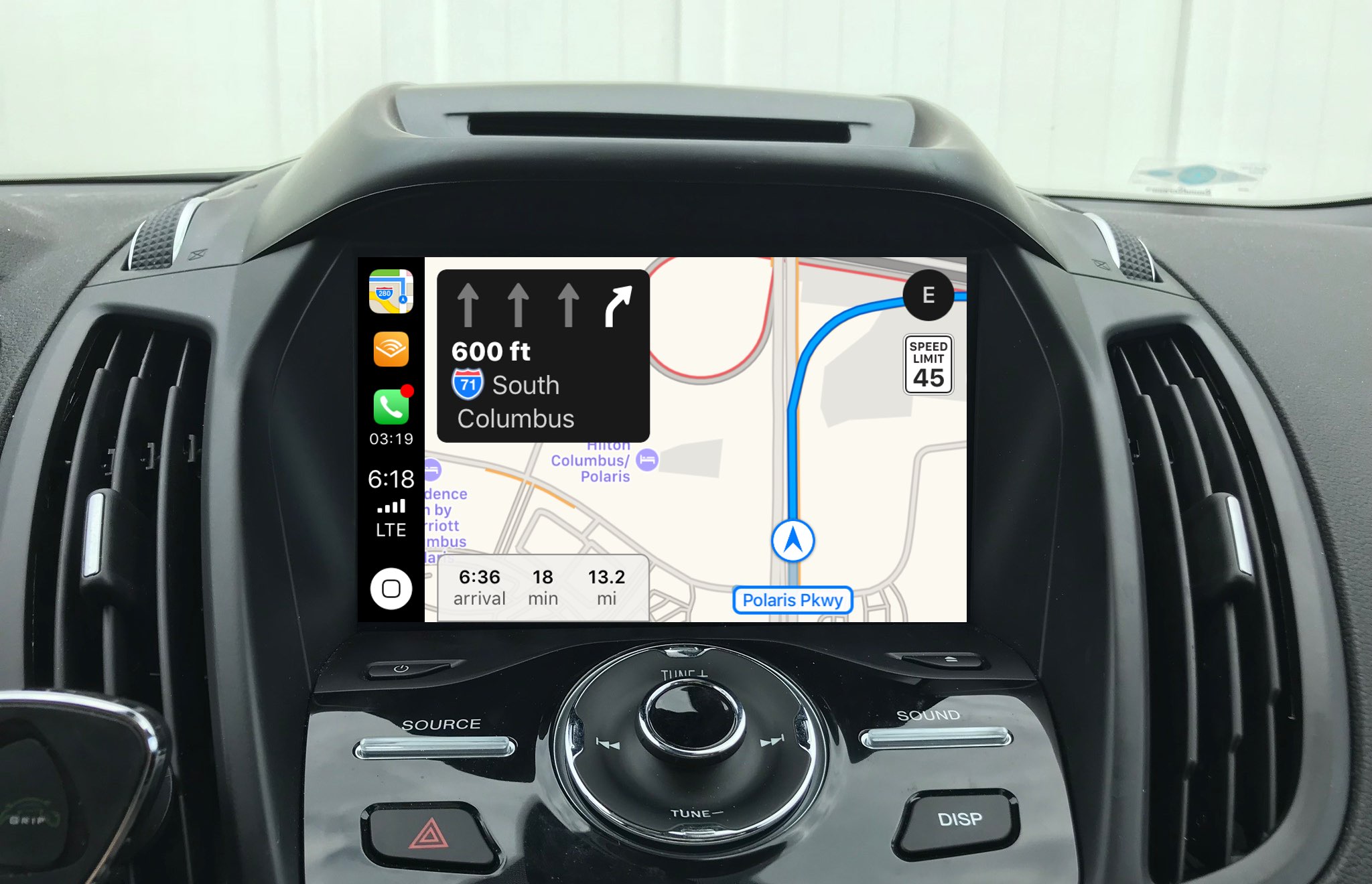
Apple Maps customers in Croatia and Slovenia can now use a lane guidance feature.
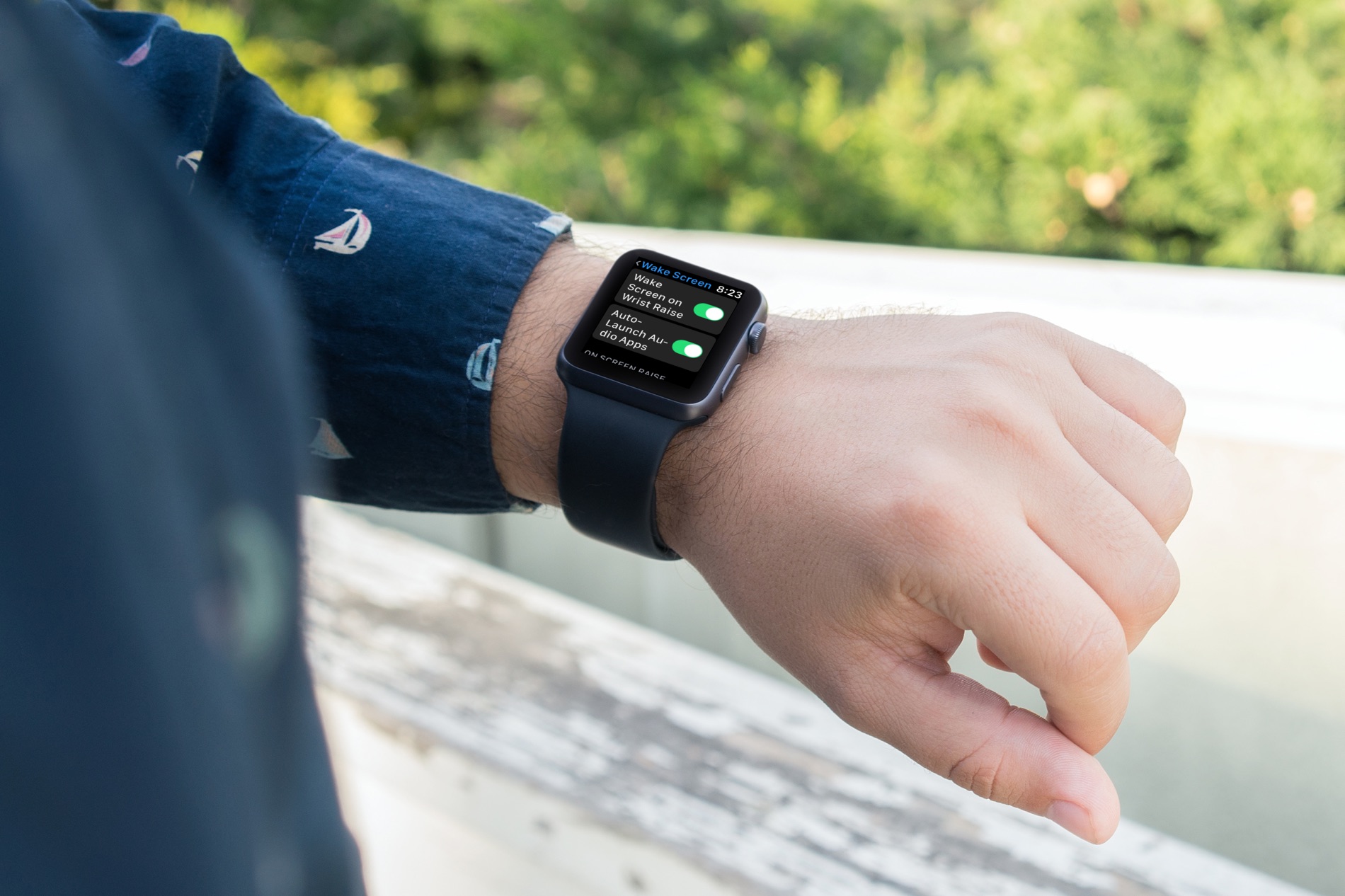
Check out how to customize your Apple Watch wake screen settings for turning on the display and viewing your last opened app.
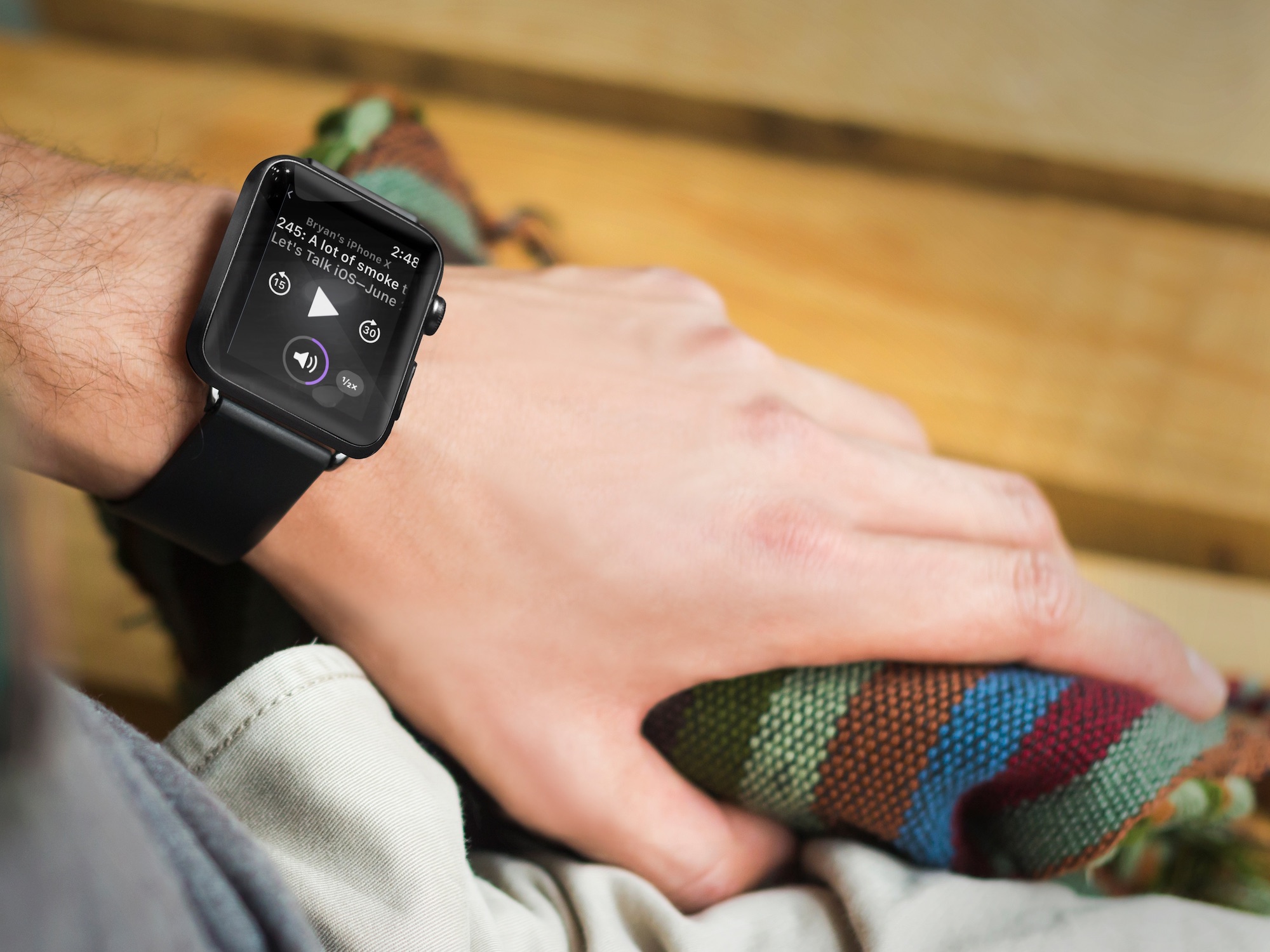
Ever since the first Apple Watch was launched in 2015, folks have been clamoring for an official Podcasts app for the wearable device. With watchOS 5, that request is finally going to become a reality. Here's a brief look at what you can do with the Podcasts app on Apple Watch.
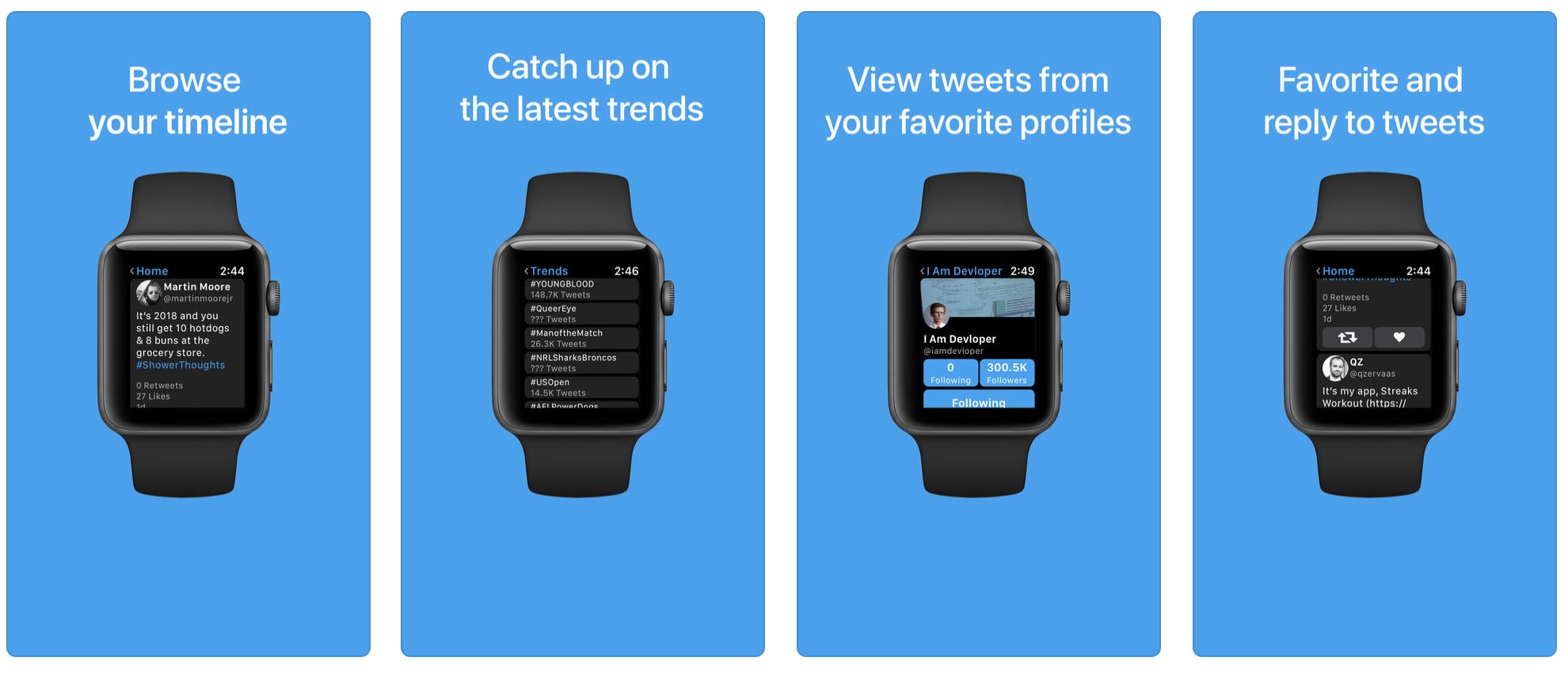
After Twitter pulled its watchOS app, Apple Watch owners were left seeking alternative apps such as Tweetbot, Twitterrific and Bluebird. Enter Chirp, a tiny little wrist-based Twitter app developed by the young Australian developer Will Bishop, who is just 16 years old.

Learn how to add, remove, and rearrange Control Center toggles on your Apple Watch so you can add more options or remove the ones you don’t use.
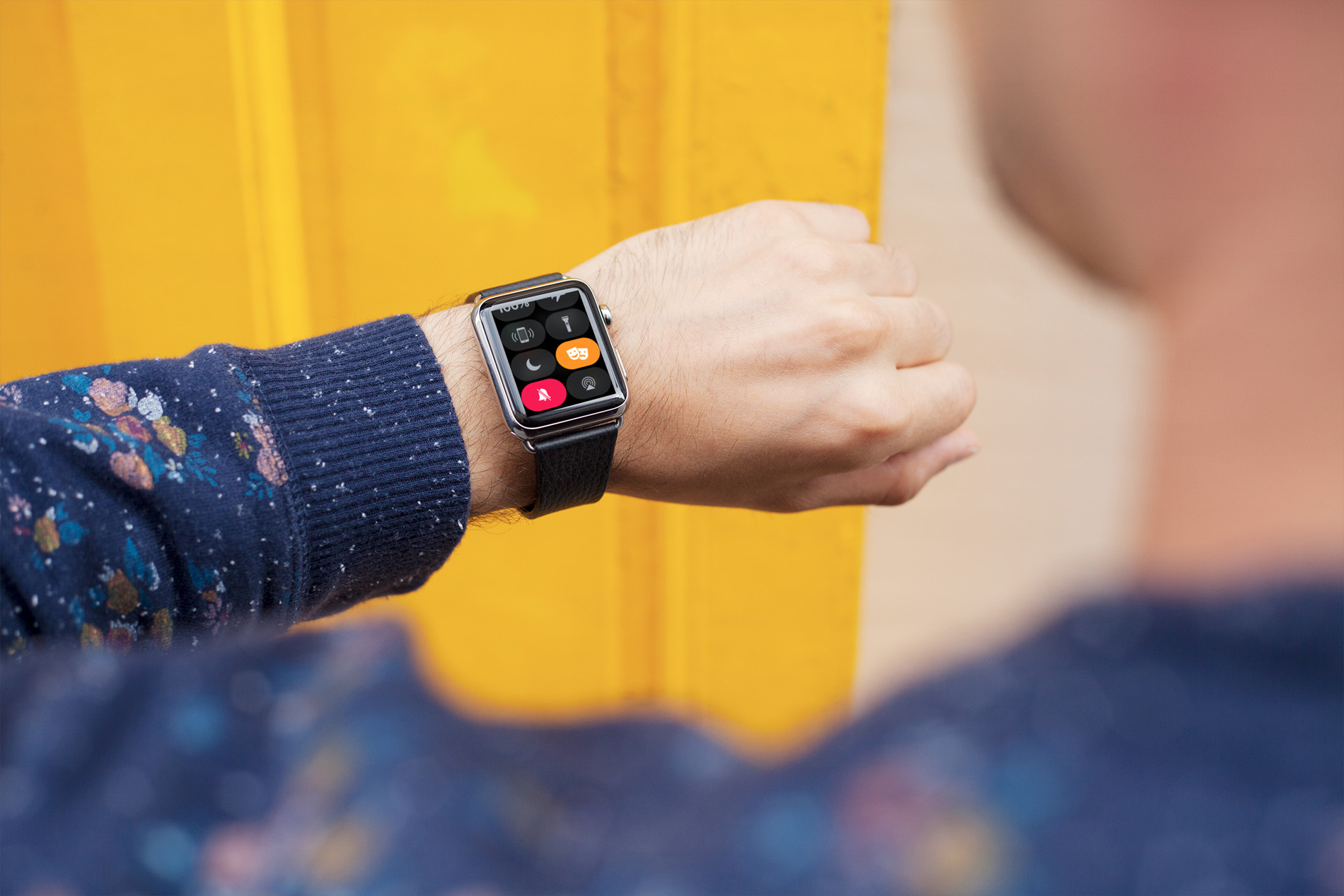
Learn about Theater Mode on your Apple Watch, including how to turn it on and off and who should use it and under what circumstances.
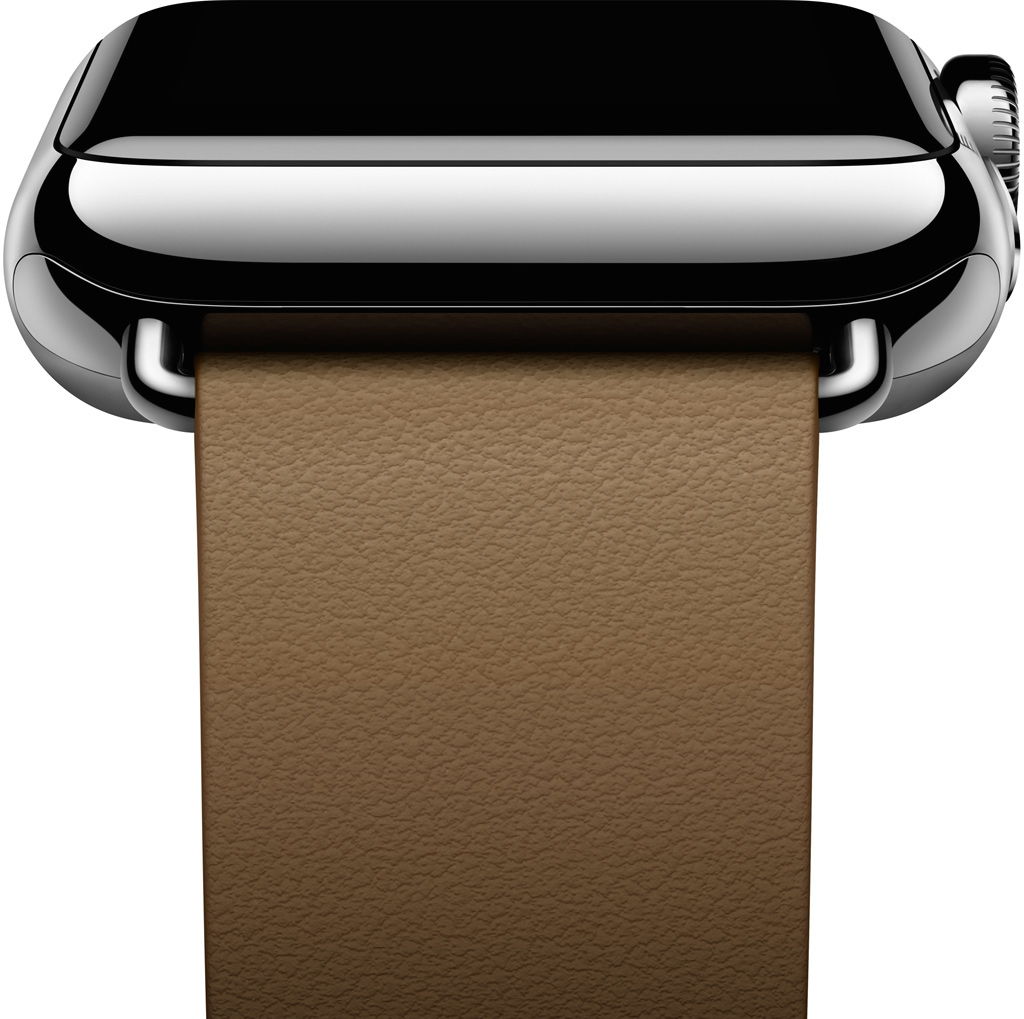
Apple has seemingly discontinued the Modern Buckle Apple Watch band. The $149 band, which was exclusive to the company's 38mm wearable device, launched alongside the first Apple Watch in 2015. A visit to Apple's Watch band page shows that the item is no longer for sale.
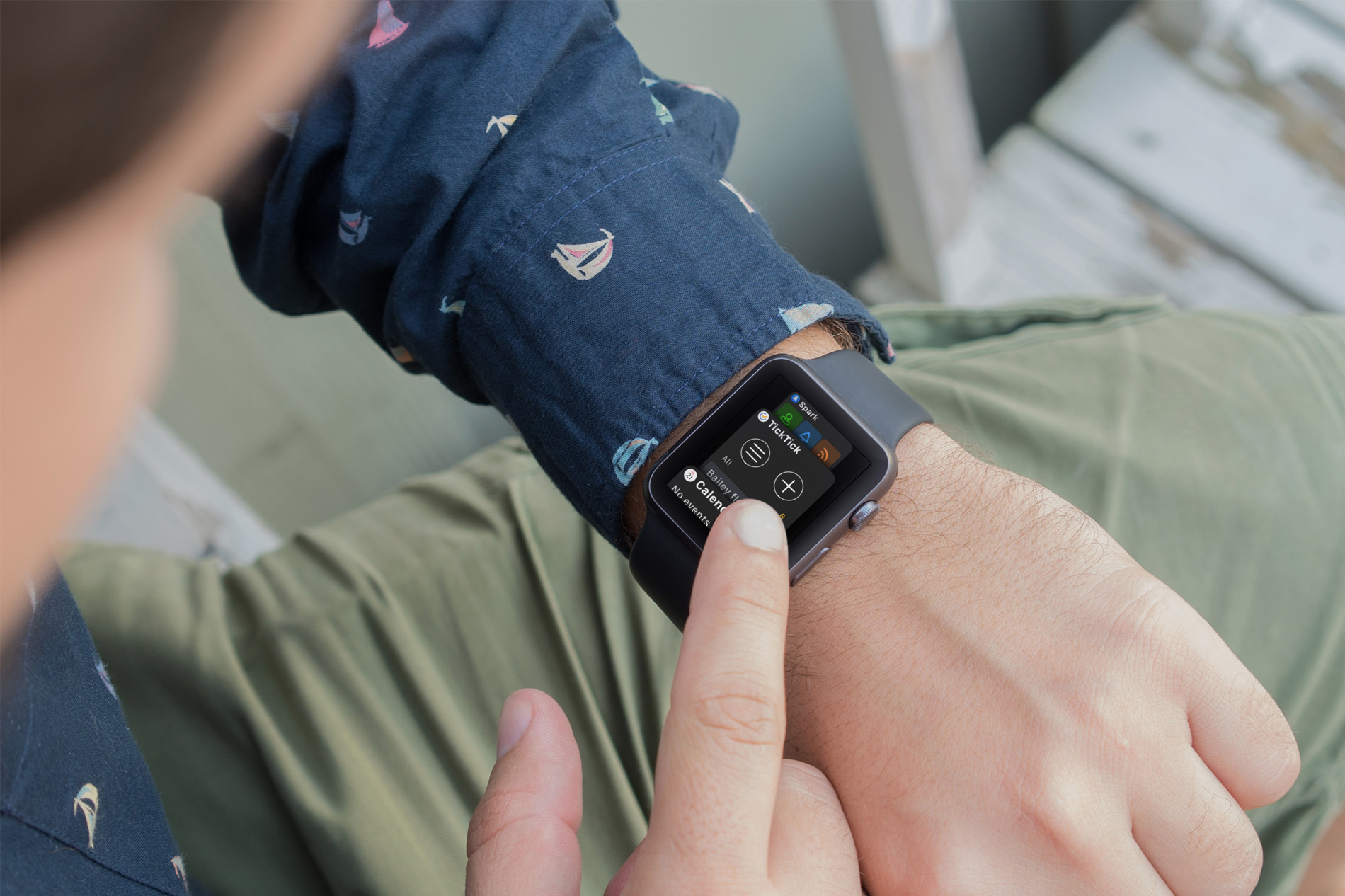
Your Apple Watch is more than just a time piece. It’s a wonderful tool for receiving texts, checking emails, getting event alerts, and so much more when you’re on the go. And, along with all of those cool apps that let us do things with our Watch, comes a built-in feature that makes it even better; the Dock.
The Apple Watch Dock is a spot to quickly get to those apps you need and use the most. But, have you really spent time deciding which apps should go there and how they should be arranged? Here are some suggestions for making the most out of the Dock.
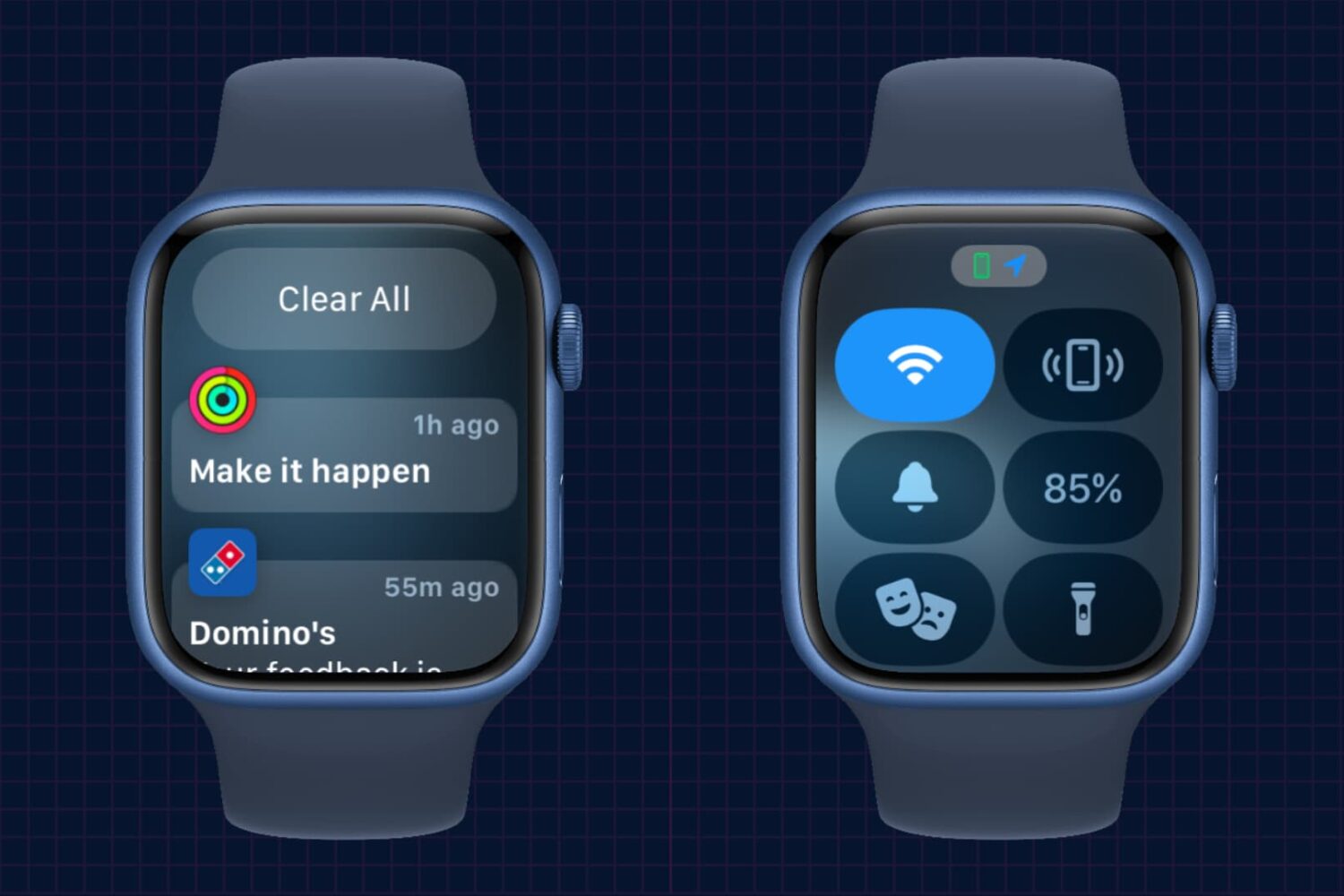
In this brief tutorial, we’ll show you how to access the notifications pane and Control Center on your Apple Watch when you’re not on the watch face but inside other apps.