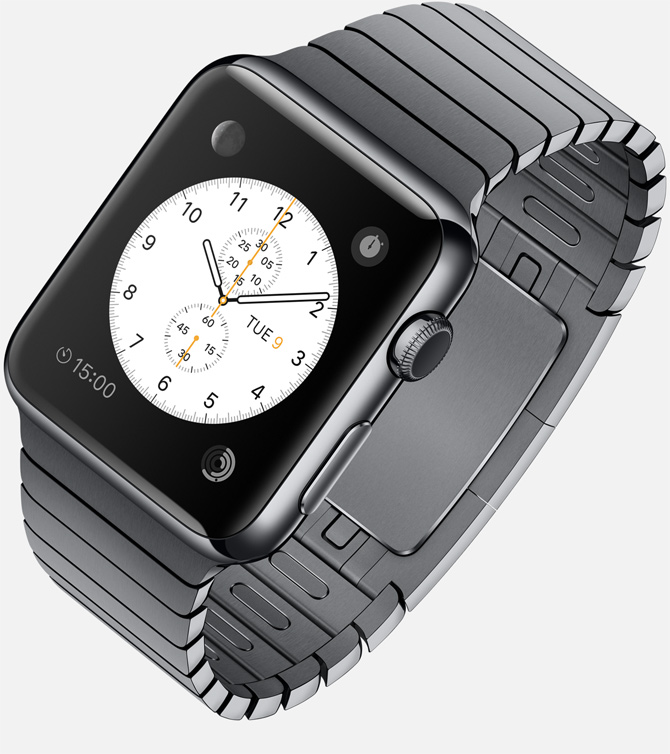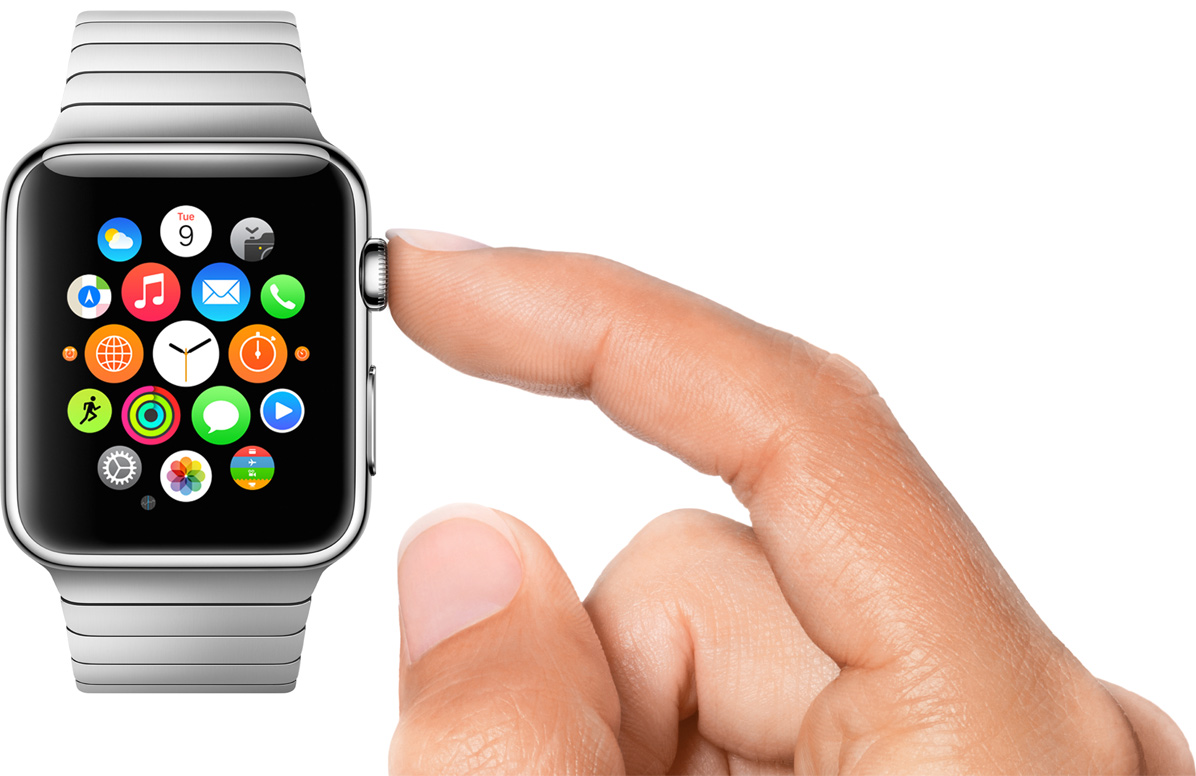
Apple Watch

Stay up-to-date on the latest Apple Watch news, and learn how to get the most out of your device with our comprehensive tutorials. From updates to features to troubleshooting tips, we’ve got you covered.

PCalc for Apple Watch released with Glance, Send to iPhone, tip calc, RPN support and more

Thanks to independent iOS and Mac developer James Thomson, you can now wear PCalc on your $400+ Apple Watch. The award-winning $9.99 calculator app for the iPhone and iPad was updated today with WatchKit support.

The app is very nicely done and feels native. It puts the full calculator with RPN Support on your wrist, along with a Glance to see the result of your most recent calculations from your watch face, a tip calculator and other goodies.

First Apple Watch software update launches with performance improvements for Siri, fitness tracking, apps and more

Following its April 2015 launch, the first software update for the Apple Watch is now available for download through the companion Apple Watch app on your iPhone. Release notes for Apple Watch OS 1.0.1 cite several performance improvements related to Siri, third-party apps, activity tracking and more.

In addition, the software update delivers display support for new emoji characters and more than half a dozen new languages.

Tim Cook tells employees Apple Watch will be available in stores in June

Tim Cook China

During Tim Cook's visit to China last week, the CEO held a meeting at Apple's headquarters in the country to give employees an update on recent happenings. Citing sources with knowledge of the assembly, 9to5Mac provides an overview of everything that was talked about, and there are some rather interesting tidbits.

For starters, Cook told attendees that "the Watch could not be going better," and that "Apple is working really hard on making more." He also seemingly confirmed reports that the company has solved some of its supply chain issues, promising that Apple stores will begin carrying Watch inventory sometime next month.

How to access Apple Watch diagnostic port

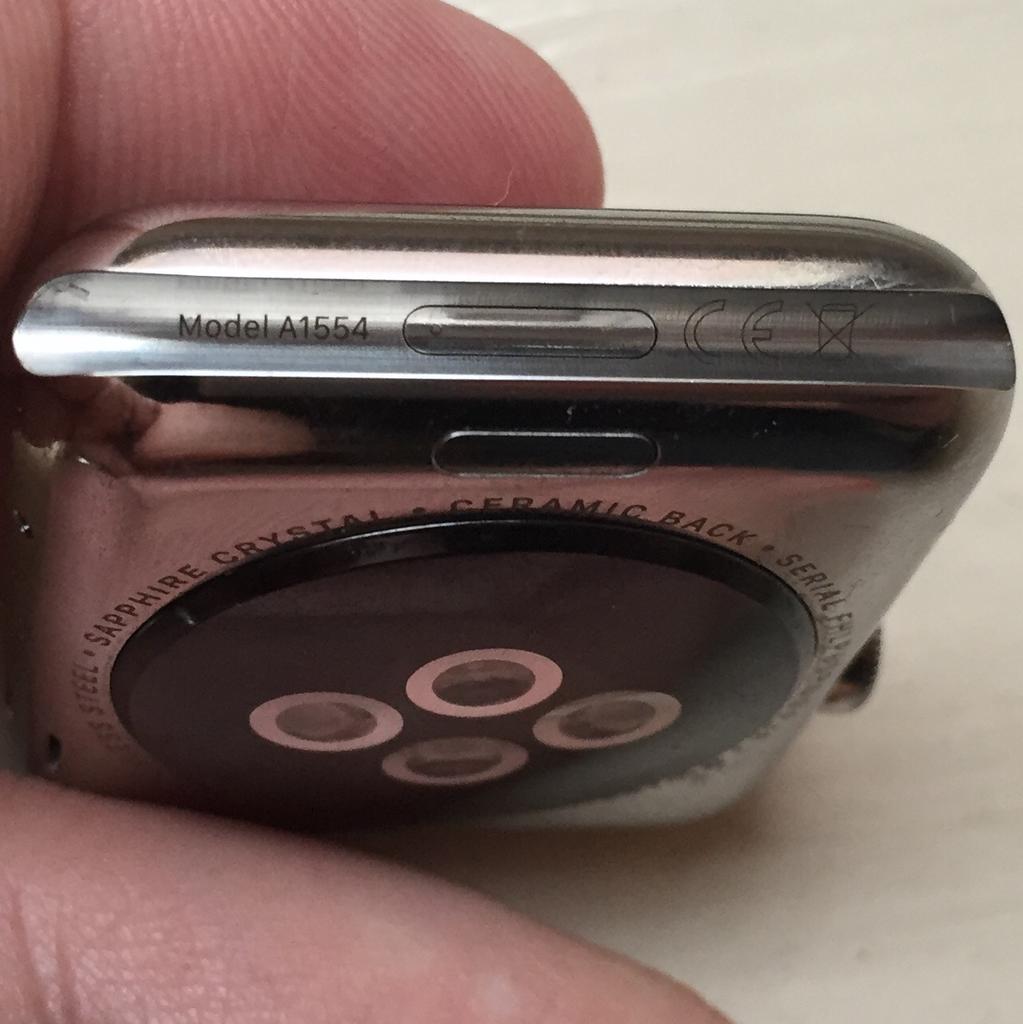
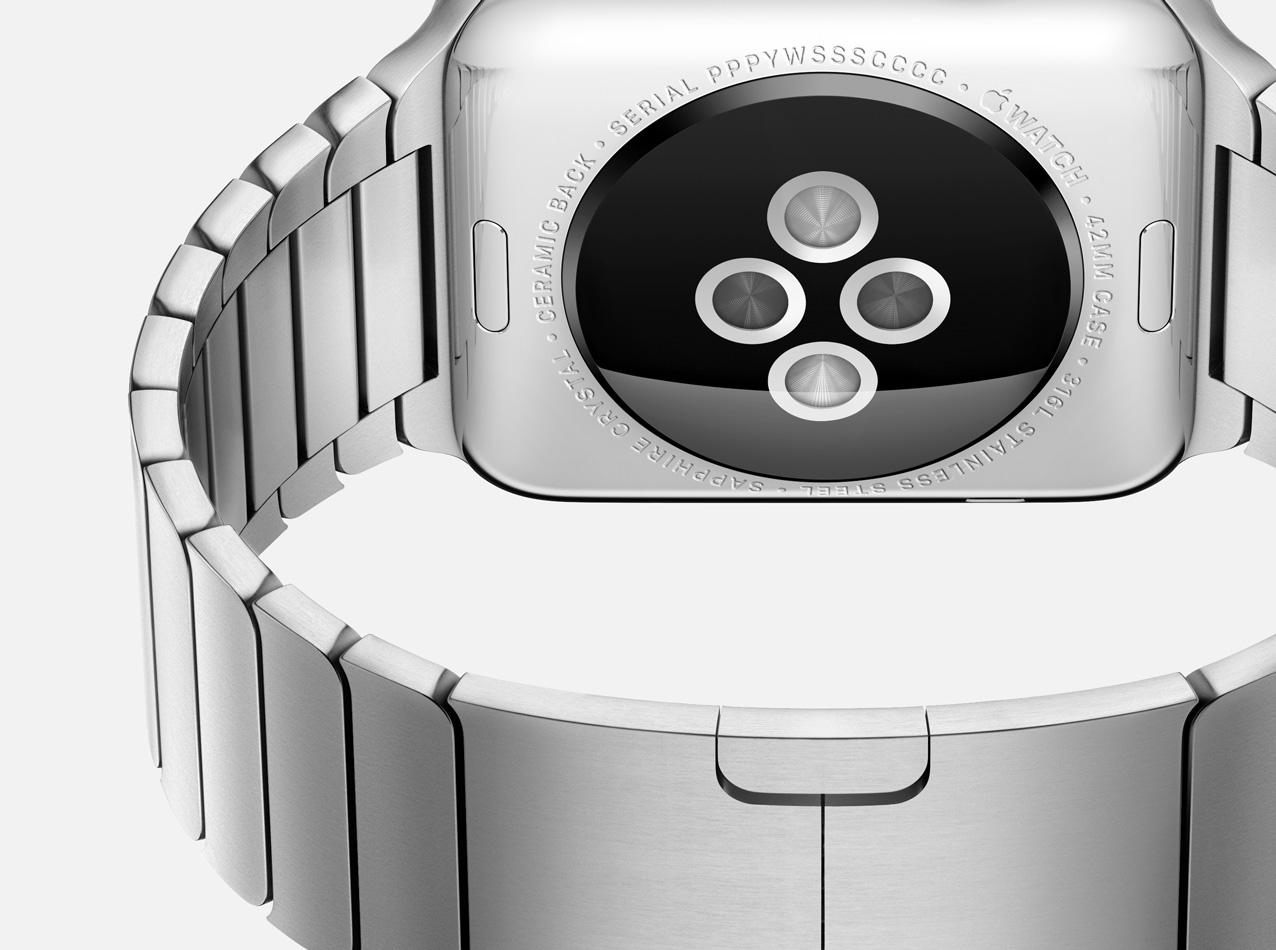
Contrary to some reports, shipping Apple Watch units do feature a hidden diagnostic port inside the groove of the bottom strap connector slot. It looks a lot like Lightning I/O, bit it's not Lightning.

Featuring a six-dot brass contact, it's believed to be aimed at service technicians for diagnostics purposes, while potentially providing direct access to the Watch OS and demo software installation on demo units in Apple Stores.

This tutorial explains how you can access the 6-pin port using just a sewing needle. Before we get to it, keep in mind that doing so could impact the water resistance of your Apple Watch and might void your warranty.

Find My Watch, new Complications, Apple TV integration and more coming to Apple Watch

Since its April 2015 debut, the Apple Watch to this date runs Apple Watch OS 1.0 as Apple has yet to release an update to the wrist-worn device's operating system. As per a new report filed by 9to5Mac's Mark Gurman, a software update is in the works that'll improve the Apple Watch's connectivity with other devices like the Apple TV.

Other noteworthy perks reportedly include enhancements aimed at strengthening the security of the Apple Watch, boosting built-in health and fitness capability, bolstering Wi-Fi features and tightening integration with third-party applications.

In addition, a new Apple TV hardware with a “fancy” new remote, even tighter Apple Watch integration and support for downloadable applications is on its way, too.

SoundCloud for Apple Watch is here

An update Monday to SoundCloud's free of charge iPhone and iPad application has added an Apple Watch component allowing you to listen to user-submitted music and audio right from your wrist, identify songs playing from your iPhone and more.

“The new app makes it even easier for you to hear the freshest tracks when you’re out and about, from your daily to commute to going out for a run,” Germand developers noted.

App Watch: artificial intelligence

Artificial intelligence may very well take over the world one day, but I find it absolutely fascinating, regardless. The concept of teaching computers how to "think" brings an entirely new level to technology, not only in relation to programming, but in how we interact with it as well. The issue is that, once they become sentient, computers will in theory no longer be content doing as we command, but instead turn on humanity and kill us all.

Anyway, the App Store has yet to feature an app for controlling a maniacal robot from your Apple Watch, but there are some apps that utilize a form of artificial intelligence, and we're looking at a couple of them today.

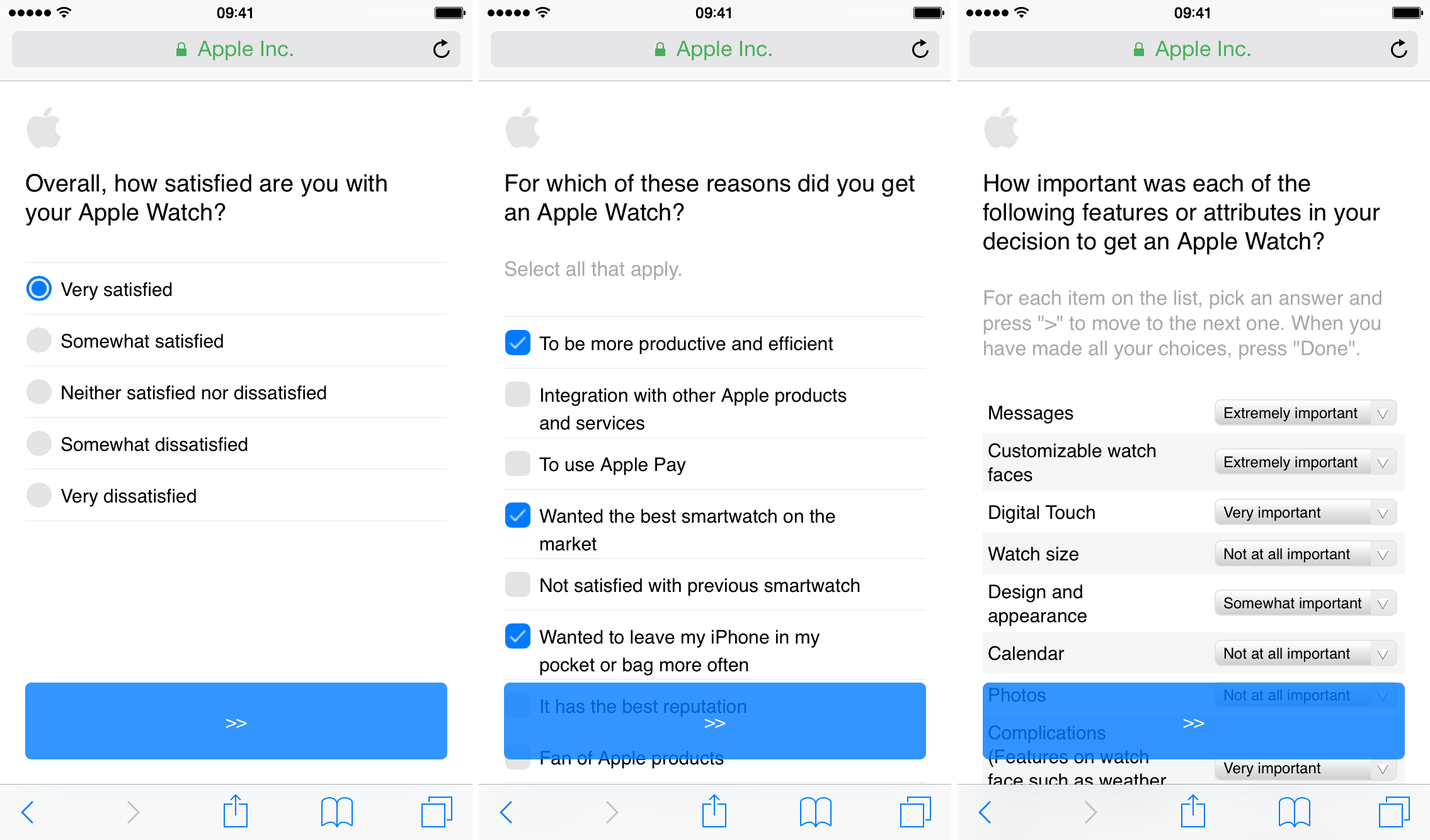
Apple looking for Apple Watch feedback via market research survey

Apple has begun emailing Apple Watch owners, asking for their feedback on the just-released wearable. The email requests that users take a lengthy (took us about 15 minutes) survey, in which it asks a wide variety of questions regarding their reasons for purchasing the device, and satisfaction with it thus far.

The survey is interesting because Apple doesn't typically employ market research—we have seen questionnaires in the past, but it's not a frequent thing. Steve Jobs famously loathed the practice, telling Fortune in 2008 "We do no market research. We don’t hire consultants. We just want to make great products.”

153 animated emojis you can find on Apple Watch

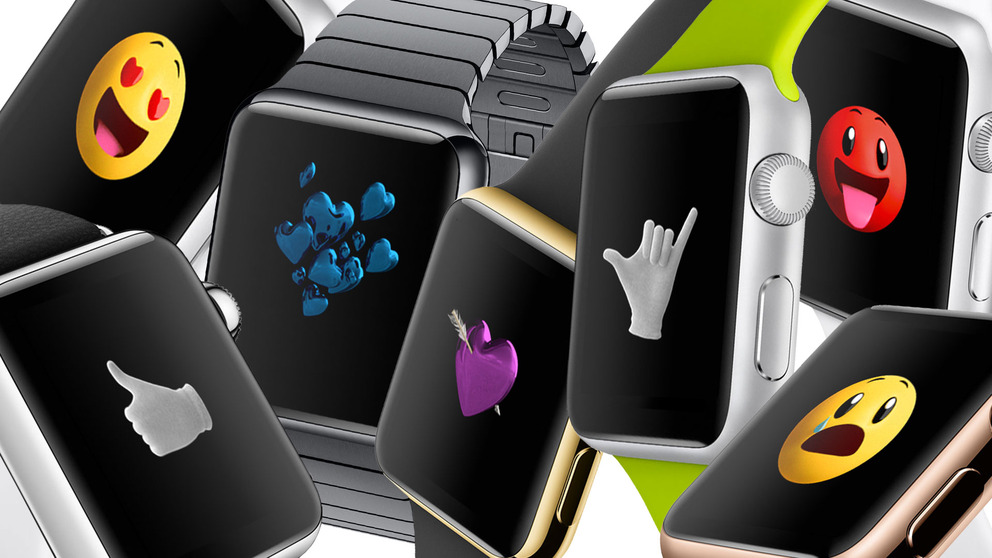
The Apple Watch is changing the way a lot of people communicate with each other, thanks to features like Digital Touch. It even handles emojis a bit differently, allowing you to choose from a wide variety of animated images to help you get your point across quickly.

In fact, as German site Giga Apple points out, there are 153 different animated emojis you can choose from on Apple Watch, ranging from yellow and red faces to hearts and hand gestures. They can all be accessed via Messages, and can be customized to fit any context.

Apple Watch manufacturer reportedly solves production hiccups

Quanta Computer, which assembles the Apple Watch, has been plagued with poor yield rates resulting in capacity problems that have led to limited shipments of the device. As a result, Apple has been struggling to meet orders and has been unable to roll out the device to additional markets to this date.

But production woes are now a thing of the past as Quanta vice chairman CC Leung confirmed solving production bottlenecks, according to a report Friday by DigiTimes, a somewhat reliable Taiwanese trade publication.

Feedly for Apple Watch has arrived: browse your favorite stories right from the wrist

Feedly, the popular feed aggregation service, is now available for the Apple Watch. The app allows you to browse the stories right on your wrist-worn device.

Available as a free update to the existing Feedly for iPhone application, the Watch component selects the best stories from your Feedly account and presents them with a headline, the accompanying image, an excerpt of the full text and more.

It supports other features via a hidden menu accessible through force-touching the screen such as tagging, saving a story for later, marking a story as read, continuing reading on your iPhone and more.

The many things Apple Watch can do on its own when connected to Wi-Fi

iPhone and Apple Watch work hand in hand, and while the former can be used on its own without losing any of its abilities, the latter will need to be paired with an iPhone in order to be used to its fullest. With that said, Apple Watch doesn't always need to be paired to an iPhone to be useful, as there are many things the wearable can do on its own. In a previous post, we highlighted a few things Apple Watch can do without its paired iPhone, including tracking workouts, playing music, being used to make purchases with Apple Pay, and more.

One of the most underrated features of Apple Watch is its ability to connect to known Wi-Fi networks, independently of its paired iPhone. It means that if you've ever been connected to a specific Wi-Fi network on your iPhone and Apple Watch, your Apple Watch will remember that network, even if its paired iPhone is nowhere nearby, giving you limited access to the web.

In this post, I will show you a few things you can do on Apple Watch when it is connected to a known Wi-Fi network, even if it's currently not paired with your iPhone. Granted, these are mostly known Siri-based queries, but to my surprise, you can do more than just inquire about the weather.