Podcast: Apple’s Big Mac event

Let's Talk iOS propped up

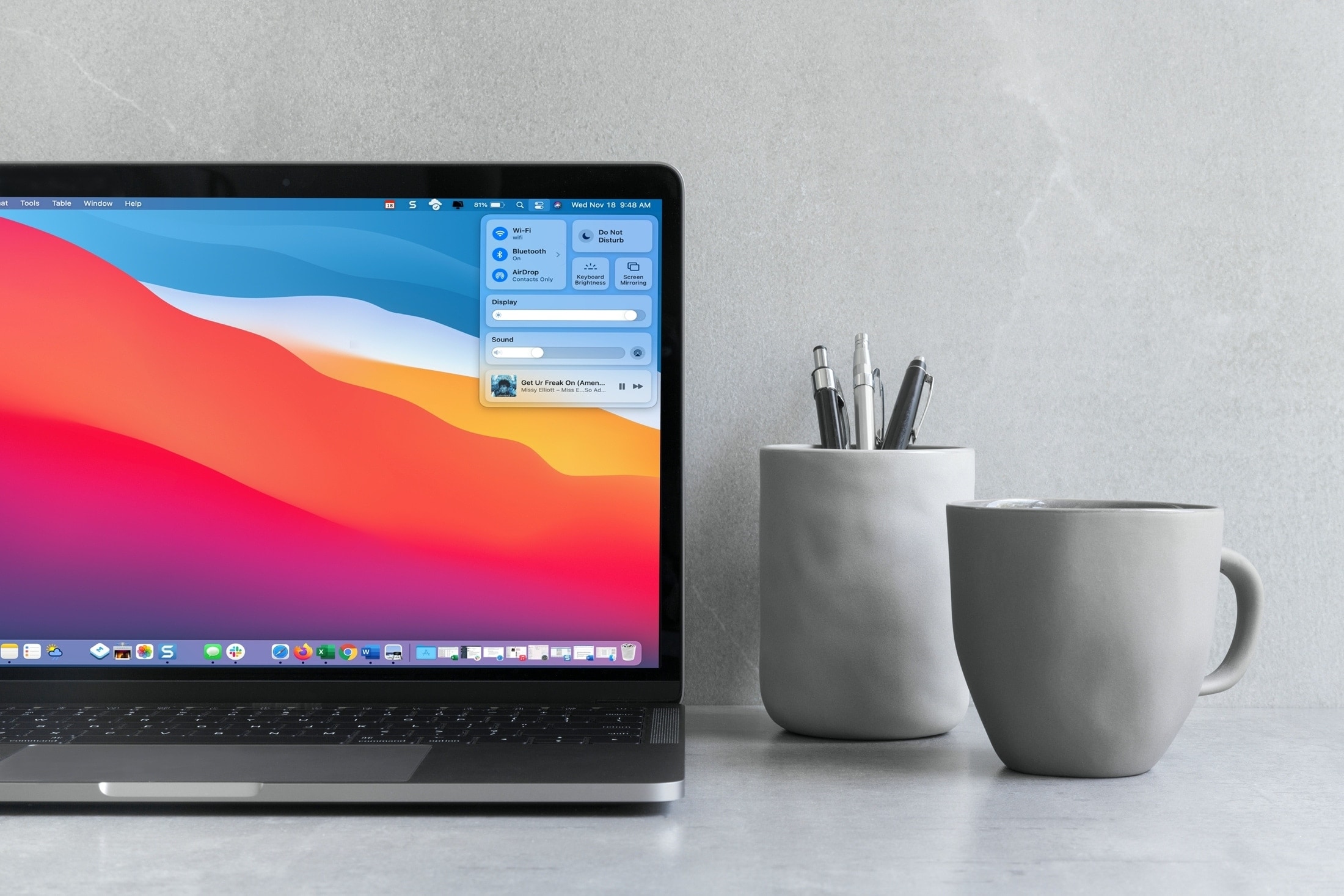
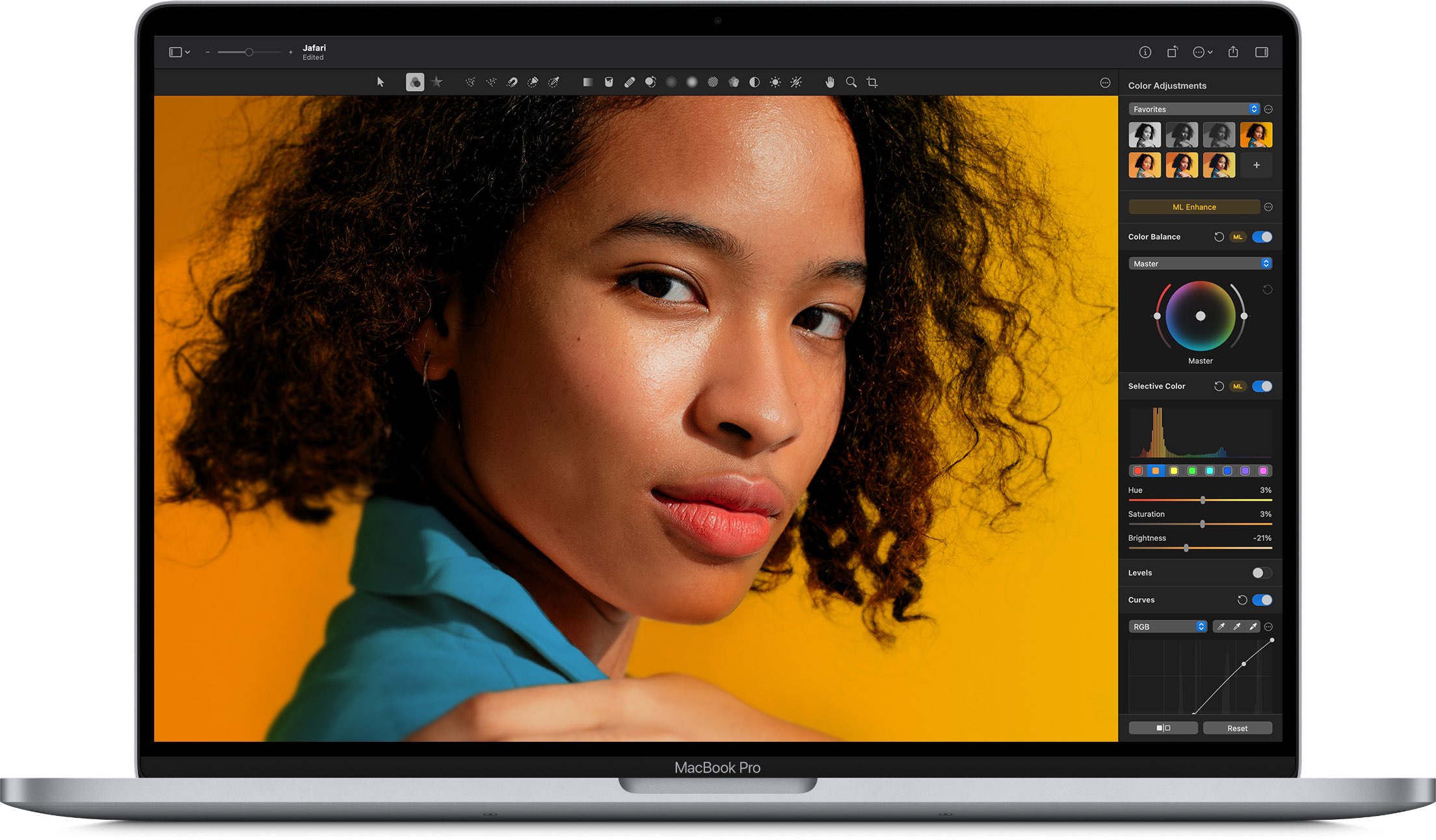
Apple’s Big Mac event is here, so Sebastien and Cody give their expert opinions on everything they expect to see unveiled. There’s also talk of the new iPhone 12 mini and Pro Max, and an update on Cody’s trade-in issues.

How to automatically upload burst photos to My Photo Stream

Settings Photos Upload Bursts to Photo Stream on iPhone

If you’re one who uses the My Photo Stream feature in Photos rather than iCloud, there’s a small setting you might not know about. The setting is to automatically upload burst photos to My Photo Stream and can be quite handy.

Burst photos are terrific for making sure you capture the perfect shot. So instead of just one photo, you can take several with a tap. You then review and keep those you want from the burst. And since you can see and save the images on any device with My Photo Stream, you may want the photos from the bursts there by default.

Here we’ll show you how to automatically upload burst photos to My Photo Stream so you can work with them on iPhone, iPad, or Mac.

Unique widget makers for your iPhone Home Screen

Unique Widget Makers for your iPhone Home Screen

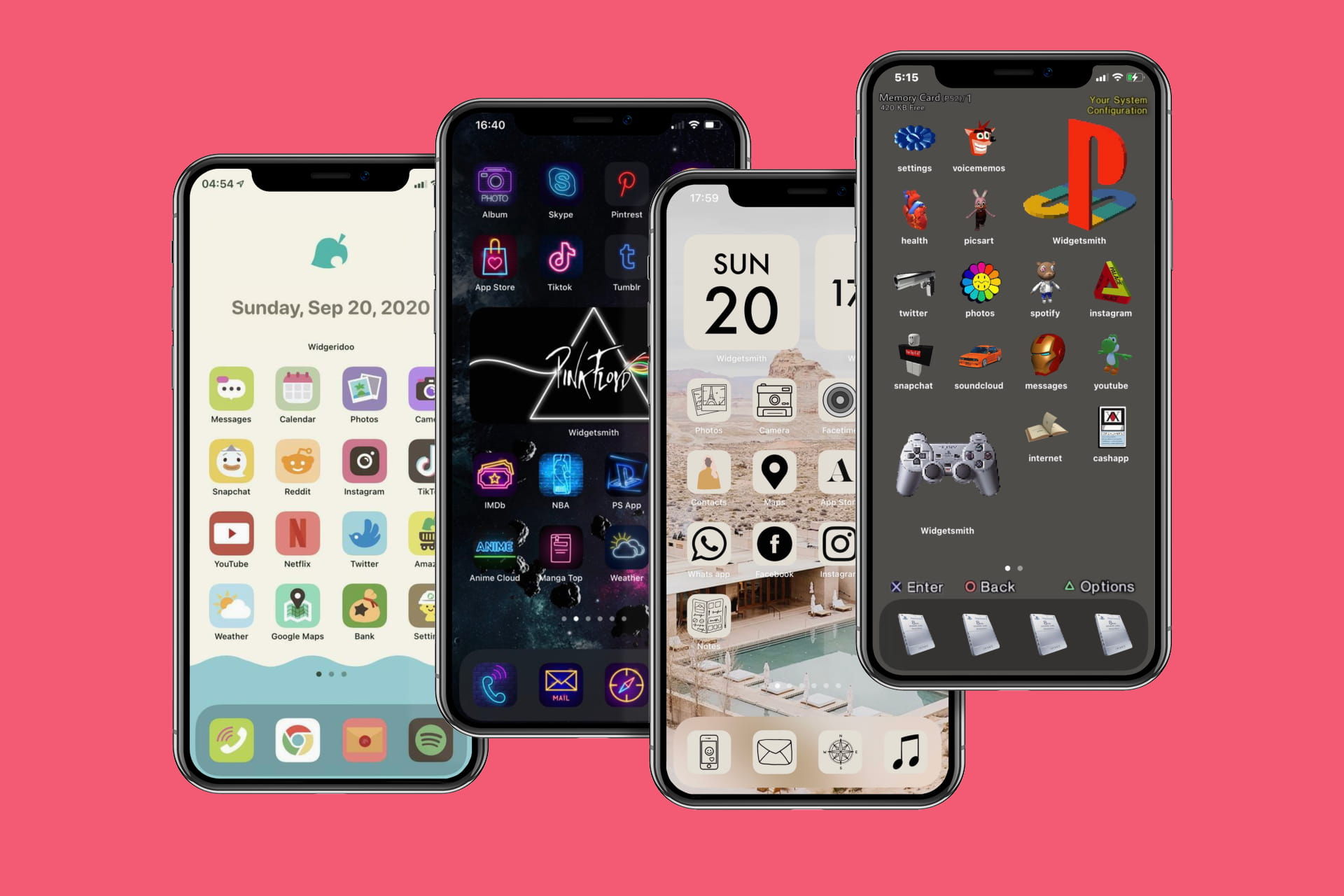
Now that you’ve gotten used to all that you can do with widgets on your iPhone Home Screen, it’s time to try something new! You can create some awesome widgets that go beyond your inbox, activity, and weather.

Want a widget that moves, shakes, or shimmies? Interested in a widget that puts reward card codes at your fingertips? Think a widget that displays a grid of your photos is a cool idea?

We’ve scoured the App Store and tried tons of widget makers to bring this list of cool Home Screen widgets to you.

How to set up Apple Cash Family on iPhone

Apple Cash Family Start Now

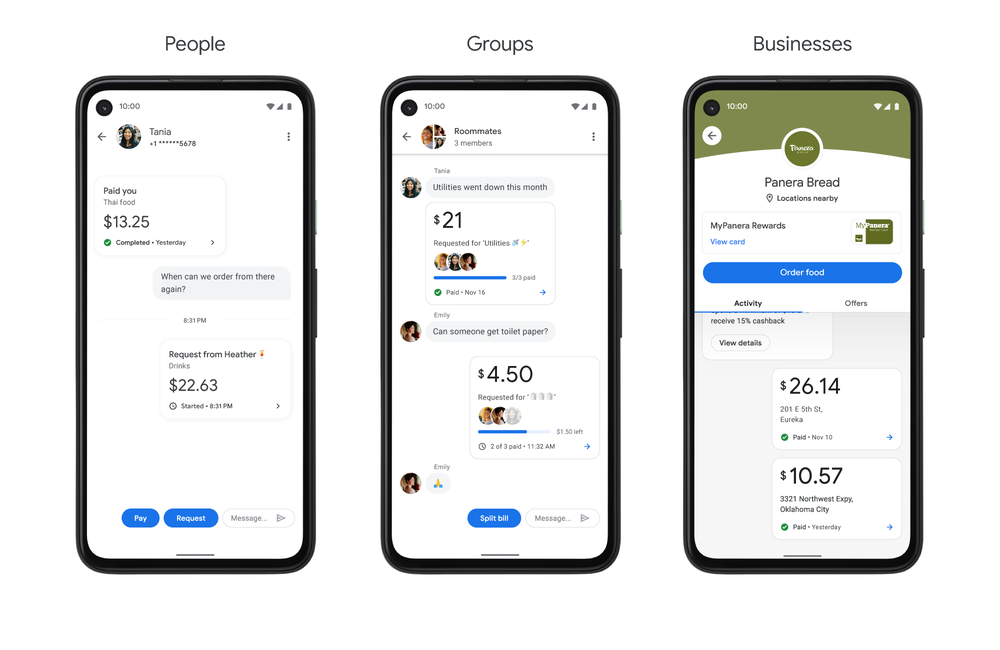
For rewarding your child, giving them their allowance, and letting them make a purchase, you can use Apple Cash Family. This feature arrived with iOS 14 as a way for parents to digitally send money to their children and teens.

This is convenient for families who don’t walk around with wads of cash, whose kids use their money for apps or games, or spend money in stores; all with their parent’s permission of course. Here, we’ll show you the requirements for using and how to set up Apple Cash Family.