German developer Algoriddim is turning air DJing into a reality with an update to its djay Pro AI iPad app, now available on the App Store, which brings a new gesture control feature.
Algoriddim brings gesture control to djay Pro AI
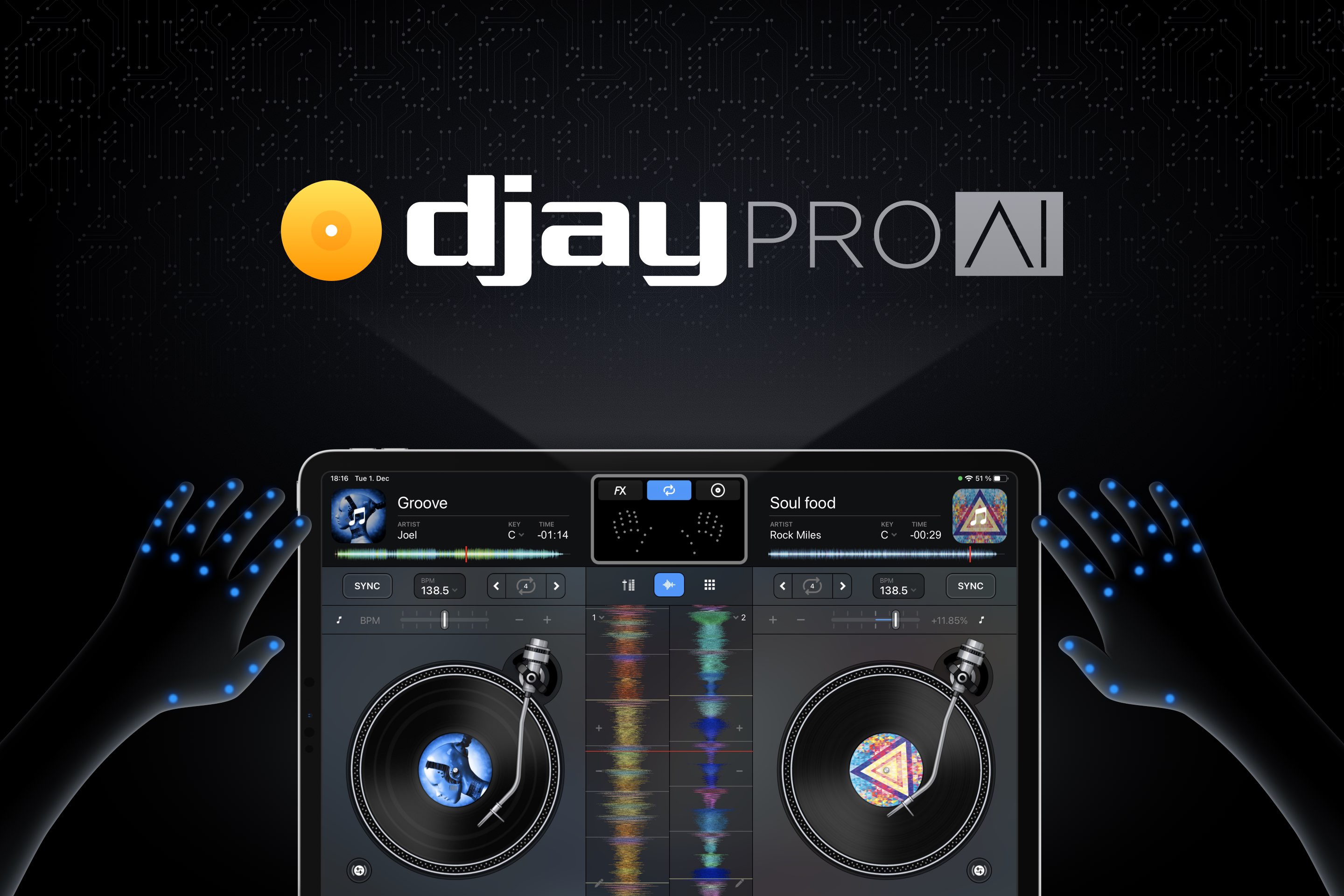
German developer Algoriddim is turning air DJing into a reality with an update to its djay Pro AI iPad app, now available on the App Store, which brings a new gesture control feature.
Deadline reported late yesterday that Apple is close to reaching a deal for a riveting sci-fi thriller series based on Blake Crouch's book “Dark Matter” that received rave reviews.

It's been a rough stretch for cloud game streaming on iOS as of late, with some big name companies not being able to launch their products on Apple's devices as they'd like. But, some companies have found a workaround: Safari. And as such, one of the biggest names in the game (no pun intended) is finally almost ready to launch its service for iOS devices.

The AirPods Max, Apple's premium $549 noise-canceling headphones unveiled on December 8, 2020, can now be pre-ordered ahead of retail availability which starts next Tuesday, December 15. To help our readers reach an informed purchasing decision, the iDB team has created a compilation of the various tidbits regarding the latest over-ear headphones from Apple.
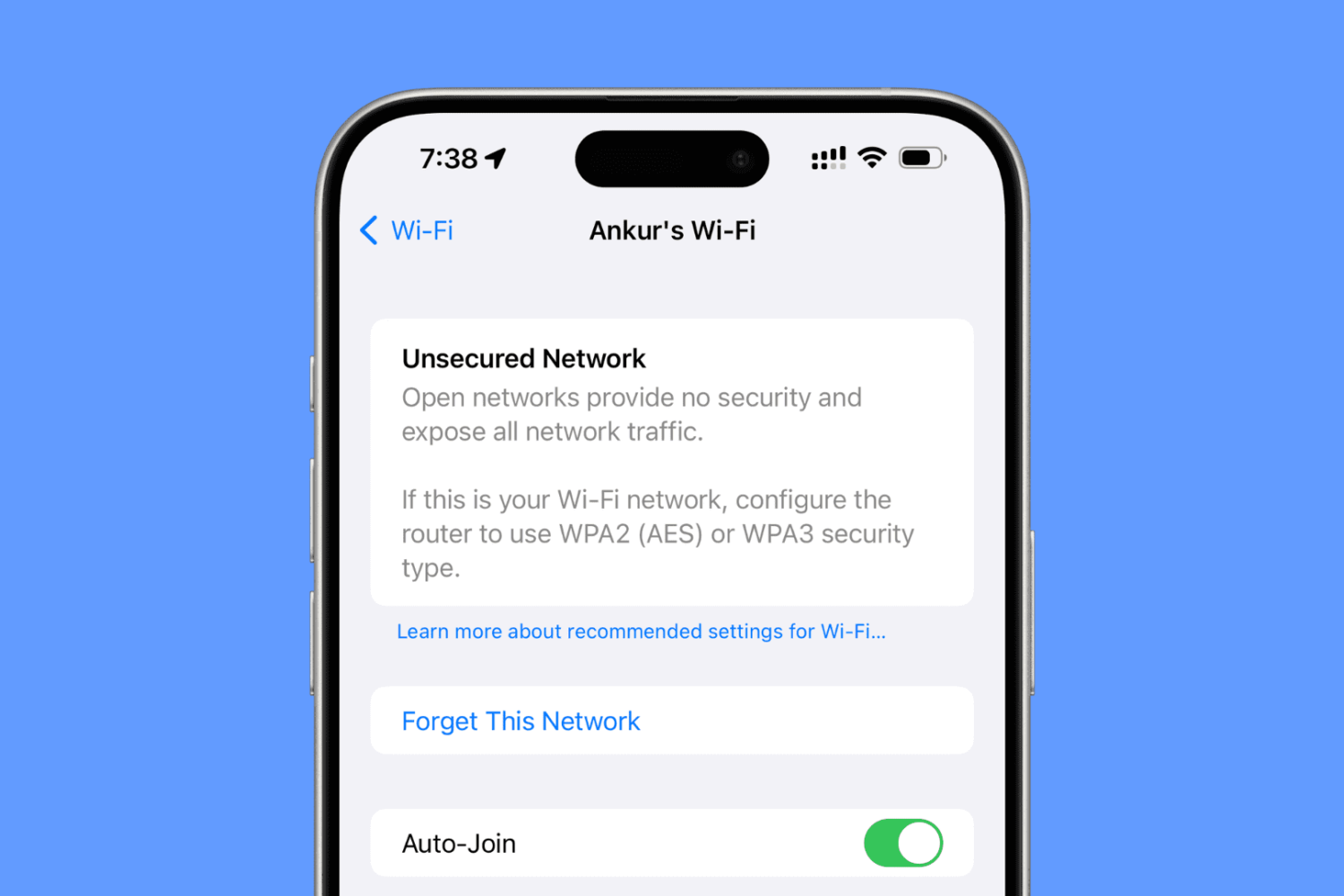
Are you seeing an “Unsecured Network” or “Weak Security” warning on your iPhone, iPad, or Mac? In this guide, we’ll share more details about this issue and help you fix it.

We may have a biopic of major proportions heading to Apple's streaming service, Apple TV+, in the near future.
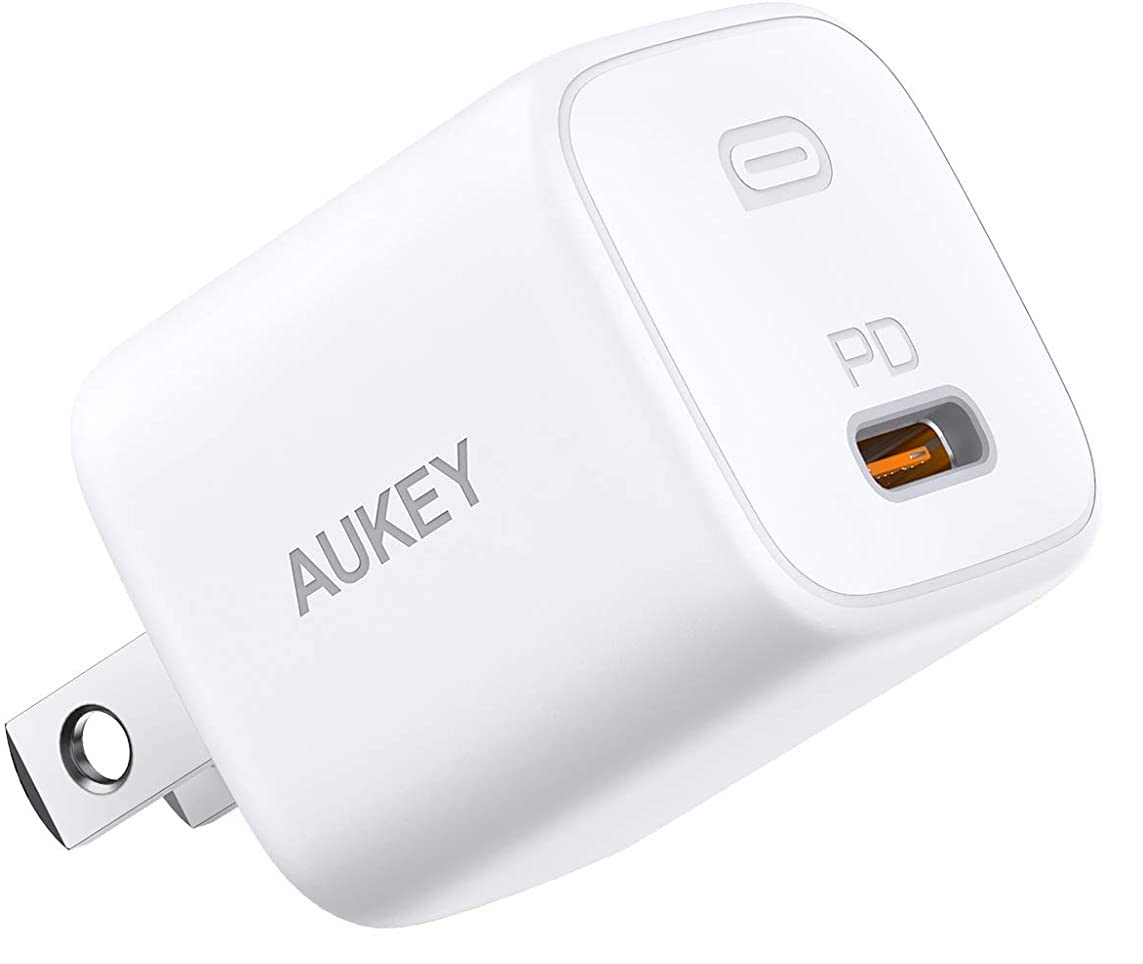
If you are gifting an iPhone 12 to someone this year, or are in need of a USB-C charger yourself, you're going to want to check out this deal Amazon is running right now. It's on Aukey's Omnia Mini USB-C wall charger, it's $11 and despite its tiny size, it's capable of fast-charging all late model iPhones.
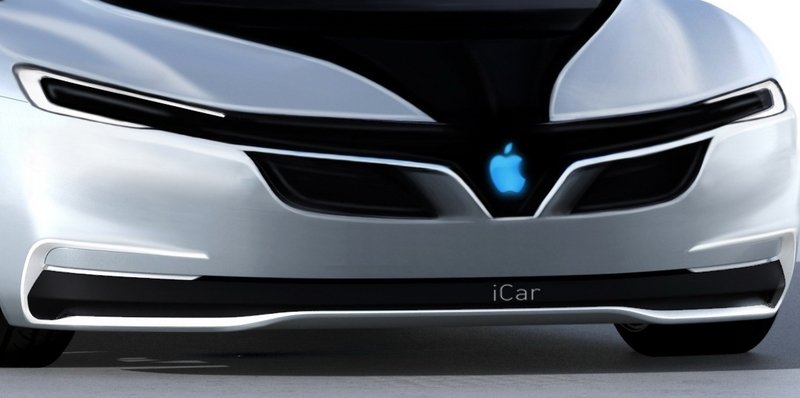
There was a time when the talk of the town was the Apple Car. But, lately, that has started to slow down. But that doesn't mean Apple's given up on whatever it is.
Now that we know when Apple Fitness+ will launch, Apple's executives are starting to make the interview rounds to promote the new service.
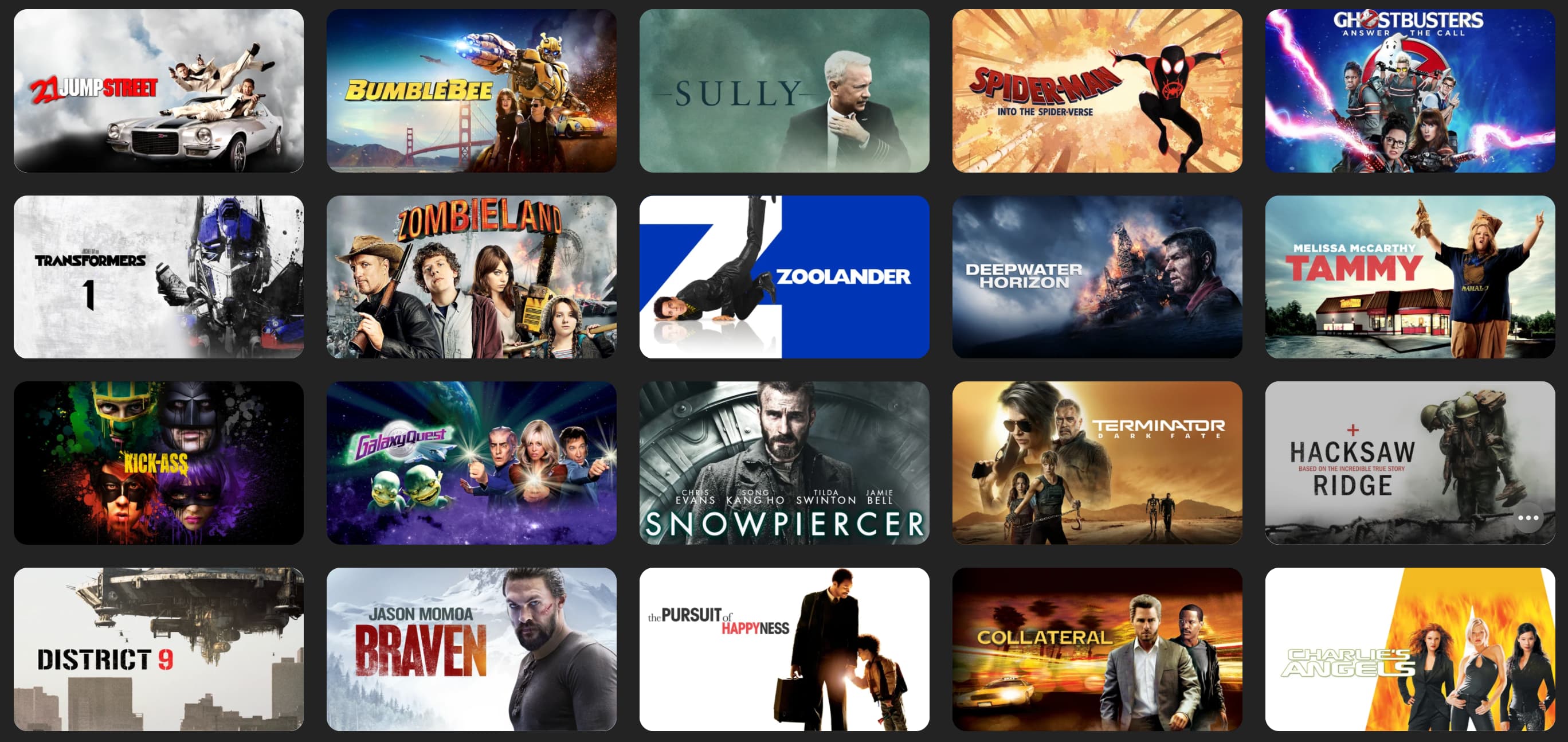
For this week's iTunes movie deals we have a huge $5 sale that includes Dazed and Confused, Wedding Crashers, Four Brothers, and much more. Plus holiday movies like Elf and Home Alone are still on discount, as are sci-fi action films like The Martian and Deadpool 2. Check out our full roundup below.
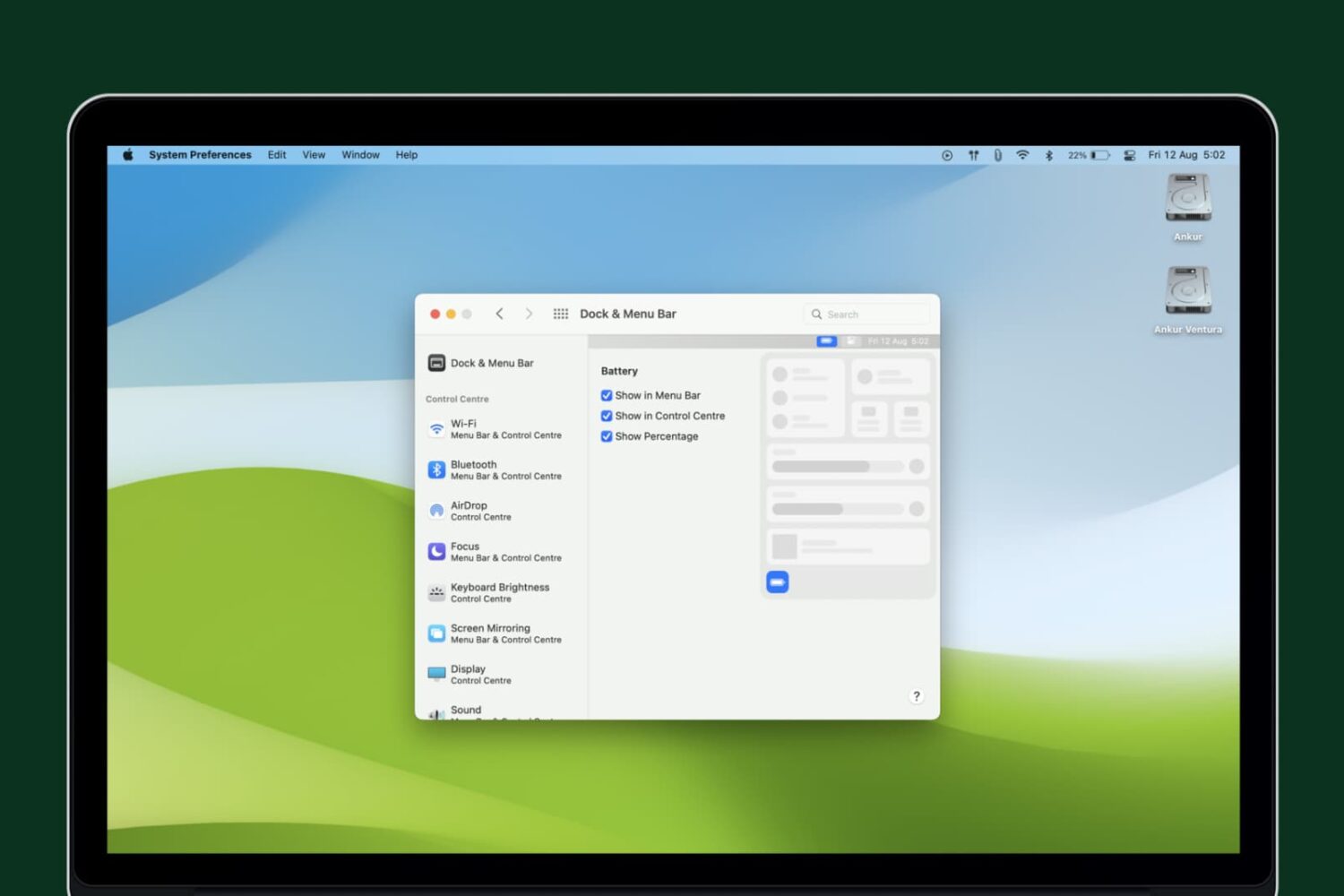
Learn how to display the battery percentage in the top menu bar and Control Center to quickly check your Mac’s battery status.

Apple Fitness+, the iPhone maker's first fitness-focused subscription service built around the Apple Watch, is launches next Monday, December 14, the company confirmed today.