Back in January, it was reported that Rose Byrne (Damages, Instant Family) was set to star in a new drama/comedy series for Apple TV+ called Physical. Now, even more are joining the team.
Apple TV+ dramedy series ‘Physical’ adds six to the cast

Back in January, it was reported that Rose Byrne (Damages, Instant Family) was set to star in a new drama/comedy series for Apple TV+ called Physical. Now, even more are joining the team.

One of the changes with iOS 14 is privacy labels, or "nutrition labels", for apps available in the App Store. These are designed to give users a quick glance at what kind of data is collected/monitored by each app.
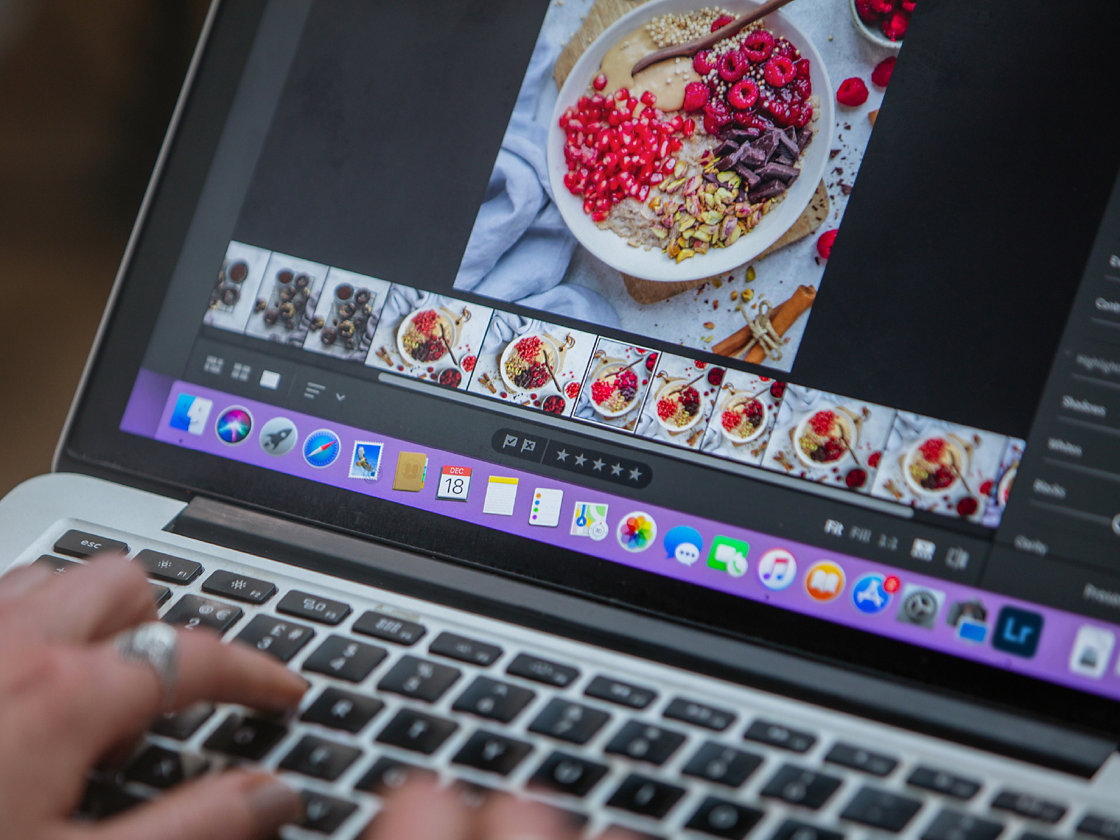
Adobe yesterday updated Lightroom for Mac with Apple silicon support on the latest M1 machines, such as the new MacBook Air, 13-inch MacBook Pro and Mac mini. Additionally, Lightroom for Windows has been updated with support for Windows on ARM.

https://www.youtube.com/watch?v=BSV7MWL7T88
Developer Aspyr announced yesterday that gaming fans can now pre-order the upcoming iPhone and iPad edition of “Star Wars Knights of the Old Republic ll—The Sith Lords” in the App Store ahead of its launch scheduled at the next Friday, December 18.

New legislation in Europe, following directives from the European Union, may make it a bit more difficult for some streaming services to function in the region -- at least for a bit.

If you're in the market for some quality protection for your latest Apple handset, Gear4 has just announced a pair of new iPhone 12 protective cases made for MagSafe.

One of the AirPods Max tidbits that we've covered is the lack of USB audio, but TwelveSouth's AirFly Pro accessory solves that issue in one fell swoop. This adapter rocks the standard 3.5mm headphone jack and features built-in Bluetooth connectivity, which allows you to connect your AirPods Max or other Bluetooth headphones wirelessly to any headphone jack.

We go for a long stretch without hearing anything about the Apple Car, and then all of a sudden it's back in the cycle.
Longtime Apple fans will nod their head in approval when they hear me claiming that Pixelmator Pro is the best Photoshop alternative out there. If you're not among them and have yet to use this superb image-editing software, now's your chance because Pixelmator developers have taken fifty percent off the app's asking price in a huge holiday sale.
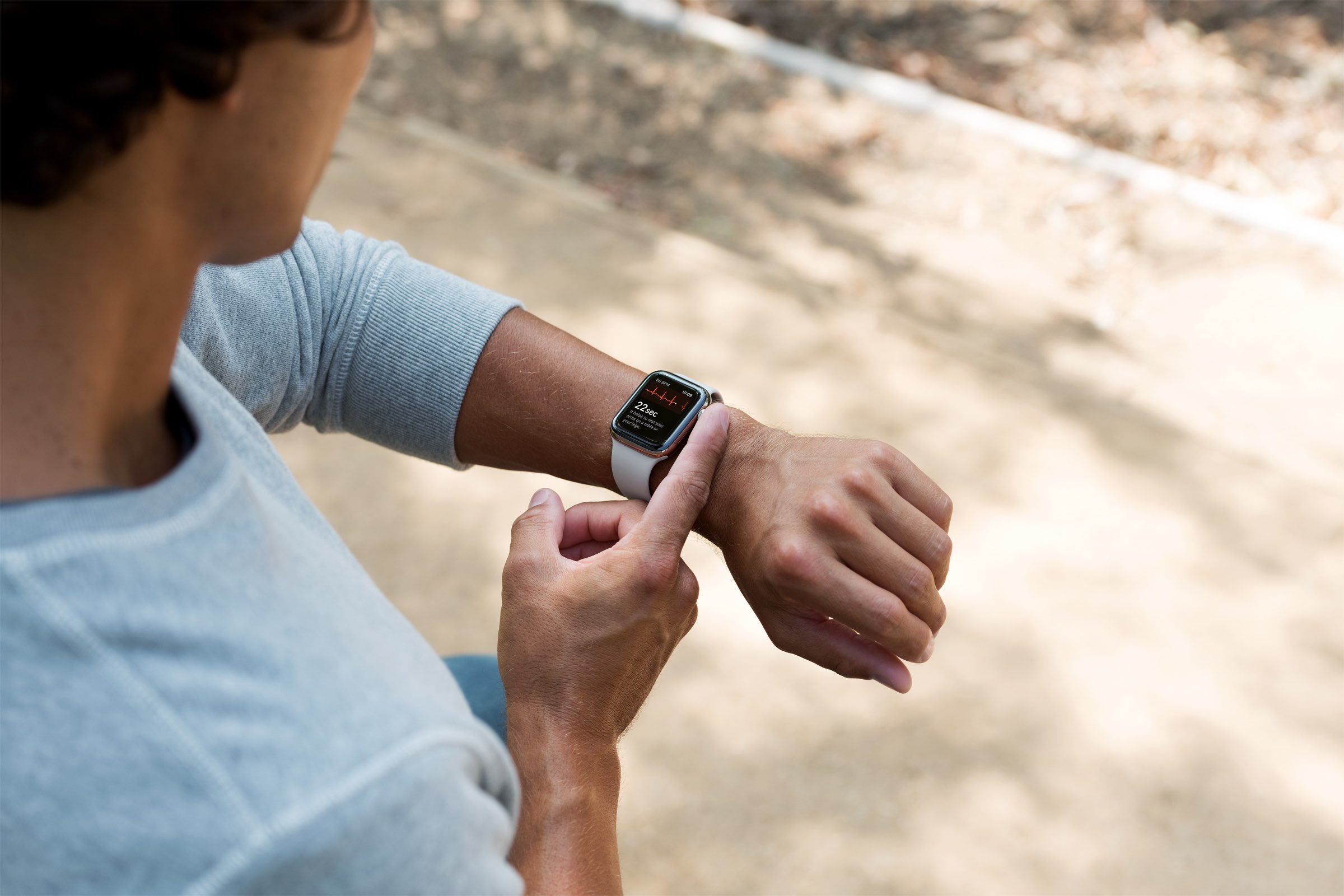
Apple has created a new version 2 algorithm for the Apple Watch Series 4 and later to measure electrocardiogram (ECG) waves of one's heart via the optical heart sensor.

Before kids were connecting their PlayStation controllers to their smartphones to play Fortnite, they were moving a snake around a screen of their Nokia handset. But now, kids have apps like Retro Widget which brings the iconic game to the Home screen of an iPhone or iPad.
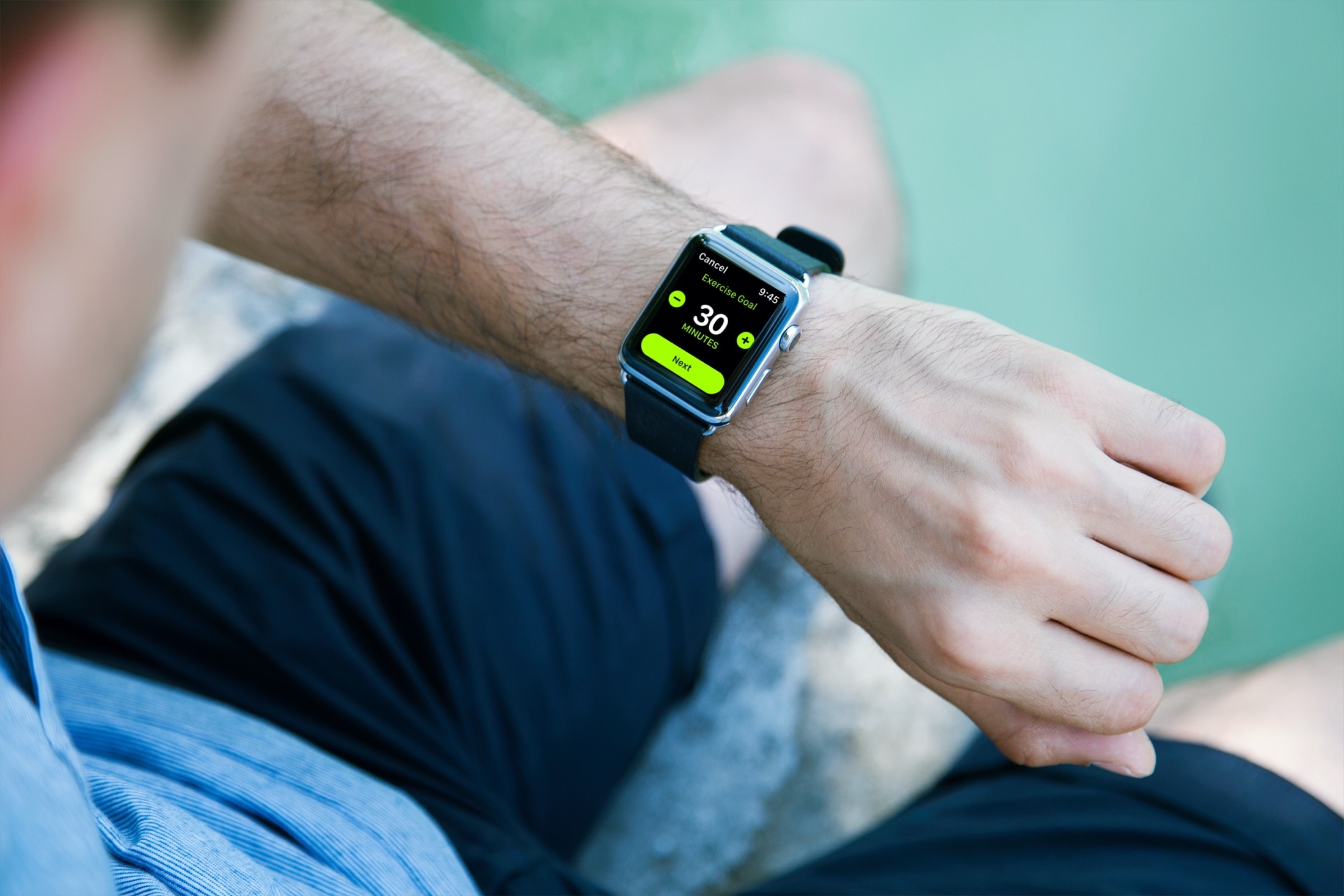
The Apple Watch is packed with features. And while it's on its sixth series, there's still a lot of room to grow. Just ask Apple's CEO, Tim Cook.