Attach a file, video, or photo to the Apple Notes app so you can keep those items as references in one spot.
How to attach files, photos, videos to Notes on iPhone, iPad, and Mac
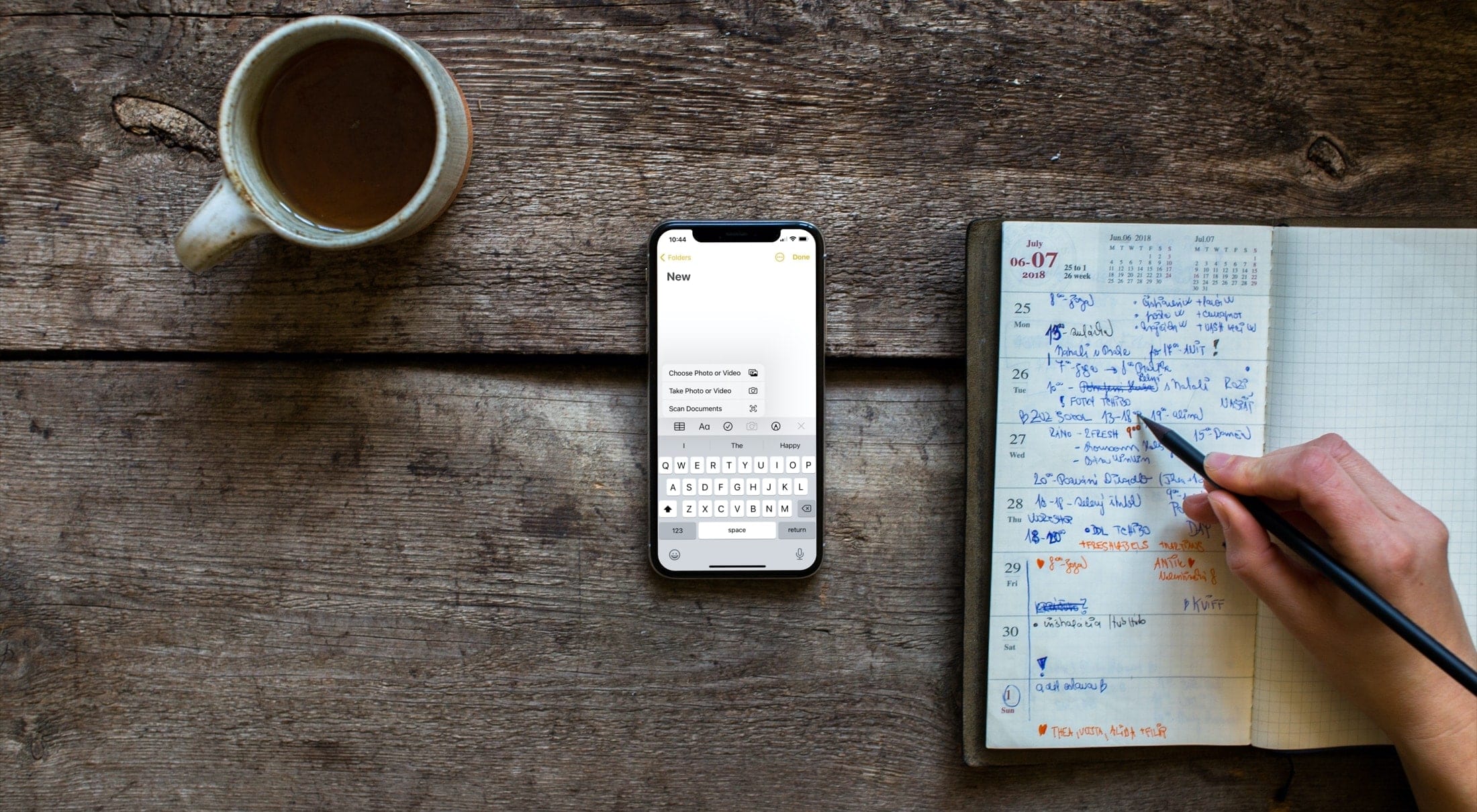
Attach a file, video, or photo to the Apple Notes app so you can keep those items as references in one spot.
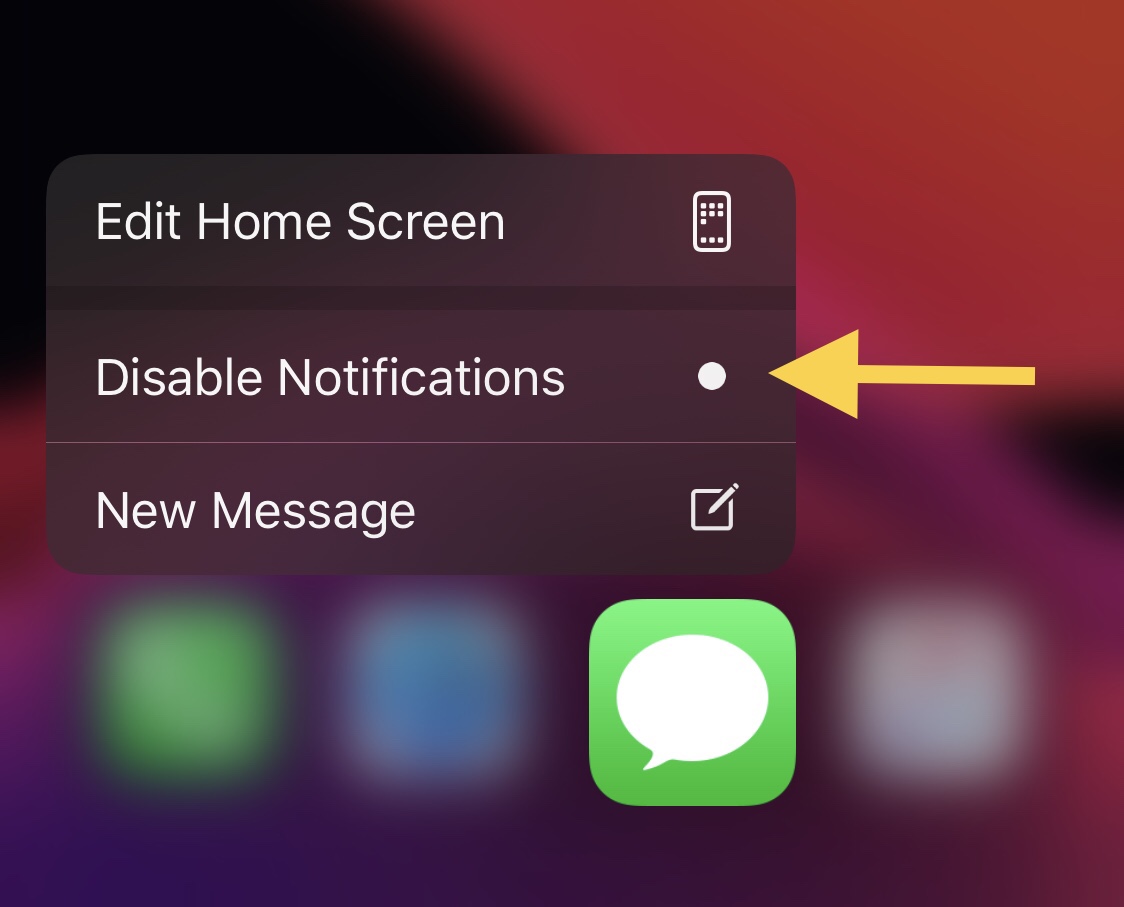
One of the things you can do with a 3D Touch or Haptic Touch-compatible iPhone or iPad is assert a light press or tap-and-hold on individual app icons from the Home Screen to reveal a hidden menu with app-centric options in it. This feature is useful not only because it provides faster access to the most popular features of the app in question, but it can also be a fun way to access them.
While most of these menus sport standard options such as sharing the app, removing the app, or editing the Home Screen, users may also find app-specific options when performing these gestures on apps in which the developer has devoted time or effort into implementing specialized options. Interestingly enough, a newly released and free jailbreak tweak dubbed Quiet by iOS developer Greg0109 can add another handy feature to these menus: the ability to mute notifications for that specific app.

The Cooler Master MM710 gaming mouse features a pro grade sensor, Omron switches (good for 20 million clicks), and an ultra lightweight body and cable so it almost feels wireless. And for a limited time, you can get one for 50% off.

Twitter has been making a concerted effort to move beyond just text. Back in September of this year, for example, it began testing the ability to send direct messages with audio. Of course, voice tweets are a thing now, too. And soon, audio chatrooms might proliferate the platform.

Learn how to see which apps, books, music, TV shows, and ringtones your family members have bought so you can review their purchases and also download those media on your iPhone, iPad, Mac, Apple TV, and Apple Watch without paying again.

It's been a bit quiet on the Epic Games vs Apple front as of late. However, before 2020 wraps up, at least one judge had one more thing to add to the mix: ordering Apple's CEO (Tim Cook) and head of iOS and macOS development (Craig Federighi) to testify.

This is isn't the first time that Samuel L. Jackson (Pulp Fiction) has worked on a project under the Apple TV+ banner, and it probably won't be the last. But this time around, it's a brand new limited series rather than a movie.
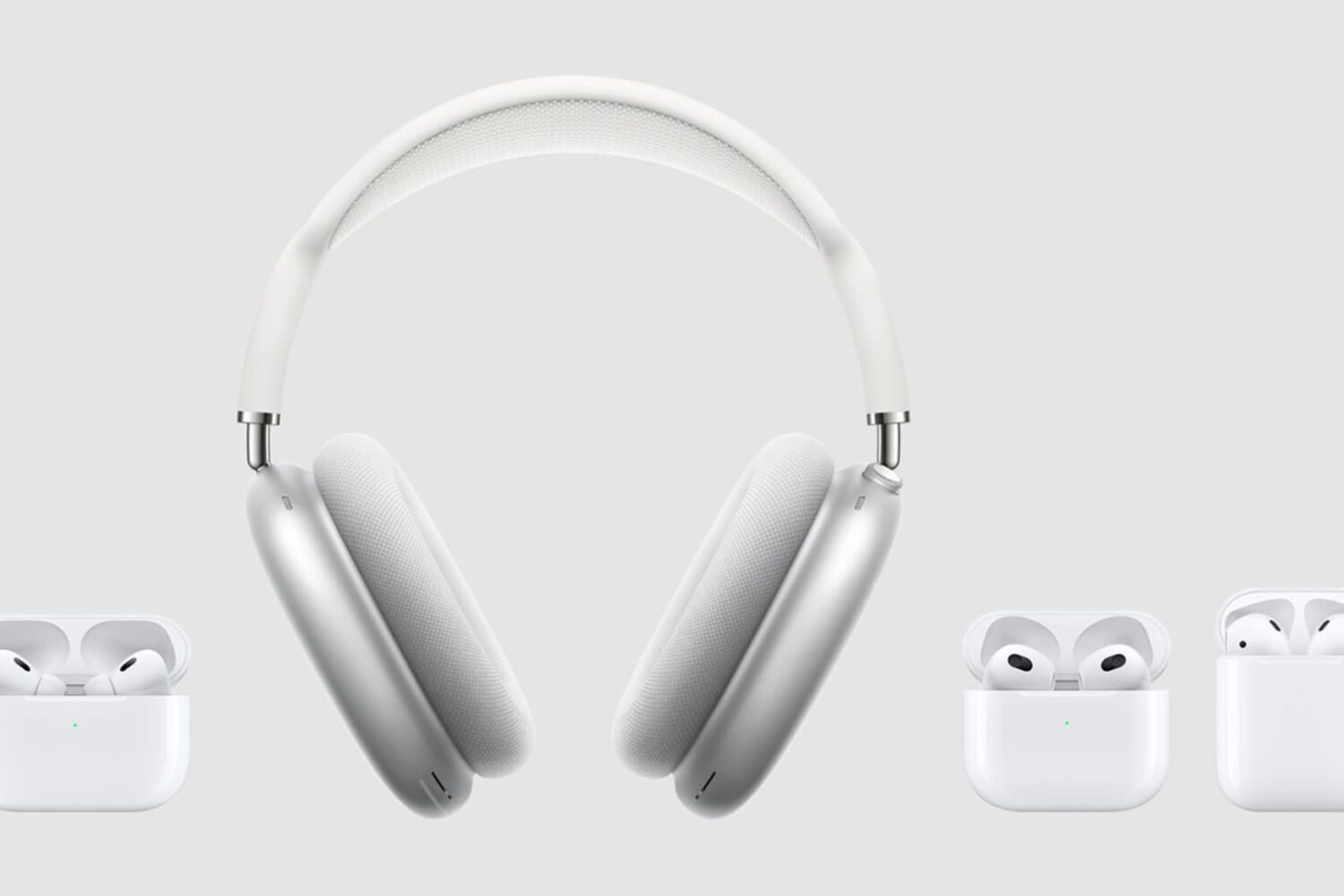
Learn how to find the model and serial numbers of your AirPods, AirPods Pro, and AirPods Max in case you ever need them.
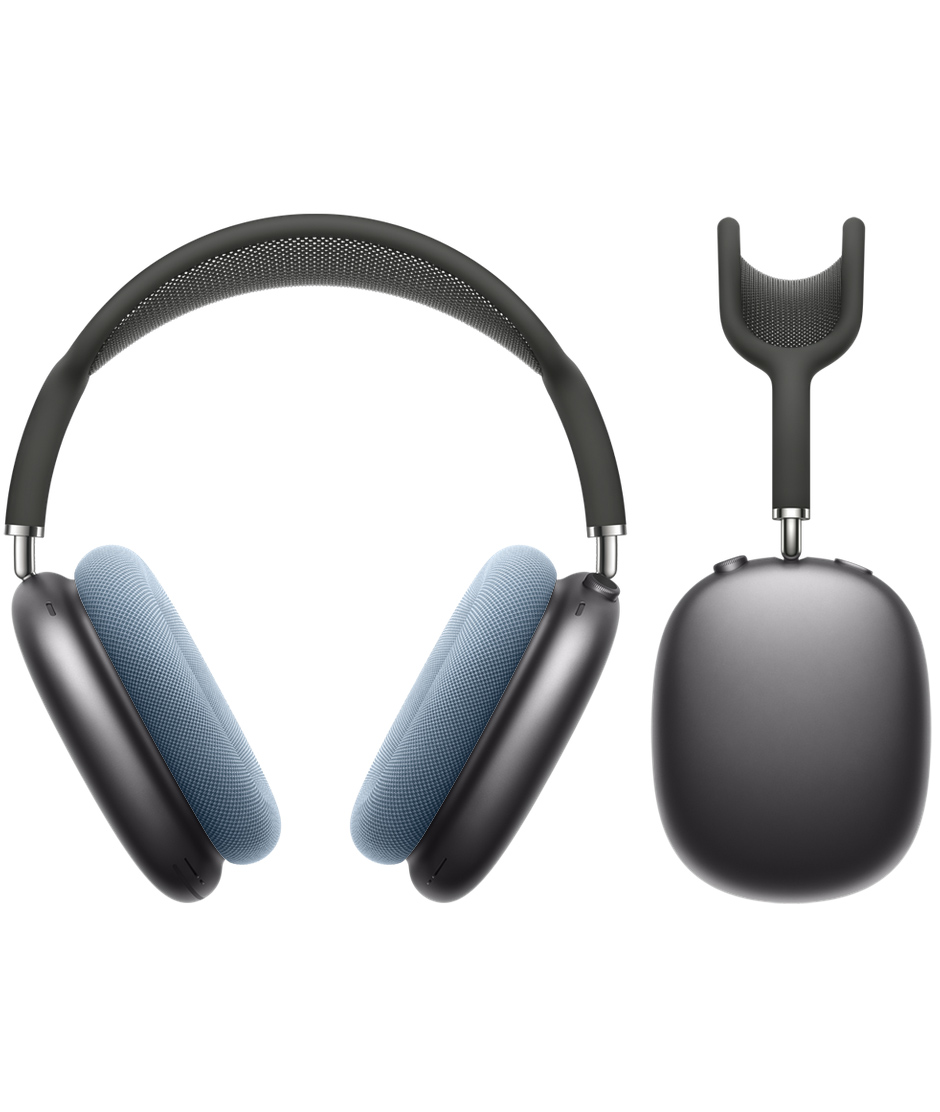
AirPods Max are hard to come by right now, with shipping in many cases not taking place for several weeks (or months). And, at the time of publication, the ear cushions for the new headphones aren't available to order, either. But that doesn't mean you can't dream about color combinations.

A new series based on the rise and fall of WeWork has been in development for Apple TV+ since February, with Collider reporting today that the '90s teen heartthrob Jared Leto is poised to play Adam Neumann, who was the charismatic but eccentric CEO of WeWork.
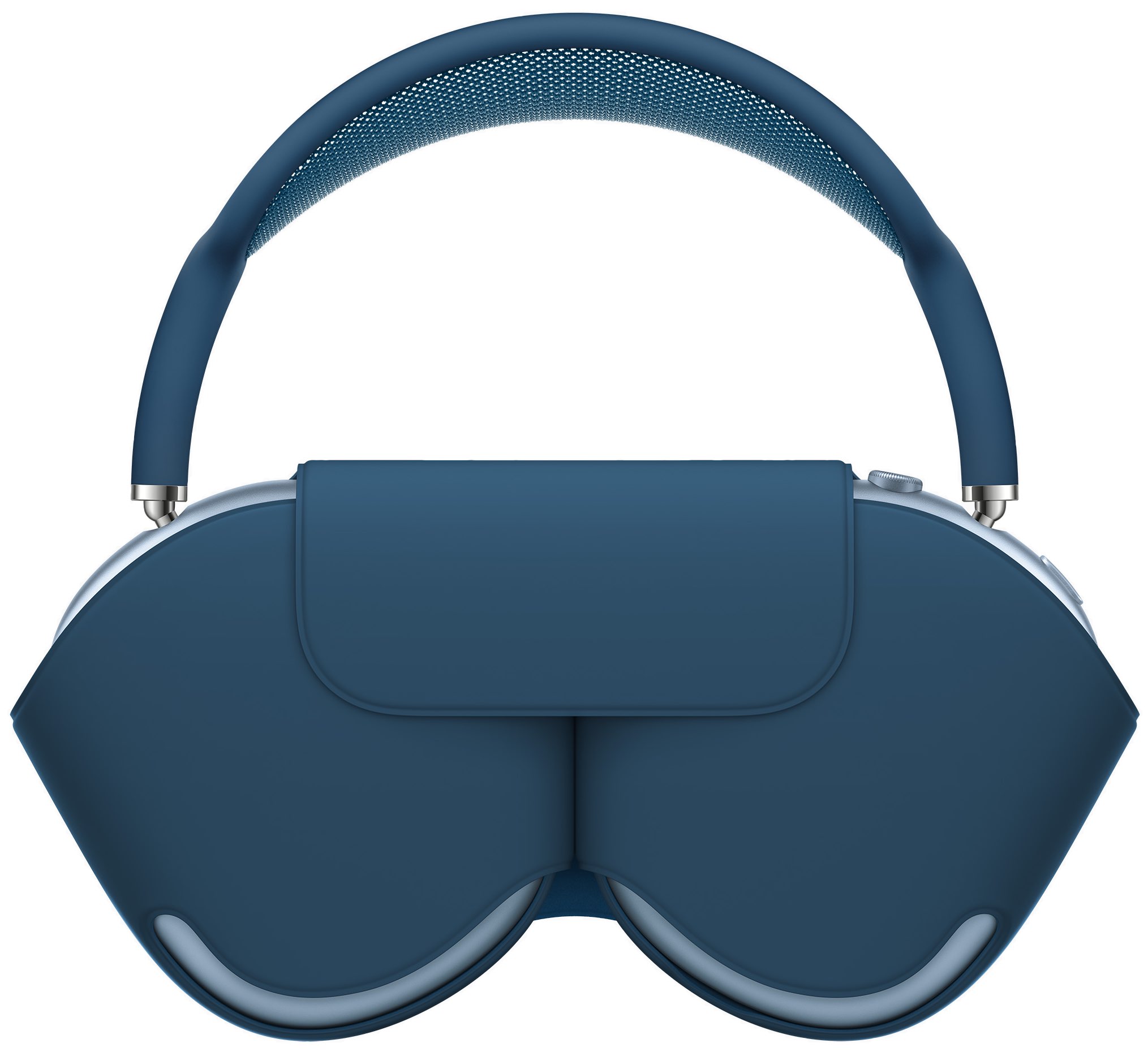
One might think that a pair of over-ear headphones that can fold, and fit into a case, would be perfect for storage while moving from one place to another. Apple would not agree, at least for the AirPods Max.
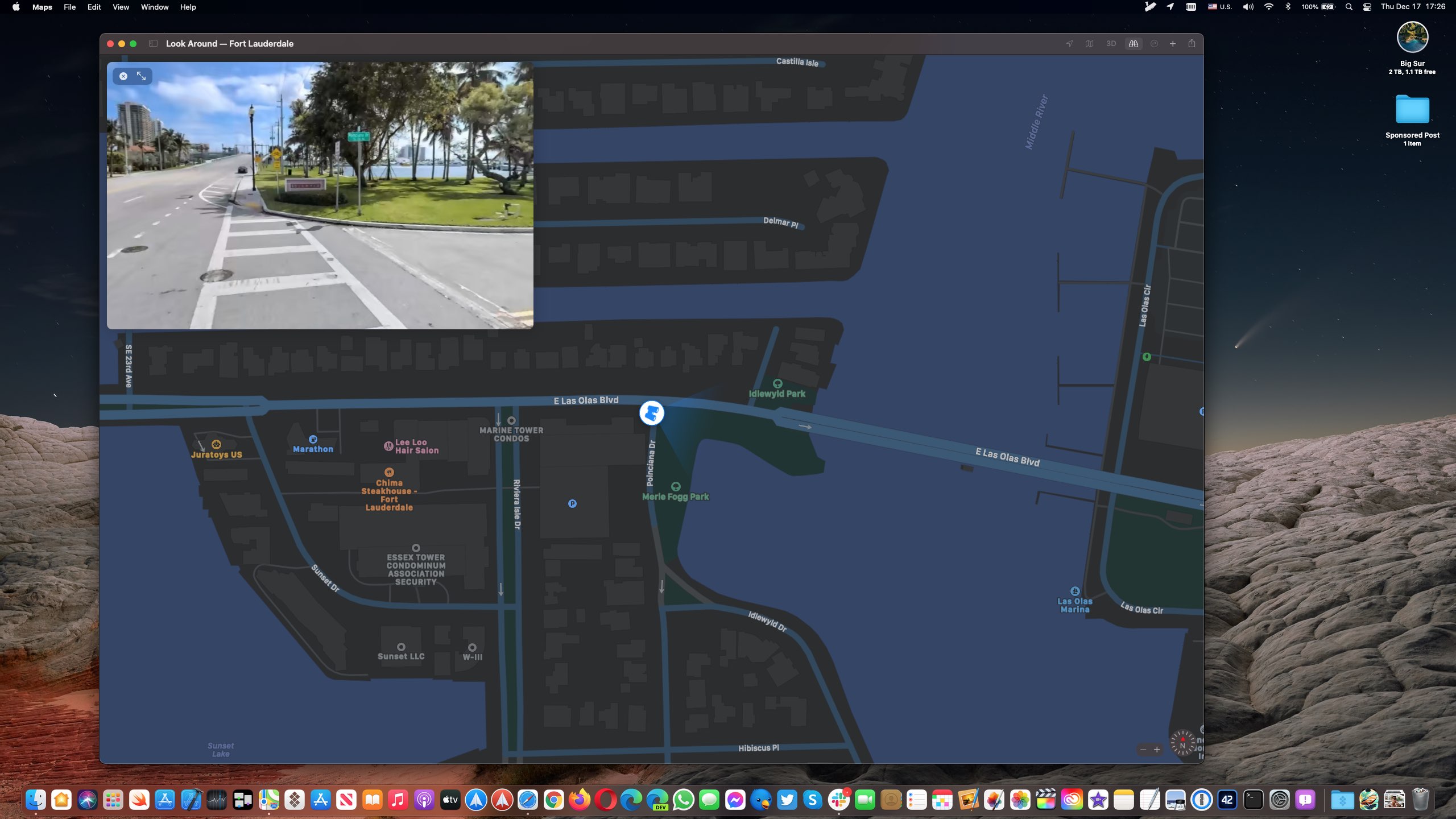
The Look Around feature in Apple Maps is now available in a few more major cities in the United States, including Denver, Detroit, Fort Lauderdale and Miami.
If you live in a city that has street imagery available, invoking Look Around will let you pan high-resolution street photos 360 degrees and move through the streets with smooth transitions.
This high-resolution, interactive 3D experience in Maps was implemented on the iPhone and iPad with the September 2019 release of the iOS and iPadOS 13 software updates.
Aside from Denver, Detroit, Fort Lauderdale and Miami, the Look Around feature is also available in t he following cities, according to Apple's iOS and iPadOS Feature Availability page.
Boston, MA Chicago, IL Dublin, Ireland Edinburgh, Scotland Houston, TX Las Vegas, NV London, United Kingdom Los Angeles, CA Nagoya, Japan New York, NY Oahu, HI Osaka, Japan Philadelphia, PA San Francisco Bay Area, CA Seattle, WA Tokyo, Japan Washington, DCOn the Mac, Look Around requires macOS 11 Big Sur or later.
How to use Look Around in MapsTo use the Look Around feature, open the Maps app on your iPhone, iPad or Mac and enter the name of a supported city like San Francisco into the search box you (on mobile, swipe up from the bottom to reveal the search field).
If that location has Look Around available, you should see a Look Around icon in the location thumbnail available in the location details screen. Tapping the icon zooms the current map into a gorgeous street-level view. Use your finger to move the screen left or right for a full 360-degree picture. To see where Apple is collecting imagery for this feature, head over to the Apple Maps Image Collection page.