Earlier today, Apple seeded the first beta of iOS 14.5 to developers. And, as such, discoveries of what's new are being made in the latest prerelease software.
iOS 14.5 supports letting Apple Watch owners unlock their iPhones while wearing a mask
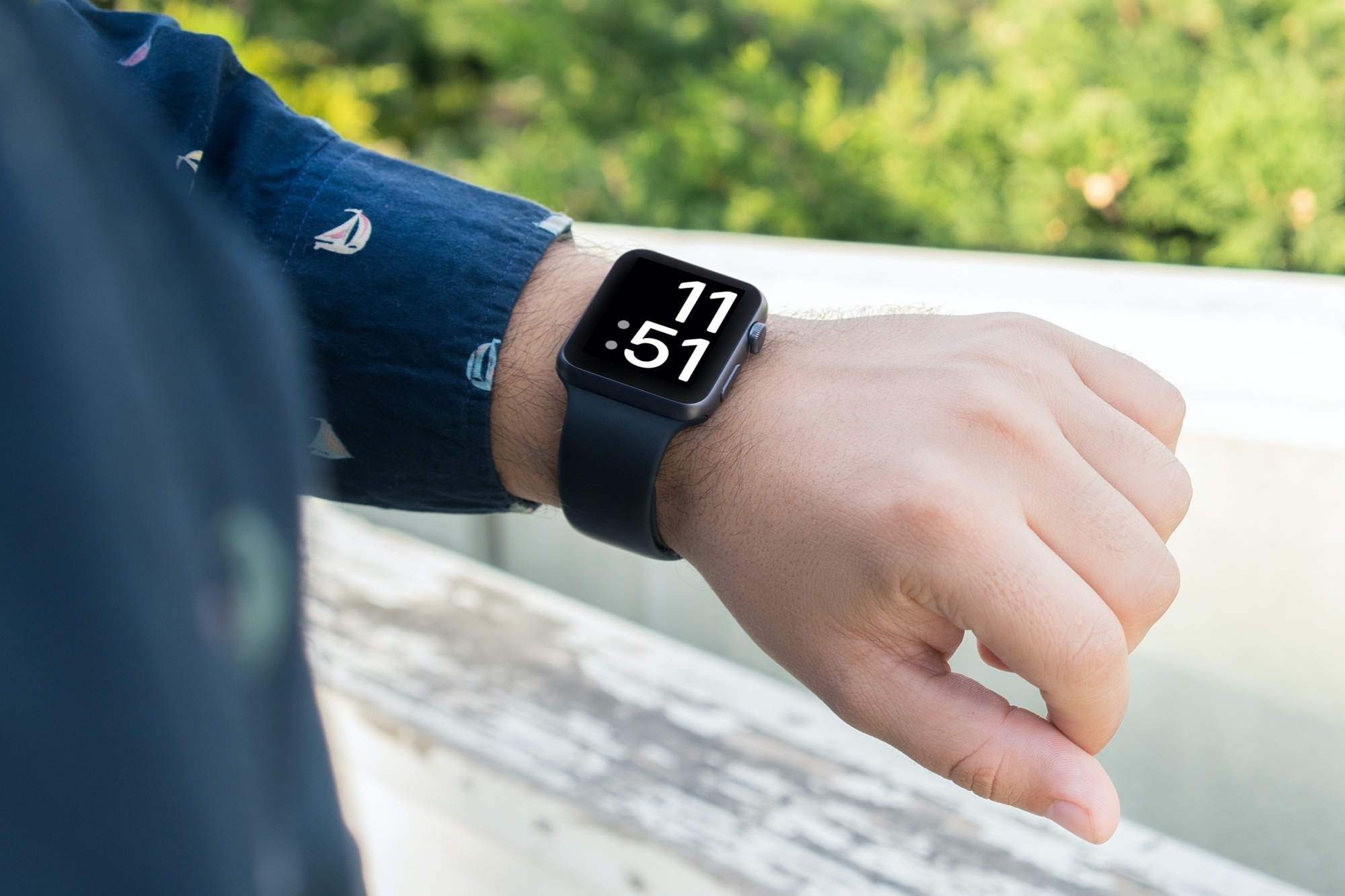
Earlier today, Apple seeded the first beta of iOS 14.5 to developers. And, as such, discoveries of what's new are being made in the latest prerelease software.

Apple has been working on the next update for macOS Big Sur for a bit of time now. But finally, the new software is available to the public.
Not too long ago, Apple released iOS 14.4 and iPadOS 14.4 to the public. But the train to the next software update is already on the move.

We've known for over a month now that Tim Cook, Apple's CEO, is going to testify in the legal battle with Epic Games. But today we find out just how long at least one deposition is going to take.
Apple has released a new Windows app for accessing saved web and app passwords in Safari through Google's Chrome browser. Now folks who use macOS and Windows interchangeably can finally use their passwords to log in to websites.
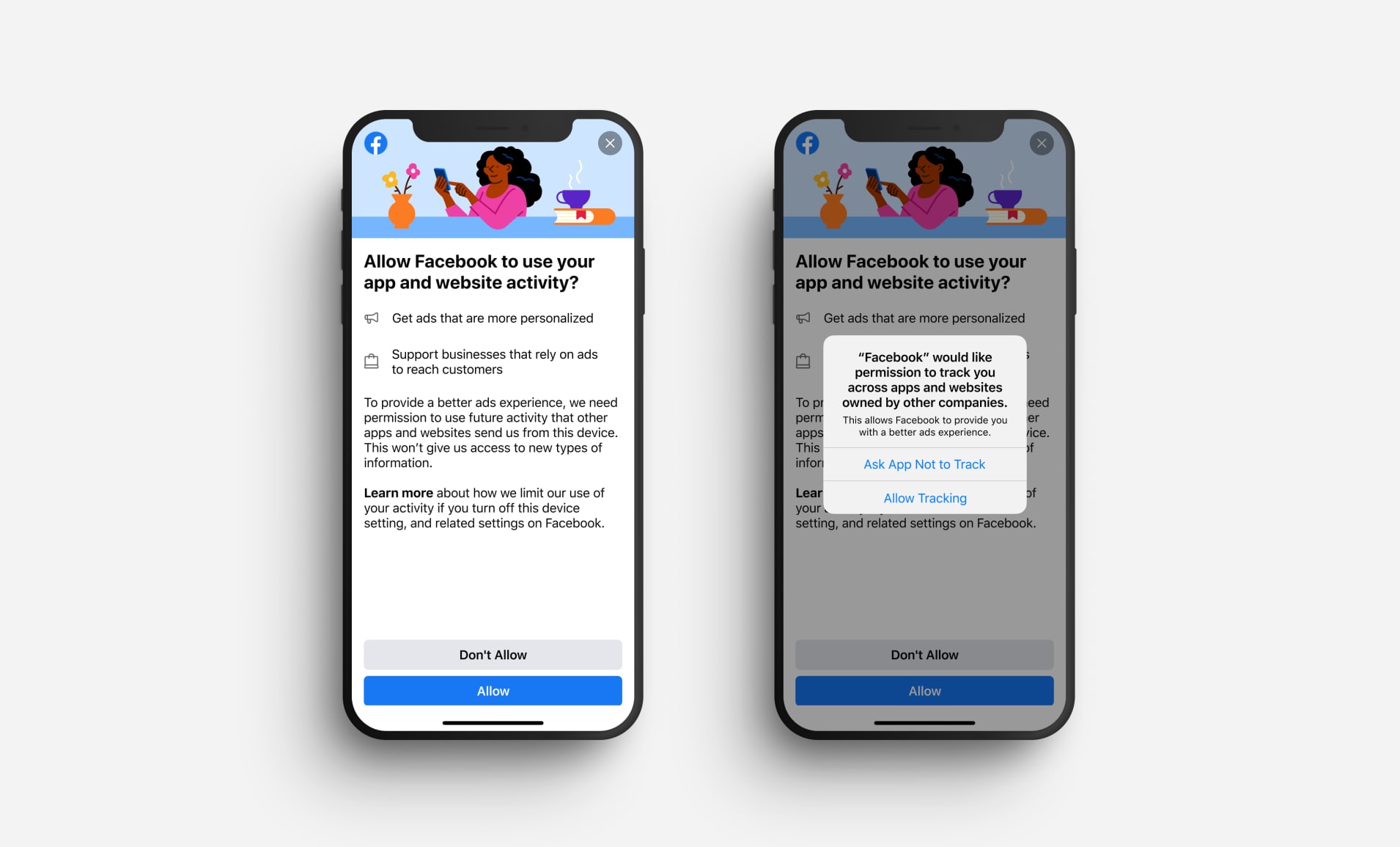
User privacy won't stop being a big deal any time soon, even with Apple trying new ways to mitigate the impact. But with companies like Facebook out there in the wild, trying their hardest to gobble up all the information they can about people, it's an uphill battle. And now Facebook has a new plan to try and get users on "their side" moving forward.

Apple today launched its new Black Unity Apple Watch collection, consisting of a limited-edition Sport band that has been assembled from individual pieces of colored fluoroelastomer, along with the wearable device itself and a specially-crafted watch face.

This past weekend, Apple's games-subscription service has picked up “Populus Run,” a crowd control runner from developer FIFTYTWO.

Netflix is experimenting with a sleep timer in the mobile app that could potentially release publicly across all Netflix platforms should the feature prove itself successful with test users.
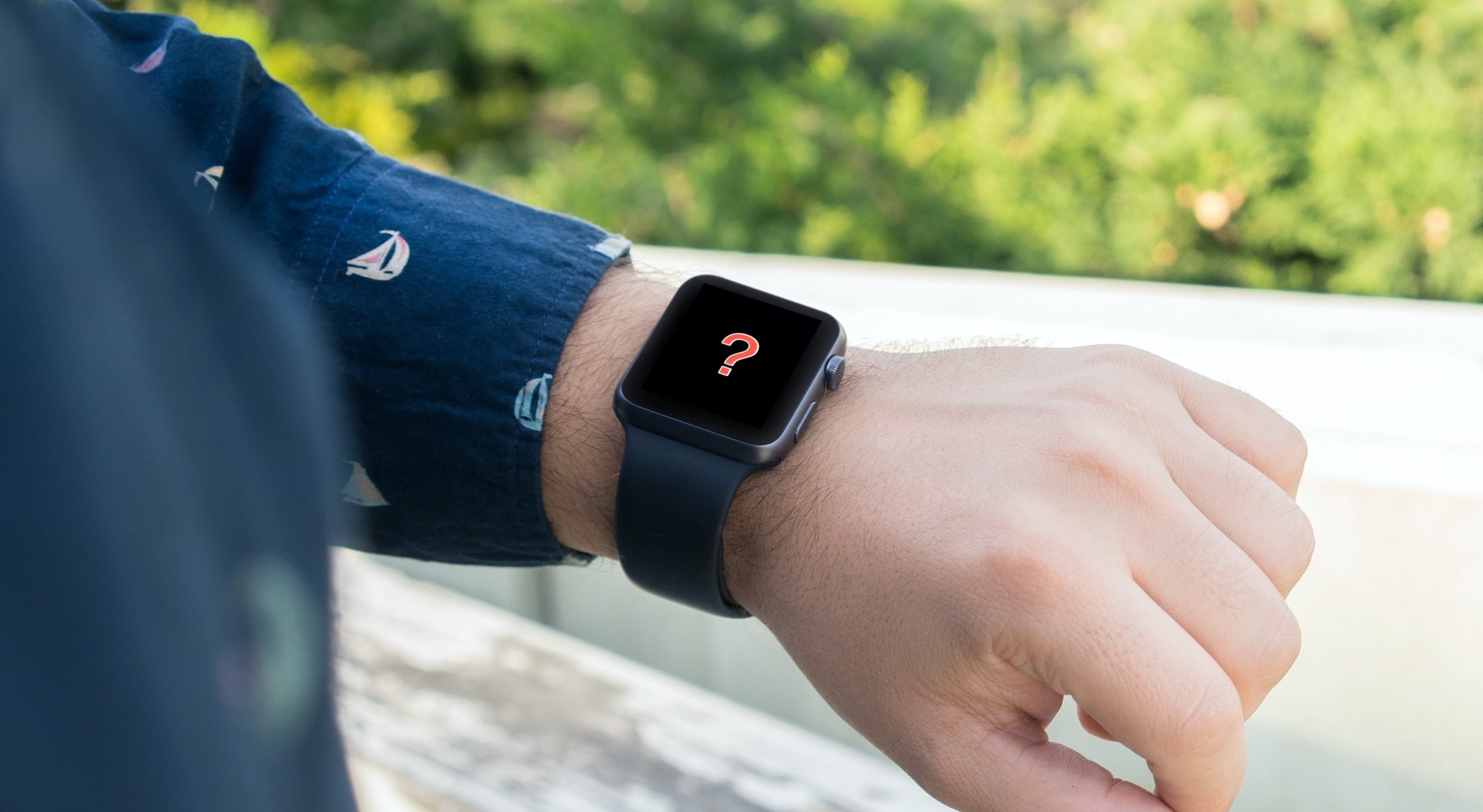
Is your Apple Watch running low on local storage space? In this tutorial, we’ll share five easy ways to make space on your watch for newer apps, media, and more.
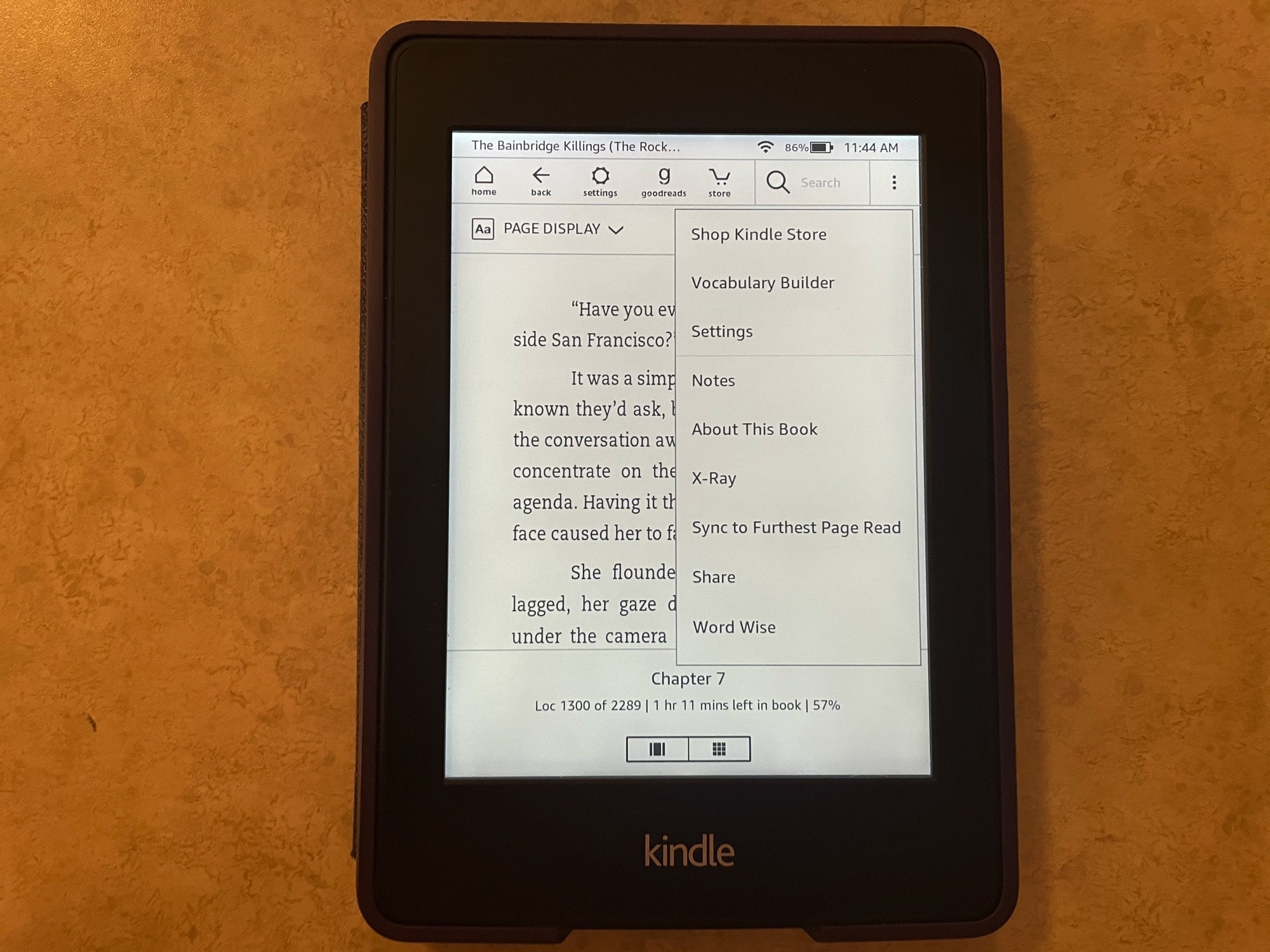
If you’re brand new to the world of Kindle, then you might be wondering what this X-Ray feature you see is and how to use it.
With X-Ray enabled books, you can get more information on what you’re reading. It’s an overall reference that you can use to keep up with characters, terms, and even images. Here, we’ll show you how to use X-Ray for books on your Kindle Paperwhite.
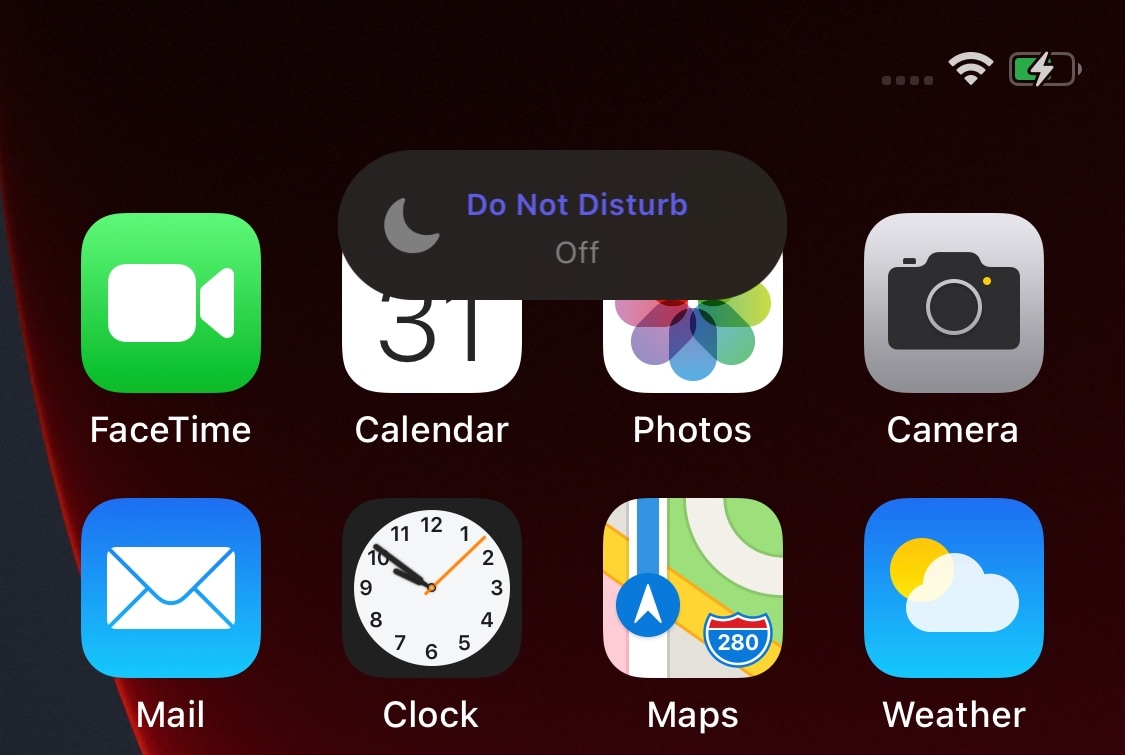
Whenever you switch the iPhone’s ringer/silent switch between the ringer and silent positions, iOS automatically shows a small pop-up at the top of the display to let you know the status of the switch.
We really like this subtle feature, and that’s one of the reasons why we’ve often wondered why Apple doesn’t do the same for Do Not Disturb mode. After all, if you’re unaware when Do Not Disturb gets turned on, you could miss important notifications. With that in mind, you’d think Apple would want users to be more aware of when it gets switched on or off – automatically or not.