Learn how to use the archive feature on Instagram to move your published posts to a hidden section that's only visible to you and nobody else on the platform.
How to archive your Instagram posts, Stories, and Live videos
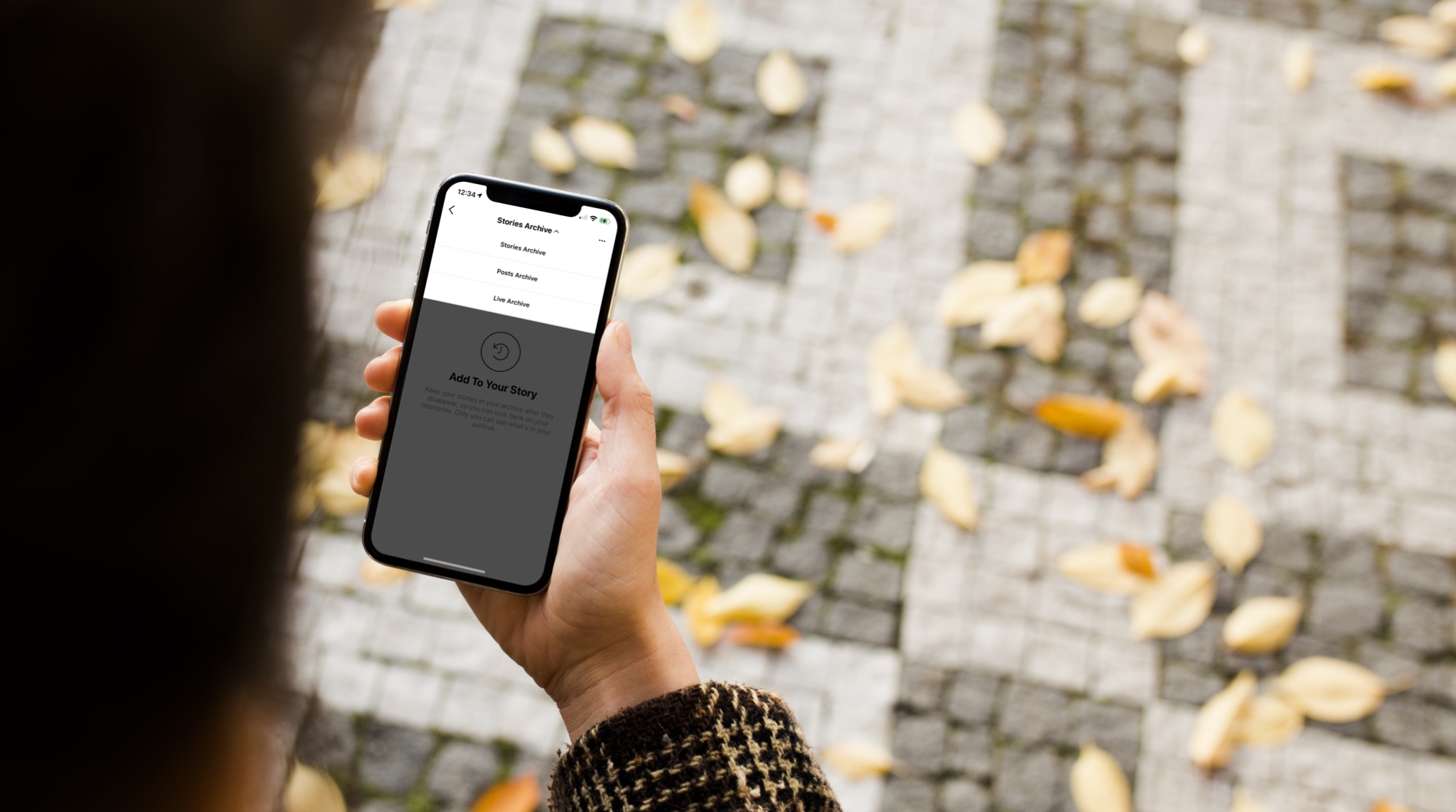
Learn how to use the archive feature on Instagram to move your published posts to a hidden section that's only visible to you and nobody else on the platform.
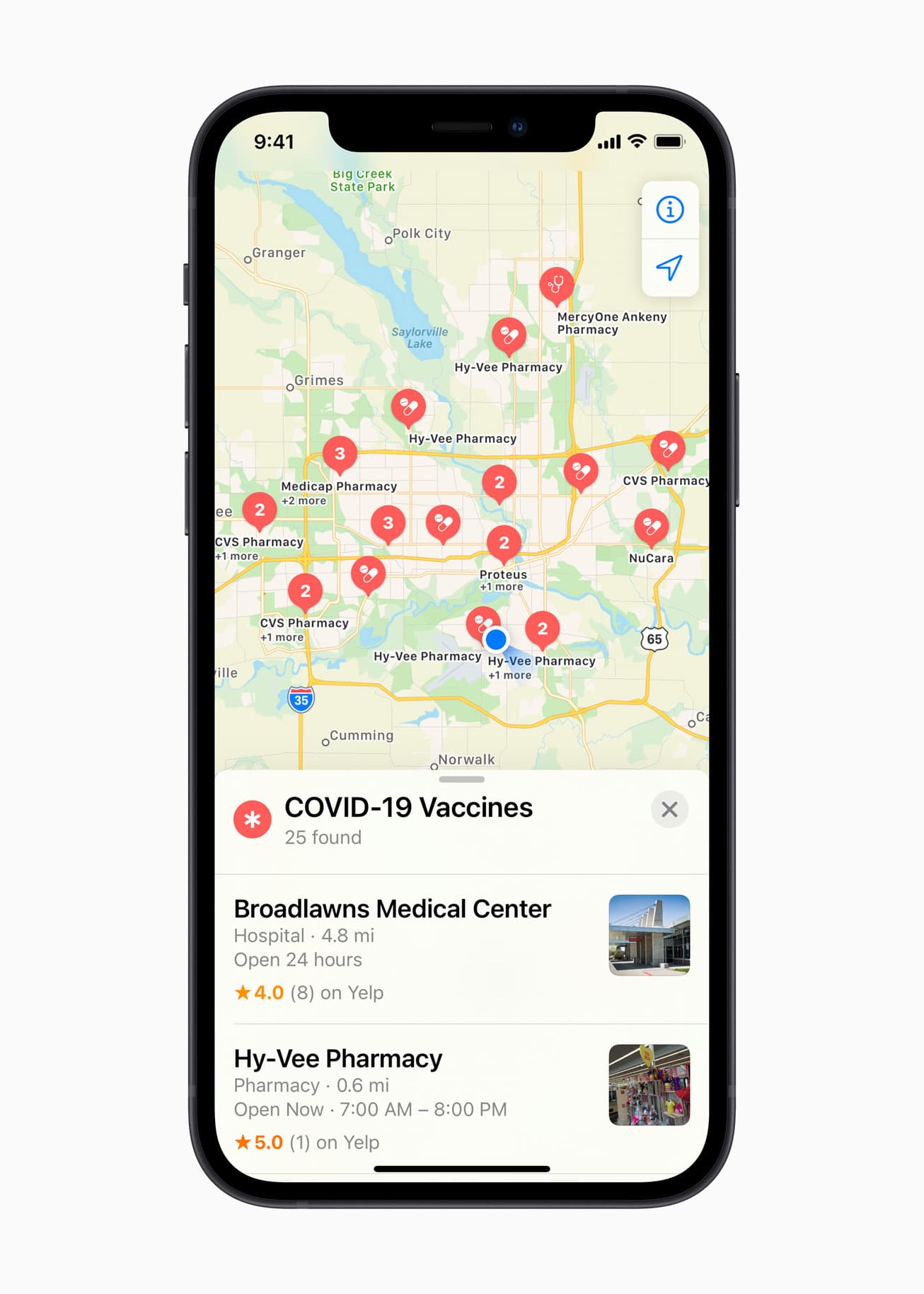
Apple Maps is gaining a new feature today, as Apple adds the ability for users to quickly locate COVID-19 vaccination locations.
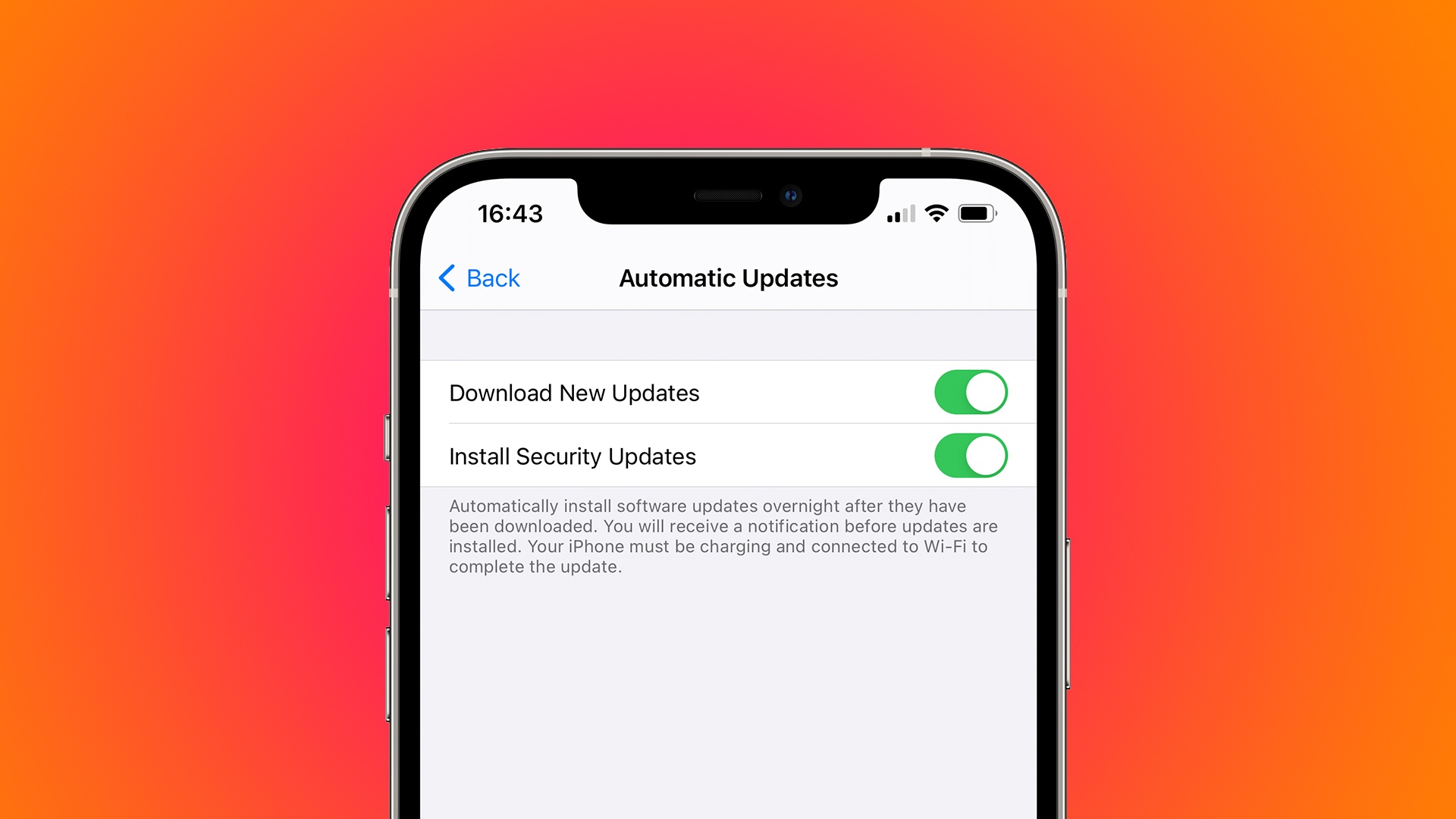
Apple is reportedly tweaking its Software Update mechanism to support the delivery of standalone security fixes to iPhone and iPad users without installing the latest iOS version.
Story HIGHLIGHTS:
This would be similar to macOS updates. A new toggle in your Automatic Updates settings. Get security fixes without installing an iOS update. The handy feature requires iOS 14.5 and could be nixed. Security fixes delivered separatelyYour Mac supports the delivery of security fixes separately from main macOS software updates. This is used, for example, to deliver critical security fixes to customers who happen to be using an older version of the macOS operating system. Android, Windows and other operating systems work like this, too, and now the same feature is reportedly coming to the iPhone and iPad owners with Apple's respective iOS 14.5 and iPadOS 14.5 updates.
9to5Mac has spotted interesting changes within the iOS 14.5 code suggesting that Apple is working on a new feature that would give customers the option to choose whether they would like to get the latest iOS updates separately from security fixes for the platform.
More specifically, the site has found a new toggle within the Automatic Updates menu that would let you choose whether you'd like to only receive security updates or full iOS updates.
There are no guarantees this feature will launch publicly but if it does, you'll be able to receive critical security fixes for your device without having to install the latest iOS version available.
How would this be beneficial?According to 9to5Mac, users may need to delete a specific iOS fix that they previously downloaded before being able to download another iOS update. "The new code found in iOS 14.5 also mentions that once you download a specific update, such as a security update, you may need to delete it before installing another available iOS update," reads the article.
→ How to stop automatic iOS updates
Apple could use this to continue offering security updates to folks on iOS 14 after the release of iOS 15. A good example is the recent iOS 14.4.1 update which only brought a security fix for a major WebKit vulnerability and nothing else—with the new system, Apple could only deliver the necessary fix without having to release a whole new iOS point update just for that.
When's iOS 14.5 coming out?Aside from this feature, iOS 14.5 will also bring the ability to unlock your iPhone with your Apple Watch while wearing a mask, new Shortcuts actions, 200+ new emoji, support for Beast headphones in the Find My app, Waze-like reporting in Maps and more.
iOS 14.5, iPadOS 14.5 and other Apple OS updates are currently in developer testing, with a few additional betas likely in the works before the final builds are ready for prime time. Though Apple has not said when the updates are dropping, we're expecting an early-Spring launch.

First announced in October of 2019, Masters of the Air has been in the works for Apple TV+ for quite some time. And it's only been recently that we've finally heard some casting news. And today adds to that list.
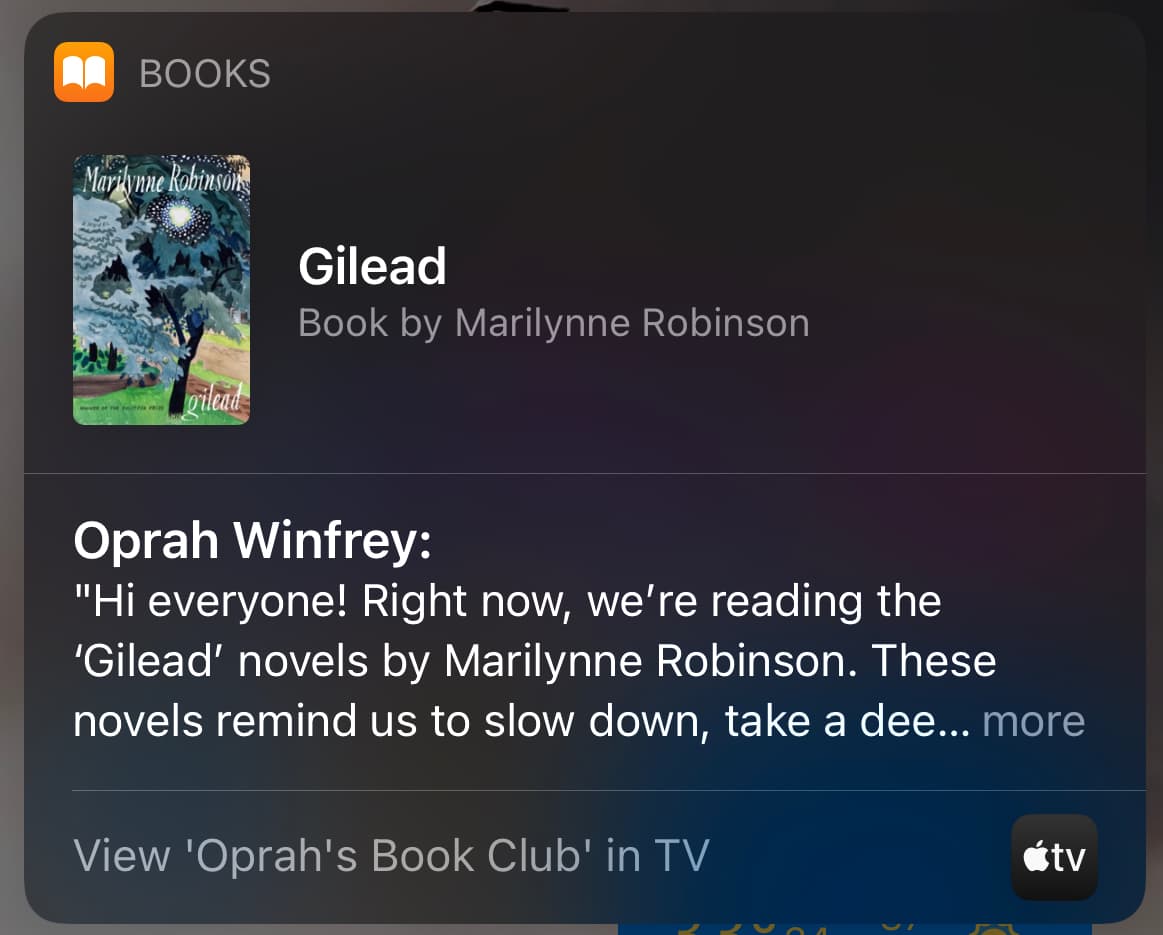
Siri has plenty of tricks and features, but there's still room to grow. And now Oprah is helping the digital assistant with that.

As part of the device setup procedure, Apple will soon show iPhone and iPad users in Russia a dialog box offering to preinstall government-approved apps in order to comply with new laws.

Supporting young filmmakers is an important endeavor, giving them the means to launch short films to tell their stories. The Redford Center is teaming up with Apple this year to help with that.
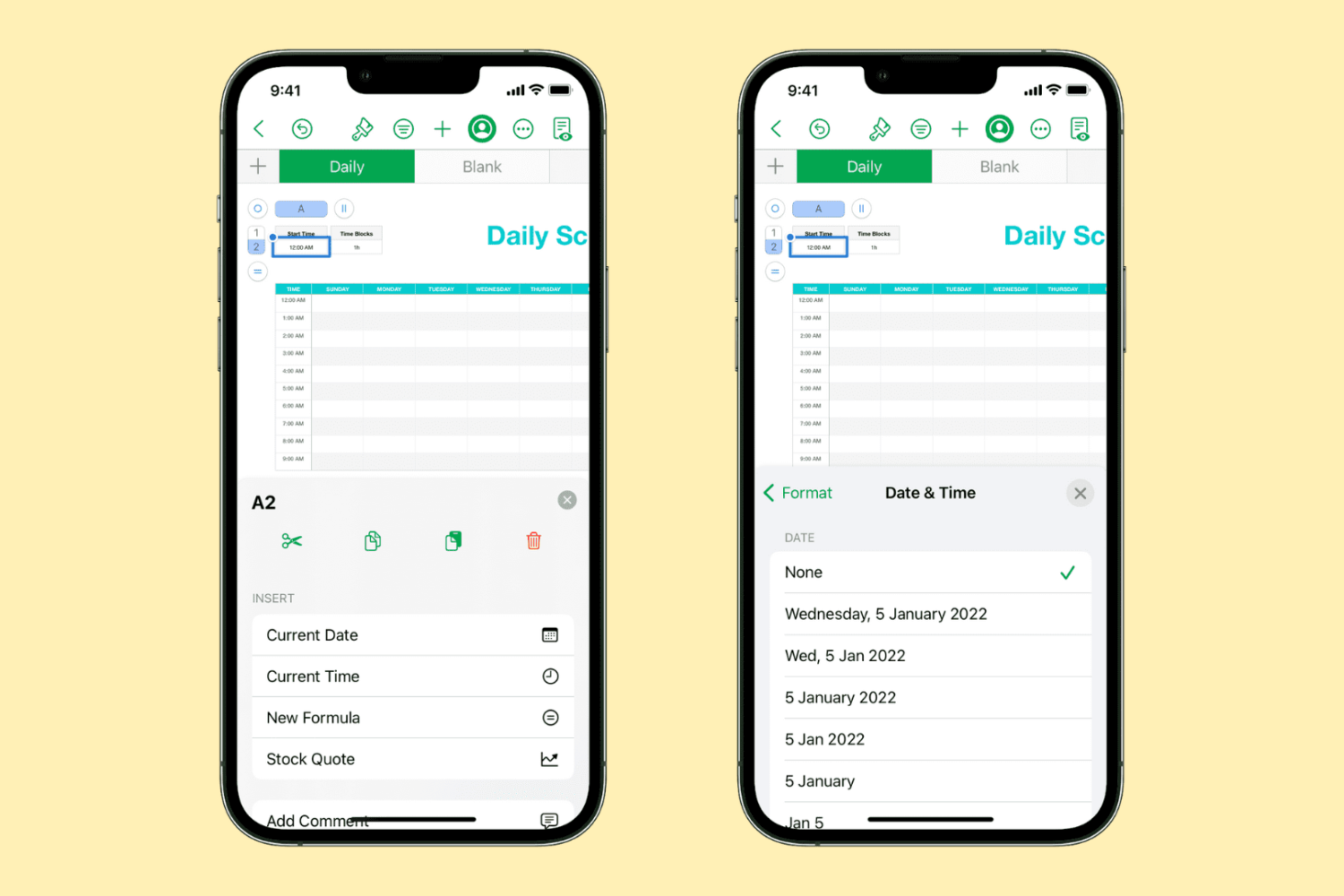
Learn how to quickly insert the current date and time in your Numbers spreadsheet without manually typing them, and change their format to one that works best for you.
It took long enough, but Google has finally decided to follow along with Apple's own commissions associated with its digital storefront.

One of the many projects in the works for Apple TV+ is a new series called The Essex Serpent. It's had a bit of a rocky road when it comes to casting, but it looks like all of the rough parts have been smoothed out. And now we've got new casting news to share.

The rumor mill isn't giving up on AirPods 3, even as it recently moved the goalposts as far as a release date is concerned. Unfortunately, even the leakers are jumping on the same train as the analysts.
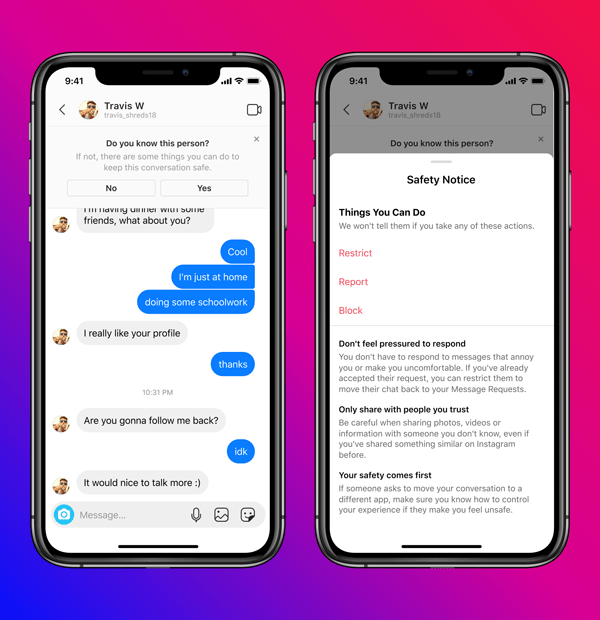
To make its platform safer for teenagers, Instagram today announced new policies to restrict direct messaging between teens and adults they don’t follow. In other words, adults will no longer be able to send messages to Instagram users who are underage and don't follow them.