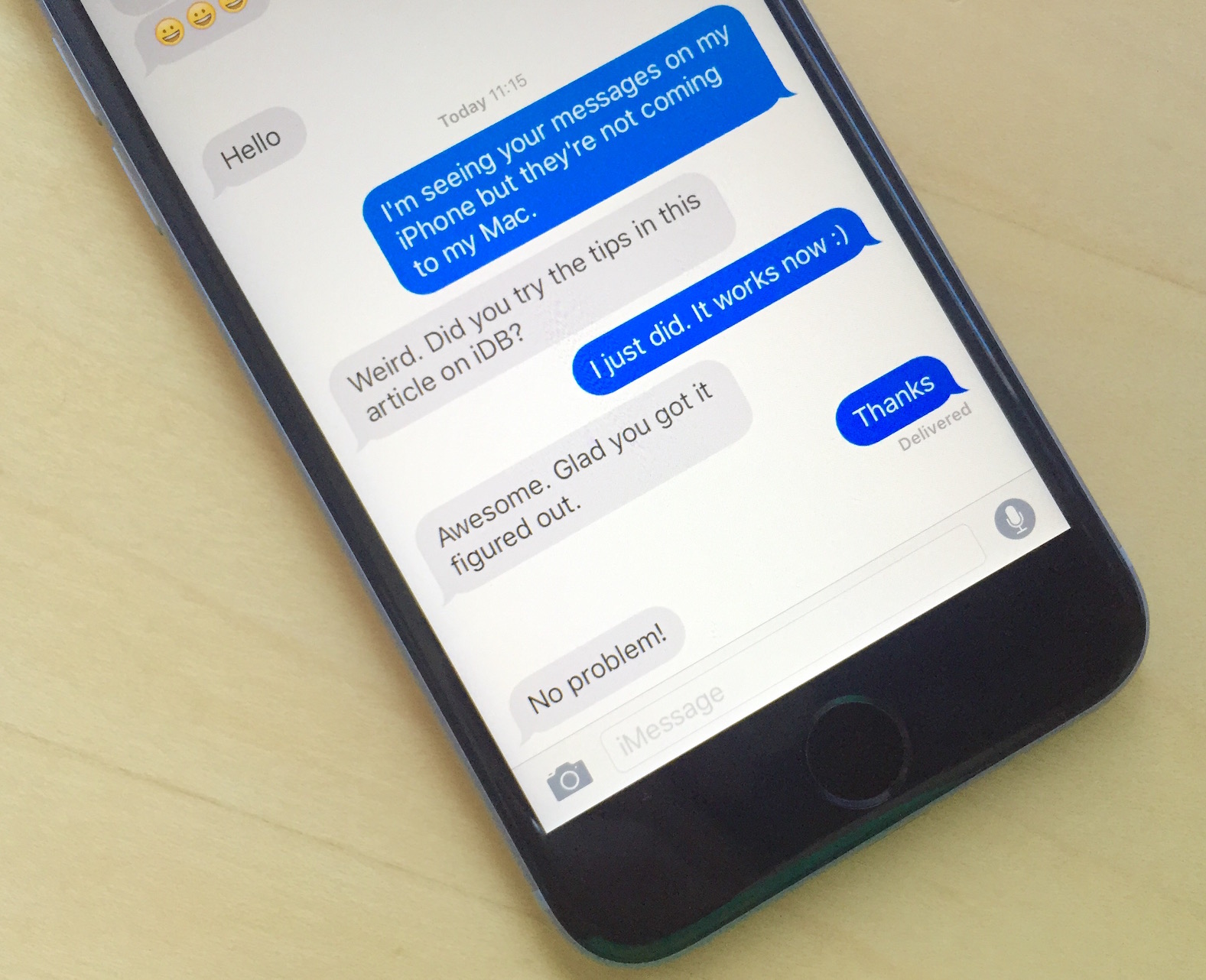
The first signs of a future launch of Apple Pay support in South Africa popped up back in January. Now, more than two months later, the time has finally arrived.
Apple Pay support rolling out in South Africa

The first signs of a future launch of Apple Pay support in South Africa popped up back in January. Now, more than two months later, the time has finally arrived.

Apple has announced that it will host its next conference for developers from June 7, 2021, through June 11. Similar to the last summer's developers conference, WWDC 2021 will also be an online-only event rather than an in-person gathering due to the current pandemic.

Sebastien and Cody talk about potential design and features of the rumored Explorer edition Apple Watch. They also discuss their ongoing beef with Siri, Sebastien’s odd musical tastes and Cody’s gambling problem. Check it out!
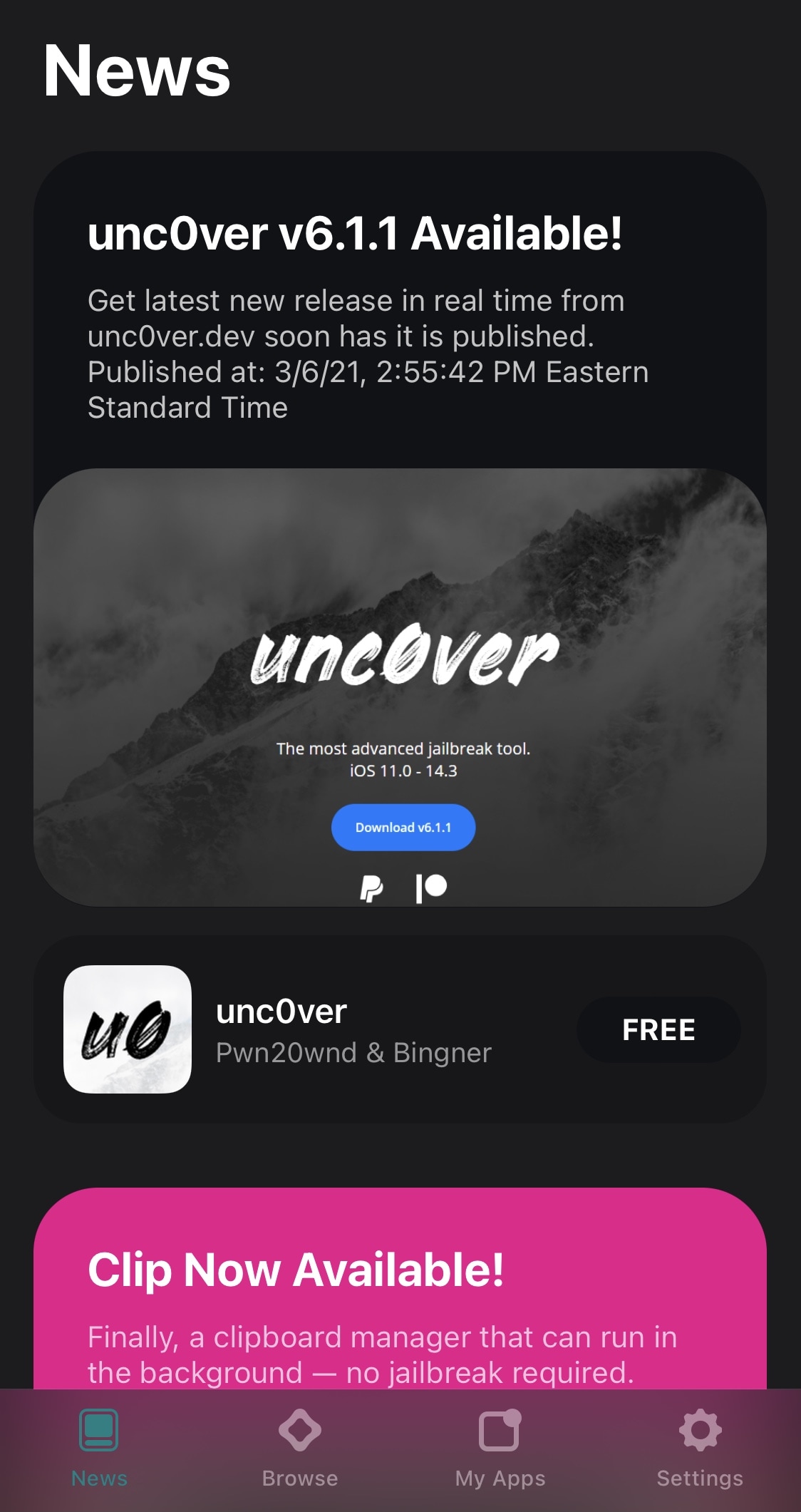
If like so many other jailbreakers out there, you depend on the unc0ver tool to keep your iPhone or iPad pwned, then we’ve got some good news for you – especially if you take advantage of AltStore to install unc0ver on your device.
As many AltStore users already know, the app hosts download links to some of Riley Testut’s software, including the Delta emulator app for various Nintendo-centric systems and the Clip clipboard manager. Both can both be installed with the tap of a button directly from the AltStore app as long as you’re connected to the same Wi-Fi network as AltServer on your computer.
Apple's contracted Taiwan Semiconductor Manufacturing Company (TSMC) to build next-generation chips for the upcoming iPhone 13 and its next Mac computers ahead of schedule.
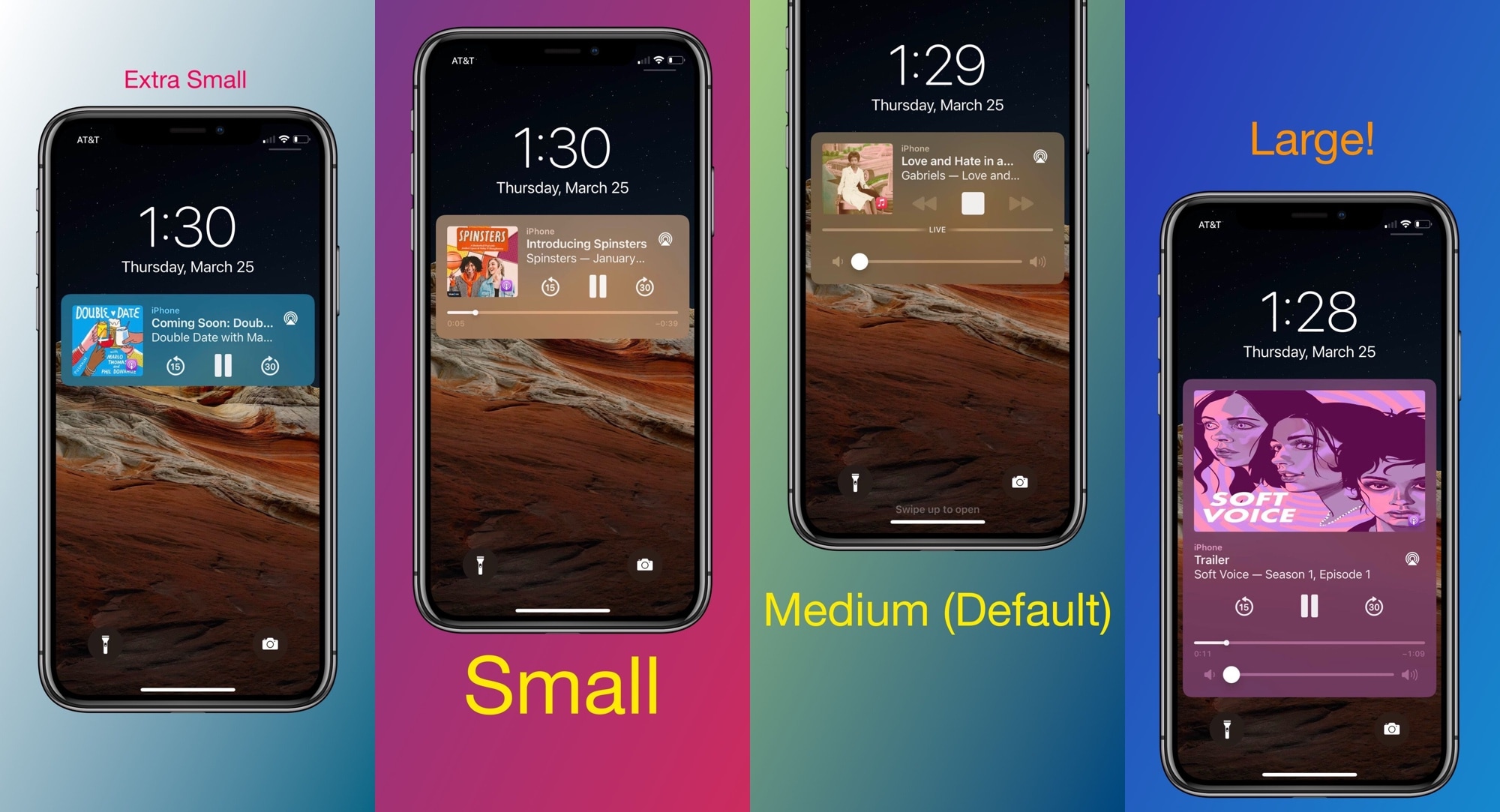
Anyone who uses their iPhone for frequent media consumption will inevitably interact with the handset’s Now Playing widget under various circumstances. It can be useful for pausing the Now Playing track in a pinch or resuming playback when it has already been paused. Moreover, it makes skipping to the next or returning to the previous one without unlocking your device a breeze.
Despite just how useful the iPhone’s Now Playing widget can be, I still find myself desiring more when I see it. It could be that the widget is merely too plain for my taste; or perhaps that I feel that Apple could’ve done so much better than they did when designing it. If you agree, then a newly released jailbreak tweak dubbed Arkita by iOS developer P2KDev may offer a hint of refuge.
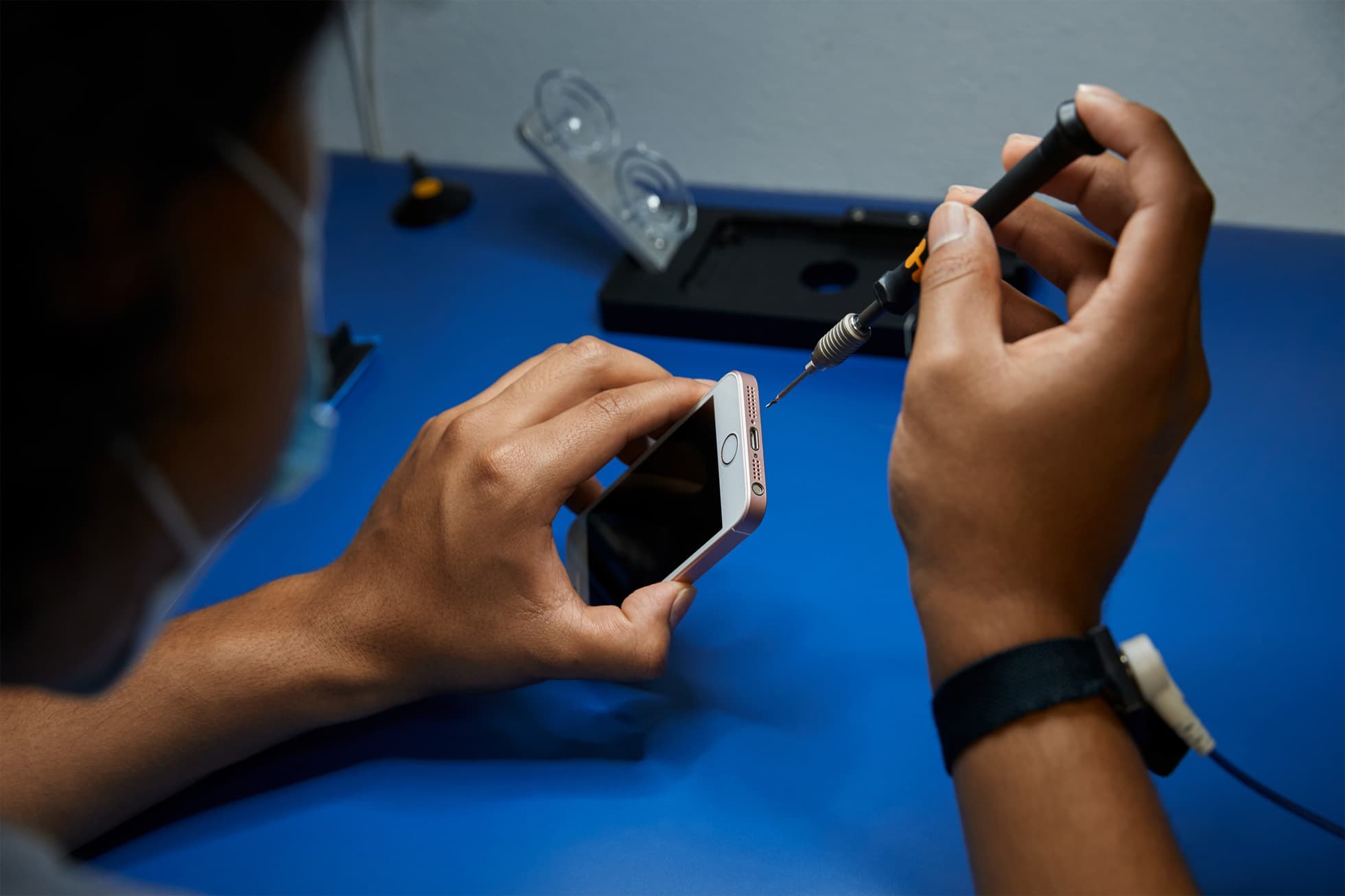
In late 2019, Apple launched its Independent Repair Program at select shops. The idea was to expand availability of certified repairs for damaged iPhones, going beyond just Apple store appointments. Now that program is expanding quite a bit.
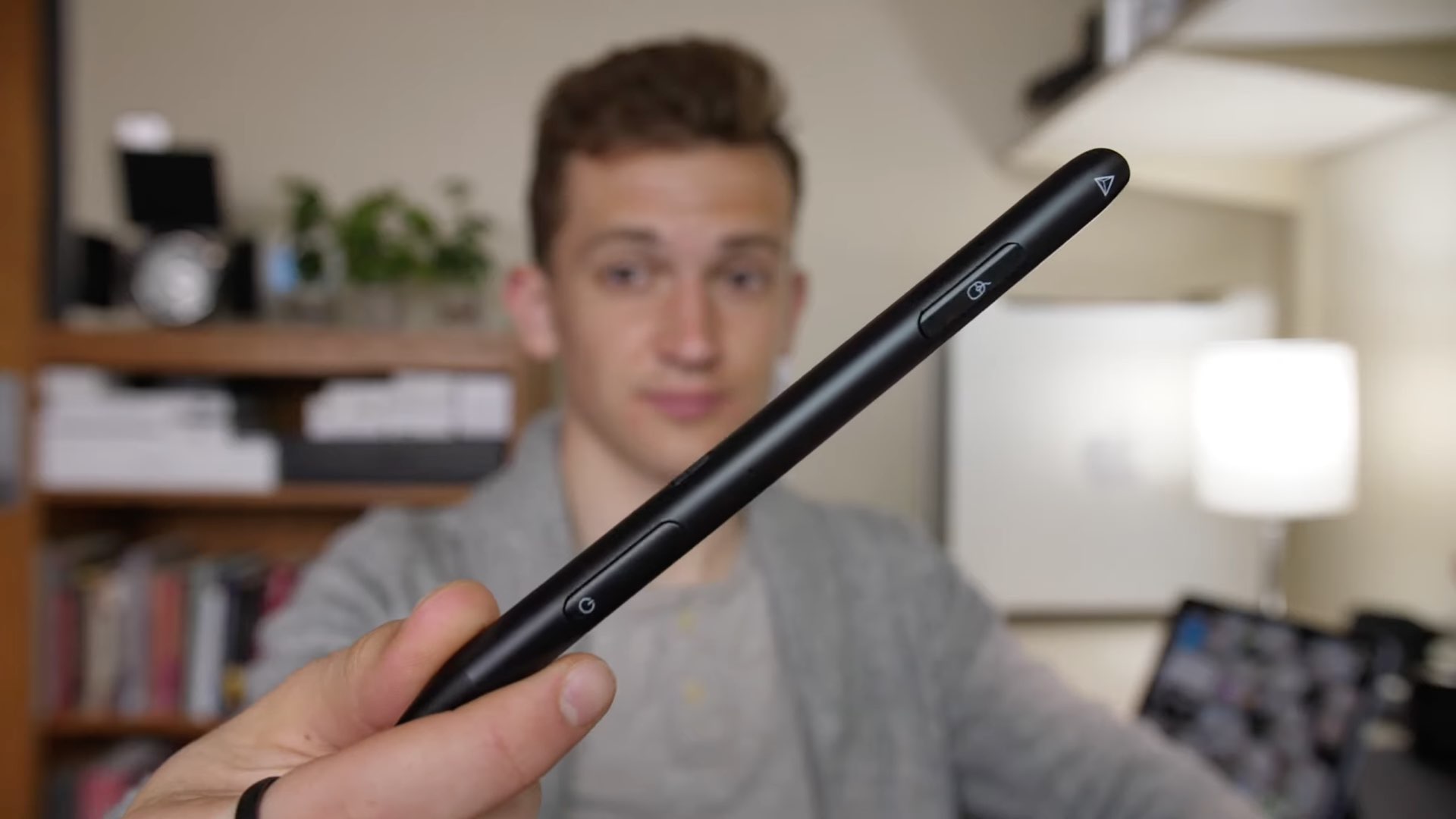
Instead of having to carry your iPad stylus along with a mouse/trackpad everywhere you go, why not carry just one thing? That's exactly the biggest selling point of a cool Adonit stylus so we have asked our videographer, Harris Craycraft, to create a video to tell you all about it.

Learn how to use Siri suggestions in Safari on your iPhone, iPad, and Mac to get recommendations for useful sites you might want to visit.
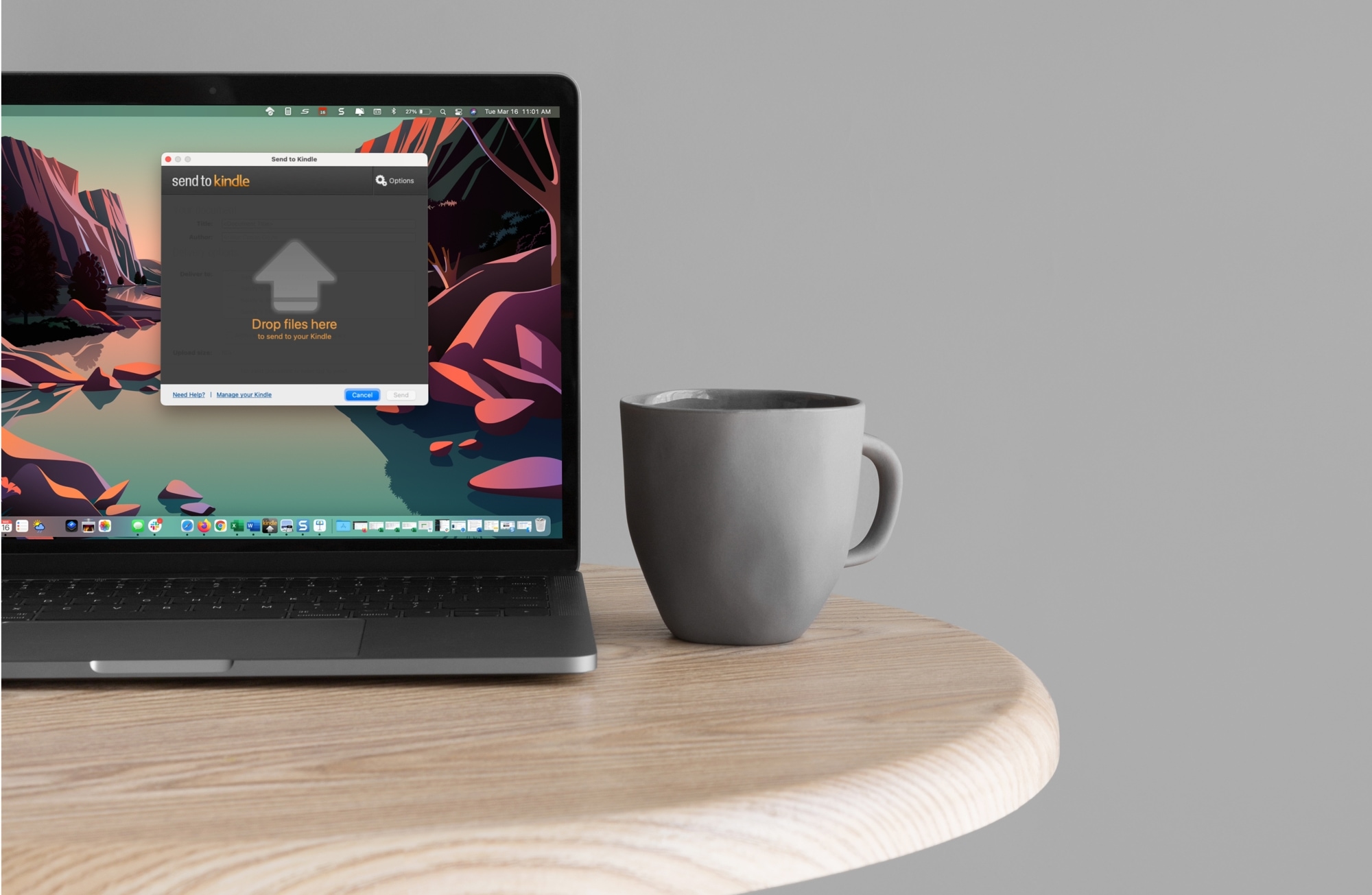
Learn how to use the Send to Kindle app on Mac to get documents, PDFs, and books easily to your Kindle or the Kindle app.
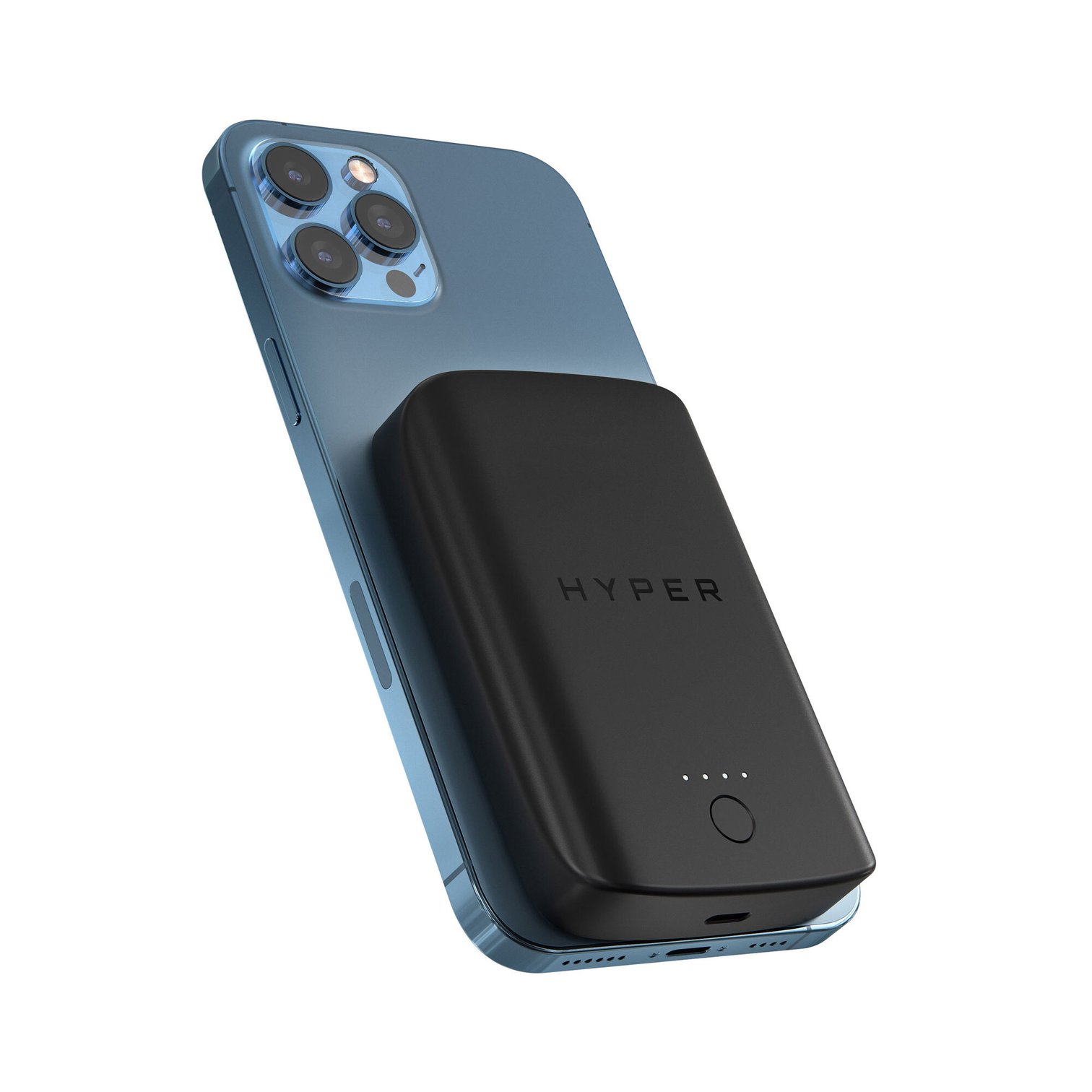
Earlier this year, rumors started to swirl that Apple was going to launch a battery pack featuring MagSafe technology. This would veer away from Apple's battery case, choosing to connect the charging accessory directly to the back of the handset instead. But, we're still waiting for that to happen and third-party accessory makers are filling in the gap.