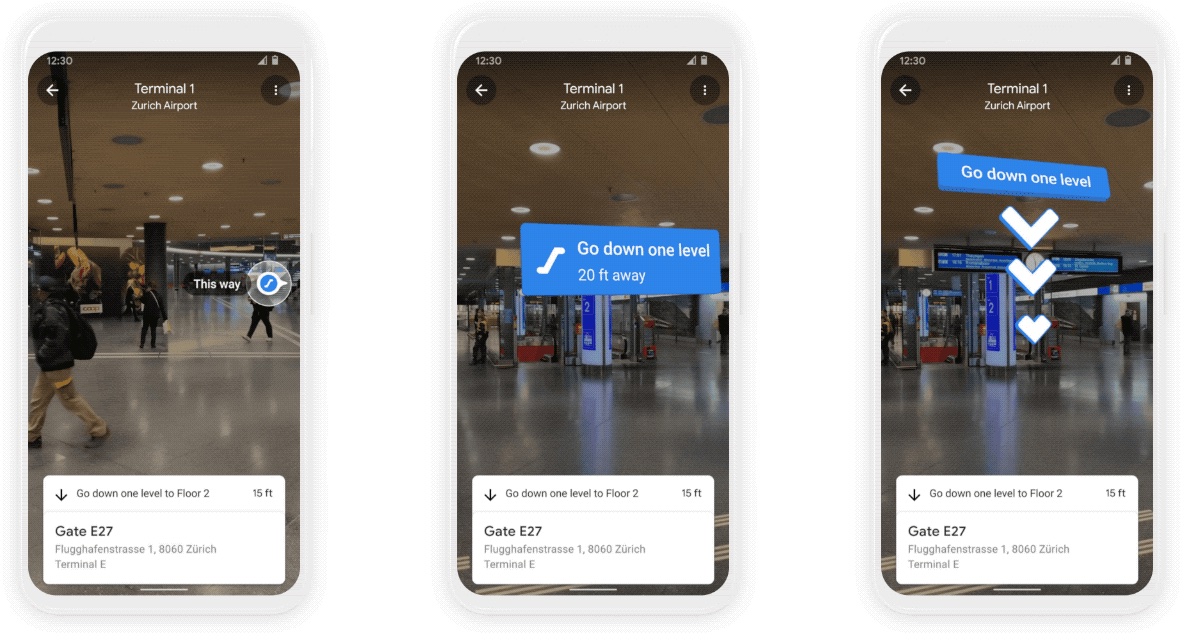
Google is bringing an awesome new mode to its mapping app for iOS and Android designed for augmented reality (AR) navigation inside shopping malls and airports.
STORY HIGHLIGHTS:
Indoor AR navigation in Google Maps.
Works inside shopping malls and airports.
New eco-friendly route options due later in 2021.
AR indoor navigation with Google Maps
This has been confirmed in a blog post on the Google website, which outlines a couple of new Google Maps features slated to hit iOS, iPadOS and Android devices later this year.
Called Live Mode, the new feature gives you accurate turn-by-turn directions inside shopping malls and airports by taking advantage of artificial intelligence to “scan tens of billions of Street View images to understand your orientation.”
Thanks to new advancements that help us understand the precise altitude and placement of objects inside a building, we’re now able to bring Live View to some of the trickiest-to-navigate places indoors: airports, transit stations and malls.
The feature debuted in Google Maps for iOS and Android for a handful of shopping malls in Chicago, Long Island, Los Angles, Newark, San Fransico, San Jose and Seattle. In the coming months, it'll roll out to select airports, malls, and transit stations in Tokyo and Zurich.
Additional cities and locations are coming in the future.
Eco-friendly routes
Aside from AR indoor navigation, Google Maps will also gain eco-friendly routes later this year.
With insights from the U.S. Department of Energy’s National Renewable Energy Lab, we’re building a new routing model that optimizes for lower fuel consumption based on factors like road incline and traffic congestion.
When that feature is launched publicly, Google Maps will default to the route with the lowest carbon footprint when it has approximately the same ETA as the fastest route, Google says.
→ What are lists on Google Maps and how do I use them?
“In cases where the eco-friendly route could significantly increase your ETA, we’ll let you compare the relative CO2 impact between routes so you can choose,“ reads the post. Google will let you change your defaults to have the app, for example, always show the fastest route.
Eco-friendly routes will be available on both iOS and Android later this year. Initially, this feature will cover the US, but Google's promised a global expansion arriving at some point.
Air quality and other tidbits
Google even outlined some of the features that will be coming to its mapping service later this year, including weather and air quality information, with the relevant data being pulled from such partners as The Weather Company, AirNow.gov and the Central Pollution Board.
With the new weather layer, you can quickly see current and forecasted temperature and weather conditions in an area—so you’ll never get caught in the rain without an umbrella. And the new air quality layer shows you how healthy (or unhealthy) the air is—information that’s especially helpful if you have allergies or are in a smoggy or fire-prone area.
→ How to use filters to search for Google Maps locations
Weather information and the air quality index will hit Google Maps on iOS and Android “in the coming months.” The weather layer will be available globally and the air quality layer will launch in Australia, India and the US, with more countries to come—you guessed right—at a later time.
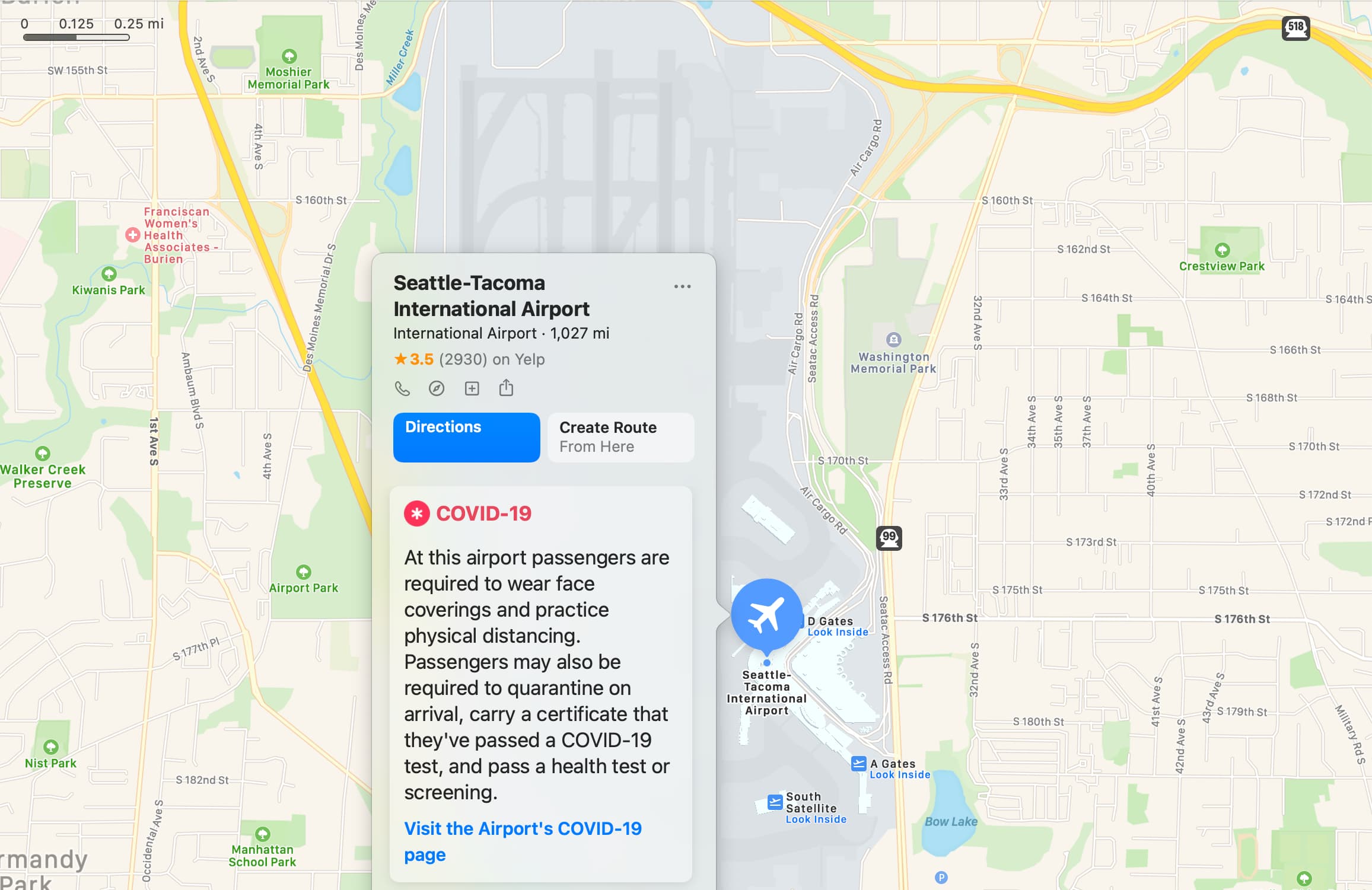
Both weather and air quality information have been available on Apple Maps for some time.
And lastly, stores’ business profiles available on Google Maps and through Google Search will now display useful information such as delivery providers, pickup and delivery windows, fees, as well as order minimums. This is currently available via Google Search on mobile, starting with Instacart and Albertsons Cos. stores in the US.
The feature will extend to Maps and expand to other partners in the future.