Intel’s CEO leans into ‘competitive fun’ with Apple as the company balances marketing and future prospects

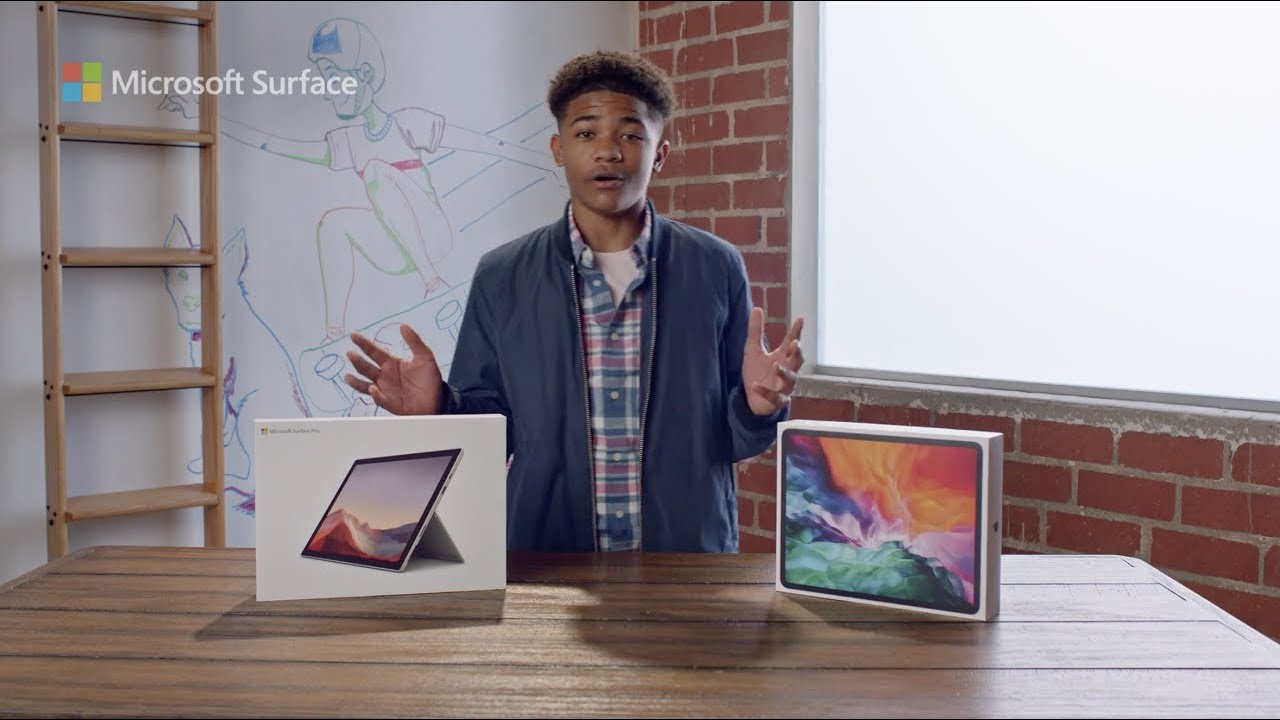
Last year, Apple began its transition away from Intel chips in its computers, opting to go with its own Apple silicon instead. Earlier this month, Intel launched a new ad campaign against Apple, trying to get people to stop paying attention to the successful M1 processor in its newest MacBook models, and instead keep folks interested in Intel chips.

How to read books on Kindle for free

Read Book on Kindle Paperwhite

If you just picked up your first Kindle and have been reading terrific books, we have several ways for you to get even more, for free.

You may not realize it, but there are plenty of free books out there if you know where to look. From perks you get with Amazon Prime to checking your local library online, you don’t have to spend a dime to enjoy reading on your Kindle.

macOS Big Sur 11.3 brings iOS game controller emulation for ‌Apple silicon Macs

Apple's promotional image for the macOS Big Sur software update for Mac computers

macOS Big Sur 11.3 allows gamers who run iPhone and iPad titles on their Apple silicon Macs to use a keyboard or a keyboard and mouse combination as an iOS game controller.

STORY HIGHLIGHTS:

Use Mac controls in touch-based iOS games. Map controller actions to keyboard keys. Map these to mouse buttons, too. No controller required at all!

Emulating iOS game controllers on M1 Macs

MacRumors has more on how that works:

When running an ‌iPhone‌ or ‌iPad‌ app, opening up the preferences brings up a Touch Alternatives and Game Control interface that can be used to make touch-based ‌iPhone‌ and ‌iPad‌ apps run better with Mac controls.

With Controller Emulation toggled on, common game controller buttons are mapped to keyboard keys and mouse buttons. X, for example, is mapped to Q, the direction stick is mapped to WASD, and Y is mapped to E. L1 and L2 can be accessed by pressing Tab and Shift, respectively, and the Space Bar is the A button.

This new feature in macOS Big Sur 11.3 should make playing touch-optimized iPhone and iPad games on Apple silicon Macs much easier than before without having to use a game controller at all. If an iOS/iPadOS game doesn't support game controllers, this feature won't work.

→ How to use Sony and Microsoft game controllers with Apple devices

macOS Big Sur 11.3 lets you resize iPhone and iPad windows and provides the aforementioned Touch Alternatives feature for mapping taps, swipes, drags and tilts in iOS titles to keyboard keys (Controller Emulation and Touch Alternatives cannot be used simultaneously).

The update also adds support for the latest PlayStation 5 and Xbox One X controllers.