Tether automatically locks your Mac when you walk away, unlocks it when you return

If you use a Mac in a public place, or around particularly snoopy family members or roommates, you probably worry about leaving your computer unattended and unlocked for prying eyes to see. Locking up before leaving your desk becomes a habit. But sometimes you forget, and it is always a bit of a hassle.

Tether connects your Mac to your iPhone so that it locks up when you walk away and unlocks when you come back. After set-up, you don’t have to do anything else.

Popular Lock screen launcher atom is coming to iPad

One of the most popular Lock screen launchers for iOS 8 is headed to iPad. Atom, the Surenix-designed and Daniel Turner-developed atomic-inspired Lock screen launcher, is headed to the big screen. We've got a first hands-on look at atom for iPad, including a summation of the tweak's iPad-exclusive feature.

Tim Cook calls into CNBC’s ‘Mad Money’, talks ResearchKit, Apple Pay and more

It seemed like just another episode of Mad Money, CNBC's polarizing financial TV show, until host Jim Cramer took a call from "Tim in California." As you've probably guessed by now, it was Apple CEO Tim Cook on the line, prompting cheers from a surprised studio.

Cook began the call by congratulating Cramer on "10 great years of Mad Money," but it was clear he had other things to talk about. The first thing was ResearchKit, Apple's medical research app platform it unveiled on Monday, which as already had over 10,000 signups.

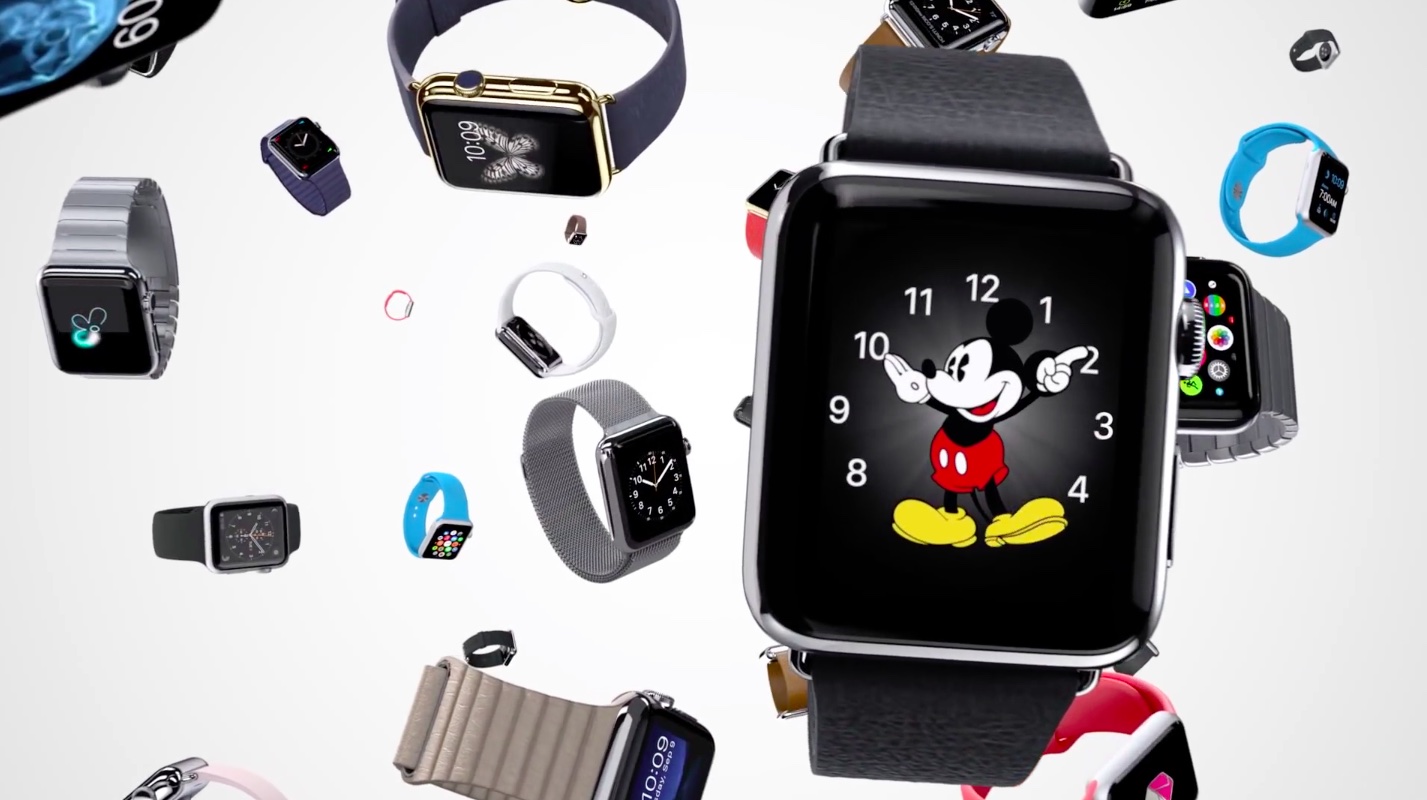
The best Apple Watch features Apple hasn’t told you about

The purpose of Apple Watch is something that has been greatly discussed ever since the company first unveiled it last September, and as the release date nears, it seems to be the topic of even more arguments.

Admittedly, Apple isn’t doing a great job at highlighting the true selling points of Apple Watch. If you go to the Watch mini site on Apple.com, the first thing Apple tells you about it is that it is an incredibly precise timepiece. I don’t know about you, but I don’t recall ever wondering if the time I was looking at (be it on my iPhone, my Mac, or my microwave clock) was indeed precise, and I imagine most people feel the same.

To me, there are three features Apple should have made essential parts of its marketing materials. The company either didn’t feel the need to because they aren’t actual features per se, or maybe Apple didn’t realize their importance, something that can only be measured as you use the device day in day out for an extended period of time.

I will not pretend I know better than Apple when it comes to communicating. That’s clearly not the case, but as someone who’s been using a Pebble every day for over a year, I believe I have a very good sense of what makes a smartwatch so indispensable.
Ulysses, popular Mac text editor, comes to iPad

Ulysses, a popular and versatile Mac app for focused writing, is now available on Apple's iPad. If your job involves writing, or you just love to write and write a lot, you're going to love this nifty app by German developer The Soulmen GbR.

Ulysses for iPad brings the same cohesive, distraction-free writing environment from the Mac to the Apple tablet.

With its powerful, yet simple editor and a comprehensive multi-format export supporting HTML, Markdown, PDF and other popular document formats, Ulysses puts the focus on writing and gives you a good excuse to buy a wireless keyboard for your iPad.

Wunderlist gets smarter with folders, Quick Add for iPhone, overhauled design and more

German developer 6Wunderkinder just pushed a major new update to its excellent list-making app, Wunderlist.

Billed as one of the biggest updates to Wunderlist ever, both the iOS and OS X edition of the software have received a brand new look stemming from a refreshing pop color and twelve hand-crafted pictograms. The facelift simplifies the Home view and makes it a lot easier on the eyes.

Wunderlist users on the web, Windows and Chrome can expect to see the new look interface over the course of the next few weeks.

OneNote for iPhone gains note previews, Mac edition improves collaboration

Thursday, Microsoft made the iPhone and Mac edition of OneNote even better by adding previews to help quickly find notes on the Apple smartphone while bringing out more notebook sharing enhancements on the Mac.

Note previews are comprised of a headline and an excerpt of the text and include a small thumbnail to help visualize its contents.

These snapshots are readily glanceable from your page list and your Recent Notes list and even incorporate handwriting so it's really easy to quickly locate the note you want to read or edit on the go.

8bit Doves is Apple’s new Free App of the Week

Today is the day Apple's editorial team gets to cherry-pick a new iOS app to feature as the App Store's Free App of the Week. Are you ready for something completely different this time around? Good, because this week's gem of a game is 8bit Doves (regularly $2.99).

The charming retro title incorporates a Gameboy like color scheme and pixelated graphics which evokes pleasant memories of the golden age of 8-bit gaming.

Spread across three worlds (Sweet Dreams, Deep Sleep and Nightmare), 8bit Doves employs simple mechanics in the form of an intuitive two button gameplay. Your goal is simple: you must fly through each stage and reach the exit. Those who manage to get doves to follow them along the way will earn some extra bonus bragging rights on Game Center.

Command & Conquer: Generals Deluxe Edition hits Mac App Store with 5K Retina graphics support

One of the finest real-time strategy games ever, Command & Conquer: Generals, and its standalone expansion pack, Zero Hour, are now available in one single package on the Mac App Store.

Priced at just twenty bucks, Command & Conquer: Generals Deluxe Edition includes the aforementioned classic real-time strategy games which have been updated to run on modern Macs.

Both games include local and online multiplayer, native support for up to 5K Retina resolution on the latest 27-inch iMac, gesture support for Mac notebook users and other perks.

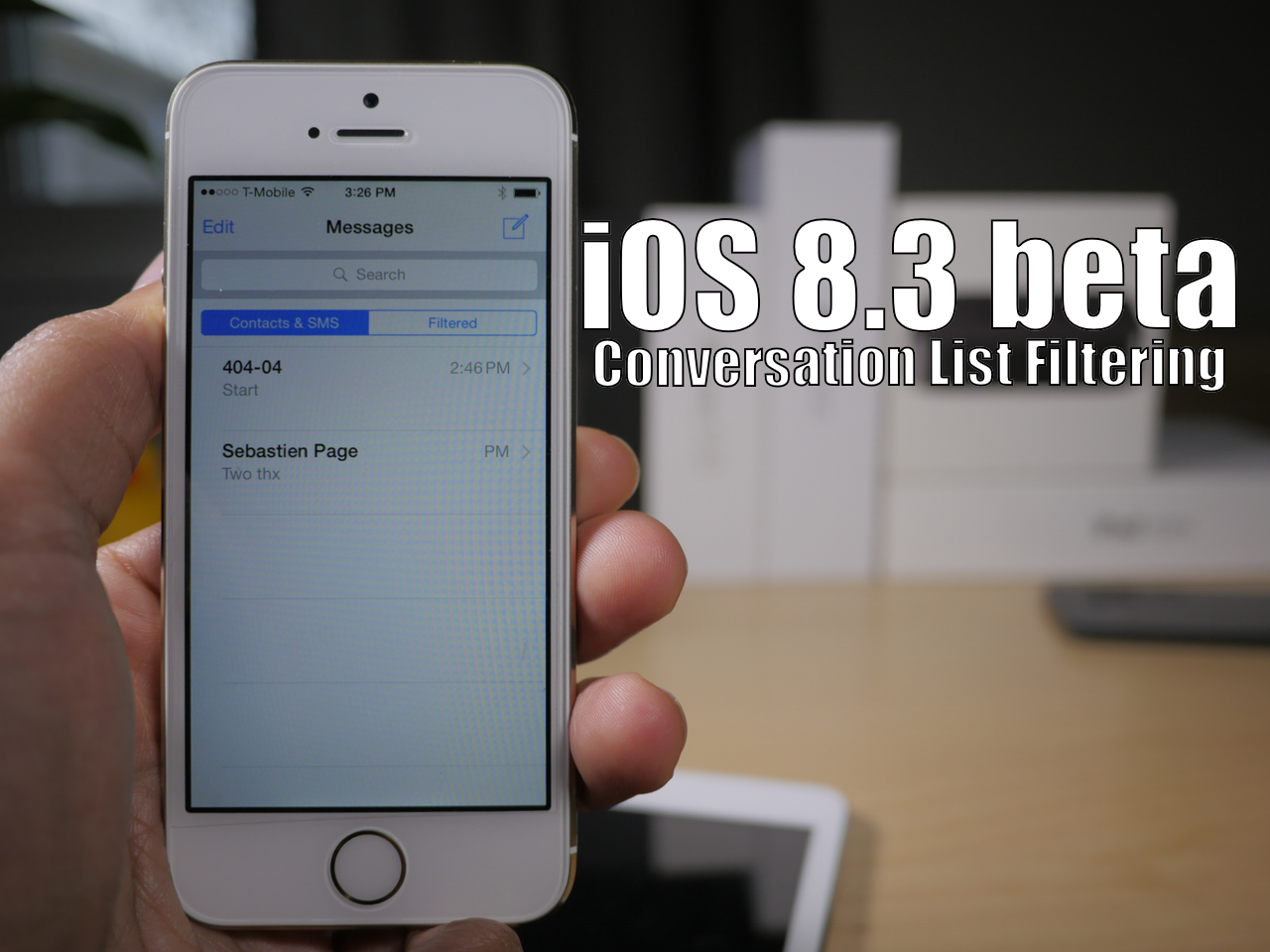
Apple opens iOS 8.3 beta to the public, no developer account required

As predicted, Apple has opened up its iOS beta program to the public and is no longer requiring a paid developer account to test new software. Apple debuted the new public program on Thursday along with the third iOS 8.3 beta.

You can sign-up to receive the new beta from the Apple Seed website. It's as easy as signing in with your Apple ID and then installing the beta software to start using it.