Spigen’s case renderings suggest iPhone SE may be nearly indistinguishable from iPhone 5s

Accessory vendor Spigen has created renderings of a work-in-progress case that it designed for Apple's upcoming 'iPhone SE'. Spigen often has some of the first cases available for new iOS devices so assuming they know what they're doing here, it could be concluded that the upcoming iPhone SE might be virtually indistinguishable from the iPhone 5s.

The rumor-mill is in disagreement over the design of the iPhone SE, with one camp claiming the handset is basically a four-inch iPhone with an iPhone 6/6s-like case and the other insisting the device will feature an iPhone 5s-like look and feel.

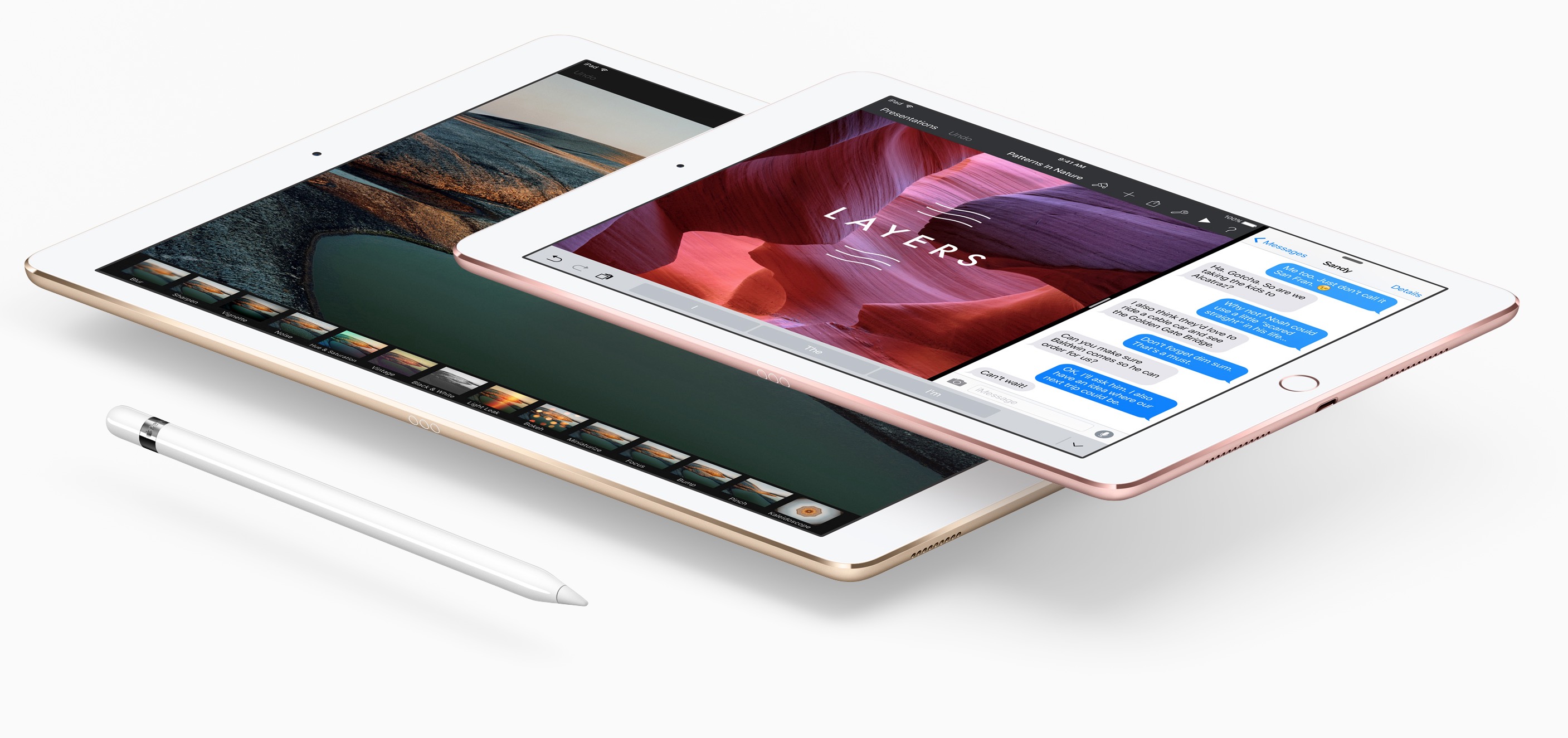
Claimed iPad Air 3 case has holes for quad speakers, Smart Connector and more

After posting images of a purported iPhone 7 case with holes for a pair of speaker grilles and dual cameras on the back, gadget leaker Steve Hemmerstoffer today posted on Twitter images of a claimed iPad Air 3 case.

Corroborating the notion that Apple's third-generation iPad Air is basically a smaller, 9.7-inch iPad Pro with the same A9X processor, Smart Connector and a four-speaker setup like the iPad Pro, the images show off openings in the right places for quad speakers and the Smart Connector.

Readdle updates PDF Expert with Handoff support and other enhancements

Readdle, the Ukrainian developer of fine productivity software, has refreshed its PDF management and annotation app, PDF Expert for OS X and PDF Expert for iOS, with support for Apple's Handoff technology.

With Handoff, PDF Expert users can start editing a PDF document on their iPhone or iPad and then continue right where they left off on their Mac, and vice versa.

In addition, today's update includes half a dozen enhancements like the ability to select part of a document and crop or copy it.

Apple semi-officially confirms that force-quitting apps won’t extend iPhone battery life

As our own Sebatien recently explained, force-quitting multitasking apps to save your iPhone's battery life is a terrible idea because A) Apple is giving developers proper tools to have their apps work efficiently in the background; and B) users should trust the operating system is effectively managing apps that aren’t active.

Today, Apple has confirmed that users should not force-quit apps frequently and has said that doing so won't help extend the iPhone's battery life at all.

Apple Music Radio tab enhanced with live schedule, show details and other new features

Apple has refreshed the Radio tab within the stock Music app on the iPhone, iPod touch and iPad with a dynamically updated Beats 1 banner along with live schedule, show details, host biographies, show artwork and other perks.

As first noted by 9to5Mac, the Beats 1 banner in the Radio section now updates automatically to show the currently-airing live radio show along with information like the show's airing location and artwork.

Little-known Mac feature lets you watch window minimizing animations in slow motion

Mac OS X comes with a little-known function that lets you slow down the Dock's window minimization animation just for the fun of it.

Since Apple spends a lot of time creating quality animations with sleek and buttery-smooth transitions, it's only fair that they should give users a way to enjoy them in slow motion.

In this tutorial, we'll show you how you can view your Dock's window minimization animation in slow motion.

‘Ask to Buy’ lets you control what your kids buy in iTunes, iBooks, or App Store

After a period of Apple being under fire because kids were running up their parents' credit card bills with App Store and in-app purchases, Apple decided to do something about it. Apple's answer was to create a parental control system for the App Store so parents could approve or deny purchases that would otherwise have an impact on their credit card.

This parental control system is known as 'Ask to Buy' and it's available on both iOS and OS X in the latest releases of the operating systems, and in this tutorial, we'll tell you a little bit about how to configure and use Ask to Buy.

How to recycle your old tech with Apple’s Recycling Program

If you have old tech sitting in your closet or attic that you don't use anymore because you've got something better, Apple will gladly make sure that tech is recycled properly free of cost via the Apple Recycling Program. In some instances, the company will even give you an Apple Store gift card as credit towards a new Apple device or accessories.

The Apple Recycling Program has been around for ages, but is often overlooked as an option. Although better deals can often be had elsewhere, the urge to trade in your device can come at inopportune times, and when you want quick money for your old Apple devices, or a quick and easy way to get rid of your junk tech, Apple can come in handy in a pinch.

In this tutorial, we'll show you how you can use the Apple Recycling Program to make better use of your unused tech.

Facebook acquires company behind popular face swapping app MSQRD

Facebook on Wednesday announced that it has acquired the popular face swapping app MSQRD, and the company behind it, Masquerade. The terms of the deal are unknown, but it's being reported that the founders will be joining Facebook.

For those of you who aren't familiar with the app, MSQRD allows you to apply various filters and effects to your photos and videos—not unlike Snapchat's 'lenses.' You can apply masks, hats and other accessories, or simply swap faces with others.

How to clear an incorrect unread email count badge on the iPhone Mail app

Huge unread email count on iPhone

If you use the stock Mail application on your iPhone or iPad, you may have experienced a mysterious occurrence where the Mail app icon will display a red badge telling you there are unread emails when there actually aren't any. No matter what you do, it seems that you can't clear that inaccurate number of unread emails.

The Mail app is no stranger to weird bugs, so let me reassure you here, phantom unread emails aren't taking over your iPhone or iPad. In this post, I will share with you a few options to fix an incorrect unread count and hopefully put an end to it all.