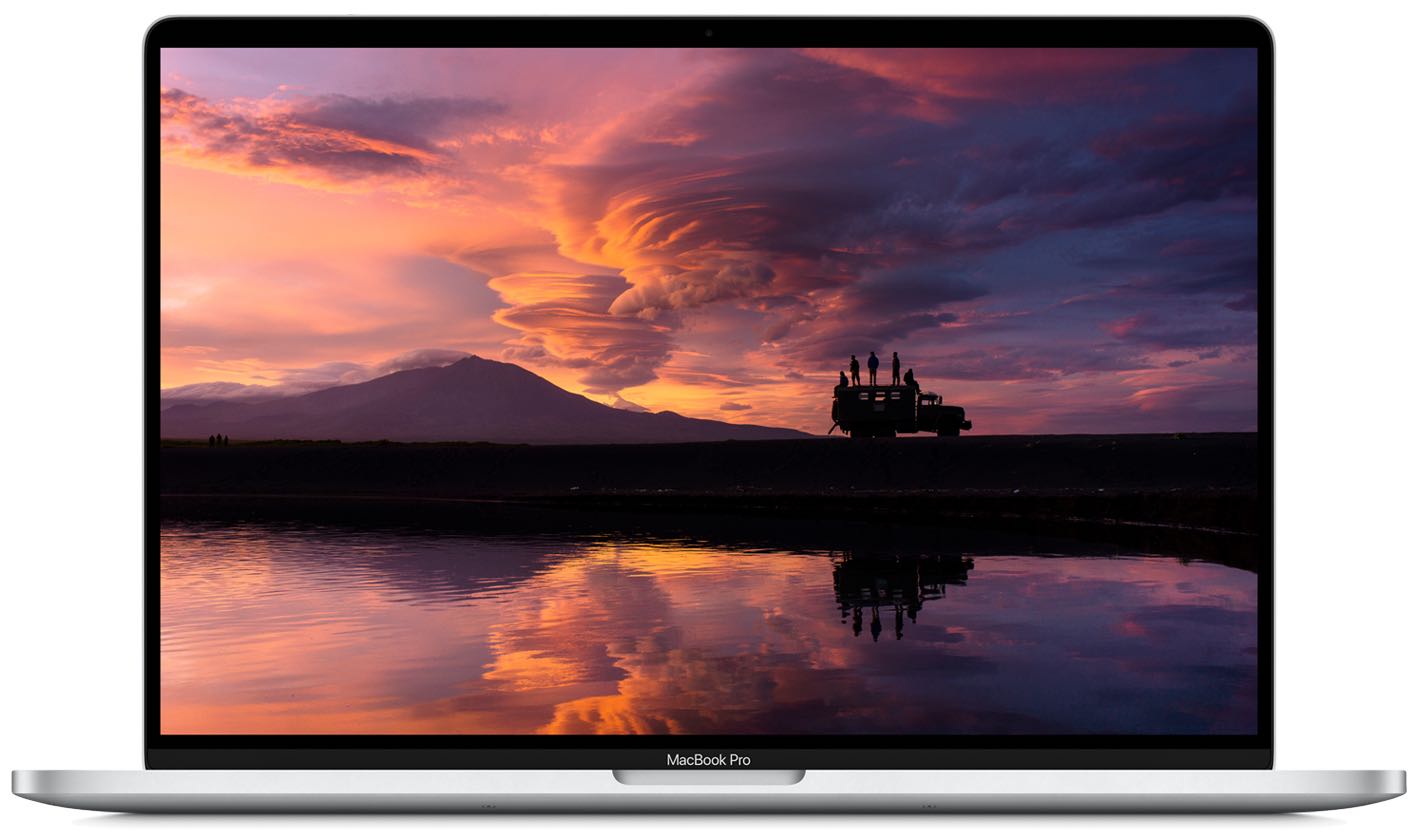
Navigate your Mac faster with handy Dock icon shortcuts

Launchpad Dock Icon Shortcut Menu

There are all sorts of ways to use shortcuts on your Mac. From tons of common keyboard shortcuts to those that help you navigate webpages faster; you have plenty of options.

Along with some useful keyboard shortcuts for your Dock are additional ways your Dock can help you do things faster. And especially for those new to macOS, you might not realize they exist. Here’s how you can navigate your Mac quicker with Dock icon shortcuts.

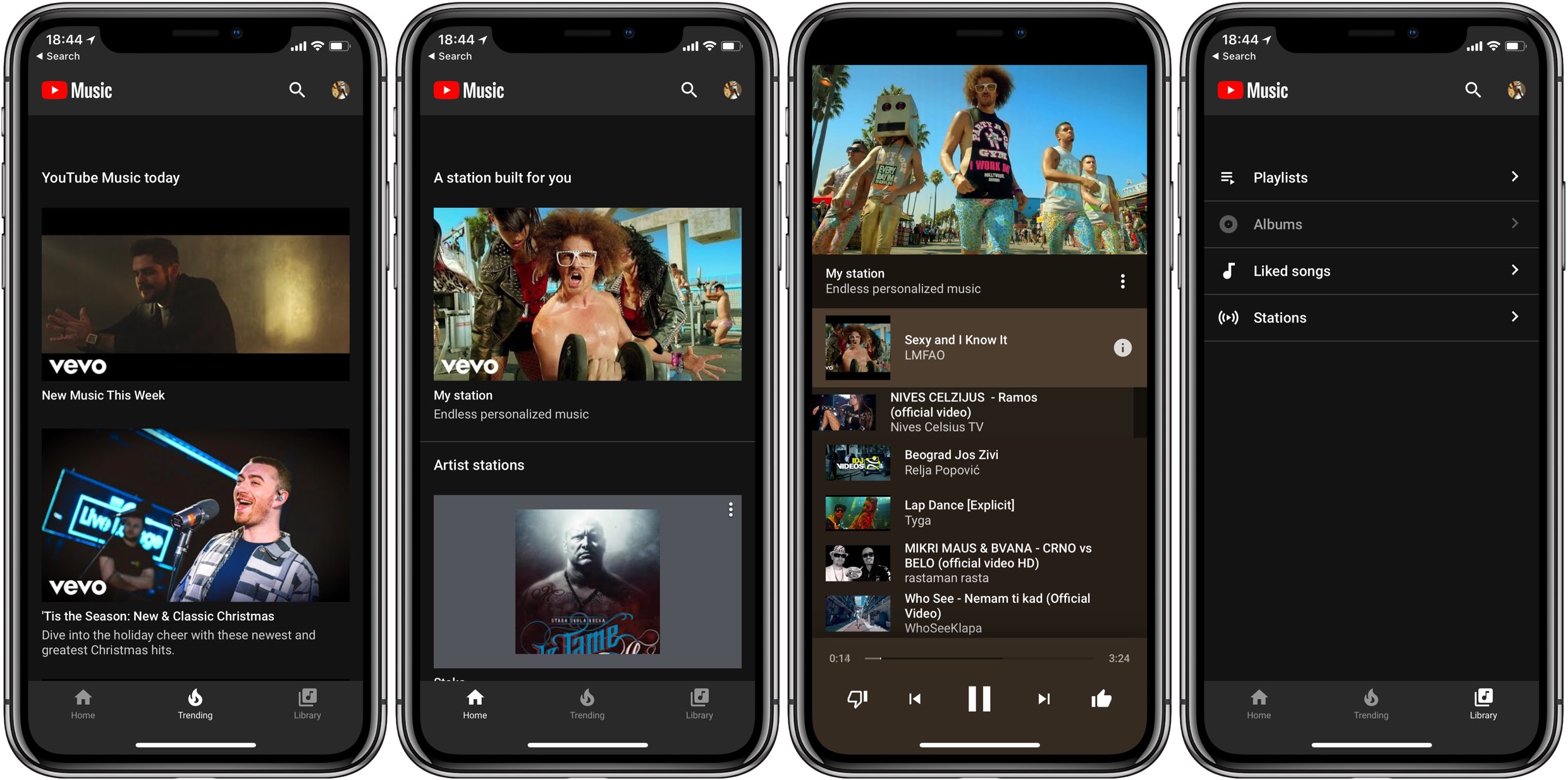
OneHandWizard 2 makes one-handed usage of massive iPhones easier

There’s no doubting the fact that smartphones are receiving larger displays by popular demand, and while this can be considered a benefit from the standpoint of media consumption, it also tends to be a shortcoming by way of one-handed usage.

Apple tries to make things on handsets with large displays easier to reach with just one hand through a native Accessibility feature called Reachability, but using it can be cumbersome, and it tends to lack much-needed functionality. For those who demand more out of their one-handed smartphone usage, it’s tough to go wrong with a jailbreak tweak called OneHandWizard 2 by iOS developer sharedRoutine.

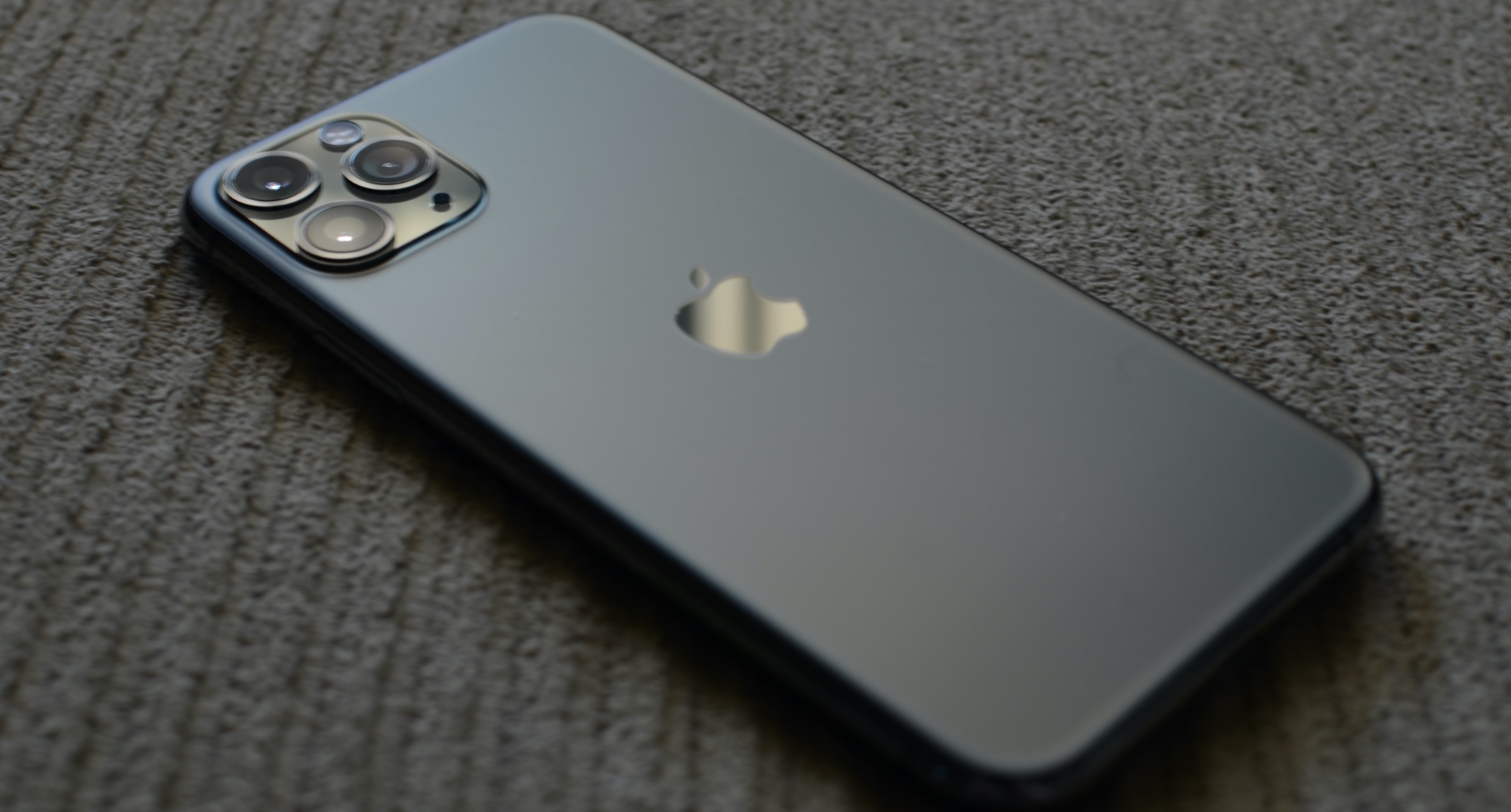
iOS 13.4 lets your iPhone listen for Hey Siri even when faced down or covered

You know how you can temporarily prevent “Hey Siri” from listening and stop notifications on your iPhone by laying the handset with its face down, without changing any settings? This underrated feature is called Facedown Detection and it doesn't require any toggles or initial setup. iOS 13.4 adds a brand new accessibility setting designed to override Facedown Detection's automatic disabling of Hey Siri when the phone is faced down or covered.