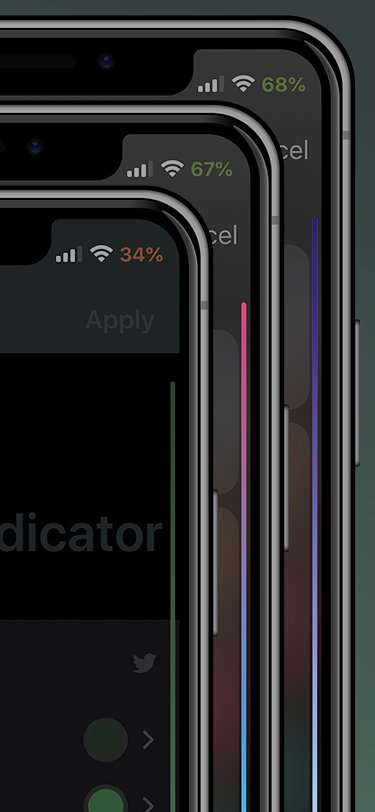
DarkSwitch commands iOS’ dark/light modes based on display brightness

One of my favorite features to ship with iOS 13 is native dark mode support. Not only is it something that I’ve wanted to have for several years, but it plays so nicely with the OLED display that comes standard in Apple’s flagship handsets for both enhanced aesthetics and lengthened battery life.

One way that I think dark mode could be improved, however, is with some kind of tool that automatically switches between dark and light mode depending on display brightness, as it would improve interface visibility in certain situations. Fortunately, that’s precisely the functionality that a free jailbreak tweak called DarkSwitch by iOS developer udevs appears to provide for users.

Upgrade your iPhone’s native keyboard with DockX

Apple took great care to ensure that iOS would have one of the most enjoyable typing experiences in the modern smartphone market. While it certainly is one of the best, it can still be argued that the iOS keyboard could be better with a few minor improvements.

One such example is the likes of a newly released and free jailbreak tweak called DockX by iOS developer udevs, a simple add-on that brings a full-fledged pasteboard shortcut dock to the bottom of the iPhone’s native keyboard interface.

Accessory Spotlight: Nomad Base Station Apple Watch Edition

Welcome to Accessory Spotlight, a weekly column where we highlight an accessory that we find to be incredibly useful, a fantastic value, or both. This week we’ve selected Nomad's Base Station Apple Watch Edition. A number of multi-device wireless charging pads have hit the market over the past year, but the Base Station continues to stand out for its sleek aesthetics, lengthy feature set, and outstanding build quality.

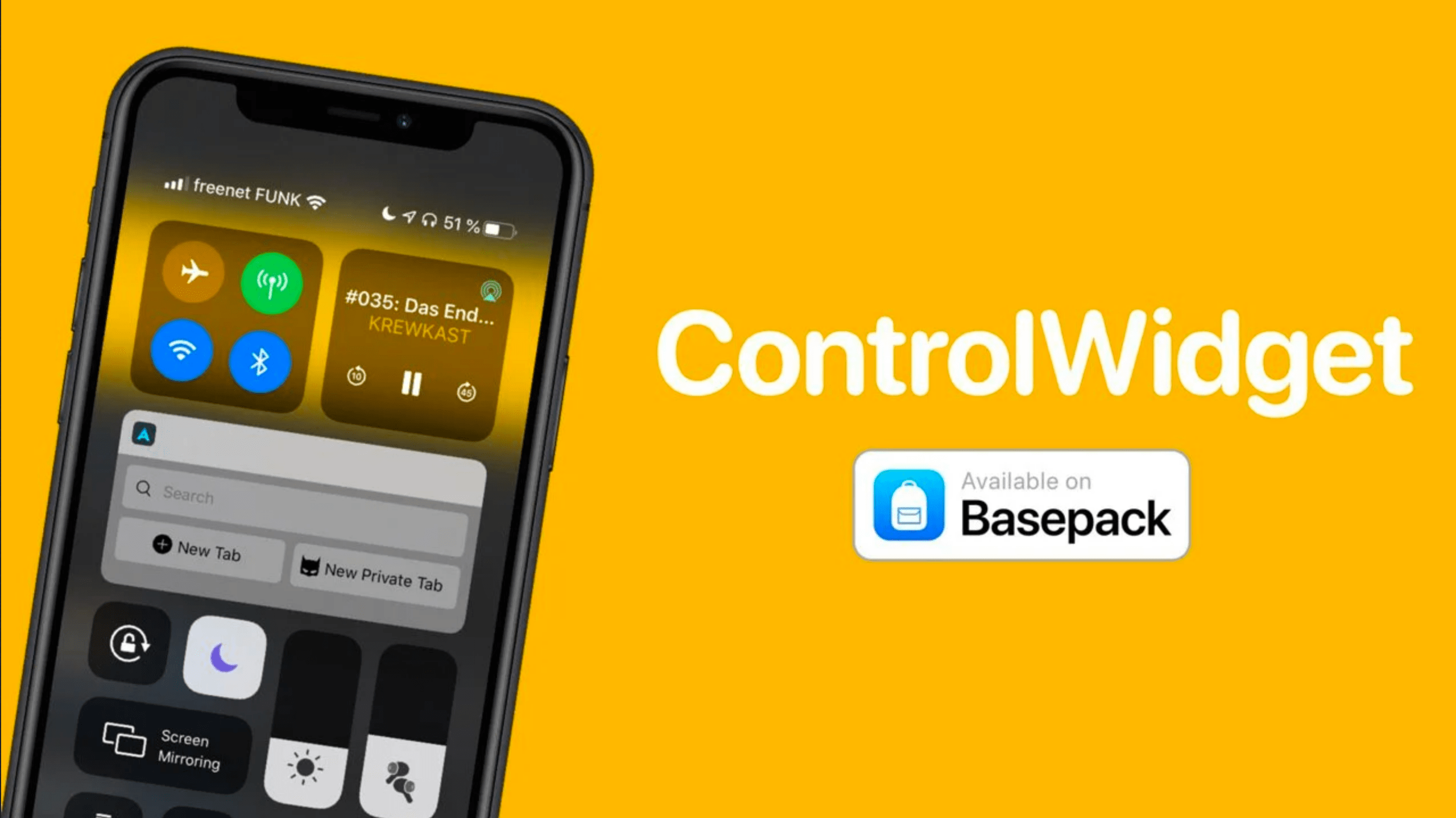
Dusky enables use of iOS’ Reduce Transparency mode on a per-interface basis

Any stock installation of iOS or iPadOS includes a native Accessibility option called Reduce Transparency that, as the name suggests, reduces transparency in several interfaces found throughout the platform. Some of these interfaces include Today widgets, notification banners, and the Now Playing media player, to name a few.

Some people like using the Reduce Transparency option for the aesthetics alone; unfortunately, toggling this option applies to every aspect of iOS, which may not be preferred in all instances. Those looking for more fine-grained control over this feature may want to turn their attention to a newly released and free jailbreak tweak called Dusky by iOS developer P2KDev.

Creative ways to use dates in Smart Folders to stay on top of things

Save New Smart Folder Mac

The Smart Folders feature on Mac gives you a great way to collect items that match specific criteria. You can use Smart Folders for business or pleasure and instead of searching for files, images, or documents.

We have a basic tutorial for how to use Smart Folders on Mac if you’re just getting started. But if you’ve used Smart Folders before, you might be interested in additional ways these handy folders can be even more useful.

To keep up with your work or school projects, here are several creative ways to use dates as conditions for Smart Folders on your Mac.

Twelve South Fermata headphone and charging stand declutters your desk for a premium price

As part of a Work From Home (WFH) mini series, I am taking a look at some gadgets that are helping me stay organized and focused during shelter-in-place. Decluttering my home workspace has been a key to some focused success.

The Twelve South Fermata has helped in this endeavor by giving my headphones a dedicated place to sit and charge! With an aluminum design and genuine leather accents, its a great addition to my WFH spot.