How to record calls with Skype on iPhone

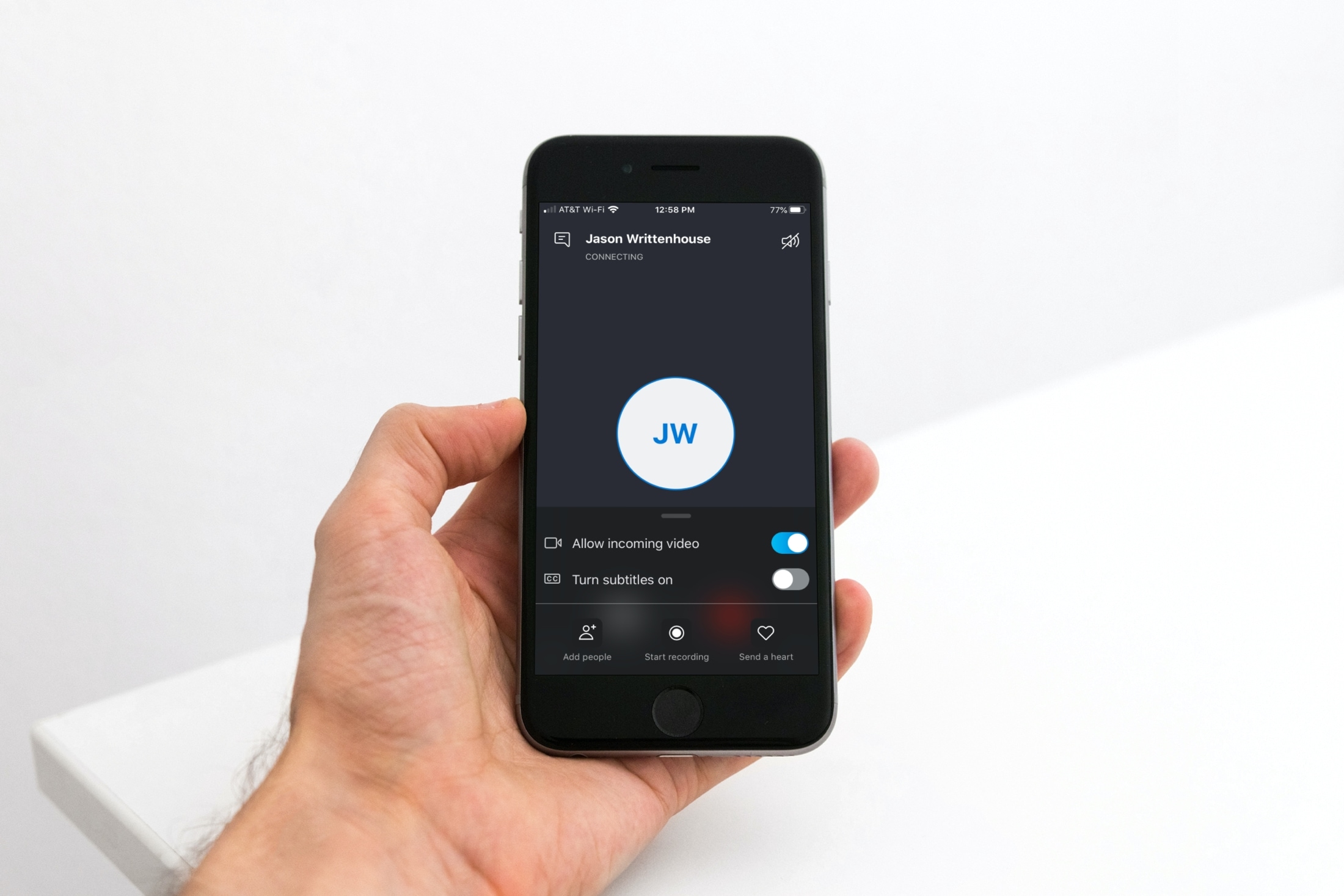
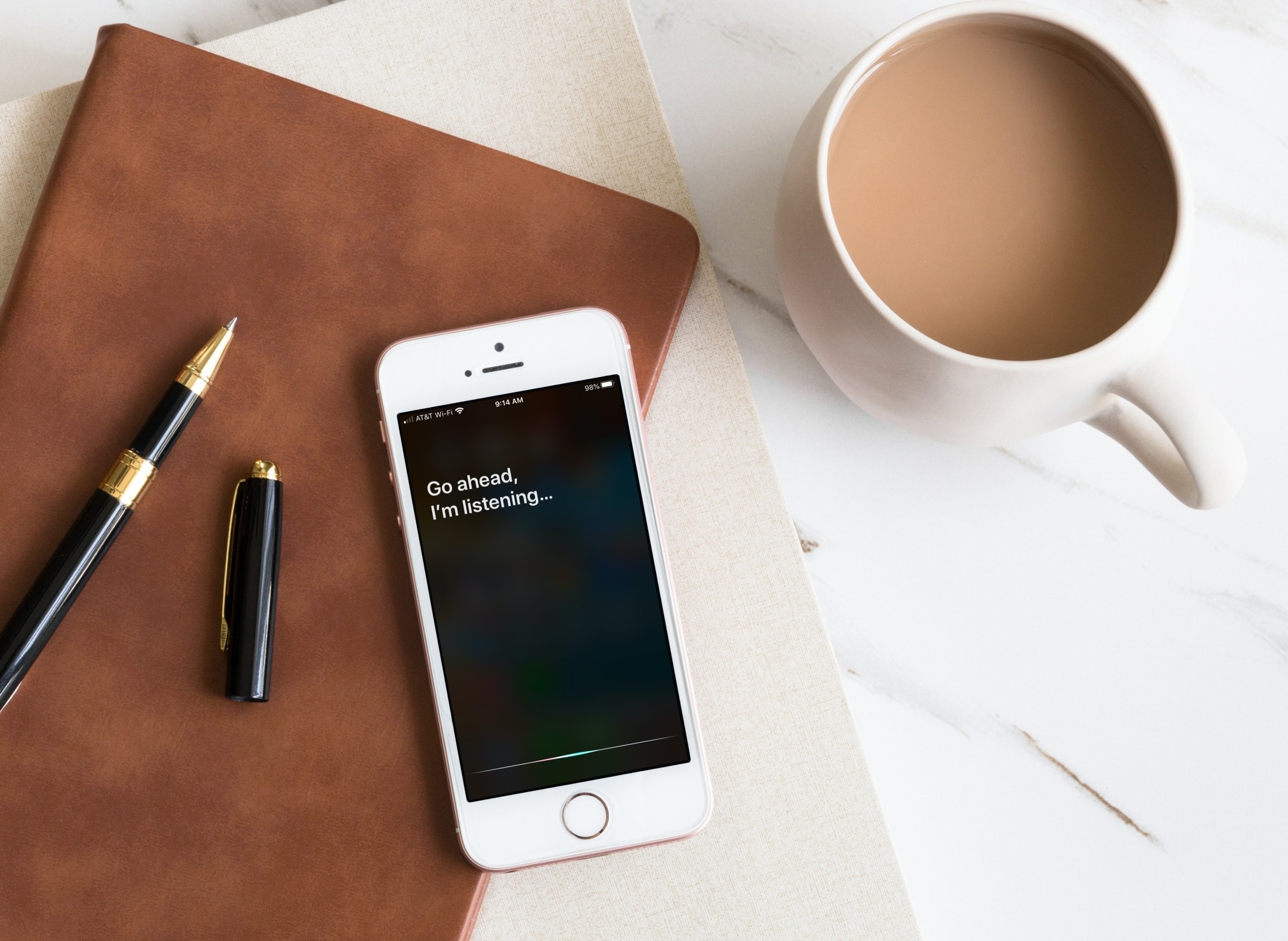
Skype Start Recording iPhone

If you use Skype calls for things like interviews or meetings, you might not realize that you can record those calls instead of trying to capture everything by taking notes.

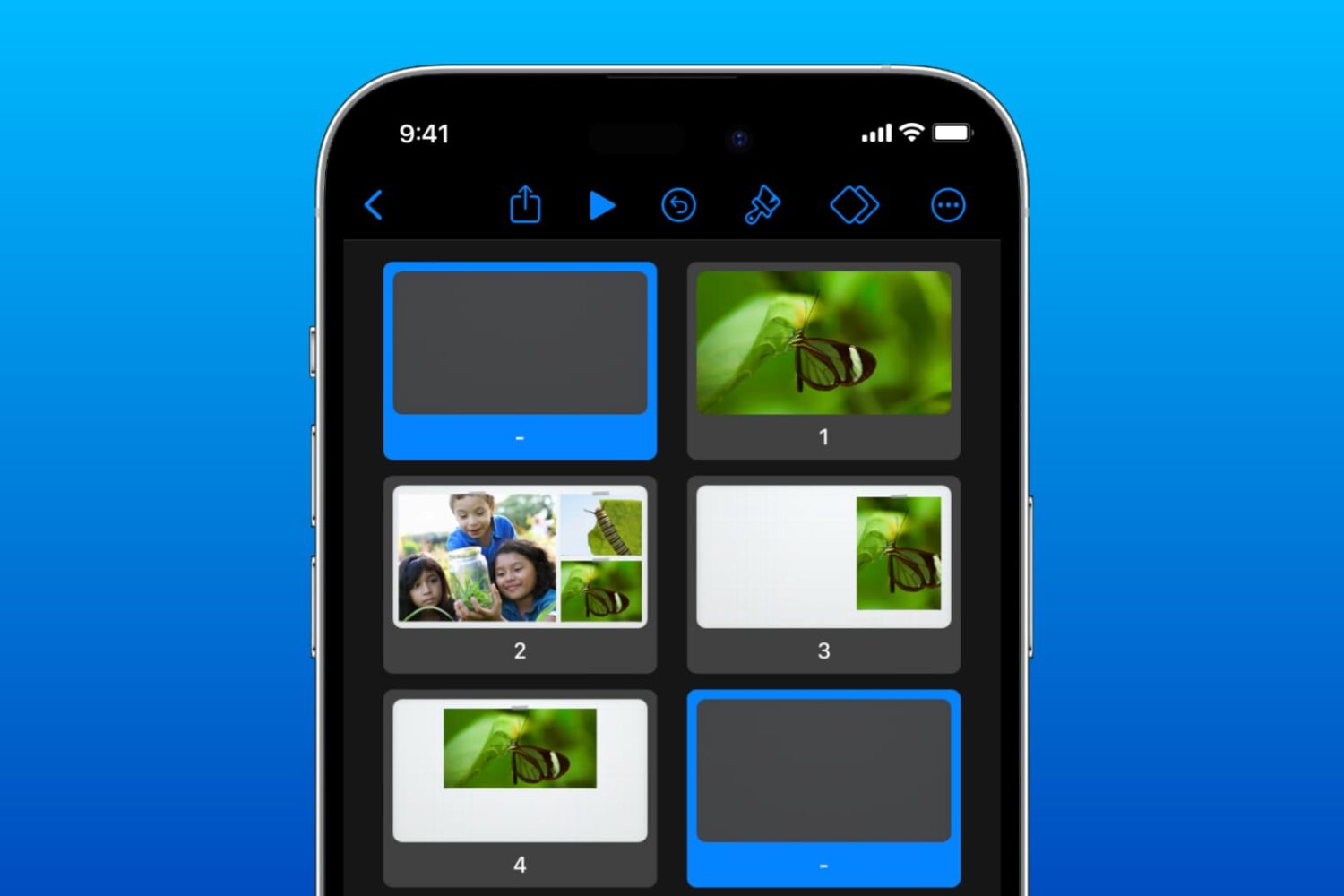
You can record audio and video Skype-to-Skype calls with a simple tap. Those recordings will then be available for you to save or share. If this is new to you, we’ll show you how to record your Skype calls in iPhone.

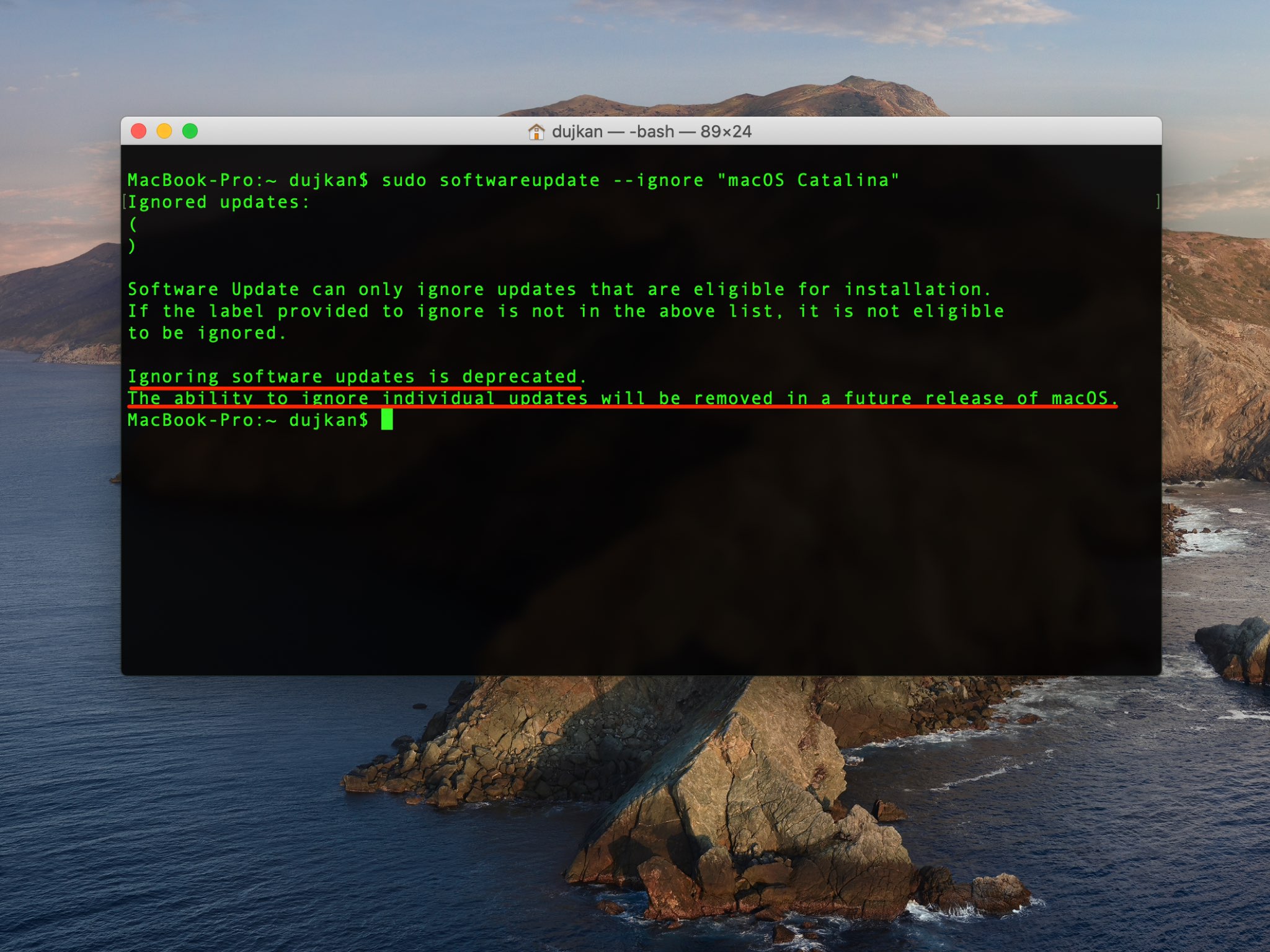
Apple’s has brought back the nagging — you can no longer ignore major macOS updates

After installing yesterday's security updates for older macOS versions, people can no longer get rid of that pesky macOS Catalina upgrade reminder with a Terminal command. If you've already installed the macOS Catalina 10.15.5, avoiding those nagging macOS update notifications no longer works because ignoring major macOS software releases has been officially deprecated.

How to change your password settings in Apple Books

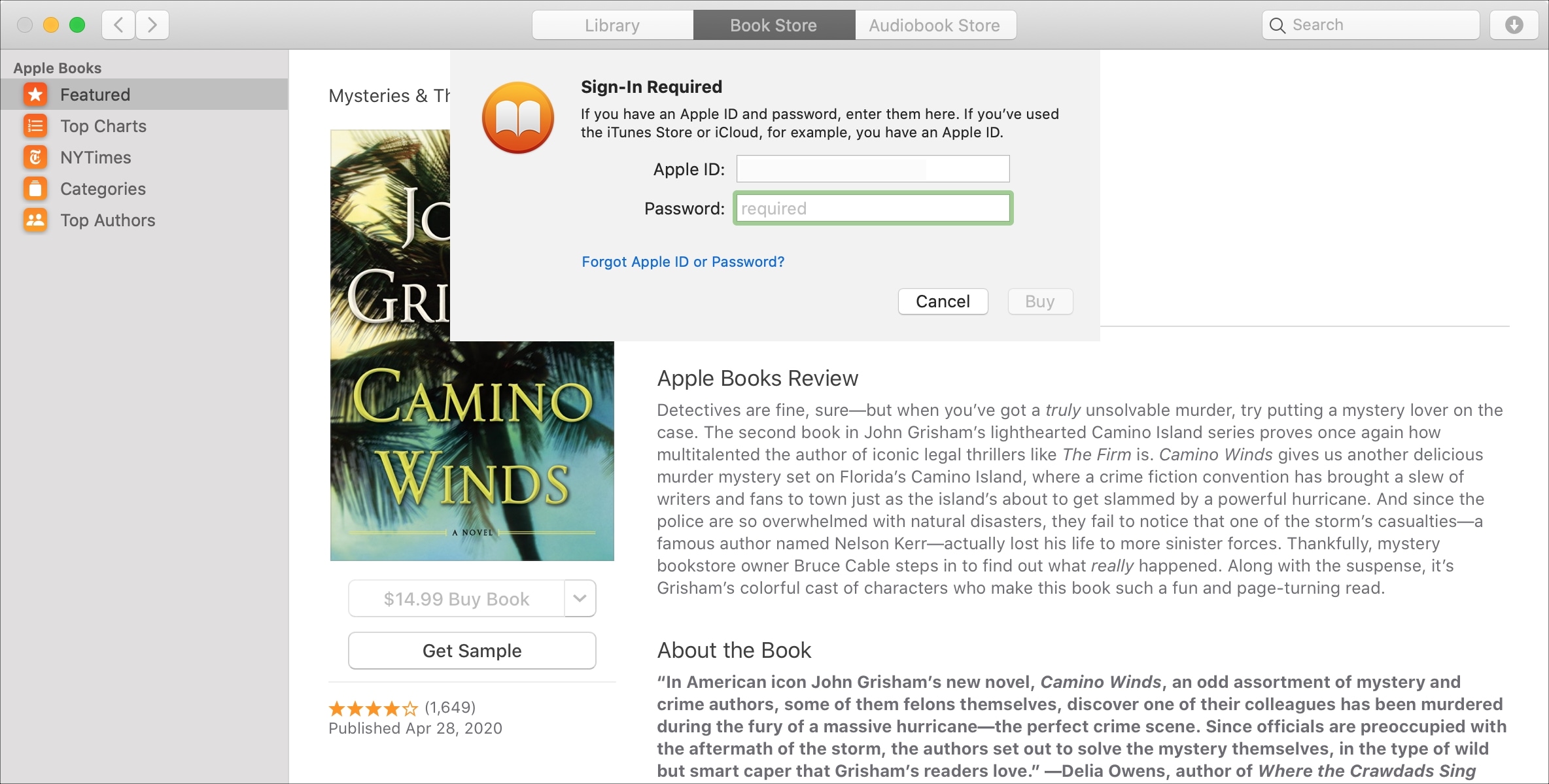
Mac Books Password Required

If you purchase books often in the Books app on your device, then it may get tiresome having to enter your password each time. This is especially true if you’re downloading several books in a short time that you’re saving to read later.

While entering your password for purchases is always the safest route, you can set your password to only be required after 15 minutes of the first purchase. That way, if you want to purchase a handful of books at one time, you don’t have to enter your password for each one.

In this tutorial, we’ll show you how to change your password settings for purchases in the Books app on Mac, iPhone, and iPad.

Hub is a powerful all-in-one interface for jailbroken iPhones

One of the first things that you’ll want to do after jailbreaking iOS 13 is familiarize yourself with powerful jailbreak tweaks that augment your handset’s native functionality, and a new release called Hub by iOS developer iOSthemem0d is a great place to start whether you’re new to the jailbreaking scene or not.

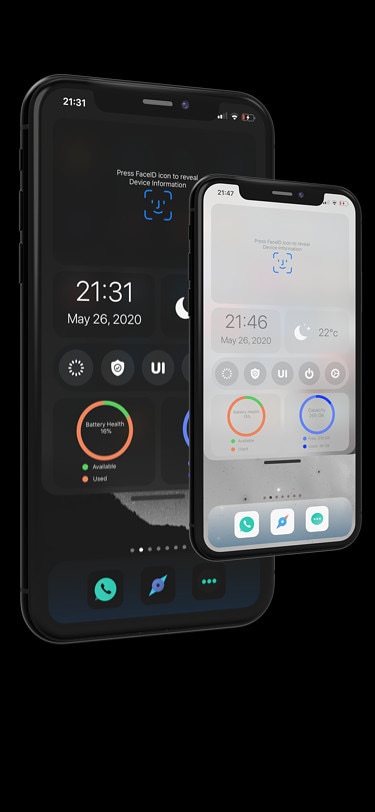
As depicted in the screenshot examples above, Hub is an omni-functional interface where users can access a plethora of their iPhone’s most essential features in one place. Complete with shortcuts to toggles and apps, a faster way to multitask, and central access to handy on-the-fly modules, Hub is something that can benefit most people in more ways than one.