Right now, Apple has only ever launched the Apple Pencil in white. But a new rumor suggests that may change with a future version of the stylus.
A future Apple Pencil may launch in black
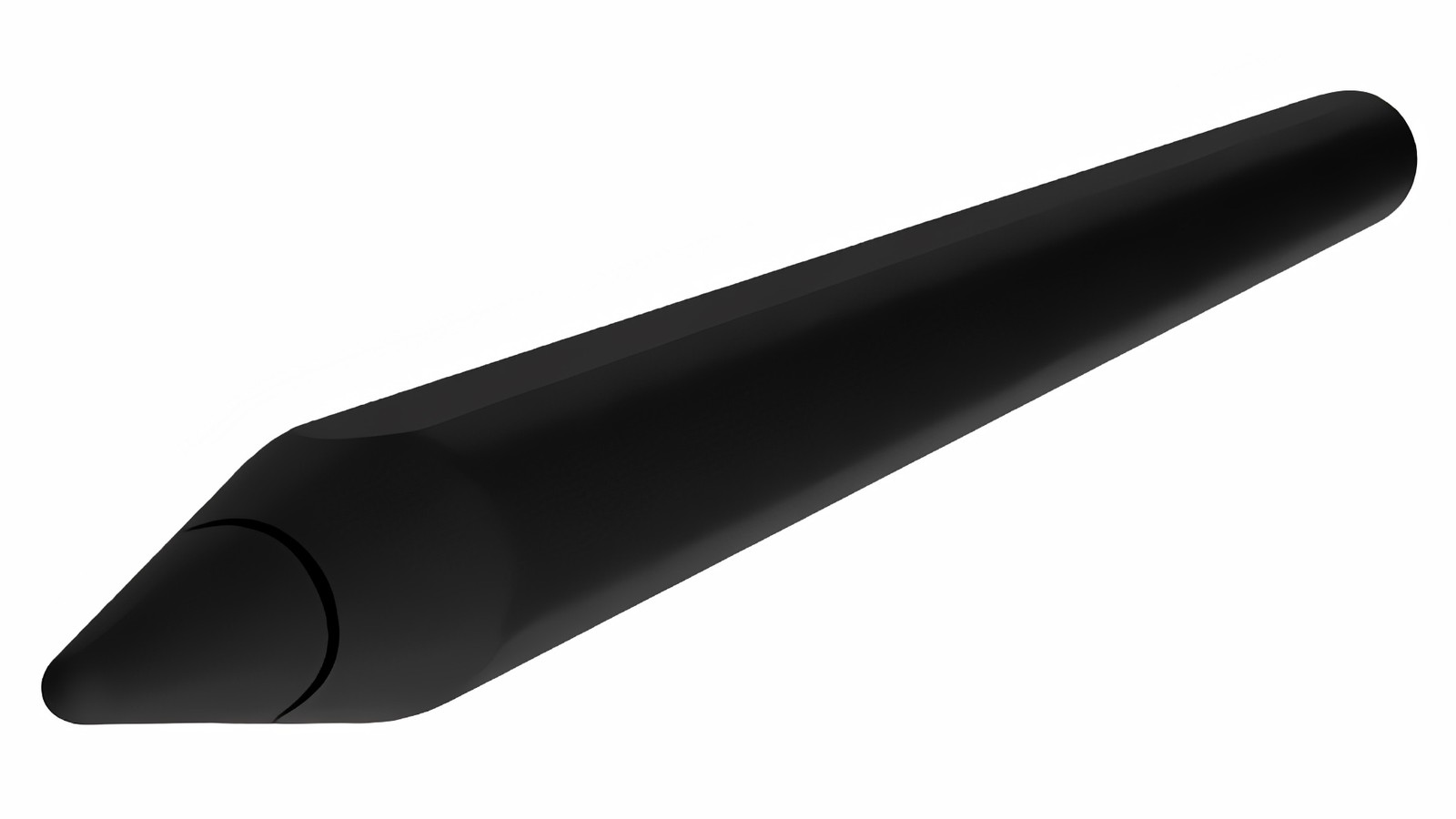
Right now, Apple has only ever launched the Apple Pencil in white. But a new rumor suggests that may change with a future version of the stylus.

Sonos' wireless speaker system is receiving the Sonos S2 operating system update this month. It will bring "new features, usability updates, and more personalization moving forward... to enable higher resolution audio technologies for music and home theater." But, not all Sonos products will receive the benefit. More concerning, if you have a collection of mixed compatible speakers, you may need two apps to enjoy your hardware.
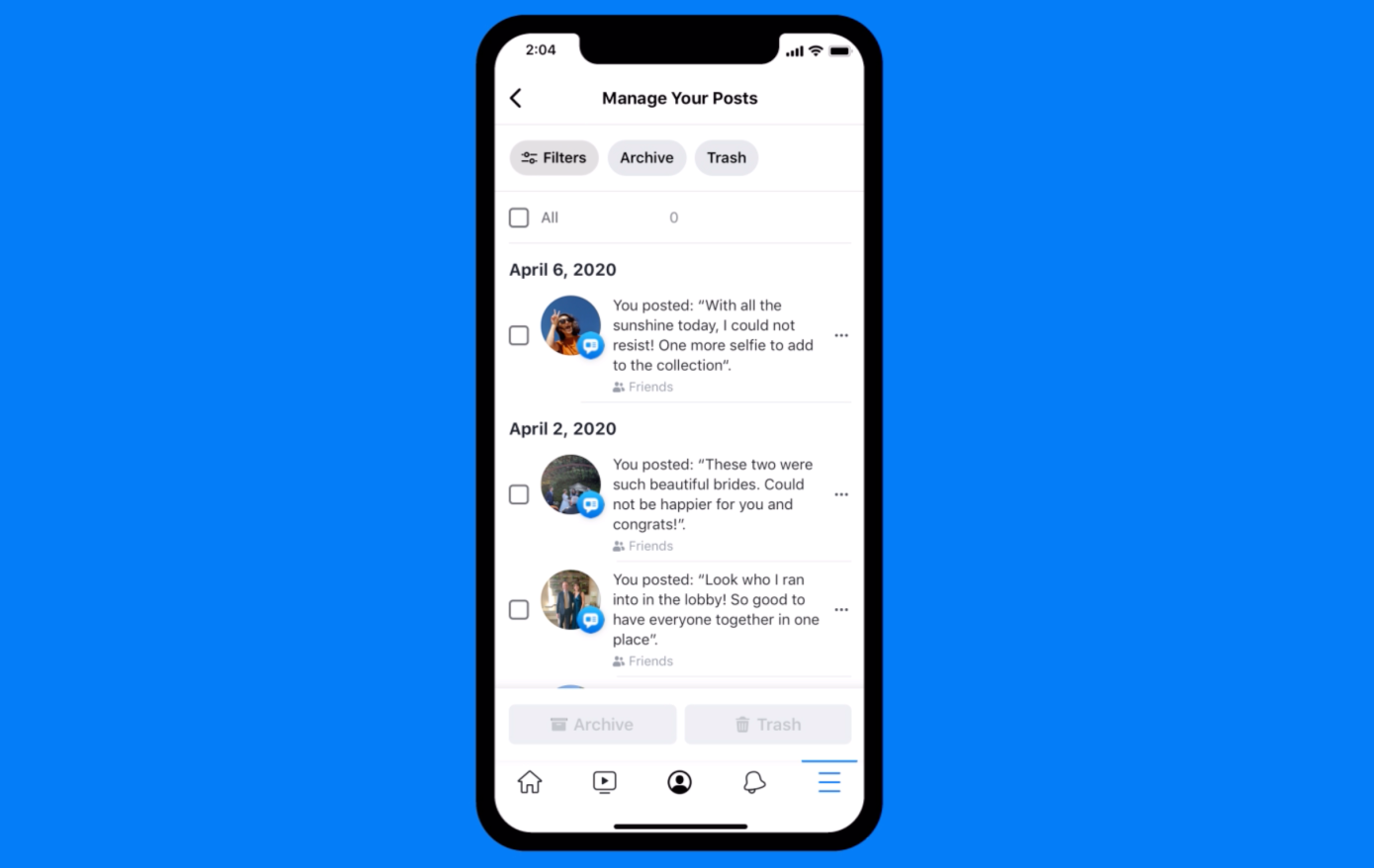
Deleting older content on Facebook is a slog. But the company is making it easier to triage your old content and delete in bulk.

Peloton is one of the most popular at-home fitness options out there, and while it has supported streaming content to TVs from an iPhone, an Apple TV app has been requested by customers for quite some time.
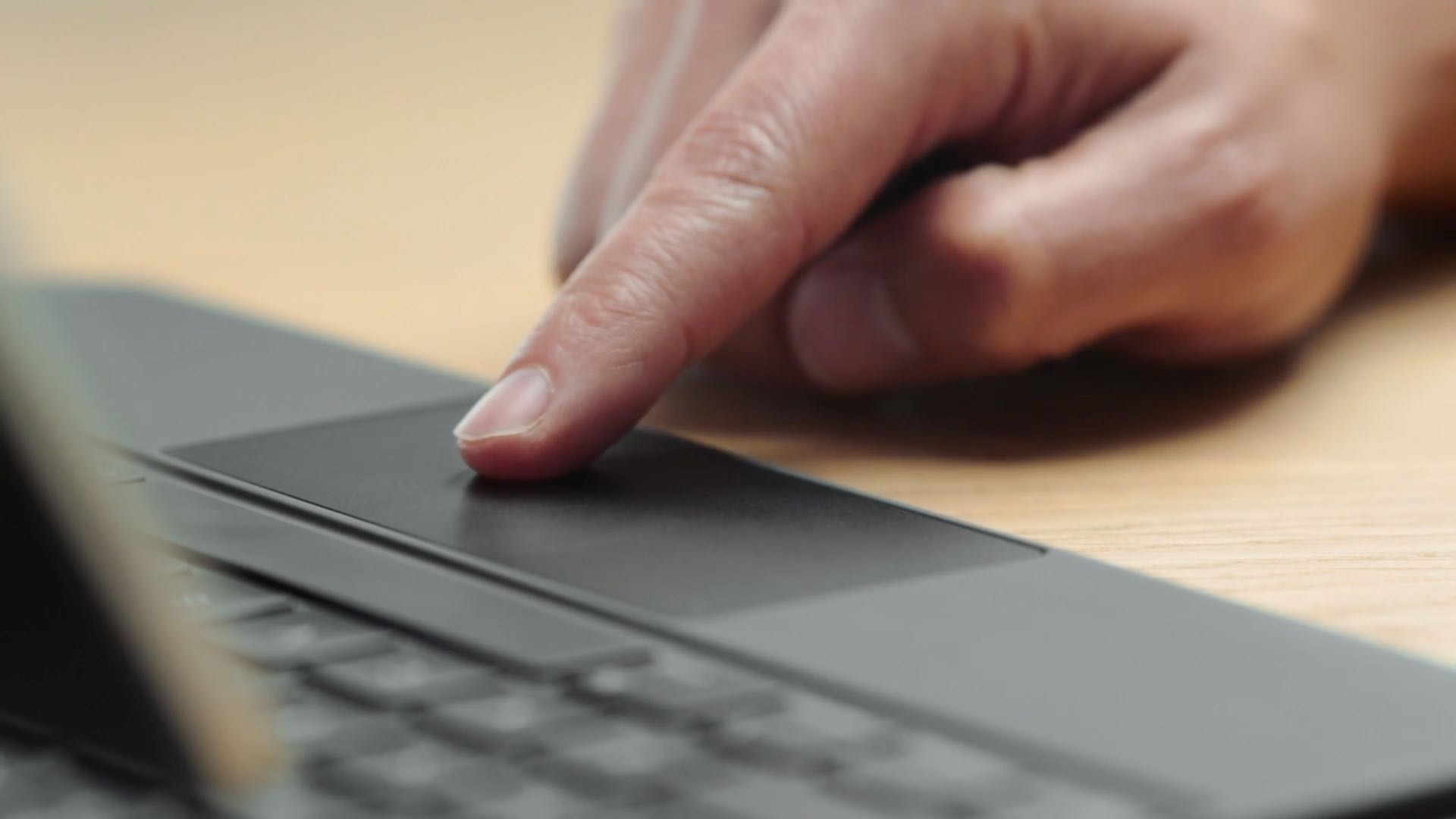
If you need to control your Windows PC desktop or server with Microsft's Remote Desktop Mobile app for iPhone and iPad, you can now do so with proper mouse and trackpad support.
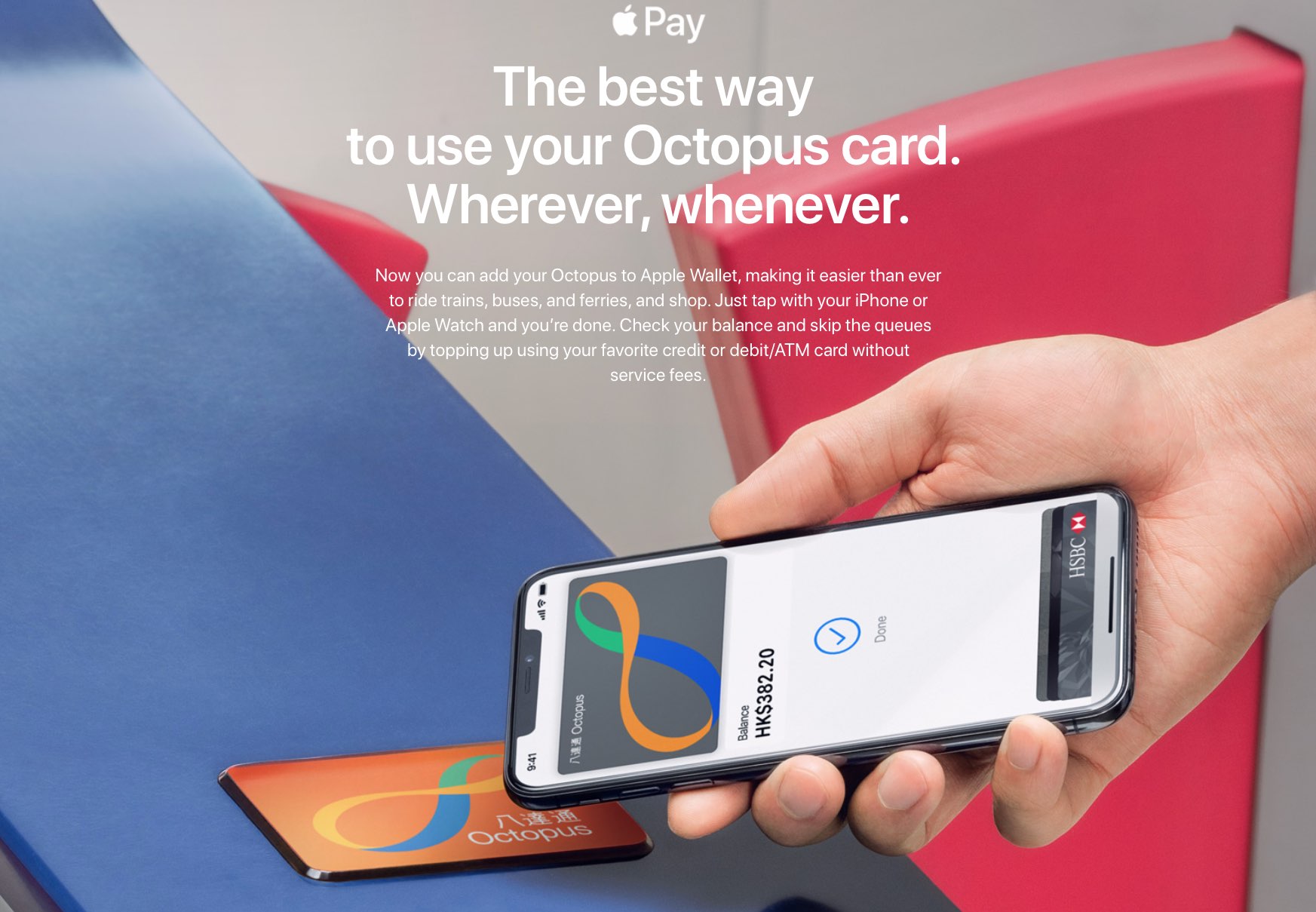
Octopus, the popular transit and retail contactless card predominantly used in Hong Kong, is now integrated with Apple Pay for residents of Hong Kong.
Cody shares one of his business ventures and Sebastien talks about the best spot to get murdered. Both discuss the latest Apple news and rumors before Cody has to defend his track record of TV recommendations.

Residents of Hong Kong can now use Apple Maps to get transit directions via the built-in Maps app on their iPhone, iPad, iPod touch, Mac and Apple Watch.

Check out these quick tips to customize your Mac’s desktop and create a personalized, productive workspace.

Learn how to watermark your documents in Apple's Pages app on the iPhone, iPad, and Mac with custom text like "confidential" or an image like a brand logo.
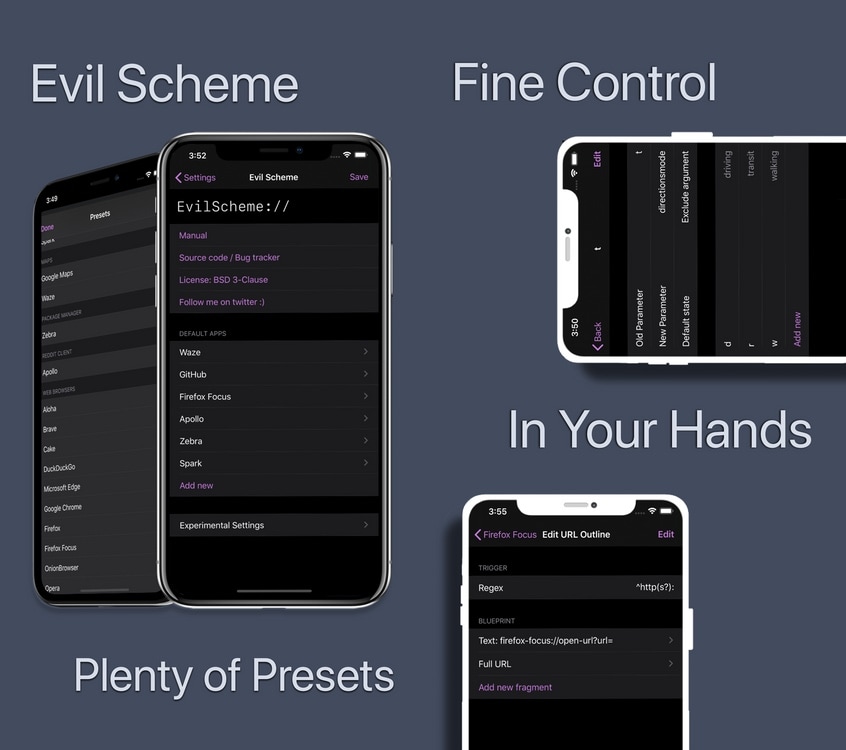
If there’s one thing most iPhone and iPad owners can relate to, it’s the dissatisfying inability to set default applications outside of Apple’s own. Sure, you can delete some of Apple’s native apps, but what good is that if iOS doesn’t link to third-party apps afterward?
Enter Evil Scheme, a newly released and free jailbreak tweak by iOS developer Lorenzo that aims to be your convenient one-stop shop for configuring default apps of your choosing on your pwned iPhone or iPad.

Late last night, the Sileo Team launched an updated version of the Sileo package manager for jailbroken devices, officially bringing the project up to version 1.8 with a serious bump in speed and other changes that will make some jailbreakers quite happy.
The Sileo Team announced its updated Sileo package manager via Twitter at approximately 4:30 A.M. Eastern time: