If you are in a populous area of Italy, it's very likely that the Transit feature within Apple Maps is now live in your neck of the woods.
Apple Maps Transit directions are now live in Italy

If you are in a populous area of Italy, it's very likely that the Transit feature within Apple Maps is now live in your neck of the woods.

According to sources at Taiwan-based supply chain makers, the Cupertino technology giant Apple has now increased orders for time-of-flight LiDAR scanners that are used on the latest iPhones, reportedly thanks to strong demand for the iPhone 12 Pro smartphones.

“Ted Lasso,” one of the most popular shows on Apple's video-streaming service with an 86 percent score on Rotten Tomatoes, has been renewed for its third season. In addition, the complete first season of “Ted Lasso” is now available exclusively on Apple TV+.

Apple TV+ has scooped up a brand new current-affairs series which will put former Emmy-winning writer, producer and host of “The Daily Show” Jon Stewart back in the anchor’s chair.
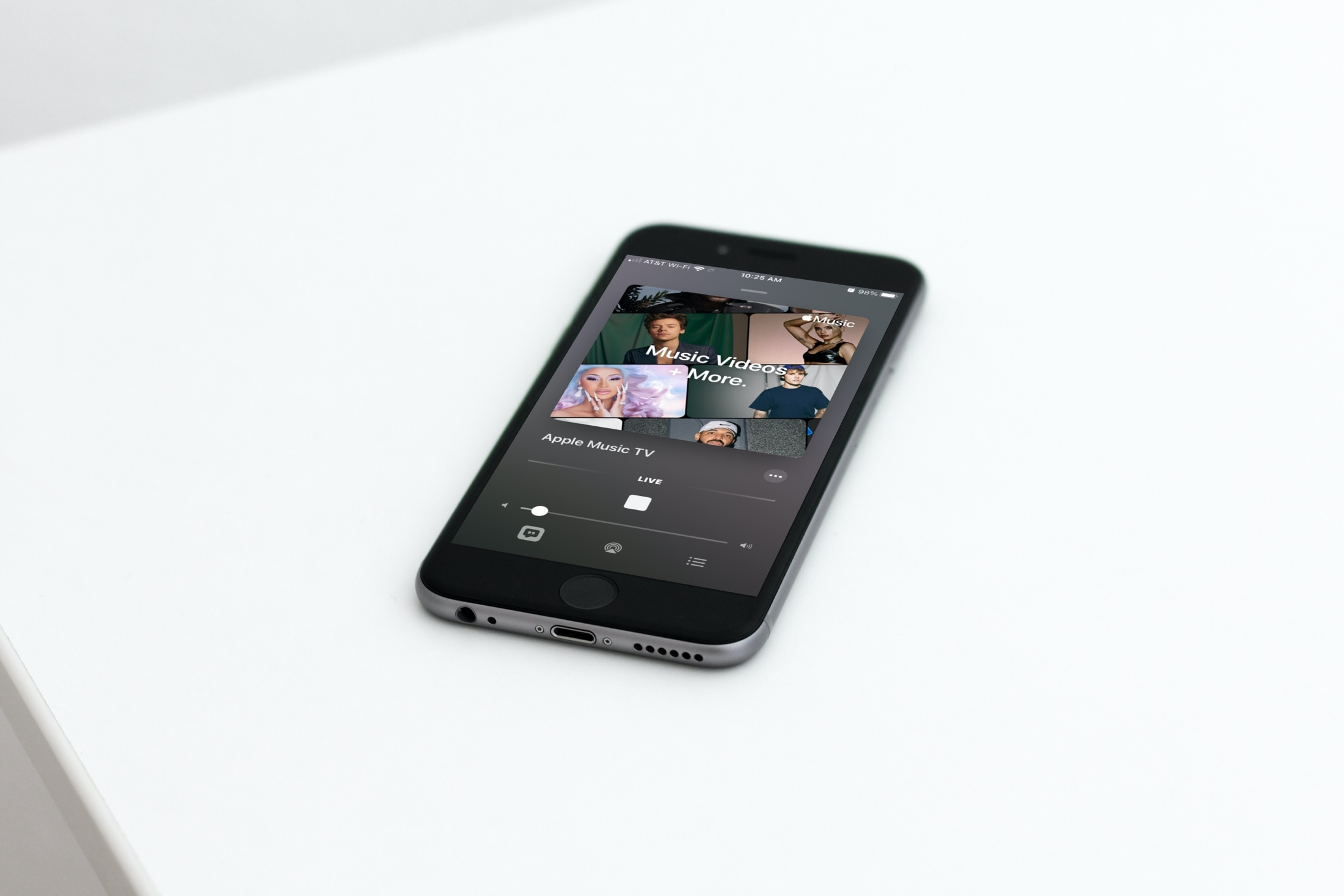
In this tutorial, we will show you how to find and watch Apple Music TV for free on your iPhone, iPad, Mac, TV, and other supported devices.
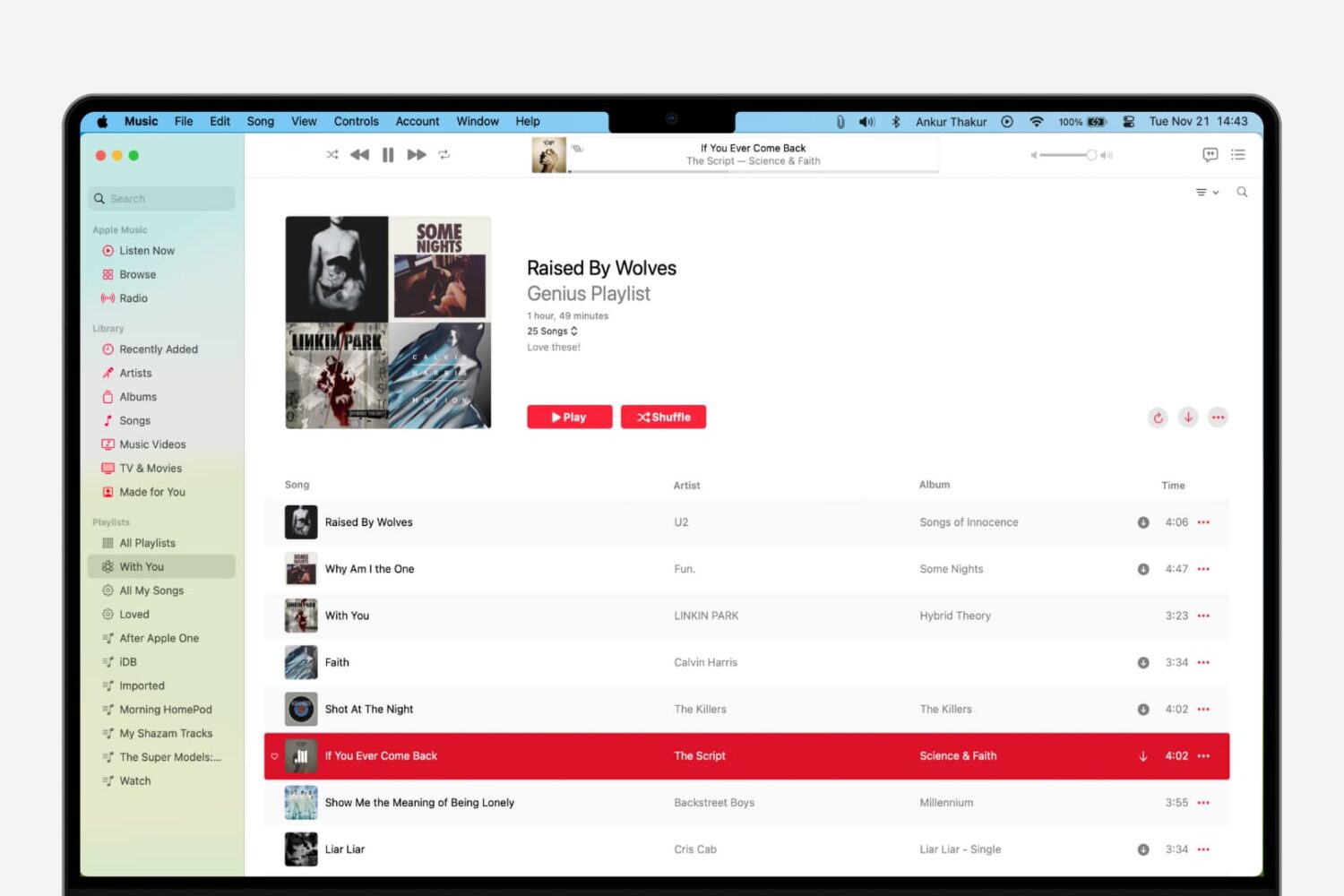
Learn how to use the Genius Playlist and Shuffle features in the Music app on Mac for a nice and easy mix of tunes that sound great together.

Just under two weeks ago, developer Brandon Plank launched a beta macOS app dubbed iPAPatcher that allowed users to merge Dynamic Libraries (dylib) or jailbreak tweaks (.deb files) with iPhone or iPad apps (.ipa files) before installing them on a handset of your choosing. In essence, one might describe it as akin to enabling hacks and perks in your favorite apps without the need for a jailbreak.
As of this week, however, iPAPatcher is officially coming out of beta. The source code of version 1.0 of this handy utility is now published on the developer’s GitHub page, and as you might come to expect, it comes with a plethora of improvements that benefit the end user.

As you use the native Photos app on your iPhone or iPad to browse all the pictures you’ve taken yourself or saved from the internet, you’ll notice that iOS imposes limits on just how far that you can zoom in to your images. This has long left me scratching my head, as there are often times when I want to zoom far into a photography to see a small detail more clearly, and many others appear to be in the same boat.
If you agree, then there’s absolutely no doubt that you’re going to love a newly released and free jailbreak tweak called Max Photo Zoom by iOS developer Brandon Robinson. With it, you can bust through Apple’s natively-imposed zooming limits in the Photos app, enabling you to get closer to your photos than you ever have before.
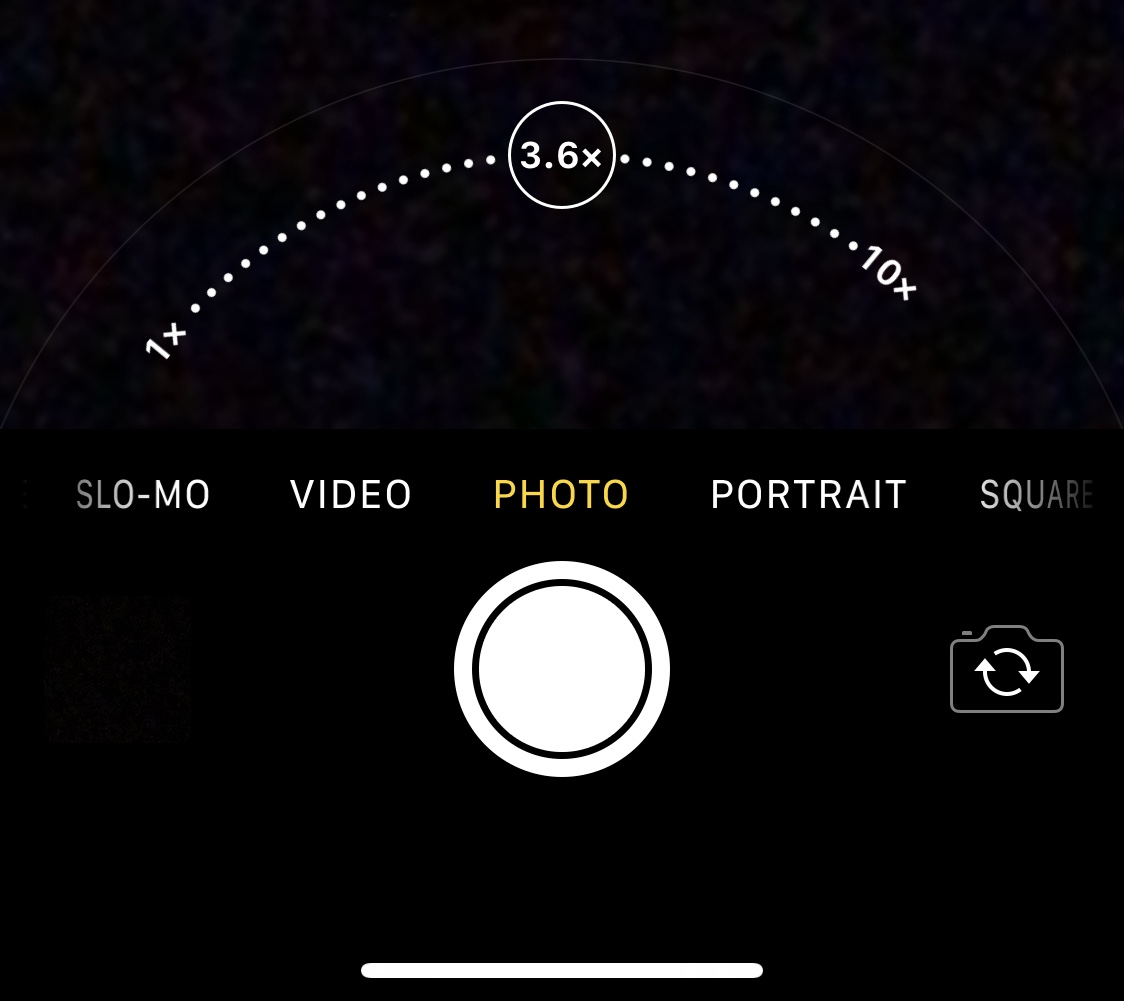
There’s absolutely no question that Apple goes all-in on making the rear-facing camera on its iPhones as powerful as possible through the combination of great hardware and user-friendly software. Unfortunately, it’s blatantly obvious that Apple doesn’t even come close to investing in their handsets’ front-facing cameras, as many seem to lack obvious features such as the ability to zoom while snapping selfies.
Fortunately for jailbreakers, iOS developer Brandon Robinson has released a solution in the form of a new and free jailbreak tweak called Front Zoom Dial. Just as the name implies, Front Zoom Dial adds the familiar zoom capability that we all take for granted from the rear-facing camera to the front-facing camera as well.

If you are studying for a career in the medical field, then human anatomy is likely in your curriculum. And while you probably have the references you need like books and online tools, sometimes an extra one can be beneficial.
These free anatomy apps are terrific tools. You can use them to study what you’ve learned, delve into an area that’s new, or as references for research or assignments. If you’re looking for an app to accompany your other learning tools, check out these anatomy apps for Mac.
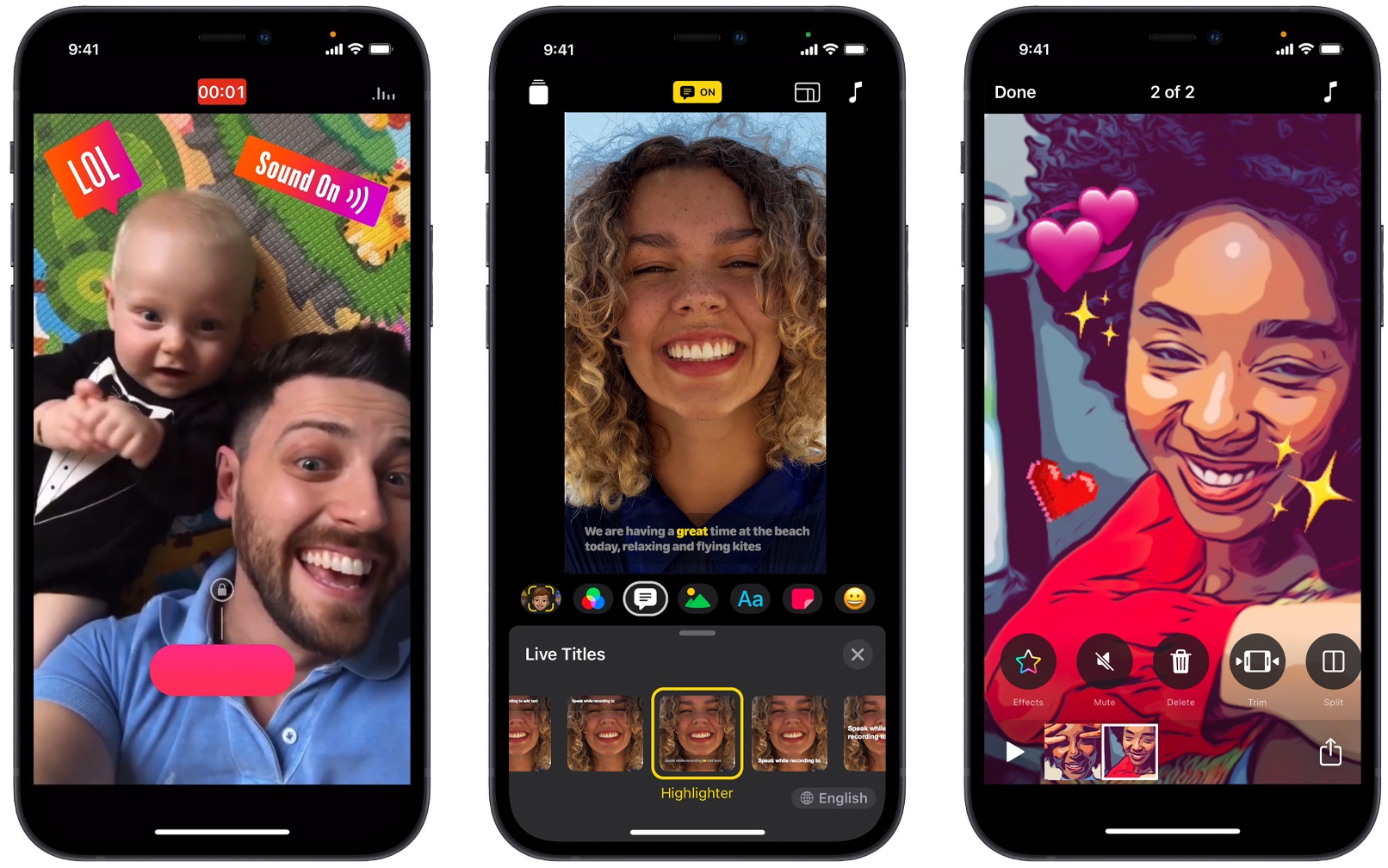
Apple today announced Clips 3.0, a major new version of its video creation app for the social age, with features like HDR recording on the latest iPhones, an overhauled interface, support for both landscape and portrait orientations and much more.

If you want to charge your iPhone 12 full speed via Apple's new MagSafe wireless charger, you'll need to run out and buy the company's new 20-watt USB-C charger because higher-wattage Apple chargers and third-party options currently don’t perform quite well.