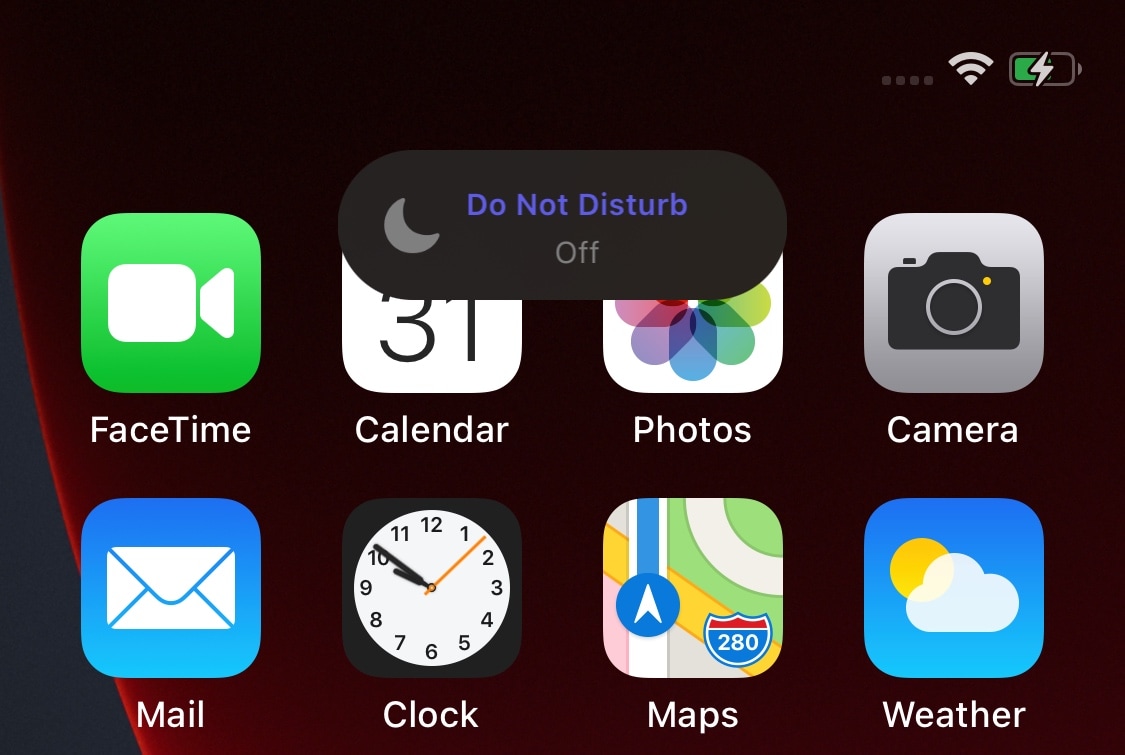
Whenever you switch the iPhone’s ringer/silent switch between the ringer and silent positions, iOS automatically shows a small pop-up at the top of the display to let you know the status of the switch.
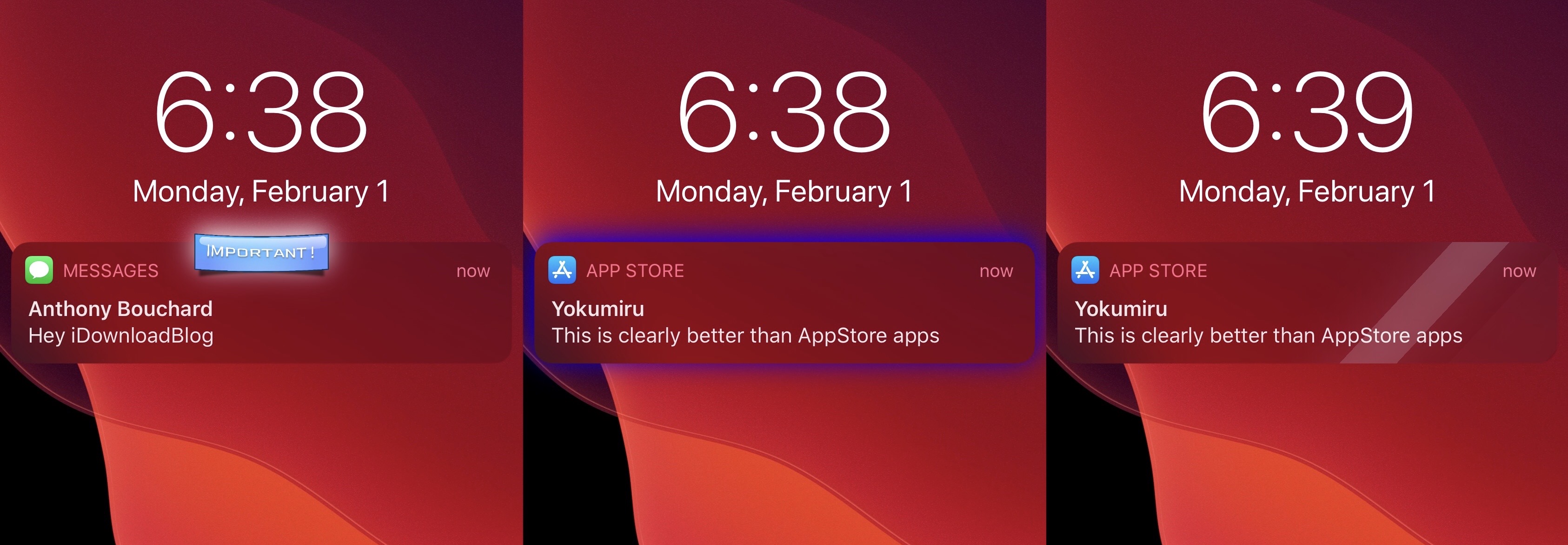
We really like this subtle feature, and that’s one of the reasons why we’ve often wondered why Apple doesn’t do the same for Do Not Disturb mode. After all, if you’re unaware when Do Not Disturb gets turned on, you could miss important notifications. With that in mind, you’d think Apple would want users to be more aware of when it gets switched on or off – automatically or not.