News

Colorize the page dots on your jailbroken handset with Dots color

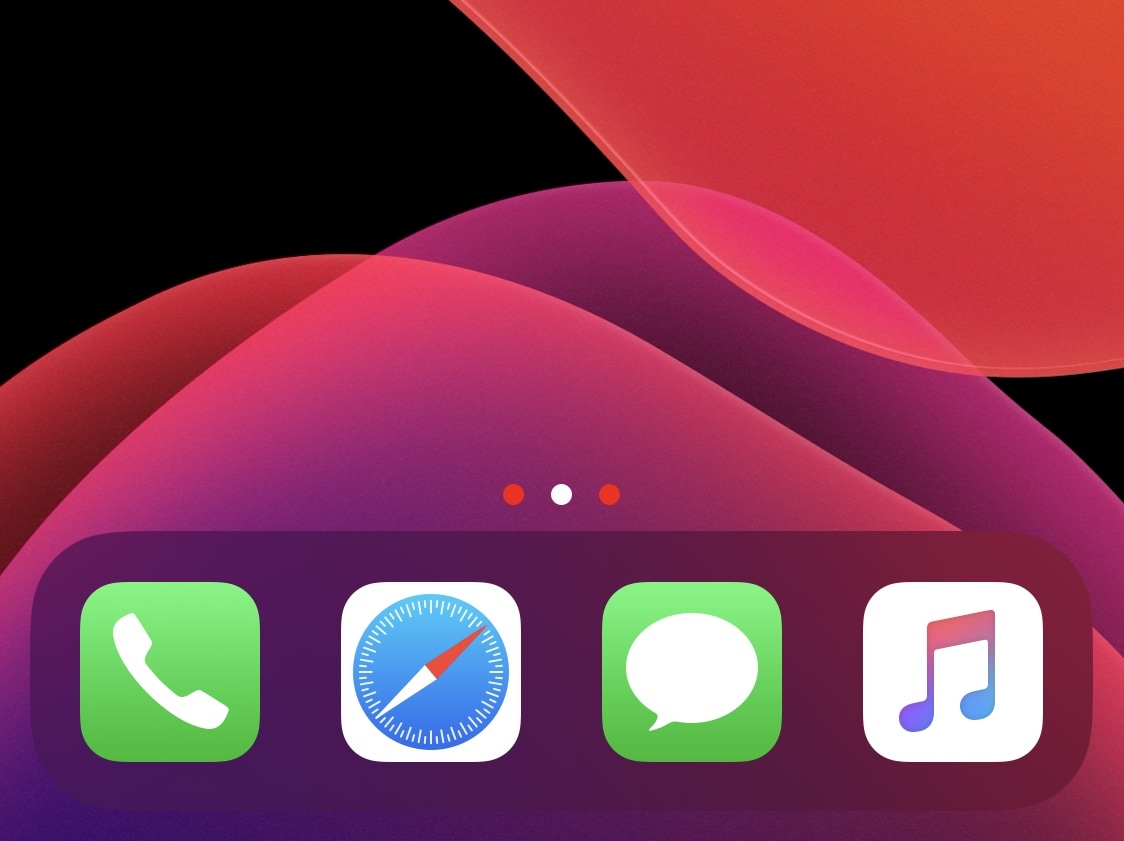
Jailbreakers can customize virtually anything they want about their iPhone or iPad’s user experience and behavior, but if you consider yourself a bit of a minimalist and prefer subtler changes over the more extravagant ones, then we think you might want to try a new and free jailbreak tweak release called Dots color by iOS developer 8a1wkar.

Just as the tweak’s name implies, Dots color lets users apply a custom color to the paging dots that typically appear on the Home Screen and Lock Screen. As you’ll see in the screenshot examples above, the selected page dot remains white, whereas the deselected page dots appear red instead of grayed out.

Download the macOS Big Sur wallpapers for desktop, iPhone, iPad

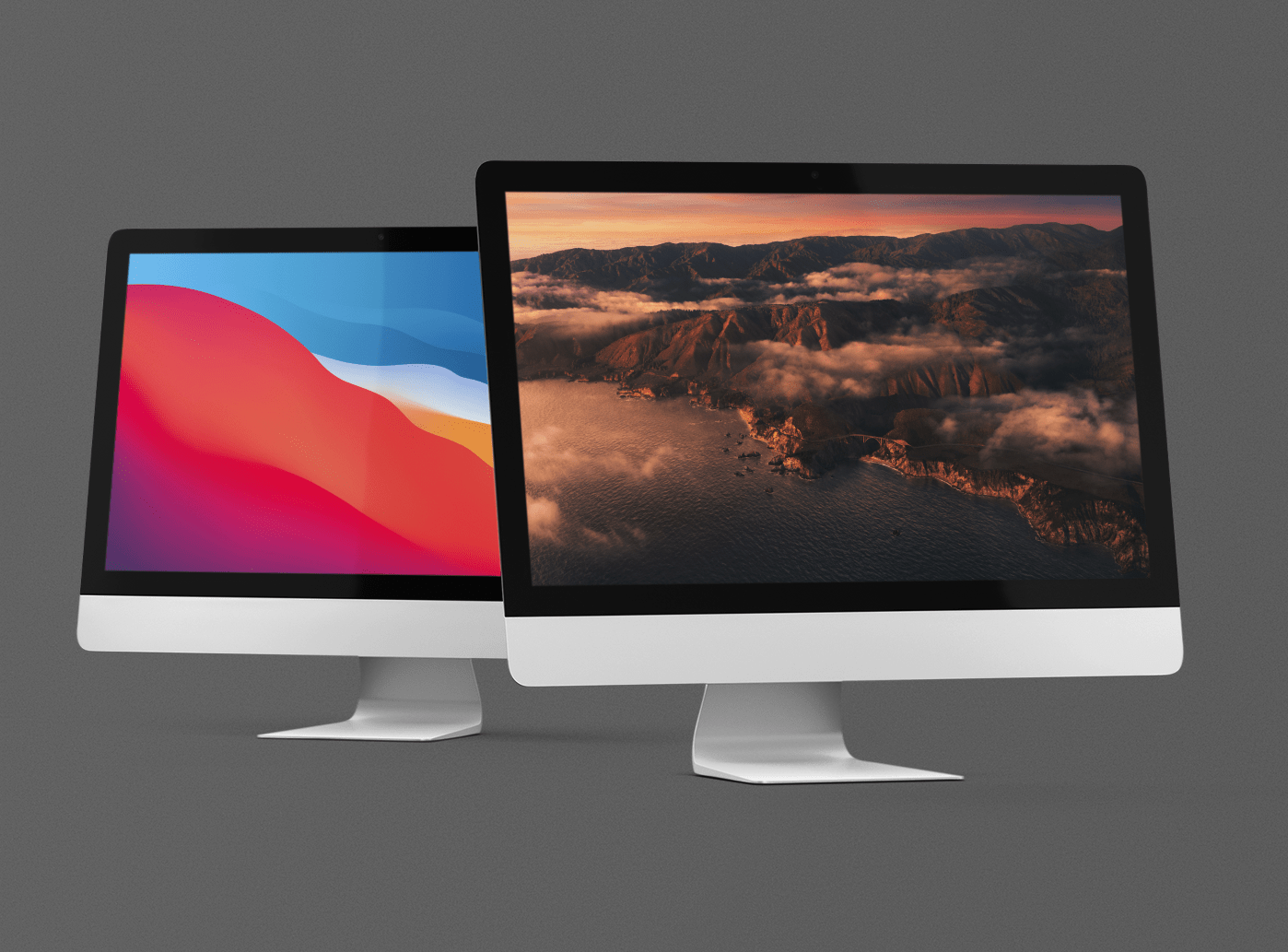
Today at WWDC 2020, all new upgrades were announced for macOS, including the ability to download and install iOS and iPadOS apps on upcoming machines featuring ARM SoC architecture. Other macOS improvements include a new translucent based UI element and features that bring iPadOS and macOS even closer together. With each new upgrade we see incredible, new wallpapers.

The following macOS Big Sur wallpapers are sized not only for desktop, but also iPad and iPhone. Find ten new wallpapers ready for your devices, big and small.

Download the iOS 14 wallpapers for iPhone & iPad

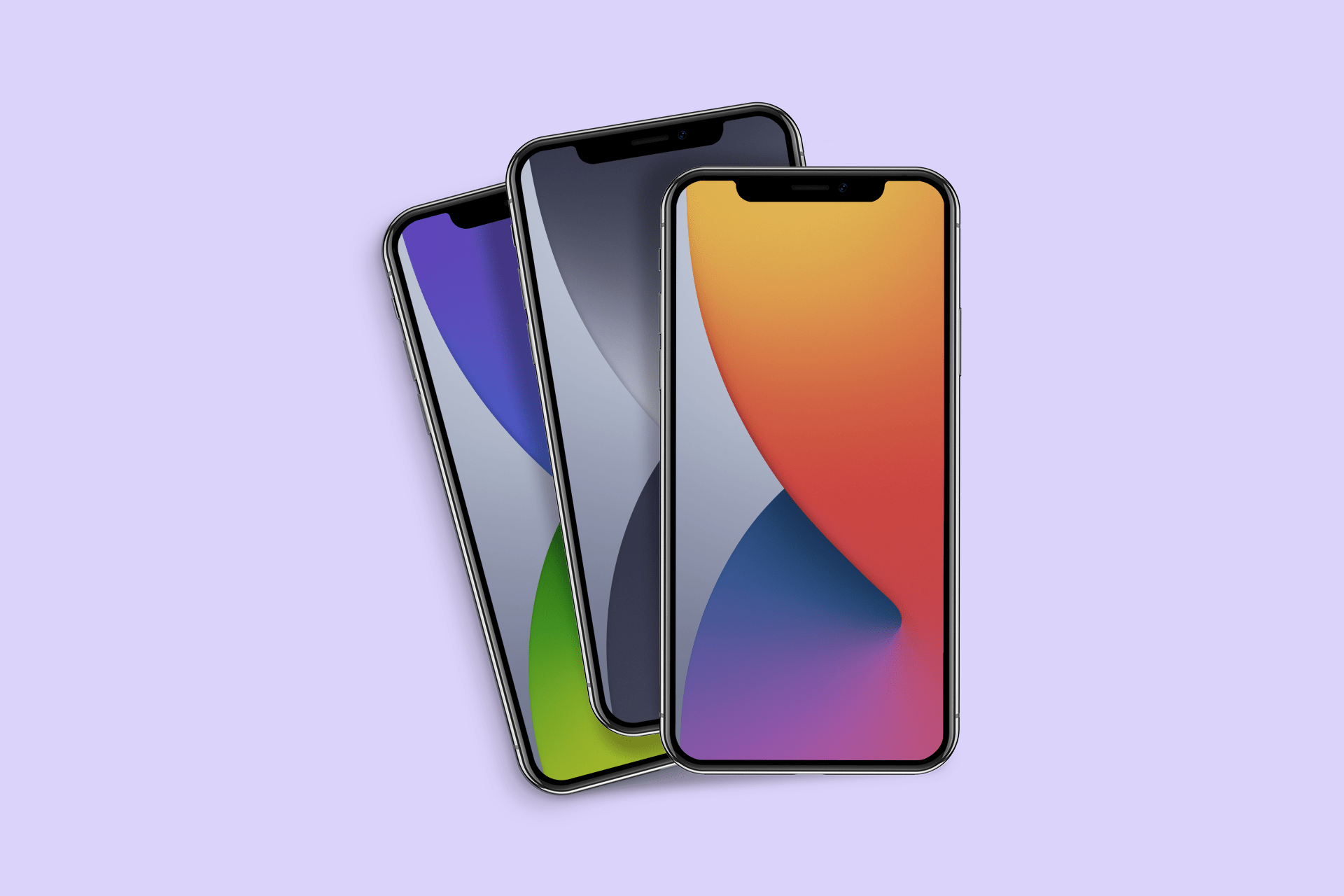
iOS 14 iPhone wallpaper idownloadblog mockup

On stage at WWDC 2020, Apple senior Vice President of Software Engineering Craig Federighi announced updates to iOS 14. The new software will bring advancements to the handheld device, including Home screen widgets for the very first time. As with all new versions, iOS 14 wallpapers for iPhone and iPad are included in the release. We have the six different versions ready for download today, without needing to install the developer beta to your device.

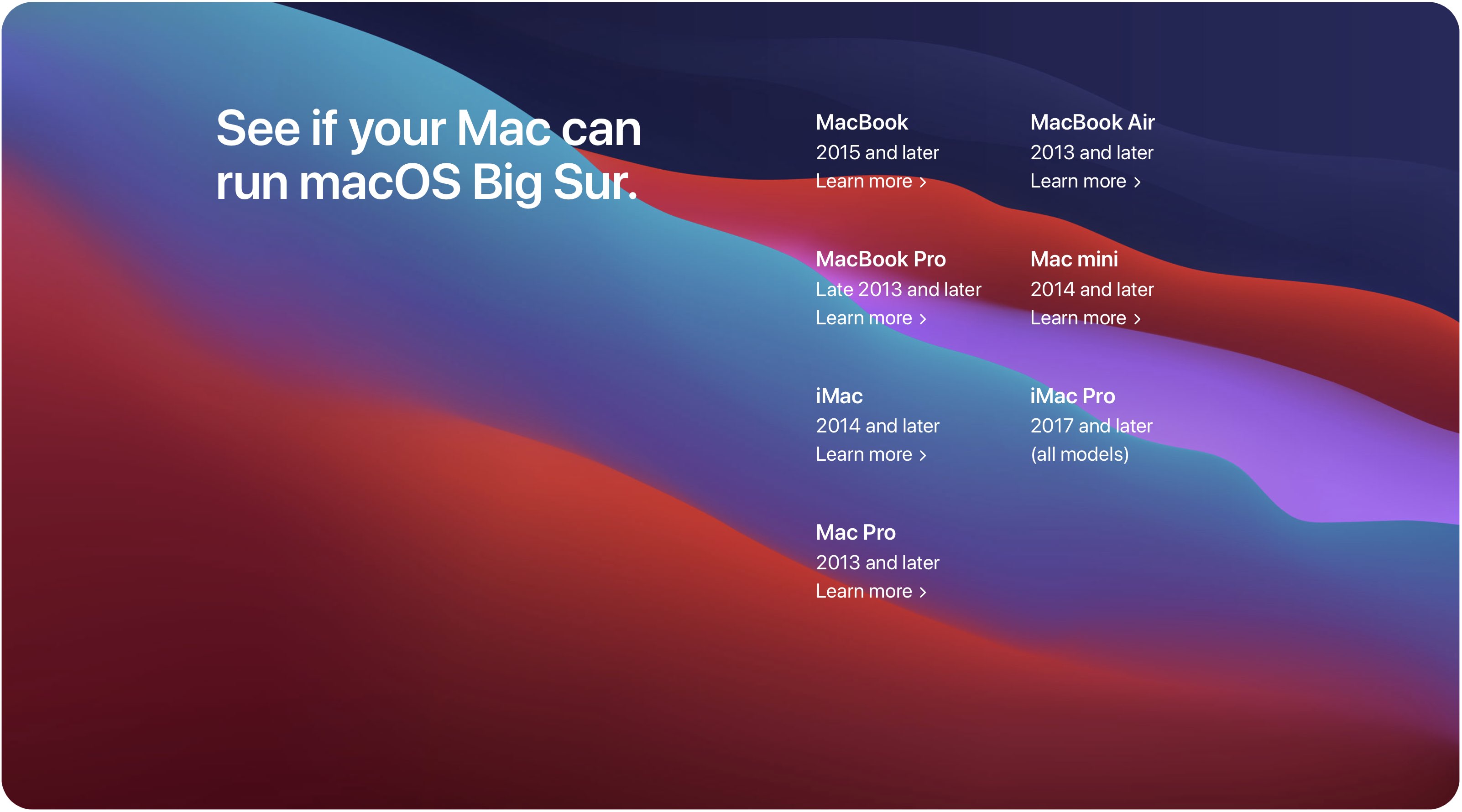
macOS Big Sur system requirements: Can your Mac desktop or notebook handle macOS 10.16?

macOS 10.16 Big Sur is a major software update for Apple's desktop and notebook Mac computers which unlocks a plethora of exciting new capabilities, but not every Mac model can take advantage of it. Before taking the plunge, be sure to read the official macOS 10.16 Big Sur system requirements to confirm that your particular Mac model supports this software update.