Apple on Monday released a minor update for the Apple TV, aiming to squash some lingering bugs.
Apple releases tvOS 14.0.2 with bug fixes
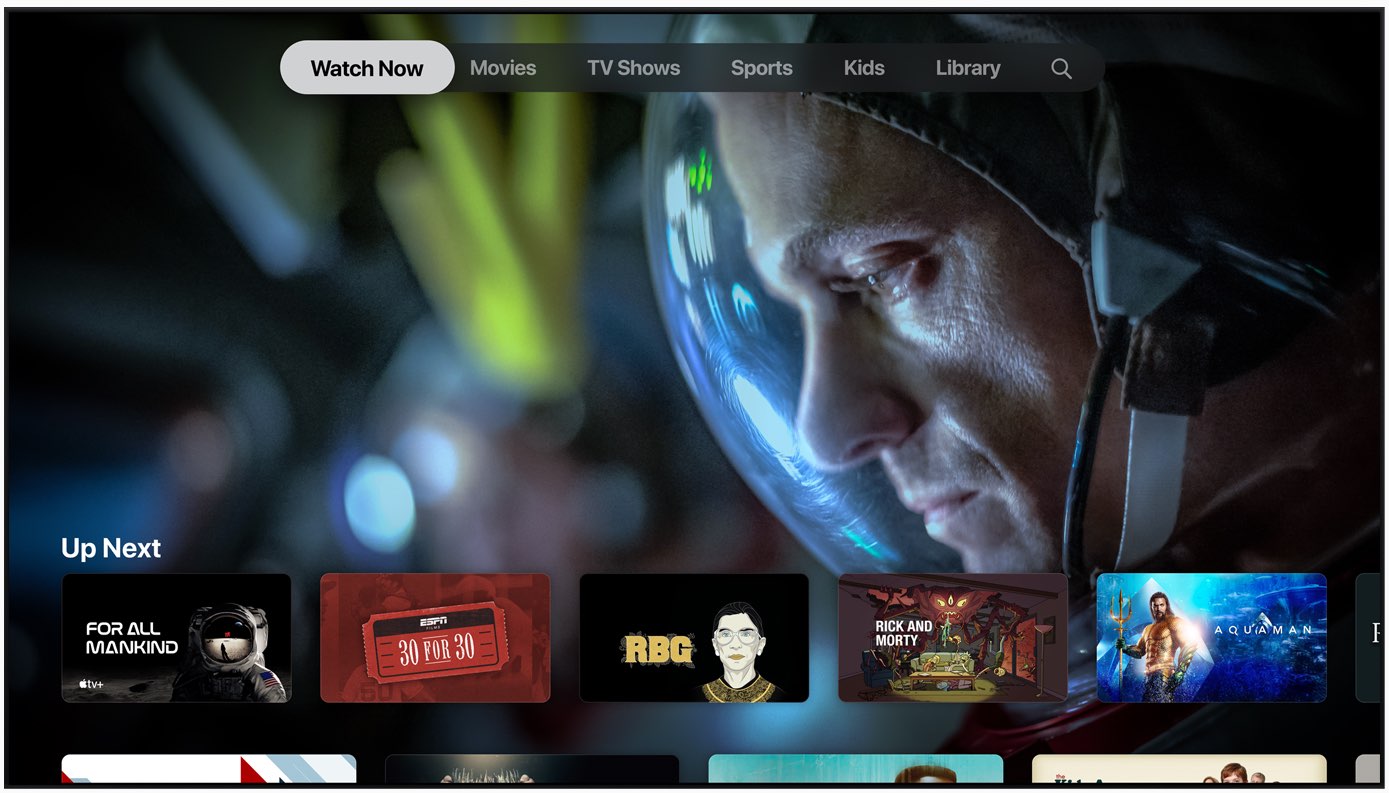
Apple on Monday released a minor update for the Apple TV, aiming to squash some lingering bugs.

Back in September, Apple introduced the new iPad Air with an A14 Bionic processor under the hood. Now, Tim Millet has offered some details regarding the processor, and Face ID in the time of widespread mask usage, in a new interview.

Way back in March, we reported that the series The Morning Show was going on a two-week hiatus due to coronavirus concerns.
Spod is a privacy-first VPN and web filter software for the iPhone, iPad, iPod touch, Mac and Android which protects you from apps and websites that monitor track and profile you. It doesn't require registration to use, not even your email address.
Spotify now lets you find your favorite tunes by lyrics, a handy feature that Apple Music picked up two years ago via the iOS 12 software update. The service gained weekly music charts, too.
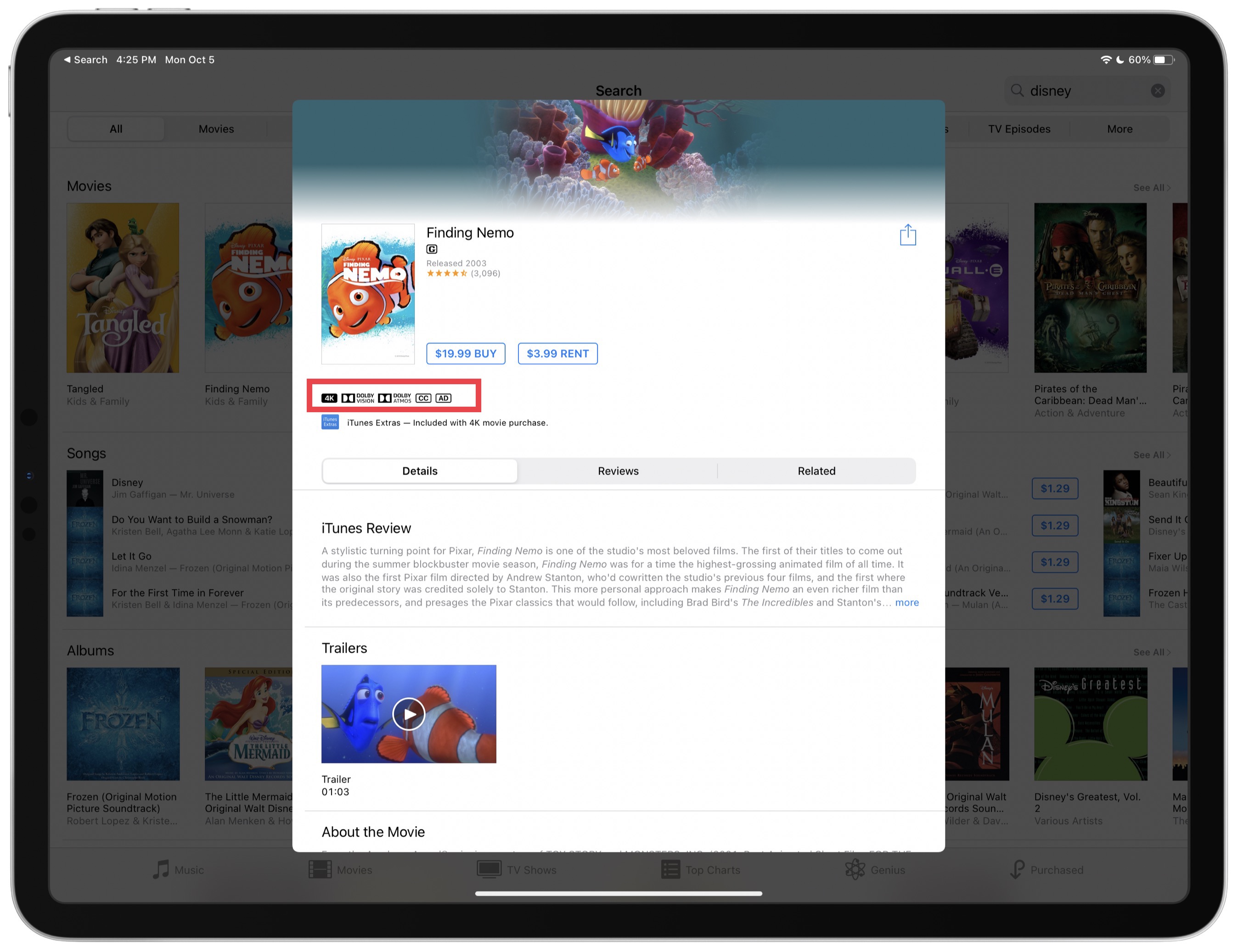
Many Disney movies that are available to rent and purchase through the iTunes Store have been upgraded to 4K resolution and HDR color at no additional charge.
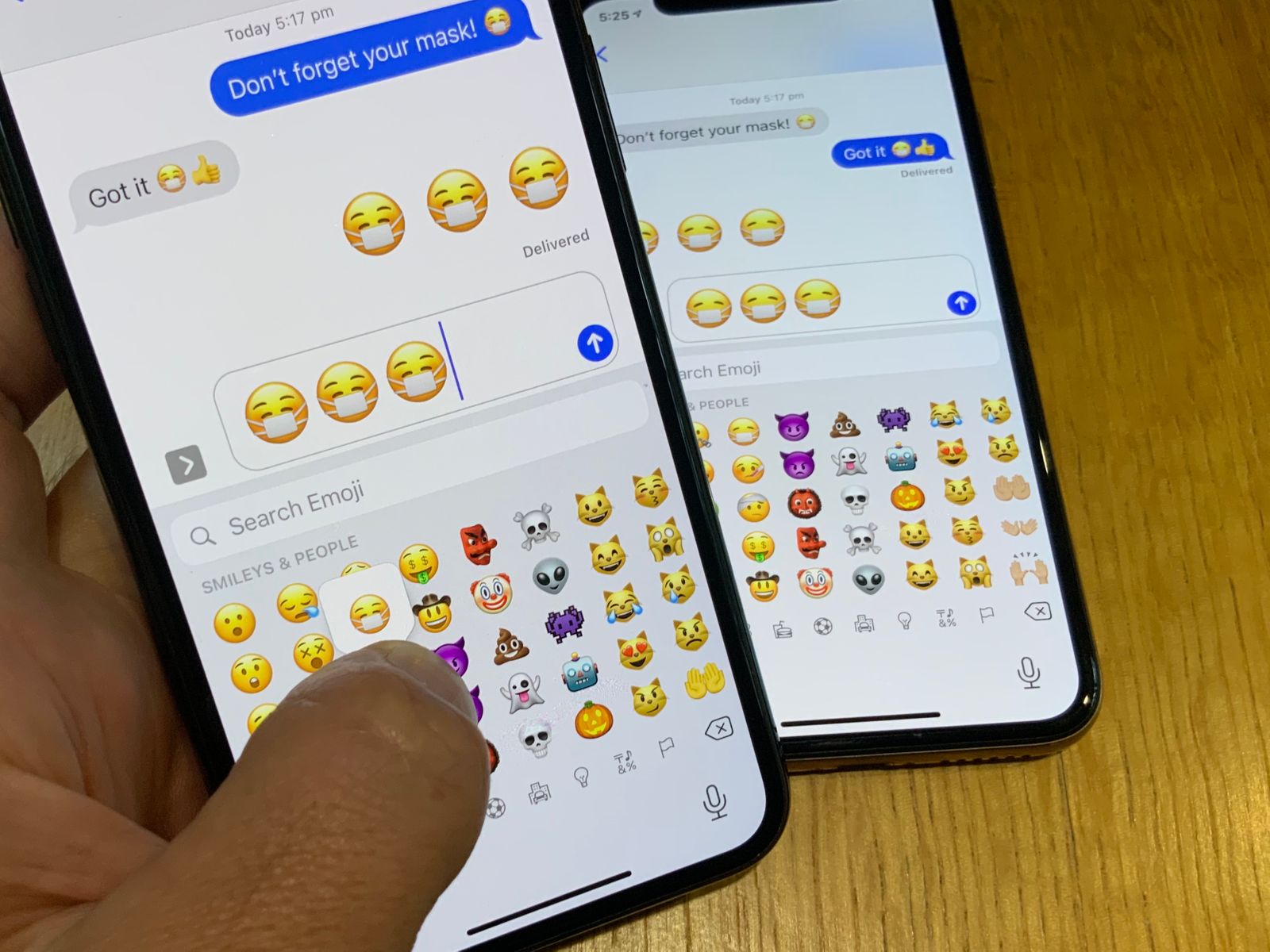
Apple's implementation of the "Face with Medical Mask" emoji has been updated in iOS 14.2, currenyly in beta, to be visually friendlier, according to Emojipedia.
According to serial leaker Fudge, known on Twitter as @choco_bit, Apple has been developing multiple new models of its Apple TV media-streamer for the living room as the company's leadership looks to rival console gaming which is about to receive a major boost from the upcoming launches of the new PlayStation and Xbox consoles.
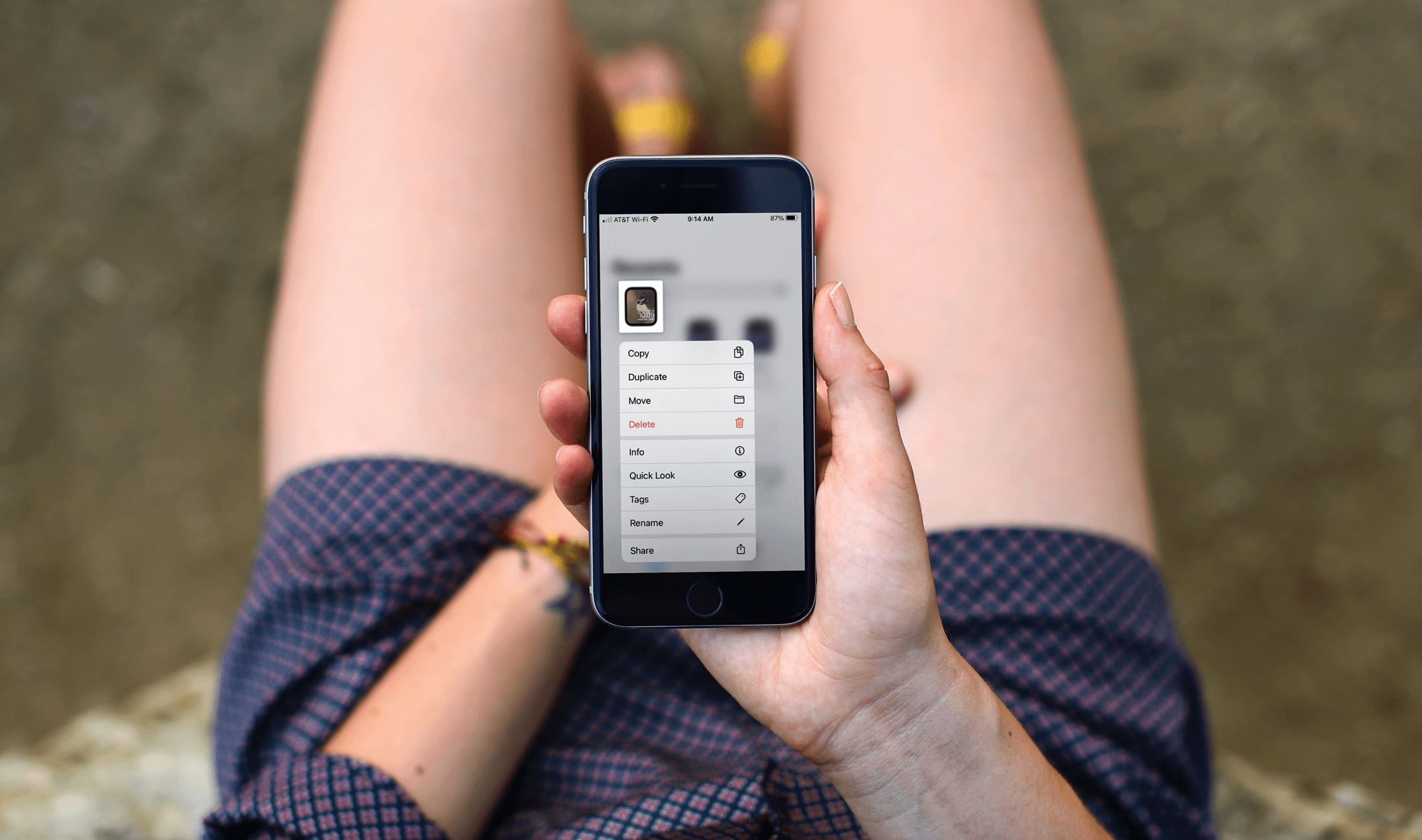
In this tutorial, we’ll cover the basics of sharing an Apple Watch face from your Watch or iPhone, uploading it online, and using a shared face yourself.
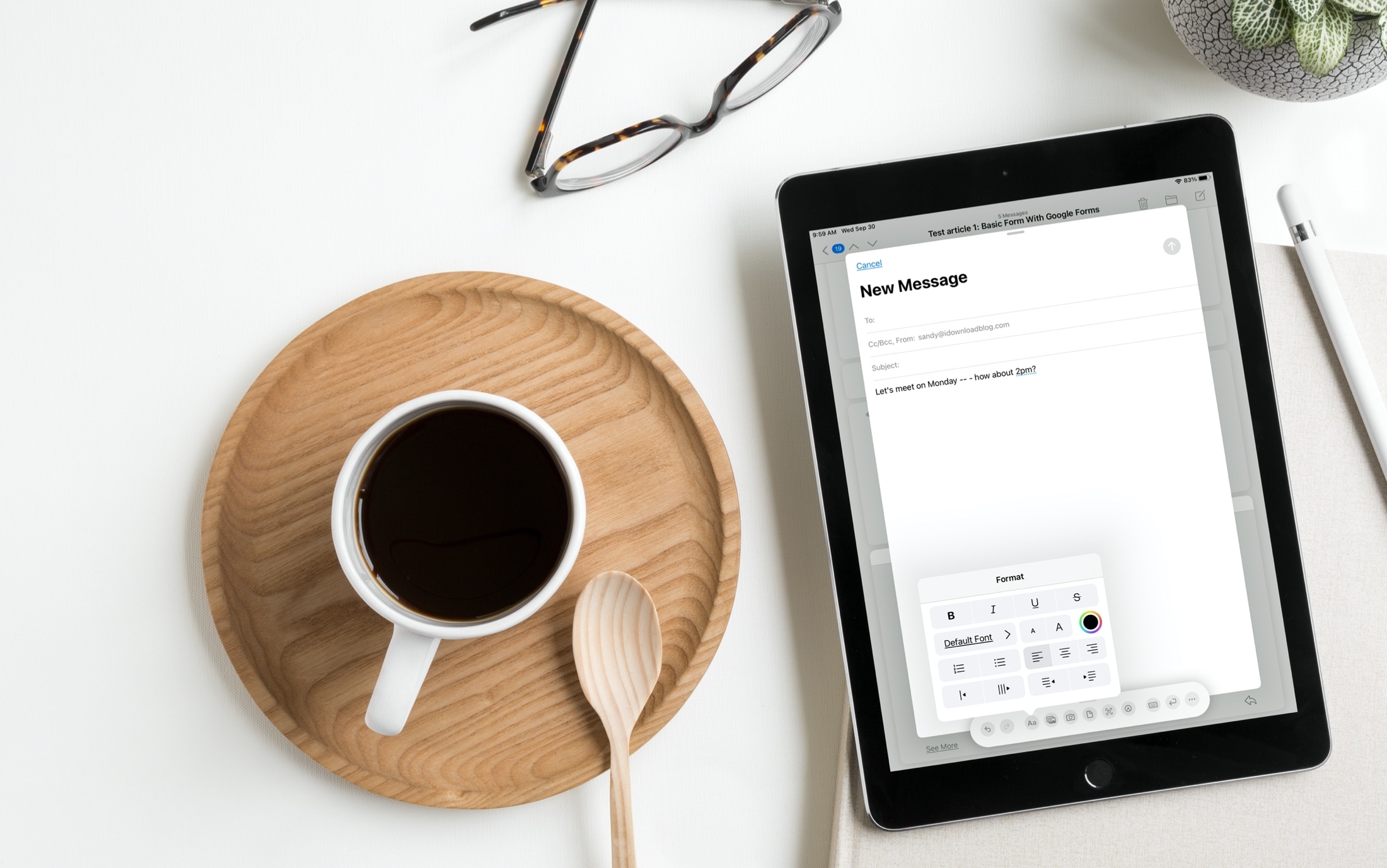
We’ve been telling you about some great new features that came with iPadOS 14 and Scribble that you can use with or without an Apple Pencil. You can copy and paste handwritten notes as typed text and use handwriting in text boxes like search fields. But there’s more!
The Scribble feature comes with a Shortcut Palette that you can use to perform actions faster and without opening your keyboard. You can do things like add a date to a to-do in Reminders or change the font in an email in Mail. Here’s how to use this cool tool, the Scribble Shortcut Palette, on your iPad.
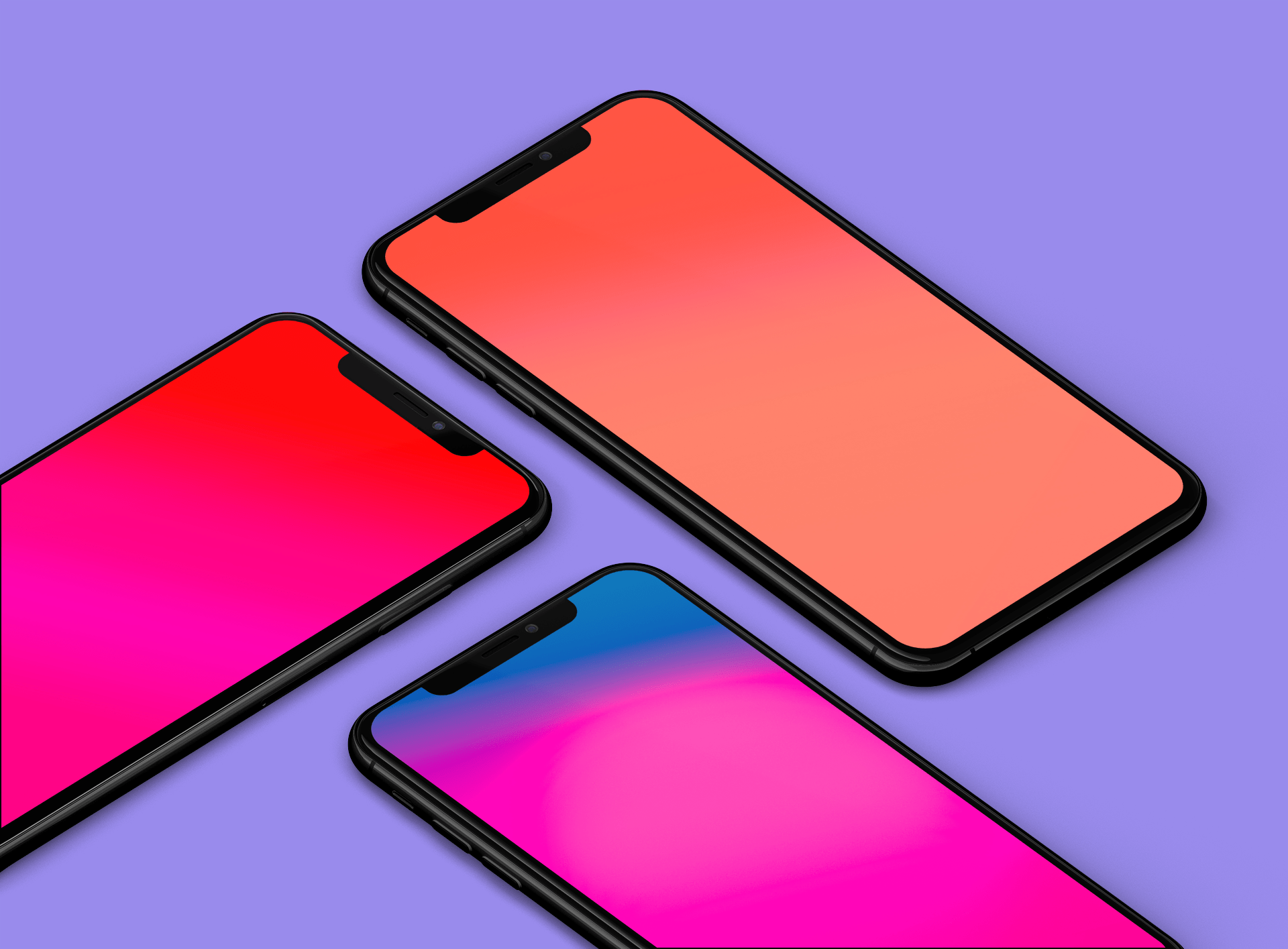
Some of the simplest images make for the most incredible wallpapers. Smooth, transitioning gradient colors are some of my favorite types of wallpapers because they offer a great splash of color, but do not overly complicate your Home screen. These bright gradient wallpapers caught my attention and I'm excited to offer them for download.

With a new mobile operating system upon us and a recently teased iOS 14-centric security vulnerability, the wait has started to see if and when a new jailbreak tool will be made and released to liberate Apple’s device users from the company’s so-called ‘walled garden.’ That aside, those who are already jailbroken are surely wondering about the best ways to take advantage of their pwned handset, and that’s what this piece will be all about.
In this roundup, we’ll showcase all the latest jailbreak tweaks to be released from Monday, September 28th to Sunday, October 4th. As always, we’ll kick things off by showcasing our favorite tweaks first and then move on to an outline of all the rest afterward.