Jailbreak

BeSureBefore ensures that you never perform an action accidentally on iPhone

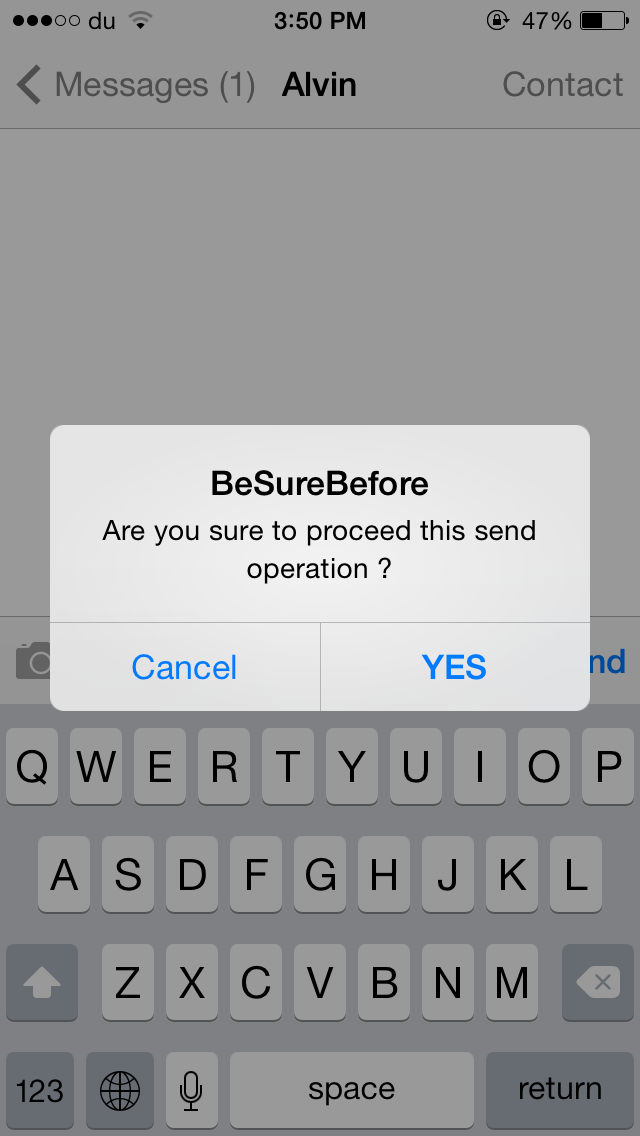
There are times when you accidentally send a message or like a photo on Instagram without intending to do so. BeSureBefore is a new jailbreak tweak that prevents you from performing such actions mistakenly.

The tweak displays a confirmation message before you send a message or an email, call a contact, like a photo on Instagram and much more. For instance, when you press the Send button in the Messages app, a confirmation message pops up ensuring that you don't send the message accidentally, as shown in the GIF above. Once you confirm to deliver the message, you'll have to press the Send button again to proceed.
iDevice Wise provides detailed specifications about your iOS device

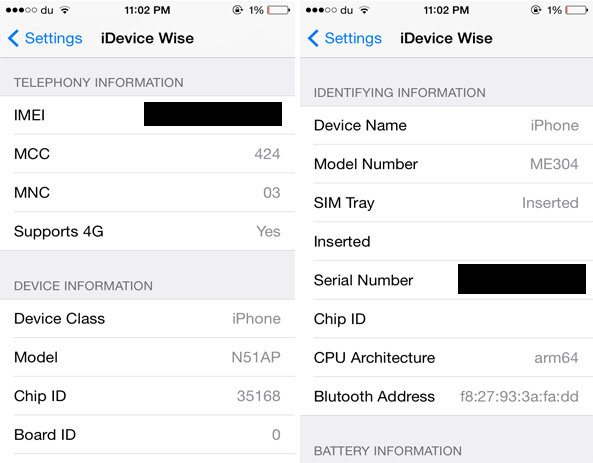
If you ever wanted to find out the complete specifications of your iOS device, you should check out a new jailbreak tweak developed by iNasser called iDevice Wise. The tweak displays each and every detail that you need to know about your iOS device ranging from its IMEI, Serial Number and Model number to Wi-Fi, Bluetooth Address and much more. It includes literally anything you want to find out about your device, even the detailed specs that a tech junkie will look after.

iMaker allows you to animate app icons on your Home screen

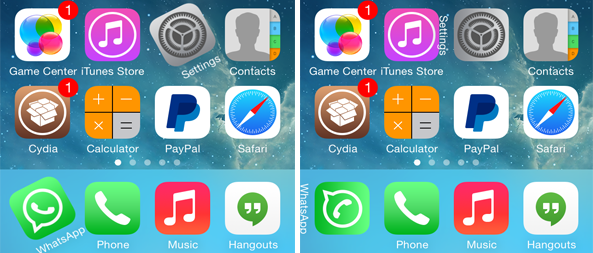
We've seen ActiveBoard, a tweak that allows you to add glowing effects to applications that are running in the background or have a pending notification. iMaker is a new jailbreak tweak with a similar goal, but packed with various different animations and options.

The tweak, which has been developed by Javier Brito, allows you to quickly identify the recently opened 5 apps that are still running in the background, applications that have a pending notification or which have been recently updated. This is done by applying various different animation styles to their icons.

Looking for an alternative to Zephyr? Try Tage

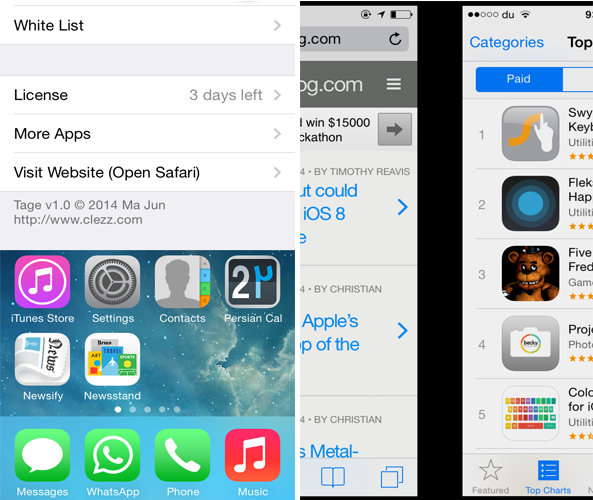
Zephyr was one of the most popular multitasking tweak for iOS 6, however it hasn't been updated yet for iOS 7. If you miss the tweak, you should definitely check out an alternative to it known as Tage.

Developed by Ma Jun, Tage features functionality similar to Zephyr and changes the way you switch between opened apps. The tweak is made up of five major parts. You can swipe the left or right side of the screen to switch between active apps. Additionally, you can swipe up from the bottom of the screen to either close the app or launch the App Switcher. Finally, swiping left or right from the top edge of the screen allows you to lock your device.

AudioOut: output audio through speaker when the headphone is connected

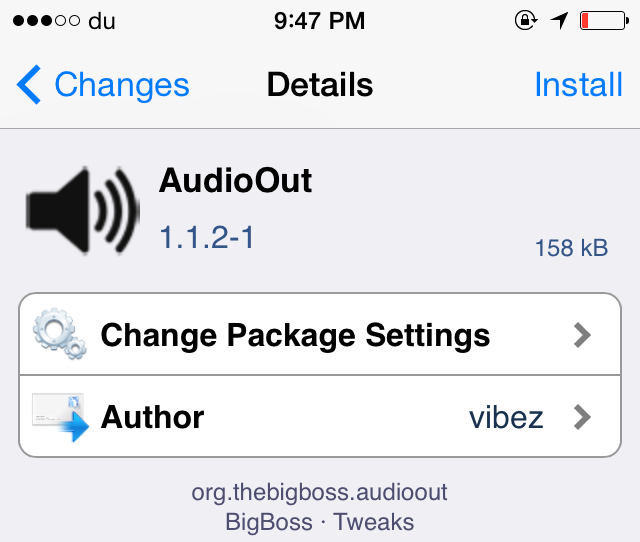
Normally, when you connect your headphone to your iOS device, it will start to output the audio from the headphone rather than the speaker and there's no way you can switch to the latter. AudioOut is a brand new jailbreak tweak that aims to save your day by fixing this issue.

Developed by vibez, AudioOut allows you to listen to a song from the device's external speaker even when the headphone is plugged in. Not only this, but the tweak also lets you control the audio from the headphone's controls such as its volume. This means that you can listen to a song from the device's external speaker and at the same time control the sound with the headphone's remote control.

Parental Controls For iOS restricts the amount of time your child spends on your device

One of the features that iOS 7 lacks is the ability to control the amount of time your child spends using your device. Parental Controls for iOS is a new jailbreak tweak that aims to bring this highly anticipated feature to jailbroken iOS 7 devices.

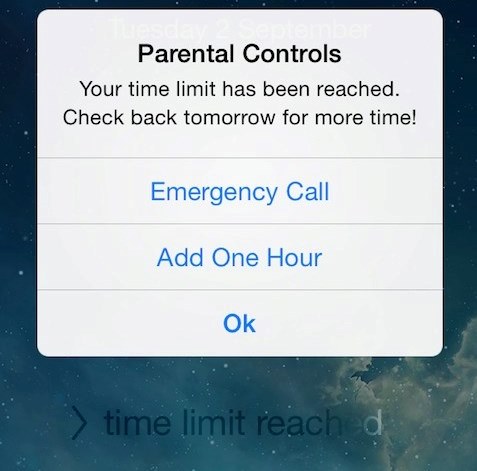
Developed by Ge0rges, the tweak allows you to limit the amount of time a person can use your iOS device. Once the time has ended, the user will be automatically be locked out of your device and a pop-up will be displayed with three buttons: 'Emergency Call', 'Add One Hour' where a person will be allowed to use the device for an extra hour once the parental passcode has been entered and an 'Ok' button. The only way your child can gain access to your device once the time limit has been reached is when you choose to add an extra hour. 

Flinfo lets you view additional details about an iOS application

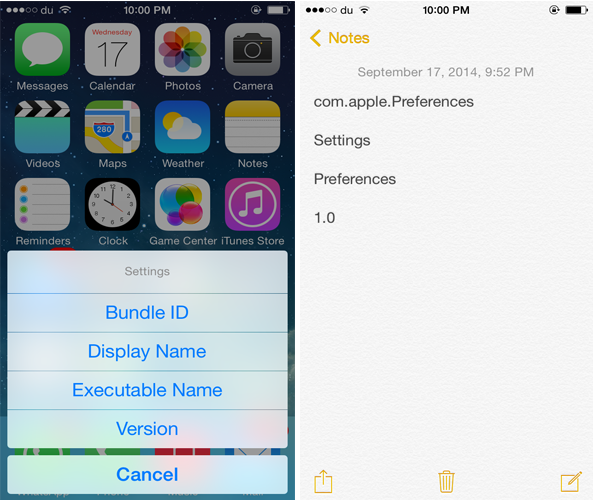
If you ever wanted to quickly find out additional information about an app such as its version or bundle ID, you should probably check out a brand new jailbreak tweak known as Flinfo.

The tweak allows you to find out an app's bundle ID, display name, executable name or even its current version by swiping up its app icon. After doing so, an action menu pops-up that allows you to select the information you want to view. Once you've chosen the information you want to display, it will be copied to your clipboard and you can view it by pasting it in the Notes app or anywhere else.

VolumeStatus 2 adds a volume indicator to the Status Bar

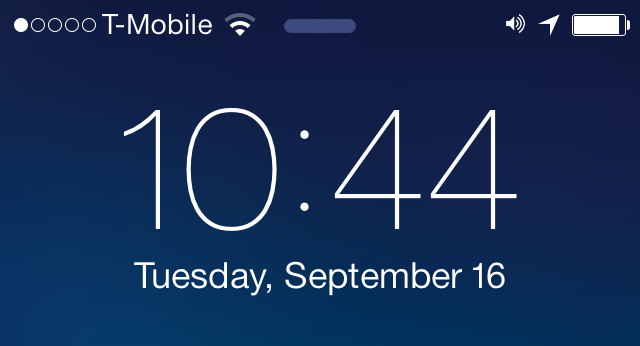
One of the ways of finding out the current volume level of your device is to press the volume buttons on the side of your device. VolumeStatus 2 is a brand new jailbreak tweak that allows you to quickly determine the current volume level of your device directly from the Status Bar.

The tweak adds a volume indicator to the Status Bar that allows you to take a quick peek at the volume level without pressing the volume buttons. The tweak doesn't display the exact volume level, but it gives you an idea of how much the volume is. The icon is followed by curved lines indicating the device's volume level.

Protean: a full-featured Status Bar customization tweak for iOS 7

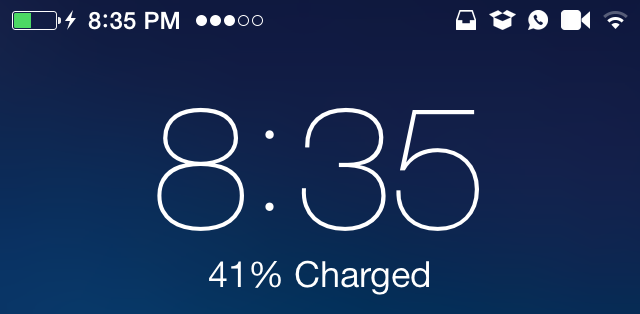
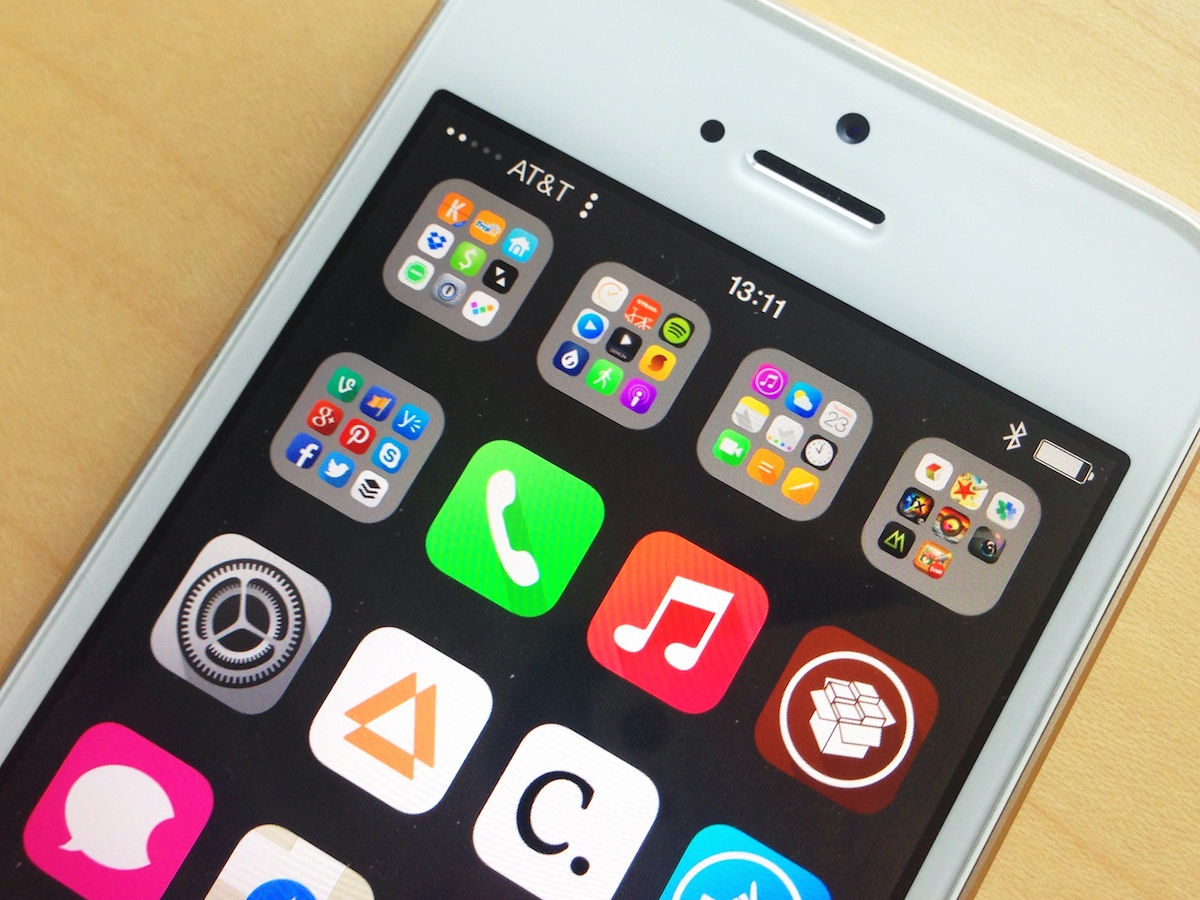
The Status Bar is a handy area of iOS that lets you take a peek at various information such as time, Wi-Fi, battery level, etc, from anywhere on your device. However, Apple restricts users from customizing it the way they want. A new jailbreak tweak known as Protean has been released to get rid of this restriction.

Developed by Elijah and Andrew, Protean adds many new features to the Status Bar and allows you to organize the items in there by positioning them on any side. The tweak also displays the applications that have a pending notification on the Status Bar and allows you to customize flipswitches such as Airplane mode, Auto Lock, etc, and add icons of connected Bluetooth devices.

‘AppBuyer’ malware steals Apple IDs and passwords from jailbroken devices

Security research firm Palo Alto Networks reported this weekend about a new iOS malware that's affecting jailbroken devices. It's called 'AppBuyer,' and it's programmed to steal a user's Apple ID and password for the purpose of purchasing apps from the App Store.

It's not clear exactly how AppBuyer is being installed, but the group says it could be done a number of ways including through a malicious Cydia Substrate tweak or PC jailbreaking utility. Those infected complain of random apps periodically popping up on their devices.

Faces: add images to each of the Lock screen passcode keys

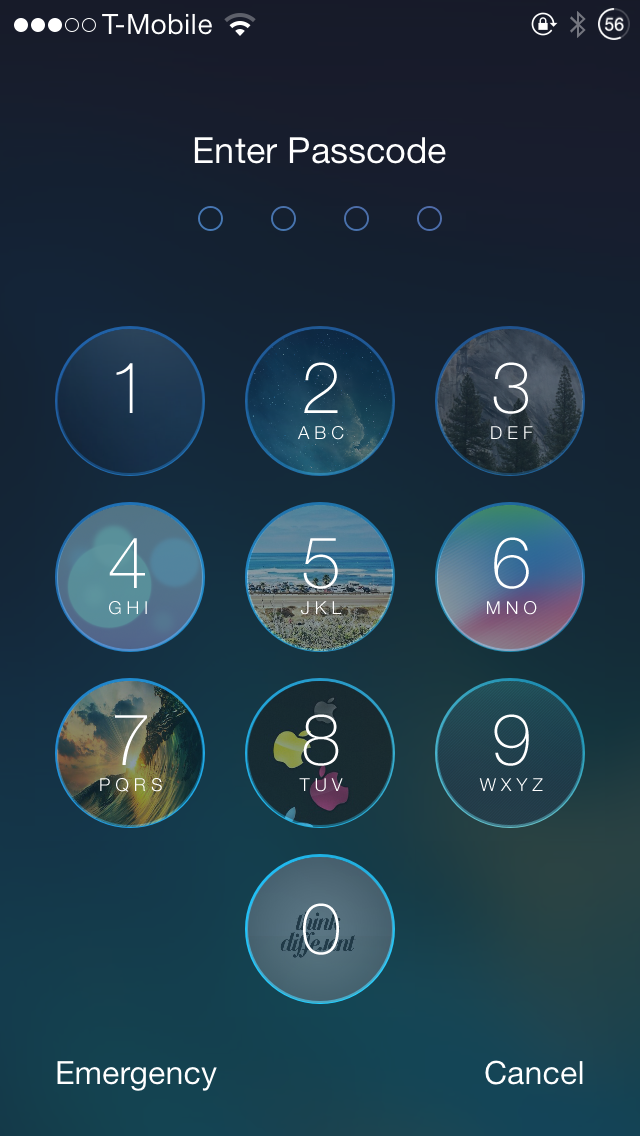
If you love customizing your iOS 7 device, you'd probably be interested in 'Faces', a brand new jailbreak tweak that was released on Cydia recently and offers a fairly unique feature that allows you to customize the passcode keys on the Lock screen.

Developed by Ben Rosen & CPDigitalDarkroom, Faces allows you to customize the Lock screen passcode by adding images to each of the buttons. These images will appear right behind the keys as you can see from the screenshot above. 

8 awesome things you can do with Activator

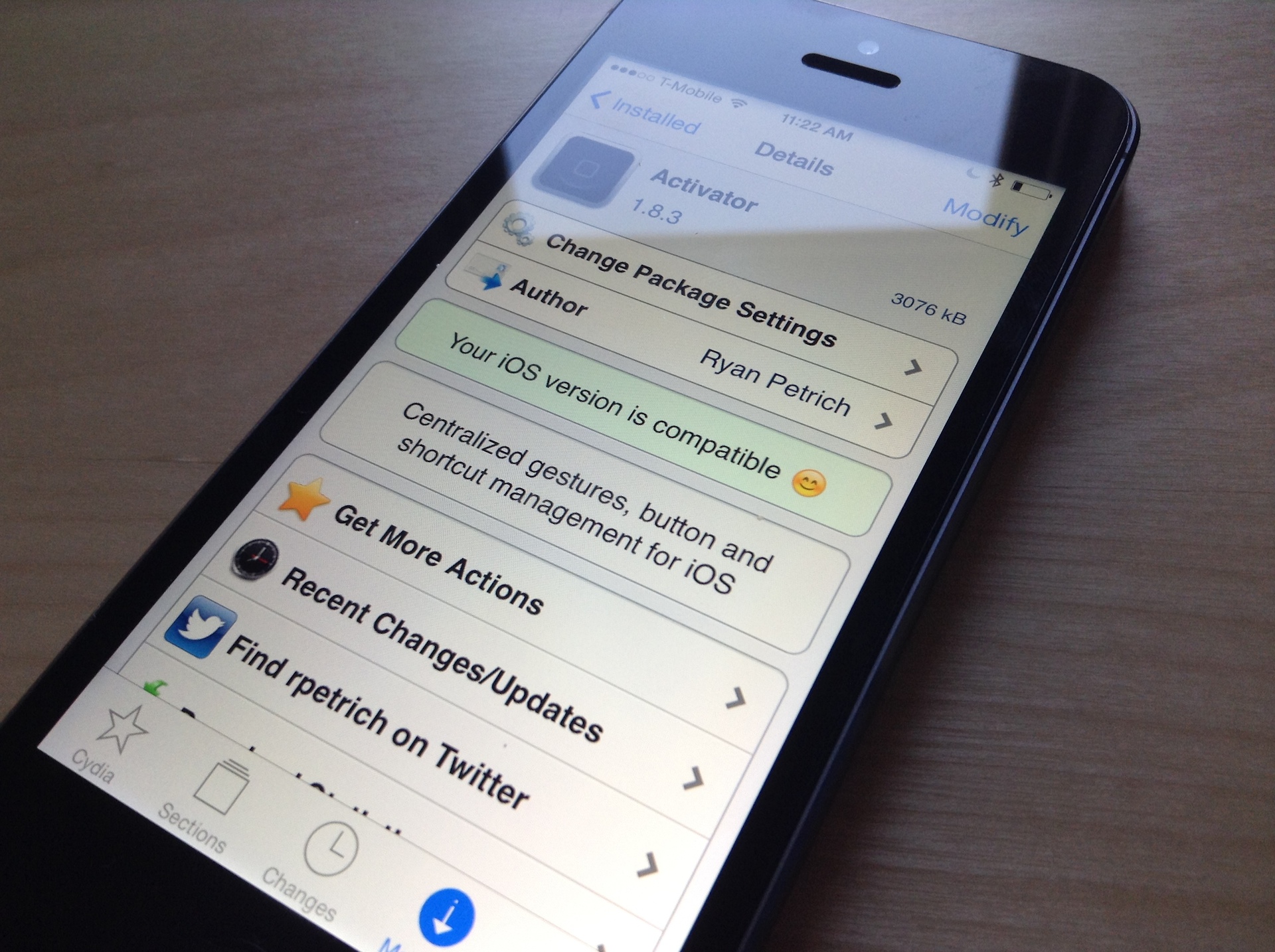
As a staple in the jailbreak community, Activator needs no introduction. This very deep and powerful tweak allows you to take advantage of a combination of gestures and specific events to create a virtually endless combination of actions on your iOS device.

Today, we've put together a list of some useful Activator actions/gestures you can set up on your iOS device. This is just the tip of the iceberg because with Activator, you can create an endless combination of gesture controls. The actions mentioned below do not make use of jailbreak tweaks, they are completely dependent on the stock iOS features.